

Reply API
Your entire sales process
in one workflow
Plug Reply into your stack and automate everything
from prospect discovery to booked meeting.
Your team focuses on selling. The API handles the rest.
Who this is for
For developers & product teams
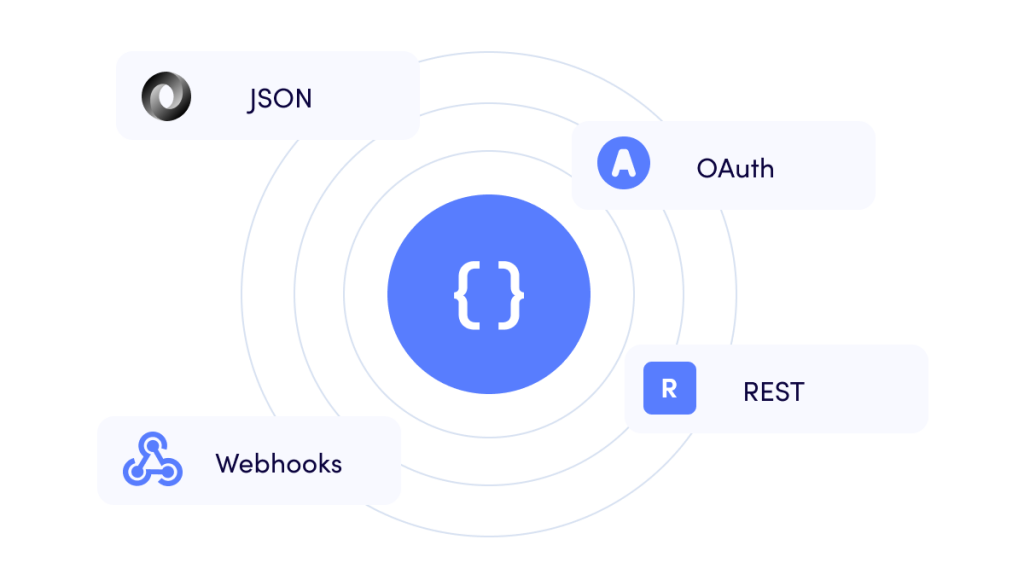
Build on Reply using standard REST APIs, documented endpoints, OpenAPI specs, OAuth flows, webhooks, async jobs, and stable JSON error handling.

What you get
The full Reply platform, now in your stack
Contacts & Lists
Create, import, enrich, filter, and manage contacts and lists. Find missing emails and phone numbers. Sync contact data from any source in real time.
38
endpoints
Multichannel Sequences
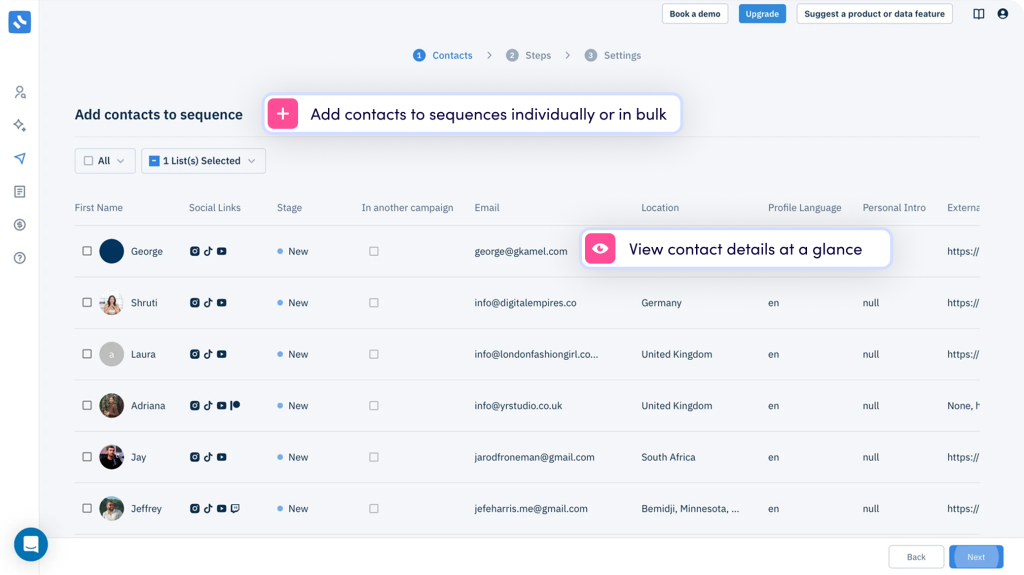
Create sequences, manage steps and variants, assign email and LinkedIn accounts, add or remove contacts, and control the full campaign lifecycle.
59
endpoints
Unified Inbox
Access all replies, categorize threads, assign owners, send responses, and generate AI draft replies – without opening Reply.
17
endpoints
Email & LinkedIn Accounts
Connect Gmail and Office 365 via OAuth, manage IMAP/SMTP accounts, and control LinkedIn account settings – all programmatically.
30
endpoints
Reports & Analytics
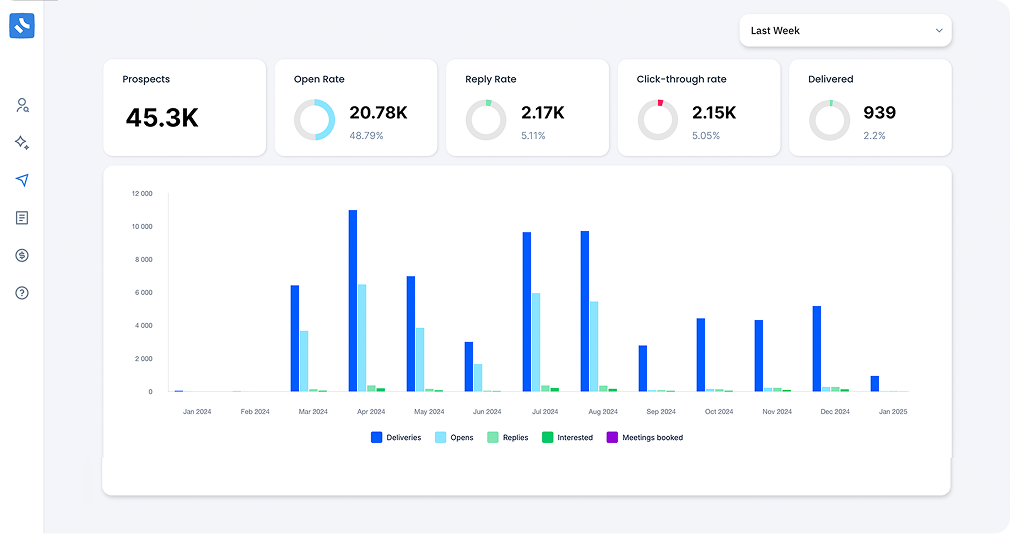
Pull performance data across email, LinkedIn, calls, and tasks. Feed it directly into your dashboards – no CSV exports needed.
12
endpoints
Automation & Webhooks
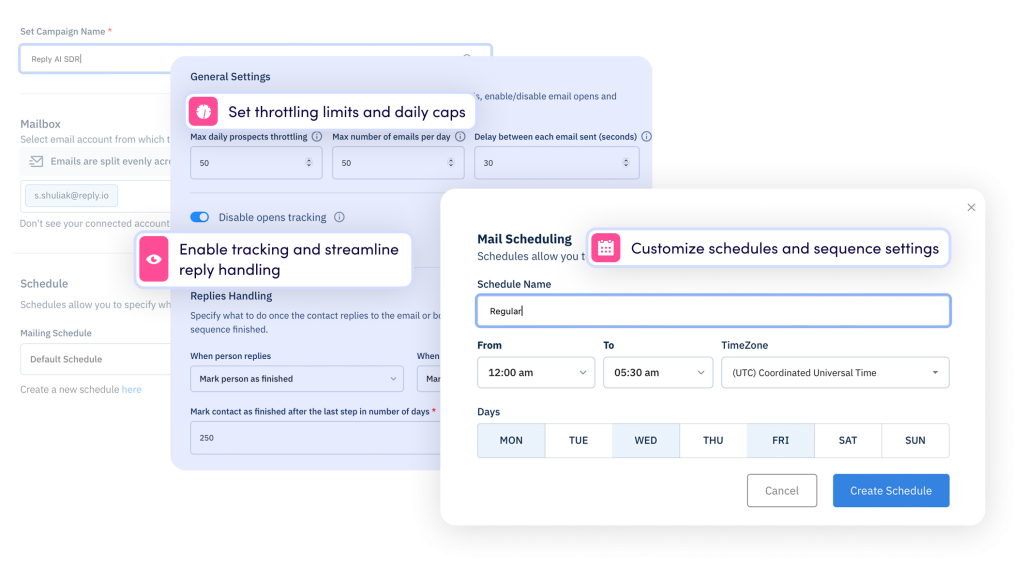
Trigger workflows in real time with webhooks, manage background jobs, and control schedules and holiday calendars.
23
endpoints
Contact Enrichment
Enrich contacts by email or LinkedIn URL, find missing phone numbers, fill AI custom fields, and validate emails before sending – all automated.
7
endpoints
Email Templates
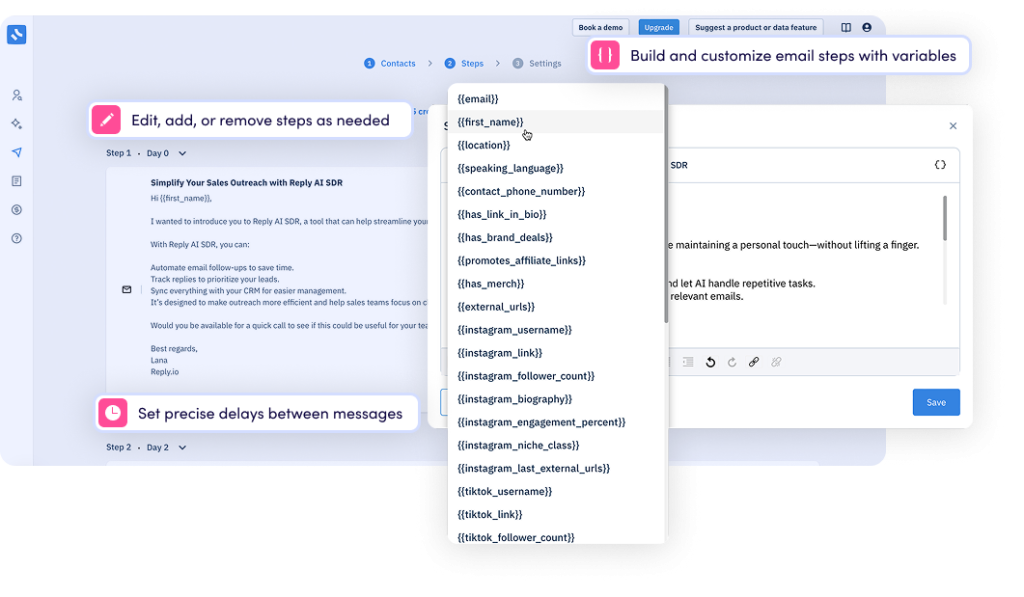
Create, manage, and render email templates from your own systems. Organize into shared folders and send test emails without touching the UI.
18
endpoints
Live Data Search
Search and discover prospects by department, industry, job title, location, and seniority – and pull results directly into your sequences via API.
9
endpoints
Real case studies from our customers
-
 Influencers club
-
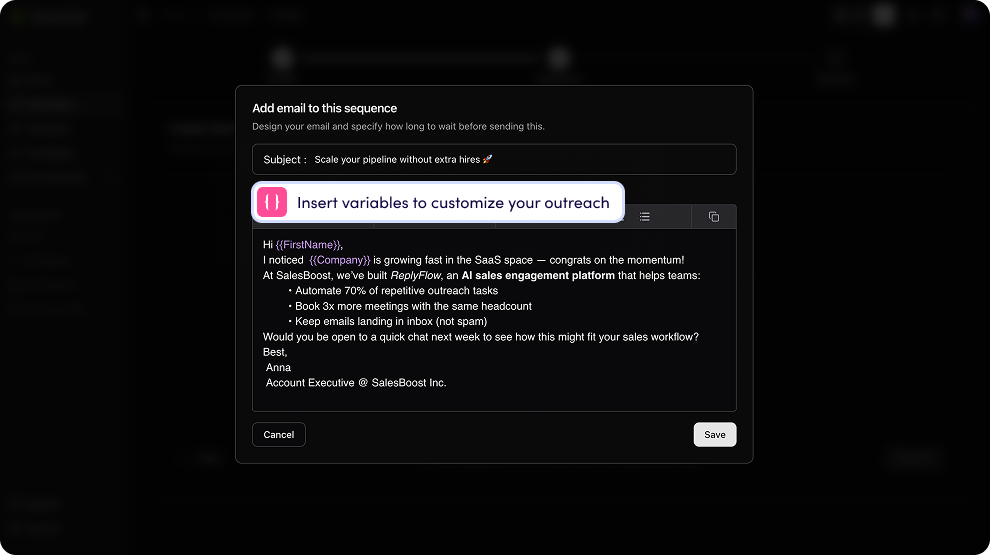
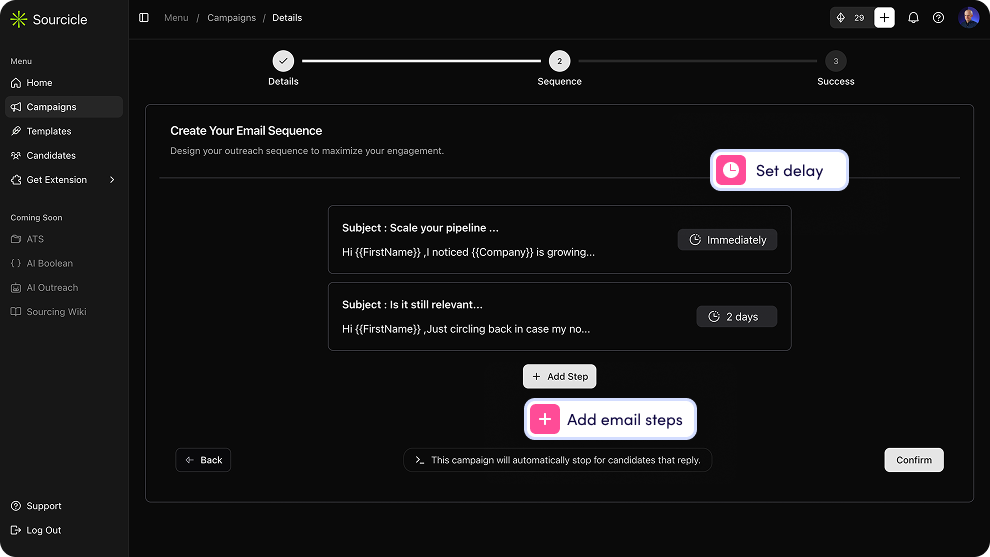
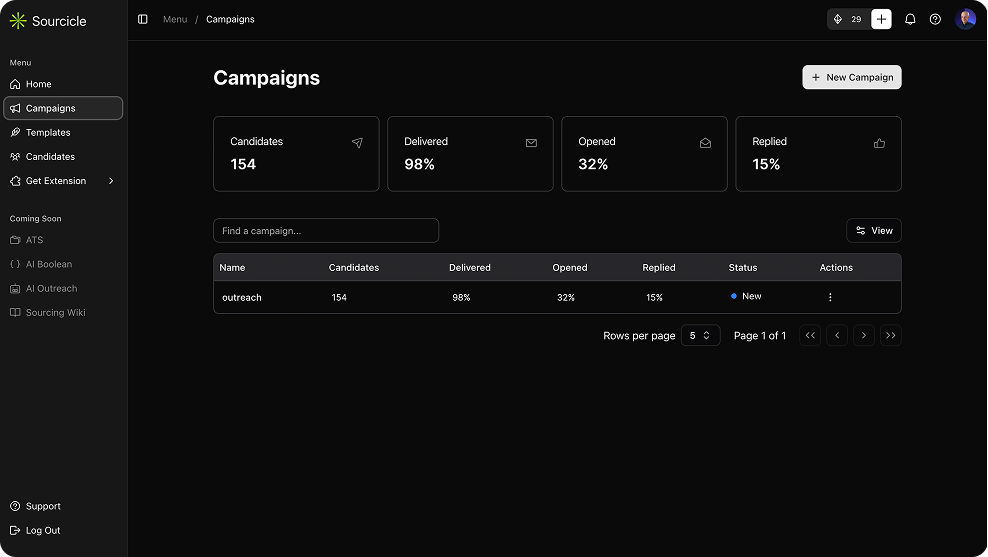
 Sourcicle
-
 Endorsed
 Influencers club
 Sourcicle
 Endorsed



For builders & operators
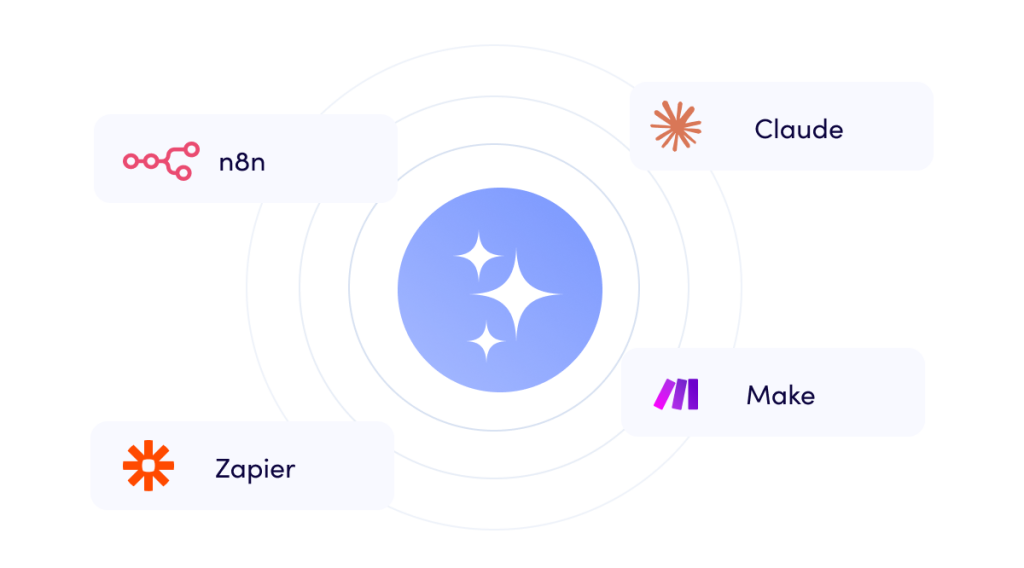
Connect Reply to any no-code tool or AI assistant through standard REST and MCP, without needing SDKs or custom development.



What this unlocks

Implementation partners & agencies

Non-technical founders

RevOps consultants

Anyone living in Claude or Cursor
What you get
From tool to infrastructure
Reply API isn’t just access to endpoints – it’s a shift from managing a tool to orchestrating a workflow.

One workflow, not five tools
Stop stitching separate tools together with workarounds. V3 makes Reply part of your existing stack – no tab switching, no manual handoffs, no data gaps between systems.
Instant reaction to every event
A prospect replies – your CRM updates. A contact bounces – they’re removed from the list. A meeting is booked – your team gets notified. Real-time webhooks mean nothing slips through.
Full visibility across the board
Pull reporting data into your own dashboards. Monitor sequence performance, team activity, and deliverability from wherever your team already works – not just inside Reply.
Outreach on autopilot
Enrich contacts, add them to sequences, and trigger follow-ups automatically – based on data from your CRM, your product, or any external source. Less manual work at every step.
Scale without adding headcount
Automate the repetitive operations that grow linearly with your pipeline – imports, list management, task creation, account setup. Your team focuses on conversations, not admin.
Built for how you already work
Standard REST, works with any language, framework, or tool – Zapier, Make, custom code, or AI agents. No proprietary SDKs, no lock-in. Just a clean API that fits in anywhere.
Your AI SDR, fully programmable


AI Web Search
Trigger AI-driven prospect discovery. Jason finds and populates contacts for your sequences automatically.

AI SDR Sequences
Create sequences, configure autopilot, set approval modes, and manage intent signals programmatically.

Knowledge Base
Push product updates, case studies, and messaging into Jason’s knowledge base from your own systems.

Playbooks
Update how Jason handles different conversations and scenarios without logging into Reply.

Offers
Generate and manage the offers Jason presents to prospects. Tie them to your CRM data dynamically.

Pending Approvals
Build your own approval interface. Review and approve Jason’s drafts without touching Reply’s UI.

AI Insights
Pull AI-generated intelligence on any contact – talking points, signals, context – into your own tools.

Strategist
Trigger campaign optimization runs automatically. Let your system course-correct based on live data.
Security & access control
Reply new API was rebuilt around least-privilege access. The default behavior is restrictive; you opt into broader access deliberately.

Scoped API keys
Every API key carries explicit scopes. Create a read-only key for reporting, a write key for imports, and an admin key for your internal tools — all separately.
Multiple independent keys
Create as many API keys as you need with different privilege levels. Revoke one without affecting the rest of your integrations.
Enterprise-grade compliance
Reply is SOC 2 certified, GDPR compliant, and Google OAuth verified – your data stays safe at every layer.
Rate limits that scale with usage, not with the calendar
New version ends static monthly API quotas. Limits are now per-user, per-minute and per-hour — designed for real workloads.
Per-user quota designed to support high-frequency integrations without interruption.
100
requests/minute
Generous hourly cap that covers bulk operations, imports, and real-time automations.
3,000
requests/hour
Hit a limit? The response tells you exactly how long to wait – no guesswork, no broken integrations.
429
with Retry after