
Best 11 GTM Tools in 2026 to Find and Reach B2B Contacts

Best 11 GTM Tools in 2026 to Find and Reach B2B Contacts

If you’re a sales leader, marketer, or BDR trying to figure out what are the best AI tools for sales GTM, you’ve come to the right place.

At Reply.io, we built a top-rated sales outreach platform, so we know what good AI tools for GTM should provide.

Our collection covers the top 11 GTM tools built for different parts of that motion, including contact data, sales intelligence, enrichment, outreach automation, AI personalization, and more.

TL; DR: GTM tools at a glance

Short on time? 

Scan the table below to see how each tool suits your motion, then read the full breakdowns below for details.

Short on time? Here’s the whole list at a glance. Scan the table to match each tool to your motion, then read the full breakdowns below for the details.

Tool Best for Core strength Outreach built in? Starting price
Reply.io Best overall: B2B lead generation + AI outreach B2B data + multichannel outreach + AI sales agent Yes — email, LinkedIn, calls, SMS, WhatsApp $49/mo
Apollo B2B database plus sales engagement Large database with email sequencing Yes — email-led $49/user/mo
ZoomInfo Enterprise-grade GTM intelligence Deep account data and intent No ~$15,000/yr
Cognism Compliant B2B data in regulated markets Phone-verified, compliance-screened data No Quote-based
Clay Data enrichment and workflow building 150+ source enrichment, custom workflows No $185/mo
LinkedIn Sales Navigator Social prospecting Freshest LinkedIn buyer context Yes (kind of) $119.99/mo
Lusha Quick B2B contact lookup Fast browser-based verified data No $49.90/user/mo
Kaspr LinkedIn contact data One-click LinkedIn emails and numbers No $49/mo
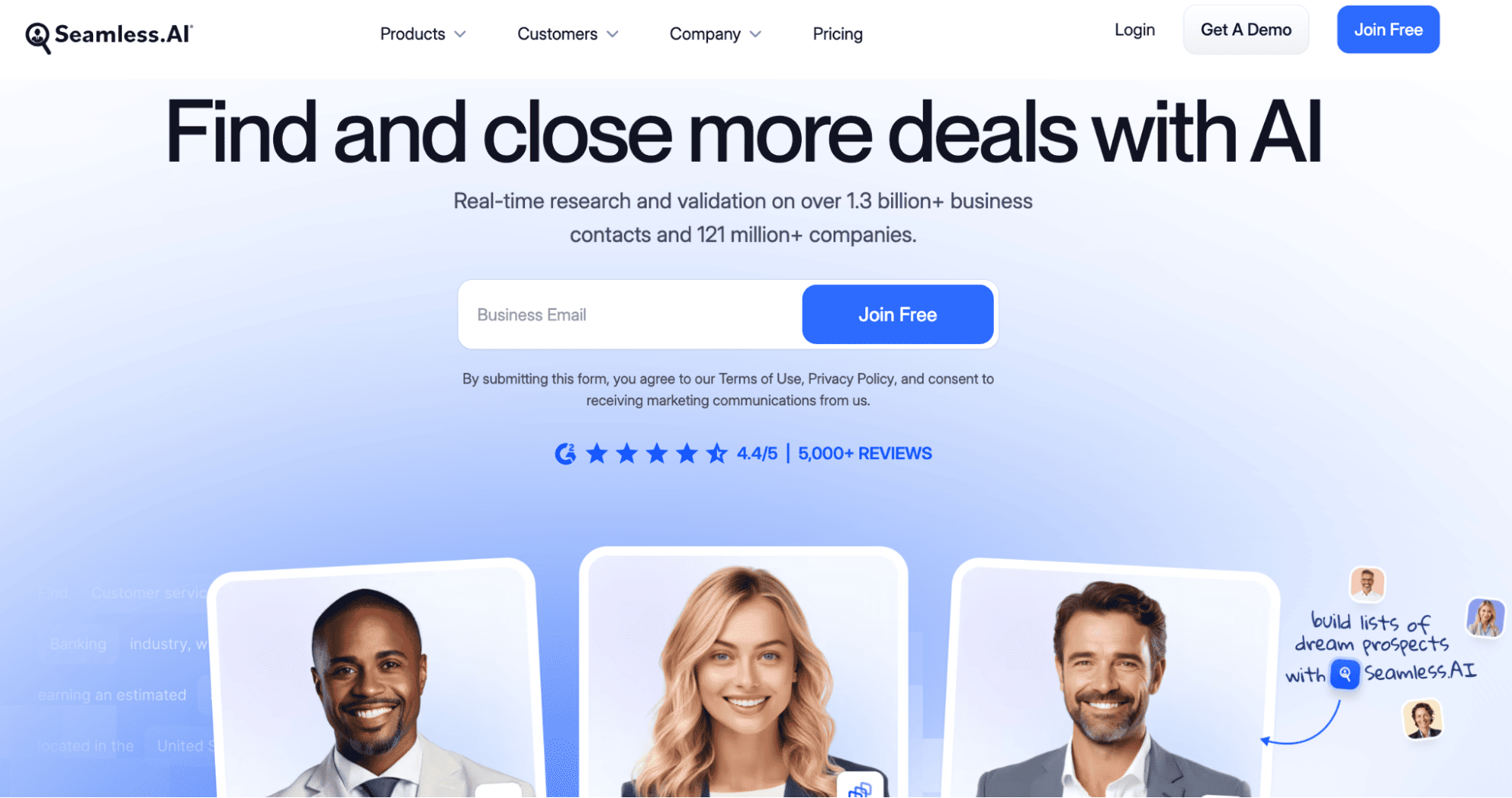
Seamless.AI AI-assisted lead list building Real-time AI search and validation No Quote-based
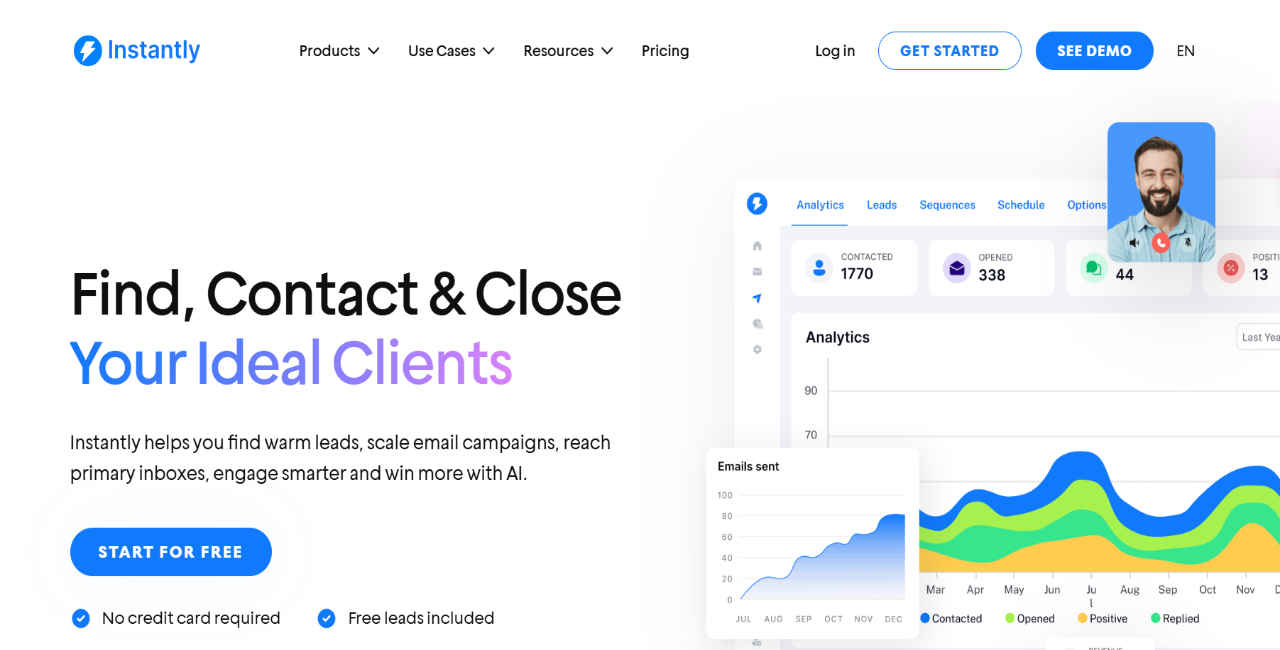
Instantly Cold email plus lead database Cold email at scale on a budget Email-only $47/mo
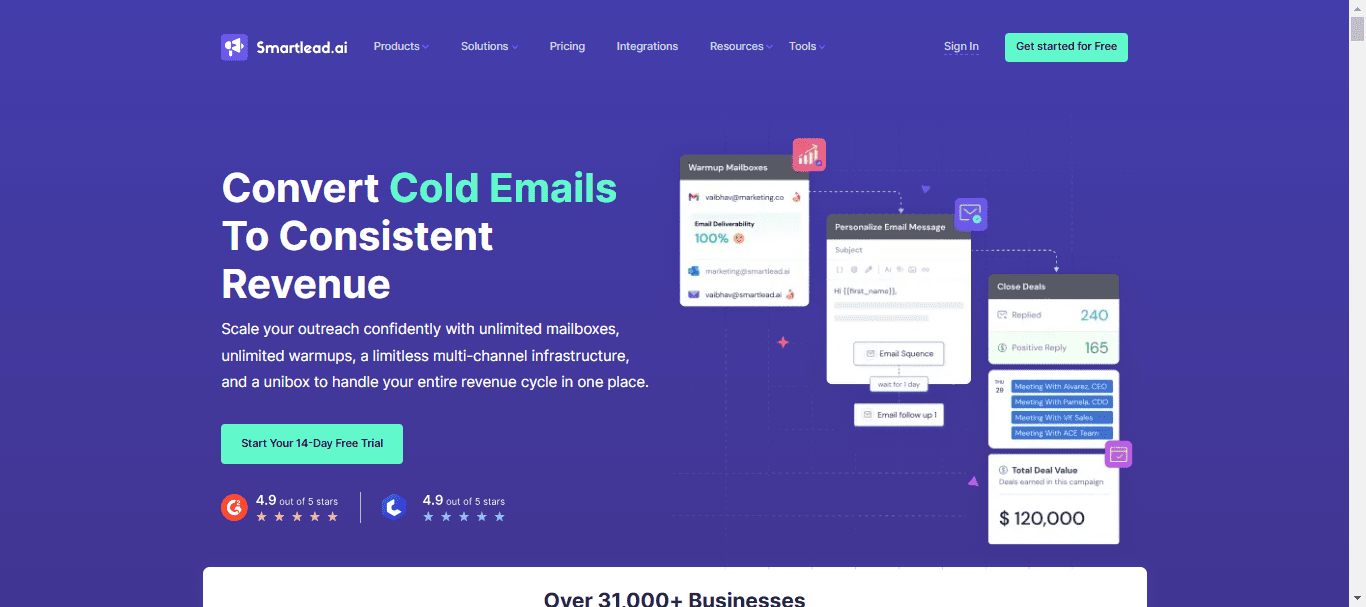
Smartlead Cold email deliverability and mailbox scaling Mailbox rotation and inbox placement Email-only $39/mo

How we chose the best tools for this list

We chose these GTM tools based on the work sales leaders, marketers, and BDRs actually need to get done: finding the right contacts, running relevant outreach, protecting deliverability, and turning engagement into booked meetings.

Here’s what we looked at:

  • Contact data quality → verified emails, direct dials, mobile numbers, job titles, company profiles, enrichment depth, and whether the data is strong enough for accurate targeting.

  • Outreach automation → email sequences, LinkedIn touches, calls, SMS, WhatsApp, task steps, reply routing, and how well the platform moves contacts through a structured workflow.

  • AI personalization → research-based messaging, account context, custom variables, follow-up generation, and whether outreach can go beyond basic name and company fields.

  • Deliverability support → email verification, warm-up, mailbox rotation, DNS checks, spam checks, bounce control, and inbox health monitoring.

  • CRM and workflow fit → native CRM integrations, CSV import/export, API support, and whether sales activity syncs cleanly with the rest of the GTM stack.

  • Price-to-value → whether the tool solves one narrow problem well or brings several parts of the GTM workflow together, like data, outreach, AI, replies, scheduling, and reporting.

Some tools here are strongest for B2B data and sales intelligence, while others are better for multichannel AI outreach. The right choice depends on which part of your GTM workflow is slowing your team down most.

The Ultimate AI Sales Playbook for 2026

We built this playbook to show what modern sales teams are actually doing with AI today, and how you can use the same ideas in your own process.

What’s inside this guide:

→ AI tools top sales teams use for prospecting, outreach, meetings, CRM, and daily work

→ Ready-to-use AI prompts for research, cold emails, follow-ups, account planning, and proposals

→ Real examples of using AI across every stage of the sales process

→ A practical system for building pipeline with AI

→ Tips for improving outreach and personalization without adding more work

→ Sales workflows you can copy and start using right away

Get your copy and learn how to use AI to work faster, stay organized, and close more deals.

Top GTM automation tools

Here are our top GTM AI tools, ranked by how well each helps teams find B2B leads, reach them, and book more meetings. 

We start with the platform that does all three.

Reply.io: best overall 

Reply.io earns the top spot because it covers the full outbound path from B2B lead discovery all the way to booked meetings.

Its native database gives teams access to 1B+ global contacts and companies, with advanced search filters for your ICP criteria, as well as intent signals to pinpoint leads showing signs of interest at the very moment. 

data in Reply.io as an extra to your personal CRM

From there, Reply will enrich your leads and validate emails, before launching tailored multichannel outreach campaigns for each unique lead.

That’s the real value — contact-only platforms help you build lists, while cold email tools help you send campaigns. Reply connects both sides of the GTM workflow and adds coordinated multichannel outreach across email, LinkedIn, calls, SMS, WhatsApp, and Zapier steps, plus deliverability tools to protect inbox placement as volume grows.

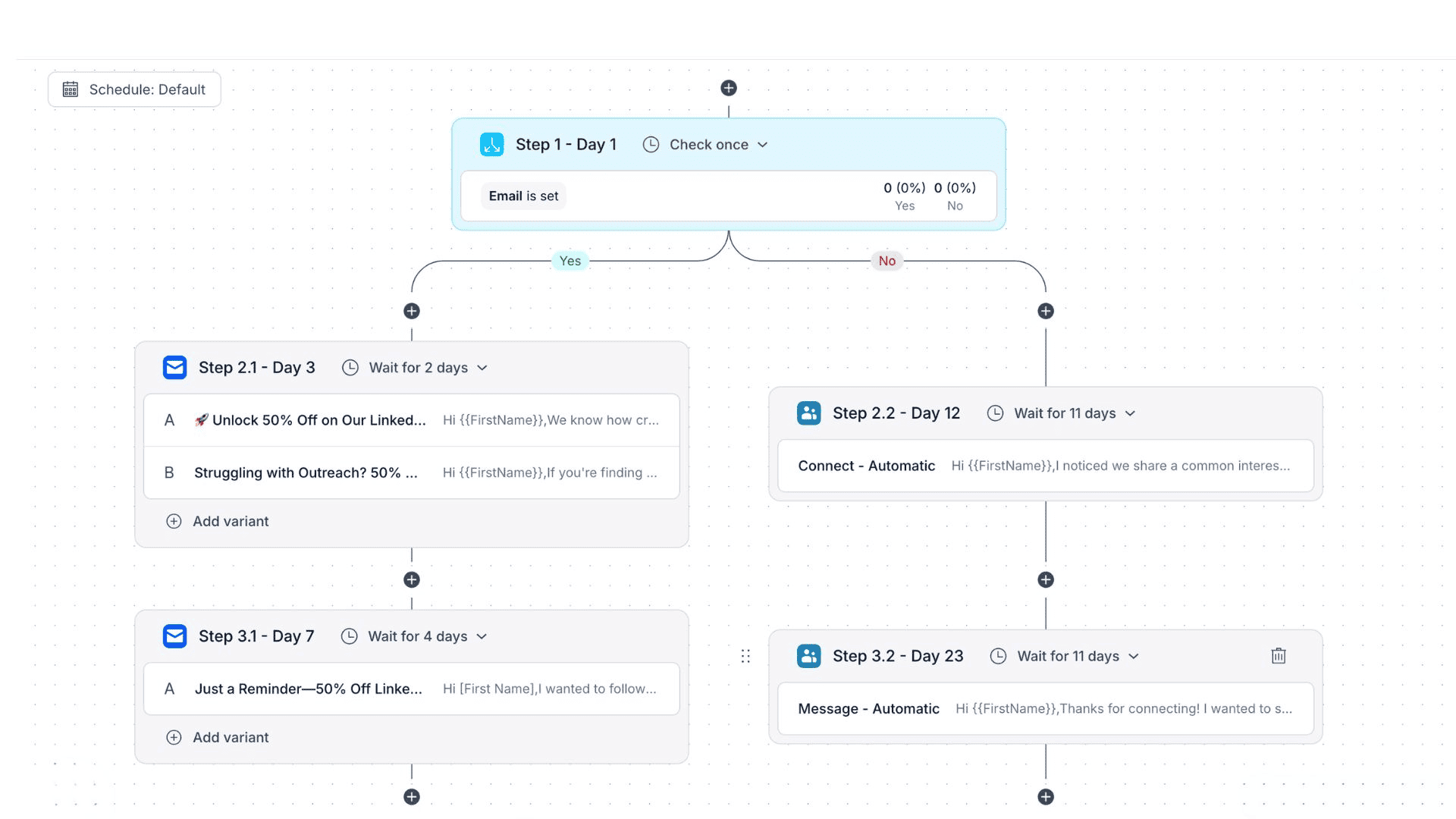
Sequences follow conditional logic, so they adjust in real time based on prospect behavior, so for instance if your initial email goes unopened for 3 days, Reply will launch an automated LinkedIn connection request, and so on.

how to auto send emails to a folder in gmail with conditional sequences

Jason AI is Reply’s AI sales agent that joins your team as a full-time rep, learns everything about your business, audience, and strategy, and then autonomously finds targeted leads, enriches them, launches tailored outreach, and even handles replies and books meetings on your behalf. 

For teams that need both B2B data and a system to turn that data into pipeline, Reply.io is the strongest all-around pick.

Key features

  • Reply Data: 1B+ contacts, 60M+ companies, ICP filters, enrichment, validation, and intent signals.
  • Jason AI: ICP building, lead sourcing, outreach, reply handling, and meeting booking.
  • Multichannel sequences: Email, LinkedIn, calls, SMS, WhatsApp, and Zapier steps.
  • AI Variables: Personalized openers, value props, CTAs, and follow-ups.
  • Deliverability tools: Mailbox setup, warm-up, validation, spam checks, SPF, DKIM, and DMARC support.
  • Website visitor tracking: Identifies high-intent companies already engaging with your site.
  • Analytics and CRM integrations: Tracks sequence performance and syncs data with tools like HubSpot, Salesforce, and Pipedrive.

Pricing

Reply.io pricing starts at $49 per month for the Email Volume plan, the Multichannel tier starts at $89 per user per month, and Jason AI starts at $500 per month (and you get a full-time AI sales agent working around the clock!)

Apollo: best for B2B data with email-led engagement

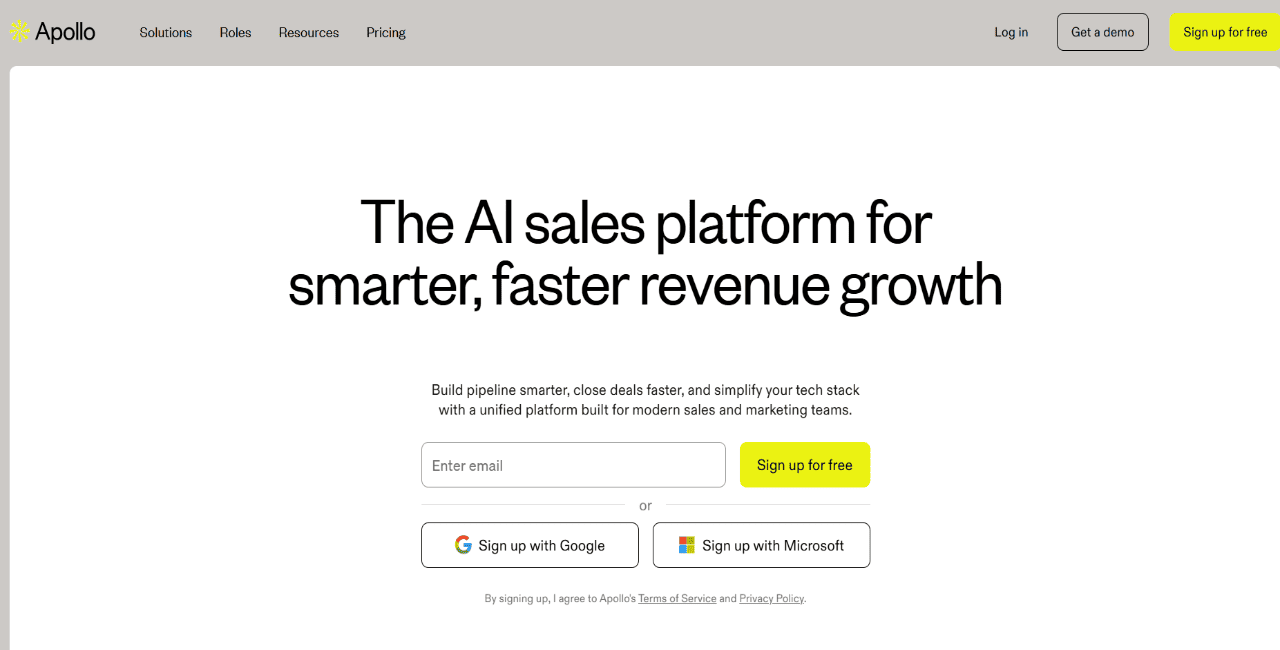
Apollo is a good fit for teams that want B2B contact data and basic sales engagement in the same platform.

Apollo.io as one of the visitor tracking tools

Reps can search by role, seniority, company size, industry, location, technology, and intent data, then enrich records, add prospects to email sequences, use the dialer, and sync activity back to the CRM.

Apollo works best when the main job is contact discovery plus email-led outbound. If the team needs a broader GTM workflow with deeper multichannel sequencing, AI sales execution, reply handling, deliverability, and meeting booking, Reply.io is the stronger fit.

Key features

  • B2B database: Finds contacts and companies by sales criteria.
  • Search filters: Narrows lists by role, industry, location, and intent.
  • Email sequences: Sends outbound emails and follow-ups.
  • Dialer: Adds phone outreach to sales activity.
  • Enrichment: Updates contact and company records.
  • CRM sync: Sends data and activity into sales systems.

Pricing

Apollo pricing starts at $49/user/month for Basic, billed annually. Professional starts at $79/user/month, and Organization costs $119/user/month, billed annually with a 3-seat minimum.

ZoomInfo: best for enterprise GTM intelligence

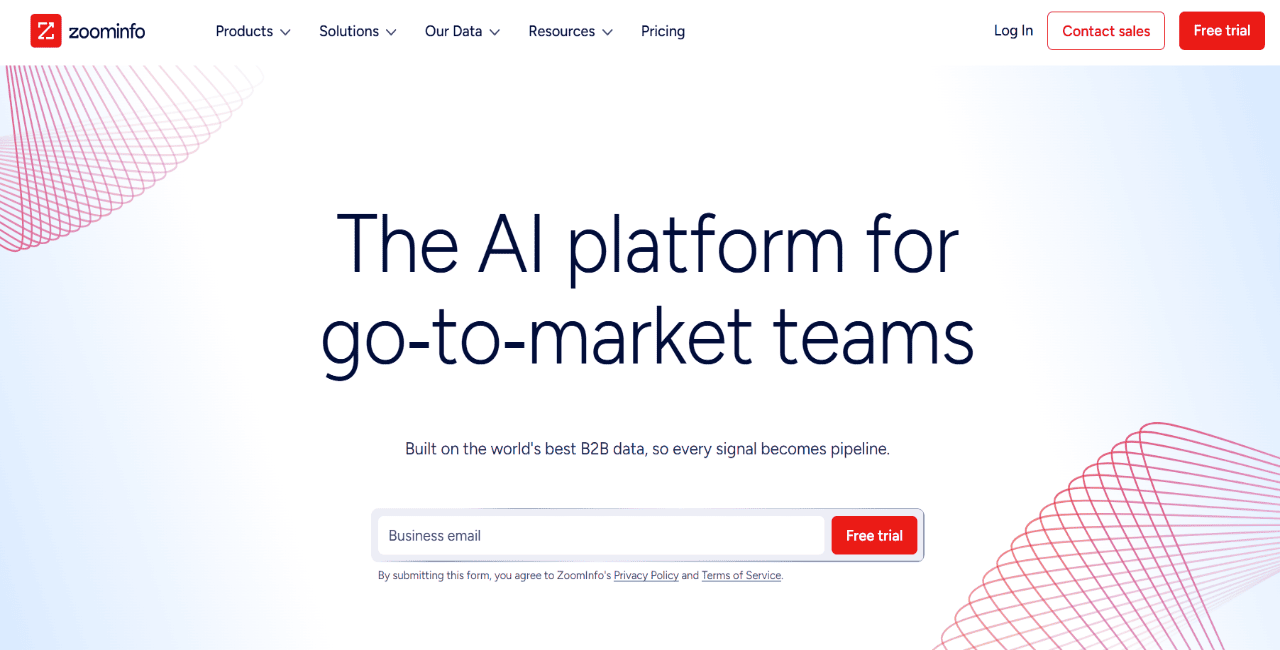
ZoomInfo is built for larger sales teams that need deep account intelligence, broad company data, contact records, intent signals, org charts, and AI-supported account research.

ZoomInfo as one of the Cognism alternatives

ZoomInfo Copilot adds another layer for account research and next-step recommendations, which can be useful for enterprise teams running more complex account-based motions.

The main thing to keep in mind is that ZoomInfo is an intelligence platform first. It gives teams strong data and account context, but most teams will still connect it to a dedicated outreach platform for sequences, reply management, deliverability, and meeting booking.

Key features

  • Company and contact data: Pulls firmographic and contact records.
  • Intent signals: Surfaces accounts showing buying interest.
  • Organization charts: Maps stakeholders inside target accounts.
  • ZoomInfo Copilot: Supports AI account research and recommendations.
  • CRM integrations: Syncs data into tools like Salesforce and HubSpot.

Pricing

ZoomInfo pricing isn’t publicly available, but we’ve done our research for those interested.

Cognism: best for compliant B2B data in regulated markets

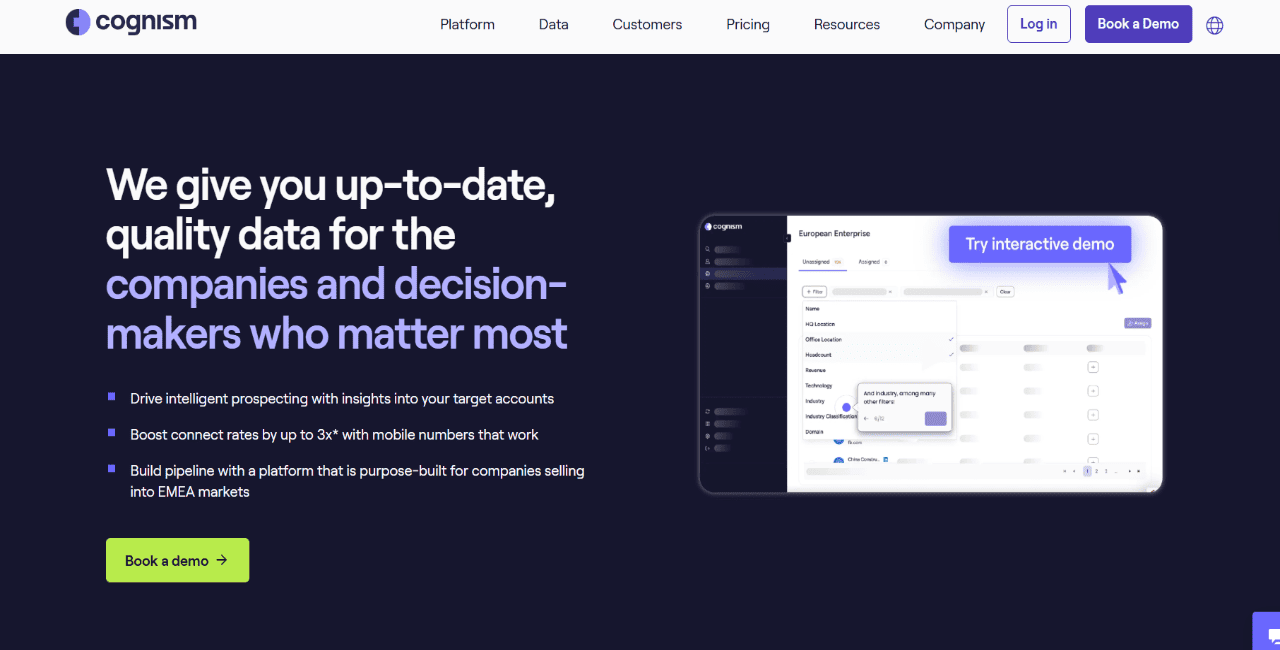
Cognism is a sales intelligence platform focused on verified B2B data, phone-verified mobile numbers, intent data, enrichment, and compliance-conscious prospecting.

Cognism as one of the demandbase competitors

It’s especially useful for teams selling into Europe or other markets where data sourcing, calling rules, and compliance controls need more attention. Cognism also supports CRM enrichment and integrations with common sales tools, so it can work well as a clean data layer for GTM teams.

Cognism is still mainly a data platform. Teams that need outbound sequences, AI sales workflows, reply management, deliverability, and meeting booking will usually need to connect it to another tool.

Key features

  • Verified B2B data: Provides emails and phone-verified mobile numbers.
  • Compliance controls: Supports DNC and regional compliance workflows.
  • Intent data: Flags accounts researching relevant topics.
  • Enrichment: Fills gaps in CRM and prospect records.
  • Integrations: Connects with CRMs and engagement tools.

Pricing

Cognism pricing is quote-based and depends on product, team setup, subscription structure, and usage.

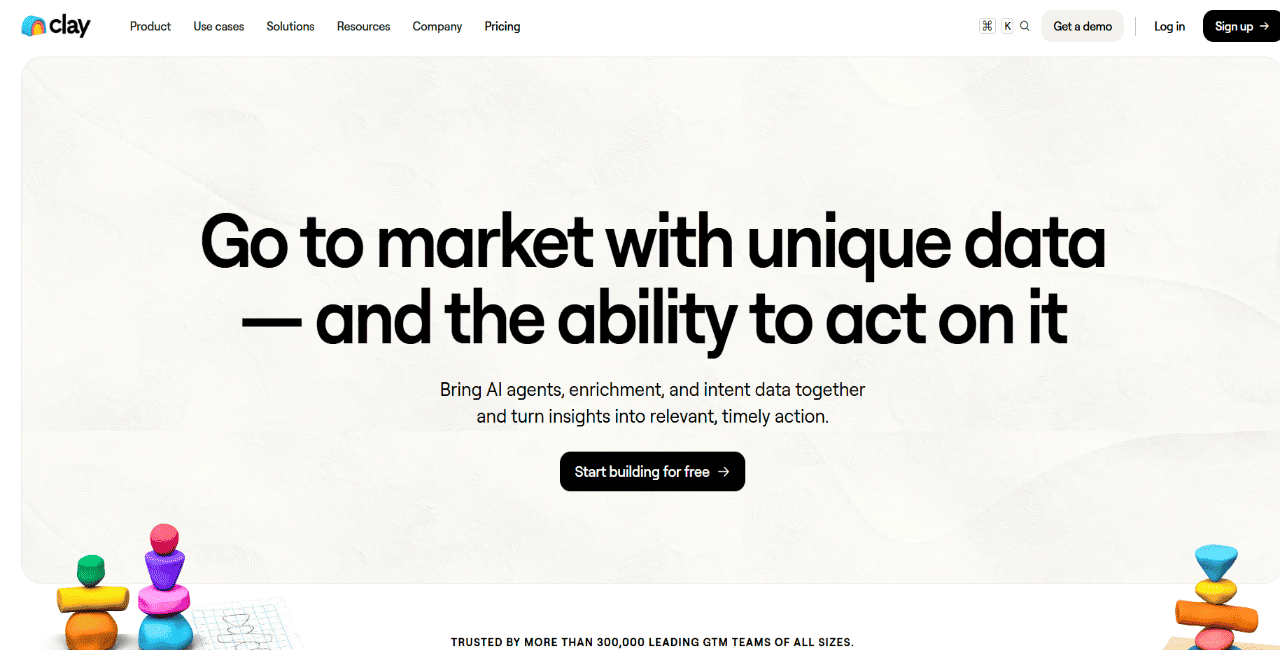
Clay: best for GTM enrichment and workflow building

Clay is a strong option for RevOps, growth, and technical outbound teams that want to build custom enrichment and research workflows.

Clay as one of the demandbase competitors

The platform can pull from 150+ data providers, run waterfall enrichment, use AI agents for account research, score leads, track signals, and send enriched records into CRMs or outreach tools.

Clay is powerful when you already know the GTM workflow you want to build. It is less plug-and-play for reps, since it usually needs setup, workflow design, and ongoing operator ownership before it starts producing value at scale.

Key features

  • Waterfall enrichment: Searches multiple providers for contact and company data.
  • AI research agents: Researches accounts and prospects from public sources.
  • Lead scoring: Prioritizes records using custom criteria.
  • Workflow builder: Creates enrichment and routing flows.
  • Data marketplace: Accesses 150+ data and AI vendors.
  • Signals and intent: Tracks job changes, hiring, and web activity.

Pricing

Clay Launch starts at $185/month, while Growth starts at $495/month. Enterprise pricing is custom, and total cost depends on data credits, actions, provider usage, and workflow volume.

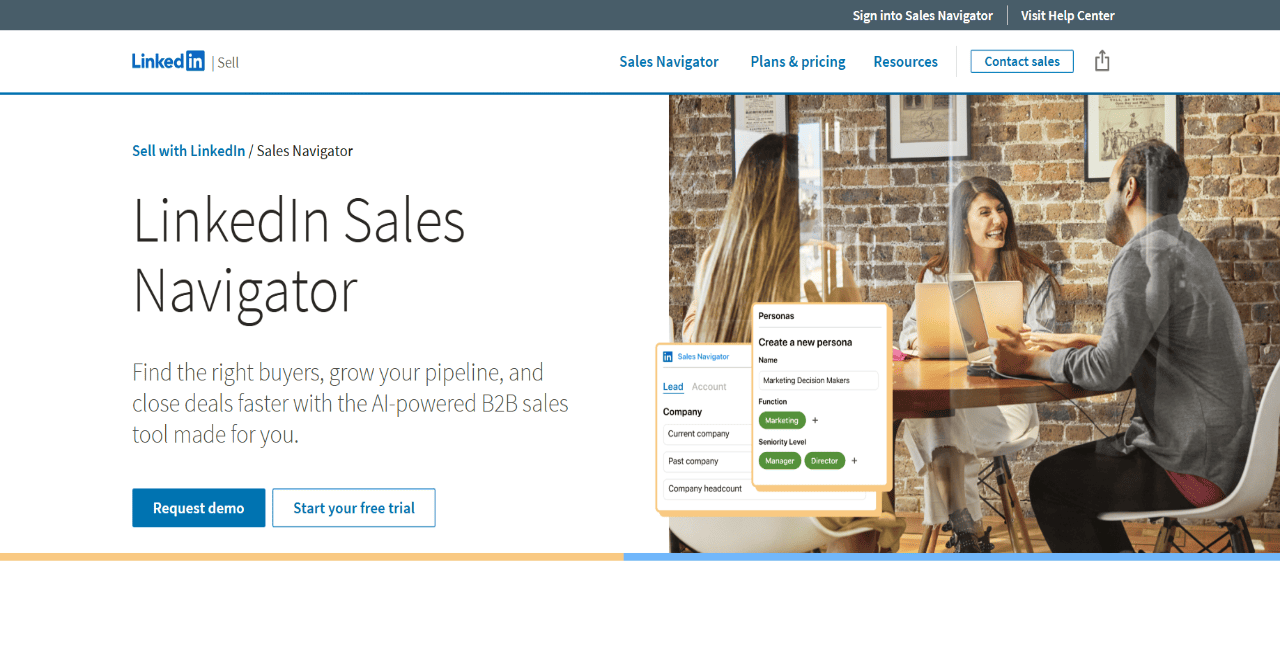
LinkedIn Sales Navigator: best for social prospecting

LinkedIn Sales Navigator is a strong tool for LinkedIn-first prospecting, account research, and social selling.

LinkedIn Sales Navigator as one of the Cognism alternatives

Reps can search by title, company, location, seniority, job changes, posted content, and shared connections, then save leads, build account lists, monitor updates, and find warmer paths into target accounts.

Its biggest value is buyer context. You can see what prospects post, where they work, who they know, and when they change roles. It still does not replace a full outreach platform, since teams need another system for email sequences, deliverability, reply routing, SMS, WhatsApp, and meeting booking.

Key features

  • Lead search: Finds prospects by role, company, seniority, and location.
  • Account lists: Groups target companies for research.
  • Lead alerts: Tracks job changes, posts, and account updates.
  • Relationship Explorer: Finds warmer paths into target accounts.
  • TeamLink: Shows shared connections for introductions.
  • CRM sync: Sends Sales Navigator activity into connected CRMs.

Pricing

Sales Navigator Core starts at $119.99/month/license or $1,079.88/year/license. Advanced starts at $159.99/month/license or $1,799.88/year/license.

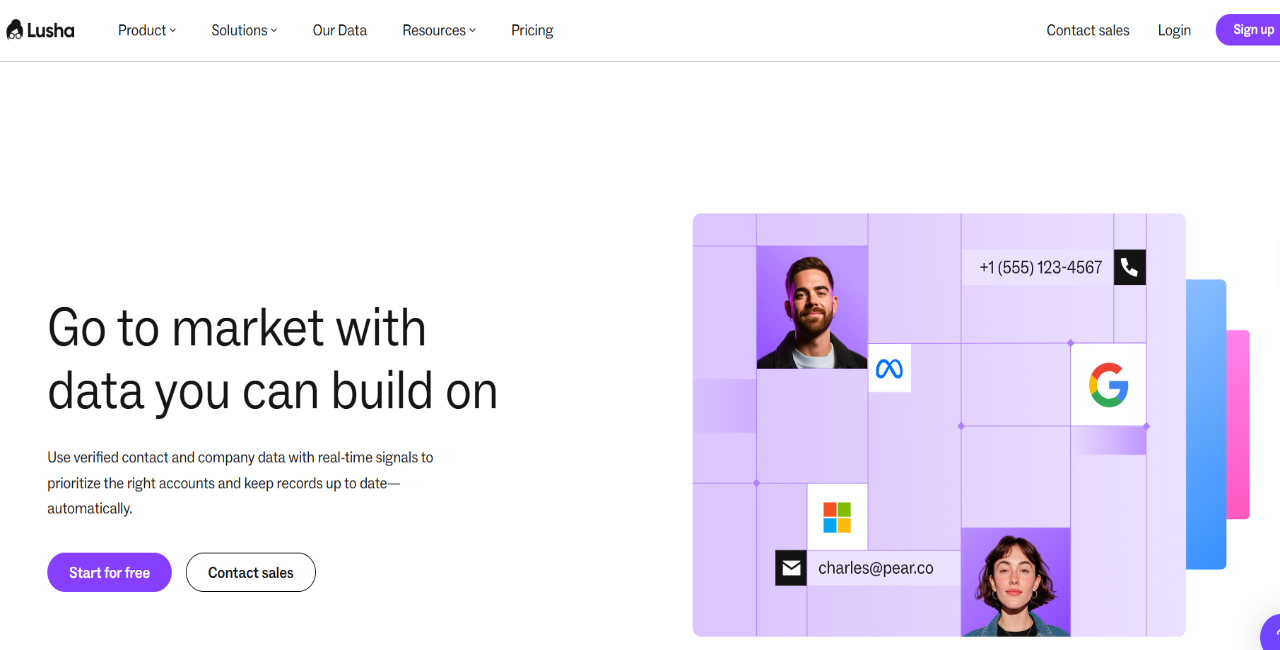
Lusha: best for quick B2B contact lookup and buying signals

Lusha is useful for reps who need quick B2B contact lookup during day-to-day prospecting.

Teams can find verified emails, phone numbers, job titles, LinkedIn profiles, company details, and buying signals through the platform or Chrome extension. Lusha also supports enrichment for existing records, which helps refresh CRM data and spot accounts showing intent.

It works best as a data and enrichment layer. If the workflow needs multichannel sequences, AI sales execution, deliverability tools, reply management, and meeting booking, Lusha will need to sit next to a dedicated outreach platform.

Key features

  • Chrome extension: Reveals emails and direct dials from profiles.
  • Buying signals: Flags accounts showing purchase intent.
  • Bulk enrichment: Refreshes CRM records and lists.
  • Prospecting platform: Builds lists by role, industry, and size.
  • CRM sync: Pushes contacts into Salesforce and HubSpot.

Pricing

Lusha’s current pricing page lists Premium at $299.95/month, billed yearly, with Scale available as a customizable plan.

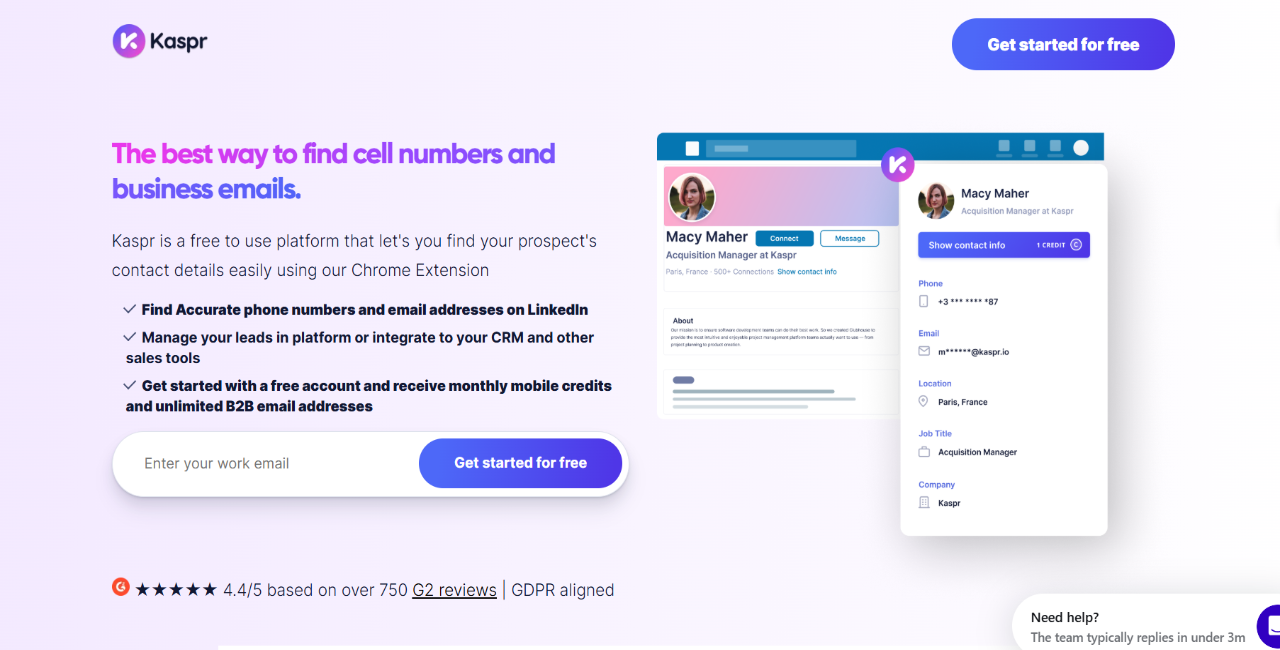
Kaspr: best for LinkedIn contact data

Kaspr is a practical option for reps who do most of their prospecting on LinkedIn and Sales Navigator.

Its Chrome extension reveals B2B emails, phone numbers, and company details from LinkedIn profiles, groups, events, and Sales Navigator searches. Reps can save leads, build lists, enrich records, export contacts, and push data into tools like HubSpot, Salesforce, and Zapier.

Kaspr is mainly a contact-finding tool. It helps reps capture data from LinkedIn workflows, but it does not give teams the broader outbound system for sequencing, deliverability, AI reply handling, or meeting booking.

Key features

  • Chrome extension: Reveals contact data from LinkedIn and Sales Navigator.
  • Phone numbers: Finds verified mobile and business numbers.
  • Email credits: Gives reps access to B2B emails.
  • Lead lists: Saves prospects into organized lists.
  • Enrichment workflows: Updates contacts in bulk.
  • CRM exports: Sends enriched leads into sales tools.

Pricing

Kaspr Starter starts at $49/user/month on monthly billing, or $45/user/month annually. Business starts at $99/user/month monthly, or $79/user/month annually.

Seamless.AI: best for AI-assisted lead list building

Seamless.AI is a lead data platform for teams that need to build B2B lists at volume.

Seamless AI as one of the Apollo alternatives

The platform uses AI-assisted search to find emails, direct dials, mobile numbers, and company records, with filters for job title, company, industry, location, buyer intent, and job changes. It also offers a Chrome extension and enrichment for filling missing CRM data.

Seamless.AI is most useful before outreach starts. It helps teams find and enrich contacts, but it does not go as deep on multichannel sequencing, deliverability, AI SDR workflows, reply management, or meeting booking.

Key features

  • AI search: Finds B2B emails, direct dials, and mobile numbers.
  • Contact lookup: Pulls buyer details from a lead database.
  • Chrome extension: Reveals contact data during web prospecting.
  • Buyer intent: Shows accounts researching related topics.
  • Job changes: Finds buyers who recently changed roles.
  • Data enrichment: Updates missing CRM and prospect fields.

Pricing

Seamless.AI pricing is quote-based. Its pricing page says Pro plans start at 10,000 annual credits, while Custom plans provide larger daily credit allotments for 5+ license tiers.

Instantly: best for cold email plus lead database

Instantly is a strong option for teams running cold email campaigns at scale.

The platform combines cold email campaigns, a B2B lead database, email verification, inbox placement testing, warmup, and basic CRM features. It also offers AI agents and automations for reply sorting, prospect research, and campaign workflows.

Instantly’s main strength is email infrastructure. It works well for teams that want to connect multiple inboxes, warm them up, rotate sending, and monitor cold email performance. Teams that need LinkedIn, calls, SMS, WhatsApp, deeper AI sales workflows, and meeting booking may need a broader outbound platform.

Key features

  • Cold email campaigns: Sends outreach emails and follow-ups.
  • Lead database: Finds prospects from a B2B contact database.
  • Email verification: Checks emails before campaigns.
  • Inbox placement: Tests where emails arrive.
  • Warmup: Builds sending history for connected mailboxes.
  • AI Reply Agent: Sorts replies and suggests responses.
  • CRM: Tracks contacts, deals, and campaign activity.

Pricing

Instantly Outreach starts at $47/month for Growth. Hypergrowth costs $97/month, and Light Speed costs $358/month.

Smartlead: best for cold email deliverability and mailbox scaling

Smartlead is a cold email platform for teams running high-volume outreach across multiple inboxes.

It supports cold email sequences, mailbox rotation, warmup, a master inbox, inbox placement testing with SmartDelivery, and domain/mailbox setup through SmartSenders. It’s a good fit for agencies, founders, and outbound operators who care about deliverability, sender reputation, and mailbox scaling.

Smartlead is still mostly email-focused. Teams that need native B2B data, LinkedIn, calls, SMS, WhatsApp, AI sales workflows, and meeting booking will usually need extra tools around it.

Key features

  • Cold email campaigns: Sends email sequences and follow-ups.
  • Mailbox rotation: Spreads volume across connected inboxes.
  • Email warmup: Builds sender reputation before campaigns.
  • SmartDelivery: Tests inbox placement.
  • Master Inbox: Centralizes campaign replies.
  • SmartSenders: Helps buy and set up domains and mailboxes.
  • Email verification: Checks emails before campaigns.

Pricing

Smartlead pricing starts at $39/month for Base, $94/month for Pro, $174/month for Unlimited Smart, and $379/month for Unlimited Prime. Annual billing is discounted, with official pricing currently displaying lower annual-equivalent monthly prices.

Choose the GTM tool around your biggest workflow gap

The best GTM tool depends on where your outbound motion slows down most: contact data, enrichment, deliverability, personalization, sequencing, reply handling, or meeting booking.

If you need one platform to move from B2B contact discovery to qualified conversations, Reply.io brings prospect data, AI personalization, multichannel outreach, deliverability tools, reply management, analytics, and meeting booking into one workflow.

Start your free Reply.io trial and build a GTM system your team can start scaling right away!

Frequently asked questions

What are the best AI tools for sales GTM?

The best AI tools for sales GTM depend on the job you need done. Clay is strong for enrichment workflows, ZoomInfo and Cognism focus on B2B data, Instantly and Smartlead are built around cold email, and Reply.io connects B2B data, AI personalization, multichannel outreach, deliverability, reply management, and meeting booking.

What is the difference between GTM tools and sales engagement tools?

GTM tools cover more of the revenue workflow: data, enrichment, intent, outreach, CRM, analytics, and handoffs. Sales engagement tools are usually more focused on contacting prospects, running sequences, managing replies, tracking activity, and helping reps turn outreach into conversations.

Which GTM tool is best for finding B2B contacts?

Reply, Apollo, ZoomInfo, Cognism, Lusha, Kaspr, and Seamless.AI are all commonly used for B2B contact data. Reply.io is a better fit when you want to find contacts and move them straight into outreach without pushing data through several separate tools.

Which GTM tool is best for cold email campaigns?

Reply, Instantly, and Smartlead are strong options for high-volume cold email, while Apollo also supports email sequencing. Reply.io fits teams that want cold email plus LinkedIn, calls, SMS, WhatsApp, AI personalization, reply handling, deliverability tools, and meeting booking in one workflow.

Are AI GTM tools worth it for small sales teams?

Yes, when the tool cuts manual work and improves the path from contact data to qualified meetings. For small teams, the biggest value usually comes from cleaner lists, faster personalization, consistent follow-up, deliverability support, and fewer tools to manage.

Subscribe to our blog to receive the latest updates from the world of sales and marketing.
Stay up to date.

In this article

Your Superhuman SDR

Jason learns your product, tone, and strategy — then runs outreach with the precision of your best rep.

Your Superhuman SDR
Book a demo

Related Articles

What’s New in Reply: Pre-Warmed Domains, Agentic Chat, LinkedIn Enrichment, and More

What’s New in Reply: Pre-Warmed Domains, Agentic Chat, LinkedIn Enrichment, and More

What’s New in Reply: Pre-Warmed Domains, Agentic Chat, LinkedIn Enrichment, and More
AI for Improving Your GTM Operations in 2026: No BS Guide

AI for Improving Your GTM Operations in 2026: No BS Guide

AI for Improving Your GTM Operations in 2026: No BS Guide
Lead Generation for Startups in 2026: How to Get Leads Fast

Lead Generation for Startups in 2026: How to Get Leads Fast

Lead Generation for Startups in 2026: How to Get Leads Fast