
11 Best Technographic Data APIs in 2026 for Targeting

11 Best Technographic Data APIs in 2026 for Targeting

Key takeaways:

  • Technographic data tells you what software a company runs, which turns “companies like this” into “companies already running the thing your product replaces.”
  • Detection method decides everything. Crawl-based vendors like BuiltWith and Wappalyzer see public-facing tech; TheirStack infers it from job postings, catching internal systems a crawler never sees.
  • Pricing splits violently. TheirStack starts at $59 a month while BuiltWith starts at $295 and HG Insights will not publish a number at all.
  • We are honest below about what we do not have: a technology filter for AI SDR targeting is not a technographic lookup, and if you need a tech stack for a domain, one of the specialists here is your answer.

Knowing a company’s headcount tells you whether they can afford you. Knowing they run Salesforce, Marketo and Snowflake tells you whether they need you, when their contract renews, and which integration objection is coming.

That is the whole promise of technographics, and it has become more useful as software estates have grown. The US Census Bureau’s 2023 Annual Business Survey found 58.9% of businesses rate specialized software as “very important” to their processes, effectively tied with cloud technology at 59.0% and ahead of AI, robotics and specialized equipment.

A technographic data API turns that into something you can query, sitting alongside the intent data providers most teams already evaluate. You send a domain and get back the stack, or you send a technology and get back the companies running it.

This guide ranks the 11 technographic data APIs worth evaluating in 2026, with pricing fetched live. We are listed first, and our entry is unusually blunt about the boundary of what we actually provide.

What Technographic Data Actually Tells You

Two query directions matter, and vendors are rarely equally good at both.

Domain to stack is the enrichment direction: given example.com, what software does this company run? It is what you want when a lead arrives and you need context before the first call.

Technology to companies is the discovery direction: given “HubSpot,” which companies run it? This is where technographics overlaps with the marketing data providers market. This is the list-building direction, and it is where technographics earns its keep for outbound teams.

Detection method then decides what each vendor can see. Crawl and fingerprint vendors inspect public pages for scripts, headers, DNS records and markup, so they see anything customer-facing: analytics, chat widgets, ecommerce platforms, CDNs, payment processors.

Job-posting inference reads hiring listings for named tools, which surfaces internal systems no crawler can reach, including data warehouses, ERPs and internal CRMs. Panel and contributory sources such as HG Insights blend purchased telemetry with survey and spend data, reaching IT budget detail neither of the other methods produces.

No single method covers everything, which is why the honest answer to “which is most accurate” is “for which layer of the stack.”

How We Assessed These Technographic APIs

We required a callable API, verifiable pricing or an explicit statement that pricing is quote-only, and a genuine technographic dataset rather than a general company database with a technology field bolted on.

We fetched every price live, which mattered here because two well-known names failed on inspection.

Datanyze was checked and excluded. Its pricing verified fine, but its homepage now sells a contact-data Chrome extension rather than the technographics tool it once was, so listing it in an API roundup would misrepresent the current product. SimilarTech was excluded because its www domain fails DNS and its own tools now point at Similarweb properties, leaving no verifiable pricing.

Similarweb offers technographic intelligence with an API but publishes no tier prices and blocks automated inspection, so it is mentioned here rather than ranked.

Most technographic data providers API documentation is also thin on credit expiry, so we weighted that too, because several vendors here quietly time-limit them.

The 11 Best Technographic Data APIs Compared

Pricing is the cheapest tier that includes API access.

Tool Best for Key features Main limitation Pricing (from) Rating
Reply.io Acting on a technology signal Technology targeting in AI SDR, sequencing in one API No domain-to-stack lookup $49/month ★★★★★
TheirStack Seeing internal, non-public tools Job-posting inference, 49M technographic records Inference lags actual deployment Free (200 credits) ★★★★★
BuiltWith The deepest detection catalog 491.9M domains, 124,009 technologies, 41-year history API priced separately from plans $295/month ★★★★☆
Sumble Agent-driven technology research MCP server, org and reporting hierarchy Newer vendor, smaller footprint Free (500 credits) ★★★★☆
PredictLeads Pay-as-you-go signal volume $0.04/credit sliding to $0.002, tech detections Credits do not roll over Free (100 calls) ★★★★☆
Wappalyzer Straightforward crawl detection Clean fingerprinting, predictable tiers API credits expire after 60 days $250/month ★★★★☆
Coresignal Technographics beside employment data 70M+ companies, 468M+ job postings Search and Collect credits billed apart $49/month ★★★★☆
Diffbot Long-tail company coverage Knowledge Graph, 10,000 free credits monthly Not a dedicated technographic index Free (10,000 credits) ★★★☆☆
StoreLeads Ecommerce app stacks 13.6M stores, 7,554 apps, app spend estimates Ecommerce only, API from Pro up $250/month ★★★☆☆
Explorium Technographics inside a wider data layer Agent-native design, credit packages Credits expire after 12 months $84.99 (2,500 credits) ★★★☆☆
HG Insights Enterprise IT spend intelligence Budget and contract-level detail Quote-only, no public pricing at all Quote only ★★★☆☆

Ratings reflect fit for programmatic technographic work specifically. A vendor with unmatched enterprise depth scores lower here if you cannot get a price without a sales cycle.

1. Reply.io
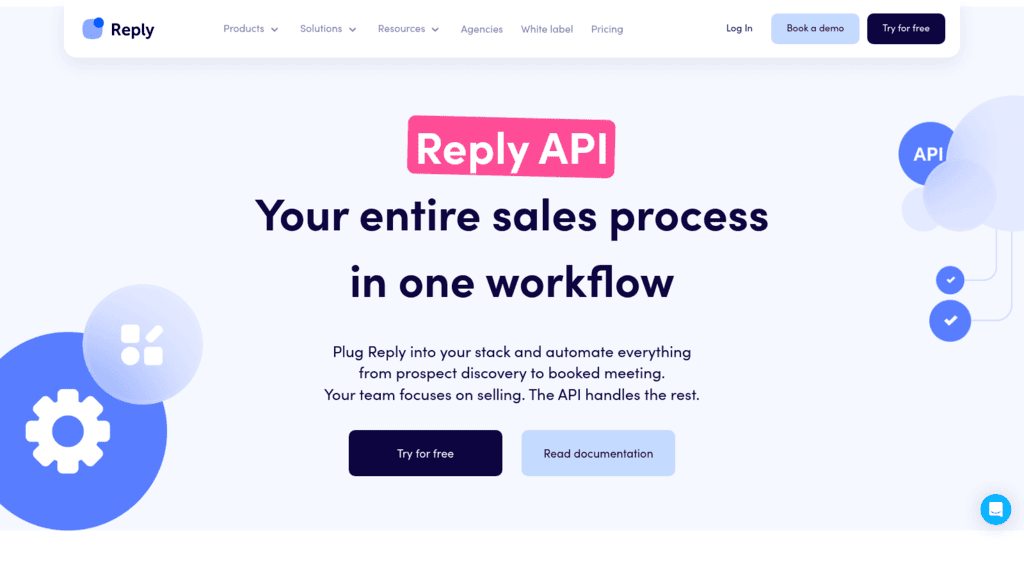
Reply.io as one of the best technographic data apis

Best for: Acting on a technology signal

Overview: This is the entry where we have to be most careful, because the category has a precise meaning and we meet only part of it.

What we have is a Technologies typeahead inside our AI SDR intent-signals endpoints, currently in beta. It lets you target accounts by the technology they run, so Jason can build and work a list of companies using a named tool. That is real, and it is useful.

What we do not have is a technographic lookup. There is no endpoint where you send example.com and receive its stack, and none is on our published roadmap. If that is your requirement, TheirStack or BuiltWith below are the right purchase and we are not.

Where we earn the top spot is the step nobody else in this list covers: turning a technology signal into a running multichannel campaign through the same API key, with no export and no second vendor.

Key features:

  • Technologies typeahead in the Jason AI SDR intent-signals endpoints, for targeting accounts by the tools they run
  • Industries typeahead alongside it, so technology and vertical filters combine in one targeting call
  • Live Data search across our 1+ billion contact database to resolve those accounts into named people
  • Multichannel sequence endpoints so a technology signal becomes an email, LinkedIn or call sequence
  • Approval-mode endpoints, so a person confirms the list before anything sends
  • Documented rate limits of 100 requests per minute and 3,000 per hour per user

Pricing: we meter on active contacts, not seats. A thousand contacts costs $49 a month billed annually or $59 monthly, scaling to $899 at 100,000. The base plan carries 50 live data credits a month, with additional packages from $20. Jason, sold as a managed AI SDR, starts between $500 and $1,000 a month.

Pros: technology targeting feeds directly into outreach without an export step, one API key covers targeting and sending, plan-level pricing so extra seats cost nothing, published rate limits, approval workflow built in

Cons: we have no domain-to-stack endpoint, so we cannot answer “what does this company run,” which is the core technographic question; the technology typeahead is a targeting filter inside AI SDR rather than a queryable technographic dataset, and it is in beta; and our data is bundled inside a sending platform rather than sold standalone

How to start using it:

  1. Start a 14-day trial and create an API key at Settings > API Key.
  2. Verify the credential against https://api.reply.io/v3/whoami.
  3. Query the technologies typeahead to see which tools are available as targeting filters before you design around it.
  4. Build a small AI SDR list filtered on one technology and inspect the accounts it returns.
  5. Run it in approval mode so you review the target list before any sequence starts.

Why it’s a good technographic data API: the point of knowing a company runs a competing tool is contacting them about it. We are the only entry here that closes that loop inside one credential.

Final verdict: the strongest option when a technology signal needs to become outreach, and genuinely the wrong option if you need to look up a stack. Buy TheirStack or BuiltWith for the data and us for the motion, or accept that a targeting filter is all you get from us on this axis.
2. TheirStack

TheirStack as one of the best technographic data apis

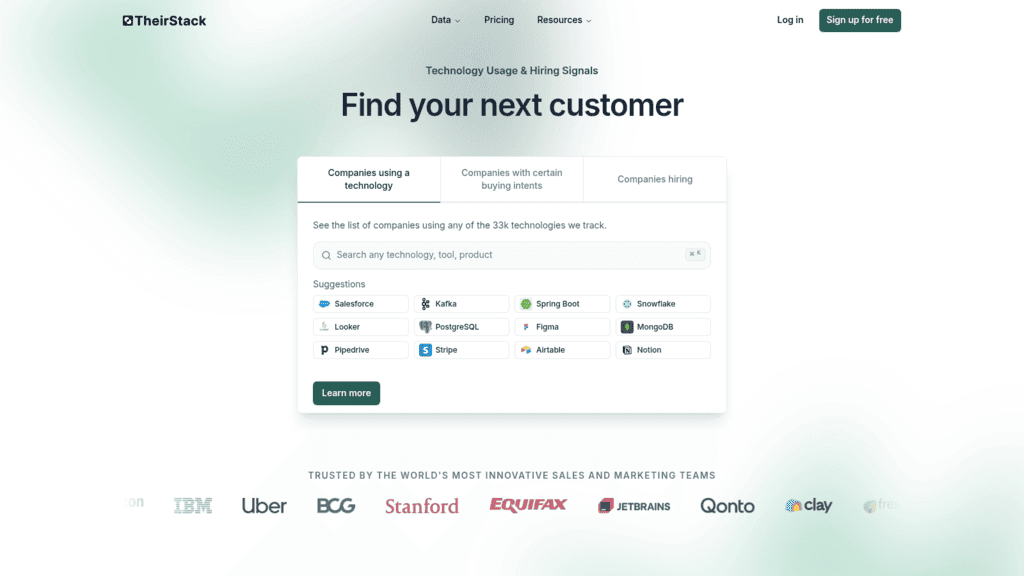
Overview: TheirStack infers technology use from job postings rather than crawling websites, which is a genuinely different lens. A company hiring a Snowflake engineer is running Snowflake, and no crawler would ever see it.

Key features:

  • Technographics derived from 192M historical job postings, with 278,000 added daily
  • A technographics dataset of 49M records covering 12M companies and 32,000+ technologies
  • Transparent per-credit API pricing across ten volume tiers

Pricing: API plans start free with 200 credits a month. Paid tiers run $59 for 1,500 credits ($0.0393 each), $100 for 5,000 ($0.0200), $169 for 10,000 ($0.0169), $240 for 20,000 ($0.0120), $400 for 50,000 ($0.0080), $600 for 100,000 ($0.0060), rising to $1,500 for a million credits ($0.0015). Credits stay valid 12 months. One credit covers a job, three cover a company.

Pros: sees internal systems no crawl-based vendor can detect, the clearest volume pricing ladder here, credits valid a full year, a free tier you can genuinely test with

Cons: inference lags reality since a company may post a role months before or after deployment, coverage skews toward companies that hire publicly, and smaller firms that rarely post jobs are thin

Why it’s a good technographic data API: data warehouses, ERPs and internal tooling never appear in page source. Job postings are the only public signal that reaches them.

Final verdict: the best value in the category and the right first choice for internal-stack targeting.

3. BuiltWith

BuiltWith as one of the best technographic data apis

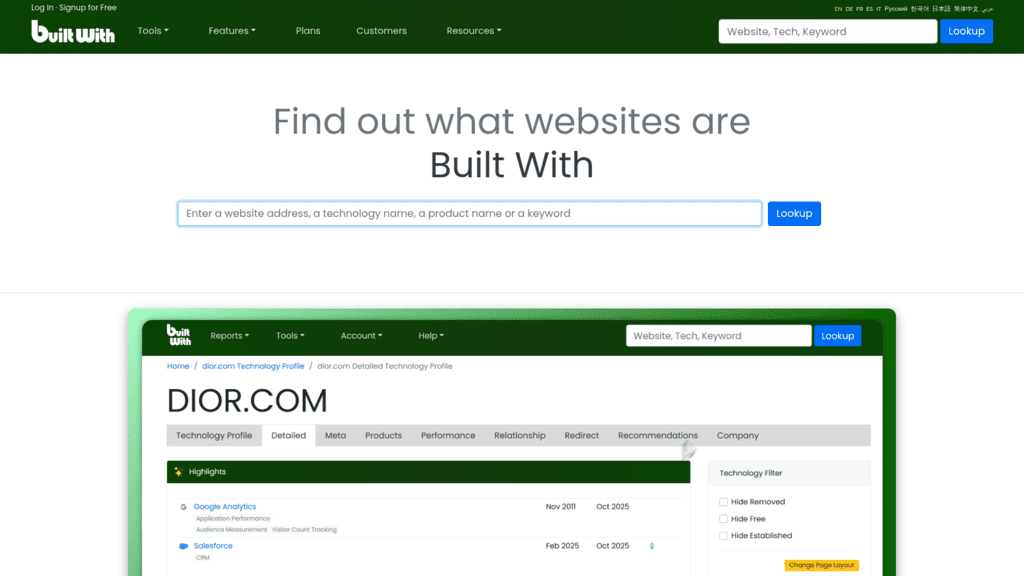
Overview: BuiltWith is the reference implementation of crawl-based technographics, with the longest history and the widest detection catalog. If a technology leaves a trace in a page, BuiltWith has probably been tracking it for years.

Key features:

  • Coverage of 491.9M domains and 124,009 tracked technologies with weekly updates
  • Historical records reaching back 41 years, with 18+ years of trend data
  • A separate API surface at api.builtwith.com including domain lookup, technology-change, relationship, list and natural-language endpoints, plus an MCP endpoint

Pricing: Basic is $295 a month or $2,950 a year, Pro $495 or $4,950, and Team $995 or $9,950. Individual site lookups are free on the website. API pricing is not published on the plans page and is quoted separately, which is the thing to raise on your first call.

Pros: the deepest detection catalog available, unmatched historical trend data, an MCP endpoint alongside the REST API, free single-site lookups for spot checks

Cons: API pricing is quoted rather than published so you cannot budget from the site, $295 is the highest entry price among the self-serve vendors, and crawl-based detection cannot see internal systems

Why it’s a good technographic data API: four decades of history means you can see when a company adopted or dropped a tool, which is a far stronger buying signal than a current-state snapshot.

Final verdict: the incumbent, worth its price for detection breadth and history, provided you get an API quote before committing.

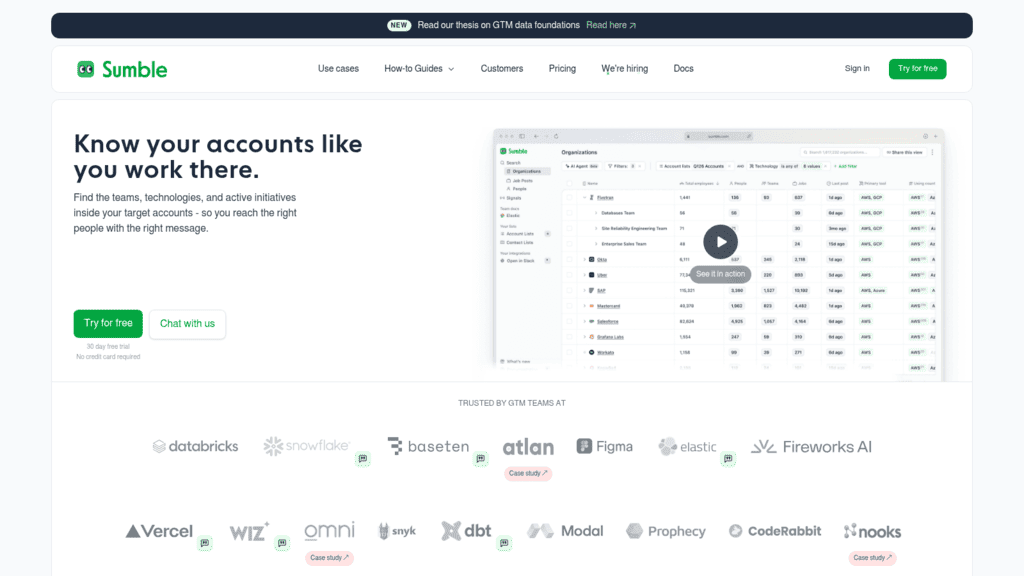
4. Sumble

Sumble as one of the best technographic data apis

Overview: Sumble pairs technology signals with organizational context, mapping not just what a company runs but who works on it and who they report to. It also ships an MCP server, which few vendors in this category do.

Key features:

  • Technology, job-function and firmographic filters over a signal feed
  • People-in-org data with reporting hierarchy, so a tool maps to an owner
  • An MCP server on the Pro tier for agent-driven research

Pricing: the free plan gives 500 credits a month, 7 signals a week, the first page of results and a Slack integration, and signing up with a work email unlocks 30 days of Pro. Pro is $99 a month for 9,900 credits, up to 20 signals a day, ten pages of results, project-based search filters, full text search and the MCP server. Enterprise is custom.

Pros: connects technology to named owners rather than just companies, MCP support at a self-serve price, a usable free tier plus a 30-day Pro trial

Cons: a newer vendor with a smaller detection footprint than the incumbents, the free tier’s 7 signals a week is restrictive, and enterprise integration features sit behind a quote

Why it’s a good technographic data API: knowing a company runs Databricks is useful; knowing which director owns it and who reports to them is what makes the email land.

Final verdict: the most interesting newer entrant, and the best fit for agent workflows at this price.

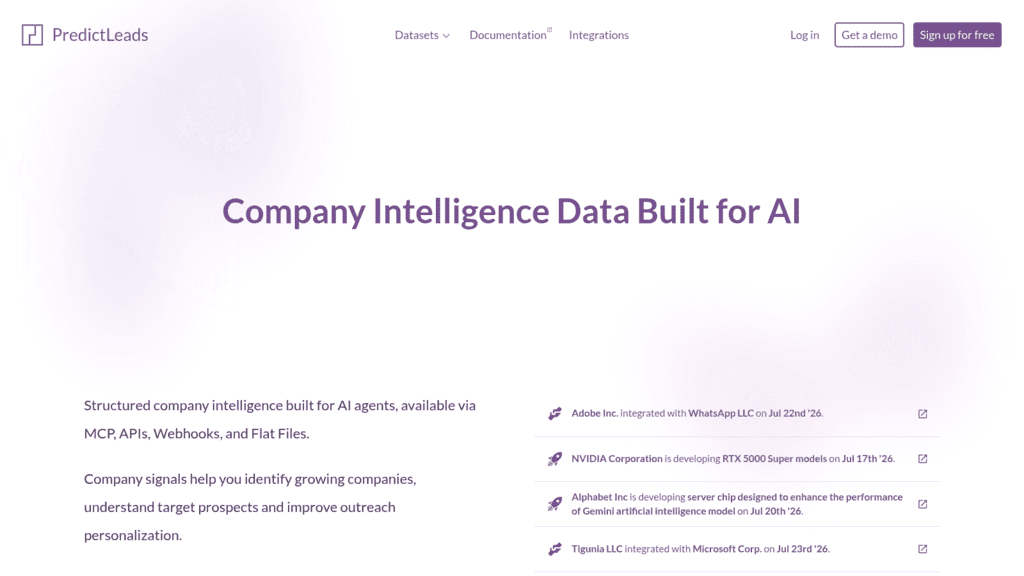
5. PredictLeads

PredictLeads as one of the best technographic data apis

Overview: PredictLeads sells signals rather than a static index, combining technology detections with job openings and news events. Its pay-as-you-go pricing scales further down per unit than anything else here.

Key features:

  • Technology detections alongside job-opening and news-event datasets
  • Discovery endpoints that return companies matching a signal
  • Company-following at 1 credit per month for ongoing monitoring

Pricing: free up to 100 API calls a month. Beyond that it is pay-as-you-go: 101 to 5,000 calls cost $0.04 a credit with a $40 monthly minimum, 5,001 to 10,000 drop to $0.02, 10,001 to 100,000 to $0.01, 100,001 to 500,000 to $0.004, and above 500,000 to $0.002. Enterprise access with flat files and real-time webhooks is quote-only.

Pros: the lowest per-unit cost at high volume, one request covers up to 1,000 records, monitoring a company costs a single credit a month, genuine free tier

Cons: credits do not roll over so unused spend is lost monthly, discovery endpoints bill per company returned rather than per request which complicates forecasting, and exceeding your limit returns an HTTP 402 rather than degrading gracefully

Why it’s a good technographic data API: the combination of technology detections with hiring and news events lets you build compound triggers, which is where signal data actually converts.

Final verdict: excellent economics for monitoring workloads, provided you plan around non-rolling credits.

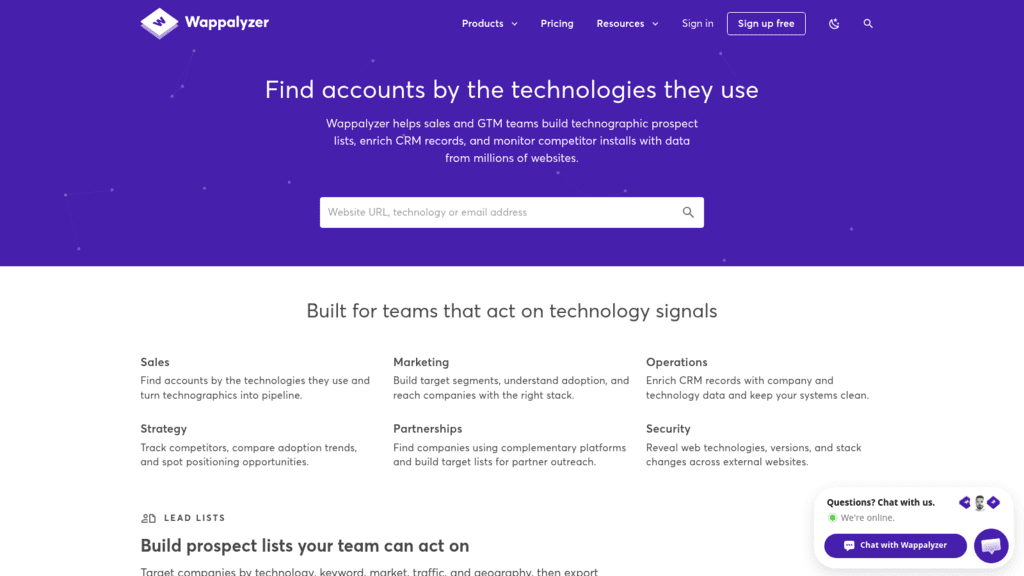
6. Wappalyzer

Wappalyzer as one of the best technographic data apis

Overview: Wappalyzer began as a browser extension and grew into a technographic data business. Its fingerprinting is clean and well understood, and the product does what it says without much ceremony.

Key features:

  • Crawl and fingerprint detection across web-facing technologies
  • Lead lists filtered by detected technology
  • API credits bundled into each subscription tier

Pricing: a free account allows 50 technology lookups a month plus sample lead lists. Pro is $250 a month for one user and 5,000 API credits, Business $450 for five users and 20,000 credits, and Enterprise from $850 for 25+ users and 200,000+ credits. Annual billing saves 17%.

Pros: detection people already trust from the extension, straightforward tier structure, lead lists included rather than sold separately

Cons: included API credits expire after 60 days, which is the gotcha to plan around, the $250 entry is steep for 5,000 credits, and like all crawl-based tools it cannot see internal systems

Why it’s a good technographic data API: for straightforward “who uses this web technology” questions it is accurate, familiar and quick to integrate.

Final verdict: solid and predictable, with a credit-expiry rule that punishes bursty usage.

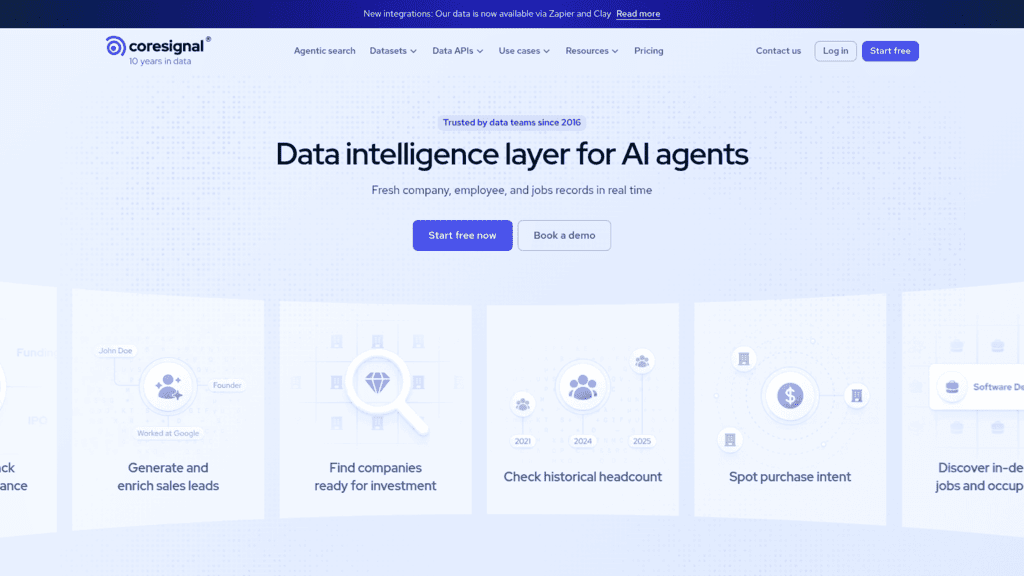
7. Coresignal

Coresignal as one of the best technographic data apis

Overview: Coresignal is not a technographic specialist, but its 468M+ job postings support the same inference TheirStack is built on, and it delivers them alongside company and employee records.

Key features:

  • 70M+ company records and 468M+ job postings from 15+ web sources
  • Historical headcount API and employee webhooks on Premium
  • Bulk datasets as an alternative to per-record API calls

Pricing: the API free tier gives 200 Collect and 400 Search credits valid for 7 days. Starter is $49 a month, Pro $800 and Premium $1,500, with per-record cost dropping from about $0.196 to as little as $0.005 at volume. Bulk datasets start from $1,000 a month. Annual prepayment saves 20%.

Pros: technology signals arrive alongside employment and firmographic context, the cheapest entry tier here at $49, per-record costs fall steeply at volume

Cons: it is not a curated technographic index so you do the inference work yourself, Collect and Search credits bill separately, and the leap from $49 to $800 leaves no middle ground

Why it’s a good technographic data API: if you already need employment data, extracting technology signals from the same job postings avoids a second vendor entirely.

Final verdict: the efficient choice when technographics is one of several things you need from one contract.

8. Diffbot

Diffbot as one of the best technographic data apis

Overview: Diffbot’s Knowledge Graph is assembled by machine reading the open web, so technology mentions come along with everything else it extracts. It is a generalist here, and its value is reach rather than depth.

Key features:

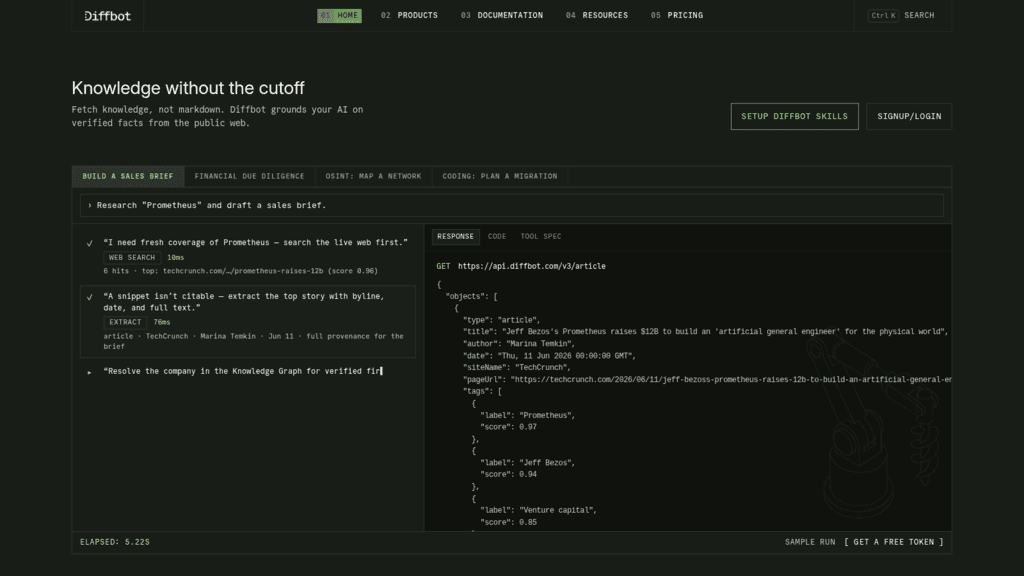
  • Knowledge Graph search and enhance endpoints covering company records
  • Extract, Bulk Extract and Crawl available on every tier
  • Natural language processing across the crawled corpus

Pricing: the free tier gives 10,000 credits a month, permanently, with no card and a 5-per-minute ceiling. Startup is $299 a month for 250,000 credits at $0.001 each with 5 calls a second. Plus is $899 for a million credits at $0.0009, 25 calls a second and 3 seats. Enterprise is quoted.

Pros: the most generous free tier in this comparison, coverage of companies curated indexes never catalog, no long-term contract

Cons: technology data is a by-product rather than a maintained detection catalog, credit-based billing makes complex queries cost more than simple ones, and 5 calls a minute on free is restrictive

Why it’s a good technographic data API: for small or private companies that dedicated technographic vendors have never indexed, a crawler that reads everything is the only thing that returns anything.

Final verdict: a useful generalist for long-tail coverage, not a substitute for a detection specialist.

9. StoreLeads

StoreLeads as one of the best technographic data apis

Overview: StoreLeads does technographics for ecommerce specifically, tracking which apps and platforms online stores run and, unusually, estimating what they spend on them.

Key features:

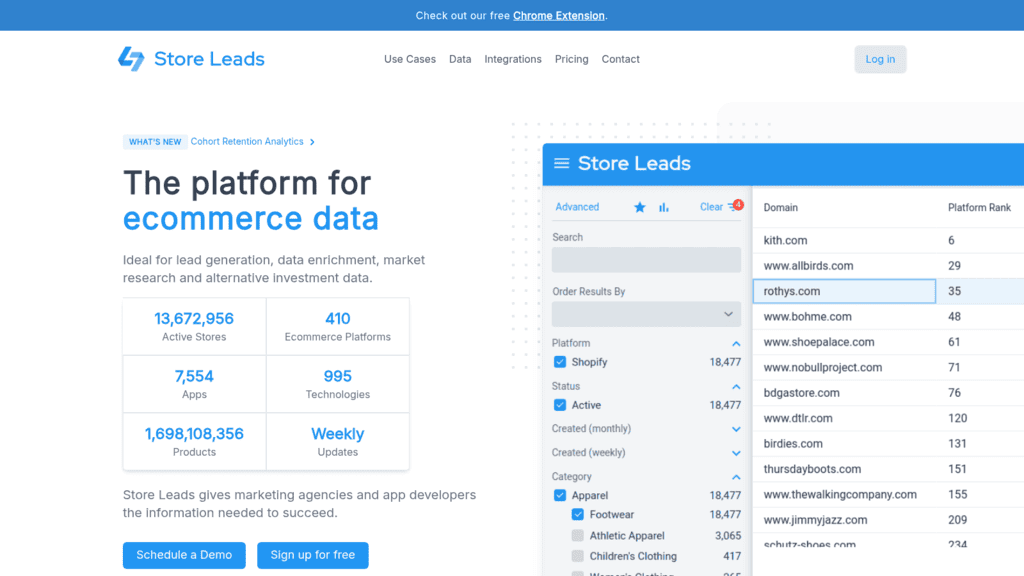
  • 13,672,956 active stores tracked across 410 ecommerce platforms
  • 7,554 supported apps and 995 technologies, with install dates and change logs
  • Estimated monthly app spend per store

Pricing: Premium is $75 a month for 2,000 searches but is interface-only. Pro at $250 a month adds unlimited searches, exports and API access. Elite is $450 and Enterprise $950, the latter adding higher rate limits. Yearly billing saves 15%.

Pros: unmatched depth on ecommerce app stacks, install and uninstall change logs reveal timing, spend estimates help qualify budget

Cons: ecommerce only so it is irrelevant outside that market, API access requires the $250 Pro tier rather than the $75 entry, and app-spend figures are estimates rather than reported numbers

Why it’s a good technographic data API: if you sell to Shopify or WooCommerce merchants, knowing which apps a store installed last month and what it pays for them is a far sharper signal than firmographics.

Final verdict: the specialist to buy if your market is ecommerce, and irrelevant if it is not.

10. Explorium

Explorium as one of the best technographic data apis

Overview: Explorium exposes technographic attributes inside a broader B2B data layer aimed at agent workloads, sold as credit packages rather than subscriptions.

Key features:

  • Company and contact attributes including technology signals, exposed for agent retrieval
  • Credit packages with no monthly commitment
  • Volume discounts and higher query rates on enterprise agreements

Pricing: a free trial gives 100 credits valid 90 days without renewing. Starter is $84.99 for 2,500 credits, Growth $599.99 for 25,000 and Scale $5,624 for 500,000. Operations consume between 1 and 5 credits each.

Pros: no subscription lock-in, clear agent-oriented positioning, steep discounts at high volume

Cons: credits expire after 12 months with no carry-over, packages are non-refundable and non-renewing, and technographics is one attribute among many rather than a specialism

Why it’s a good technographic data API: buying credits outright suits project work where you need a technology cut once rather than continuously.

Final verdict: reasonable for burst workloads, weak as a dedicated technographic source.

11. HG Insights

HG Insights as one of the best technographic data apis

Overview: HG Insights sits at the enterprise end, combining technology installation data with IT spend and contract intelligence. It answers questions the self-serve vendors cannot, at a price it will not publish.

Key features:

  • Technology installation data paired with IT spend estimates
  • Contract and renewal intelligence for timing outreach
  • Enterprise delivery through API, platform and data feeds

Pricing: quote-only. There is no public pricing of any kind, and every path leads to “Contact Sales.”

Pros: the deepest IT-spend and contract detail available, enterprise-grade coverage and support, signals that genuinely predict renewal timing

Cons: no published pricing whatsoever so you cannot evaluate without a sales cycle, no free tier or trial to test coverage, and it is priced for enterprise budgets rather than growing teams

Why it’s a good technographic data API: knowing a company runs a competitor is useful; knowing roughly what they pay and when the contract ends is a different class of information.

Final verdict: the enterprise answer when budget and contract timing matter more than a published rate card.

What to Check Before You Commit

Three questions separate vendors that look similar on a comparison table.

Match the Detection Method to Your Product

If you sell something that touches the website, crawl-based detection will find your market. If you sell a data warehouse, an ERP or anything internal, crawlers are blind to it and job-posting inference is the only public signal that reaches it.

Take twenty customers you already have, the same sample you would use for outbound audience research, and check whether each vendor correctly identifies the technology you replaced. Vendors that miss your own customers will miss your prospects.

Running both methods is common at scale, and the overlap between them is usually smaller than teams expect.

Read the Credit Expiry Terms

This category is unusually aggressive about expiring credits. Wappalyzer’s included API credits expire after 60 days, PredictLeads credits do not roll over month to month, and Explorium packages expire after 12 months and do not renew.

Only TheirStack, at 12 months of validity on purchased credits, and Coresignal’s straightforward monthly allowances avoid the trap entirely.

If your usage is bursty, an expiry rule can cost more than the per-credit rate you were comparing.

Confirm the Query Direction You Need

Some vendors are strong at enriching a domain and weak at returning companies for a technology, and the pricing pages rarely make the distinction. PredictLeads bills discovery endpoints per company returned rather than per request, which is a different cost model from its enrichment calls.

Ask for a sample response in both directions during a trial. A vendor that answers one beautifully and the other poorly is still only half a purchase.

Developers are the ones who will live with these APIs, and their tolerance for near-miss answers is low. Stack Overflow’s 2025 Developer Survey found 66% naming “solutions that are almost right, but not quite” as a top frustration, which is a fair description of a technographic record that is 70% correct.

What Technographic Data Costs

Spend in this category tracks detection depth far more than record volume, so the useful comparison is by job rather than by tier.

Use case Monthly volume Realistic cost Best-fit picks
Evaluating coverage Under 500 lookups $0 TheirStack, Sumble, PredictLeads, Diffbot free tiers
Enriching inbound leads 1,500 to 10,000 $59 to $169 TheirStack, Coresignal
Building target lists 20,000 to 100,000 $240 to $600 TheirStack, PredictLeads
Ecommerce prospecting Any $250 to $950 StoreLeads
Full detection catalog Any $295+ plus API quote BuiltWith, Wappalyzer
IT spend and renewals Any Quote only HG Insights

The spread here is wider than in most data categories. TheirStack delivers 10,000 credits for $169 while Wappalyzer charges $250 for 5,000 that expire in 60 days, and both are defensible buys for different reasons.

Free tiers are unusually workable, which makes technographics cheaper to trial than most outbound prospecting tooling. Diffbot’s 10,000 monthly credits, Sumble’s 500 plus a 30-day Pro trial, TheirStack’s 200 and PredictLeads’ 100 calls together let you compare detection quality on the same 200 domains before spending anything.

Choosing a Technographic Data Provider

Start from what you are trying to detect, and from how you intend to find B2B leads once you have.

For internal systems, data infrastructure and anything that never touches a web page, TheirStack is the answer, and its pricing makes it the default first purchase for most teams. For web-facing technology with maximum catalog depth and history, BuiltWith remains the reference, with Wappalyzer as the lighter alternative if the 60-day credit expiry suits you.

For technology signals tied to named people and reporting lines, Sumble does something nobody else here does. For compound triggers combining tech, hiring and news, PredictLeads has the economics. For ecommerce specifically, StoreLeads is the only serious answer.

For IT budget and contract timing, HG Insights is the enterprise option, and you will need a sales conversation to learn the price.

Choose Reply.io if what you lack is not the data but the motion after it, and you want technology-filtered targeting to become a running multichannel sequence through one API key. If what you actually need is a stack for a domain, buy one of the specialists above. We would rather be clear about that boundary here than have you find it during an integration.

Frequently asked questions

What is a technographic data API?

It is an endpoint that returns the software and technologies a company uses, either by looking up a domain and returning its stack, or by naming a technology and returning the companies running it. It replaces manual research and static lists, because you query current detections at the moment you need them.

Which technographic data providers offer API access on a self-serve plan?

TheirStack, Coresignal, Diffbot, PredictLeads, Sumble, Explorium and Wappalyzer all sell API access without a sales call, starting from free tiers in most cases. StoreLeads requires its $250 Pro tier for API access, BuiltWith quotes API pricing separately from its published plans, and HG Insights is quote-only throughout.

How accurate is technographic data?

Accuracy varies by detection method and by which layer of the stack you ask about, and no vendor publishes audited figures. Crawl-based detection is reliable for web-facing technology and blind to internal systems; job-posting inference reaches internal tools but lags actual deployment. Test each candidate against twenty companies whose stack you already know.

Can I get a free technographic API?

Yes, for evaluation. Diffbot offers 10,000 credits a month free forever, Sumble 500 credits plus a 30-day Pro trial on a work email, TheirStack 200 API credits monthly, and PredictLeads up to 100 API calls a month. These are enough to compare detection quality on a real sample, though not to run production volume.

Why do technographic APIs disagree about the same company?

Because they look in different places. A crawler reads page source and sees the analytics tag; a job-posting model reads hiring listings and sees the data warehouse; a spend-intelligence vendor reads contracts and sees the renewal date. Disagreement usually means the vendors are detecting different layers rather than one of them being wrong.

Subscribe to our blog to receive the latest updates from the world of sales and marketing.
Stay up to date.

Related Articles

How to Run Deal Sourcing Outreach With udu and Reply.io

How to Run Deal Sourcing Outreach With udu and Reply.io

How to Run Deal Sourcing Outreach With udu and Reply.io
What’s New in Reply: Jason Gets Smarter, Your Inbox Goes Mobile, and More

What’s New in Reply: Jason Gets Smarter, Your Inbox Goes Mobile, and More

What’s New in Reply: Jason Gets Smarter, Your Inbox Goes Mobile, and More
11 Best Intent Data APIs in 2026 to Find Ready-to-Buy Leads

11 Best Intent Data APIs in 2026 to Find Ready-to-Buy Leads

11 Best Intent Data APIs in 2026 to Find Ready-to-Buy Leads