
11 Best Inbox Management Tools for Outbound Teams in 2026

11 Best Inbox Management Tools for Outbound Teams in 2026

The right email inbox management software can make a world of difference, whether you’re sending 500 cold emails a week or juggling replies from a dozen active prospects.

It sorts your incoming mail, routes conversations to the right rep, and reduces manual work. You also get visibility into what’s working.

In this post, we explore inbox management tools across different use cases, from AI-powered sales engagement to human-assisted inbox management.

You’ll find powerful options that’ll help you automate outbound sequences, manage replies, collaborate with colleagues, or get your inbox under control in a cinch.

How to choose email inbox management tools

When choosing an email inbox management tool, you want one that meets your requirements. Below are the most important things to evaluate before you commit:

  • Core collaboration: Look for shared inboxes, internal notes, assignment rules, and collision detection. These prevent two reps from replying to the same prospect simultaneously.
  • Automation: Routing rules, canned responses, auto-assign, and email scheduling help reduce repetitive manual work.
  • AI features: The best AI email inbox management tools offer reply suggestions, auto-sorting, and follow-up prompts.
  • Reporting and analytics: Check for response-time tracking, channel volume, agent workload data, and conversion metrics.
  • Integrations: Confirm compatibility with your CRM. You want a tool that integrates with platforms such as Salesforce, HubSpot, Pipedrive, Slack, Asana, Zapier, and calendar tools.
  • Security and compliance: Look for 2FA, SSO, GDPR, and HIPAA compliance, encryption, and audit logs. For outbound teams, also check SPF/DKIM/DMARC configurations and inbox warm-up tools.
  • Pricing model: Understand whether billing is per user, per mailbox, or per active contact. While at it, watch for add-on costs. LinkedIn automation, calls, SMS, and AI features are often extras.

We recommend creating a checklist with your specific needs when looking for team inbox management tools. That way, it’s easier to pinpoint a tool that best suits your requirements.

TL; DR – Quick comparison table

Below is a table giving you a quick glimpse of how the email inbox management tools in this roundup compare in key areas.

Tool Best for Key feature Starting price
Reply.io Outbound sales teams and agencies Multichannel sequences with AI SDR automation $59/user/mo
Front Sales and support teams needing automation Shared inbox with collision detection and automation rules $59/user/mo
Superhuman High-volume individual reps Split Inbox with AI thread summaries $25/user/mo
Hiver Gmail-native outbound teams Shared inbox built inside Gmail $15/user/mo
Missive Small teams collaborating on email Real-time co-authoring on email replies $14/user/mo
HubSpot Service Hub Teams running HubSpot CRM CRM-connected inbox with CSAT surveys $90/user/mo
SaneBox Reps overwhelmed by incoming email AI-powered inbox prioritisation and filtering $7/mo
Canary Mail Compliance-sensitive outbound teams HIPAA and GDPR compliant AI reply suggestions $10/user/mo
Boomerang Individual reps managing follow-up timing Automated follow-up reminders and send scheduling $4.98/mo
Clean Email Reps clearing years of inbox clutter Bulk cleanup with Auto Clean rules $9.99/mo
InboxDone Founders and executives Human-managed inbox triage and replies $895/mo

Best email inbox management software

Here are the best email inbox management tools worth your attention.

We sourced them based on how well they handle outbound workflows, ease of use, and the results they produce.
Reply.io 

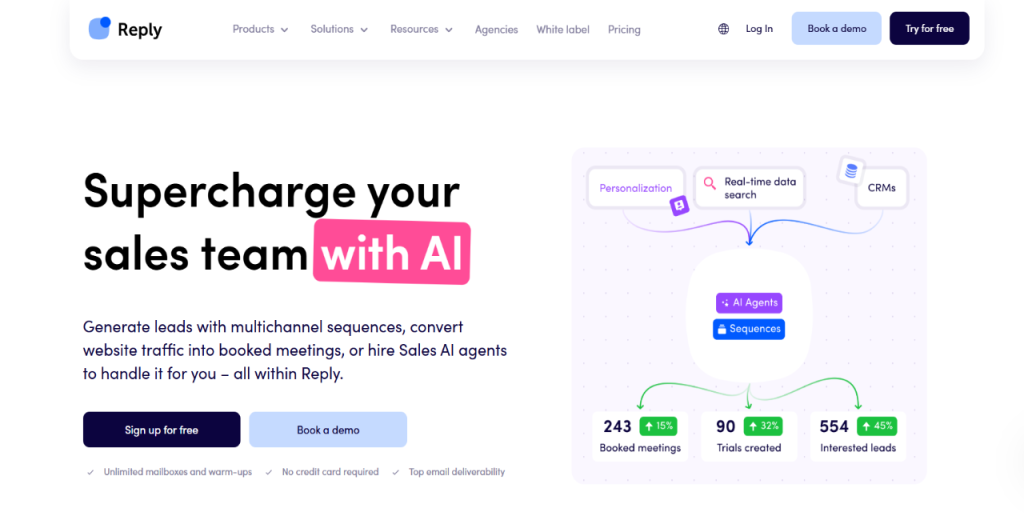
Reply.io is a sales engagement platform built for outbound teams looking for a tool that does more than send emails. It manages the entire outreach cycle from the first touch to a qualified reply across email, LinkedIn, calls, and SMS.

What separates Reply.io from a standard inbox tool is its ability to run coordinated, multichannel sequences and automatically sort and route replies.

The platform also includes a built-in deliverability toolkit to ensure outbound emails land in inboxes rather than spam folders.

With Reply in your corner managing outbound, reps can spend less time on manual follow-ups and more time moving deals. It’s a solid option for sales teams and agencies running high-volume outreach.

And with 3,000+ companies using it and an impressive 4.6/5 rating on G2 from over 1,500 reviews, the platform delivers on its promise. Numbers don’t lie.

Key features

  • Multichannel sequences: Coordinates email, LinkedIn, calls, and SMS in one automated sequence with branching logic based on prospect behavior.
  • Jason AI SDR: An AI sales development rep that automates outreach, qualifies leads, and handles replies.
  • AI sequence generation: Builds personalized sequences and ICP-targeted templates using AI, significantly reducing manual setup time.
  • Deliverability toolkit: Covers SPF/DKIM/DMARC configuration, inbox rotation, warmup automation, and Google Postmaster integration.
  • Reply routing and categorization: Automatically sorts incoming replies and routes qualified leads to the right rep or CRM record.
  • CRM integrations: Connects natively with Salesforce, HubSpot, Pipedrive, Copper, and Close with two-way contact sync and custom field mapping.

Pros

  • Scales outreach without added headcount
  • Unlimited mailboxes and users
  • Agency-ready out of the box

Cons

  • Learning curve on setup. The Reply support team, however, is always available to help.

Pricing

Reply.io pricing starts at $59 per user. Meanwhile, Jason AI SDR costs $500 per month. An Enterprise tier is available for large-scale operations. 

Reply offers a 14-day free trial to test-drive without paying a dime.

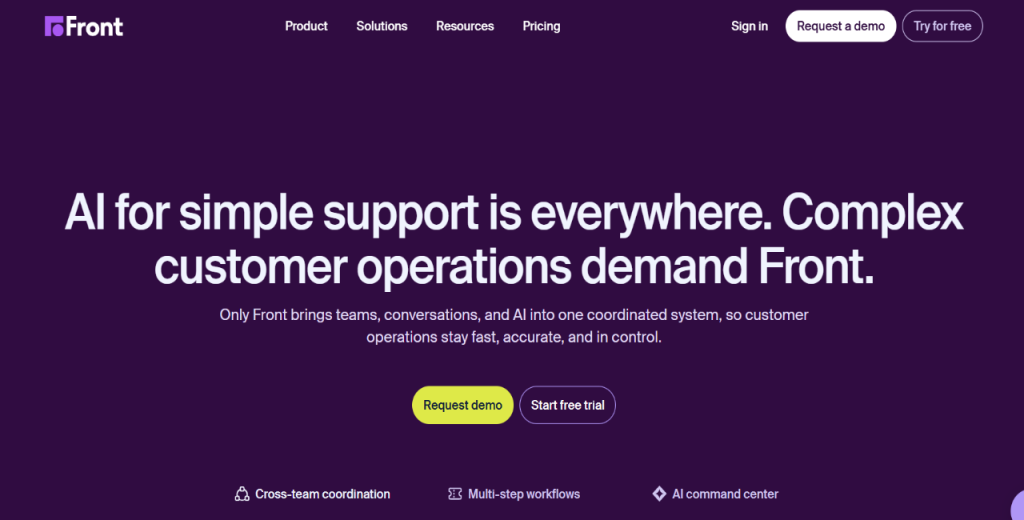
Front 

Front brings email, SMS, and social messages into one shared workspace. That way, sales and support teams have full visibility over all conversations. 

Complete visibility ensures reps know which conversations are open, who owns them, and what has already been said. As a result, there are no duplicated replies, no dropped threads.

Key features

  • Shared inbox: Multiple reps can access and manage conversations from one address.
  • Collision detection: Prevents two reps from replying to the same message simultaneously.
  • Automation rules: Route, tag, and assign conversations automatically based on conditions.
  • @mentions and internal notes: Leaves context for teammates inside any conversation thread.
  • Analytics dashboard: Tracks response times, rep workload, and conversation volume.

Pros

  • Robust automation rules
  • Multi-channel inbox support

Cons

  • Steep initial learning curve
  • Limited free trial scope

Pricing

Front pricing starts at $59 per use per month, with Enterprise plans available on request. Also, the platform offers a free trial for new accounts.

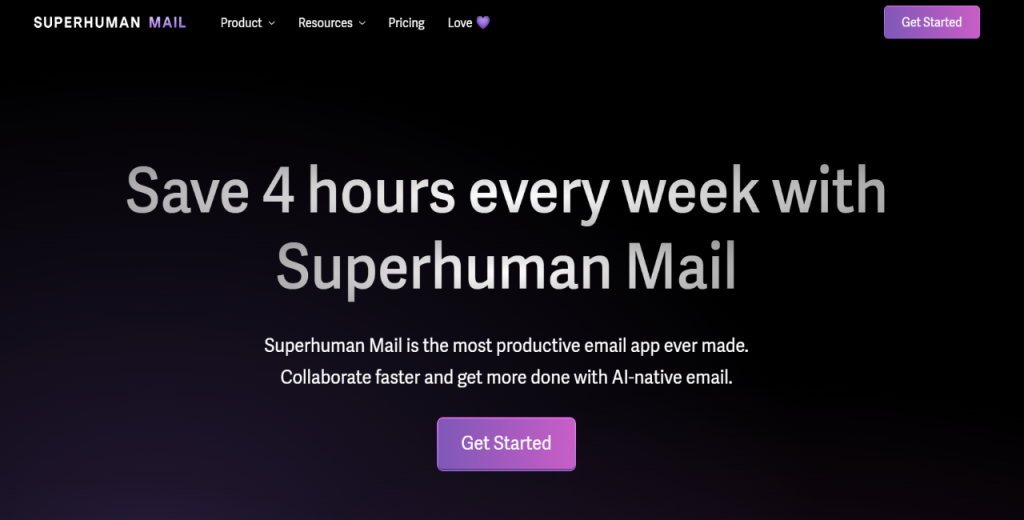
Superhuman 

Superhuman targets individual reps who send and receive large volumes of email daily. It strips email down to its fastest possible form.

It boasts a clean interface engineered to get through a full inbox in minutes. Meanwhile, Superhuman’s Split Inbox automatically separates important emails, making it easy for reps to jump into needle-moving conversations.

Key features

  • Keyboard shortcuts: Allows you to navigate, reply, and archive without touching a mouse.
  • Read statuses: You can see when recipients open your emails in real time.
  • Snippets: Inserts pre-written replies instantly to save time on repetitive responses.
  • AI triage assistance: Summarizes threads and suggests replies to reduce decision fatigue.

Pros

  • Superfast email experience
  • AI summaries to save time

Cons

  • No shared inbox
  • Limited integration options

Pricing

Superhuman pricing starts at $25–$30 per user per month.

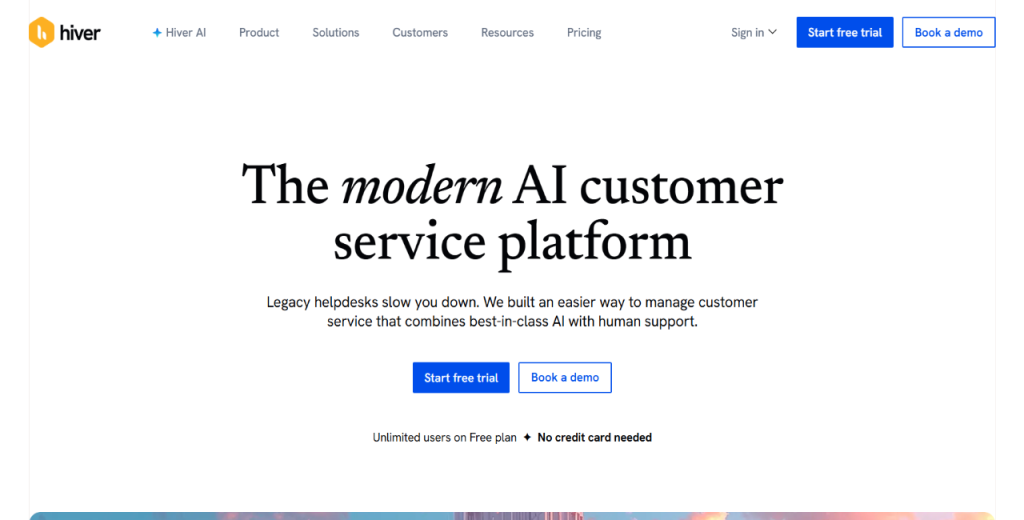
Hiver 

Hiver is as robust as they come. It’ll turn your Gmail into a fully functional shared inbox

In fact, Hiver is one of the most practical team inbox management tools for organizations already using Google Workspace. Reps can even assign tasks, track conversations, and collaborate on emails without leaving Gmail.

Key features

  • Gmail-native interface: You don’t need to learn a new tool. Everything lives inside Gmail.
  • Email assignments: Assigns conversations to specific reps with a single click.
  • Shared notes: Add internal comments to email threads visible only to your team.
  • Collision alerts: Notifies you when a colleague is already replying to a message.
  • Slack and Asana integrations: Allows you to connect conversations to project and communication tools.

Pros

  • Quick and easy setup
  • Asana and Slack-ready
  • Affordable entry-level pricing

Cons

  • Gmail-only platform
  • Limited automation depth
  • Reporting lacks granularity
  • Scales poorly for large organizations

Pricing

Hiver pricing starts at $15 user per month, with Enterprise pricing on request.

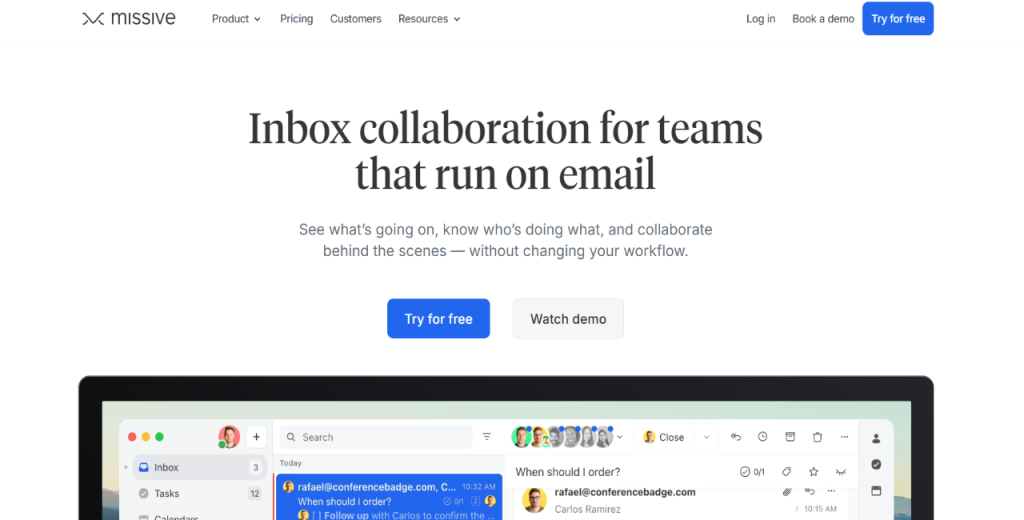
Missive 

Missive combines email, live chat, and real-time collaboration in one inbox. It is a worthy option for small outbound teams that co-author replies and hand off conversations. 

You can also consider it if you need a tool that allows for efficient coordination without a complex setup. Missive ticks all the boxes that AI email inbox management tools for lean teams should.

Key features

  • Co-authoring: Multiple reps can write and edit a reply simultaneously in real time.
  • Shared labels: Organizes conversations with labels visible to the entire team.
  • Email scheduling: Schedules outbound emails to send at the optimal time.
  • Live chat integration: Manages website chat conversations alongside email.
  • 2FA security: Two-factor authentication is available on all plans.

Pros

  • Allows real-time co-authoring
  • Combines chat and email

Cons

  • Limited reporting features
  • Not ideal for large teams
  • Basic automation rules

Pricing

Missive pricing starts at $14 per user per month, with Enterprise tiers available on request.

HubSpot Service Hub 


HubSpot Service Hub is the natural choice for teams already using HubSpot CRM.
It allows you to connect email threads to a contact record, giving reps full context on every interaction. For HubSpot-first organizations, it eliminates the need to manually reconcile email and CRM data.

Key features

  • CRM-connected inbox: Conversations link automatically to a HubSpot contact record.
  • Email scheduling: Schedules replies and follow-ups without leaving the platform.
  • Customer surveys: Sends CSAT surveys directly from the inbox after resolution.
  • Automation workflows: Routes, tags, and escalates conversations using HubSpot’s workflow engine.
  • Reporting dashboards: Tracks rep performance, response times, and ticket volume natively.

Pros

  • Deep HubSpot CRM integration
  • Powerful workflow automation
  • In-depth native reporting

Cons

  • Expensive per-user pricing
  • Requires the HubSpot ecosystem
  • Complex initial configuration
  • Limited value outside HubSpot

Pricing

HubSpot Service Hub pricing starts at $90 per user per month. Enterprise plans are available at higher tiers. The platform offers a free version of its tools, albeit with limited functionality.

SaneBox

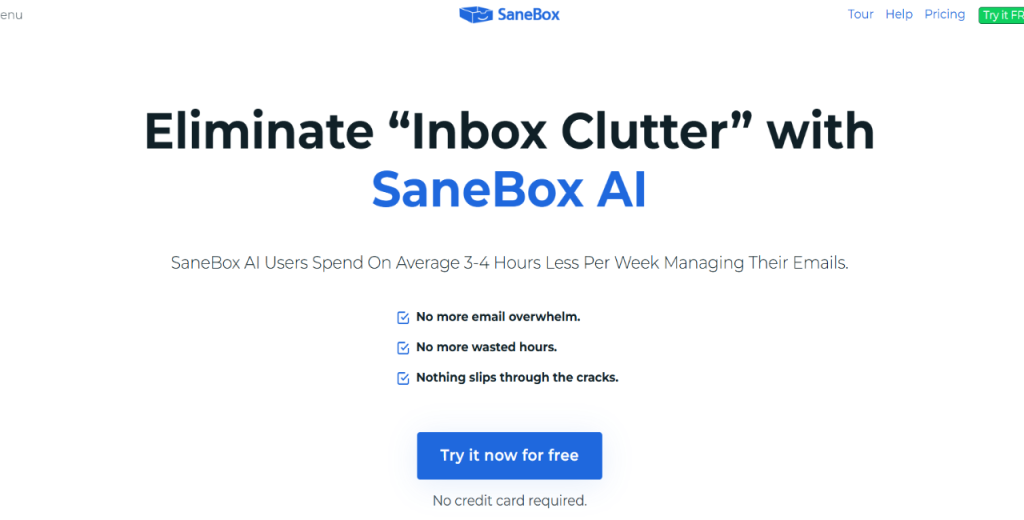
SaneBox works with multiple existing email clients. You can use it with Gmail, Outlook, or IMAP. 

The platform uses AI to automatically sort incoming mail by priority. That said, Sanebox is one of the more effective LinkedIn inbox management tools for outbound reps buried in low-value emails. 

It filters LinkedIn notifications by priority, making it easy to monitor connection requests, InMail replies, and prospect interactions.

Key features

  • SaneLater folder: Automatically moves low-priority emails out of the main inbox.
  • BlackHole: Permanently unsubscribes from senders with a single click.
  • Snooze: Temporarily removes emails and returns them at a chosen time.
  • Follow-up reminders: Alerts you when you don’t receive replies for sent emails.
  • Do Not Disturb: Pauses incoming email delivery during focus periods.

Pros

  • Works with any email client
  • Built-in follow-up reminders

Cons

  • No shared inbox
  • No team collaboration tools
  • Limited reporting capability

Pricing

SaneBox pricing starts at $7 per month for one account and one folder, scaling to $36 monthly for multiple accounts and folders.

Canary Mail 

Canary Mail is built for professionals who need AI-assisted replies with strict security and compliance standards.

For starters, Canary Mail is HIPAA- and GDPR-compliant. It is easily one of the more credible email inbox management software options for teams in regulated industries who still require outbound productivity features.

Key features

  • AI reply suggestions: Canary generates contextual reply drafts based on the email thread.
  • End-to-end encryption: Encrypts emails before they leave the device.
  • Analytics dashboard: Tracks open rates, reply rates, and engagement per contact.
  • Bulk email actions: Allows you to archive, delete, or organize large volumes of email simultaneously.
  • HIPAA and GDPR compliance: Built-in compliance controls for regulated industries.

Pros

  • Offers AI drafts
  • Strong encryption standards

Cons

  • Limited team collaboration
  • No shared inbox natively
  • Limited CRM integrations

Pricing

Canary Mail pricing starts at $10 per user per month, with Enterprise pricing available on request. The platform offers a free tier with limited features.

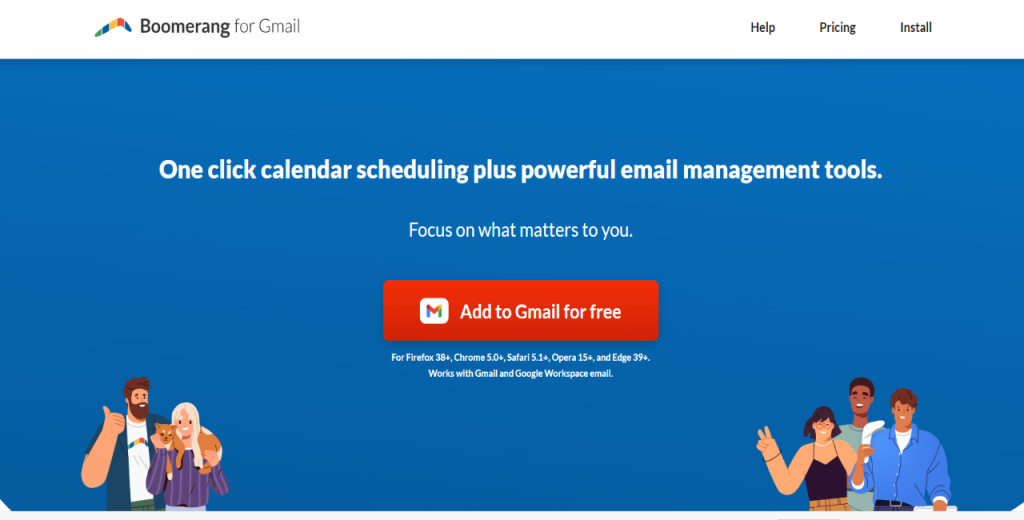
Boomerang 

Boomerang allows you to add scheduling, follow-up reminders, and inbox pause functionality directly to Gmail and Outlook.

In addition, the platform is reasonably affordable compared to competitors. It is arguably one of the most affordable LinkedIn inbox management tools that plugs into an existing email setup.

If you’re an individual outbound rep who needs to manage reply timing and follow-up cadence, you’ll want to look into what Boomerang can offer.

Key features

  • Send Later: Schedules emails to send at a specific date and time.
  • Boomerang reminders: Returns an email to your inbox if no reply is received within a set period.
  • Pause Inbox: Temporarily stops incoming emails to reduce interruptions during deep work.
  • Respondable: AI tool that scores your email’s likelihood of getting a reply before you send it.
  • Meeting scheduling: Propose meeting times directly inside an email without a separate scheduling tool.

Pros

  • Affordable pricing
  • Automated follow-up reminders
  • Include AI reply scoring

Cons

  • No shared inbox features
  • Limited to Gmail and Outlook
  • No native CRM integration
  • Basic reporting only
  • Not ideal for large teams

Pricing

Boomerang pricing starts at $4.98 per month for the personal plan. It also offers Pro and premium tiers at higher price points.

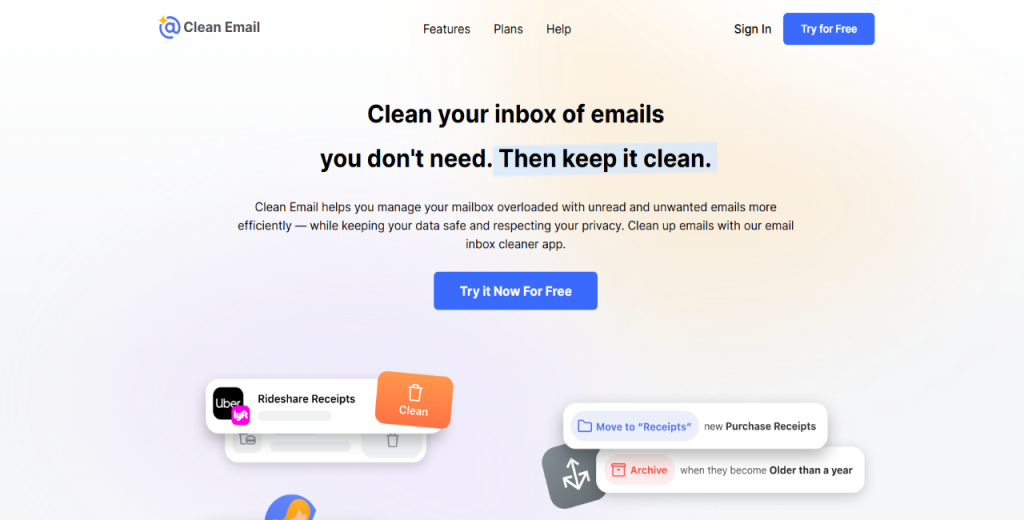
Clean Email 

Clean Email is a dedicated inbox management tool that organizes, archives, and removes large volumes of unwanted messages. 

It’s a great pick for outbound reps with years of inbox clutter. So if you’re in the market for an email inbox management tool to get your inbox back to a manageable state, Clean Email will get the job done.

Key features

  • Smart Views: Groups similar emails together for bulk action in a single step.
  • Auto Clean rules: Automatically applies actions to future emails matching set criteria.
  • Mute Threads: Silences ongoing email threads without unsubscribing.
  • Read Later folder: Moves non-urgent emails out of the inbox without deleting them.
  • Privacy-first storage: Clean Email does not store email body content on its servers.

Pros

  • Fast bulk email cleanup
  • Privacy-conscious data storage
  • Works with any email client
  • Affordable flat-rate pricing

Cons

  • Limited reporting available
  • One-time cleanup use case

Pricing

Clean Email pricing starts at $9.99 per month, with a free trial available.

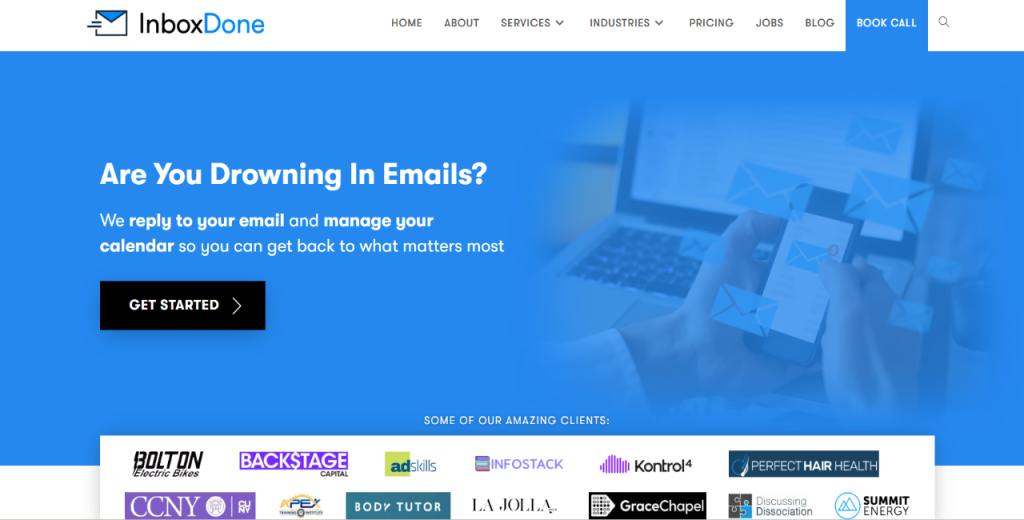
InboxDone 

InboxDone pairs you with trained human assistants who read, sort, and reply to your email on your behalf. 

For founders and executives running active outbound pipelines, it removes inbox management entirely from their plates. It’s ideal for managing your email according to your exact preferences.

Key features

  • Dedicated inbox assistant: A trained human assistant manages your inbox daily.
  • Custom reply templates: Assistants use your voice and pre-approved templates for responses.
  • Inbox triage and prioritization: Assistants sort emails by urgency and flag items needing your attention.
  • Onboarding session: A structured handover process ensures the assistant understands your workflow.
  • Ongoing refinement: Assistants adapt over time based on your feedback and preferences.

Pros

  • Fully human-managed inbox
  • Personalized to your voice
  • No software learning curve
  • Frees up significant time

Cons

  • Expensive
  • No automation or AI features
  • Slower response than software
  • Requires detailed onboarding

Pricing

InboxDone pricing starts at $1,795 for the first onboarding month (45 hours). Ongoing plans cost $895 monthly for 22.5 hours and scale to $2,995 every month for the advanced package.

How do you implement and operate team inbox management?

Getting a new inbox tool up and running is one thing. However, making it work consistently across your team is another. 

Here is how to achieve both:

Set up your inbox tool

Start by mapping your existing mailboxes and aliases before touching any settings. Also, determine which email addresses need to be connected, who owns them, and how to route conversations.

Once that is clear, work through this checklist:

  • Choose your tool and connect your existing mailboxes
  • Configure routing rules based on sender, subject, or channel
  • Invite users and assign roles and permissions
  • Set up collision detection and reply notifications
  • Create your first set of canned replies
  • Run a short pilot before going live with the full team

For outbound-focused setups, configure SPF/DKIM/DMARC records and Gmail API sending before launching sequences. In addition, set up inbox warmup and rotation early. 

Remember, deliverability problems are much harder to fix after you’ve already started sending outreach messages..

Define ownership and governance rules

The #1 reason email inbox management software fails is because of unclear workflow ownership. So before going live, define the following:

  • Thread ownership: Who is responsible for each conversation type, and when does it transfer to another rep?
  • SLA definitions: What is your first response target? What is the maximum resolution time?
  • Escalation matrix: Which issues escalate, to whom, and within what timeframe?
  • Archival and retention policy: How long are conversations stored, and who can delete them?
  • Naming conventions: Agree on tag and label names upfront. Inconsistent labelling makes reporting unreliable.

For teams running outbound sequences, add governance around who can edit sequence templates and control the sending domain. Also, determine who has permission to trigger high-volume sends.

Build your core workflows

Workflows turn your inbox tool from a passive organizer into an active part of your sales or support process. Start with the following three foundational recipes:

Inbound support

Here, an email arrives and is tagged automatically by subject. 

It then assigns to the right rep based on skill. The rep adds an internal note, sends a canned reply, and marks the conversation resolved. Then, a CSAT survey is automatically sent to the contact.

Inbound sales lead

In this workflow, a new lead enters the inbox, and the CRM enrichment triggers immediately. The conversation is assigned to the right rep, who gets a follow-up reminder. If no reply comes in within 48 hours, the thread escalates automatically.

Outbound sales sequence

For this workflow, a new contact enters a multichannel sequence. The assigned rep gets notified the moment a reply comes in via CRM sync. If the contact goes quiet, automated follow-ups go out on schedule. And, qualified replies are exported to the CRM for the next stage.

Create your canned response templates

Canned responses save time and keep communication consistent. Build at least these four templates before going live:

  • Initial acknowledgement: Confirm receipt and state the expected response time.
  • Request for more information: Ask for missing details politely and set a clear deadline.
  • Escalation notice: Inform the contact that their issue is being passed to the relevant person and give a timeline.
  • Resolution confirmation: Summarize what was resolved, outline any follow-up actions, and include a CSAT link.

For outbound teams, build templates for initial outreach, follow-up one and two, disqualification, and handoff to an account executive.

In addition, use AI personalization variables where your tool allows. These allow you to reduce template fatigue without affecting consistency.

Onboard and train your team

A poorly onboarded team will revert to old habits within two weeks. Run onboarding in the following stages:

  • Admin session: Cover domain and deliverability settings, routing rules, and role permissions.
  • Agent training: Walk each rep through the sequence builder, canned replies, and CRM sync.
  • Knowledge base: Document your workflows, naming conventions, and escalation rules internally.
  • Buddy system: Pair each new user with an experienced colleague for the first two weeks. Use that period to tune personalization settings and catch any workflow gaps early.

Establish your reporting cadence

Reporting only adds value if it is reviewed consistently. Here you’ll want to build a three-tier cadence:

  • Daily: Check inbox backlog, deliverability health, and any flagged escalations.
  • Weekly: Review first response time, resolution time, conversation volume, and sequence performance, including opens, replies, and meetings booked.
  • Monthly: Run a full ROI review. Calculate time saved, conversion rates, and the cost of any add-ons.

Then use the data to identify process improvements before the next cycle.

Manage changes without breaking workflows

Inbox rule changes and sequence updates can create problems if you roll them out carelessly. Follow these principles to avoid disruption:

  • Communicate any policy or rule changes to the team before implementing them.
  • Freeze outbound sequence changes during active warmup periods or high-volume send windows.
  • Assign one owner for automation rules and sequence templates. Too many editors lead to conflicting logic.

In addition, roll out changes to one account or team segment first. Confirm the results before expanding to everyone.

What next?

You now have a comprehensive list of inbox management tools to evaluate.

The next step is to narrow it down to two or three options that match your current setup and run a two-week pilot with real emails and workflows.

Measure a few concrete metrics, such as first-response time, reply rates, and time saved per rep. Let the data guide you in making the final call.

If outbound sales are your priority, start with Reply.io.

Set up a multichannel sequence, configure your deliverability settings, and run a pilot.

Take advantage of the 14-day free trial to get started.

Inbox management tools (FAQs)

What is the best email management tool?

The best tool depends on your use case. For outbound sales teams, Reply.io leads the pack with multichannel sequences, AI automation, and deliverability controls.

What are the 5 C’s of email?

The 5 C’s of email are clarity, conciseness, correctness, courtesy, and completeness. Together, they ensure your emails communicate the right message, reach the right person, and prompt the right response.

How do you send 10,000 emails at once?

You need a sending platform built for volume, a verified and segmented contact list, and properly configured sending domains like Reply.io.
In addition, be sure to warm up your mailboxes before any large send and monitor deliverability metrics in real time to catch issues early.

What is the 30/30/50 rule for cold emails?

The 30/30/50 rule suggests that 30% of your effort goes into building a targeted list, 30% into personalizing your outreach, and 50% into consistent follow-up.

Subscribe to our blog to receive the latest updates from the world of sales and marketing.
Stay up to date.

In this article

Your Superhuman SDR

Jason learns your product, tone, and strategy — then runs outreach with the precision of your best rep.

Your Superhuman SDR
Book a demo

Related Articles

Top 12 GTM Outbound Sales Platforms to Try in 2026

Top 12 GTM Outbound Sales Platforms to Try in 2026

Top 12 GTM Outbound Sales Platforms to Try in 2026
What’s New in Reply: New API, AI Custom Fields, LinkedIn Enrichment, and More

What’s New in Reply: New API, AI Custom Fields, LinkedIn Enrichment, and More

What’s New in Reply: New API, AI Custom Fields, LinkedIn Enrichment, and More
Best 12 CRM for Marketing Agencies in 2026

Best 12 CRM for Marketing Agencies in 2026

Best 12 CRM for Marketing Agencies in 2026