

The world of sales is changing year after year in the same way it always has, but the big difference today is the boom of AI technology.
Never before have marketers and sales teams been able to source, find, nurture, and close deals on this scale. When used right, sales have never been more profitable.
I’ve recently been reading David Ogilvy’s, Ogilvy on Advertising, a man considered the father of modern advertising. The book was written in 1983, and one of the main themes throughout the book is how important data is in making sales decisions.
They used to spend thousands of dollars on funding surveys and studies to keep their fingers on the pulse of what products did, public opinions, and what the market forces were.
These days, we have access to even more powerful insights and tools at the tips of our fingers.
One such tool specifically for sales teams is Relevance AI, a tool for building an AI workforce of sales agents to complete automated tasks, freeing up your human sales agents to work on more valuable tasks and essentially doing what they do best.
But is it the platform for you?
We’re deep-diving Relevance today, exploring all the features, pricing, real user reviews, and comparing it to some of the top-notch alternatives. Everything you need to make the best investment for your sales team.
Let’s go.
What is Relevance AI?
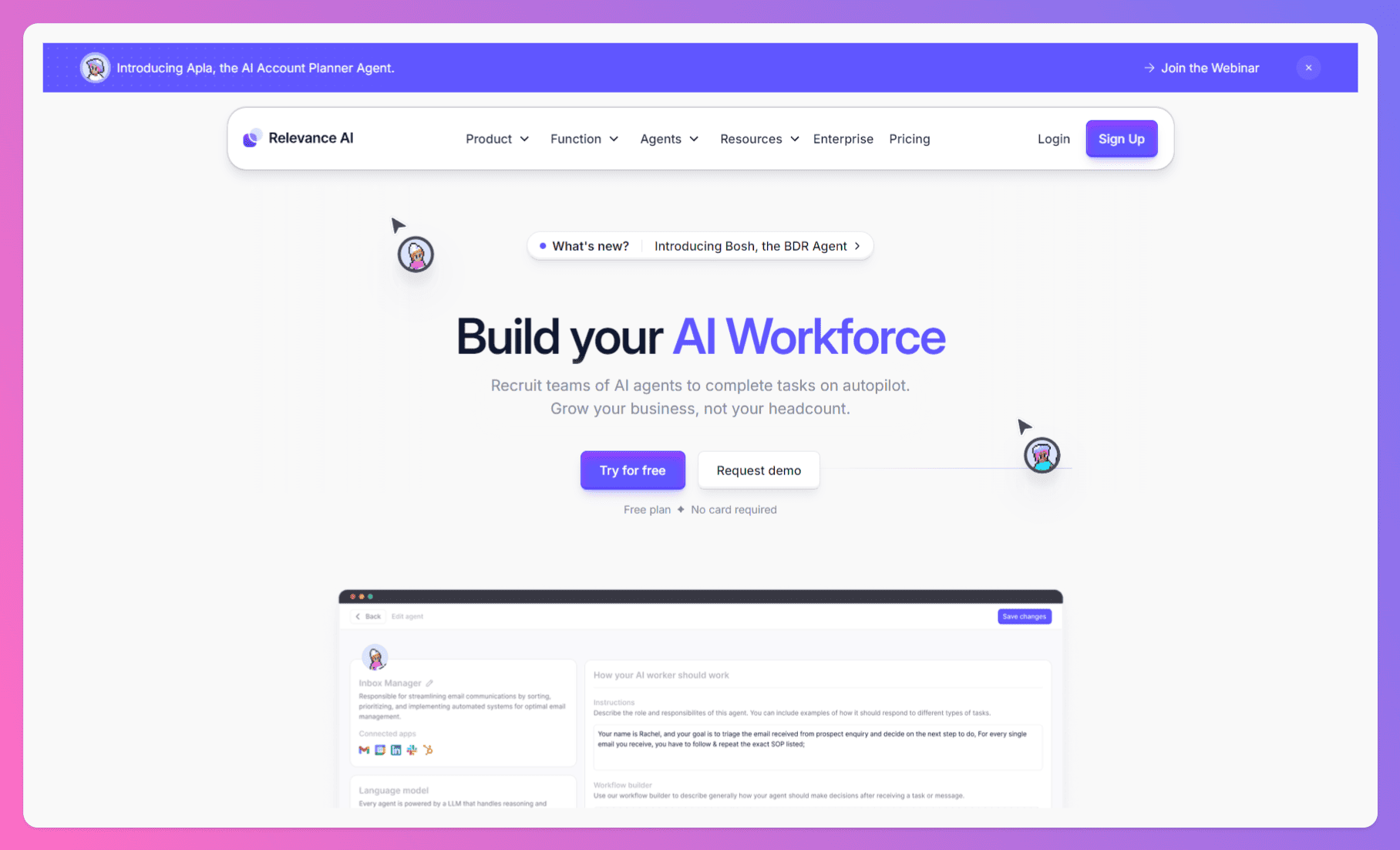
Relevance AI is a “workforce” app.
You create AI agents (pretty much like opening a new ChatGPT chat), which you can set up to carry out particular tasks within your sales team.
Take a moment to think about all the time your team members spend writing and sending outreach emails, answering common generic questions, finding information to close deals, deep-diving platforms like LinkedIn looking for leads, and so on.
These are all highly time-consuming tasks but are pretty menial. Especially in comparison to valuable tasks like building and nurturing relationships with clients, meeting them face-to-face, and actually closing.
The Relevance AI agents aim to take over those menial tasks so your team can instead focus their time and resources on those more important tasks. Relevance isn’t trying to replace your sales team but rather acts as a tool to free them up.
Generally speaking, Relevance is designed to be as scalable as possible and, therefore, suitable for sales teams of all sizes.
However, it’s particularly beneficial for small to mid-sized businesses (SMBs) looking to level up their sales game without breaking the bank.
If you’re struggling to keep up with leads, personalize your outreach, or simply want to make your sales process more efficient, Relevance AI might just be your new best friend.
Relevance AI shines in several key areas:
- Lead generation: Say goodbye to endless hours of manual prospecting. Relevance AI can automatically identify and qualify leads, so you can focus on what you do best – closing deals.
- Personalized outreach: No more generic, cookie-cutter emails! Relevance AI helps you tailor your messaging to each individual lead, increasing engagement and response rates.
- Sales automation: From follow-up emails to scheduling meetings, Relevance AI automates repetitive tasks, freeing up your time to focus on building relationships and closing deals.
Let’s see what else is on offer.
The main features of Relevance AI
Relevance AI comes with a pretty broad set of agents that cover different parts of the revenue engine. It’s not trying to be a huge “do-everything” platform with 50+ modules — instead, it focuses on a smaller number of agents that do the core sales and GTM work reasonably well. Here’s a clearer look at what’s actually inside and how it all comes together.
Bosh — central AI hub
Bosh is positioned as the “main brain” of Relevance AI — the agent that ties everything together. Think of it as your AI sales strategist that can look at your data, spot patterns, surface insights, and give direction on what to do next. It can help with identifying ICP segments, choosing the right outreach channels, and generating messaging that aligns to those insights. The idea here is that your team isn’t just guessing what works — Bosh gives them a starting point based on the data you already have.
Where this can fall a little short is in execution depth. Bosh gives guidance and drafts, but you’ll still be fine-tuning things along the way. By contrast, Jason AI is more execution-driven because it doesn’t just tell you the play, it runs the outreach and handles replies for you end-to-end, so fewer steps sit on your plate. If you’re curious about similar tools, check out some solid options for Jason AI SDR alternatives.
AI SDR & AI BDR
Instead of separating inbound and outbound into two totally different experiences, Relevance AI keeps the logic fairly consistent. The AI SDR handles inbound leads — qualifying them, engaging them with relevant questions, and booking calls when they’re a fit. It cuts out a lot of manual follow-ups and lets your reps step into conversations once there’s real intent.
On the outbound side, the AI BDR focuses on prospecting: finding leads, crafting messages, and sending them across email and LinkedIn. It learns over time and tries to move beyond generic templates, so your outreach doesn’t sound like a copy-paste sequence. It’s a decent setup if you want to keep inbound and outbound under the same roof and don’t want two different tools for it.
Worth noting: Jason AI is stronger when it comes to the “reply handling” layer — it keeps conversations alive, answers objections, and pushes deals forward without needing a human to jump in right away.
Alongside these powerful agents, integrating a Campaign Health Score into your workflow can give you actionable insights on how your campaigns are performing across channels. Tracking your health score ensures your outreach stays effective and on point throughout each stage of the sales funnel.


![B2B SaaS Marketing Strategy in 2026 [Step-by-Step Guide]](https://reply.io/wp-content/uploads/marketing.agency-300x158.jpg "B2B SaaS Marketing Strategy in 2026 [Step-by-Step Guide]")