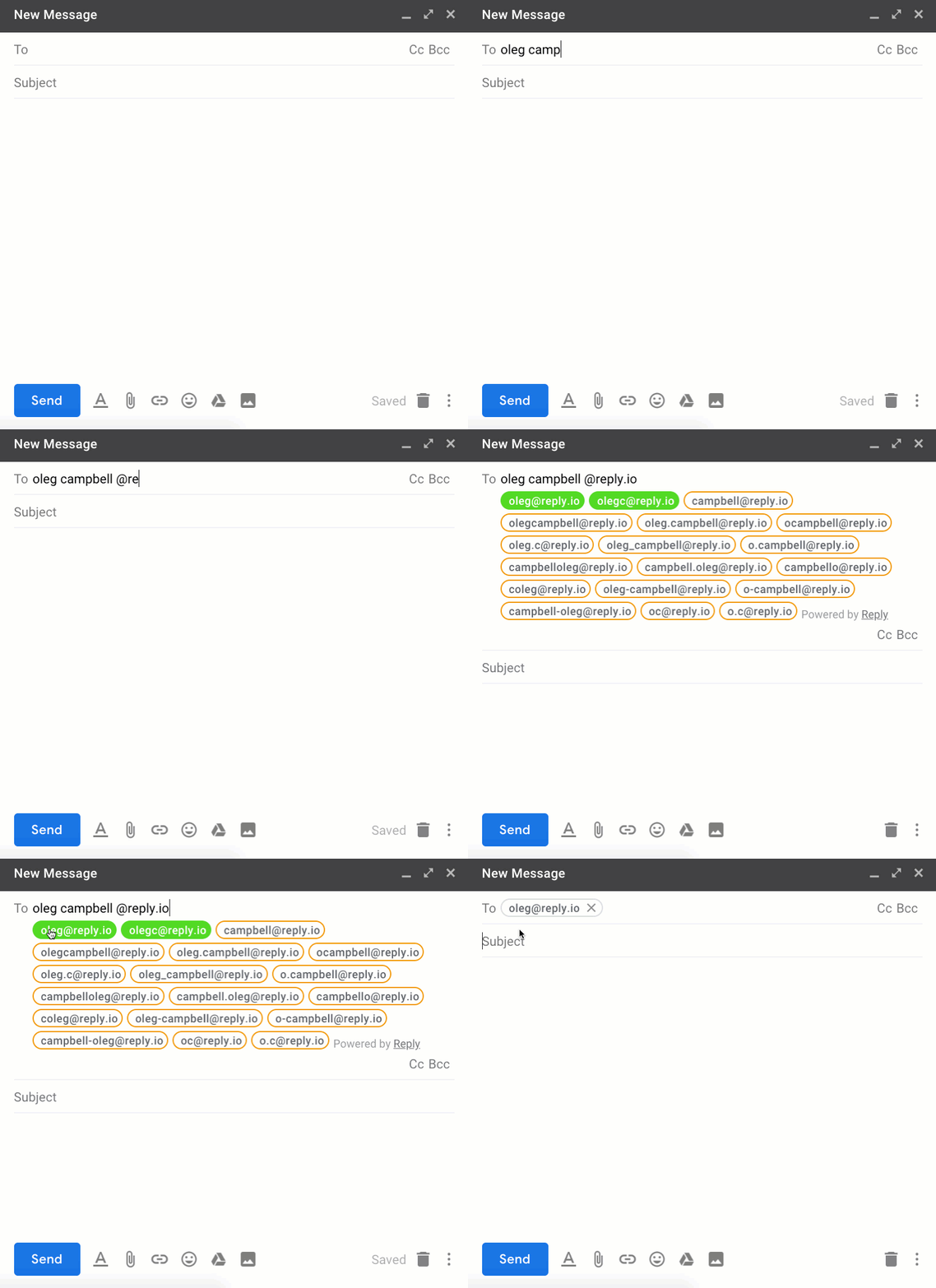
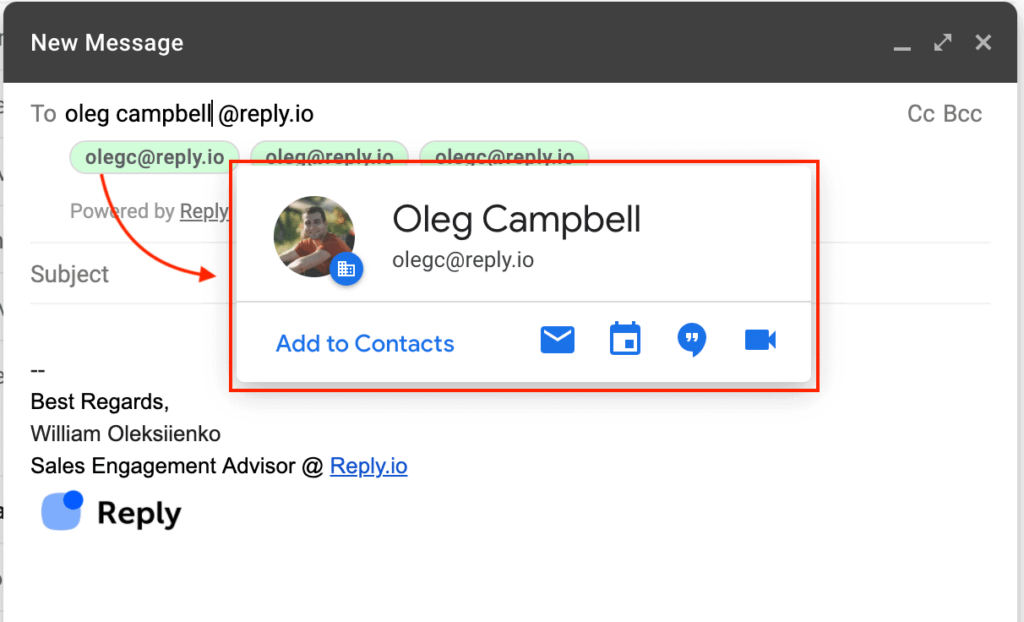
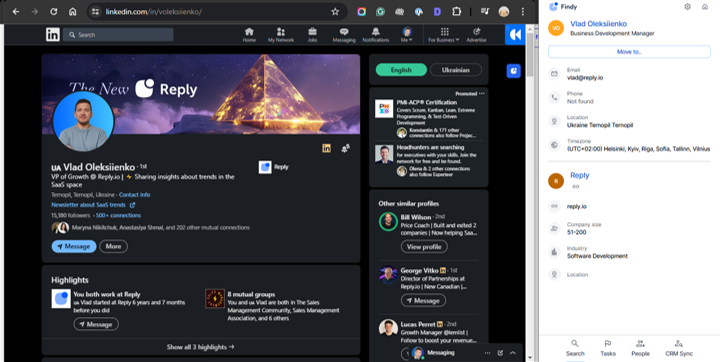
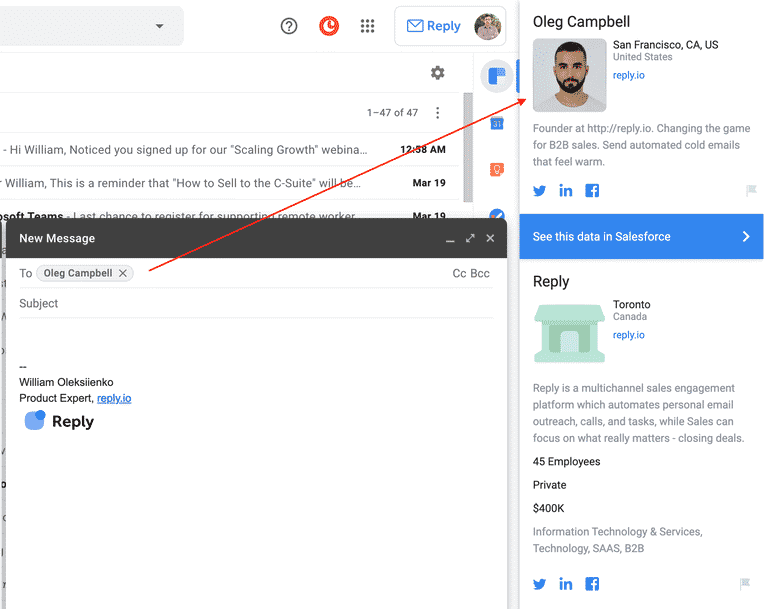
So, you’ve tried all the tricks. You’ve searched, guessed, checked patterns with Outlook or Gmail email finder by name, even hunted through social profiles—and still no email. Don’t worry. It happens.
But here’s the good news: email isn’t your only option.
There are other smart, professional ways to get in touch. You just need to be a little creative and persistent.
Here’s what to try when email hits a dead end:
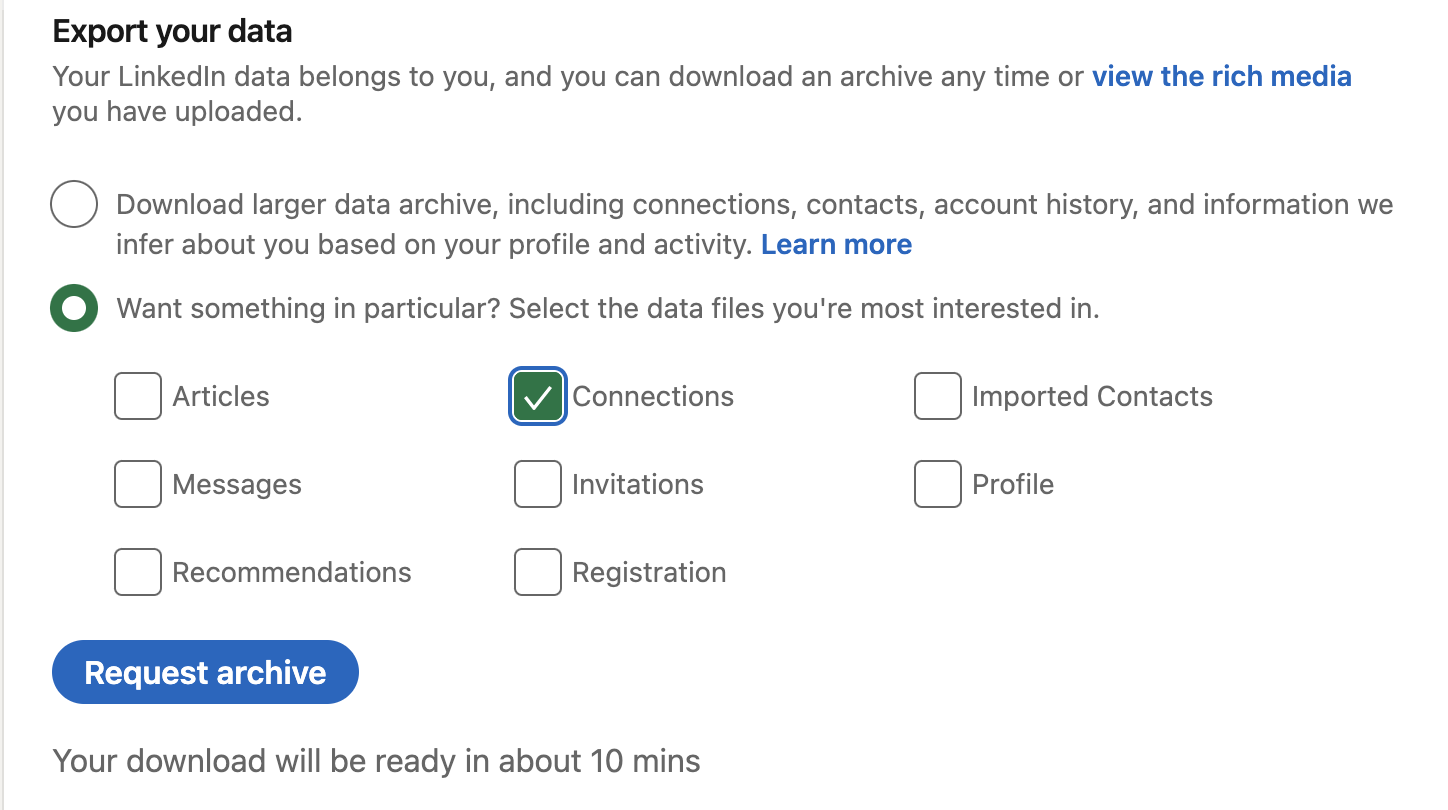
1. Reach out on LinkedIn
LinkedIn is a goldmine for professional connections.
Send a friendly, personalized message. Let them know why you’re reaching out. Keep it short and respectful—no one likes spammy pitches.
2. Use Twitter or Instagram DMs
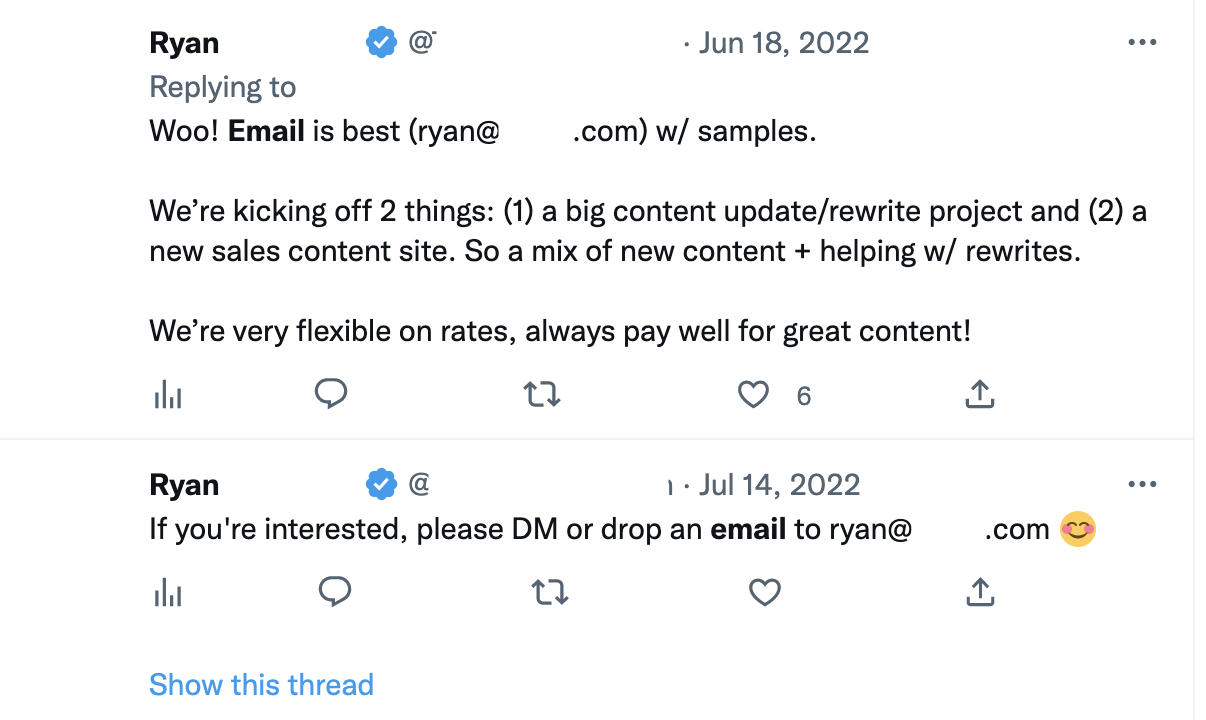
People—especially creatives, entrepreneurs, and founders—often check their DMs.If they’re active on social, shoot them a casual but polite message. Mention something relevant (a recent post, their work, a shared interest).
Make it human.
3. Check their website
Sometimes people skip listing an email but include a contact form, phone number, or even a calendar link to book time with them. Poke around the site—footer, about page, blog author bios. Don’t just glance and bounce.
4. Try company contact channels
If you’re trying to reach someone at a company, and personal contact isn’t working, go through the company.
Use their general contact form or social media. Just be specific—explain who you’re trying to reach and why. It ups your chances of being forwarded to the right person.
5. Look for community spaces
Are they part of an online community? A Slack group, Discord server, or even a subreddit?
If you know where they hang out, you can often engage with them more casually, and then follow up privately.
6. Leave a thoughtful comment
Comment on their blog, LinkedIn post, or YouTube video—something meaningful, not just “great post!” This can catch their attention and open the door for further conversation.
Bottom line: if email doesn’t work out, don’t give up. There are plenty of respectful, creative ways to reach out using email search-free strategies.
Just keep it professional, kind, and genuine. You’re not being annoying—you’re just being resourceful. And that’s a good look.
Reverse email lookup: finding the person behind an address
Everything above solves one direction of the problem: you have a name and you need an address. The opposite case comes up just as often. A reply lands from an address you do not recognize, a form fill arrives with a work email and nothing else, or an old list has addresses with no names attached.
That is a reverse email lookup, and it works differently from what you have been doing so far.
A forward lookup guesses and verifies: you build likely permutations from a name and a domain, then test which one accepts mail. A reverse lookup has nothing to guess. It matches the address against records that already associate it with a person, so it either finds a match or it does not.
Three routes let you run a reverse email lookup free of charge, and they are worth exhausting before you pay for anything:
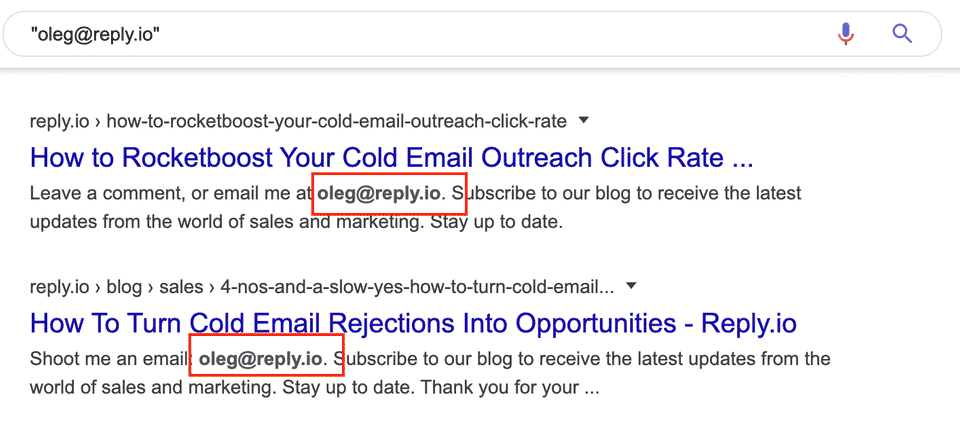
- Search the full address in quotes. Addresses leak into conference attendee lists, GitHub commits, forum signatures, WHOIS records and public documents more often than people expect.
- Read the domain. The part after the @ names the company, and from there a search for the local part as a name against that company’s team page or LinkedIn often closes the loop without any tool.
- Check whether the address is attached to a public profile. Many platforms let you search by email during account creation or contact import, which reveals whether an account exists on that address.
Each of those fails silently on personal Gmail addresses, which is the case that frustrates people most. A generic [email protected] has no company behind it and usually no public trail, so a reverse lookup on it returns either nothing or a guess dressed up as a match.
The practical takeaway is to treat a reverse result as a lead rather than an identification. Confirm it against a second source before you use the name in an email, because addressing someone by the wrong name is worse than addressing them by none.
Common email patterns and how to guess emails correctly?
Most business emails follow a handful of predictable patterns. Once you crack the pattern for a company, you’re already most of the way to the right address.
The usual formats look like this:
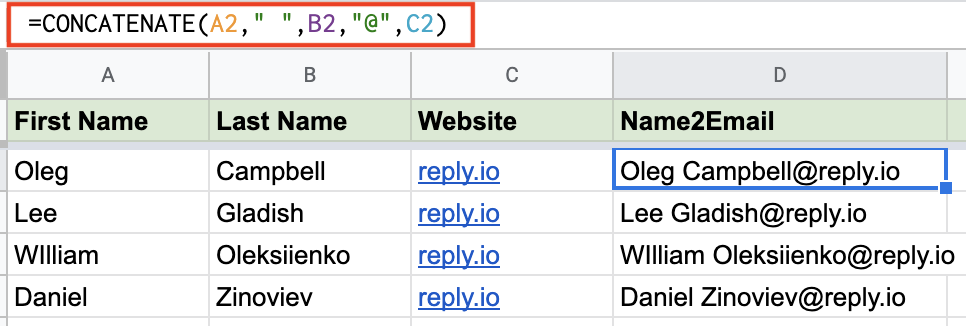
To figure out which one they actually use, start with what’s public. Look for any visible company emails on the website, blog, press releases, or support pages. One or two examples are usually enough to reverse-engineer the pattern for other company employees.
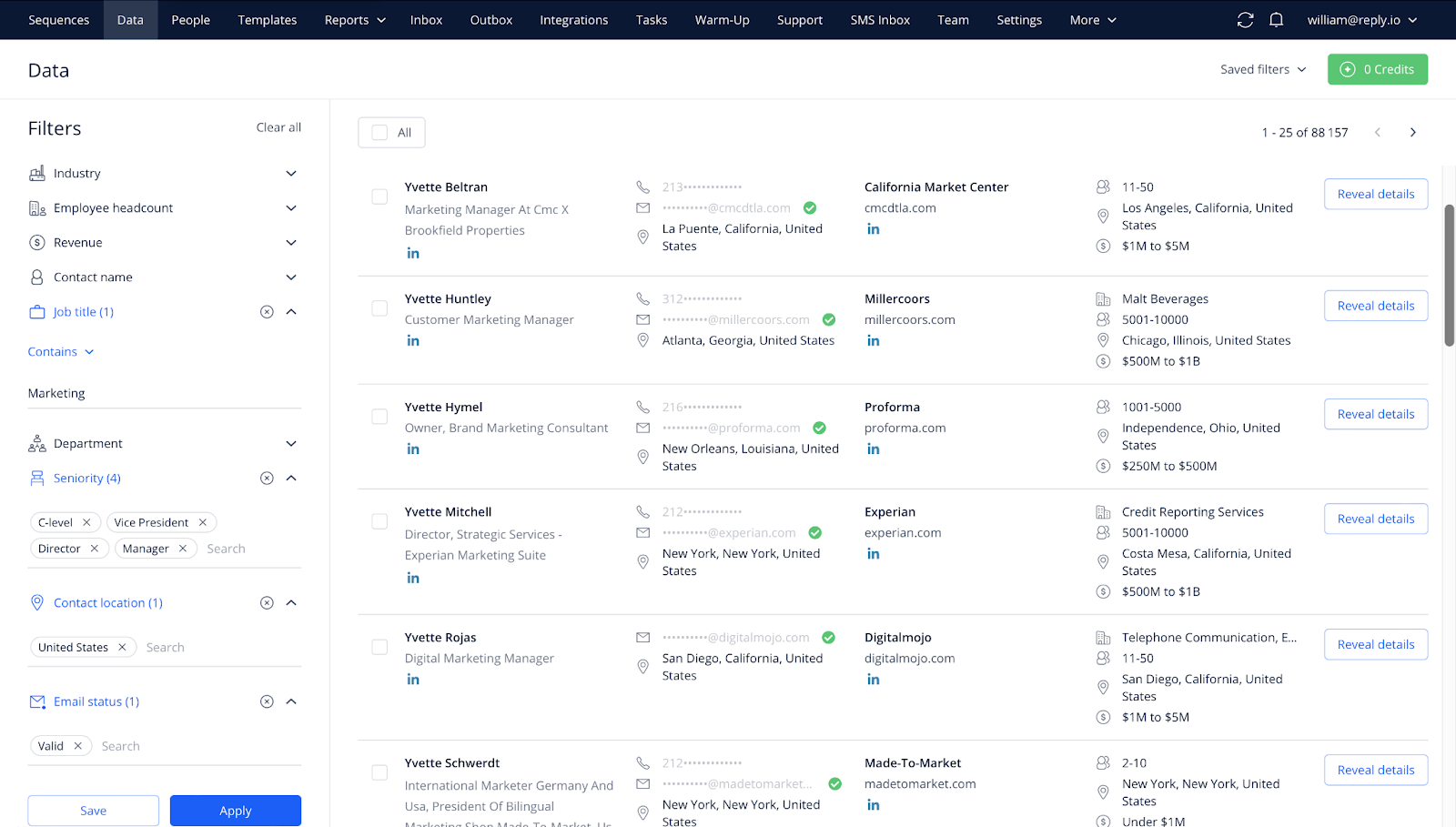
Using a reputable lead database like Reply Data will make this extremely easy, as it contains over 1 billion live contacts, so chances are the companies you’re after are there. Once you’ve found one or two emails within that company, at that point, any half-decent email finder will feel more like a confirmation tool than a guessing one.
As a simple flow:
- Identify the domain and grab 1–2 sample addresses.
- Match the pattern.
- Generate a few likely variants for your target.
- Verify them inside Reply or another validator, and only keep the green lights.
Done right, this gives you fast, low-cost accuracy at scale.
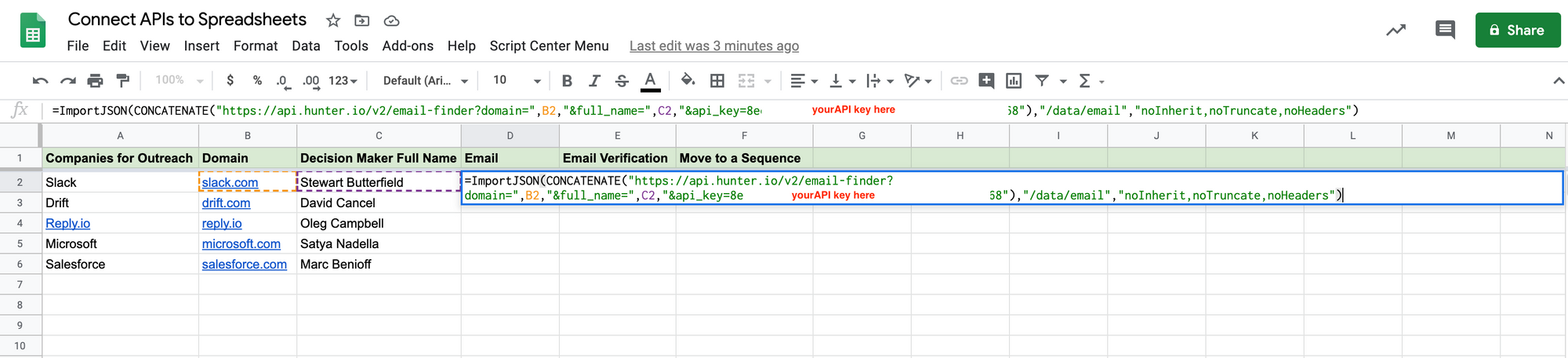
If you don’t want to build permutations manually, tools like Email Permutator+ can generate all the likely versions from a name and domain. Then you run those through a verifier before sending. It’s a simple way to answer the classic “how to find someone email address for free” without burning your domain in the process.
When a free email lookup returns nothing
Every method on this page fails some of the time, and the failure is rarely random. Getting an email lookup free of charge works often enough to be worth doing, and knowing which cause you are looking at tells you whether to try harder or to move on.
The company hides its pattern. Some organizations deliberately break the predictable first.last@ convention, using initials, internal IDs, or per-department aliases. Permutation guessing cannot solve this, because there is no pattern to extrapolate. Look for one published address anywhere on the domain, a press contact or a careers alias, and derive the pattern from that single confirmed example.
The address exists but the server will not confirm it. Many mail servers accept every address at the SMTP handshake and bounce later, which is why a verifier returns “catch-all” or “accept-all” rather than valid or invalid. That is not a broken tool. It means verification cannot resolve this domain, and your only real test is a low-volume send.
The person is not at the company anymore. Public sources lag reality by months. If a profile shows a role that a company page no longer lists, treat every derived address as stale.
You are searching a personal rather than a work identity. Free lookup methods lean on corporate structure. Strip that away and there is very little left to search.
The data exists but is behind a paywall. This is the honest one. A free tactic that returns nothing is sometimes simply the free tier working as intended.
| Symptom |
Likely cause |
What to do next |
| Every permutation fails verification |
Non-standard naming convention |
Find one confirmed address, derive the pattern from it |
| Verifier says catch-all or accept-all |
Server accepts everything |
Send one low-volume test rather than trusting the check |
| Address verifies but bounces |
Stale record, person has moved |
Re-confirm the role before re-sending |
| Nothing found anywhere |
Personal identity, or genuinely no public trail |
Switch channel rather than switching tool |
Knowing which of those you are in saves the hour most people spend running the same name through a fifth tool.
How to verify and check email accuracy before outreach?
Verifying emails isn’t the most exciting part of finding new clients, but it’s the part that keeps everything else working. Every send to a bad inbox chips away at your sender reputation, bumps up bounce rates, and quietly pushes your campaigns toward spam. A quick verification step upfront saves you from that mess later.
You don’t need a big budget or a lot of time to do it either. Plenty of tools offer free or freemium checks you can plug into your existing email lookup workflow:
- NeverBounce → a small batch of free checks every month
- Hunter.io Email Verifier → simple single-email lookups on a free tier
- ZeroBounce → free credits you can use to validate new lists
- Email Hippo → good for spot-checking a few addresses
With an all-in-one sales platform like Reply.io, you already have email validation built in. Just run your contact list through its email and phone verification, tag anything marked invalid, and keep those out of your sequences entirely. Risky contacts can go into a separate bucket for a soft test send (with a separate, disposable email domain) instead of being blasted with your main campaign.
Think of this as ongoing hygiene, not a one-off clean-up. Re-verify older lists from time to time, remove hard bounces, and keep an eye on bounce rates inside Reply or your ESP. If they creep above a safe threshold, pause and clean.
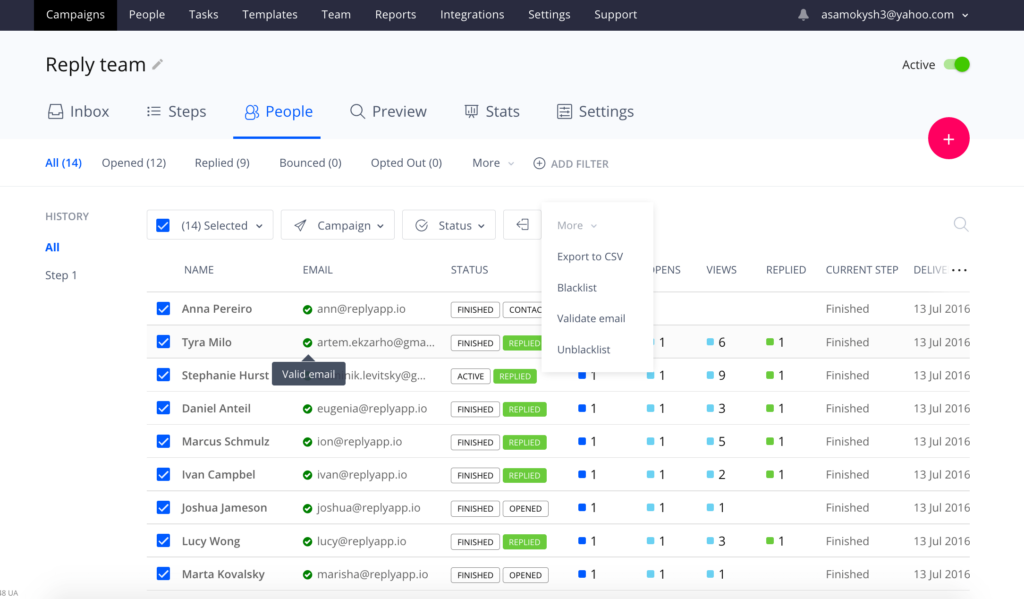
Treated right, Reply basically acts as your personal email finder, plus a safety net for every free email search you run elsewhere. Oh, and it will also enrich your prospect profiles with additional data from LinkedIn and other sources while it’s at it!
On top of that, Reply’s deliverability toolkit (Gmail API integration, spam complaint tracking, warm-ups via MailToaster.ai, etc.) helps your verified emails actually land where they should.
What are the best practices to increase email outreach success?
Finding the right email address is step one. Turning that into a reply is a whole different game.
Whether you used a quick Gmail lookup trick, a Chrome extension, or any of the other strategies we’ve discussed, the rules for good outreach stay the same.
- Add meaningful personalization → use the correct first name instead of a general greeting (obviously), but also pull in something that proves you did your homework — role, company context, recent news, or a trigger event. Even one or two tailored lines at the top separate you from the generic blasts they’re ignoring all day.
- Only reach out to verified emails → if you’ve already cleaned your list with Reply or another verifier, don’t sabotage that work by pushing unverified addresses into the same sequence. One-off “spray and pray” sends are rarely worth the hit to your domain.
- Sequence your outreach → set up multichannel flows in Reply that combine email with LinkedIn, calls, SMS, or WhatsApp where it makes sense. Some people will never reply to an email but will answer a LinkedIn nudge instantly — you get the idea.
- From there, keep an eye on numbers: opens, replies, click-throughs, and bounce rates. Reply’s analytics and team reporting make it easy to spot underperforming steps and tighten your copy, timing, or targeting.
As you can see, the great thing about a sales suite like Reply.io is that it can do it all: help you find targeted prospects along with their email addresses, verify them, add them to multichannel outreach sequences, and Reply’s AI engine will research each individual prospect to ensure every email, follow-up, and LinkedIn message is personalized with relevant information.
If you simply try to find someone by email for free as just the starting point — not the whole play — you’ll see a lot more of those hard-earned addresses turn into actual conversations.
Is free email lookup legal?
Finding an address and using it are two different questions, and the rules attach mostly to the second.
Locating a business email that a person or company published, or deriving one from a naming convention, is not in itself unlawful in the US or the EU. What is regulated is the commercial message you then send, and the standard is much more concrete than most guides admit.
In the US, the CAN-SPAM Act governs commercial email. The FTC’s own compliance guide sets out the requirements plainly: no deceptive subject lines, a valid physical postal address in the message, a clear opt-out mechanism that keeps working for at least 30 days, and opt-out requests honored within 10 business days. Penalties run to $53,088 per individual email in violation, which is what makes the rules worth reading rather than skimming.
In the EU and the UK, the GDPR governs whether you may process the address at all. Where the data was not collected from the person directly, which describes every method on this page, Article 14 requires you to tell them, within a reasonable period and at the latest within one month, or at the point of first contact if that comes sooner. In practice the privacy notice belongs in the first email rather than on a page nobody visits.
Four habits keep a free-lookup workflow on the right side of both:
- Send to business addresses about business matters, and keep the offer relevant to the person’s actual role
- Put your postal address and a working one-click opt-out in every commercial message
- Say where you got the address when you first make contact, rather than waiting to be asked
- Suppress an opt-out permanently and across every tool, not just in the sequence that received it
None of this is legal advice, and any large campaign is worth running past counsel or a data protection officer. As a working standard, though, those four habits cover the requirements that regulators actually enforce, and they cost nothing to adopt from the first email.