


Key takeaways:
- AI research agents do two different jobs. General assistants write one long report per question, while sales research agents run the same research on every row of a prospect list and keep the result attached to the contact.
- The billing unit is the biggest buying difference. Apollo.io and Unify charge per seat, tools such as Clay, Rox and Bardeen meter credits or actions, Exa and Parallel bill per run or request, and Common Room and Octave start at $2,500 and $1,500 a month on annual terms.
- None of these agents is accurate enough to quote unchecked. The DeepTRACE audit of deep-research systems put citation accuracy between 40% and 80%, so a fact should reach a cold email only after someone has opened its source.
- We rank our own Jason AI first because it’s our product and because its research goes straight into outreach. Jason costs from $500 a month on annual billing, or $800 month to month.
Search for AI research agents and most of page one covers academic literature reviews or a chatbot writing a long report. A sales team has a narrower question: before a rep writes to 400 accounts this week, which tool can find the one fact about each that makes the first line worth reading?
This list ranks 15 AI research agents on how well they research prospects and accounts, how the research reaches an outbound workflow, and what each unit of work costs. Most of them take over the stack of company research tools a rep used to open in separate tabs for every account.
We also included three general deep-research assistants: ChatGPT deep research, Gemini Deep Research and Claude’s Research mode. They’re what the head term ranks, and they’re genuinely good at a one-off account deep dive before a big call.
Where they differ from the other twelve is scale. An assistant writes one excellent report at a time, while a sales research agent repeats its lookup for each contact on a list and hands the output to a sequence, a table or a CRM.
We built one of the tools here, Jason AI, and put it first. Its entry explains what its research is for and where it stops.
What Are AI Research Agents?
An AI research agent is a model that plans a search, runs it across many sources, reads what comes back and keeps looping until it can answer. A chatbot with a browsing button usually runs a search or two and summarizes the top results. An agent keeps digging.
That difference shows up clearly in testing. OpenAI’s BrowseComp benchmark gives systems 1,266 questions that require persistent navigation of the web for hard-to-find, entangled information. GPT-4o with browsing answered 1.9% correctly, while OpenAI’s deep research agent reached 51.5%, though OpenAI notes that model was trained on data that specifically teaches it BrowseComp-style tasks. Human trainers solved 29.2% of the questions and gave up on the rest, often after about two hours.
In sales, AI research agents point that persistence at a narrower target. The agent looks up a person or a company and pulls recent signals such as a funding round, a new hire, a LinkedIn post or a product launch.
From those signals it builds something a rep can use: a briefing, a score, an enrichment column or an opening line. Reading new sources is what separates research agents from the wider group of AI prospecting tools, some of which only filter a database.
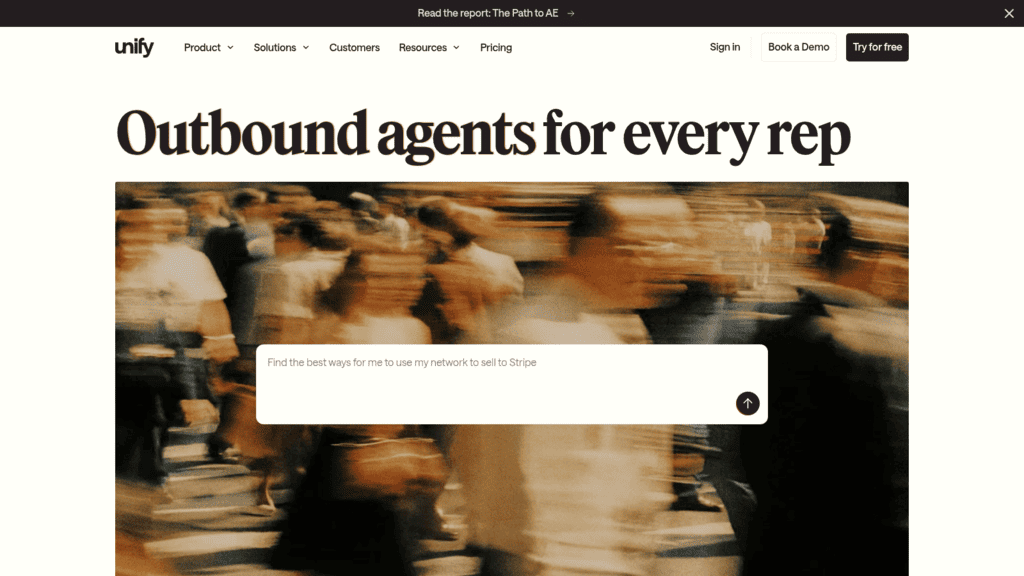
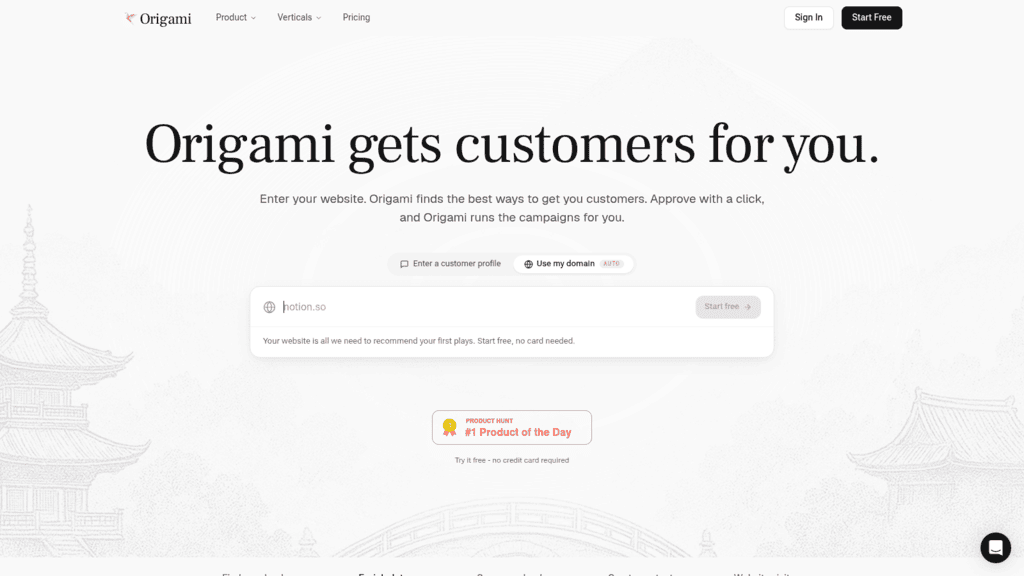
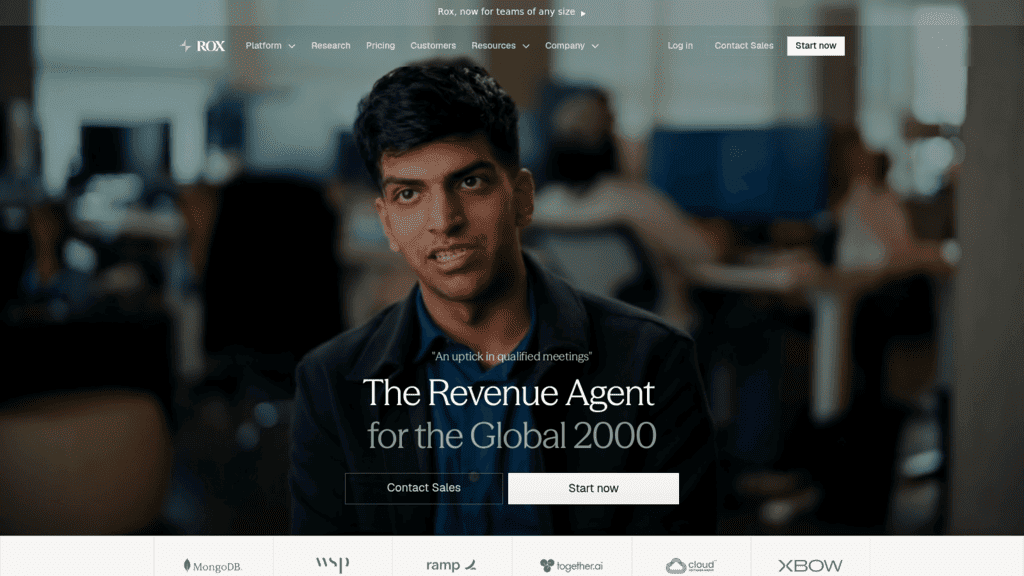
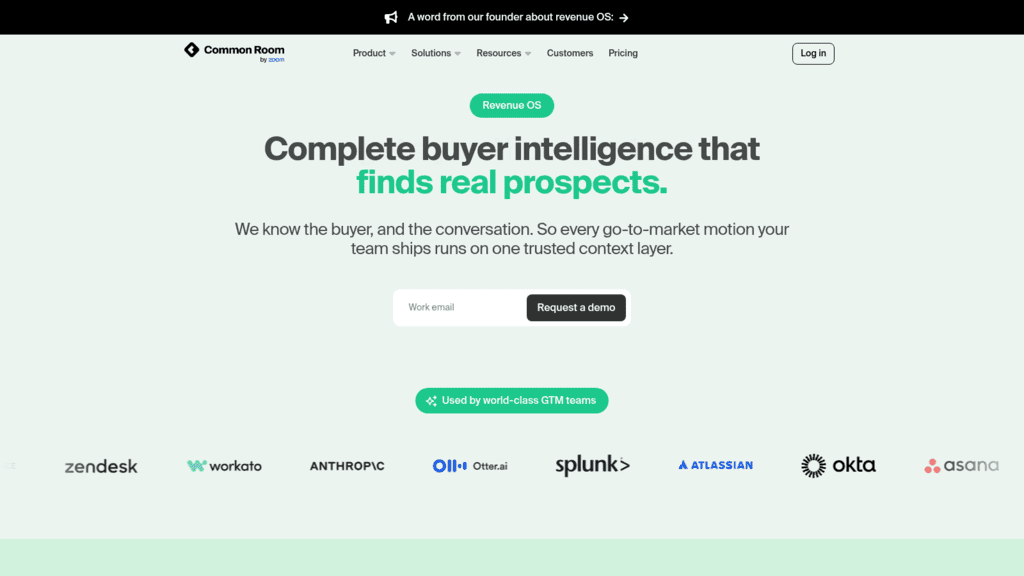
The AI research agents in this list fall into three groups. Prospect and account agents (Jason, Claygent, Apollo.io, Amplemarket, Unify, Origami Agents, Rox and Common Room) research rows inside a sales workflow. Research layers (Exa, Parallel, Bardeen and Octave) are infrastructure you connect to your own stack, and the three assistants answer one question at a time.
The 15 Best AI Research Agents Compared
The table below shows what each tool actually researches, because that varies far more than feature lists suggest; the Best for and Main limitation columns are our judgment.
We put Reply.io in row one because we make it. The rest are ordered by how close they sit to an outbound workflow: sales platforms that research inside prospecting (2 to 8), then research layers and developer APIs you connect yourself (9 to 12), then the three general assistants (13 to 15).
| Tool | Best for | What it researches | Main limitation | Pricing (from) |
| Reply.io (Jason AI) | Research that writes the first email | People and accounts: LinkedIn activity, company sites, blogs, news | Research ends in outreach, not exportable reports | $500/month billed annually |
| Clay (Claygent) | Custom enrichment columns at scale | Open web, one table row at a time | Two meters make cost hard to predict | Free; Launch from $54/month billed annually |
| Apollo.io | Research on top of a contact database | Leads in Apollo’s database plus real-time web data | Lead scoring starts at Professional | Free; $49/seat/month billed annually |
| Amplemarket (Duo) | Signal-first prospecting | Buying signals and the context behind them | One priced tier, annual term only | $600/month for 2 users, 12-month term |
| Unify | Researching a rep’s whole book | Accounts and people from 40+ data sources | Website intent signals only on Business | Free (3 seats); $20/seat/month |
| Origami Agents | Founders starting from a website | Accounts and decision-makers | Stronger model is Enterprise-only | Free preview; $49/month |
| Rox | Meeting briefs and account research | Accounts, people and CRM context | Unused actions expire monthly | $100/month |
| Common Room | Teams rich in first-party signals | Accounts and contacts, from first-party and intent signals | $30,000-a-year floor, demo only | $2,500/month billed annually |
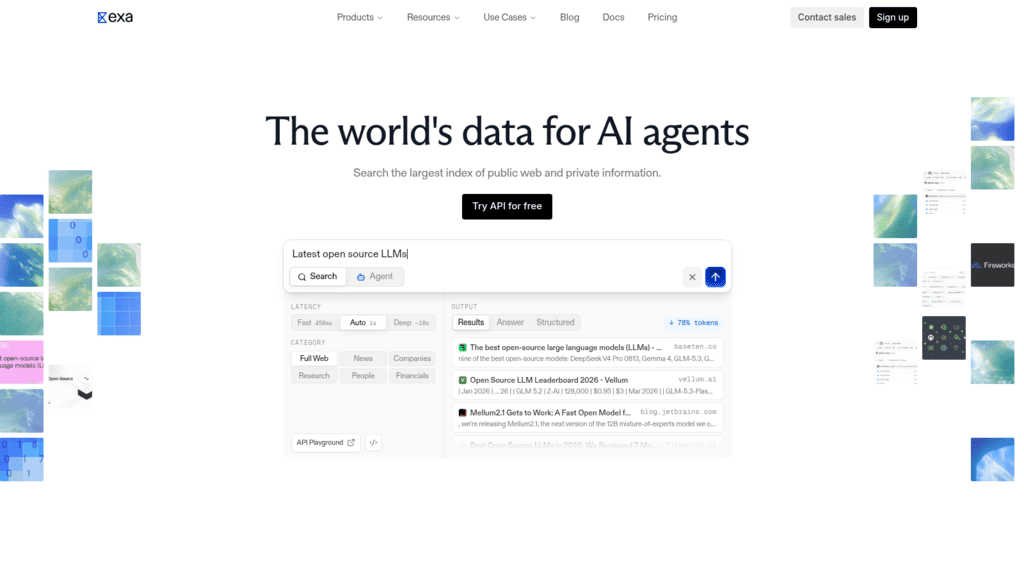
| Exa | ICP lists built from the open web | Open web: companies and people | Websets priced separately in-app | $10 free credits/month; Agent from $0.012/run |
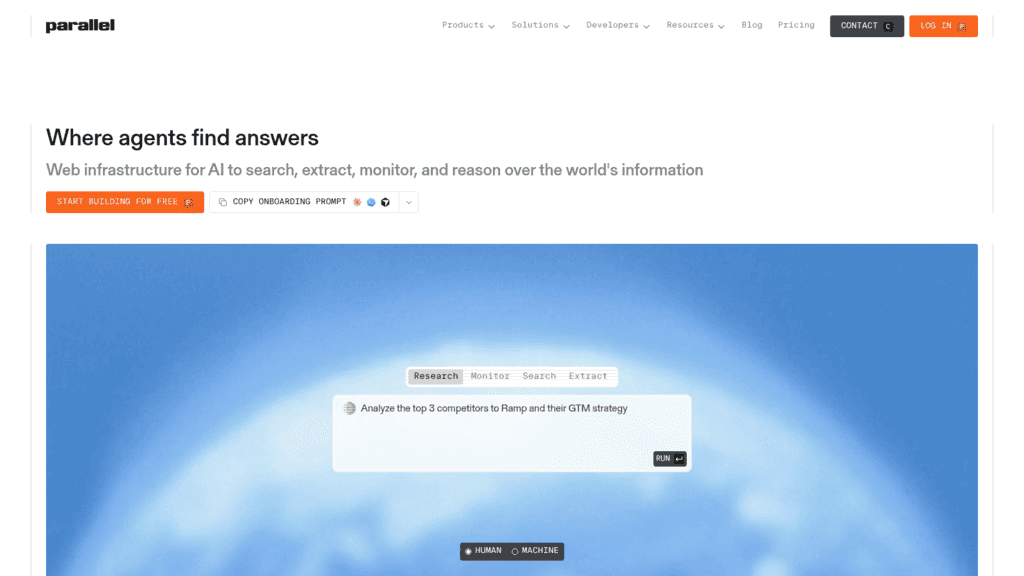
| Parallel | Developers automating account briefs | Open web, cited and confidence-scored per field | API only | $5 free credits/month; Task API from $5 per 1,000 requests |
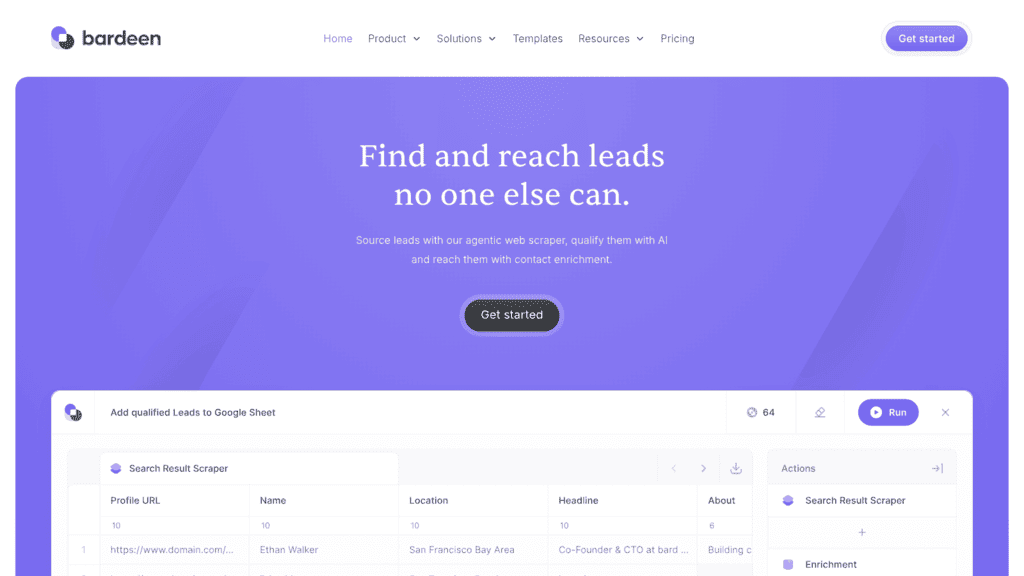
| Bardeen | Cheap row-by-row scraping | Web pages and profiles, row by row | No narrative briefs | $10/month |
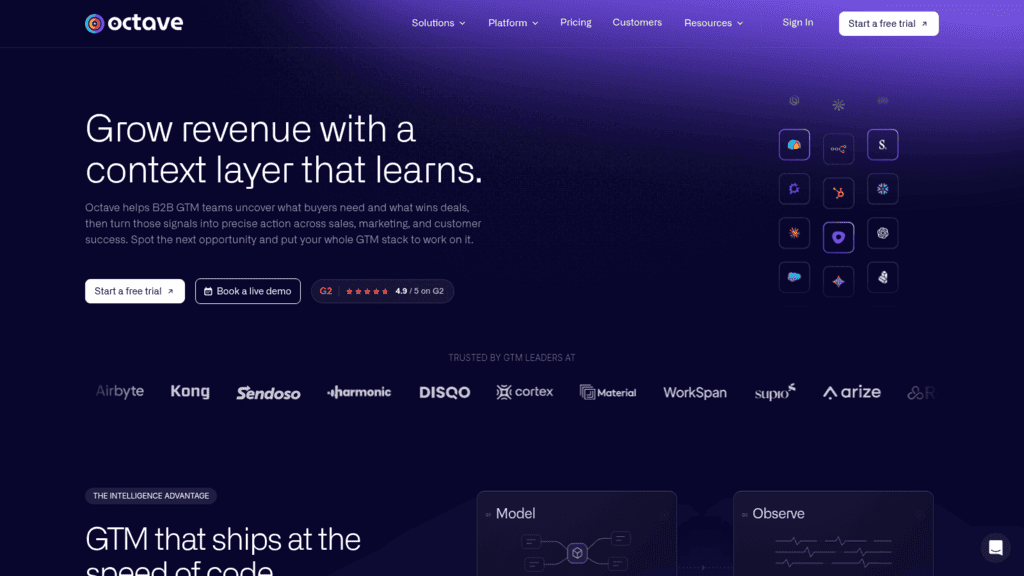
| Octave | Keeping agents on-message | Companies and prospects, judged against your positioning | Context layer more than list researcher | $1,500/month billed annually |
| ChatGPT deep research | One-off account deep dives | Open web plus connected apps | One report at a time, no CRM output | Free (limited); Plus $20/month |
| Gemini Deep Research | Deep dives using your inbox | Open web plus Gmail, Drive and Chat | No list or sequence output | Free; AI Pro $19.99/month |
| Claude Research | Meeting prep from correspondence | Open web plus Gmail, Calendar and Docs | Not on the free plan | Pro $17/month billed annually |
Treat the pricing column as an entry point rather than a budget. The billing units differ so much that a cheap-looking row can cost the most at 1,000 accounts a month, and the cost section below works through that math.
1. Reply.io
Best for: Research that writes the first email
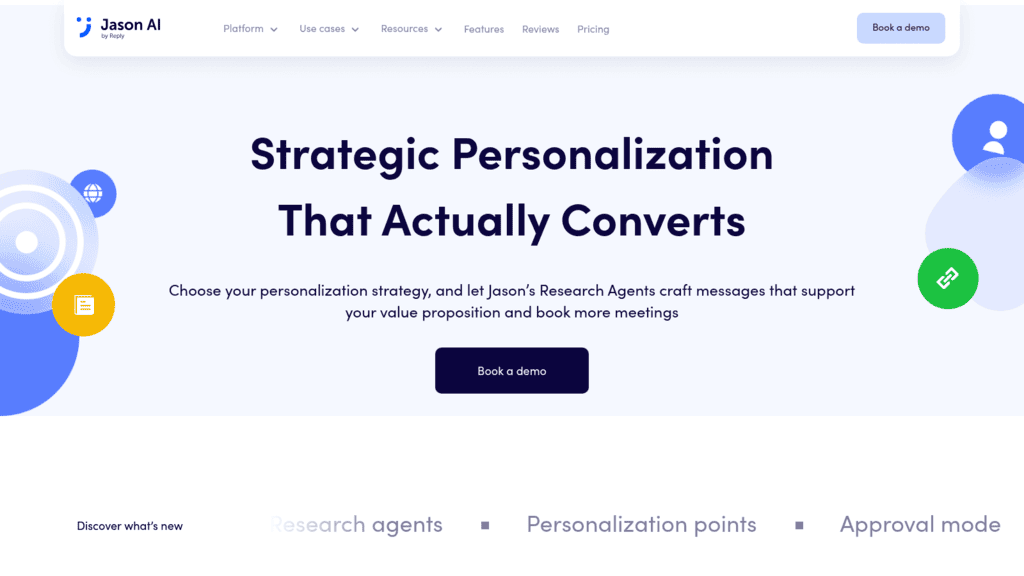
Overview: We built Jason AI, our AI SDR, to research a prospect for one reason: to write a message that person will want to answer. The research ends in an email, a LinkedIn step or a call script that already uses what it found, not in a report.
You pick up to three personalization points per sequence, and Jason’s Research Agents look for each one across personal and company LinkedIn pages, websites and blogs. The window is recent: news, plus the contact’s posts and comments from the past three months. When Jason finds nothing usable, it falls back to your template instead of inventing a hook.
Simfoni, a procurement technology company, shows the result. Jason personalized its outreach from LinkedIn profiles, company sites and role-specific context, and 92% of the meetings Simfoni booked through Reply.io were within its ICP. Those meetings grew to 75% of all meetings booked by Simfoni’s BDRs.
Key features:
- Research Agents with up to three personalization points, so every fact gathered supports the angle you picked
- Custom Research prompts that apply one plain-language question across a whole sequence
- AI Web Search, which finds prospects matching an ICP you describe in a sentence
- An ICP score plus a LinkedIn Activity score (Frequent, Consistent or Occasional), both filterable, so research effort goes to accounts that fit
- Intent signals for hiring, technology used, company growth, job changes in the past 90 days, post engagers and competitor followers
- Approval mode, so you can read every researched draft before it sends
Pricing: on Starter, 1,000 active contacts cost $800 if you pay month to month or $500 a month on an annual plan. Growth covers 5,000 contacts for $1,500 a month billed annually ($2,500 monthly). That is about ten times what our cheapest sequencing plan costs (Email Volume starts at $49 a month, billed yearly, at the 1,000-contact tier), which is why Jason only makes sense once research is turning into booked meetings. You get a 14-day free trial; there’s no free plan.
Pros: research and writing in one pass, a three-month window that keeps hooks current, a template fallback instead of invented facts, ICP scoring that tells you where research effort is worth spending, output across email, LinkedIn and call steps
Cons: Jason is priced separately and steeply, from $500 a month billed annually, and its research exists to write outreach, so it isn’t built to produce a standalone account report. The “source transparency” links shown beside a message are generated after the fact, so they’re a reading aid rather than proof of where a line came from, and the same inputs won’t produce the same message twice.
How to start using it:
- Connect the mailbox Jason will send from during your 14-day trial.
- Let Jason generate offers from your website, then edit the pain points and proof points it proposes.
- In sequence settings, open Personalization points and pick up to three, or add a Custom Research prompt.
- Set an ICP score threshold so you can filter out low-fit contacts.
- Run the first batch in approval mode and check each hook against the prospect’s actual profile or site.
Why it’s a good AI research agent: Jason researches each prospect against your chosen angle and writes the outreach in the same pass, so no hook waits in a spreadsheet for a rep.
Final verdict: pick Jason when research should turn into outreach without a handoff. For a written executive briefing, the three general assistants at the end of this list fit better.

![B2B SaaS Marketing Strategy in 2026 [Step-by-Step Guide]](https://reply.io/wp-content/uploads/marketing.agency-300x158.jpg "B2B SaaS Marketing Strategy in 2026 [Step-by-Step Guide]")

