


Key takeaways:
- An email finder API turns a name plus a domain into a deliverable address. What separates the good ones is not coverage but what they do when they are unsure.
- Verification is probabilistic by design. The SMTP standard lets any server refuse to confirm an address, which is why catch-all domains exist and why no vendor can promise certainty.
- Cost per found address matters more than cost per credit. Icypeas reaches roughly half a cent an email at volume while Tomba charges $8.90 per 1,000, and both can beat a cheaper tier that bills for misses.
- Our own finder endpoint arrives in late August 2026, and our database is powered by Generect, which also appears in this list as a vendor you can buy directly.
Every cold email program starts with the same unglamorous question: what is this person’s address? Get it wrong and the sequence never runs, the domain takes the damage, and nobody finds out until the bounce report lands.
The scale of available email data is genuinely enormous. Security researcher Troy Hunt indexed nearly 2 billion unique addresses exposed in breaches into Have I Been Pwned, which tells you something about how much of this data is loose in the world. It also tells you why provenance and verification matter more than raw volume.
An email finder API is the disciplined version of that problem, and the programmable cousin of the AI email finders most teams start with. Call it a find email API or an email finder API: you send a name and a domain, and a good one returns either a verified address or an honest miss.
This guide ranks the 11 email finder APIs worth building against in 2026, with pricing fetched live. We are one of them and have listed ourselves first, so read our entry accordingly. We have also named our own upstream data supplier, because it is in this list and you can buy from it directly.
How an Email Finder API Actually Works
Understanding the mechanism explains almost every pricing and accuracy difference in this category.
Most finders combine three techniques. Pattern generation infers likely formats from a domain’s known addresses, the same logic behind most email scraping tools, so jane.smith@, jsmith@ and jane@ all become candidates. Database lookup matches the person against previously observed addresses. SMTP probing opens a conversation with the recipient’s mail server and asks whether a mailbox exists, without sending anything.
The third step is where certainty breaks down, and the reason is written into the standard. RFC 5321, the SMTP specification, permits operators to switch verification off entirely: servers implementing the VRFY command “MAY provide local installations a way to disable either or both of these commands.” It also notes that “some servers do not perform recipient verification until after the message text is received.”
That is the whole story behind catch-all domains. A server configured to accept mail for any address at the domain cannot tell a finder whether a specific mailbox exists, so the finder must either guess, decline, or charge you for an unverifiable result.
Which of those three a vendor chooses is the single most useful thing to know about it.
How We Ranked These Email Finder APIs
Every tool here publishes pricing we could verify live and exposes an API a developer can call on a self-serve plan. We fetched each price rather than reusing figures from other comparisons.
We weighted the commercial mechanics that pricing pages tend to bury:
- Whether an unfound address consumes a credit
- Whether catch-all results are billed as successes
- Whether repeat lookups within a billing period are charged twice
- Whether credits expire, roll over, or reset monthly
Accuracy claims in this category are entirely vendor-published. No independent audit exists, so we attribute every figure to the vendor stating it rather than presenting it as established fact. Where a vendor publishes no accuracy figure at all, we say that too, because silence is information.
The 11 Best Email Finder APIs Compared
Pricing shown is the cheapest plan that includes API access.
| Tool | Best for | Key features | Main limitation | Pricing (from) | Rating |
| Reply.io | Finding addresses you will then sequence | Find missing emails, live validation, 1B+ contacts | Finder endpoint ships late August 2026 | $49/month | ★★★★★ |
| Hunter | The most forgiving credit policy | No charge on misses, repeats counted once | Smaller index than waterfall tools | Free (50 credits) | ★★★★★ |
| Findymail | Protecting a sending domain | Contractual sub-5% bounce guarantee | $99 entry, no cheaper self-serve tier | $99/month | ★★★★☆ |
| Prospeo | Forecastable spend | Flat 1-credit emails, 75 free monthly | Mobile lookups cost 10 credits | Free (75 credits) | ★★★★☆ |
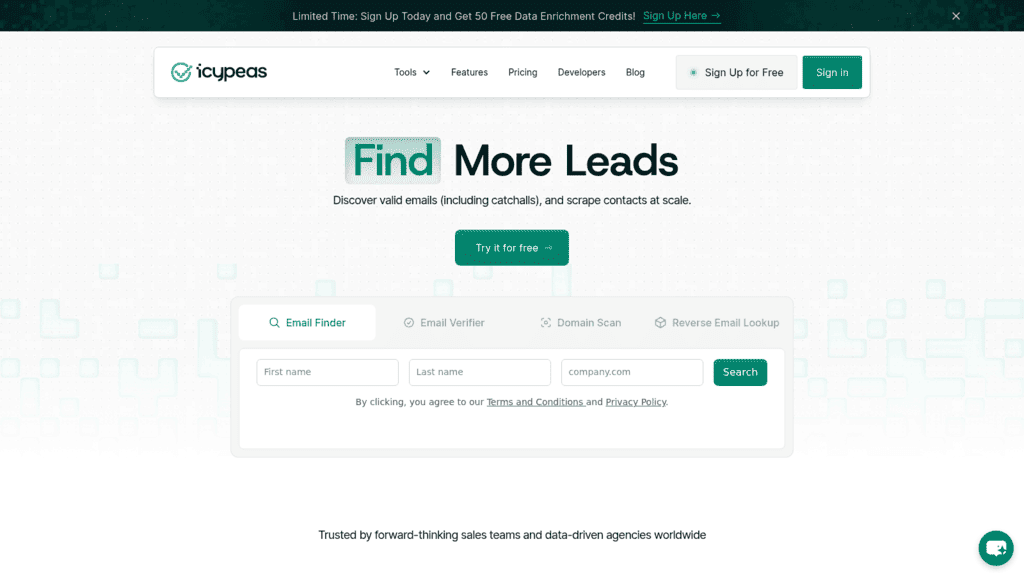
| Icypeas | Lowest cost per address at scale | Credits never expire, catch-all included | Publishes no accuracy figure at all | $19/month | ★★★★☆ |
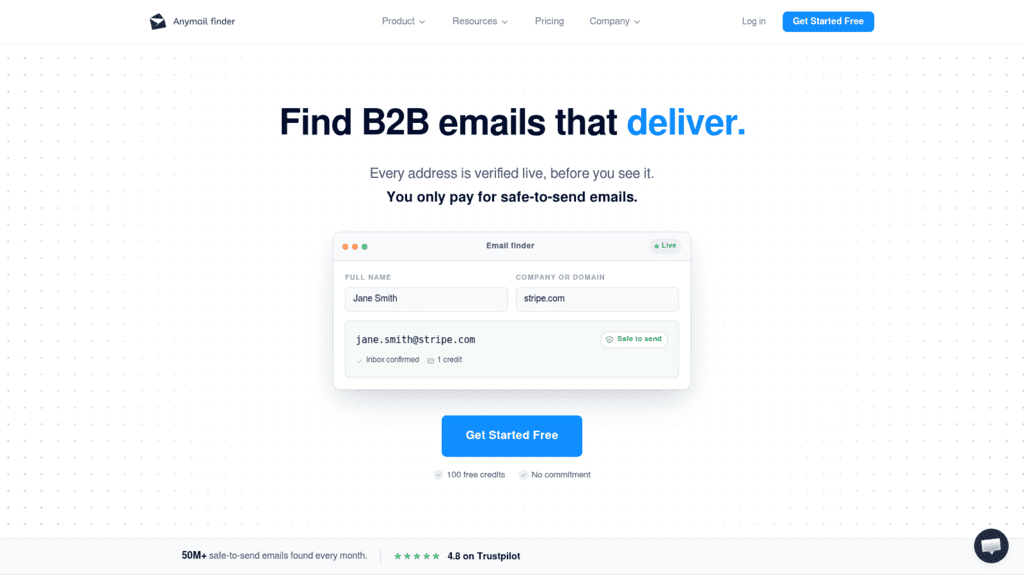
| Anymail Finder | Matching spend to volume precisely | Eight tiers, API on every plan | Accuracy figures are vendor-published | $29/month | ★★★★☆ |
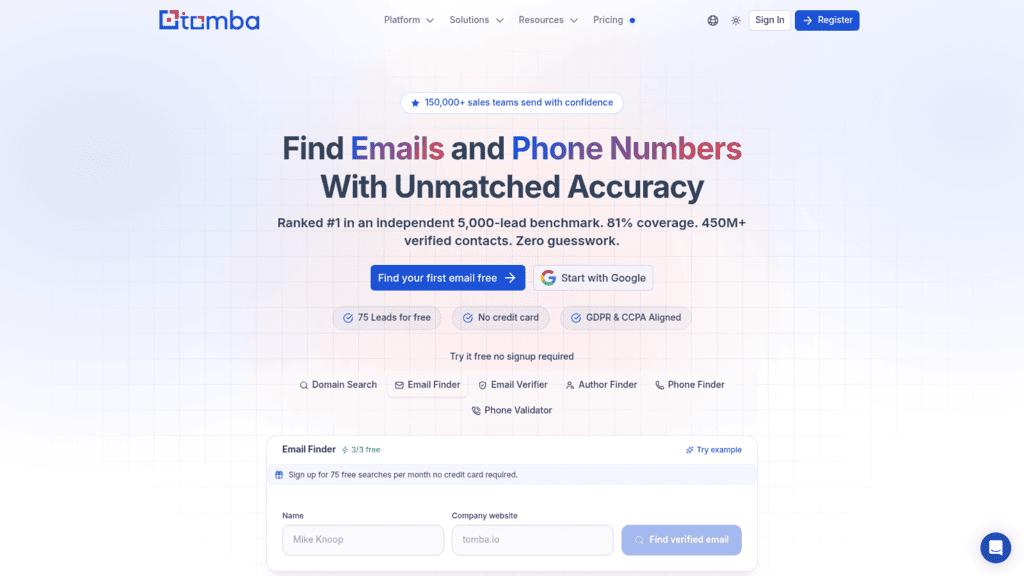
| Tomba | Polyglot engineering teams | 10 official SDKs plus an MCP integration | One self-serve tier only | Free (25 searches) | ★★★★☆ |
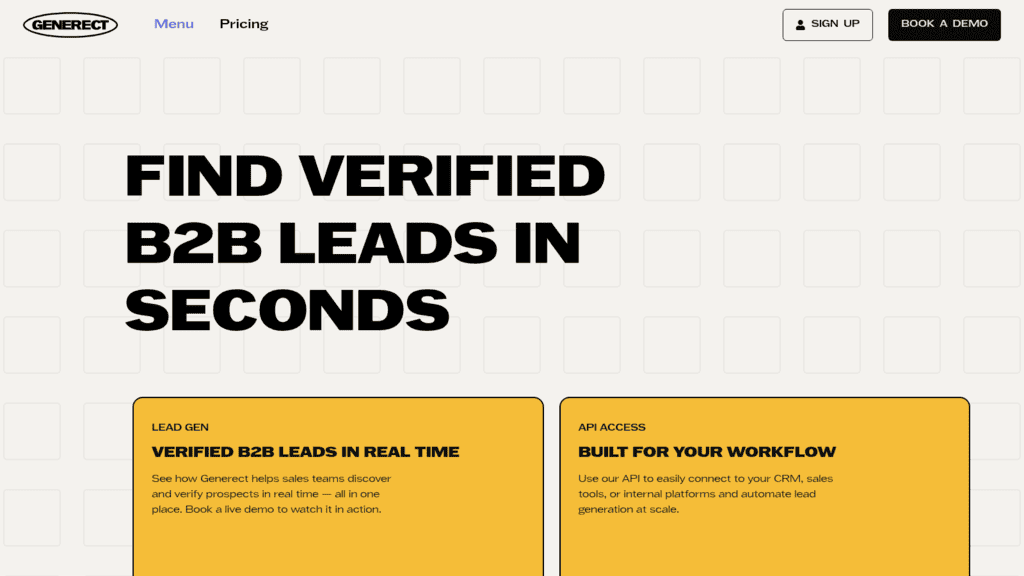
| Generect | Pure pay-per-result billing | $0.03 per valid email, no subscription | Thin public documentation of tiers | Free searches | ★★★★☆ |
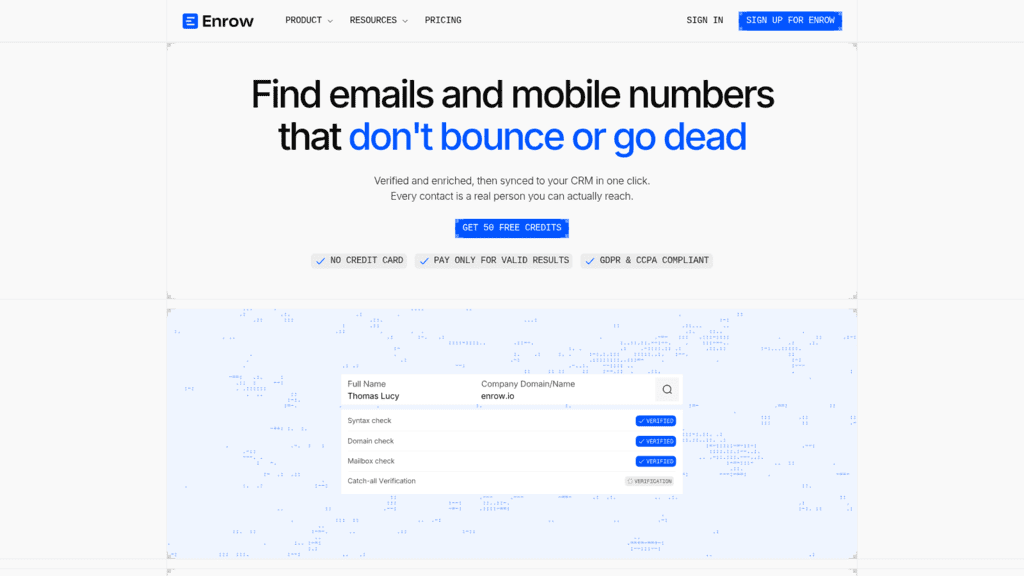
| Enrow | One pool across email and phone | No result, no charge, unlimited seats on Pro | No published accuracy or bounce SLA | EUR15/month | ★★★☆☆ |
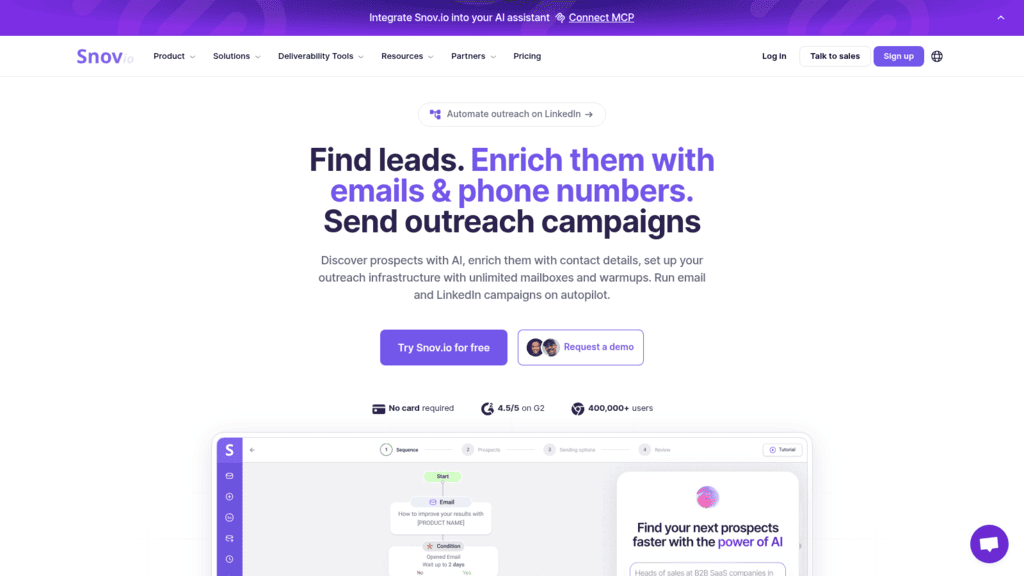
| Snov.io | Finding plus sending in one account | Finder, verifier and CRM together | LinkedIn automation is a paid add-on | $39/month | ★★★☆☆ |
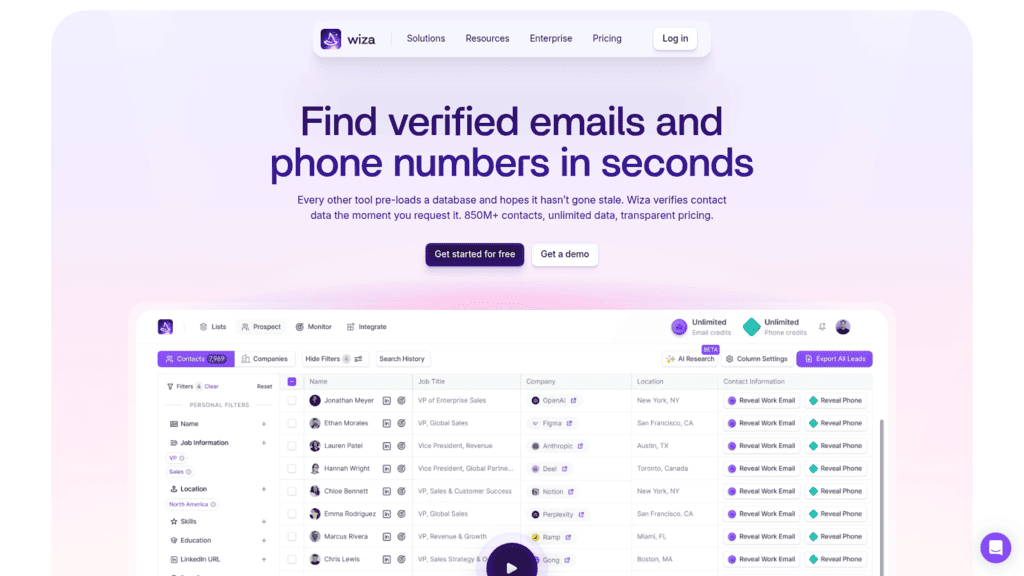
| Wiza | LinkedIn-sourced lists | Strong match rates on profile URLs | API gated to a $166/user tier | $166/user/month | ★★★☆☆ |
Ratings weight billing honesty and verification behavior above headline credit price, which is why a mid-priced tool with a generous miss policy outranks a cheaper one without.
1. Reply.io
Best for: Finding addresses you will then sequence
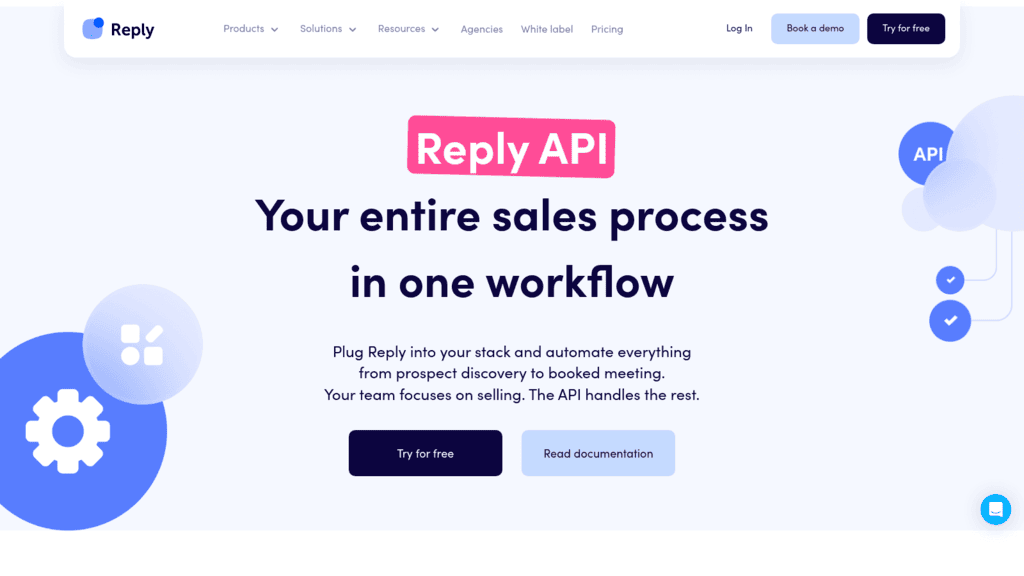
Overview: We should start with a disclosure that matters in this particular list. Our contact database is powered by Generect, which appears at position eight here as a vendor you can buy from directly. If your only requirement is raw finding, going to the source is a legitimate choice and we would rather say so.
What we add on top is everything after the address. The same API key that finds a contact also validates it, drops it into a multichannel sequence, and manages the reply, so an address never has to leave one system to become a conversation.
The timing caveat, stated plainly: the find-missing-email-addresses endpoint is documented and dated for late August 2026. Email validation is callable today through async estimate and schedule endpoints.
Finding does work in the product now through Findy, our Chrome extension for LinkedIn, and Name2Email inside Gmail. It is the programmable path that is still arriving.
Key features:
- Find missing email addresses on partial contact records, arriving late August 2026
- Async email validation with background-job handling, callable today
- Live Data search across our 1+ billion contact database, including 220+ million in the US
- Findy for LinkedIn profile lookups and Name2Email for finding addresses inside Gmail
- Deliverability tooling covering warm-up, sending limits and domain authentication
- Documented rate limits of 100 requests per minute and 3,000 per hour per user
Pricing: the platform is metered on active contacts rather than seats. A thousand contacts runs $49 a month billed annually or $59 monthly, and the ladder tops out at $899 for 100,000. Fifty live data credits are included each month, with further credit packages and email validation packages each starting at $20 a month.
Pros: finding, validating and sending behind one key, no per-seat penalty as the team grows, 1+ billion contacts with deep US coverage, deliverability tooling included rather than sold separately, published rate limits and async jobs for bulk work
Cons: the finder endpoint is not callable until late August 2026, so today you would be buying the sequencing and validating and waiting for the finding, and our data is bundled into a sending platform rather than sold as a standalone finder, which makes Generect or Hunter the better buy if addresses are all you want
How to start using it:
- Open a 14-day trial and mint an API key at Settings > API Key.
- Confirm the credential against
https://api.reply.io/v3/whoami. - Schedule a validation job over 1,000 addresses you already hold and poll the background job.
- Compare the invalid rate with whatever your current finder reported, which is the fastest quality signal available.
- Add the finder endpoint to the pipeline when it lands in late August 2026.
Why it’s a good email finder API: an address is an input, not an outcome. Holding the find, the check and the send behind one credential removes the handoffs where cold email programs usually lose data.
Final verdict: the right choice when finding is step one of an outbound motion you already run, and the wrong one if you want a finder in isolation this quarter. In that case Hunter or Generect below will serve you better today, and we would rather you learn that here than during an integration.

![B2B SaaS Marketing Strategy in 2026 [Step-by-Step Guide]](https://reply.io/wp-content/uploads/marketing.agency-300x158.jpg "B2B SaaS Marketing Strategy in 2026 [Step-by-Step Guide]")

