
Best Email Validation APIs in 2026 for Signup Forms

Best Email Validation APIs in 2026 for Signup Forms

Key takeaways:

  • Validating at the point of capture is a different purchase from cleaning a list later. The form needs an answer in milliseconds, which rules out every async-only endpoint no matter how good it is at bulk work.
  • Check the rate limit before the price. Clearout caps its entry tier at three requests per minute, which is fine for a trickle and unusable on a live signup form.
  • Free allowances vary more than paid rates. QuickEmailVerification refreshes 100 credits every day, Byteplant gives 1,000 once, and IPQualityScore allows 1,000 a month capped at 35 a day.
  • Fake signups are an attack pattern, not just messy data. OWASP catalogs automated account creation as a named threat, and a validation call at the form is the cheapest place to stop it.

Invalid addresses arrive in bursts, through the one form you built quickly, and you usually find out weeks later when a campaign bounces or a trial cohort turns out to be bots. An email validation api answers the question at the moment the address is typed, before any of that becomes your problem.

This guide ranks eleven APIs with that moment in mind. Several also do bulk work, and a few do it better than inline checks, so the comparison leads with what decides the purchase: whether the API answers synchronously, fast enough to sit inside a form submission.

Every price here was read off the vendor’s own page, and vendor claims are labeled as such.

What Does an Email Validation API Do?

A validation API accepts an address and returns a verdict on whether mail sent there will arrive. The checks run in layers: syntax, then domain and MX records, then a lookup against disposable-domain and role-account lists, then an SMTP conversation with the receiving mail server.

Vendors differ in what they add on top. Some return a typo suggestion, so gmial.com comes back with a correction you can show the user. Some return a risk or fraud score rather than a deliverability verdict. Some flag catch-all domains, where the server accepts everything and no definitive answer exists.

Validating an address you already hold is a separate job from sourcing one you do not, which is why email finder APIs form their own category.

The architectural split matters more than any feature list. A synchronous endpoint answers in one request and can sit inside a form submission. An asynchronous endpoint hands back a job you poll, which is correct for a 200,000-row file and useless for a user waiting on a spinner. Plenty of tools sell both, priced and rate-limited differently.

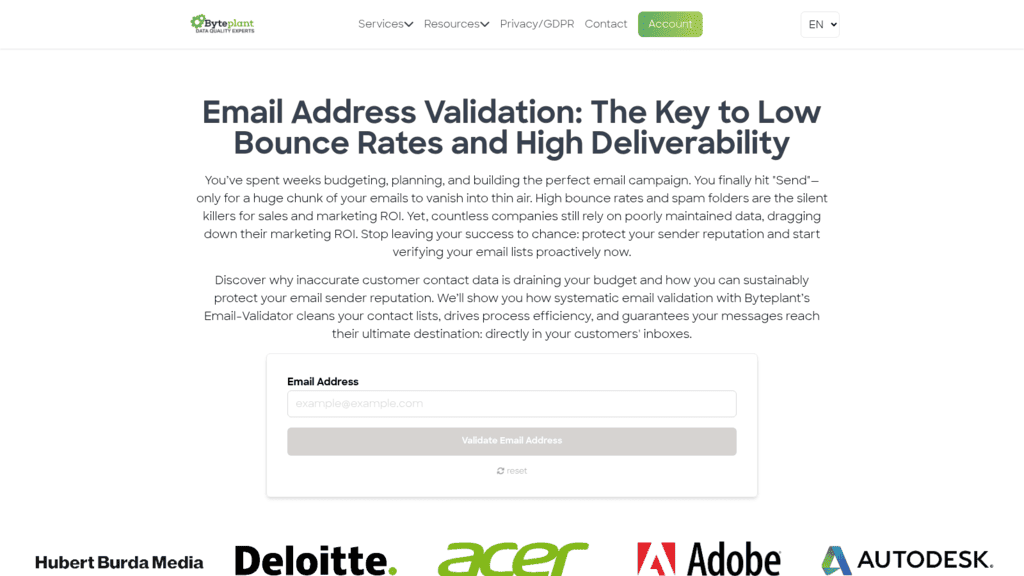
Speed is the constraint people underestimate. Byteplant documents typical responses within 750 milliseconds, roughly the budget you have before a form feels broken.

The Best Email Validation APIs

The column that matters most is the third one. Everything else is negotiable; a form that needs an inline answer cannot use an API that will not give one.

Tool Best for Real-time inline Main limitation Pricing (from) Rating
Reply.io Validating inside your sending stack No, async jobs only No synchronous call for form submissions $49/month plus a $20/month add-on ★★★★★
Kickbox Developer-first inline validation Yes Credits are consumed per check with no daily refresh $10 per 1,000 credits ★★★★★
ZeroBounce Validation plus deliverability tooling Yes Costs the most to get started with $99/month for 10,000 credits ★★★★★
Byteplant Documented latency and GDPR terms Yes Per-tier prices sit behind a calculator, in euros 50,000 credits for EUR499.50 ★★★★☆
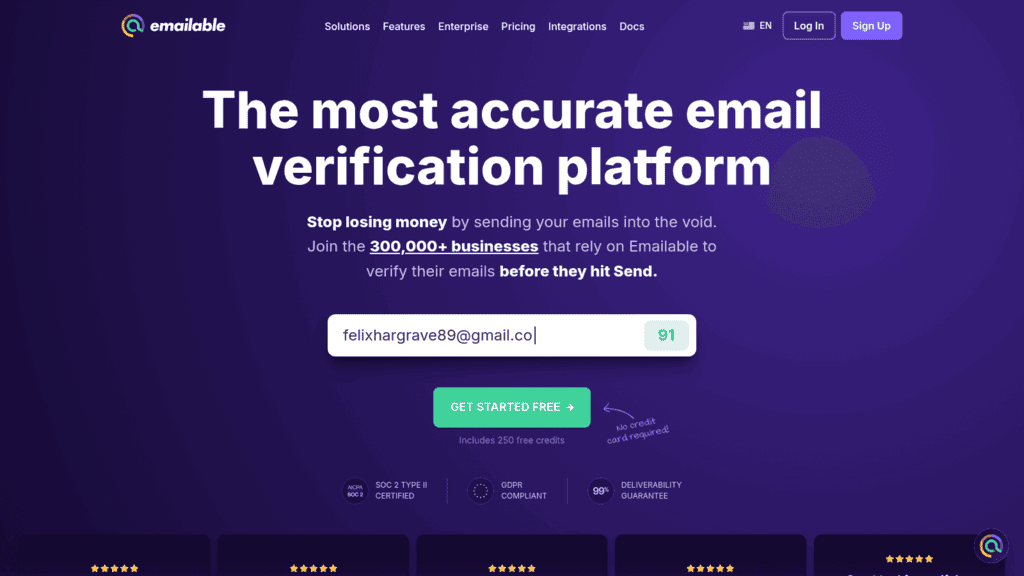
Emailable One credit per check across every surface Yes Fewer fraud and risk signals $38/month for 5,000 credits ★★★★☆
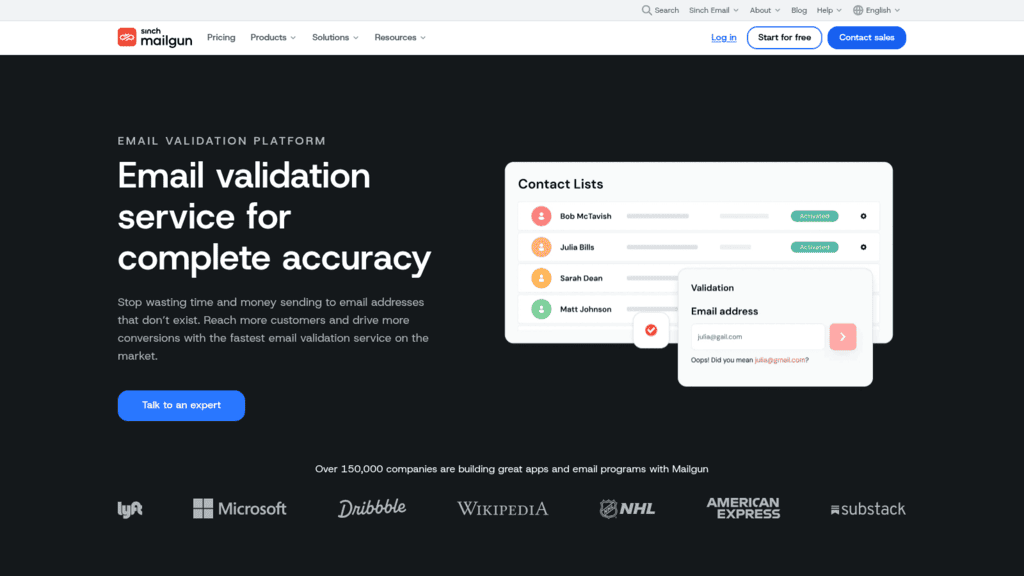
Mailgun Teams already sending through Mailgun Yes Validation billed separately from sending $1.20 per 100 validations ★★★★☆
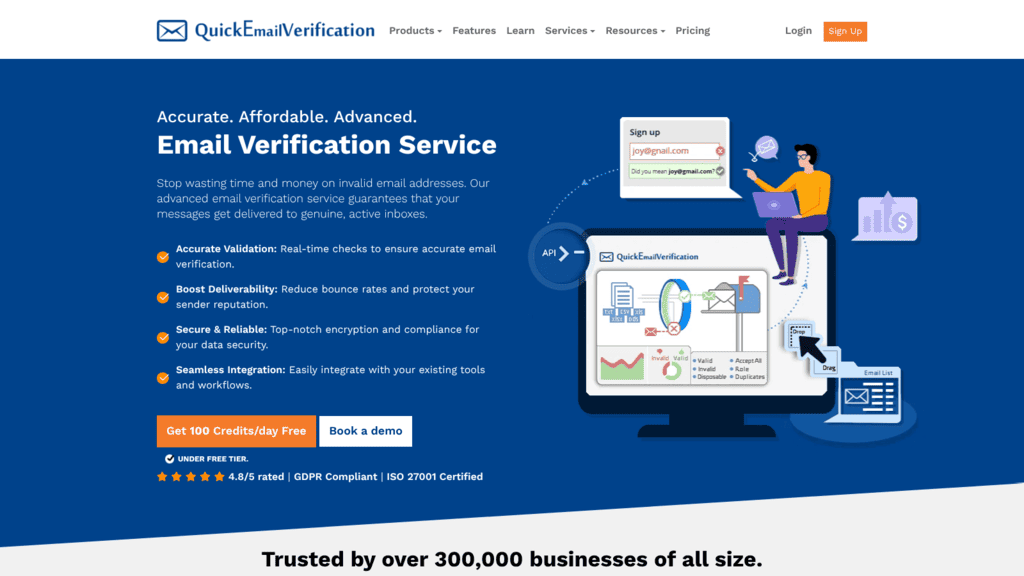
QuickEmailVerification Recurring daily free allowance Yes Pricing page moved, tiers render only on /plans $4 per 500 credits ★★★★☆
Hunter Validation alongside email finding Yes Verification consumes shared finder credits $49/month for 2,000 credits ★★★★☆
Proofy Not paying for ambiguous results Yes No published per-tier pricing table $0.008 per verification ★★★★☆
IPQualityScore Blocking fraudulent signups Yes A fraud tool, not a deliverability verifier $99/month for 5,000 lookups ★★★★☆
Clearout Validation plus prospecting data Technically, but rate-limited Cheapest plan allows only three calls a minute $40 for 5,000 credits ★★★☆☆

Two entries carry a caveat rather than a clean yes, and both are explained below.

Reply.io
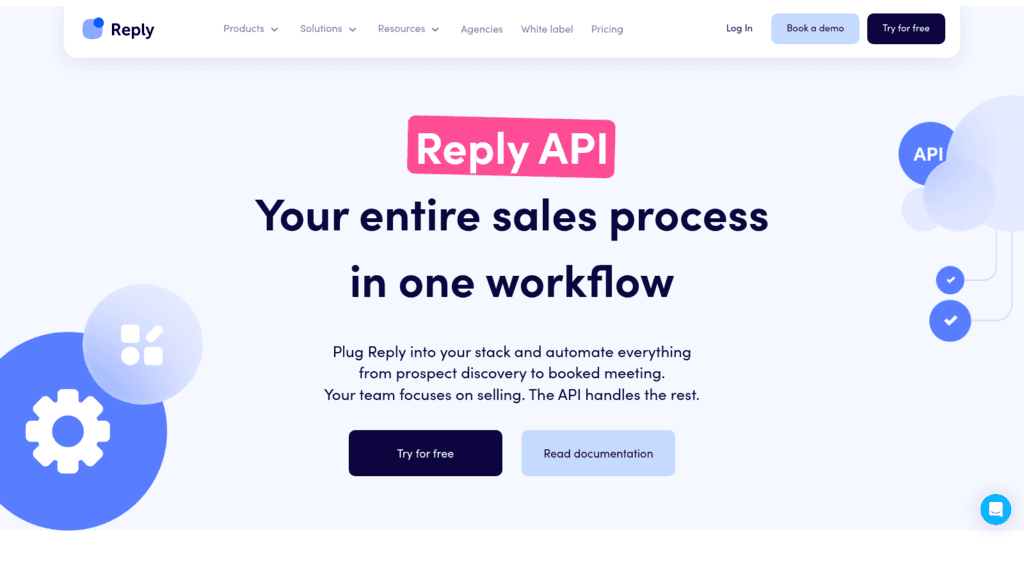
Reply.io as one of the best email validation apis

Best for: Validating lists inside your sending stack

Overview: Our validation endpoints are built for teams already running sequences here who want hygiene handled in the same system, on the same billing, without exporting a file to a second vendor and importing the results back.

We should be direct about the shape, because it decides whether we fit. There are two endpoints, estimate and schedule, and both are asynchronous. You submit a job, receive a 202 Accepted with a Location header, and poll the background job until it completes.

That is the correct design for a large list and the wrong design for a signup form. If you need an answer inside a form submission, one of the synchronous APIs below is the better buy, and we would rather say so here than have you discover it during integration.

What earns the ranking is context rather than the call itself. A verdict lands straight on the contact record your sequences already read from, because the Reply.io API spans 45 endpoint groups covering the whole platform, not a validation product bolted to the side.

Key features:

  • A cost-preview call returning the credit price of a batch before anything is spent
  • A submission call handing back a job identifier you poll through to completion
  • Permission-scoped v3 tokens, so a key issued for hygiene work cannot reach anything else
  • Throughput ceilings stated openly in the docs at 100 a minute and 3,000 an hour
  • Verdicts written directly onto contact records, removing the re-import step entirely
  • Model Context Protocol support, letting assistants drive the platform without custom glue

Pricing: You pay on two lines, and it is fairer to flag that here than at checkout. The platform itself begins at $49 monthly on an annual term covering 1,000 active contacts; validation attaches from $20 monthly, stepped between 5,000 and 300,000 checks. Trial access runs 14 days, and nothing is permanently free.

Pros: callable today rather than announced, batch cost visible upfront, permission-scoped keys, hygiene and delivery on one contract, documented throughput

Cons: no synchronous endpoint, so it cannot validate inside a form submission, and the add-on stacks onto a platform fee that already scales with how many contacts you store

How to start using it:

  1. Sign up for the trial and mint a v3 token from the API Key screen inside Settings.
  2. Attach the validation add-on, picking the volume step matching your monthly throughput.
  3. Price the batch first by posting your contact set to the estimate route.
  4. Submit it for processing and keep the job URL handed back in the response headers.
  5. Watch that job until it reports done, then filter contacts on the stored verdicts.

Why it’s a good email validation API: The endpoints are live today, priced openly, and wired into the system that actually sends the mail. For teams already here, it removes a vendor instead of adding one.

Final verdict: The right pick when hygiene belongs beside sending you already do here. For inline form checks, take one of the synchronous APIs below instead.
Kickbox

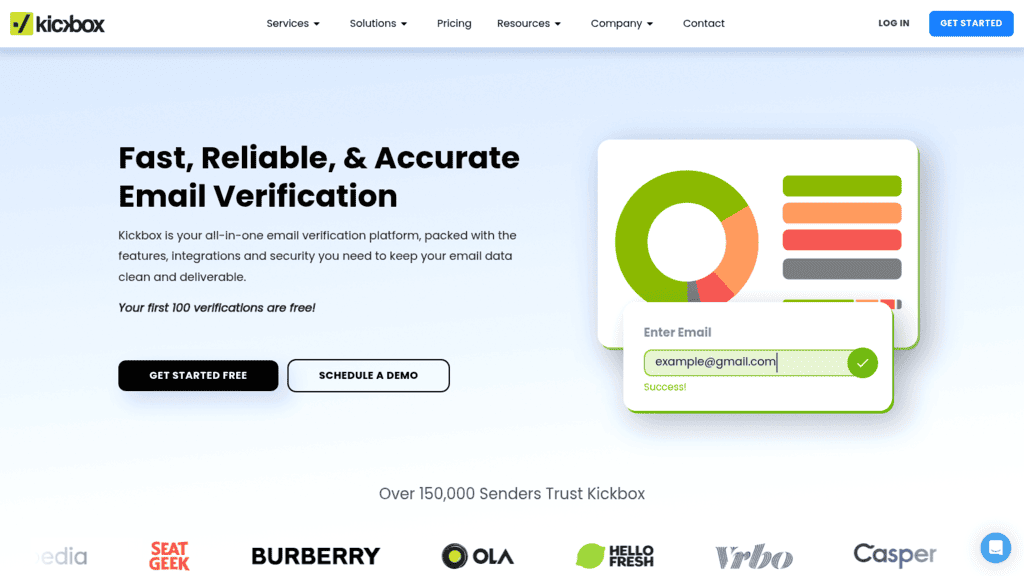
Kickbox as one of the best email validation apis

Overview: Kickbox is the developer-facing option in this group, with a real-time API, a documented sandbox and a published price at every volume step rather than a sales conversation above a threshold.

Key features:

  • Real-time API designed to sit inside a form submission
  • Unknown results are refunded, so ambiguous verdicts do not cost you
  • Published tiers from 500 checks to one million

Pricing: 100 checks are free, then pricing runs $5 per 500, $10 per 1,000, $40 per 5,000, $70 per 10,000, $150 per 25,000, $500 per 100,000 and $2,999 per million. Its “40 billion daily email signals” claim is the company’s own figure.

Pros: refunds unknowns, clear pricing at every tier, strong developer documentation

Cons: no recurring free allowance after the first 100, fewer deliverability extras, per-check price is mid-market

Why it’s a good email validation API: It answers synchronously, prices transparently and refuses to bill you for verdicts it could not reach, which is the combination this category most often gets wrong.

Final verdict: The safest default for inline validation if you want no surprises in either latency or billing.

ZeroBounce

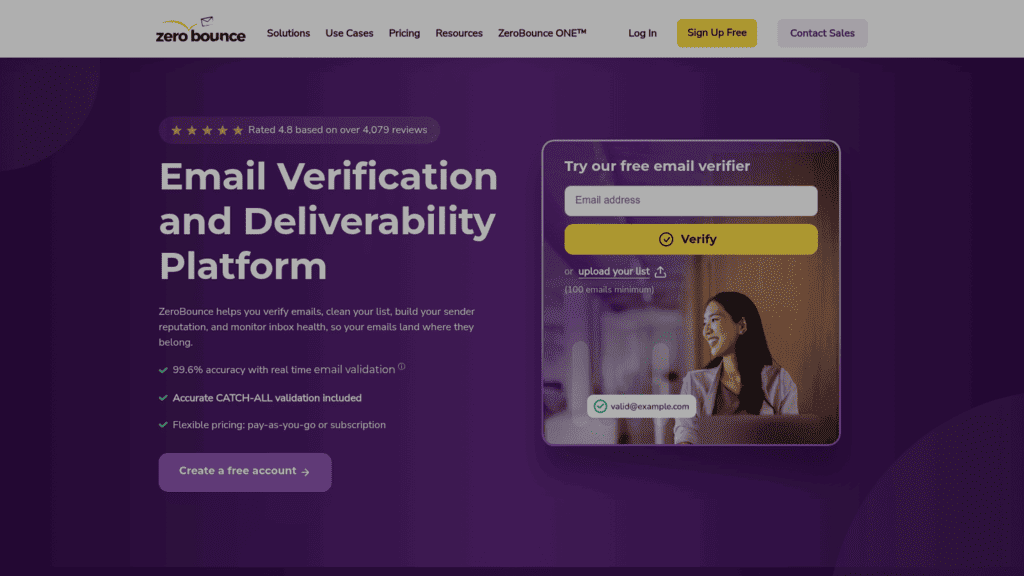
ZeroBounce as one of the best email validation apis

Overview: ZeroBounce sells validation as part of a wider deliverability suite, pooling credits across real-time checks, AI scoring, blacklist monitoring and inbox placement tests rather than charging separately for each.

Key features:

  • Real-time validation API alongside bulk processing on shared credits
  • Blacklist monitors that rescan every eight hours
  • Unknown results are not charged

Pricing: The ONE plan opens at $99 monthly covering 10,000 credits. Annual terms take 20% off, and autopay on pay-as-you-go takes 15%. A no-cost tier tops back up to 100 credits each month. One credit buys a validation, and one buys an AI score.

Pros: unknowns are free, monthly free credits refill, reputation monitoring included

Cons: highest entry price here, pooled credits complicate per-check math, extras are wasted if you only need validation

Where it fits: Teams that want the form check and the sender-reputation tooling from one vendor. Its published 99.6% accuracy figure is its own.

Final verdict: The most complete suite in this comparison, priced on the assumption you will use more than validation.

Byteplant

Byteplant as one of the best email validation apis

Overview: Byteplant’s Email-Validator is unusually specific about the things that matter for inline use, publishing both a latency expectation and a data-retention commitment rather than leaving either to a support ticket.

Key features:

  • Real-time API on every plan, with typical responses documented within 750 milliseconds
  • 99.9% availability commitment and a public API status page
  • Personally identifiable data deleted within 14 days under its GDPR terms

Pricing: Pricing runs through a calculator rather than a tier table, and it quotes in euros: 50,000 credits comes to EUR499.50, or roughly EUR0.01 each. The free trial covers 1,000 verifications with no card, credits never expire, and unused credits roll over month to month.

Pros: documented latency, explicit GDPR retention window, credits roll over and never expire

Cons: no published tier table, prices quoted in euros rather than dollars, dated interface

Its real strength: It answers the two questions an engineer actually asks before putting a third party inside a signup flow, which are how fast it responds and how long it keeps the data.

Final verdict: A strong pick where privacy review is part of the buying process, provided the euro pricing works for you.

Emailable

Emailable as one of the best email validation apis

Overview: Emailable charges one credit per check no matter which surface the check arrives through, so an inline API call, a bulk row, a widget submission and a manual lookup all cost the same.

Key features:

  • Uniform one-credit billing across API, bulk, widget and single checks
  • A drop-in widget for teams who would rather not build the form integration
  • Client libraries that shorten integration to a few lines

Pricing: Entry pricing is $38 monthly for 5,000 credits. Commit annually and that drops to $32.30 monthly, landing around $0.0076 a check. Past a million you negotiate directly.

Pros: billing is genuinely predictable, widget removes integration work, good library coverage

Cons: fewer fraud and risk signals than specialists, modest free allowance, top tier is quote-only

Where it wins: Shipping inline validation fast, with no credit-weighting scheme to model before you can forecast the bill.

Final verdict: The most straightforward option here when you want validation and nothing bundled around it.

Mailgun

Mailgun as one of the best email validation apis

Overview: Part of Sinch, Mailgun sells validation as a companion to its sending infrastructure, which makes it a natural default for teams whose transactional mail already leaves through it.

Key features:

  • Real-time validation API sharing authentication with the sending API
  • 5,000 validations bundled into the Scale sending plan
  • Sending and validation reporting in a single dashboard

Pricing: Sending plans start free at 100 emails a day, then Basic from $15 per month for 10,000 emails, Foundation at $35 for 50,000 and Scale at $90 for 100,000. Validations are billed separately, from $1.20 per 100 on Basic and Foundation, or $0.012 each, dropping to $0.80 per 100 on Scale.

Pros: one vendor for sending and validation, bundled allowance on higher tiers, mature API

Cons: validation costs extra on most plans, per-check price is high at low volume, only compelling if you already send here

Why buyers shortlist it: Consolidation. If Mailgun already carries your transactional mail, adding validation avoids a second contract and a second key.

Final verdict: Sensible for existing Mailgun senders, expensive as a standalone validation purchase.

QuickEmailVerification

QuickEmailVerification as one of the best email validation apis

Overview: QuickEmailVerification tops the free allowances here by resetting daily instead of monthly, which suits a low-traffic form that would never justify a paid tier.

Key features:

  • 100 free credits every day, recurring rather than one-time
  • Persistent pay-as-you-go credit packs from 500 up to 5 million
  • Real-time API alongside bulk verification

Pricing: Pay-as-you-go packs start at $4 for 500 credits, around $0.008 each, and credits never expire. A separate per-day subscription exists, and its 100-a-day tier costs nothing. Note that its /pricing URL returns a 404; the live page is /plans.

Pros: daily free refresh, credits never expire, low entry cost

Cons: broken pricing URL suggests light maintenance, tier prices render only in a calculator, smaller vendor

Why it earns a place here: A form taking under 100 signups a day can run on the free tier indefinitely, which no monthly-refresh competitor matches.

Final verdict: The best free option for genuinely low volume, with the caveats that come with a smaller operation.

Hunter

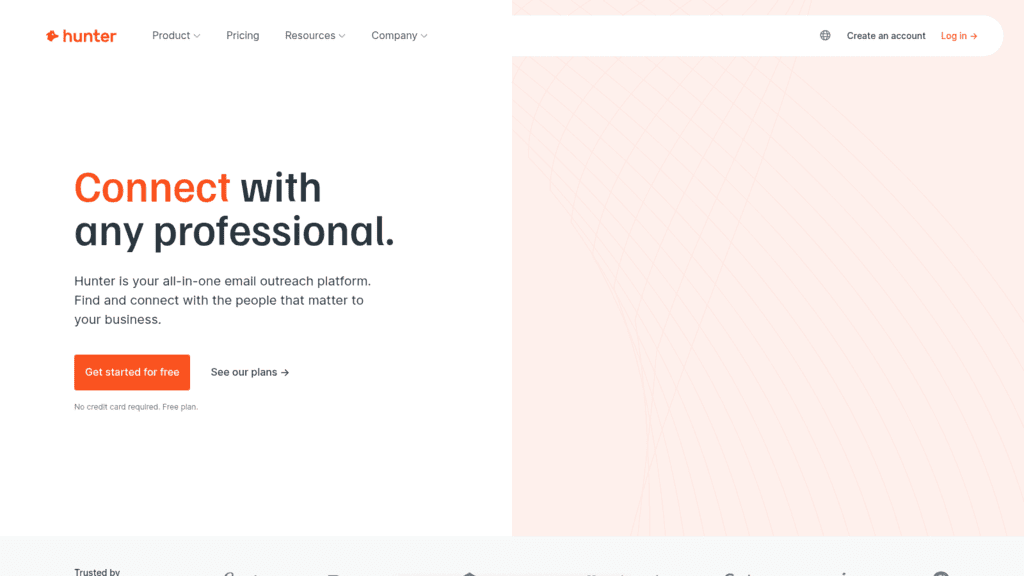
Hunter as one of the best email validation apis

Overview: Better known for finding addresses, Hunter also verifies them, and its billing rule is the notable part: a verification costs half a credit and nothing at all when the check fails to resolve.

Key features:

  • Verifier consumes 0.5 credit rather than a full one
  • No charge when nothing is found or verification fails
  • Unlimited seats on every tier including the free one

Pricing: The free tier includes 50 credits a month. Starter is $49 per month for 2,000 credits, or $34 billed annually; Growth is $149 for 10,000, or $104 annually; Scale is $299 for 25,000, or $209 annually.

Pros: half-credit verification, failed checks are free, unlimited seats at every tier

Cons: verification shares a credit pool with finding, monthly plans cost noticeably more than annual, fewer inline-specific features

Where it beats the alternatives: Teams doing both sourcing and validation get one balance and one invoice instead of two.

Final verdict: Good value when validation is secondary to finding addresses, less so when it is the whole job.

Proofy

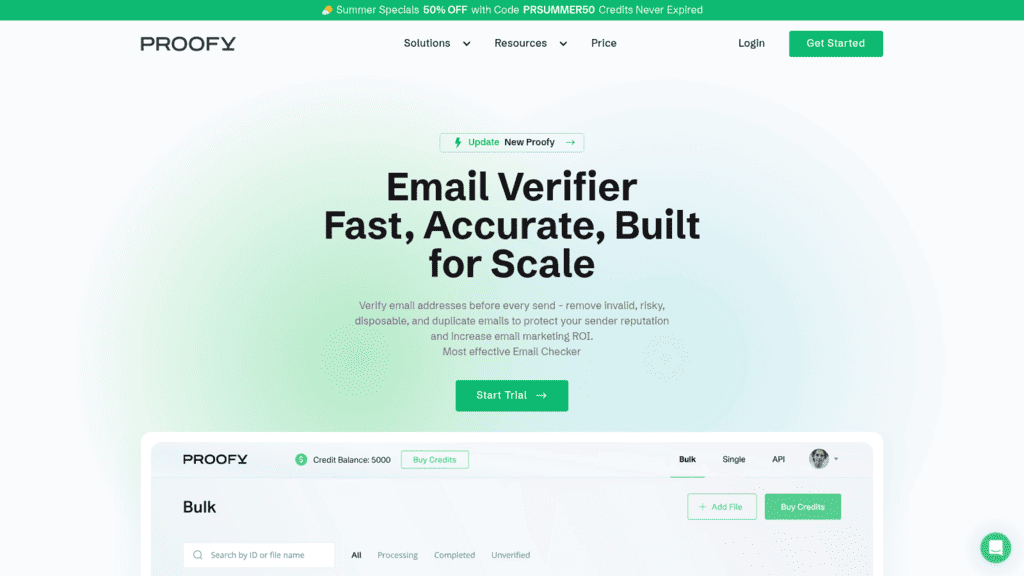
Proofy as one of the best email validation apis

Overview: Proofy competes almost entirely on billing fairness, refusing to charge for duplicates or for addresses it cannot resolve, which changes the effective rate more than the headline price does.

Key features:

  • No charge for duplicate addresses or unknown results
  • Volume pricing that falls from $0.008 to $0.001 per check
  • Credits never expire, with subscriptions discounted against pay-as-you-go

Pricing: A $4 trial covers 1,000 checks for new users. Per-verification pricing runs from $0.008 down to $0.001 as volume rises, and subscriptions take 15% off the pay-as-you-go rate. There is no published per-tier table.

Pros: duplicates and unknowns are free, deep volume discount, credits never expire

Cons: no published tier table to plan against, smaller vendor, thinner documentation

Why it made this list: On a messy list with heavy duplication, not being billed twice for the same address is worth more than a lower headline rate.

Final verdict: Worth testing if your inbound data is duplicate-heavy, though the missing price table makes budgeting harder.

IPQualityScore

IPQualityScore as one of the best email validation apis

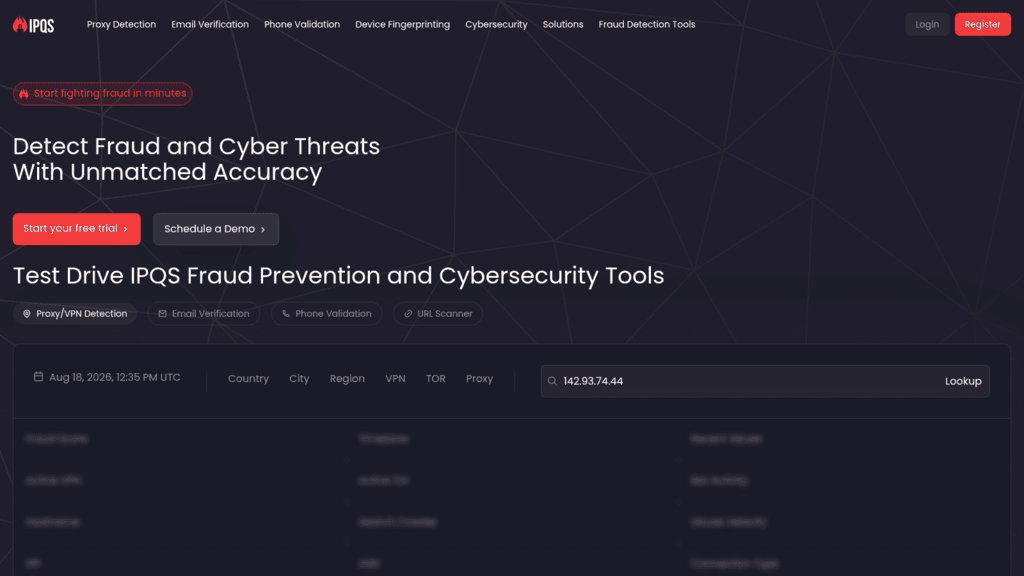
Overview: IPQualityScore belongs here with a caveat. It is a fraud-prevention platform whose homepage leads on proxy detection and device fingerprinting, and email verification is one tab among several rather than the product.

Key features:

  • Fraud and abuse scoring alongside deliverability signals
  • Configurable custom rules, from 10 on the free tier to thousands on paid plans
  • Throughput of 20 requests per second from the SMB Basic tier

Pricing: The free tier covers 1,000 lookups a month capped at 35 a day. Startup is $99 per month for 5,000 lookups, SMB Basic $499 for 10,000, and SMB+ $999 for 75,000 with a 99.5% uptime commitment. Enterprise is quoted.

Pros: genuine fraud signals, high throughput on paid tiers, generous rule configuration

Cons: built for fraud rather than deliverability, daily cap makes the free tier awkward, expensive per check

Where it fits: Stopping fraudulent or automated signups rather than protecting a sender reputation. Those goals overlap without being the same.

Final verdict: The right tool if fake accounts are the problem, the wrong one if bounces are.

Clearout

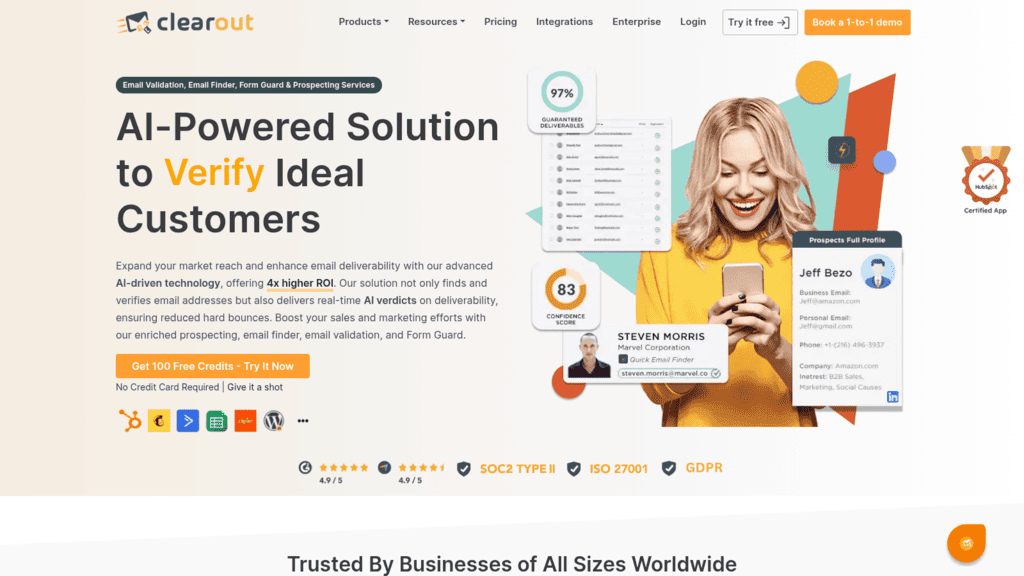
Clearout as one of the best email validation apis

Overview: Clearout combines validation with an email finder and prospect search, which is genuinely useful, but its entry-tier rate limit makes the inline use case difficult in a way the pricing page does not advertise.

Key features:

  • Validation, finder and prospect search share one credit balance
  • Auto-replenishing credits that top up before a run fails
  • Both subscription and pay-as-you-go billing

Pricing: A one-off 5,000-credit bundle costs $40, while subscriptions land at $49 and $99 monthly. Throughput is the thing to weigh before anything else: the cheapest plan permits just three verification calls a minute, with 25 and 55 unlocked further up the range.

Pros: sourcing and validation on one balance, auto-replenishment, flexible billing

Cons: three requests per minute cannot serve a live form, tiering is complex, quotas are modest

Why buyers shortlist it: The combined toolset, on plans above the entry tier where the rate limit stops being a blocker.

Final verdict: Strong combined value, but do the throughput math against your signup rate before committing.

How We Chose These Email Validation APIs

Four filters produced this list. A programmatic interface had to exist, not merely a download button. Prices had to appear on the vendor’s own site, which cost several familiar names their place. The product had to still be the thing its reputation describes. And throughput had to be discoverable, since a hidden ceiling is what turns a promising API into an unusable one.

That last test reshuffled the rankings more than anything else. Clearout drops a star purely on its entry-tier limit, and IPQualityScore’s daily cap makes its free tier far less useful than the monthly number suggests.

We captured and reviewed every homepage ourselves, which is how IPQualityScore’s positioning became clear: its own hero sells fraud and cyber-threat detection, with email verification one tab among proxy detection and device fingerprinting. Where a figure is a vendor’s own claim, the entry labels it.

What to Look For in an Email Validation API

The specification sheets look interchangeable. These are the differences that show up in production.

Synchronous or asynchronous. This is the first question, not a detail. An async endpoint returning a job ID cannot serve a form. Our own endpoints are async, which is why we say plainly that inline validation is not what they are for.

The rate limit, in the units you will actually hit. Clearout’s three requests per minute and IPQualityScore’s 35 lookups a day on the free tier are both hard ceilings that a monthly figure hides. Work out your peak minute, not your monthly average.

What happens on an unknown result. Kickbox refunds them, ZeroBounce and Proofy do not charge, and Proofy also waives duplicates. Across a real inbound stream those rules move the invoice more than the per-check rate.

Typo correction. Returning a suggested fix for gmial.com converts a lost signup into a completed one. It is the only feature in this category that adds revenue rather than preventing loss.

Data handling. You are sending user-entered personal data to a third party during signup. Byteplant publishes a 14-day deletion window; most competitors leave retention to the contract. If privacy review gates your vendors, ask before you build.

There is a security dimension people miss. OWASP catalogs automated bulk account creation as a named threat in its automated threats taxonomy, used for content spam, malware distribution and reputation damage. A validation call at the form is the cheapest control point available, well before those accounts reach your database or your sending domain. If you are also scoring the leads those forms produce, our overview of lead verification software covers the layer above this one.

How Much Do Email Validation APIs Cost?

Per-check rates cluster tightly between $0.008 and $0.012, so the free allowance and the billing rules separate these vendors far more than the headline price does.

Tool Free allowance Entry paid price Approximate cost per check
QuickEmailVerification 100 per day, recurring $4 per 500 credits $0.008
Byteplant 1,000 one-time EUR499.50 per 50,000 ~EUR0.01
Kickbox 100 one-time $10 per 1,000 $0.010
Emailable Trial credits $38/month for 5,000 ~$0.0076
Proofy $4 trial for 1,000 Volume-tiered $0.008 to $0.001
Hunter 50 per month $49/month for 2,000 ~$0.0245 per credit, 0.5 per check
ZeroBounce 100 per month, refills $99/month for 10,000 ~$0.0099
Clearout 100 one-time $40 per 5,000 $0.008
Mailgun Trial only $1.20 per 100 $0.012
IPQualityScore 1,000/month, 35/day cap $99/month for 5,000 ~$0.0198
Reply.io 14-day trial $49/month plan plus $20/month add-on Tiered by volume

Those rates describe a clean stream. Duplicate-heavy inbound data and a high unknown rate both push the real figure up, which is why the vendors that waive those charges often finish cheaper than the ones with lower sticker prices.

The frustration this category produces is consistent. A founder running several products with free-trial signups and lead forms described it on Reddit: they were receiving “tons of invalid emails, not only malformed but also well-formed emails that are not reachable.” That is the distinction the category exists for. Syntax checking is free and catches almost nothing; the reachability check is what you are actually paying for. It is one person’s account rather than survey data, but it describes the problem accurately.

Our own pricing follows the platform pattern rather than the per-check one, selling validation as a monthly volume tier on top of a base plan.

Cost also has an upside that is easy to forget. Litmus puts email’s return at $36 for every dollar spent, so validation spend is small against the channel it protects, provided the list it protects is genuinely reachable.

How to Add Validation to a Signup Form

Dropping a validation call into a form is straightforward. Doing it without breaking signups takes a little more care.

Validate After Syntax, Not Instead of It

Run a cheap client-side syntax check first and only call the API on addresses that pass. There is no reason to spend a credit on a string with no @ in it.

Decide What Happens on a Timeout

The API will occasionally be slow or unreachable, and a form that blocks on it is a form that loses signups. Set a timeout you can live with, and default to accepting the address when the call fails rather than rejecting it. Failing open costs you a bad record; failing closed costs you a customer.

Show Typo Suggestions Instead of Errors

When the API returns a suggested correction, offer it as a prompt the user can accept in one click. Treating a probable typo as a hard validation error trains people to abandon the form.

Treat Catch-All and Unknown as Soft Signals

Neither verdict means the address is bad. Accept them, tag the record, and let your sending logic decide later. Blocking signups on an ambiguous result rejects real customers at corporate domains that happen to accept all mail.

Log the Verdict, Not Just the Decision

Store what the API returned alongside the record. When bounce rates move six months from now, that field is the only way to tell whether validation is working or whether the problem sits elsewhere, such as in your sending API setup.

Handled that way, validation reduces bad records without becoming another reason people fail to sign up.

Is a Free Email Validation API Enough?

For a genuinely low-traffic form, sometimes yes. QuickEmailVerification’s 100 credits a day refresh indefinitely, which covers a form taking under 3,000 signups a month at no cost. ZeroBounce refills 100 a month and Hunter gives 50, which are testing allowances rather than operating ones.

The ceilings arrive in two ways. Volume is the obvious one. The less obvious one is the daily cap: IPQualityScore advertises 1,000 lookups a month but limits you to 35 a day, so a single busy afternoon exhausts the allowance while the monthly figure looks untouched.

Free tiers also carry the tightest rate limits, which is precisely the wrong tradeoff for inline validation where latency is the point. Anyone weighing this should read the throughput numbers before the price, and our guide to free validation tools covers where those ceilings sit in practice.

Past a few thousand checks a month, a paid tier stops being an upgrade and becomes the only configuration that reliably answers in time.

Choosing the Right Validation API for Your Form

Start with throughput, then billing, then features.

If you need an inline answer, Kickbox and Byteplant are the most predictable, one for its refund-on-unknown rule and clear tiers, the other for publishing both its latency and its retention window. If fake accounts rather than bounces are the problem, IPQualityScore is built for that and the others are not. If your inbound data is duplicate-heavy, Proofy’s billing rules will beat a lower sticker price. And if you are already sending through Mailgun, adding its validation avoids a second vendor entirely.

Where hygiene is simply one stage of a sending motion you already operate here, our endpoints keep it on the same system and the same invoice, carrying the honest caveat that they run as background jobs and will never answer a form in real time. That is a deliberate design for list work, not an oversight, and it is the reason this list ranks synchronous specialists highly.

Test against your own inbound stream before committing, because vendor accuracy figures describe their average traffic rather than yours. Validation is one layer of deliverability, and our roundup of email deliverability agencies covers the rest if bounces persist after your list is clean.

Frequently asked questions

What is the difference between email validation and email verification?

Most vendors use the words interchangeably and sell both under one name. The distinction worth drawing is the job: validation usually means checking one address at the moment it is captured, synchronously, while verification usually means cleaning a list you already hold, in bulk and asynchronously. Several tools here do both, but they price, rate-limit and document them differently, so buy for the workflow you actually have.

Can an email validation API work in real time on a signup form?

Most of them can, and a few cannot. A synchronous endpoint returns a verdict in one request, typically within a second, which is fast enough to sit inside a form submission. Asynchronous APIs hand back a job identifier you poll, which suits large files and cannot serve a live form. Check both the response model and the rate limit, since an entry tier capped at three requests per minute will not survive a traffic spike.

How much does an email validation API cost?

Published rates cluster between $0.008 and $0.012 per check at entry volume, falling toward $0.001 at high volume. Free allowances vary far more: 100 a day from QuickEmailVerification, 100 a month from ZeroBounce, 1,000 once from Byteplant. Billing rules matter as much as the rate, because vendors that waive duplicates and unknowns often work out cheaper than a lower headline price.

Will validation stop fake and disposable signups?

It stops a large share of them. Every API here flags disposable domains, and most flag role accounts and syntax abuse. What a deliverability-focused verifier will not tell you is whether a real, reachable address belongs to a bot or a fraudster, which is a different signal set. IPQualityScore is built for that case, and OWASP treats automated account creation as its own threat category for good reason.

Can I validate emails in bulk through these APIs?

Yes. Almost every tool here offers bulk processing alongside its real-time endpoint, usually on the same credit balance. Bulk jobs run asynchronously: you submit the file, get a job identifier, and poll until results are ready. Our own endpoints work this way exclusively, returning a 202 Accepted and a Location header.

Subscribe to our blog to receive the latest updates from the world of sales and marketing.
Stay up to date.

Related Articles

How to Build and Use an Automated Follow Up System in 2026

How to Build and Use an Automated Follow Up System in 2026

How to Build and Use an Automated Follow Up System in 2026
How to Build a B2B Marketing Automation Strategy for 2026 and Beyond

How to Build a B2B Marketing Automation Strategy for 2026 and Beyond

How to Build a B2B Marketing Automation Strategy for 2026 and Beyond
Best AI GTM Agent Tools for Future-proof B2B Teams in 2026

Best AI GTM Agent Tools for Future-proof B2B Teams in 2026

Best AI GTM Agent Tools for Future-proof B2B Teams in 2026