Best Lead Generation APIs in 2026 for Every Stage

Best Lead Generation APIs in 2026 for Every Stage

Key takeaways:

  • No single API covers lead generation end to end. The category splits into sourcing, enrichment, qualification and activation, and most teams end up paying for three of the four.
  • API access is often gated above the entry tier. Clay sells no API at all on Free or Launch; it appears from Growth, listed from $185 a month billed annually.
  • Pricing models are not comparable without normalizing. Wiza sells unlimited email reveals per seat, Apify sells prepaid platform usage that expires monthly, and Exa bills per request.
  • Personalization and persistence still do the heavy lifting. Backlinko’s analysis of 12 million outreach emails put the average response rate at 8.5%, with follow-ups roughly doubling it.

Nobody buys a “lead generation API.” They buy a way to find companies matching an ICP, a way to attach a working email address, a signal that says which accounts are worth the effort, and something that actually sends the message. Four jobs, usually four vendors, one line item nobody can explain to finance.

This guide maps ten APIs onto those four stages so you can see which one you are actually missing. Some cover a single stage properly, a few span two, and the pricing models differ enough that comparing headline prices tells you almost nothing.

Every figure below came from the vendor’s own pricing page. Where a vendor hides tier prices behind a slider or a sales call, that is stated rather than guessed at.

What Is a Lead Generation API?

A lead generation api is any programmatic interface that moves a prospect closer to a conversation: finding accounts, resolving contacts, appending an email or phone number, scoring intent, or triggering the outreach itself.

The term is loose because the category is. A search API that returns companies matching a description and a sending API that runs a sequence are both sold as lead generation, and they solve completely different problems. That is why this guide leads with stages rather than a ranked list of interchangeable tools.

The underlying records are a separate market again, which our roundup of B2B data APIs treats on its own terms.

What they share is a shift in how the work gets bought. Data used to arrive as a CSV somebody exported quarterly. Now it arrives per request, priced per credit, which means the cost of a bad ICP definition shows up on an invoice within days instead of being buried in an annual contract.

Gartner expects 60% of B2B seller work to run through generative AI interfaces by 2028, up from under 5% in 2023. Agents cannot use a CSV. They need endpoints, which is most of why this category is being rebuilt API-first.

The Four Stages a Lead Generation API Covers

Sorting the market by stage makes the gaps in your own stack obvious.

Sourcing answers “who should we talk to?” You supply an ICP, in filters or plain language, and get back companies or people. Reply.io’s Live Data search, Exa’s semantic search and Apify’s scrapers all live here, using very different methods.

Enrichment answers “how do we reach them?” You supply a name and a domain, or a LinkedIn URL, and get back a verified email address or a phone number. Findymail, Wiza and Snov.io compete here, and it is the most commoditized stage.

Qualification answers “which of these is worth the effort?” This is where visitor identification and intent signals sit. RB2B tells you which companies and, in the US, which individuals visited your site.

Activation answers “how does the message get sent?” Sequencing, multichannel steps, reply handling. Reply.io, Instantly and Snov.io operate here, and Unipile provides the LinkedIn transport underneath many tools that do.

Very few teams need all four from separate vendors. The useful exercise is identifying which stage is currently manual, because that is the one costing you the most.

Activation is also the stage most often reached through a sending API rather than a platform UI, a distinction we unpack in our guide to the outbound API.

The Best Lead Generation APIs

The second column matters more than the rating. A tool that is excellent at enrichment does nothing for a sourcing problem.

Tool Stage it covers Best for Main limitation Pricing (from) Rating
Reply.io Sourcing and activation Running sourcing and outreach on one API Search endpoints are in beta $49/month ★★★★★
Clay Enrichment orchestration Waterfalling many providers at once No API below the Growth tier $185/month annually ★★★★★
Exa Sourcing Describing an ICP in plain language Returns pages, not contact records $10 free credits monthly ★★★★★
Findymail Enrichment Verified emails with no wasted credits Phone lookups cost 10 credits each $99/month ★★★★☆
Wiza Enrichment Unlimited email reveals per seat Phone reveals billed separately on lower tier $83 per user/month annually ★★★★☆
Snov.io Enrichment and activation Finding and sending in one place Shallower data than dedicated providers $39/month ★★★★☆
Unipile Activation LinkedIn messaging through one API Runs through a real logged-in account EUR49/month ★★★★☆
RB2B Qualification Identifying who visited your site Person-level identification is US only $79/month ★★★★☆
Apify Sourcing Scraping sources no vendor sells Prepaid usage expires each cycle $29/month ★★★★☆
Instantly Activation High-volume sending and warmup Database quality varies by segment $47/month ★★★★☆

Read that table against the four stages above rather than top to bottom, because the strongest tool for a stage you have already solved is worth nothing to you.

Reply.io
Reply.io as one of the best lead generation apis

Best for: Sourcing prospects and sending to them

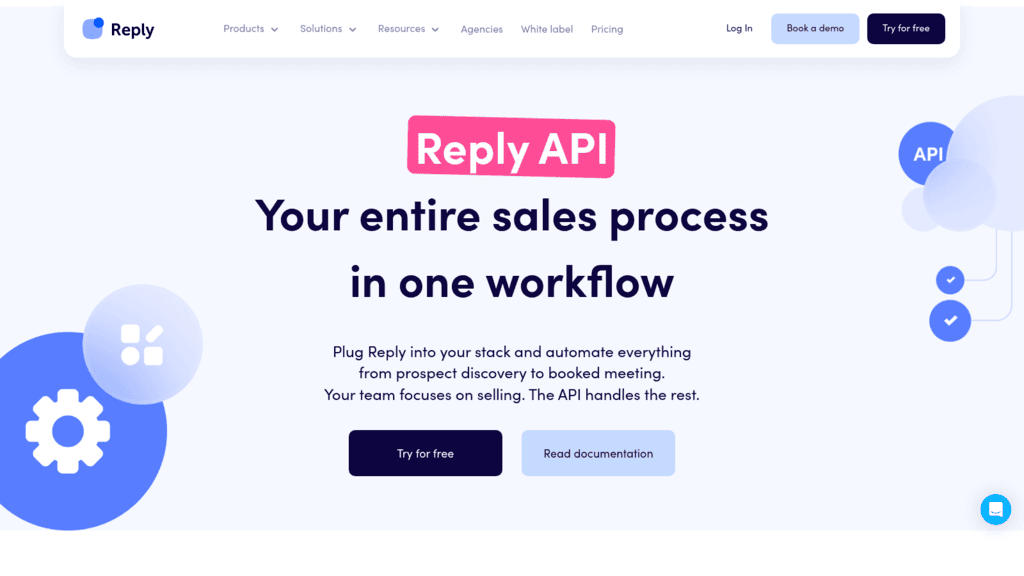
Overview: We cover two of the four stages through one API, which is the argument for putting us first here. Live Data search finds people matching an ICP, and the sequence endpoints send to them, without an export sitting between the two.

The contact database behind the search holds more than a billion contacts, including 220 million-plus in the US and over 60 million company profiles across 150-plus countries, supplied through Generect.

We should be straight about maturity. All nine Live Data search endpoints are marked Beta in our docs, which means parameters and response shapes can change without notice. Build against them with that in mind.

The contact enrichment endpoints are a separate matter: as of August 2026 all five are still marked Coming soon in our developer docs, so enrichment runs in the platform today but is not callable over the API yet.

Key features:

  • Live Data search endpoints that start, poll, list and preview a people search by ICP filters
  • Typeahead endpoints for departments, industries, job titles, locations and seniorities
  • Programmatic control over enrolling, pausing and resuming a sequence
  • Event webhooks covering replies, opens, clicks and booked meetings, so nothing polls
  • Two live email validation endpoints so sourced addresses can be checked before sending
  • Rate ceilings published up front at 100 calls a minute and 3,000 an hour

Pricing: Billing tracks how many contacts you hold, not how many people log in, which puts the floor at $49 monthly on an annual term for a 1,000-contact database. Watch the data allowance rather than the headline figure: 50 live data credits ship with the base plan each month, enough to test and not to operate, with further packages beginning at $20 monthly. Fourteen days of trial access, and no free tier.

Pros: sourcing and activation on one API, very large underlying database, event webhooks, published rate limits, live validation endpoints

Cons: the search endpoints are all beta and the enrichment endpoints are not callable yet, and the data is bundled inside the platform rather than sold standalone, with only 50 live data credits included on the base plan

How to start using it:

  1. Open a trial and issue a v3 token from the API Key panel inside Settings.
  2. Call the typeahead endpoints to resolve your ICP filters to valid IDs.
  3. Start a Live Data search, then poll it until the result set is ready.
  4. Validate the returned addresses through the email validation endpoints before sending.
  5. Enroll the surviving contacts into a sequence and subscribe to reply webhooks.

Why it’s a good lead generation API: Two stages on one contract, one auth model and one set of rate limits, with the outreach layer already built rather than assembled from parts.

Final verdict: The strongest fit when sourcing and sending should live together. If you need a mature, generally available search API today, the beta labelling is a real consideration.
Clay

Clay as one of the best lead generation apis

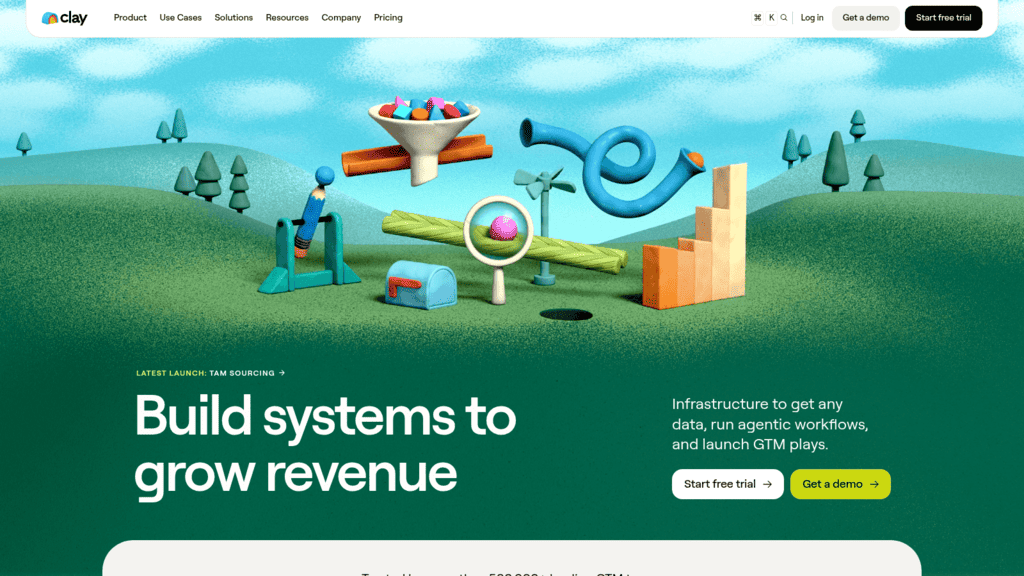
Overview: Clay orchestrates other people’s data rather than owning much of its own, running waterfall enrichment that tries provider after provider until one returns a result, which lifts match rates well above any single vendor.

Key features:

  • Waterfall enrichment across many providers on a single request
  • Claygent, an AI research agent for questions no structured provider answers
  • HTTP API integrations, webhook automation and CRM auto-sync from the Growth tier

Pricing: The free plan includes 500 actions and 100 data credits a month with no API access. Launch is listed from $54 per month billed annually and also has no API. Growth, listed from $185 per month billed annually, is the first tier with API access. Pricing runs on a credit slider, so the headline figure moves with the volume you select.

Pros: highest practical match rates, huge provider coverage, strong AI research agent

Cons: no API on the two cheapest plans, slider pricing makes budgeting awkward, credits deplete quickly on waterfalls

Why buyers shortlist it: One request against ten providers beats ten integrations against ten providers, and the match-rate difference is large enough to justify the price.

Final verdict: The best enrichment orchestration available, provided your budget clears the Growth tier where the API actually appears.

Exa

Exa as one of the best lead generation apis

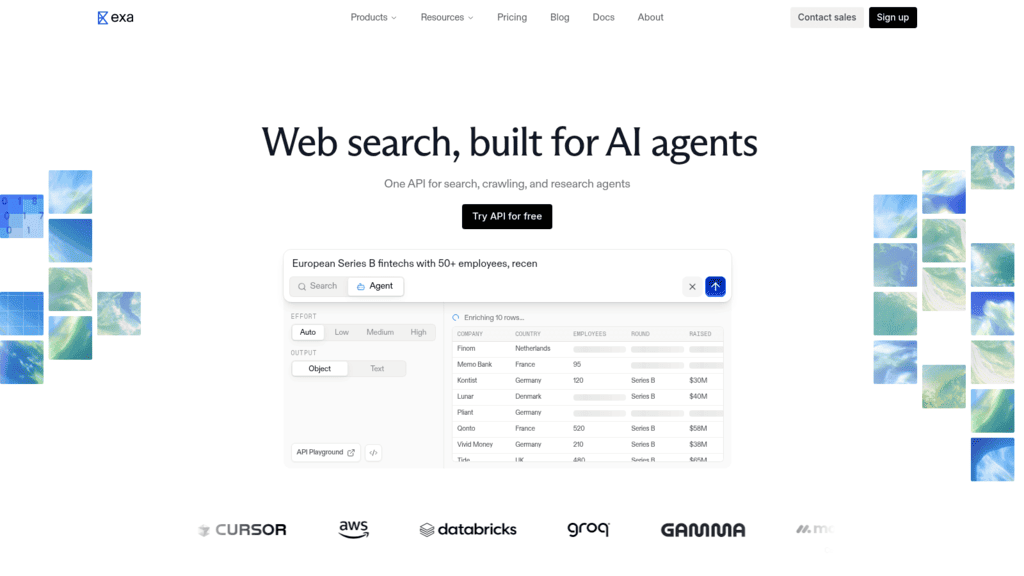
Overview: Exa is a semantic search API rather than a contact database, which makes it the right tool for the ICP definitions that filter-based providers cannot express, such as companies doing a specific unusual thing.

Key features:

  • Semantic search across web, people, company and scholarly indexes
  • An MCP server plus a Claude connector, so agents can query it directly
  • Access to all endpoints on the free tier at 5 search queries per second

Pricing: The free tier includes $10 of credits every month, MCP server access and all endpoints, with 5 search QPS and 3 concurrent agents. Paid usage is pay-as-you-go, lifting throughput to 10 search QPS and 25 concurrent agents and adding SOC 2 Type II coverage.

Pros: genuinely free monthly credits, agent-native through MCP, finds companies filters cannot describe

Cons: returns pages rather than contact records, needs a separate enrichment step, per-request billing is harder to forecast

Where it beats the alternatives: Describing an ICP in a sentence instead of forcing it into industry codes and headcount bands.

Final verdict: The best sourcing tool here for unusual ICPs, and useless on its own without an enrichment stage after it.

Findymail

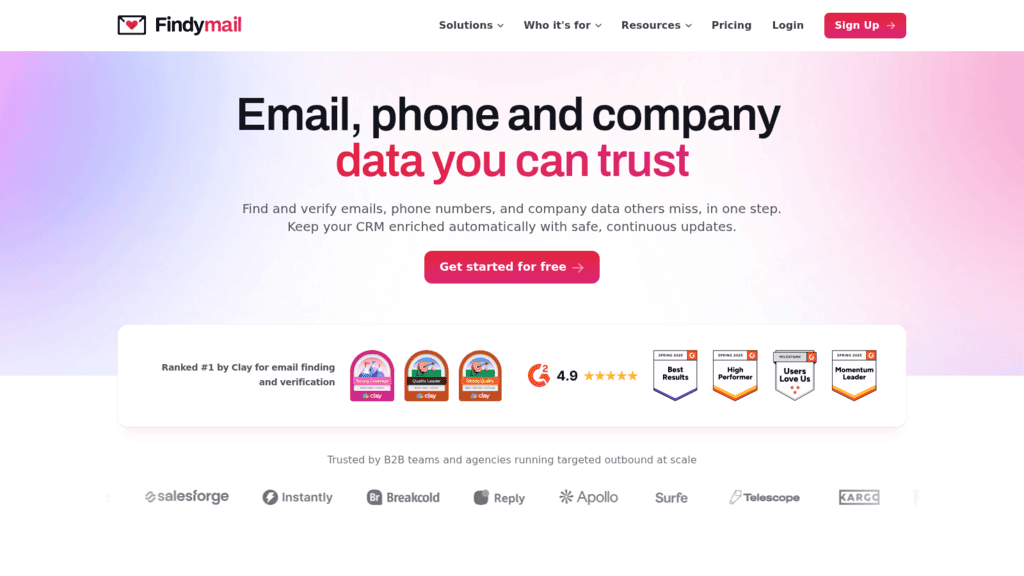
Findymail as one of the best lead generation apis

Overview: Findymail verifies every address it returns before charging for it, which removes the usual two-step of finding an email and then paying a second vendor to check whether it works.

Key features:

  • Finder credits include verification, so returned addresses are already checked
  • Bonus verifier credits for addresses sourced elsewhere
  • Straightforward credit math at one credit per email

Pricing: Starter is $99 per month for 5,000 finder credits, bundled with 5,000 bonus verifier credits. One email costs one credit and one phone number costs ten. Paying yearly gives two months free.

Pros: verification included in the find, generous bonus verifier credits, predictable per-email cost

Cons: phone lookups cost ten times an email, fewer integrations than larger rivals, narrower coverage outside core markets

Its real strength: You are not paying twice for one usable address, which is the hidden cost in most enrichment stacks.

Final verdict: The cleanest economics in the enrichment stage if email is what you actually need.

Wiza

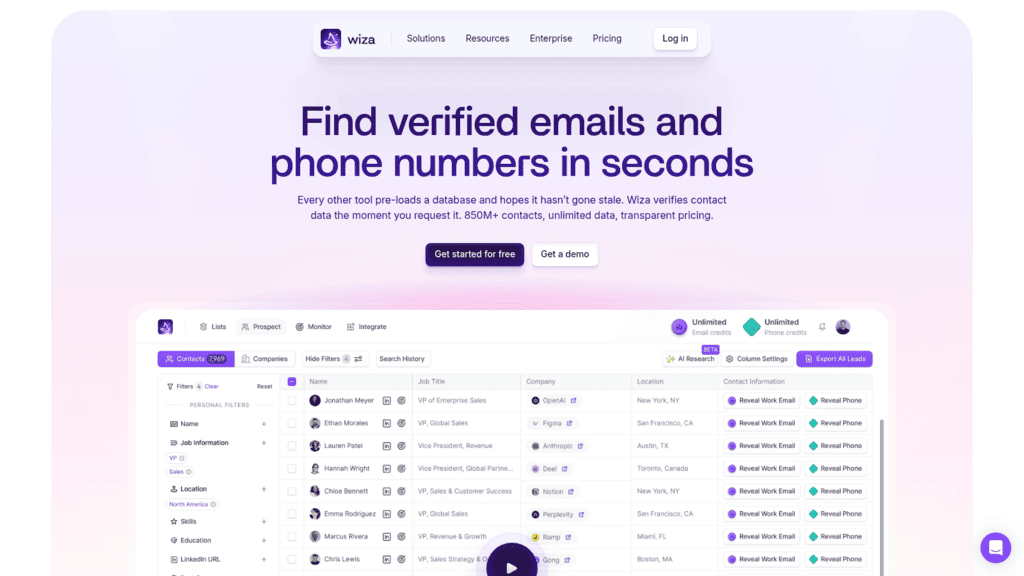
Wiza as one of the best lead generation apis

Overview: Wiza sells unlimited email reveals per seat rather than metered credits, which changes the calculation entirely for teams whose volume is high and whose headcount is not.

Key features:

  • Unlimited email reveals on paid plans rather than a credit budget
  • LinkedIn-sourced contact data with CRM integrations
  • AI research fields alongside standard contact attributes

Pricing: The free plan covers 20 valid emails and 5 phone numbers. The Email plan is $83 per user per month billed at $990 a year, with unlimited email reveals, 2,500 exports a month and phone numbers charged at $0.35 each. Email + Phone is $166 per user per month billed at $1,990 a year and makes phone reveals unlimited too.

Pros: unlimited email reveals, predictable per-seat cost, useful free tier for testing

Cons: export cap of 2,500 a month applies regardless, phone costs extra on the lower plan, per-seat pricing punishes larger teams

Why it earns a place here: Unlimited reveals for a fixed seat price is the cheapest model in this list at high volume per user.

Final verdict: Excellent for small teams doing heavy prospecting, expensive as headcount grows.

Snov.io

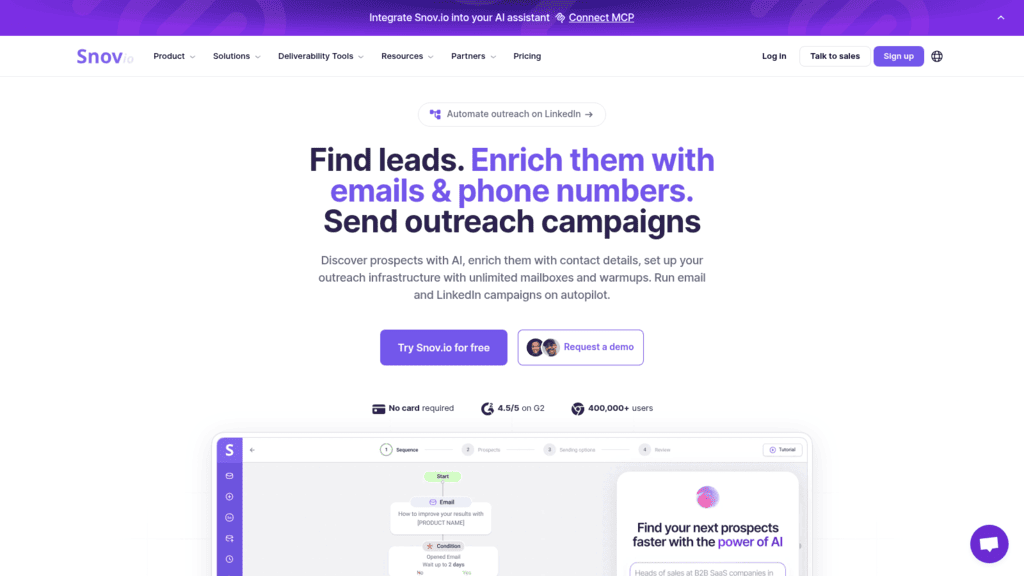
Snov.io as one of the best lead generation apis

Overview: Snov.io spans enrichment and activation in one product, combining an email finder and verifier with multichannel sequences and a built-in CRM, which suits smaller teams consolidating rather than specializing.

Key features:

  • Email finder and verifier sharing one credit balance
  • Multichannel sequences across email and LinkedIn
  • A built-in CRM for teams without a separate system of record

Pricing: Starter is $39 per month with unlimited team seats, then Pro S at $99, Pro M at $189 and Pro L at $369. LinkedIn automation is a $69 per month add-on, which is the standard rate in this category rather than an outlier.

Pros: unlimited seats at every tier, finding and sending in one tool, low entry price

Cons: data depth trails dedicated providers, LinkedIn costs extra, CRM is basic next to a real one

What it is genuinely good at: Covering two stages adequately for less than most single-stage specialists charge.

Final verdict: Strong value for small teams, outgrown once either stage becomes your bottleneck.

Unipile

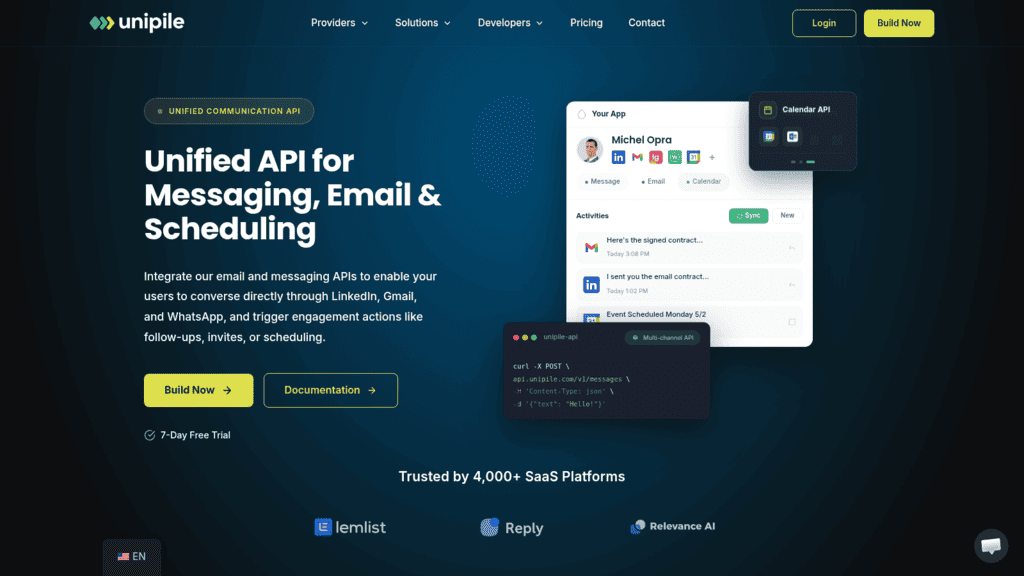
Unipile as one of the best lead generation apis

Overview: Unipile is the transport layer beneath a surprising number of LinkedIn tools, offering a unified API for messaging, InMail and posts that acts through a real logged-in account rather than a scraped index.

Key features:

  • More than 100 unified endpoints across LinkedIn and other messaging channels
  • Unlimited API calls rather than a per-request meter
  • Account-based pricing that scales with connected mailboxes, not usage

Pricing: One plan, billed pay-as-you-go, with a EUR49 per month minimum covering up to 10 accounts and EUR5.00 per account per month for 11 to 50, falling above that. A 7-day free trial needs no card.

Pros: unlimited API calls, predictable account-based cost, broad channel coverage

Cons: operates through a real logged-in account with the platform risk that carries, priced in euros, account-based model suits builders more than end teams

Why it made this list: If you are building LinkedIn outreach into your own product, this is the layer you would otherwise spend months constructing.

Final verdict: The right choice for product teams, less relevant if you just want to send LinkedIn messages yourself.

RB2B

RB2B as one of the best lead generation apis

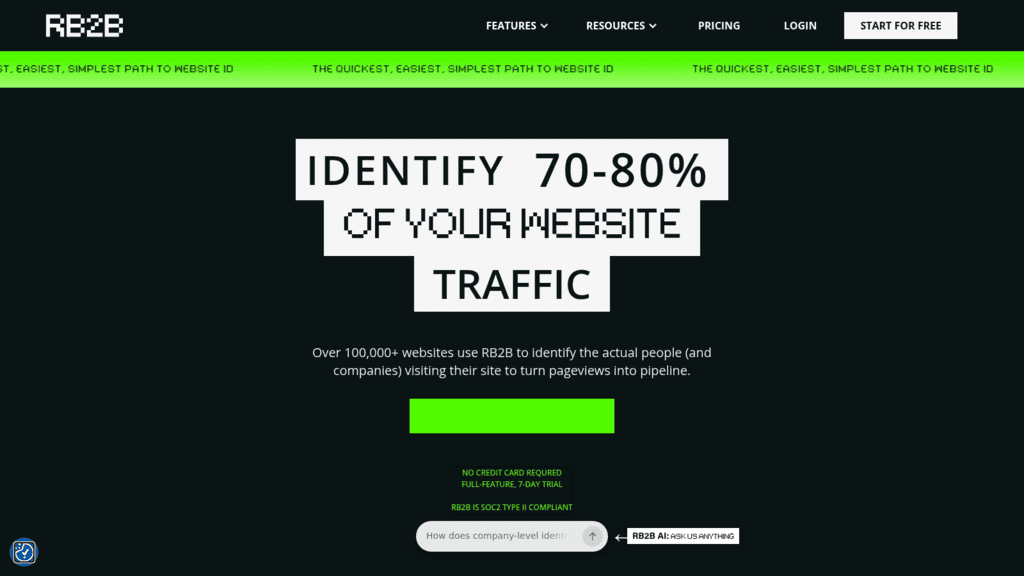
Overview: RB2B identifies who visits your website, and unlike most visitor-identification tools it resolves to the person rather than stopping at the company, though that capability is geographically limited.

Key features:

  • Contact-level site identification rather than company-level only
  • Slack and CRM delivery so signals reach reps without a dashboard visit
  • ICP filtering so only relevant visitors trigger a notification

Pricing: There is a free tier, then plans at $79 per month, from $149 per month and from $199 per month, with an additional contacts package at $99 per month for up to five. Person-level identification covers the US only.

Pros: person-level rather than company-level resolution, genuine free tier, signals routed where reps already work

Cons: contact-level identification is US only, coverage depends on traffic volume, adds nothing without inbound traffic

Where it fits: Turning existing site traffic into a warm list, which is a different and usually cheaper motion than sourcing cold.

Final verdict: Valuable if you have US traffic worth identifying, irrelevant if you do not.

Apify

Apify as one of the best lead generation apis

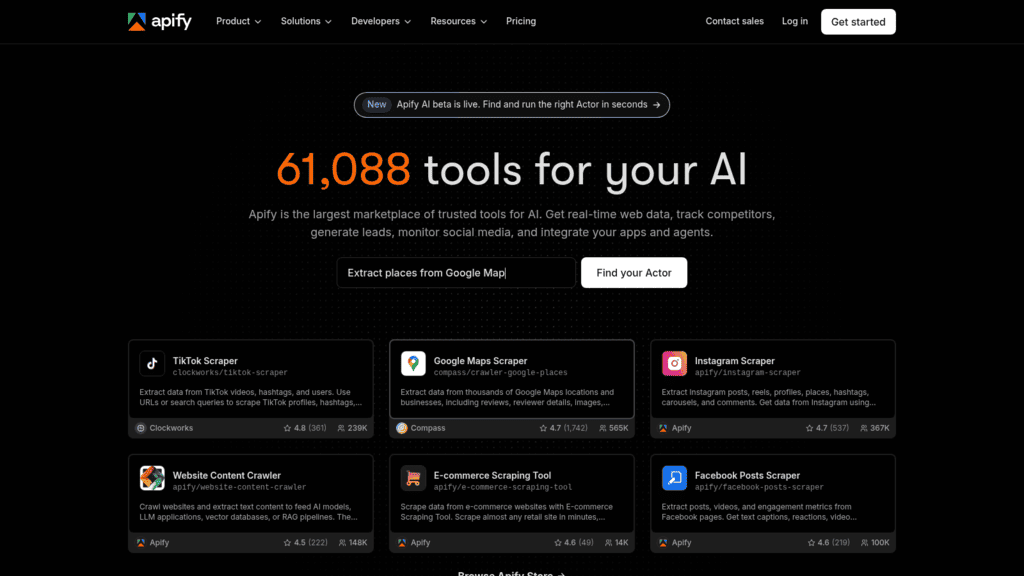
Overview: Apify is a scraping platform with a marketplace of prebuilt actors, which makes it the fallback for sources no data vendor sells, including Reddit, niche directories and marketplaces.

Key features:

  • A marketplace of prebuilt scrapers covering many sources including Reddit
  • Proxy infrastructure and scheduling handled by the platform
  • Custom actors when nothing prebuilt fits your source

Pricing: The free plan includes $5 of monthly prepaid usage. Starter is $29 per month plus pay-as-you-go, Scale $199 and Business $999, with Enterprise quoted. The detail to plan around is that unused prepaid usage disappears at the end of each billing cycle rather than rolling over.

Pros: reaches sources nobody sells as an API, large prebuilt actor library, infrastructure handled for you

Cons: prepaid usage expires monthly, scrapers break when sites change, compliance is your responsibility

Why buyers shortlist it: It is the only route to sources like Reddit discussions or vertical directories where no structured provider exists.

Final verdict: The right tool for sourcing what nobody else indexes, with the ongoing maintenance that implies.

Instantly

Instantly as one of the best lead generation apis

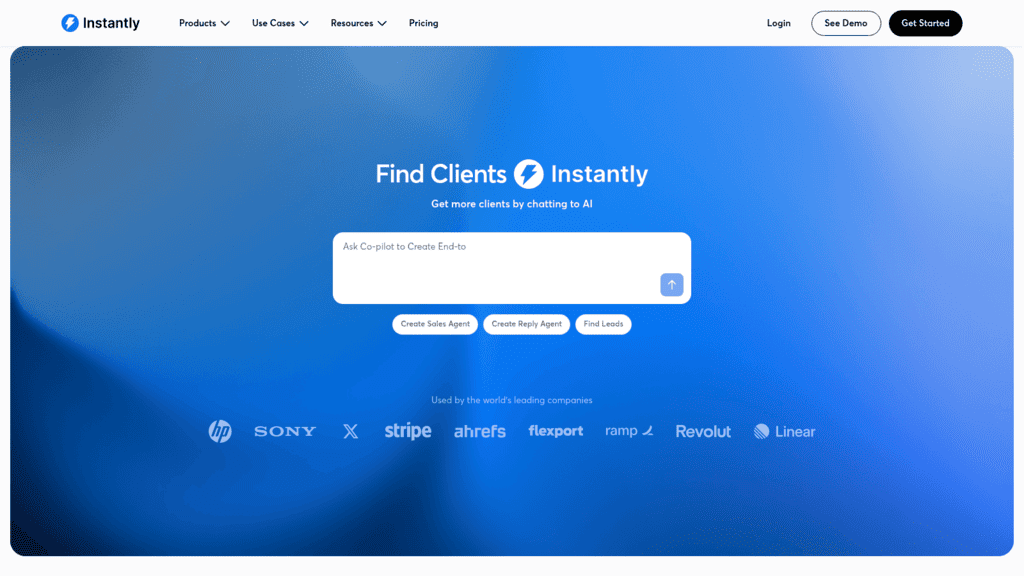
Overview: Instantly focuses on sending volume, pairing unlimited email accounts with free warmup and a bundled B2B database, which makes it a common choice for agencies running many domains at once.

Key features:

  • Unlimited connected email accounts on paid plans
  • Free warmup included rather than sold as an add-on
  • A bundled B2B lead database of more than 450 million records

Pricing: Growth is $47 per month, roughly $37.60 billed annually, priced per account. Hypergrowth runs around $97, and lead-database bundles start at $94 per month on top of the sending plan.

Pros: unlimited email accounts, warmup included at no extra cost, strong deliverability tooling at the low end

Cons: database quality varies noticeably by segment, database is a separate line item, fewer channels than multichannel platforms

Where it beats the alternatives: Raw sending capacity and warmup for the price, which is genuinely strong at the entry tier.

Final verdict: A good activation layer when volume matters more than channel breadth.

How We Chose These Lead Generation APIs

Each tool needed a documented public API, published pricing, and a clear place in one of the four stages. Anything that could not be priced without a sales call was left out, which removed several well-known B2B data vendors whose pricing pages contain no numbers at all.

That exclusion is worth naming rather than hiding. Cognism and Seamless.AI both rank well for this keyword and both publish no pricing whatsoever, so neither could be compared on the terms this guide uses.

We also checked that each product still does what its reputation says. Positioning drifts, and a tool that was a data provider two years ago is sometimes a browser extension now. Every homepage here was captured and reviewed rather than taken on trust.

What to Look For in a Lead Generation API

Five things separate a tool that works in production from one that demos well.

Which tier unlocks the API. Clay is the clearest example: no API at all on Free or Launch, and it appears from Growth upward. Check this before you evaluate anything else, because it changes the real entry price.

What a credit actually buys. One email equals one credit at Findymail, one phone equals ten. Wiza sells unlimited email reveals per seat but charges $0.35 per phone number on its lower plan. These models are not comparable until you map them onto your own volume.

Whether unused budget expires. Apify’s prepaid usage disappears at the end of each cycle. Others let credits roll over indefinitely. Over a year that difference is larger than most price gaps.

Match rate versus hit rate. A provider returning fewer results is not necessarily worse; it may simply be declining to guess. Waterfall tools like Clay exist because no single provider covers everything, and a high match rate assembled from several sources beats an impressive-sounding number from one.

Compliance posture. Scraped data and inferred contact details carry obligations that vary by jurisdiction. If you are sourcing from LinkedIn or scraping directly, understand the terms you are operating under before you scale it.

None of that removes the need for the message to be worth reading. Backlinko’s analysis of 12 million outreach emails found an average response rate of 8.5%, with follow-ups roughly doubling responses and personalized subject lines lifting them by 30.5%. Better data raises the ceiling; it does not write the email. Teams working out where APIs fit against a manual process will find our guide to outbound lead generation covers the strategy layer.

How Much Do Lead Generation APIs Cost?

Pricing models here differ so much that a single per-unit comparison would mislead. The table normalizes to entry cost and billing shape instead.

Tool Entry price Billing model Free tier
Apify $29/month Prepaid usage plus overage Yes, $5 monthly usage
Snov.io $39/month Credits, unlimited seats Trial only
Instantly $47/month Per sending account Trial only
Reply.io $49/month By active contact count No, 14-day trial
Unipile EUR49/month Per connected account 7-day trial
RB2B $79/month Per identified contact volume Yes
Wiza $83 per user/month Per seat, unlimited reveals Yes, 20 emails
Findymail $99/month Credits, verification included No
Clay $185/month annually Credits, API from Growth up Yes, but no API
Exa Pay as you go Per request Yes, $10 monthly credits

The cheapest entry point rarely produces the cheapest year. A per-seat model like Wiza’s is unbeatable for two heavy users and painful for twelve, while a per-request model like Exa’s is trivial for exploration and expensive at production volume.

Our own API sits on a third axis again, billed against the size of your contact database rather than seats or requests, which suits teams whose list grows faster than their headcount.

How to Assemble a Lead Generation Pipeline

Wiring four stages together goes wrong in predictable places. This order avoids most of them.

Define the ICP Before You Buy Anything

Write the filter set down first: industry, headcount, geography, and the disqualifiers. Every stage after this bills you for volume, so a loose definition is not just noise, it is spend.

Source Narrow, Then Widen

Run the smallest search that could work and inspect the results by hand before scaling. A 200-row sample tells you whether the ICP is right for a fraction of the cost of finding out at 20,000.

Enrich Only What Survives Qualification

Enrichment is usually the most expensive stage per record, so it should run last among the data steps, not first. Filter on firmographics and signals before you spend a credit resolving an email address.

Validate Before You Send, Every Time

Sourced data decays and providers occasionally return addresses that no longer resolve. A validation pass between enrichment and activation costs a fraction of a deliverability incident.

Log Provider Attribution on Every Record

Store which provider returned each field. When bounce rates climb or reply rates fall, attribution is the only way to tell whether one source degraded or the whole approach did. Teams adding LinkedIn to this pipeline will find our guide to LinkedIn lead generation useful for the channel specifics.

Run in that order, the expensive stages only ever touch records that have already earned the spend.

Assembling a Stack That Matches Your Motion

Start from the stage that is currently manual, not the tool with the best reviews.

If your reps are hand-building lists, the gap is sourcing, and Exa or Apify will reach ICPs that filter-based tools cannot describe. If they are hunting for email addresses one at a time, the gap is enrichment, where Findymail and Wiza price the same job very differently and Clay beats both on match rate at a higher entry cost. If nobody knows which accounts are warm, the gap is qualification, and RB2B answers it from traffic you already have.

If the gap is that sourced contacts sit in a spreadsheet nobody sequences, that is activation, and it is the one we built around: search and send behind one API, with validation between them and webhooks reporting what happened. The honest caveat is that the search endpoints are still beta and the enrichment endpoints are not callable yet, so build with that in mind.

Whatever you assemble, price a full month of realistic volume through each option before committing, because entry prices and running costs rank these tools in different orders. Teams evaluating how much of this an agent can now run unattended should read our overview of AI lead generation tools next.

Frequently asked questions

What is a lead generation API?

It is any programmatic interface that moves a prospect toward a conversation, covering four distinct jobs: sourcing companies or people matching an ICP, enriching those records with a working email or phone number, qualifying which accounts deserve attention, and activating outreach. Most vendors cover one or two of the four well, which is why lead generation stacks usually involve several APIs rather than one.

Is there a LinkedIn lead generation API?

Not an official one for prospecting. LinkedIn’s own APIs are partner-gated and not self-serve purchasable. What exists instead are two approaches: providers like Wiza that supply contact data sourced from LinkedIn profiles, and platforms like Unipile that act through a real logged-in account to send messages and InMail. The second carries platform risk, since it depends on an account that LinkedIn controls.

Can I use the Reddit API for lead generation automation?

Reddit’s own Data API is available with OAuth and rate limits, but its terms restrict commercial use and reselling, so it is not a straightforward prospecting source. In practice teams reach Reddit through scraping platforms like Apify, which publish prebuilt actors for it. Treat anything sourced this way as research signal for personalization rather than as a contact list, and check the terms you are operating under.

How much do lead generation APIs cost?

Entry prices in this comparison run from $29 to $185 a month, but the billing models differ so much that entry price predicts very little. Per-seat plans favor small heavy-usage teams, credit models favor sporadic use, per-request pricing favors experimentation, and contact-count pricing favors stable databases. Model a realistic month through two or three options rather than comparing headline figures.

Do I need separate APIs for sourcing and sending?

Not always. Snov.io and our own platform both cover sourcing or enrichment alongside activation, which removes an integration and a contract. The tradeoff is depth: dedicated providers usually have better coverage in their single stage than a combined platform does. Teams at low volume generally do better consolidating, and teams where one stage is the bottleneck generally do better specializing there.

Subscribe to our blog to receive the latest updates from the world of sales and marketing.
Stay up to date.

Related Articles

Best Sales Intelligence APIs in 2026 for Revenue Teams

Best Sales Intelligence APIs in 2026 for Revenue Teams

Best Sales Intelligence APIs in 2026 for Revenue Teams
How AI Powers GTM Enablement in 2026 to Book More Meetings

How AI Powers GTM Enablement in 2026 to Book More Meetings

How AI Powers GTM Enablement in 2026 to Book More Meetings
The Best Lead Capture Software That Saves Time in 2026 (Our Picks)

The Best Lead Capture Software That Saves Time in 2026 (Our Picks)

The Best Lead Capture Software That Saves Time in 2026 (Our Picks)