


Key takeaways:
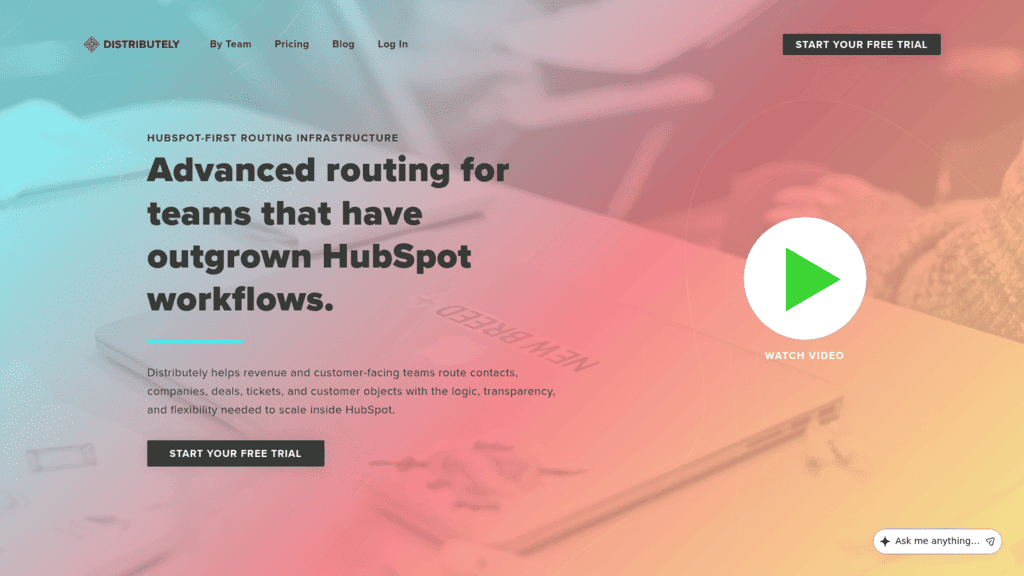
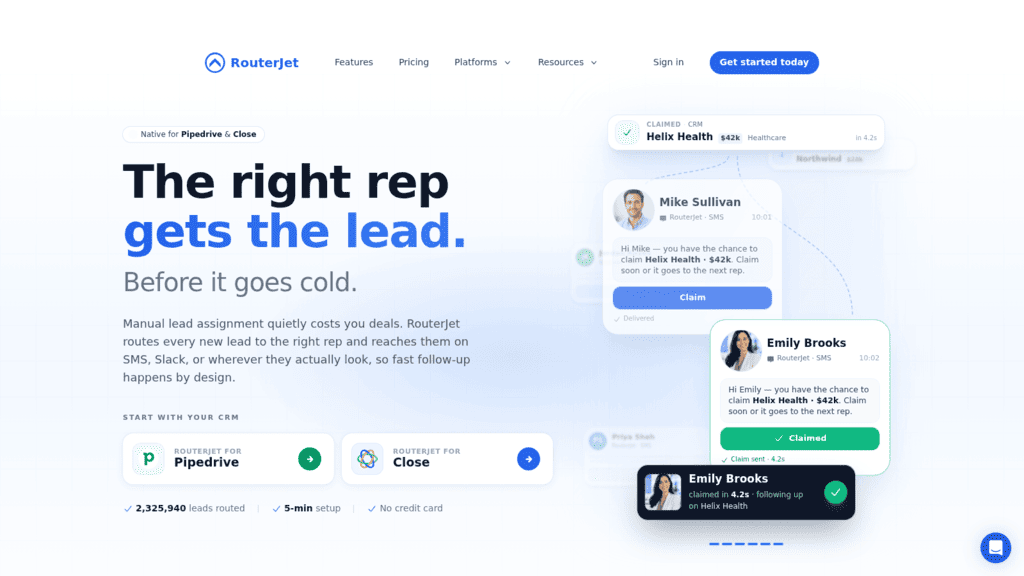
- Filter by CRM before anything else. Of the ten tools after ours, three work only inside Salesforce (LeanData, Kubaru and Distribution Engine), Distributely works only with HubSpot, and RouterJet only with Pipedrive and Close.
- Chili Piper and Default both start at $1,250 a month billed annually; Kubaru, Distribution Engine and Distributely start at $20 per user per month, and RouterJet at $10 per agent.
- The rule matters as much as the tool. In a vendor-sponsored 2007 study, sending leads to the first available rep or by skill was linked to higher qualification rates, while even round robin showed no significant effect.
- Reply.io, our product, isn’t a dedicated router: it has no round-robin or weighted lead distribution, so pair it with a router below and let Reply.io work each lead once it has an owner.
Lead routing tools decide which rep gets a new lead, and how fast. That sounds like admin until a demo request sits in a shared queue all afternoon because two reps each assumed the other took it.
Routing is mostly an inbound problem, because an outbound prospect has an owner from the moment a rep adds it, while a form fill arrives owned by nobody. Lead routing tools close that gap with rules: round robin, territory, account ownership, rep availability, or a mix.
Most rankings of lead routing tools are written by a router vendor that puts itself first. We’re a vendor too: Reply.io is #1 below because it’s ours, and its entry says plainly what it doesn’t do. We checked every other tool on its own website on October 10, 2026, and added the column other roundups skip, the CRMs each one supports.
What Are Lead Routing Tools?
Lead routing tools are software that assigns each incoming lead, contact, account or other CRM record to the right owner automatically, using rules you set. A good router answers two questions in seconds: who should own this record, and who is free to work it right now.
The rules usually come in a few flavors. Round robin hands leads out in turn, territory routing assigns by region or segment, account-based routing matches a lead to the owner of its existing account, and availability rules skip reps who are off shift or on vacation. Weighting and caps then tilt the share toward senior reps or stop anyone from drowning.
Routing sits between two other jobs. Before it, something has to decide whether the lead is worth a rep’s time at all, which is where scoring or AI lead qualification comes in. After it, someone has to call, email or book the meeting, and that’s the step most routing software hands off to other tools.
Some lead routing platforms also handle scheduling, so the prospect books a slot with the assigned rep straight from the form. Other lead routing tools work purely inside the CRM, reassigning records without touching a calendar.
The 11 Best Lead Routing Tools in 2026
The comparison covers each tool’s best use, main limitation, supported CRMs and lowest published price with its billing basis. Reply.io holds row one as our own product, and its row describes the follow-up layer rather than a router.
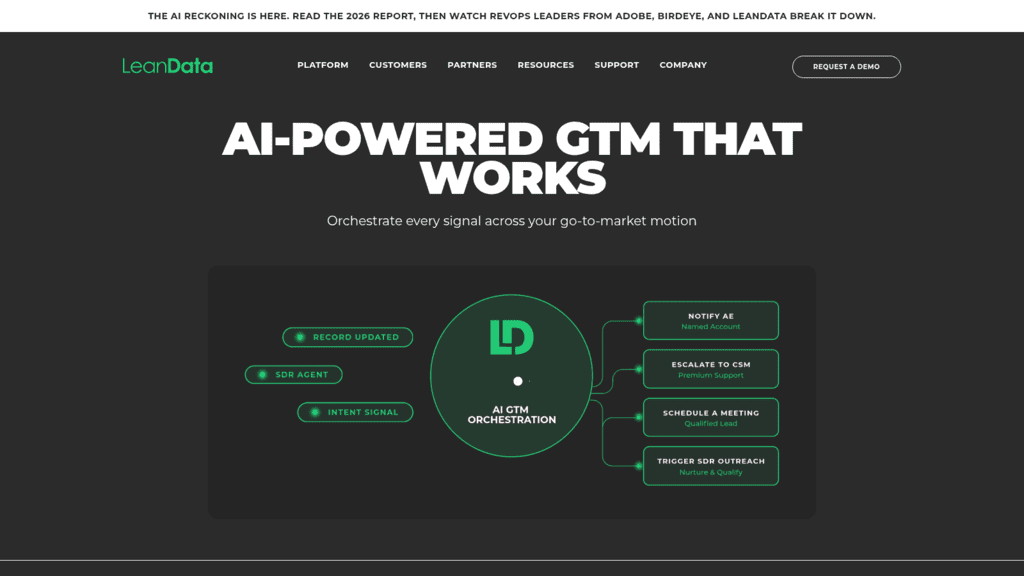
After it, the five platforms that combine routing with lead-to-account matching or scheduling come first (LeanData through LeadAngel), then four routers built natively for one or two CRMs and priced per user or agent (Kubaru through RouterJet), and finally Calendly, which routes meetings rather than CRM records. Within each group the order is our editorial judgment.
| Tool | Best for | Main limitation | CRMs supported | Pricing (from) |
| Reply.io | Working leads fast once a router assigns them | Not a dedicated router; no round robin or weighting | Salesforce, HubSpot, Pipedrive, Copper (two-way sync) | $49/month billed annually (1,000 active contacts) |
| LeanData | Enterprise Salesforce orgs with complex territories | Quote-only; setup billed separately | Salesforce | Custom |
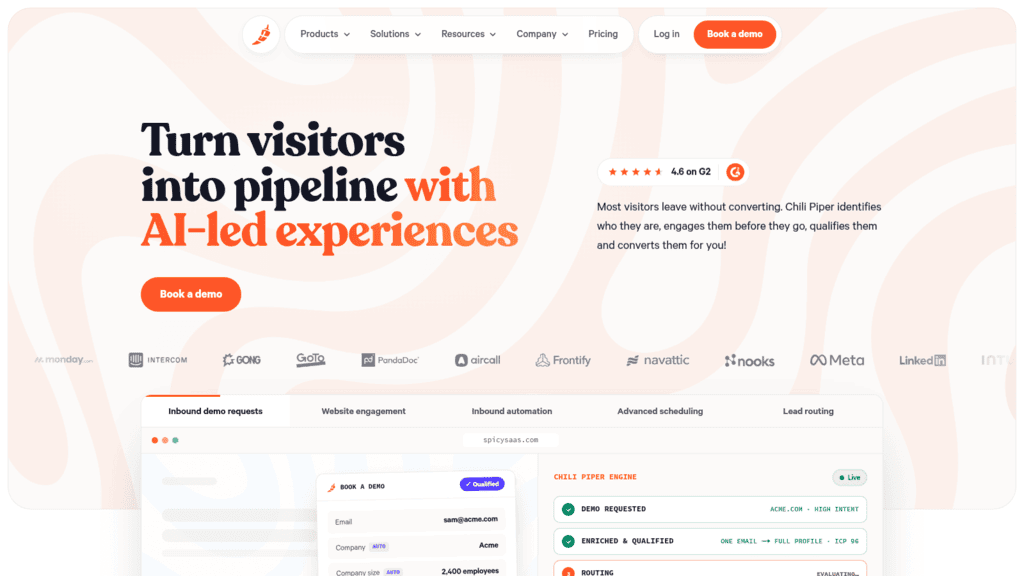
| Chili Piper | Form-to-meeting routing plus Salesforce object routing | Annual billing only | Salesforce, HubSpot | $1,250/month, billed annually |
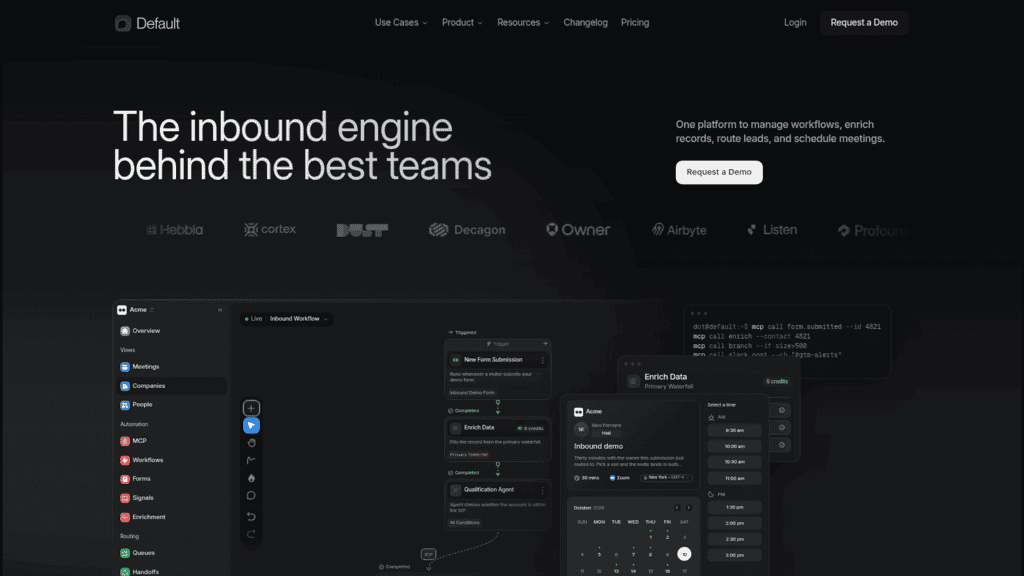
| Default | Routing, enrichment and scheduling in one tool | $15,000-a-year floor | Salesforce, HubSpot | $1,250/month, billed annually |
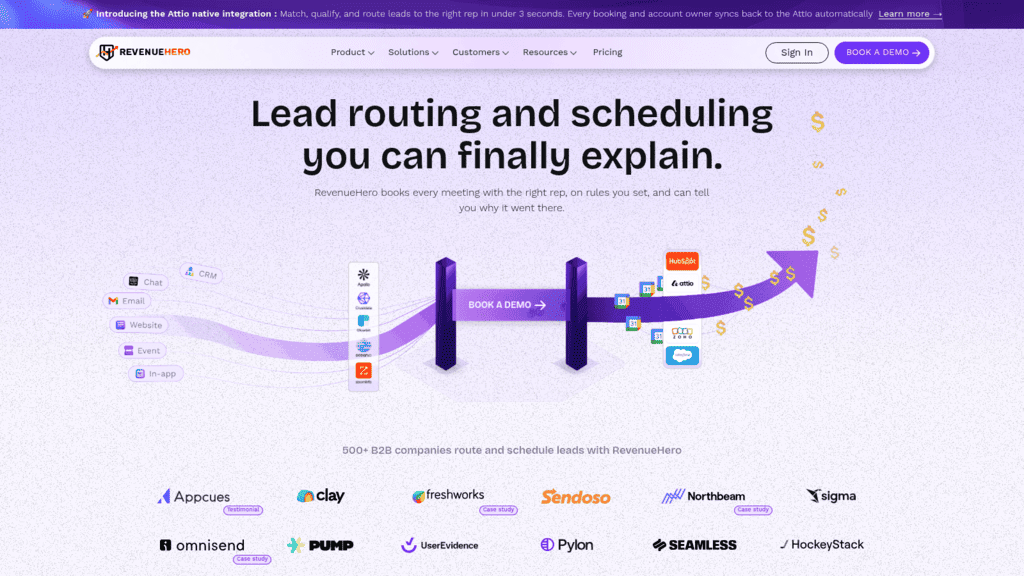
| RevenueHero | Inbound routing and booking for HubSpot-first teams | Fuzzy matching is Enterprise-only | HubSpot, Salesforce, Zoho, Attio | $79/month platform fee + $25/user/month (yearly) |
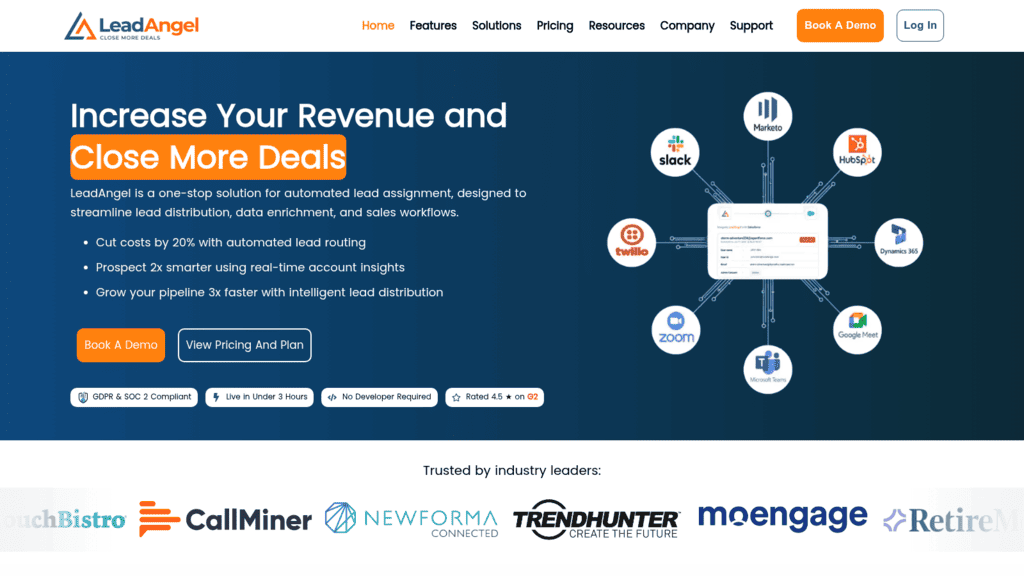
| LeadAngel | Lead-to-account matching across three CRMs | No published price | Salesforce, Dynamics 365, HubSpot | Custom |
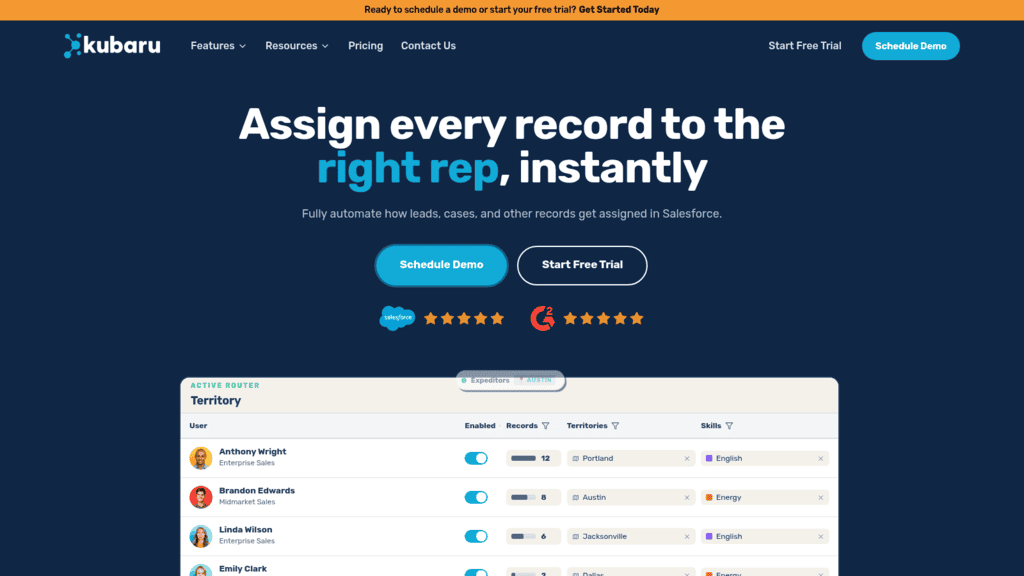
| Kubaru | Simple per-user Salesforce assignment | Salesforce only, no scheduling | Salesforce | $20/user/month |
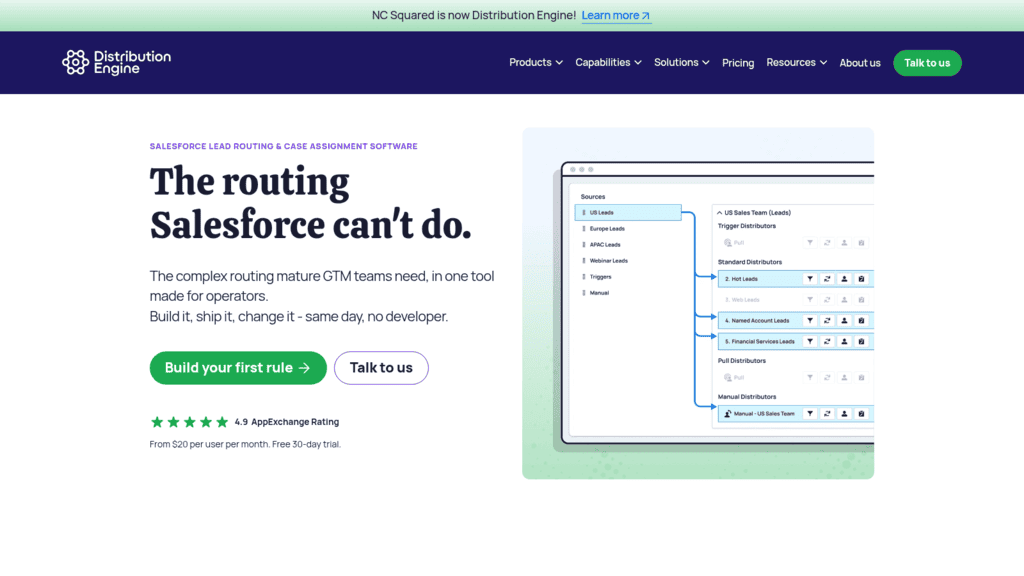
| Distribution Engine | Routing any Salesforce object, including custom | Five-license minimum, billed annually | Salesforce | $20/user/month, billed annually |
| Distributely | Teams outgrowing HubSpot workflows | HubSpot only | HubSpot | $20/user/month billed annually ($25 monthly) |
| RouterJet | Fast claim-or-escalate routing for small teams | Two CRMs only | Pipedrive, Close | $10/agent/month ($30 minimum) |
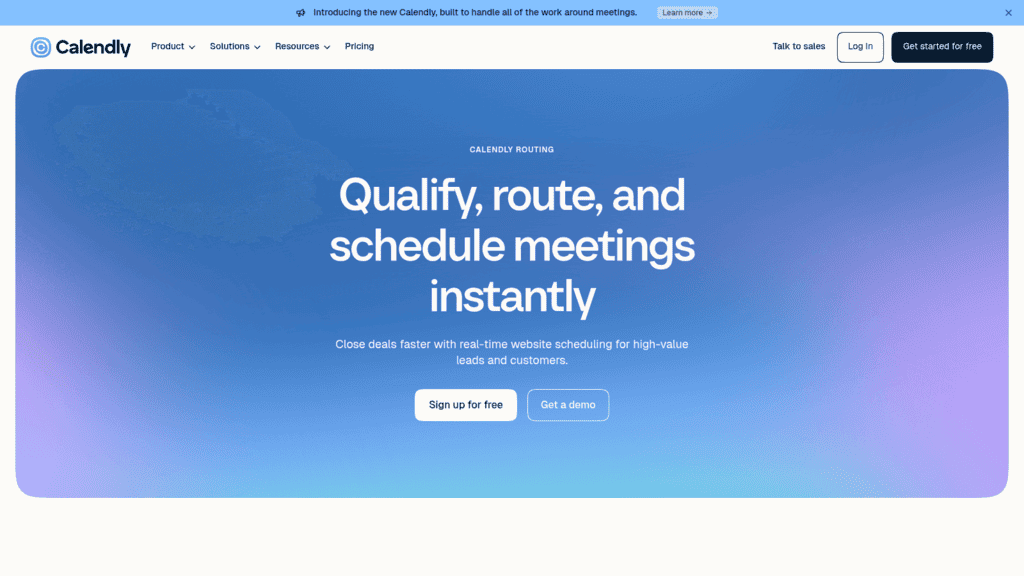
| Calendly (Routing) | Teams already booking through Calendly | Routes meetings, not CRM records | HubSpot, Salesforce; Dynamics on Enterprise | $16/seat/month billed yearly ($20 monthly) |
Read the CRM column first and cross out the lead routing tools that can’t read your system of record, since nothing else on the spec sheet matters if they can’t.
1. Reply.io
Best for: Working routed leads without delay
Overview: Reply.io is a sales engagement platform and isn’t a dedicated lead router, so we’ll be direct about where it fits on this list. It has no round-robin, weighted or availability-based lead distribution across reps, and no form-to-rep router. The only round robin in our product rotates sending mailboxes, which is a deliverability feature rather than lead routing.
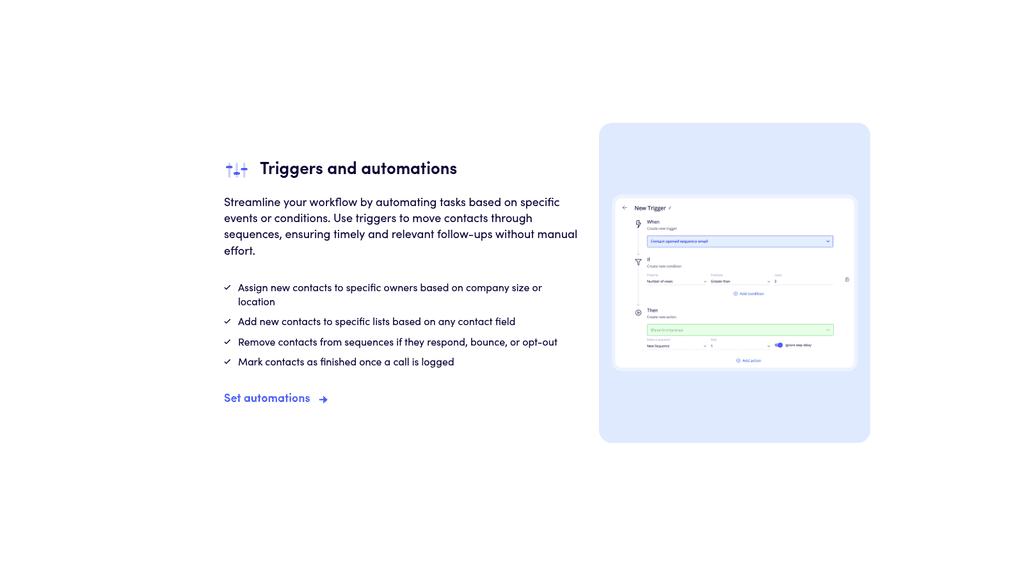
What we do well is the step after the assignment. Our triggers follow a When / If / Then structure, so a Contact created event can check company size, location or any field, then assign an owner and enroll the contact in that owner’s sequence in one pass.
The Assign Owner action requires Team Edition, and our own documentation labels Team Edition support for triggers as beta. Team Edition can’t be switched off once enabled, so confirm it fits your workspace first.
Records sync both ways with Salesforce, HubSpot, Pipedrive and Copper through our native CRM integrations. Our docs put that cycle at every two hours for Salesforce, HubSpot and Pipedrive (two to three hours in general), and a Sync now button forces a pass; only Pipedrive triggers and our webhooks fire in real time. More than 3,000 businesses use Reply.io, and it’s rated 4.6/5 on G2.
Key features:
- Owner assignment by trigger, so a contact from a 200-person Texas company goes straight to the rep covering that segment (Team Edition)
- Move to Sequence and Add to List actions keyed on any contact field, so the first email goes out without anyone opening the record
- Ownership mappings on CRM sync, so a record Reply.io creates lands with the right Salesforce owner rather than the user who connected the integration (Team Edition)
- AI inbox categories (Interested, Not interested, Do not contact, Not now, Forwarded) that fire triggers to stage, pause or reassign a contact once it replies
- A meeting scheduler built on Google Calendar or one Calendly account, where a booking marks the contact Meeting Booked and stops the sequence
- Zapier, Make, n8n, webhooks and an API, so a dedicated router can hand over a lead with owner and sequence already set
Pricing: Our Email Volume plan is priced by active contacts and starts at $49 a month billed annually for 1,000 active contacts, or $59 billed monthly, rising with each contact tier. Multichannel costs $89 per user per month billed annually ($99 monthly). There’s a 14-day free trial and no free plan.
Pros: owner assignment and sequence enrollment in one trigger, two-way sync with four CRMs, category-driven follow-up, booking that stops outreach, an API any router can call
Cons: not a dedicated lead router (no round-robin, weighted or availability-based distribution), owner assignment depends on Team Edition, where trigger support is still labeled beta
How to start using it:
- Connect your CRM from the integrations settings during the 14-day free trial, which needs no credit card.
- Map each CRM owner to a Reply.io owner, then set People to sequence so every synced segment enrolls into its owner’s sequence.
- Build a Contact created trigger that checks company size or region, assigns the owner and moves the contact into the matching sequence.
- Add an Inbox category trigger for Interested replies that sets the contact stage.
- Send your router’s handoff to Reply.io through Zapier, a webhook or the API, and check triggers weekly, since one that keeps failing switches itself off.
Why it earns a place on a lead routing list: A routed lead is only worth something once a rep acts on it, and Reply.io turns the assignment into an owner’s sequence, a categorized reply and a booked meeting with no manual step between them.
Final verdict: Use Reply.io next to a dedicated router, not instead of one. On Salesforce, pair it with Kubaru or Distribution Engine, or LeanData at enterprise scale; on HubSpot, with Distributely or RevenueHero; on Pipedrive or Close, with RouterJet.

![B2B SaaS Marketing Strategy in 2026 [Step-by-Step Guide]](https://reply.io/wp-content/uploads/marketing.agency-300x158.jpg "B2B SaaS Marketing Strategy in 2026 [Step-by-Step Guide]")

