
11 Best Sales Execution Software Platforms for 2026

11 Best Sales Execution Software Platforms for 2026

Key takeaways:

  • The entry plan on many of these tools can’t run the full loop: HubSpot keeps Sequences on Professional ($90 a seat plus $1,500 onboarding), Close keeps workflows on Growth, and Outreach leaves sequences out of Amplify Essentials.
  • Three of the 11 (Outreach, Salesloft and Gong Engage) publish no price for any tier, so you’ll learn what execution costs only on a sales call.
  • Price the first plan that runs sequences and calls together. For five reps on annual billing, the tiers priced per seat run from $245 a month (Apollo.io Basic) to $495 (Close Growth), before dialer add-ons and call minutes.
  • We list Reply.io first because it’s our product: conditional multichannel sequences, Task Flow and a Power Dialer from $89 per user per month billed annually. You can test it for 14 days, though we don’t run a free plan.

Forrester’s Sales Activity Study followed 3,031 reps from March to December 2020 and found they worked 50.8 hours a week but spent only 23% of that time selling directly to buyers. That’s under 12 hours of actual selling. Non-core internal work such as meetings, pipeline management and tech problems took another 27%.

Sales execution software is the category built to win those hours back, so less of the week goes to deciding what to do next and logging what happened.

The catch is in the pricing pages. Many of these tools advertise an entry plan that can’t run a sequence or a dialer, so this guide prices the tier where execution actually starts, using figures read on each vendor’s own pages on October 10, 2026.

What Is Sales Execution Software?

Sales execution software is the system a rep works from all day. It queues the next action, runs multistep sequences across email, phone and LinkedIn, puts calls and manual tasks in one list, books meetings and logs every touch to the CRM.

Execution software is what moves contacts through an automated sales pipeline, from first touch to booked meeting, while the CRM keeps the record of what happened. That split matters when you compare tools, because two products in this list are CRMs with execution built in, and the rest sync to a CRM you already run.

Gartner puts a number on why the category has grown. In May 2026, Gartner reported that sales organizations giving sellers AI-enabled next best actions are 2.6 times more likely to achieve commercial growth. A next best action is exactly what these sales execution platforms produce: the specific call, email or follow-up a rep should make now.

One note on the term: retail and consumer-goods teams also use “sales execution” for field work like shelf audits and store routes, which this list doesn’t cover.

How We Chose These Sales Execution Platforms

Every tool here had to do four jobs natively or on a published tier: run a multistep sequence across at least two channels, put calls in the same task queue as emails, book meetings, and sync activity to a CRM. Tools that only send email, or only dial, didn’t qualify.

We read every price on the vendor’s own pricing page and clicked both billing toggles, because several vendors show the annual rate by default and the monthly rate can run far higher (Close Solo is $9 a user billed annually and $19 monthly). Where a figure sits behind a sales call, the table says so rather than guessing.

We also checked corporate identity. Salesloft and Clari now operate as one company under the Salesloft name, so Clari Groove appears inside Salesloft’s entry instead of as its own pick. We left out pure sending infrastructure and the broader GTM outbound platforms whose main job is data or orchestration rather than a rep’s daily queue.

The 11 Best Sales Execution Software Platforms Compared

The last column answers the question most roundups skip: can the cheapest plan you can buy actually run a sequence? Prices are the lowest published figure, with the billing basis stated.

Tool Best for Key features Main limitation Pricing (from) Sequences on the entry plan?
Reply.io Multichannel outbound from one queue Conditional sequences, Task Flow, Power Dialer LinkedIn costs $69/month per account on Email Volume $49/month annual (1,000 active contacts) Yes, email; calls and LinkedIn are add-ons
Gong Engage Teams already recording calls in Gong Flows, AI Tasker, AI Composer Per-user license plus a platform fee Quote only Not published
Outreach Enterprise revenue teams Sequences, Outreach Voice dialer, AI agents Seats plus consumption-based AI credits Quote only No on Amplify Essentials
Salesloft Enterprise teams that want ranked next steps Cadence, Rhythm, Salesloft Meetings No published price or trial Quote only Not published
Apollo.io Reps who source their own prospects Contact database, sequences, US Dialer Advanced dialer costs $119/team/month Free; $49/seat annual Yes, 2 on Free
Klenty Phone-first SDR teams Cadences, calling, SMS automation Power dialer costs $45/user/month $50/month annual Email only on Starter
Outplay Multichannel on a mid-market budget Sequences, dialer, scheduler Power dialer only on Enterprise Free; $39/month annual Email only below Growth
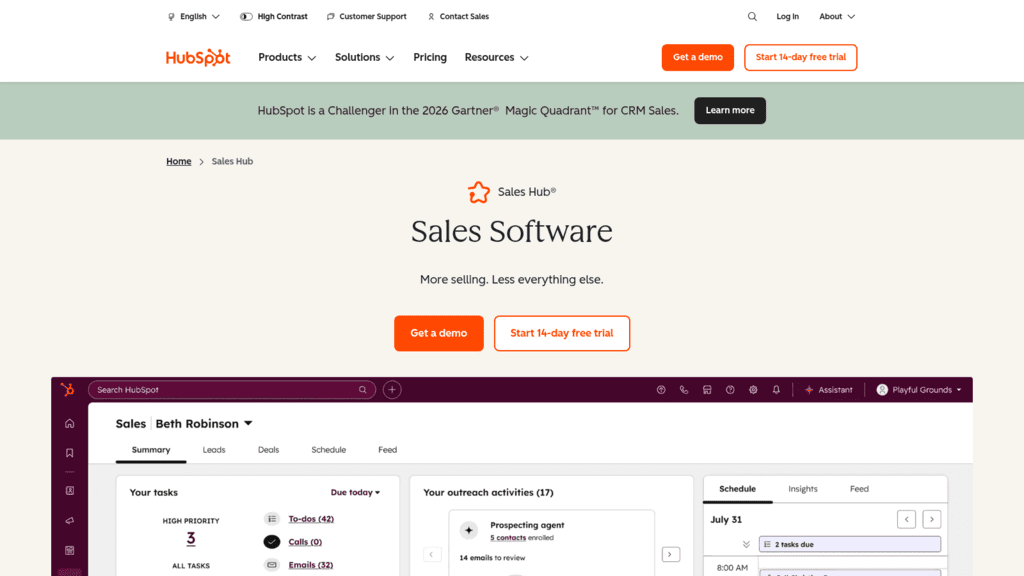
HubSpot Sales Hub Teams already on HubSpot CRM Sequences, calling, meeting links $1,500 onboarding on Professional Free; Starter $7/seat promo No, Professional only
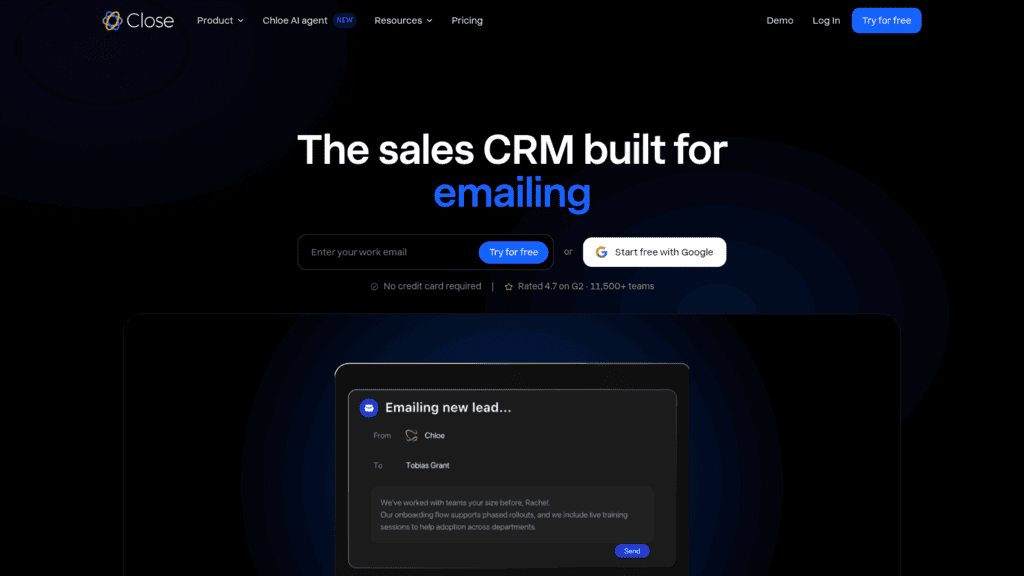
Close Inside sales teams on the phone Calling, SMS, workflows Workflows start at Growth $9/user annual No, from Growth
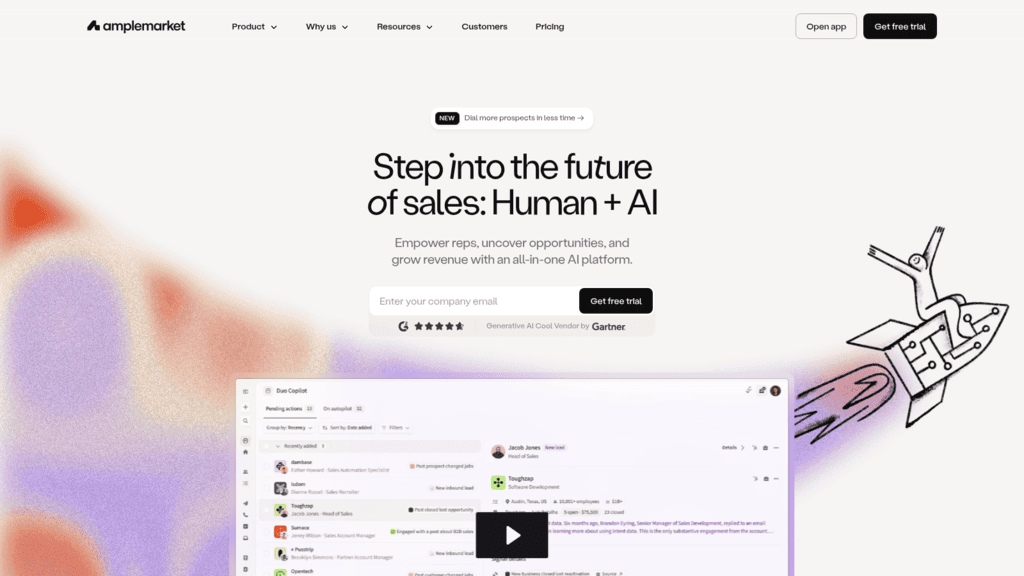
Amplemarket Data and engagement from one vendor Database, sequences, Duo Copilot Annual term, $7,200/year minimum $600/month (2 users) Yes
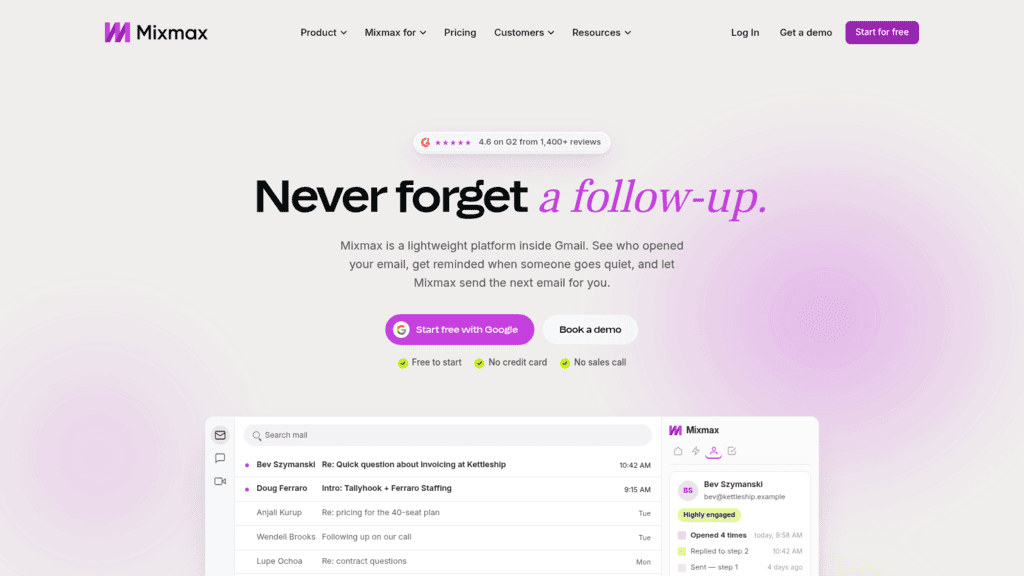
Mixmax AEs who work in Gmail Sequences, scheduling links, tracking Dialer only on the custom Teams plan Free; $29/user annual Capped at 50 recipients on Free

We put Reply.io at the top because we make it. Below it, the three quote-only suites appear alphabetically, and the seven self-serve tools follow in order of the annual-billing price per user of their cheapest plan with both sequences and a dialer, lowest first, with Mixmax’s custom-priced Teams plan last.
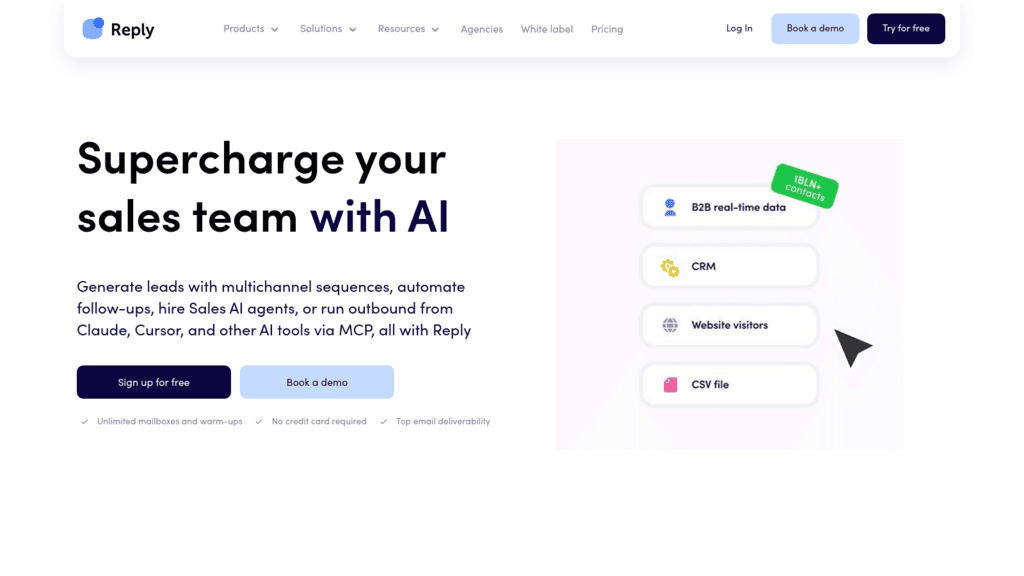
Reply.io as one of the best sales execution software

1. Reply.io

Best for: Reps running multichannel outbound daily

Overview: Several tools in this list put sequences, calling and booking on different tiers or behind add-ons. We built Reply.io so the whole loop sits in one product: the sequence decides the next step, the rep works it from one task list, and the result goes back to the CRM.

Our multichannel conditional sequences branch on what the prospect did. A Yes/No condition such as “email opened more than 1 time” can send a contact to a call task, while a reply, bounce or opt-out removes them automatically.

Calls happen inside that flow too. The Cloud Calls Power Dialer we added in October 2026 works through a list straight from the call task, with contact history on screen and outcomes logged as the rep goes.

Kept shows what that looks like on a small team. Its two-person team runs email and LinkedIn through Reply.io, its LinkedIn response rate rose from 7-8% to as high as roughly 20%, and it went from around 20 customers in total to adding 20 to 40 a month without hiring. Email replies sat under 1%, so email is no longer its primary channel.

Key features:

  • Sequences across email, LinkedIn, calls, SMS and WhatsApp (WhatsApp steps are semi-automated tasks), so each step reacts to the prospect’s behavior
  • Task Flow, which queues every manual step and lets reps launch them one by one from our Chrome extension, logged to the contact’s activity
  • Power Dialer call notes and a session report after each calling block
  • Triggers that assign owners by company size or location and mark a contact finished when a call is logged
  • A meeting scheduler inside sequences, using Google Calendar or Calendly, that stops outreach once a meeting is booked
  • Native two-way sync with Salesforce, HubSpot, Pipedrive and Copper, every two hours for the first three, plus a Sync now button for an immediate pass

Pricing: Email Volume is priced by active contacts: 1,000 cost $49 a month on annual billing ($59 month to month) and 100,000 cost $899, with LinkedIn at $69 a month per account and Calls & SMS at $29 a month as add-ons. Multichannel costs $89 per user per month billed annually ($99 monthly) and includes one LinkedIn account and Calls & SMS per user, while call minutes, texts and number rental draw on a prepaid wallet. We don’t offer a free plan, so every new account begins on a 14-day free trial.

Pros: sequences, calls and manual tasks in one queue, branching on real prospect behavior, a dialer inside the sequence rather than a separate tool, native two-way sync with four CRMs, published prices on both billing terms

Cons: LinkedIn automation is a $69 a month per-account add-on on Email Volume and calls carry wallet usage on top of the plan, and we’re not a CRM, so you’ll still need Salesforce, HubSpot, Pipedrive or another system of record

How to start using it:

  1. Link your mailbox and calendar on day one of the 14-day trial.
  2. Connect your CRM and run Sync now to confirm contacts and activities move both ways.
  3. Build one sequence with an email, a call step and a LinkedIn step, then add a Yes/No condition on email opens.
  4. Enable Cloud Calls, rent a number and run a Power Dialer session from the call tasks.
  5. After ten business days, compare meetings booked per rep against your current setup.

Why it works as sales execution software: execution breaks at the handoffs, when a rep leaves the sequence to dial, then to book, then to update the CRM. Keeping those steps in one queue removes the handoffs instead of automating around them.

Final verdict: pick Reply.io if your reps work several channels a day and want calling and booking inside the sequence without an enterprise contract. Email-only teams can start on Email Volume, and a team without a CRM should buy one first.
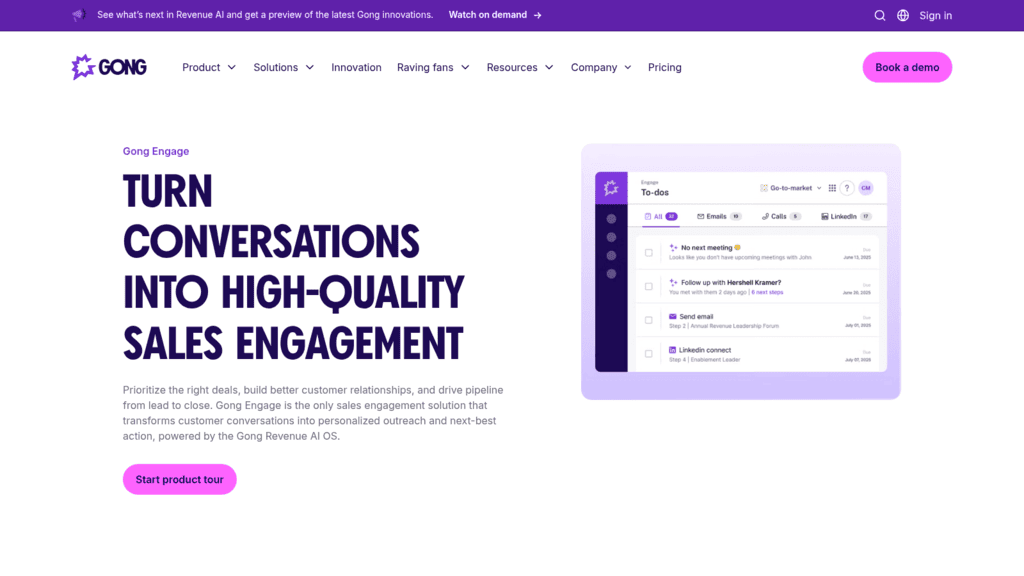
Gong Engage as one of the best sales execution software

2. Gong Engage

Overview: Gong Engage is Gong’s sales engagement product, built on the conversations Gong already records. Its premise is that a rep’s next email or call should come from what the buyer said on the last one.

Key features:

  • Flows run multistep sequences, and Gong Enrich finds an email or phone number when a contact enters one
  • AI Tasker ranks the day’s to-dos, so reps work emails, calls and LinkedIn steps from one list
  • Gong Anywhere lets reps trigger flows, send emails and place calls from inside Salesforce

Pricing: Gong publishes no figures. Its pricing page says licenses are priced per user and adds a platform fee based on the number of users supported.

Pros: drafts grounded in real call context, works from inside Salesforce, two-way sync with Salesforce, HubSpot and Microsoft Dynamics 365

Cons: no price before a demo, its edge depends on conversation data Gong records, meeting booking leans on Chili Piper or Calendly per its own FAQ

Who should shortlist it: teams already paying for Gong’s recording layer get next steps that reference real conversations.

Final verdict: a strong add-on to an existing Gong deployment and a harder case as a first purchase.

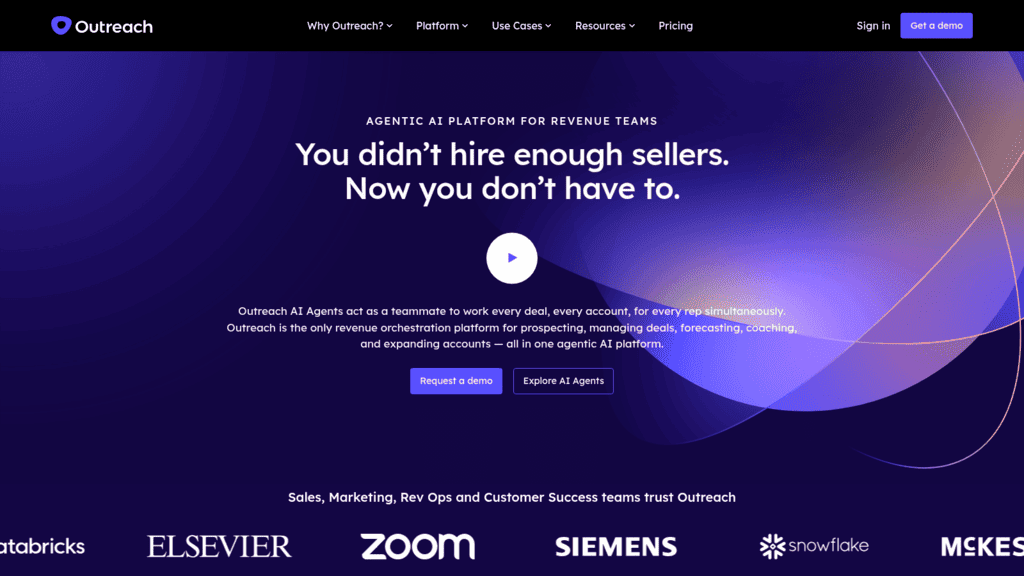
Outreach as one of the best sales execution software

3. Outreach

Overview: Outreach describes itself as an AI agent platform for revenue teams, and one of its packages is named “Amplify Core: AI-Powered Sales Execution.” It covers prospecting through forecasting for mid-market and enterprise teams.

Key features:

  • Multichannel sequences from Amplify Core, while meeting scheduling and tasks start on Essentials
  • Outreach Voice, an integrated dialer, so calls sit inside the sequence
  • Research, Revenue and Personalization agents on Core, with a Deal Agent added on Plus

Pricing: every package reads “Request pricing.” Outreach bills per seat plus consumption-based AI credits, with 10,000 credits included on Amplify Essentials rising to 100,000 on Amplify Pro.

Pros: prospecting, deals and forecasting in one vendor, sequencing and dialing together, a Slack app and an MCP server

Cons: Amplify Essentials leaves out multichannel engagement and sequences, two meters to budget, data sharing, connectors and extra instances sold separately

What it does best: sequencing, deal management and forecasting under one contract for a large team.

Final verdict: a serious enterprise choice, provided you confirm the package includes sequences and model the credit burn before signing.

Salesloft as one of the best sales execution software

4. Salesloft

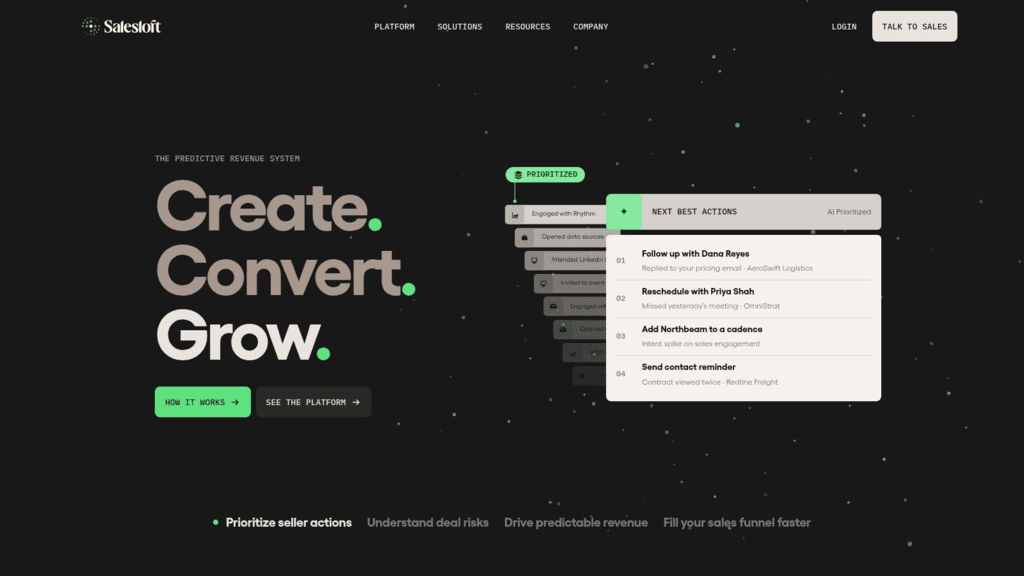
Overview: Salesloft sells what it calls a predictive revenue system: Cadence for sequences, Rhythm for prioritized next actions, conversation intelligence and Clari Forecast. Since its merger with Clari it runs as one company under the Salesloft brand, and groove.co now serves Salesloft pages, so Clari Groove isn’t a separate pick anymore.

Key features:

  • Rhythm ranks your most engaged contacts, so reps know who to reach next
  • Salesloft Meetings lets buyers book time straight from an email
  • A built-in dialer for calls and texts, or a connection to the third-party dialer you already use

Pricing: there are no published figures. The pricing page is a booking form, and there’s no trial.

Pros: next-best-action ranking built into the cadence, native meeting booking, works with an existing dialer

Cons: no public price or trial, its MCP server is an add-on for Agentic customers, the post-merger lineup is still consolidating

Why it earns a place here: Rhythm turns a cadence into a ranked to-do list, which is the next-best-action idea Gartner measured, built into the product.

Final verdict: a strong enterprise option, as long as you get in writing which Salesloft and Clari products your contract includes.

Apollo.io as one of the best sales execution software

5. Apollo.io

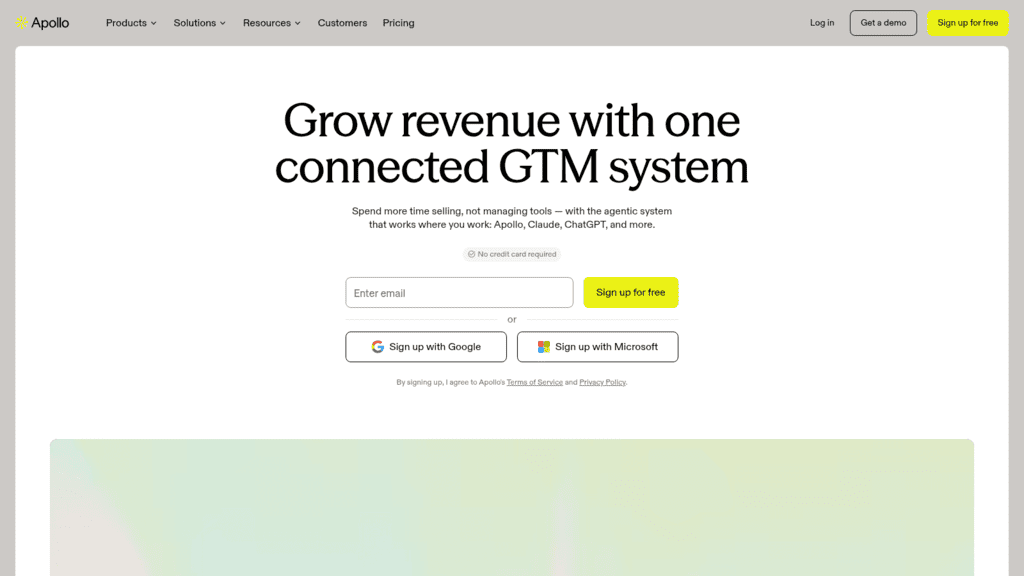
Overview: Apollo.io pairs its own B2B contact database with sequences, a dialer, meeting tools and deal management, and it markets the bundle directly as sales execution software. It suits reps who find their own prospects.

Key features:

  • Unlimited sequences from Basic, with A/Z testing from Professional
  • A US Dialer on every paid plan that draws on credits
  • Meeting events: 3 on Basic, 6 on Professional, unlimited on Organization

Pricing: the free plan stays free and includes 2 sequences. Basic is $49 per seat per month billed annually ($65 monthly), Professional $79 ($99), and Organization $119 billed annually only with a three-seat minimum, while the advanced dialer adds $119 per team per month, billed annually.

Pros: a large contact database at a published price, a permanent free plan, public prices on both billing terms

Cons: parallel and power dialing cost extra, every seat must sit on the same plan, Organization requires three seats and annual billing

Its real strength: when finding contacts is the bottleneck, Apollo.io gives you data and execution at a price you can see upfront, plus a free plan we don’t offer.

Final verdict: the cheapest path in this list to sequences plus calling for a team that also needs data.

Klenty as one of the best sales execution software

6. Klenty

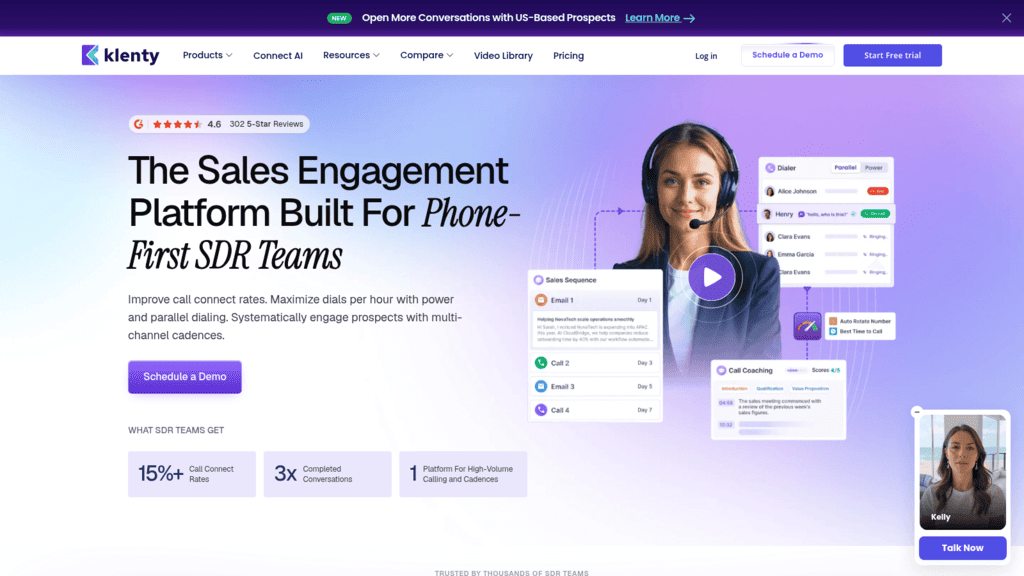
Overview: Klenty pitches itself as a sales engagement platform for phone-first SDR teams, pairing cadences with power and parallel dialing.

Key features:

  • Number auto-rotation plus AI voicemail, IVR and outcome detection on calls
  • Multichannel steps with one-click calling, SMS automation and social selling from Growth
  • Action AI on Plus, which carries out next steps after a conversation

Pricing: Starter is $50 a month billed annually ($60 quarterly), priced by volume rather than per user, and covers email only. Growth is $70 per user ($85 quarterly) with 200 calling minutes, Plus is $99 ($119) with 1,000, and the parallel and power dialer adds $45 per user per month.

Pros: calling features built for high-volume floors, a Starter plan not billed per seat, a 14-day trial with no card

Cons: Starter is email only, the power dialer is extra, no monthly billing option

Where it pulls ahead: SDR teams measured on connects get number rotation and voicemail detection built into the cadence.

Final verdict: a good fit for a calling floor, once you budget Growth plus the dialer add-on.

Outplay as one of the best sales execution software

7. Outplay

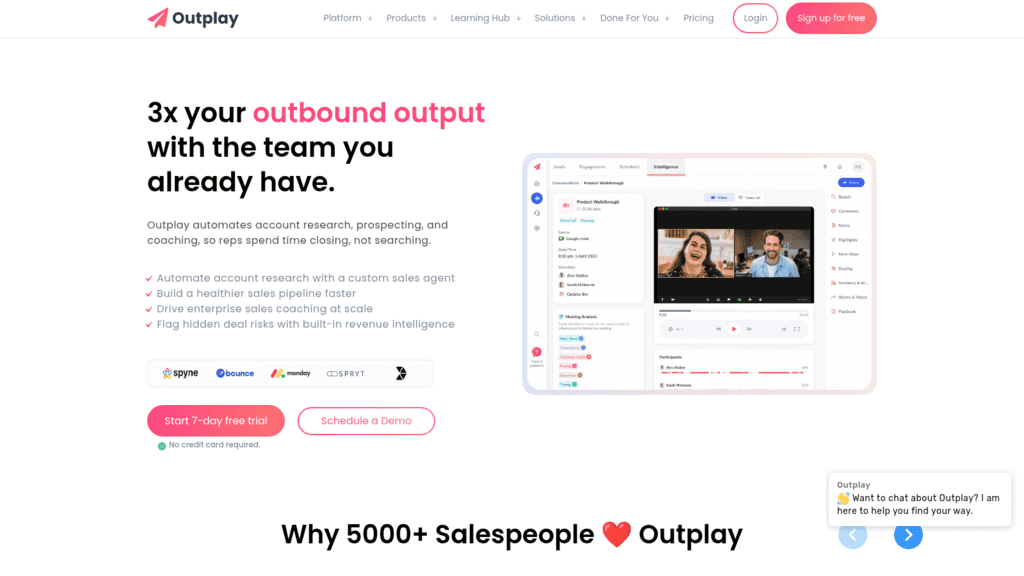
Overview: Outplay offers multichannel sequences, a dialer and meeting tools at self-serve prices aimed at startups and mid-market teams, plus a free plan for manual email.

Key features:

  • Email, phone, LinkedIn and SMS steps in one sequence on Growth
  • Sequence rulesets, A/B testing and an AI sequence writer on every plan
  • A scheduler with triggers such as “when a prospect books a meeting”

Pricing: Starter costs $39 a month billed annually ($49 monthly) and covers email only. Growth is $89 per user ($99 monthly) and adds phone, social and SMS, while Enterprise at $139 ($159) adds the power dialer and voicemail.

Pros: multichannel at a published mid-market price, unlimited sequences and mailboxes on Growth, a free plan

Cons: Starter is email only, power dialing waits for Enterprise, a 7-day trial that’s the shortest published in this list

Why it made this list: Growth puts email, phone, LinkedIn and SMS in one sequence at a published $89 a user, so you can budget it without a sales call.

Final verdict: strong value for a growing team that can live without a power dialer until it’s ready for Enterprise.

HubSpot Sales Hub as one of the best sales execution software

8. HubSpot Sales Hub

Overview: Sales Hub puts sequences, task queues, calling and meeting links inside HubSpot’s Smart CRM, which is its main draw if your records already live there.

Key features:

  • Sequences on Professional, with up to 500 email sends per user per day
  • 3,000 calling minutes included on Professional
  • Meeting scheduling links and task queues tied to the CRM record

Pricing: the free plan covers up to two users, and Starter shows a promotional $7 per seat per month (list $20) without Sequences. Professional is $90 per seat per month on an annual commitment, plus a required one-time $1,500 onboarding fee.

Pros: execution and CRM in one record, a 14-day trial, calling minutes included

Cons: Sequences are Professional only, $1,500 onboarding, LinkedIn steps need a separate Sales Navigator subscription

The main reason to pick it: every call, email and meeting lands on the same contact record your marketing and service teams already use.

Final verdict: the natural pick for HubSpot shops, priced at Professional rather than the Starter figure.

Close as one of the best sales execution software

9. Close

Overview: Close is a CRM built for teams that sell by phone and email, with calling, SMS and automated workflows built in, plus Chloe, an AI agent that can call and qualify leads.

Key features:

  • Workflows that run email, call and SMS follow-up triggered by lead criteria, from Growth
  • A power dialer on Growth and a predictive dialer on Scale
  • A centralized inbox and task list for every channel

Pricing: Solo is $9 per user per month billed annually ($19 monthly) and Essentials $35 ($49), but workflows and the power dialer start at Growth, $99 ($109). Calls are passed through at about $0.02 a minute, numbers start around $1 a month, and recording adds $50 a month per organization plus usage.

Pros: dialing as a core feature, sign-up without a sales call, calling billed at cost

Cons: workflows start at Growth, usage metered on top of seats, a second system for teams already on Salesforce or HubSpot

The case for it: for an inside sales team without a CRM yet, Close covers the record and the dialer in one purchase.

Final verdict: excellent for phone-heavy small teams, as long as you price Growth rather than Solo.

Amplemarket as one of the best sales execution software

10. Amplemarket

Overview: Amplemarket bundles a B2B database, intent signals, multichannel sequences, a dialer and the Duo AI copilot into one subscription for startups and mid-size outbound teams.

Key features:

  • Multichannel sequences on every plan, Startup included
  • An outbound dialer, though Startup includes only 600 phone-data credits per user per year
  • A deliverability booster, domain health center and spam checker

Pricing: Startup is $600 a month on an annual term with two users and 27,000 contacts included, and more users can be added. Growth and Elite are custom, with four and ten users included.

Pros: data and execution in one contract, sequences on the entry plan, deliverability tooling included

Cons: a $7,200 a year minimum commitment, Duo Voice and Duo Inbox only on Growth and Elite, thin phone data on Startup

Where it fits: a team that wants data, signals and sequencing from one vendor avoids stitching a database to a separate sequencer.

Final verdict: a capable all-in-one if the annual commitment fits your budget from day one.

Mixmax as one of the best sales execution software

11. Mixmax

Overview: Mixmax runs sequences, follow-ups and meeting booking inside Gmail, synced to Salesforce or HubSpot, which suits account executives who live in their inbox.

Key features:

  • Email and multichannel sequences, with an AI sequence builder
  • One-click meeting scheduling links
  • Email tracking and a LinkedIn extension

Pricing: the free plan allows 50 sequence recipients a month, Inbox Copilot costs $29 per user billed annually ($34 monthly), and Engagement Copilot $49 ($65) for up to 1,500 recipients. The dialer appears only in Mixmax for Teams, a custom plan for five or more users.

Pros: works where Gmail users already are, per-recipient counting that includes every follow-up, a 14-day trial with no sales call

Cons: the inbox sidebar isn’t supported for Outlook users, no dialer on self-serve plans, a 1,500-recipient monthly cap

What it is genuinely good at: keeping execution inside the inbox, so reps don’t have to adopt a new workspace.

Final verdict: a smart pick for Gmail-based AEs, and a weaker one for a calling team.

Price the Tier Where Execution Starts

The cheapest plan on a pricing page is usually built for a different buyer. HubSpot’s Starter, Close’s Solo and Essentials, Klenty’s Starter and Outplay’s Starter all look like sales execution solutions on a comparison grid, yet none runs a sequence with calling.

The five-rep figures below are our own arithmetic: each vendor’s published annual per-seat price for the first tier where sequences and calling both work, multiplied by five, plus the extra you’ll pay on top.

Tool First tier with sequences and calling Five reps per month (annual) Extra to budget
Reply.io Multichannel $445 Call minutes, texts and numbers from a wallet
Apollo.io Basic $245 Dialer uses credits; advanced dialer $119/team
Klenty Growth $350 Power dialer $45/user, so $225 more for five
Outplay Growth $445 Power dialer needs Enterprise ($139/user)
HubSpot Sales Hub Professional $450 $1,500 one-time onboarding
Close Growth $495 Calls about $0.02/minute, numbers about $1/month
Amplemarket Startup $600 for two users Three more seats at an unpublished price
Mixmax Mixmax for Teams Custom Engagement Copilot is $245 without a dialer
Outreach, Salesloft, Gong Engage Quote Quote AI credits (Outreach), platform fee (Gong)

Read the last column before the middle one. A Klenty floor that needs power dialing pays $575 a month for five reps, not $350, and HubSpot’s first year adds $1,500 onboarding to $5,400 in seats.

On our side, five reps on multichannel outreach cost $445 a month billed annually, with LinkedIn and Calls & SMS included per user and call usage billed from a wallet. Email-only teams can start on Email Volume instead.

What to Look for in Sales Execution Tools

Feature grids make every vendor look complete. These four checks separate sales execution tools that run a rep’s day from ones that only send messages.

Sequences That Branch Instead of Stopping

A sequence that ends at “no reply” leaves its most common outcome unhandled. Check that the tool branches on opens, clicks or replies, and that it removes contacts on reply, bounce or opt-out without anyone clicking.

Branching also decides what a follow-up after no response looks like, since a prospect who opened twice deserves a call rather than a fourth email.

A Dialer in the Same Task Queue

In this list, the dialer sits on different tiers: Apollo.io’s US Dialer draws on credits, Klenty and Apollo.io sell power dialing as an add-on, Outplay keeps it on Enterprise, and Mixmax only offers it on the custom Teams plan.

Ask whether call outcomes log to the contact automatically, because a rep who types every outcome twice soon stops logging them.

Meeting Booking That Ends the Sequence

The booking link should stop outreach the moment a prospect accepts. Apollo.io caps meeting events by plan (3 on Basic), HubSpot includes meeting links on paid tiers, and Gong Engage points to Chili Piper and Calendly in its own FAQ.

CRM Sync You Can Verify

Sync claims are easy to make and hard to check. Ask which objects move both ways, how often sync runs, and what happens when a field changes in both systems, and get the answers in writing from every vendor, including us.

How to Choose Sales Execution Software for Your Team

The right pick depends on how your team sells more than on feature counts. These four situations cover most buyers of sales execution apps.

A Founder or a Team of Two or Three

Start with what you can afford to run end to end. Apollo.io’s free plan gives you 2 sequences, Close Solo gives one user a CRM for $9 a month billed annually (without workflows), and our Email Volume plan runs email sequences for 1,000 active contacts at $49 a month billed annually.

If you mostly need a fixed rhythm of touches rather than branching logic, simpler sales cadence tools may cover your first year.

An SDR Floor That Lives on the Phone

Prioritize the dialer tier, not the sequence tier. Klenty Growth plus its $45 dialer add-on, Close Growth and Outplay Enterprise all put power dialing inside the workflow, and our Power Dialer runs from the call task in a Multichannel sequence.

A Large Team on Salesforce

This is where Outreach, Salesloft and Gong Engage compete. Before the demo, ask Outreach for the per-action credit cost, ask Gong for the platform fee, and ask Salesloft which Clari products the contract includes, because none of the three publishes a number. Pilot two of them with identical sequences and compare rep adoption after a month.

When You’d Rather Hand the Work to an Agent

Some teams would rather have fewer people working the queue. For them, Jason AI, our AI SDR, has its own price list: $800 a month on monthly billing for 1,000 active contacts, dropping to $500 a month with a twelve-month commitment. That’s a different purchase from sales execution apps, and you should judge it on meetings booked and approval workload.

Run a Two-Week Execution Test Before You Sign

A trial only tells you something if you run the whole loop on real prospects. Pick two tools from your shortlist and give each the same test over ten business days.

  1. Load the same 200 contacts into both tools.
  2. Build one identical four-step sequence that mixes email, calling and LinkedIn.
  3. Add a branch on email opens and confirm it fires.
  4. Book one meeting from a test contact and check that outreach stops.
  5. Check the CRM after 48 hours for every call, email and status change.
  6. Count the minutes each rep spends per day outside the task queue.

The tool your reps leave least often is usually the right one, so weigh that number against the five-rep cost in the pricing table.

Frequently asked questions

What is sales execution software?

It’s the software a rep works from all day to carry out the next sales action: sequenced emails, calls and LinkedIn touches, a task queue, meeting booking and automatic CRM logging. Good sales execution solutions decide the order, so the rep only has to act.

How is sales execution different from sales engagement software?

The two overlap heavily. Sales engagement usually describes the outreach itself, while sales execution adds the rep’s prioritized daily actions, calling, booking and CRM logging around it.

Which sales execution software has a free plan?

Four of the 11 tools here have a permanent free plan: Apollo.io (2 sequences), HubSpot Sales Hub (up to two users, no Sequences), Outplay (manual email) and Mixmax (50 sequence recipients a month). Reply.io isn’t among them: we offer a 14-day free trial instead.

How much does sales execution software cost per rep?

Among tools that publish a per-seat price for the plan where sequences and calling meet, prices run from $49 per seat per month on Apollo.io Basic to $99 per user on Close Growth, billed annually. Outreach, Salesloft and Gong Engage quote every deal, and dialer add-ons and call minutes come on top.

Can sales execution software replace a CRM?

Two tools here are CRMs with execution built in: Close and HubSpot Sales Hub. The rest sync to a CRM rather than replacing it. Our native integrations with Salesforce, HubSpot, Pipedrive and Copper move contacts, calls, tasks and statuses both ways (every two hours on the first three), but Reply.io isn’t a CRM, so keep your system of record.

Subscribe to our blog to receive the latest updates from the world of sales and marketing.
Stay up to date.

Related Articles

B2B SaaS Marketing Strategy in 2026 [Step-by-Step Guide]

B2B SaaS Marketing Strategy in 2026 [Step-by-Step Guide]

B2B SaaS Marketing Strategy in 2026 [Step-by-Step Guide]
How an Automated Voice Messaging System Will Improve Outreach in 2026

How an Automated Voice Messaging System Will Improve Outreach in 2026

How an Automated Voice Messaging System Will Improve Outreach in 2026
Outbound Marketing Software in 2026 (Top Picks)

Outbound Marketing Software in 2026 (Top Picks)

Outbound Marketing Software in 2026 (Top Picks)