


Key takeaways:
- The real split between these tools is where you search: on a LinkedIn profile (Kaspr, ContactOut, Skrapp), on a company website (Hunter), on almost any page you open (Lusha, RocketReach, Seamless.AI, SignalHire), inside a contact database you filter (most of them, Reply.io included), or in a Gmail draft (our free Name2Email extension).
- A phone number costs more than an email on most of these tools: Lusha charges 5 credits against 1, and our own Real-Time Data Search charges 3 against 2. Hunter and Skrapp don’t sell phone numbers at all.
- Read the word “unlimited” twice. ContactOut’s Terms cap its unlimited plans at 2,000 emails and 1,000 phones per account per month, and RocketReach’s annual “unlimited” emails are still bounded by 1,200 exports a year.
- We rank Reply.io first because it’s our product. Its data comes bundled inside the platform: 50 live data credits a month on paid plans, with more from $39 a month for 200.
Type “web research tools” into Google and you’ll mostly get academic software such as ResearchRabbit, Semantic Scholar and Consensus. Those are useful for papers, and this list isn’t about them. Here, web research means finding a specific B2B person and a working way to reach them: a verified work email, a direct dial, or both.
That job happens in four places. You’re on a LinkedIn profile, on a company’s About page, inside a filtered contact database, or halfway through writing an email in Gmail. We compare the ten web research tools below on how well they work there, what one contact really costs, and what a failed search costs.
Finding the contact is only the first step, though. The wider sales prospecting tools stack adds sequencing, dialing and intent data on top.
What Are Web Research Tools for Finding B2B Contacts?
A web research tool for prospecting takes a clue you already have (a name, a LinkedIn URL, a company domain or a set of filters) and returns contact details for the person behind it. Most work as a Chrome extension that reads the page you’re viewing, then checks a database, guesses address patterns, or both.
The output is usually a work email with a verification label, sometimes a mobile or direct dial, plus job title and company data. The better tools tell you how confident they are, and they don’t bill you when they come back empty.
Newer AI lead finders skip the browsing step: you describe an ICP in a sentence and the tool builds a list for you. That suits volume, but it tells you less about each person than a profile you’ve actually read.
The 10 Best Web Research Tools Compared
The table shows where each tool lets you search, since that decides whether it fits how your reps already work. Best for and Main limitation are our judgment; prices are each vendor’s lowest published paid entry on October 10, 2026.
Reply.io is in row one because we make it. After that, the order is our editorial call: the tools we’d hand a new SDR first come first (Hunter for company domains, then Lusha and ContactOut for LinkedIn plus phones), and narrower or harder-to-price tools follow.
| Tool | Best for | Where you search | Main limitation | Pricing (from) |
| Reply.io | Finding contacts and sequencing them in one place | LinkedIn extension, contact database, Gmail | Data bundled with the platform, not sold alone | $49/month billed annually (1,000 active contacts) |
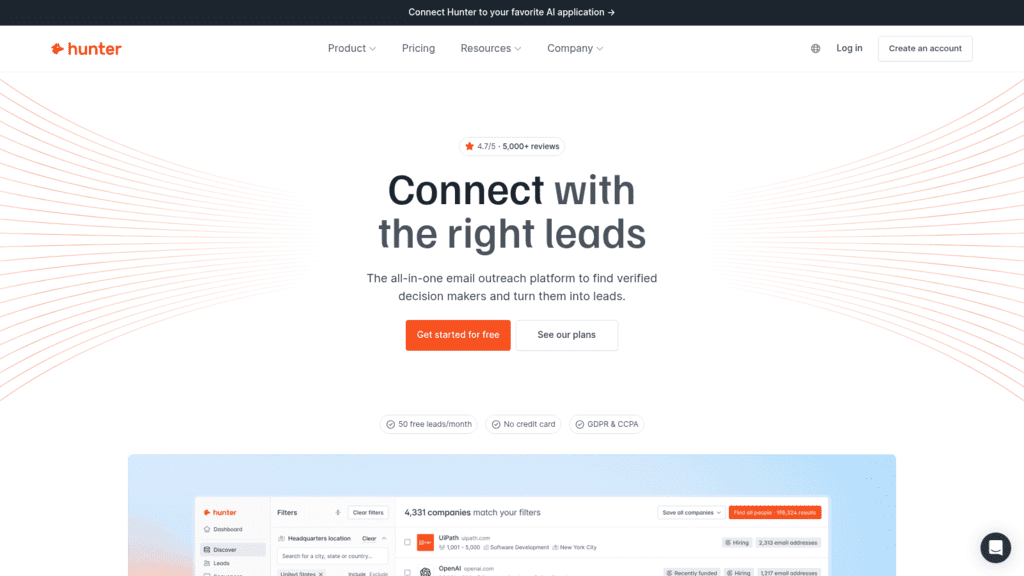
| Hunter | Finding everyone at one company domain | Company website, database | No phone numbers | Free; $34/month billed yearly |
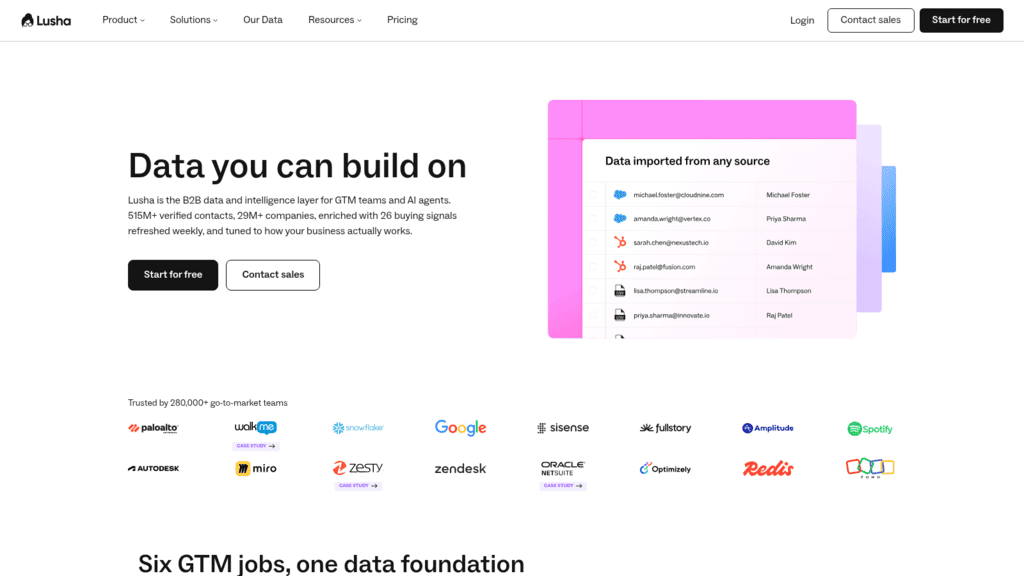
| Lusha | Emails and phones from any page | LinkedIn extension, any website, Gmail, database | A phone costs 5 credits | Free; $37.45/month billed yearly |
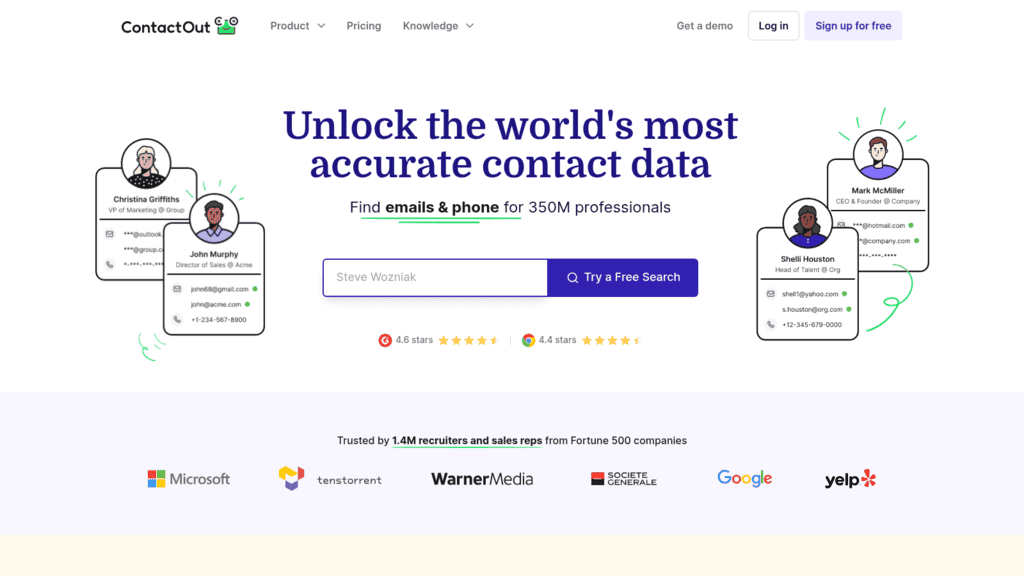
| ContactOut | Personal and work emails from LinkedIn | LinkedIn extension, company website, database | “Unlimited” capped in its Terms | Free; $49/month billed annually |
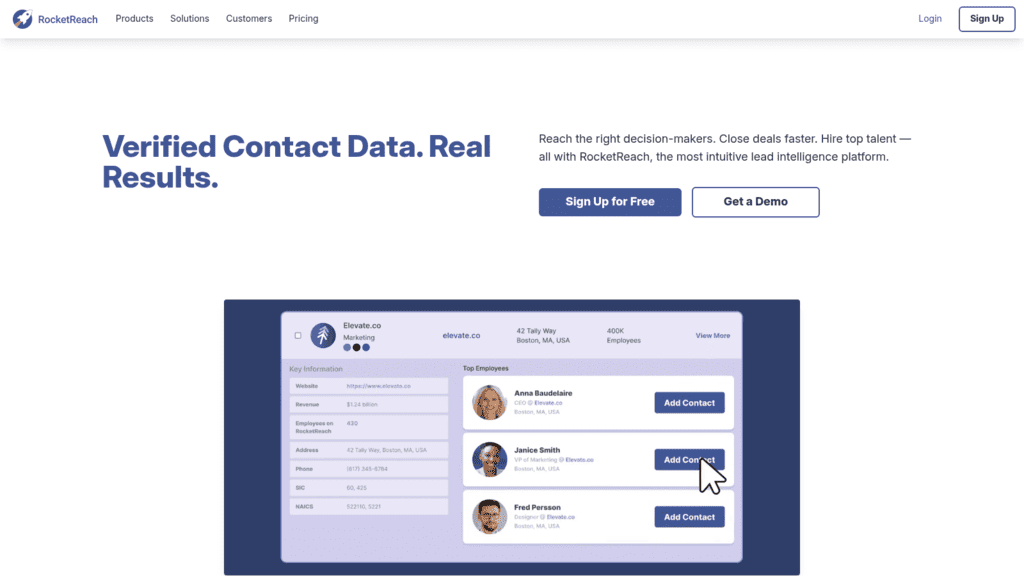
| RocketReach | Lookups refunded when nothing verifies | Any website, database | Phones start on Pro | 5 free lookups; $33/month billed annually |
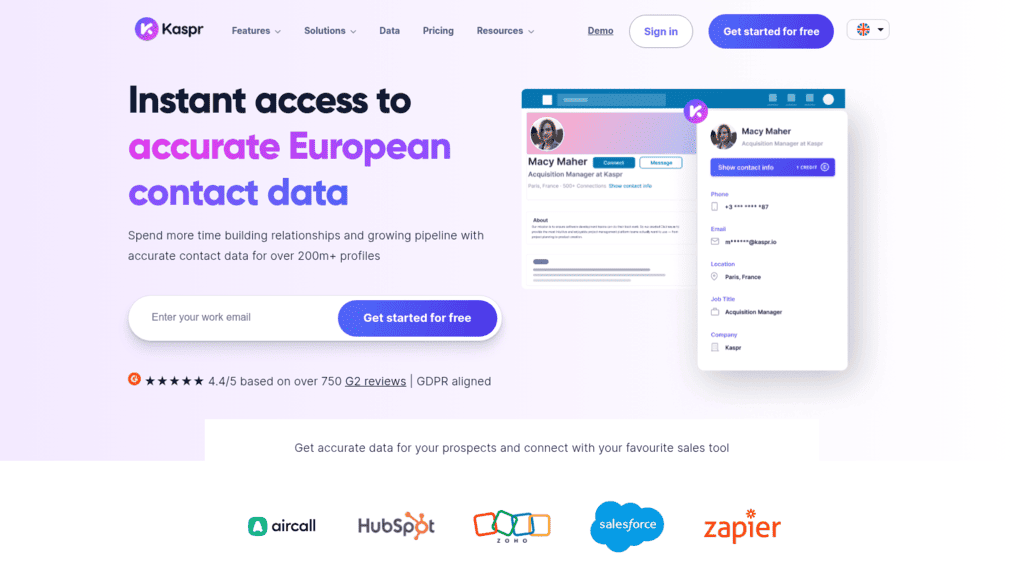
| Kaspr | European contacts from LinkedIn | LinkedIn extension | Phone credits metered per user | Free; $49/user/month billed annually |
| Seamless.AI | Phones and emails on any site | Any website, database | No published prices | 50 free credits; paid plans by quote |
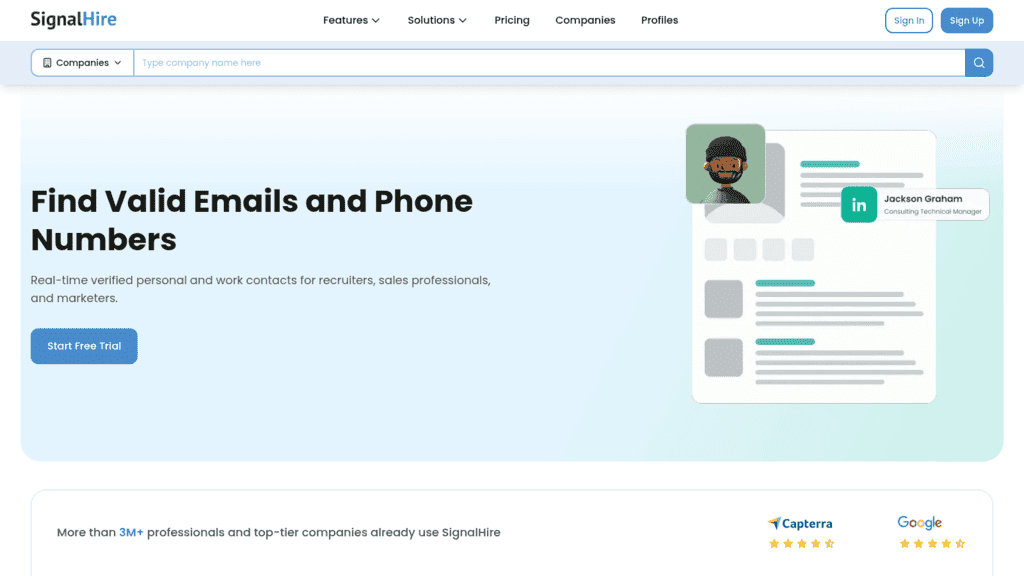
| SignalHire | Research beyond LinkedIn, in bulk | Most websites (Chrome and Firefox), database | Phone packs buy far fewer credits | Free; $57/month billed annually |
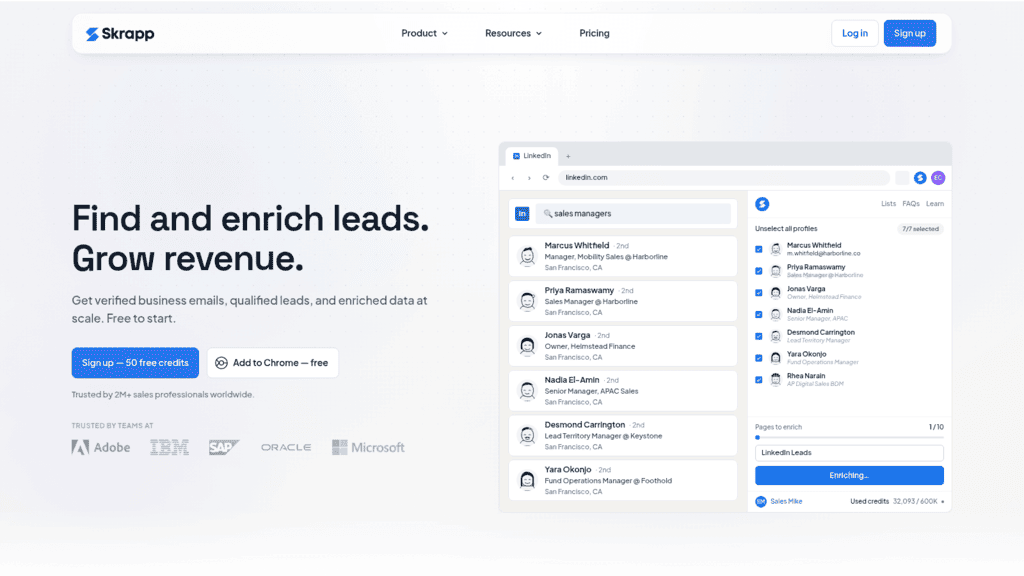
| Skrapp | Low-cost email finding with rollover | LinkedIn extension, company website, database | Emails only | Free; $29/month billed annually |
| GetProspect | Big Sales Navigator exports with an API | LinkedIn extension, company websites, database | 5 phone numbers a month on Starter | Free; $34/month billed annually |
Treat the pricing column as the door price: the credit rules decide what one usable contact really costs, which the cost table further down works out.
1. Reply.io
Best for: Finding contacts that go straight into outreach
Overview: Reply.io is a sales engagement platform with three built-in ways to find the people you’ll contact, depending on what you’re looking at when you start.
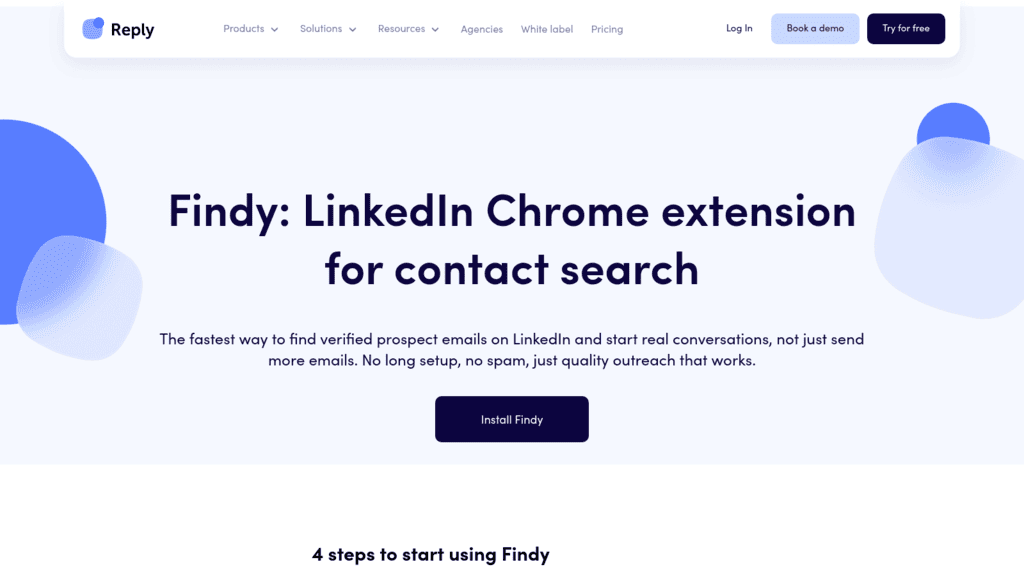
On LinkedIn, Findy, our Chrome extension, works on people search, profiles, Sales Navigator results and saved lead lists, and LinkedIn Recruiter. It works out the likely addresses from a person’s name and company domain, checks them through your own Google session, and labels each result Valid, Risky, Catch all or Invalid. For that check to run, Gmail has to be open in the same browser profile.
When you start from an ICP instead of a name, Real-Time Data Search (powered by Generect) searches a database of 1B+ contacts, 220M+ of them in the US. You can preview 5 to 7 matching contacts before spending a credit.
The third route is Name2Email, a separate Chrome extension we make and give away. You type a name and a company domain into a Gmail draft, it suggests the common address patterns, and Gmail’s contact card appears on the one it recognizes. There’s no database behind it, so it can’t find everyone.
Key features:
- Findy on LinkedIn, Sales Navigator, Recruiter, Gmail and Salesforce, HubSpot or Copper pages, with up to 300 successful email searches per hour per user
- Search filters for job title, department, industry, location, keywords, hiring activity and technology, plus a pasted Sales Navigator search URL or a list of company domains
- Duplicate checks against contacts already in your account, so re-finding someone you already have costs nothing
- Email and phone searches that come back empty are refunded rather than charged
- Email validation that labels addresses Valid, Risky or Invalid, with invalid contacts skipped by sequence emails
- Found contacts drop into multichannel sequences (email, LinkedIn, calls, SMS, WhatsApp tasks) and sync two ways with your CRM
Pricing: Email Volume is priced by active contacts: $49 a month billed annually, or $59 billed monthly, covers 1,000 active contacts, and Findy is included.
Every paid plan carries 50 live data credits a month (2 per email, 3 per phone), more start at $39 a month for 200, and the same balance pays for AI field enrichment. Email validation is a separate add-on from $20 a month for 5,000 checks, and LinkedIn automation costs $69 a month per account.
Pros: three ways to find a contact, one per research habit (LinkedIn, ICP filters, Gmail), a preview before credits are spent, refunds on empty email and phone searches, found contacts go straight into a sequence, Name2Email costs nothing and needs no account
Cons: the data is bundled inside the platform, so we aren’t a standalone data vendor, and 50 credits a month covers about 25 emails before you buy a pack. Findy needs Chrome and an open Gmail session, and our own docs describe its per-lookup credit cost in two different ways, so watch the counter during your first finds.
How to start using it:
- Create a Reply.io account (the 14-day trial needs no credit card and includes 50 credits), then add Findy to Chrome and sign in.
- Keep Gmail open in the same Chrome profile so Findy can check addresses.
- Open a Sales Navigator search, scroll to load every result, and run a bulk find.
- For list-building, set filters in Real-Time Data Search and read the 5 to 7 previewed contacts before you commit credits.
- Turn on automatic validation in email settings, then add the found contacts to a sequence.
Why it’s a good web research tool: you can research a contact on LinkedIn, in a filtered database or in Gmail, and the result lands where your outreach runs, with no CSV export in between.
Final verdict: pick Reply.io if finding contacts and contacting them should happen in one tool. If you only need a data subscription for a CRM, a dedicated provider further down this list fits better.

![B2B SaaS Marketing Strategy in 2026 [Step-by-Step Guide]](https://reply.io/wp-content/uploads/marketing.agency-300x158.jpg "B2B SaaS Marketing Strategy in 2026 [Step-by-Step Guide]")

