


Most outreach problems are relatively easy to spot. A weak subject line shows up in your open rates, and a weak offer shows up in your replies. Inbox placement is different, because the dashboard says “delivered” whether your email reached the primary inbox or got buried in spam, and you usually only find out when replies quietly dry up.
The good news is that placement isn’t random, and it’s fully decided by your setup, your list, and the way you send, long before anyone runs a test. Below, we break down what actually drives it and the 8 inbox placement tools worth adding to your stack, covering a wide range of products including AI-powered outreach platforms, seed testers, and free monitoring options.
What do inbox placement tools actually do?
Inbox placement tools show or improve where your delivered emails land, which could be the primary inbox, a tab like Promotions, or the spam folder.
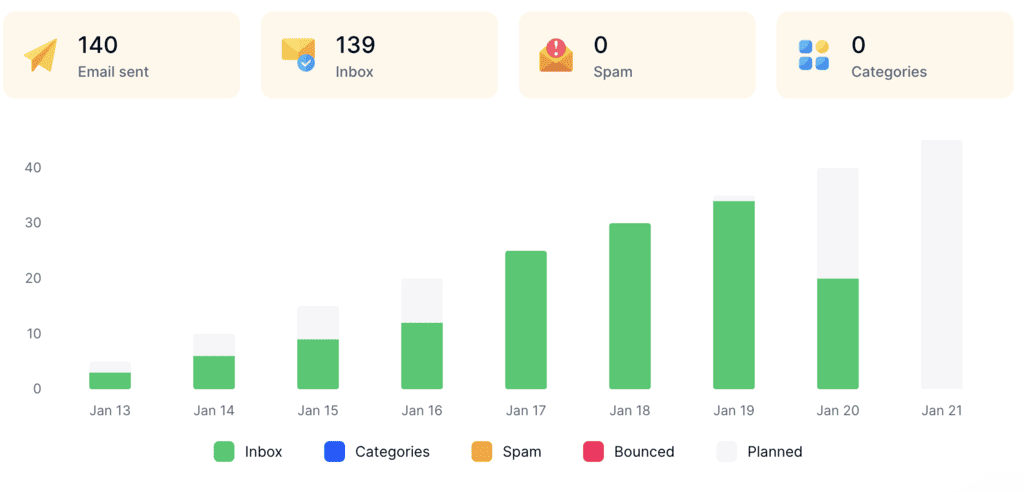
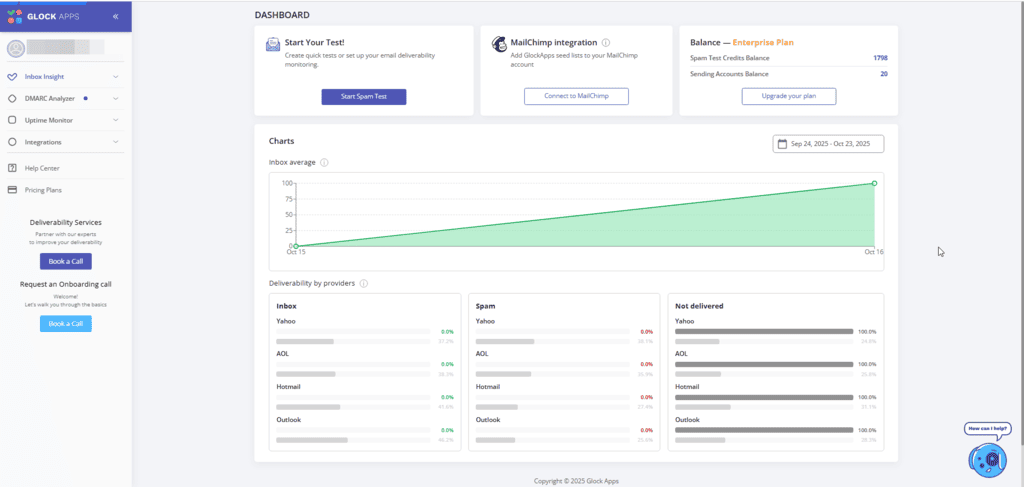
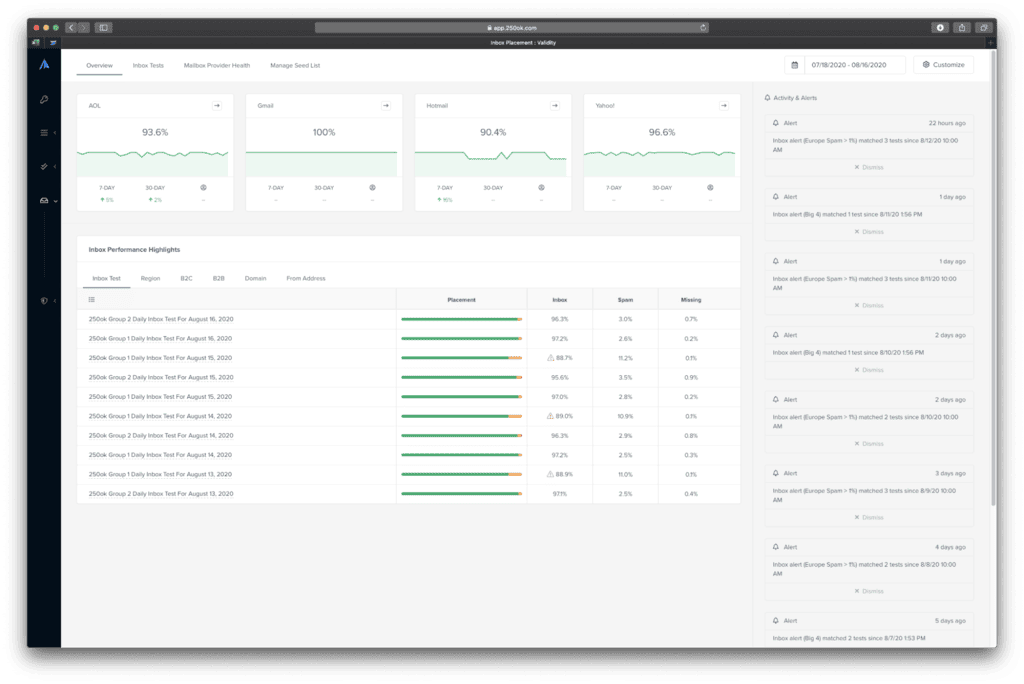
Some of them measure placement by sending test emails to seed inboxes at Gmail, Outlook, Yahoo, and other providers, then reporting where each copy ended up. Others focus on the inputs that decide placement in the first place, like warm-up, sending limits, contact list quality, and email authentication.
The difference is important because “delivered” and “inboxed” are two separate numbers. The global inbox placement rate was 87.2% in 2025. Interestingly, Microsoft was the weak spot at 77%, with 15% of mail going straight to spam, yet every one of those emails still counted as delivered.
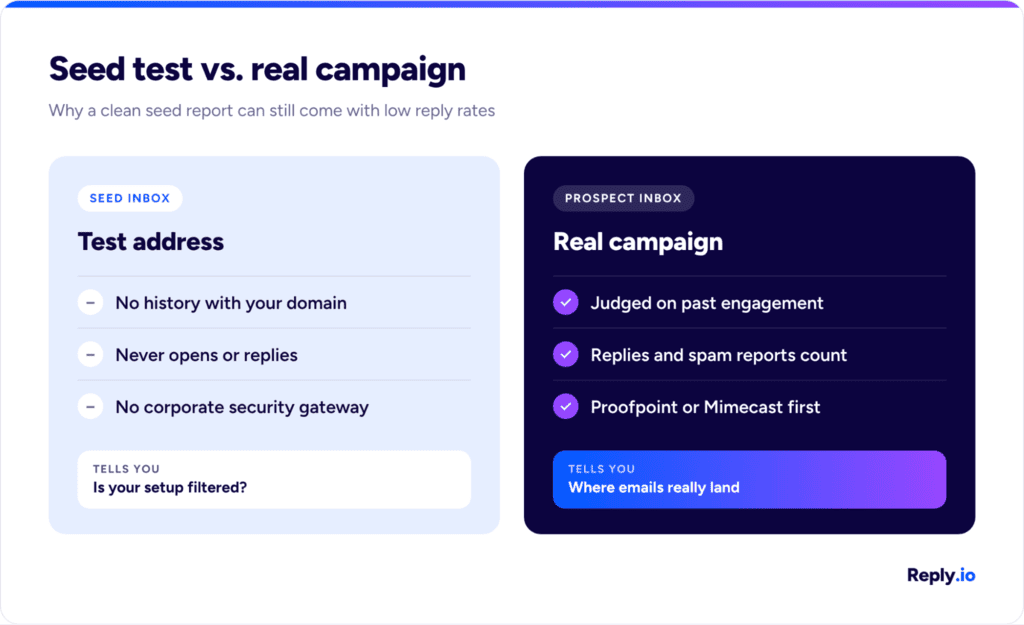
Seed tests have their place and can be useful, but they don’t tell the whole story. Seed inboxes have no history with you, they never reply, and they don’t sit behind the corporate security gateway your prospects typically use. That’s why you should treat seed results as a hypothesis that you still need to confirm with real campaign data. A clean seed report paired with falling reply rates usually means the problem sits in your list or your sending pattern.
What decides where your B2B emails land
Mailbox providers and corporate filters look at a handful of signals before they pick a folder for your email. For B2B outreach, those signals fall into three main groups:
Authentication and provider rules
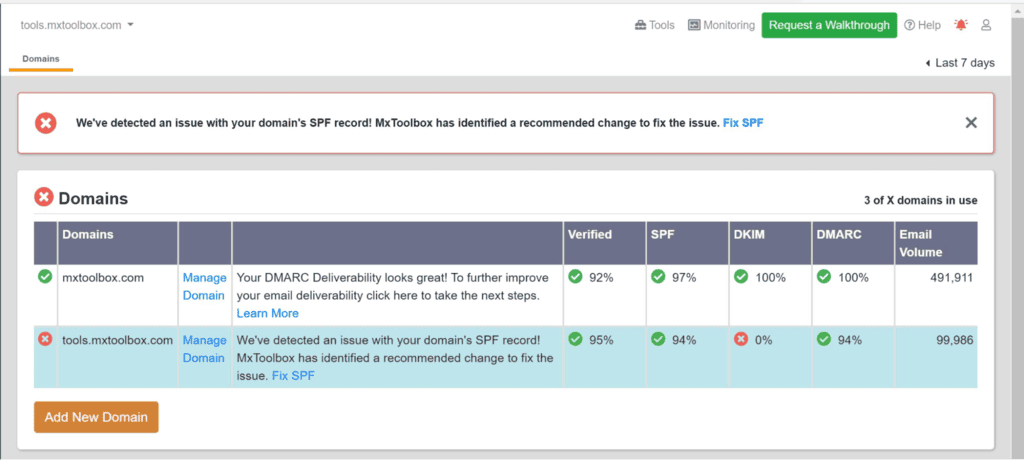
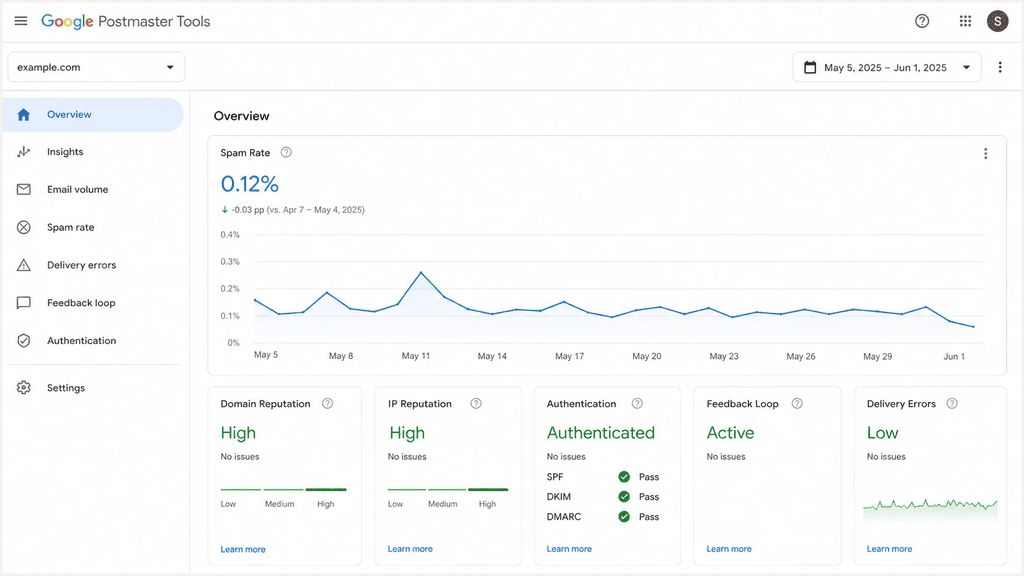
Authentication is the entry ticket for every provider. Google’s email sender guidelines require anyone sending 5,000+ emails a day to Gmail to have full SPF, DKIM, and DMARC with alignment, one-click unsubscribe for all marketing mail, plus keeping your spam rate below 0.1% and never letting it reach 0.3%.
Microsoft went even further in 2025, with Outlook.com, Hotmail, and Live rejecting high-volume mail that fails SPF, DKIM, or DMARC, so it never even reaches the junk folder.
Sender reputation, volume, and engagement
Once your emails pass authentication, your sender reputation does most of the work. Every domain and mailbox builds a track record with each provider, with three things shaping it most:
- New mailboxes need gradual warm-up before they start carrying real volume, since a fresh account that sends hundreds of cold emails in its first week looks exactly like a spammer.
- Each mailbox also needs a ceiling, which is why serious outbound teams spread volume across several mailboxes and domains instead of pushing one inbox to its limits.
- Engagement closes the loop, since replies are the strongest positive signal you can send and spam complaints are the strongest negative one.
List quality and relevance
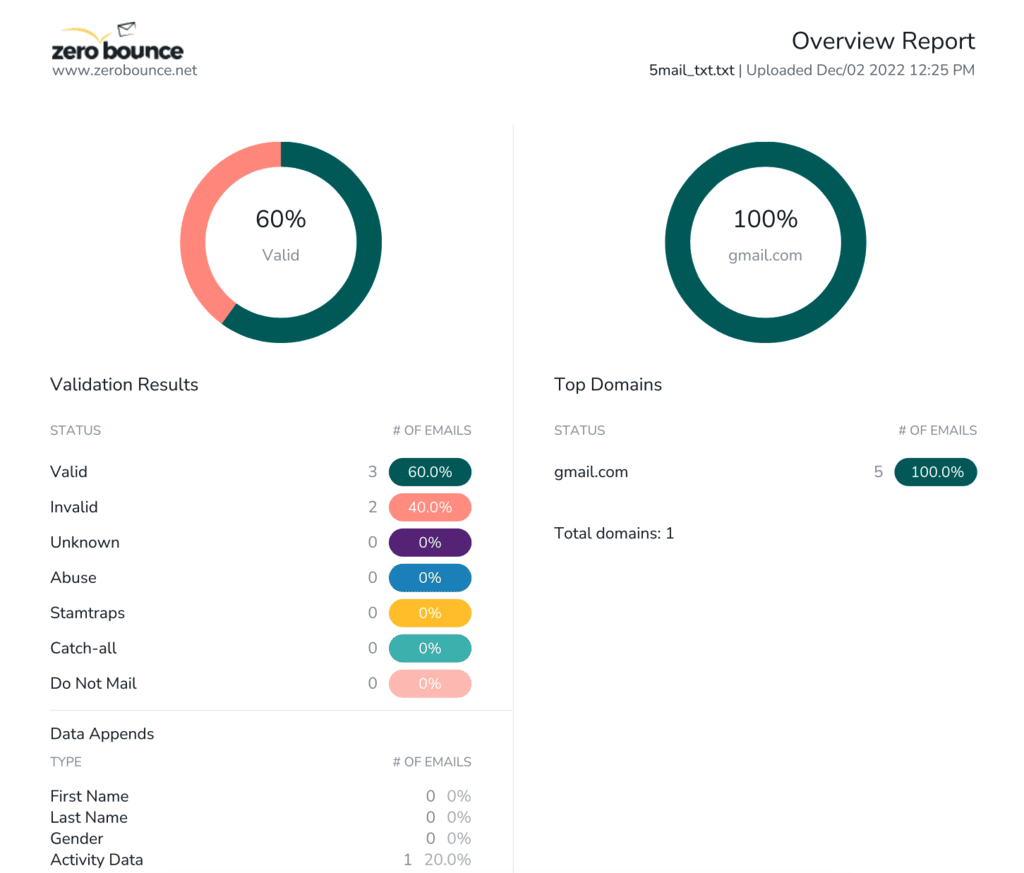
The last group comes down to who you’re emailing, since invalid addresses create hard bounces, old ones can turn into spam traps, and both tell providers your list wasn’t built carefully.
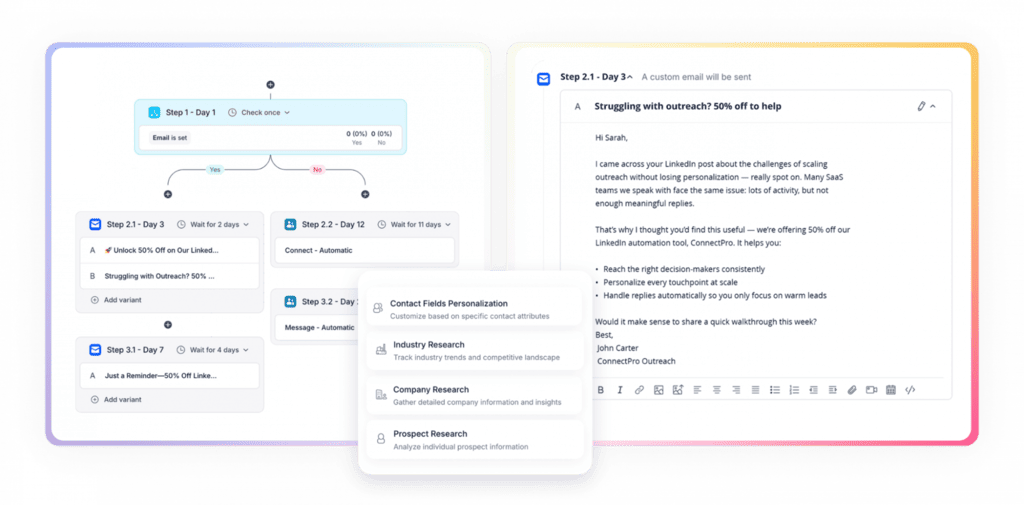
B2B adds one more filter on top — relevant, personalized emails get fewer complaints and more replies, so targeting and personalization end up working as deliverability levers as much as copywriting choices.


![B2B SaaS Marketing Strategy in 2026 [Step-by-Step Guide]](https://reply.io/wp-content/uploads/marketing.agency-300x158.jpg "B2B SaaS Marketing Strategy in 2026 [Step-by-Step Guide]")

