
AI Email Scraper: How to Find Leads Fast in 2026

AI Email Scraper: How to Find Leads Fast in 2026

5 in 10 professionals respond to email within 2 hours.

These stats point to one crucial fact. If you want to reach a decision maker fast (and get a response within a reasonable time span), email is one of the best media.

But that’s half the story.

To reach the decision maker via email, you must … get their email first.

And, in 2026, the last thing you want to do is find an email manually. The process is slow, inconsistent, and frankly unsustainable for any serious outbound strategy.

Luckily, we have AI email scrapers these days.

For starters, an email scrapper uses machine learning, web automation, and contact enrichment to pull high-quality email leads from public sources. That way, it saves you hours you’d have otherwise spent combing through pages or hiring researchers.

The point is, any forward-thinking outbound team should leverage AI to discover, verify, and deliver leads that match their ideal customer profile.

Which brings us to the subject of this article.

In this comprehensive guide, you’ll learn:

  • How AI email scrapers extract, enrich, and validate contact data
  • What tools, workflows, and tactics will drive lead gen success in 2026 and beyond
  • What else you can use AI-powered scrapers for other than emails
  • What are the best AI email scrapers and why
  • How to scale outreach using Jason AI SDR, a fully autonomous AI sales agent

Let’s dive in.

What is AI email scraping, and why does it matter?

AI email scraping is the automated extraction of email addresses from public online sources. Think company websites, team pages, directories, social profiles, PDFs, etc.

The process involves using AI email scraping software.

But the question is, why would you care about AI email scraping? …because outbound outreach lives or dies on data quality. 

You can have the best offer, precise timing, and a solid email sequence. But if you’re using an outdated, irrelevant, or invalid contact list, none of those matters.

You see, manual prospecting doesn’t scale. And if you’re using traditional scraping tools, chances are, you’ll fill your CRM with low-quality emails.

AI-powered email scrapers are different.

They pull emails and, more importantly, understand the surrounding context. So instead of dumping every address on a page, they zero in on actual prospects.

That way, they provide verified business emails linked to job titles, departments, and industries as per your ICP.

In addition, you can use enrichment APIs like Clearbit, FullContact, or Pipl to append firmographic and social data.

These details are crucial in an outbound environment where personalization wins.

Better yet, you can use Jason AI to extract high-quality leads, enrich them with real-time data, and move straight into outreach.

The platform builds your ICP automatically, finds matching leads from a live database of over a billion verified contacts. It then writes personalized messages, manages replies, and books meetings on your calendar.

The point is, as the best email scraper software would, Jason prioritizes relevance and accuracy over raw volume.

How does AI email scraping actually work?

An AI email scraper comes with a set of workflows. These are built to do one thing well—extract valid contact data.

Let’s break that down.

Most email scraper software follows a crawl, classify, and verify workflow.

The process starts with web crawling

The scraper scans and navigates through pages on a domain or set of domains. It loads the visible content, parses the HTML, and identifies sections where emails or contact data might live.

AI scrapers use machine learning to understand the structure of each site—whether it’s dynamic or built with JavaScript. They can access hidden content, scroll through pages, and extract email addresses from sections that traditional scrapers wouldn’t.

Then comes classification.

AI models evaluate each section of a page to decide what’s important. They ignore areas like footers, disclaimers, and ads. Instead, they focus on content blocks likely to contain decision-maker details. That way, the scraper can pull relevant contacts.

And there’s email verification.

AI-powered scrapers use multi-step workflows to check email addresses before adding them to your list. These steps include SMTP verification, domain health checks, and pattern scoring. The idea is to reduce bounce rates and improve email quality.

They also go further with OCR (optical character recognition). This tech lets scrapers extract emails from PDFs, images, or scanned documents.

Now let’s talk about extracting emails at scale.

AI scrapers use headless browsers like Puppeteer or Selenium to load full websites, including any JavaScript and user-triggered content. They pair this with proxy rotation tools like Bright Data or Smartproxy, and CAPTCHA-solving APIs such as 2captcha or Anti-Captcha to avoid blocks or bans.

In addition, some scrapers use API-based extraction instead of scraping the user interface. API scraping is faster and cleaner, but only works on platforms that provide access. Furthermore, UI scraping takes longer, but it works with nearly any site.

To extract emails fast, most AI scrapers run on multi-threaded crawlers or distributed engines. These allow them to scan multiple pages at the same time, speeding up the entire process and increasing output.

But all of this doesn’t happen in isolation.

Good scrapers can plug into CRMs, spreadsheets, and automation tools such as HubSpot, Salesforce, Google Sheets, or Zapier. And with native integrations, there’s no need for copy-pasting or CSV uploads.

The best part is that Jason AI SDR simplifies the entire process.

With Jason, you don’t have to manage proxies, set up crawlers, or monitor scrapers. Jason AI handles the entire workflow. It extracts contacts in real time, validates addresses, enriches data, and syncs it straight to your outreach stack.

As a result, you can spend time selling and less on setup.

Let’s now look at where these scrapers pull emails from.

Where to scrape emails from?

AI email scrapers can pull emails from a wide range of public sources. These include:

  • Company websites: Most company websites have team pages, contact sections, or press releases that list decision-makers. Scrapers can scan those sections and extract verified emails.
  • Social media profiles: LinkedIn is the most common, but Twitter and Instagram bios can be surprisingly helpful too. With a good AI-powered scraper, you can extract emails connected to names, roles, and job changes.
  • Business directories: Platforms like Crunchbase or AngelList may not list emails directly. However, they often link out to websites or profiles where scrapers can continue digging.
  • PDFs and event documents: Things like speaker lists, industry reports, or conference brochures often include contact info. AI scrapers with OCR can process these formats just like web pages.
  • Google search results: You can scrape Google search results using targeted queries. For example, site:shopify.com “contact” “founder “or filetype: pdf “speaker list” email. These bring in niche leads you’d never find in a paid database.
  • SaaS marketplaces, industry associations, webinars, and job boards: These are goldmines if you’re targeting specific verticals. Most include public-facing contact info across different roles and seniority levels.
  • News feeds and press releases: Scraping real-time content like RSS feeds, press wires, and announcement pages can surface recent hires, funding updates, or exec changes you can act on quickly. In the financial sector, utilizing a crypto news scraper is particularly effective for monitoring breaking announcements across decentralized platforms to identify emerging lead opportunities.
  • Forums and UGC platforms: You can scrape platforms like Quora or Reddit to find domain experts posting under professional profiles. With the right data connectors, those insights can turn into warm leads.

Again, Jason AI SDR goes a step further here.

It pulls from 1+ billion verified global contacts across 150+ countries. It also adds job titles, hiring signals, tech stack data, and language preferences. That way, you get high-quality leads matched to your exact criteria, right out of the box.
What are the best AI email scrapers to try in 2026?

Choosing the best email scraper depends on your data needs, budget, and outbound maturity. However, not all options are worth your attention. Besides, most vary in features and capabilities. 

In the roundup below, we sample top-rated email scraper software and what makes them tick.

Here’s a quick comparison table.

Tool Best for Data source and score Outreach capability Enrichment and verification
Jason AI SDR End-to-end automated outbound 1B+ verified contacts across 150+ countries with ICP scoring Email and LinkedIn, reply handling, meeting booking Job title, seniority, tech stack, hiring signals, location, real-time checks
Hunter.io Quick email discovery Domain search, bulk lookup, browser extraction None Real-time email validation and DNS checks
Skrapp.io LinkedIn email scraping LinkedIn Basic, Sales Navigator, Recruiter None Email verification and AI enrichment
Kaspr EU-friendly LinkedIn leads LinkedIn profiles with GDPR emphasis None Verified emails, phone numbers, social data
Thunderbit Simple, no-code scraping Templates for LinkedIn, team pages, directories None Email validation and light enrichment
Instantly.ai High-volume outbound execution Uploaded lists and basic scraping Email campaigns with inbox rotation Real-time verification and basic enrichment
Apollo.io Prospecting plus engagement B2B contact database with intent data Email sequences and calling Firmographic, technographic, verified contacts
Lindy AI Custom AI workflows User-defined sources and logic Workflow-based, optional Depends on workflow and AI model
Octoparse Web scraping Public and login-protected sites None Rule-based extraction, no native enrichment

Jason AI SDR

Jason AI SDR is arguably the best email scraper when end-to-end automation is more important than raw extraction. 

For starters, Jason is a fully autonomous AI sales agent.

It handles lead generation from end to end, which makes it more than your average email scraper.

With Jason, you can pull from a verified pool of over 1 billion contacts across 150+ countries. The platform also enriches your contacts with job titles, seniority, tech stack data, hiring signals, and location details.

On top of that, it identifies your ICP, scores leads, and writes personalized outreach based on real-time data.

It doesn’t stop at contact discovery, though.

Jason AI also manages replies, books meetings, and supports outreach across email and LinkedIn.

Furthermore, it integrates with tools you already use, including CRMs and spreadsheets. You can also connect Jason to outbound platforms like Reply.io, Outreach, Salesforce, and Google Sheets.

And it adapts to your tone using the AI model that fits best—whether that’s OpenAI, Claude, Gemini, or Mistral.

Jason allows you to run your campaigns in over 50 languages. As a result, you can reach global leads in their native dialect.

It also comes with auto and copilot modes. These enable you to run fully automated outreach or step in manually when you want more control.

Jason AI SDR pricing

Jason AI SDR is available in the following pricing tiers:

Starter – $500 per month (billed annually)

The plan includes 1,000 active contacts, AI personalization, multichannel outreach, and unlimited mailboxes. You also get full access to the platform and a done-for-you deliverability setup.

Growth – $1,500 per month (billed annually)

Includes everything in Starter, plus 5,000 contacts, support for 5 LinkedIn accounts, custom playbooks, Slack access, and white-glove onboarding.

Enterprise – Contact sales

Built for large outbound teams. Includes 25,000 active contacts, prompt engineering, CEO strategy calls, and all features from Growth.

What do users say about Jason AI?

Well, most love the platform’s user-friendly interface, ability to 2x reply rates, efficient prospecting, and reliable customer support.

Hunter.io

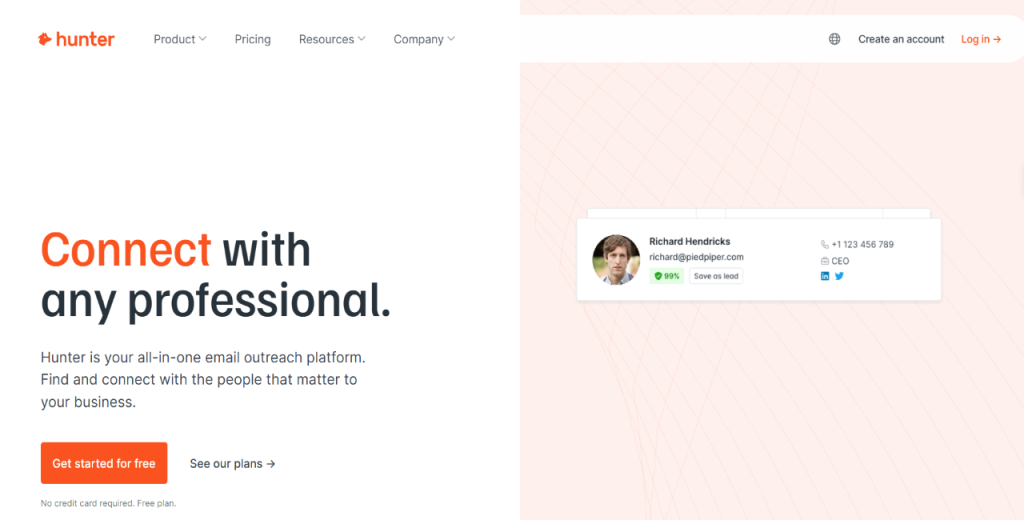
Hunter.io is a lightweight but reasonably powerful tool for finding and verifying professional email addresses.

It allows you to search by domain, run bulk lookups, or use the Chrome extension to extract emails as you browse.

Hunter verifies addresses in real time using deliverability checks and DNS lookups. It supports CRM integrations like HubSpot and includes an API for syncing into outbound workflows. 

Meanwhile, Chrome extension users can trigger email discovery directly from LinkedIn or a company site.

Hunter.io pricing

Hunter is available in 5 pricing tiers as follows:

  • Free: $0 per month
  • Starter: $34 per month
  • Growth: $104 per month
  • Scale: $209 per month

Enterprise: Custom pricing

Skrapp.io

Skrapp.io

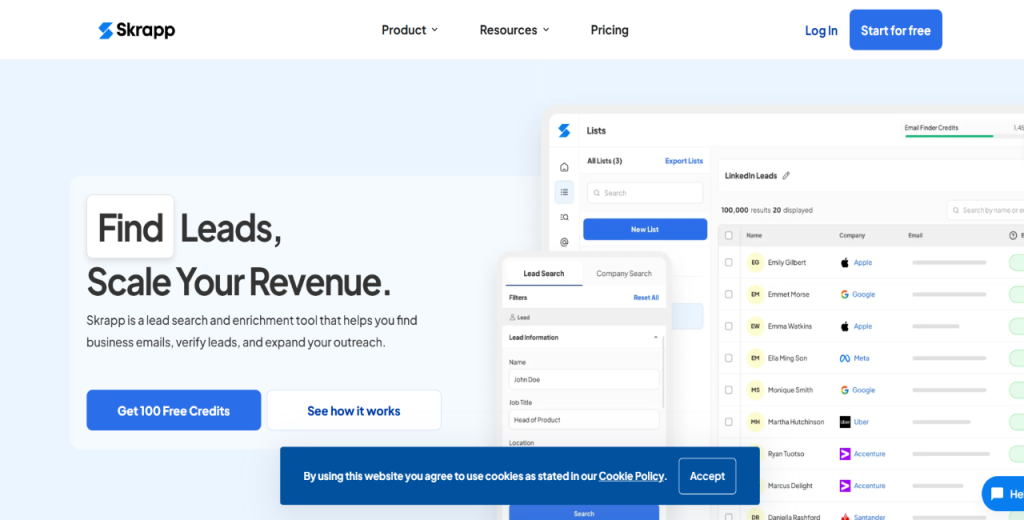
Skrapp.io is designed for LinkedIn-based B2B lead generation.

It offers a Chrome extension, a web dashboard, and a domain search to extract business emails quickly. It allows users to verify emails, build lists, and export leads directly into CRMs or download as CSV.

Skrapp.io integrates with LinkedIn Basic, Sales Navigator, and Recruiter, making it easier to collect data from different LinkedIn tiers.

In addition, the platform includes AI enrichment, multi-page LinkedIn scraping, and list sync features.

Skrapp.io pricing

Skrapp offers three pricing plans as follows:

  • Free: $0 per month
  • Professional: Starts at $18 per month
  • Enterprise: Starts at $157 per month

Note: Credits roll over under its Fair Credit Policy.

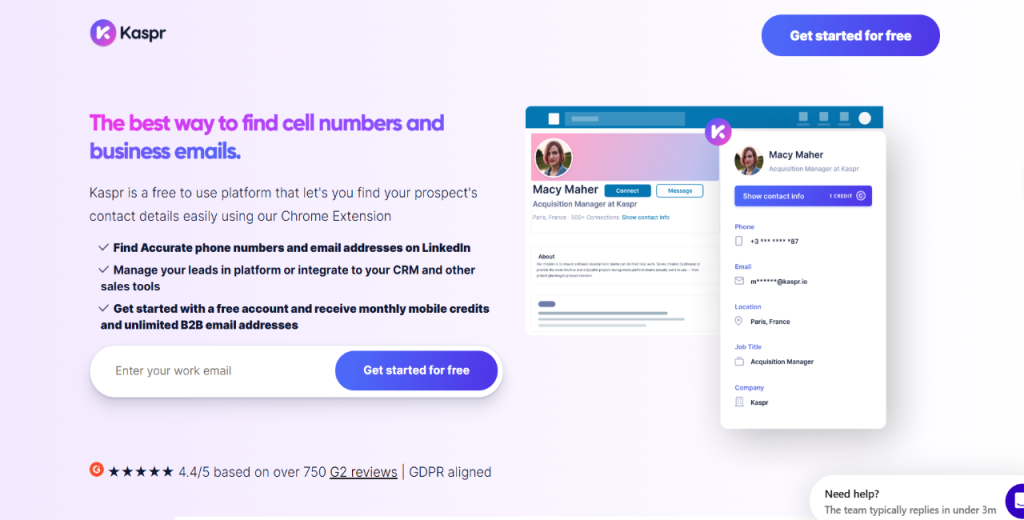
Kaspr

Kaspr is a lead generation tool tailored for LinkedIn scraping.

It boasts emphasis on GDPR compliance. Kaspr is, therefore, ideal for sales teams targeting the EU market.

With Kaspr, you can extract verified emails, phone numbers, and social profiles from LinkedIn in real time. It also comes with a Chrome extension that integrates into LinkedIn’s interface. That way, you can capture data while you browse.

In addition, Kaspr allows you to sync contacts to platforms like Salesforce or Pipedrive, saving time on manual input.

Kaspr pricing

Kaspr offers four pricing plans as follows:

  • Free: $0 per month (per user)
  • Starter: $49 per month (per user)
  • Business: $79 per month (per user)
  • Enterprise: Custom pricing

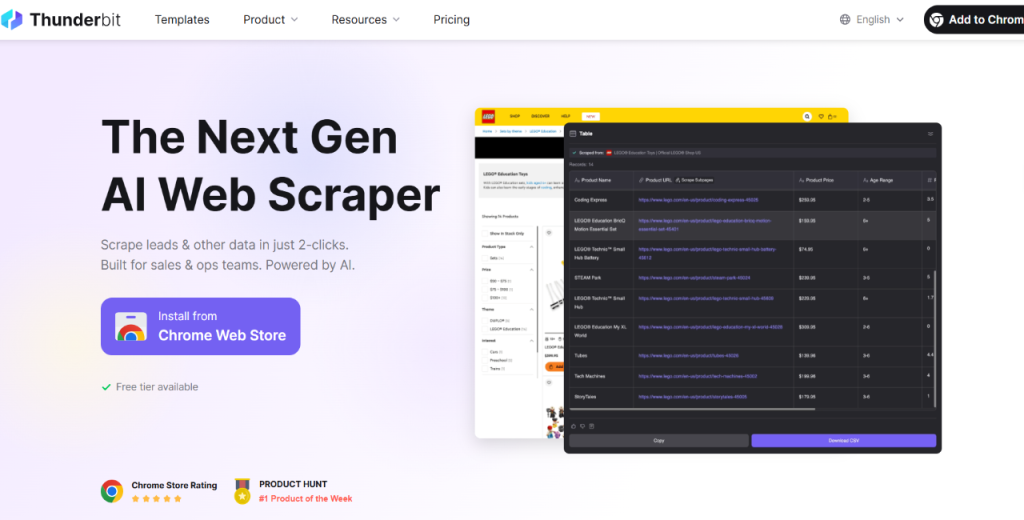
Thunderbit

Thunderbit is built for non-technical users looking to extract emails without writing a line of code.

It offers prebuilt scraping templates that can target sources like LinkedIn, team pages, and online directories. Once you select a template, the tool handles extraction, verification, and enrichment in one smooth flow.

Thunderbit supports Google Sheets and CRM integrations, making list building seamless. The tool also includes email validation steps to reduce bounce rates. If you’re in for a lightweight, no-fuss solution, Thunderbit can be a solid pick.

Thunderbit pricing

Thunderbit offers four pricing tiers based on scraping volume and feature access:

  • Free: $0 per month
  • Starter: $9 per month (billed yearly)
  • Pro: $16.5 per month (billed yearly)
  • Business: Custom pricing

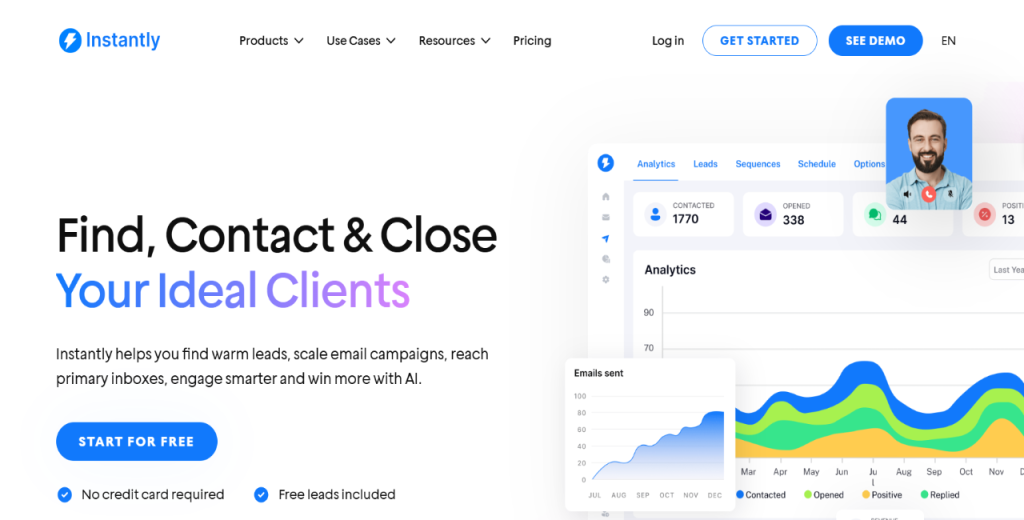
Instantly.ai

Instantly.ai promises to help you scrape emails, send them, and scale fast.

It features inbox rotation, warm-up features, and multichannel campaigns from a centralized dashboard. You can upload contacts, verify emails in real time, and launch outreach in a few clicks.

While it’s not made for deep scraping, Instantly.ai excels in high-volume outbound and automation.

The platform also offers built-in enrichment and performance tracking.  That said, Instantly.ai is ideal for agencies and SDR teams that want a tool that can help get started with outbound right out of the box.  

Instantly.ai pricing

Instantly.ai offers four pricing tiers for different outreach volumes:

  • Growth: $30 per month
  • Hypergrowth: $77.6 per month
  • Light Speed: $286.3 per month
  • Enterprise: Custom pricing

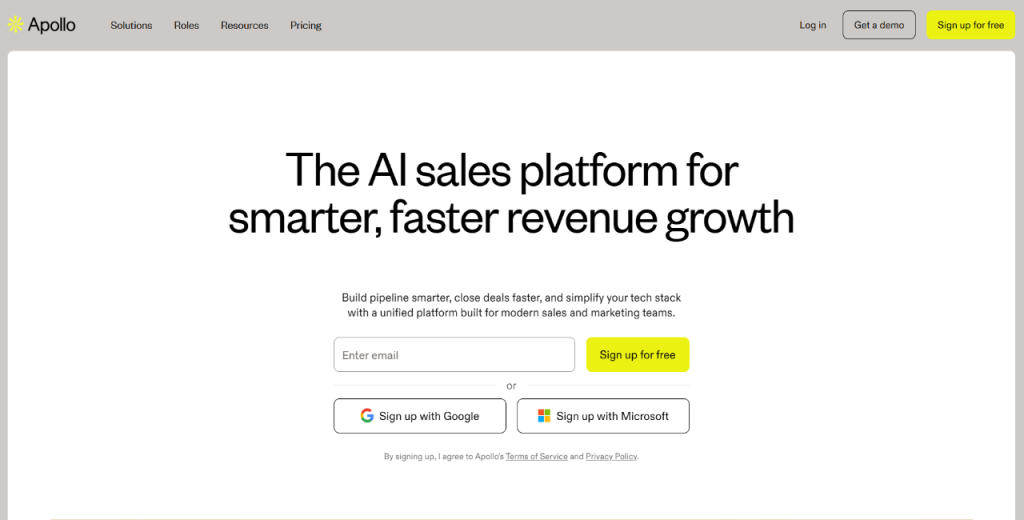
Apollo.io

Apollo.io combines B2B data, enrichment, and sales engagement in one platform.

It gives you access to verified contacts, firmographic and technographic filters, and buying intent signals. You can use it to scrape contacts, verify them, then launch cold email sequences or calls.

Apollo also syncs with popular CRMs and integrates with tools like Outreach or Salesloft.

Apollo.io pricing

Apollo.io offers four pricing tiers based on feature access and contact volume:

  • Free: $0 per month
  • Basic: $49 per user per month (billed annually)
  • Professional: $79 per user per month (billed annually)
  • Organization: $119 per user per month (billed annually, 3-user min)

Lindy AI 

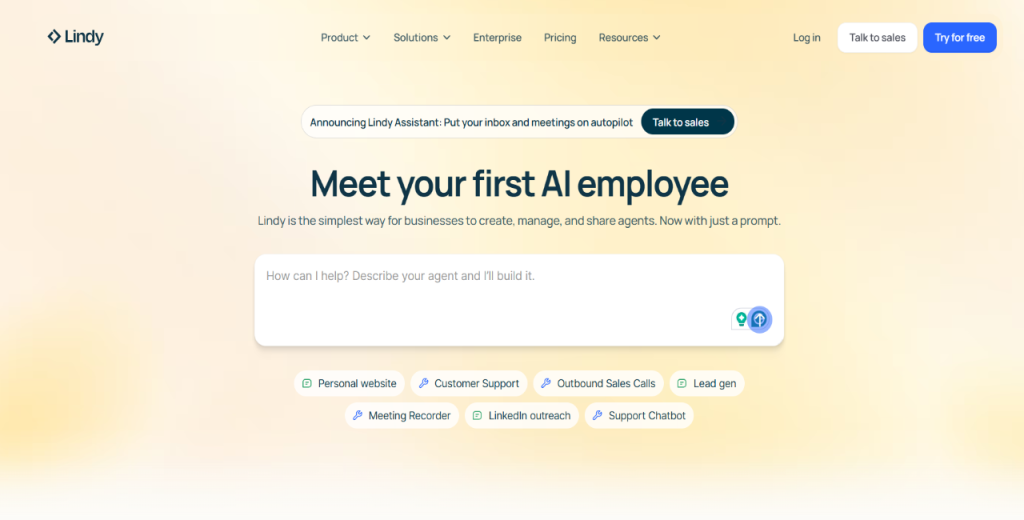
Lindy is a no-code platform for building AI agents to scrape emails, enrich data, update CRMs, and more.

With Lindy, you can define the logic and let the tool handle execution. Some tasks the platform can handle include pulling leads, syncing data, sending messages, or watching a site for changes.

The tool supports prompt-based workflows, data connectors, and integrations like Slack, Notion, and Sheets.

Lindy AI pricing

Lindy AI’s pricing includes a free entry tier and paid tiers with increasing credits and features:

  • Free: $0 per month
  • Pro: $49.99 per month
  • Business: $199.99 per month
  • Enterprise: Custom pricing

Credits are consumed based on task complexity and AI model usage, so larger workflows or advanced LLM calls use more units.

Octoparse

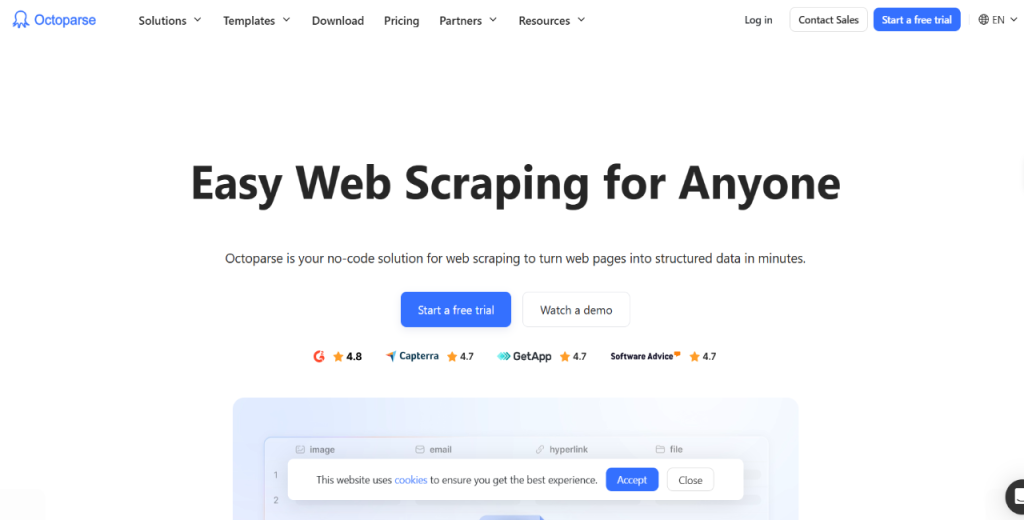
Octoparse is a visual scraping tool that allows you to build workflows with its drag-and-drop interface. You can use it to scrape emails from login-protected sites and JavaScript content.

Octoparse runs as a desktop app or in the cloud, depending on your volume needs. And when you’re not email scraping, you can use the tool to pull structured data from complex websites.

Octoparse pricing

Octoparse offers four pricing tiers:

  • Free: $0 per month
  • Standard: $69 per month
  • Professional: $249 per month
  • Enterprise: Custom pricing 

Honorable mentions

While the tools below didn’t make it into our main collection of the best email scrapers, they pack some serious punch. 

  • Saleshandy Connect: This is a Chrome extension for LinkedIn prospecting. It lets you extract verified emails directly from profiles, then sync leads into outreach campaigns via Saleshandy’s own cold email platform.
  • GetProspect: A free Chrome extension that allows you to extract emails from LinkedIn based on job title, location, or company. It includes built-in email verification and supports exports to Google Sheets and CRMs.
  • Finder.io: A lightweight email lookup tool built for fast domain or company-wide searches. It offers bulk processing, basic enrichment, and a free tier plan.
  • RevDriver by SalesIntel: A browser plugin that reveals contact details as you visit company websites or LinkedIn. You also get real-time firmographic and technographic data with free daily credits.
  • IG Email Extractor: A niche-free tool that scrapes public email addresses from Instagram bios. It can be helpful for influencer marketing or small-business lead gen via social platforms.
  • Prospects: A multi-platform scraper with prebuilt tools for LinkedIn, Twitter, Crunchbase, and more.
  • Scrap.io and Lead Scrape: These are desktop-based extractors focused on bulk data scraping from websites and directories.
  • ZoomInfo: An enterprise-grade B2B data platform offering verified contacts, buying intent, and deep enrichment. While it’s not cheap, ZoomInfo is excellent for large sales teams that need volume and compliance.

The choice of platform over another primarily depends on your needs and budget. 

That said, the collection above is comprehensive. It includes the free email scrapers if you’re on a tight budget and premium, feature-rich options.

How to scrape emails fast and effectively with AI?

An AI email scrapper is good at extracting high-quality leads. But to do it quickly, you need a complete workflow. And it starts with having a well-thought-out strategy.

Here’s what you need to do.

First, define your ICP, target industries, and preferred geographies.

That way, you can zero in on the right sources and eliminate irrelevant noise. For example, if you’re targeting eCommerce brands in the U.S., you’ll likely want different queries than if you’re scraping SaaS founders in the EU.

Next, pick a good AI email scraper.

A solid email scraper software offers extraction with enrichment and validation right out of the box. In addition, you’ll want to go for a tool that’s easy to use, is accurate, can integrate with your existing tools, and has enrichment capabilities. 

For LinkedIn scraping, platforms like Thunderbit or Kaspr can get the job done. For deeper data, you’ll want to try tools like Octoparse or Spylead.

While at it, run your scraper with proxy management and rate limiting enabled to avoid getting blocked. Services like Bright Data or Oxylabs offer rotating IPs and user-agent spoofing that mimic real users, helping you bypass bans.

That said, you shouldn’t just scrape websites. Also, scrape PDFs, social profiles, job boards, Google queries, and industry directories. For example:

  • Use targeted Google queries like site:shopify.com “contact us”
  • Upload PDFs, images, or screenshots to tools with OCR extraction
  • Enable subpage navigation and pagination in your scraper
  • Apply prebuilt templates (e.g., Thunderbit’s LinkedIn profile extractor)
  • Validate emails with built-in tools to weed out bounces
  • Enrich leads with job title, LinkedIn URL, company size, and more

And, once you have a raw list, clean it.

Remove duplicates, invalids, and outdated data. After, push the validated list into your CRM (like HubSpot or Salesforce), Google Sheets, or email tools (like Instantly.ai or Saleshandy).

The next step involves automation.

You can use platforms like Lindy, Make, or Zapier to connect scraping → enrichment → CRM import → email sequence triggers. Be sure to schedule scraping jobs during off-peak hours to reduce error rates and monitor logs for issues.

To refine lead quality further, use Boolean search modifiers (e.g., intitle: “marketing director” site:linkedin.com) and domain filtering (e.g., .co.uk to narrow by region).

Also, test your strategy. Run A/B tests comparing enriched leads vs. raw exports or testing different scraping templates.

Finally, combine scraped data with human research. So, add social proof, recent job changes, or company news to fuel personalized outreach.

Of course, all of this can be complex to manage.

And that’s where Jason AI SDR comes in.

Jason eliminates all these manual steps. The platform defines your ICP, searches its live 1B+ contact database, verifies, and enriches leads. 

It also personalizes the outreach across LinkedIn and email. Plus, it can manage replies and book meetings autonomously.

And as stated, you run Jason on autopilot or switch to copilot mode when you want to be more hands-on.

Either way, you’ll save hours weekly, improve your outreach quality, and increase reply rates when using Jason AI.

What else can AI scrapers find besides emails?

AI scrapers are great at pulling verified emails. 

However, that’s not all they can extract. Below are some other data examples you can extract using AI scrapers.

  • Leads info: These include company names, phone numbers, physical addresses, and job titles. You can also extract booth numbers from trade shows and social media handles. With these details, you can build richer contact profiles and target leads more effectively.
  • Competitor intel: You can scrape competitor websites and news feeds to monitor product pricing and case studies. You can also extract blogs, press releases, and job postings to understand positioning, hiring priorities, or strategic shifts.
  • Enriched social data: Scrapers can extract LinkedIn profiles, Twitter handles, and follower counts. They can also collect post engagement data like likes, shares, or comments to help gauge social influence.
  • Market insights from public sources: Forums like Reddit, Quora, or specialized review sites are goldmines for honest feedback. You can also scrape public directories to monitor market chatter or customer sentiment.
  • Expanded use cases: You can extract tech stacks from developer blogs or platforms like StackShare. In addition, you can use scraping + NLP for sentiment analysis on reviews and social mentions.
  • Hiring activity: You can scrape job boards like Indeed and Glassdoor to see which roles competitors are hiring for. This can help identify talent gaps, new departments, or scaling patterns.
  •  Data visualization: You can send scraped data into dashboarding tools like Tableau or Power BI. These allow you to turn raw information into actionable insights for faster decision-making.
  • Automated alerts: You can deploy bots that monitor competitor sites for content changes or new product launches. These bots trigger instant notifications when important updates go live.
  • Price tracking:  You can scrape eCommerce platforms or Amazon Seller listings to monitor price changes. The data is valuable for optimizing pricing strategy or detecting undercutting competitors.

Now, let’s tie all of the above together with Jason AI’s unique advantages.

First, Jason doesn’t enrich leads with surface-level data only.

It pulls in company profiles, intent signals, and social engagement data to build complete lead records.

In addition, the system can then generate tailored email and LinkedIn sequences based on competitor behavior or market trends. It can also automatically adjust language, tone, or offer positioning.

What’s more, Jason uses AI to analyze social and behavioral patterns, such as profile visits, post engagement, or job title changes. That way, Jason can prioritize hot leads, detect buying intent, and dynamically adapt messaging for better results.

What are common questions and pitfalls?

As more teams adopt AI email scrapers, certain questions come up repeatedly. This is especially true for users new to outbound or data-driven prospecting.

Below are some of the most important ones:

Is email scraping legal?

This is the most common question. And a valid one.

The legality of scraping depends on your jurisdiction and how the data is used. In many cases, scraping publicly available information is allowed. 

However, using scraped emails for cold outreach must comply with GDPR, CAN-SPAM, and other privacy laws.

What about accuracy and bounce rates?

AI scraping tools promise high accuracy. However, no system is perfect.

Scraped data can contain outdated or invalid emails, leading to bounces. You’re better off, therefore, with a built-in or third-party email verification system that is essential before launching a campaign.

How to avoid IP blocks and CAPTCHA?

Scraping websites at scale can trigger anti-bot systems. However, using tools that rotate proxies and mimic human browsing behavior can help avoid bans. 

On that note, for platforms that integrate with providers like Bright Data, Smartproxy, or use CAPTCHA-solving APIs.

Can AI scraping replace manual prospecting entirely?

No. And it shouldn’t.

Sure, AI scraping is a powerful supplement, but not a replacement for humans. You can use it to handle heavy lifting of data extraction and leverage human input for personalization, strategic targeting, and relationship building.

Why does outreach personalization still matter?

Even with the best data, blasting generic emails will hurt your results. That said, success comes from combining clean data with tailored messaging that offers real value to the recipient.

Are free scraping tools enough for serious prospecting?

Free email scrapers are great for early testing. However, they come with strict credit limits, slow processing, or limited integrations. So for volume outreach, you’ll likely need a paid plan with API access, verification, and enrichment capabilities.

What about data privacy and consent?

Just because an email is public doesn’t mean you should ignore data privacy regulations.

You need to comply with opt-out rules and regional privacy standards. Therefore, always provide a clear reason for outreach, and make it easy for recipients to unsubscribe.

Common pitfalls to avoid

You may have the best AI email software, but struggle to extract high-quality leads with a flawed workflow. Here’s what to watch out for:

  • Outdated data sources: Scraping stale directories leads to high bounce rates. Prioritize fresh, high-quality sources like LinkedIn or Google.
  • Over-reliance on one tool: Platforms may change pricing or shut down features. Always have backups.
  • Technical blockers: Rate limits and CAPTCHA changes can halt scraping. Use tools with proxy rotation and browser emulation.
  • Poor data hygiene: Regularly clean, verify, and de-dupe your lists to maintain deliverability.
  • Spam traps: Aggressive scraping can trigger blacklists. Avoid scraping indiscriminately.
  • CRM misalignment: Integrate scraped leads with your CRM to add context and enable personalization.
  • Untrained teams: AI leads still require human engagement. Train your reps to personalize and avoid robotic outreach.

Again, Jason AI SDR can help you avoid these pitfalls.

The platform uses real-time, always-updated databases. Therefore, you’re not scraping stale data from static sources. In addition, it enriches leads with current job titles, firmographics, and intent signals. That way, you can improve accuracy right from the start.

Jason also boasts AI-driven email verification and domain reputation safeguards. Hence, your sender score remains intact even during high-volume campaigns.

In addition, Jason’s reply handling and re-engagement workflows reduce bounce and spam risk. It also helps keep conversations warm and personalized.

To top it all off, Jason isn’t here to replace human sales reps. Instead, it augments your team by taking care of repetitive, manual tasks.

With Jason AI SDR as part of your tech stack, reps can focus on building relationships, closing deals, and refining strategy. Meanwhile, the platform does all the hard work at scale.

How to measure and optimize AI email scraping campaigns?

Extracting leads is one part of the equation. To drive actual results, you need to track performance, test variations, and refine continuously.

Here’s how to do it effectively:

  • Define key performance indicators (KPIs): Track metrics like extraction success rate, email validity rate, conversion rate from scraped leads, bounce rate, and unsubscribe rate.
  • Set up tracking: Use UTM codes and platforms like Google Analytics or HubSpot to monitor link clicks and campaign flow.
  • Implement feedback loops: Regularly remove hard bounces, flag spam complaints, and adjust your scraping parameters or sources based on real-world results.
  • Use AI-driven analytics platforms: Tools like Gong or Outreach Analytics can monitor engagement and provide data-driven recommendations on timing and content.
  • A/B test variables: Try different enrichment depths, messaging styles, and lead sources to see which combinations yield better ROI.
  • Analyze cost-per-lead: Calculate the total cost from your scraping stack and compare it to purchasing leads from data vendors.
  • Establish review cadences: Set monthly or quarterly reviews to refine ICPs, tools, and workflows based on evolving performance.
  • Measure ROI beyond clicks: Track time saved vs. manual research, improvements in pipeline velocity, and closed-won conversion rates.

Jason AI makes this even easier.

With built-in dashboards, Jason AI visualizes campaign performance, from multichannel engagement stats to meeting bookings.

In addition, its AI-optimized messaging and personalization engines improve conversions while reducing bounce and opt-out rates.

Most importantly, Jason continuously tunes your outreach playbooks based on real-time performance data. That way, your campaigns deliver higher ROI with less manual effort.

Winding down

The best email scraper offers fresh data, verification, enrichment, and outreach in one coordinated workflow.

That said, AI email scraping will transform lead generation in 2026 and beyond.

It’ll make it faster, smarter, and massively scalable.

However, there’ll be more to success than speed. You’ll need to choose the right tool and ensure legal compliance.

Speaking of tools, Jason AI SDR is at the top of the stack.

You can count on the full-service AI sales assistant to deliver enriched leads, smart targeting, personalized outreach, and automated booking.

So, if you’re serious about outbound, this is the time to adopt AI-powered workflows. And with Jason AI SDR, you’re in good hands.

Subscribe to our blog to receive the latest updates from the world of sales and marketing.
Stay up to date.

Related Articles

Top 12 GTM Outbound Sales Platforms to Try in 2026

Top 12 GTM Outbound Sales Platforms to Try in 2026

Top 12 GTM Outbound Sales Platforms to Try in 2026
What’s New in Reply: New API, AI Custom Fields, LinkedIn Enrichment, and More

What’s New in Reply: New API, AI Custom Fields, LinkedIn Enrichment, and More

What’s New in Reply: New API, AI Custom Fields, LinkedIn Enrichment, and More
Best 12 CRM for Marketing Agencies in 2026

Best 12 CRM for Marketing Agencies in 2026

Best 12 CRM for Marketing Agencies in 2026