AI Sales Role Play: Practice That Converts | 2026 Guide
Eugene Suslov07 Jul 2025
You finally get a prospect on the phone, and they hit you with, “We already have a vendor” or “This is beyond our budget.”
Or the classic silence after what felt like a great demo.
You know you could’ve handled it better, but when’s the last time you actually practiced that moment?
That’s the gap AI sales role play is here to fill. It lets you run realistic, unscripted conversations with virtual buyers who push back, go cold, or throw curveballs.
In this article, we’ll break down what AI sales role play really is, why it’s showing up in more tech stacks, which tools are worth your time, and how to use them to close the skill gaps that real calls keep exposing.
What is AI sales role play?
AI sales role play refers to using artificial intelligence to simulate real-life sales conversations.
Sales reps can use this method to practice and improve their skills in a safe, low-stakes environment.
Think of it as a virtual sales coach that plays the role of a prospect or customer. It responds dynamically to your pitch, asks tough questions, handles objections, and scores your responses.
Here’s how it works:
Set up a scenario: You pick or customize a sales scenario (e.g., cold call with a hesitant prospect, demo with a decision-maker)
AI plays the buyer: The AI responds like a human would. Sometimes positively, sometimes pushing back, based on your tone, keywords, and strategy
Get real-time feedback: Many tools offer instant coaching on things like filler words, confidence, objection handling, and pitch clarity
Track progress: You get analytics on how you improve over time, what skills you need to work on, and where you lose momentum
What should you look for in an AI role-play tool?
Not all AI role-play tools are created equal. Here’s what to look for so you don’t waste time on clunky software that doesn’t actually help you improve.
1. Realistic buyer simulations
The AI should respond like a real prospect—raise objections, ask follow-ups, and adapt based on what the rep says. Avoid tools with canned scripts.
2. Customizable scenarios
You should be able to create role plays that match your actual sales motion, such as cold calls, discovery, pricing objections, and competitor comparisons.
3. Real-time, skill-specific feedback
Look for coaching on delivery, clarity, objection handling, and message structure. It’s also great to have detailed reports reps can learn from right away.
4. Manager visibility
The tool should track rep progress, highlight skill gaps, and let managers assign targeted role plays based on performance trends.
5. Easy to access and use
Reps should be able to jump in and train without friction. On-demand practice is a must, especially for remote or growing teams.
6. Integration with your workflow
Make sure it connects with tools like your CRM, LMS, or call recorder, so training feels like part of the job, not extra work.
7 prompts that triple reply rates
Most people use ChatGPT the lazy way. This guide shows you the prompts and personalization tricks that turn robotic AI emails into reply-worthy messages. Plus: subject lines, hooks, and CTAs that get prospects clicking.
7. Support for different formats
Some tools offer voice-only simulation, others support video or email. Choose one that matches how your team sells or supports multiple formats.
Not sure what “realistic” or “easy to use” actually looks like in practice? Let’s break it down.
Feature
Why it matters
Quick check tip
Realistic buyer replies
Makes practice feel like the real thing
Does the AI change based on your tone?
Custom scenarios
Matches your actual sales situations
Can you build your typical objections in?
Instant feedback
Helps you improve right after the session
Are you getting feedback in seconds?
Manager insights
Allows targeted coaching
Can managers assign and review role plays?
Ease of use
More practice, less tech struggle
Can a new rep use it without training?
Workflow integrations
Keeps training inside your daily tools
Does it connect to your CRM or LMS?
Multi-format support
Lets reps train for calls, emails, and more
Can you switch between formats easily?
Prefer to skip the training altogether? Meet Jason AI SDR
Most AI sales tools are built to help reps practice, but what if you didn’t need the practice at all?
Jason AI SDR takes a different approach. It doesn’t simulate a buyer or give feedback on your pitch. Instead, it becomes the rep. Once configured, Jason starts engaging leads, handling objections, and booking meetings. There’s no need for sales coaching, role-playing, or ramp time.
It’s like hiring a fully trained SDR that shows up on day one already knowing your ICP, outreach cadence, and messaging. While role-play tools aim to close the skill gap, Jason skips straight to pipeline-building.
If you’re looking to scale outbound without expanding headcount or spending weeks on training, Jason is a must try.
Here’s how Jason helps outbound teams:
Learns your product and strategy
You don’t have to train Jason line by line. Feed it your ICP, value propositions, messaging, and tone, and Jason absorbs it all to build outreach that aligns with your go-to-market motion.
Finds ideal customers
Jason taps into a database of over 1 billion contacts, filters them based on your ICP, and continuously surfaces qualified leads. It doesn’t rely on manual prospecting or scraping tools.
Personalizes every message
Jason pulls live data from LinkedIn, company pages, job titles, and recent activity to personalize each message automatically.
Engages across multiple channels
Email, LinkedIn, SMS, WhatsApp—Jason handles multiple channels at once. It runs multichannel sequences with smart logic and timed follow-ups, and adjusts based on how a lead responds.
Handles replies and books meetings
When someone replies, Jason knows how to handle it. Whether it’s a soft yes, an objection, or a reschedule, it reads the message, responds accordingly, and books the meeting directly into your calendar.
What are the best AI tools for sales role play in 2026?
Now, let’s go over the top tools sales teams can use for AI role play.
Here’s a side-by-side breakdown to help you compare the top tools at a glance.
AI role-play with a coach that debriefs every call
Socratic AI Coach after each session, custom buyer personas, lifelike voice with real objections, EU-based
Built for practice and coaching, not a dialer or conversation-intelligence suite
Spekit
Just-in-time coaching
Surfaced info mid-call, strong integrations
Nudges can be buggy
Refract
Reviewing recorded role plays
Call analysis, coaching asset library
Transcription isn’t always accurate
Gong
Real call analysis + simulations
Deep analytics, CRM sync, buyer insights
Overwhelming data, pricey for small teams
Chorus
Coaching via past calls
Post-call summaries, buyer behavior tracking
UI feels dated, aggressive upselling
Regie.ai
Scripted email + call simulations
Pre-built templates, AI Dialer
Limited flexibility in complex cases
Attention.ai
Real-time sales assistant
Live guidance, auto-scoring, peer learning
Not ideal for mobile use
Avoma
Meeting intelligence
Auto summaries, multi-language support
Summaries can lack nuance
ChatGPT (Custom GPTs)
Customizable scenarios
Easy setup, zero-code, scalable
Needs good inputs or results may suffer
SalesKen
Objection handling + live calls
Instant rebuttals, top-performer modeling
Steep learning curve, bloated UI
And now let’s talk details:
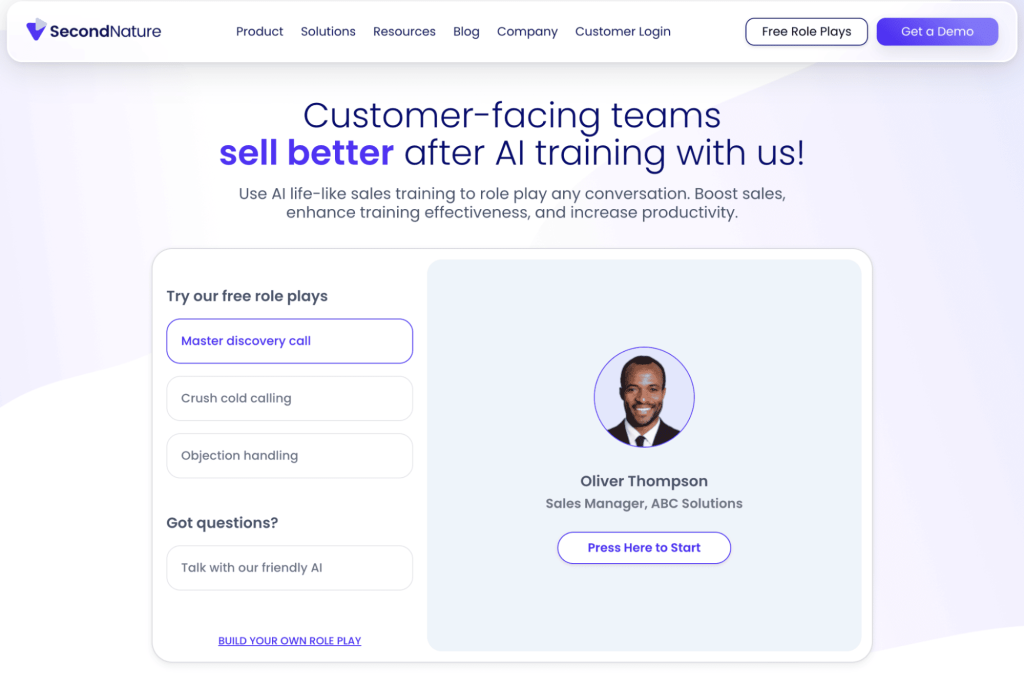
Second Nature = best as a conversational AI coach with scoring and feedback
Second Nature is a “virtual pitch partner” that helps you refine your sales calls before speaking to real prospects. It scores your product knowledge, pitch delivery, objection handling, and overall effectiveness, so you can close faster.
Second Nature best features:
Analyzes pitch performance in real time, scoring reps on key metrics to help improve faster
Speeds up skill development by letting teams create custom sales scenarios, allowing reps to practice on real use cases
Gives managers visibility into rep progress with detailed performance reports, so they can identify bottlenecks and coach more effectively
Second Nature pros:
✅Boost confidence as sales reps by practicing with a tough negotiator ✅Easy to use sales role play builder with intuitive UI for fast learning ✅Integrates with CRMs like Salesforce and Salesflare and learning management systems like SCORM
Second Nature cons:
❌AI scoring process can be inconsistent and vague, depending on scenarios ❌AI conversation might feel robotic and unnatural
PitchMonster = best for AI role-play with a Socratic coach after every call
PitchMonster is an AI sales role-play training platform built around an AI Coach. You practice a full live call against an AI buyer that pushes back with real, context-aware objections, then get a Socratic debrief that walks you through what to fix – not just a score. It’s built in the EU and GDPR-ready, so European teams can train without a data headache.
PitchMonster best features:
Its AI Coach runs a personalized, Socratic debrief after every session, on demand – it asks what you’d change and coaches the fix instead of handing you a number
You can spin up custom buyer personas and scenarios that mirror your real sales motion: cold calls, discovery, pricing pushback, and competitor comparisons
Voice realism with natural pacing, filler words, and objections that shift with your tone, so a practice call feels like a live one
PitchMonster pros:
✅ Set up a role-play in minutes – we can build one from a real call, so scenarios match how your team sells
✅ Scorecards and coaching map to your own playbook and methodology, not a fixed one-size-fits-all template
✅ Lifelike, low-latency voice in 29+ languages, with built-in manager visibility and skill-gap data
PitchMonster cons:
❌ It’s one more tool in your stack, best run alongside your CRM and dialer rather than replacing them
❌ Built for pre-call practice and coaching, not conversation intelligence on live calls
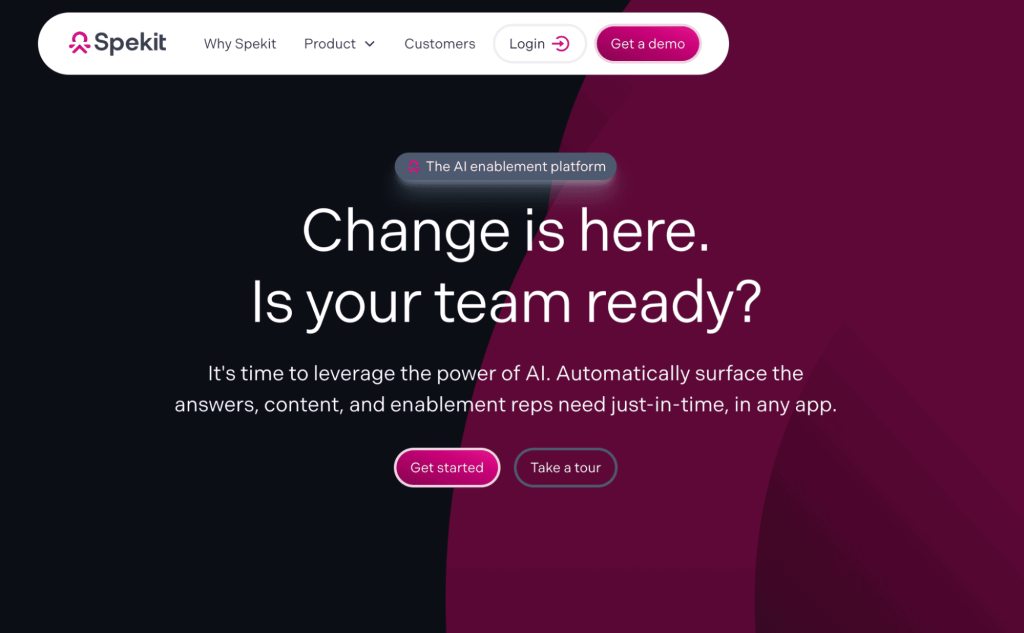
Spekit = best for just-in-time training with scenario practice
Spekit takes AI sales coaching to the advanced level by integrating training, SOPs and sales enablement content and surfacing key info in real-time. Sales reps save time by finding answers fast and managers get to enforce quality across the pipeline.
Spekit best features:
Spekit’s AI Sidekick analyzes touchpoints across platforms and proactively surfaces relevant content by detecting objections
With Spekit, you can implement “everboarding” by triggering bite-sized knowledge checks based on actions
Manage and access sales knowledge base from a neatly designed content library
Spekit pros:
✅Reduces time wasted in browsing through vast content modules to find the right answer ✅Improves SOPs and process accuracy with contextual nudges ✅Integrates with Salesforce, Slack, Google Drive, SharePoint, Zapier, HubSpot, Okta and other tools
Spekit cons:
❌Spekit’s just-in-time nudges can be intrusive and buggy at times ❌Analytics and feedback iterations are somewhat limited
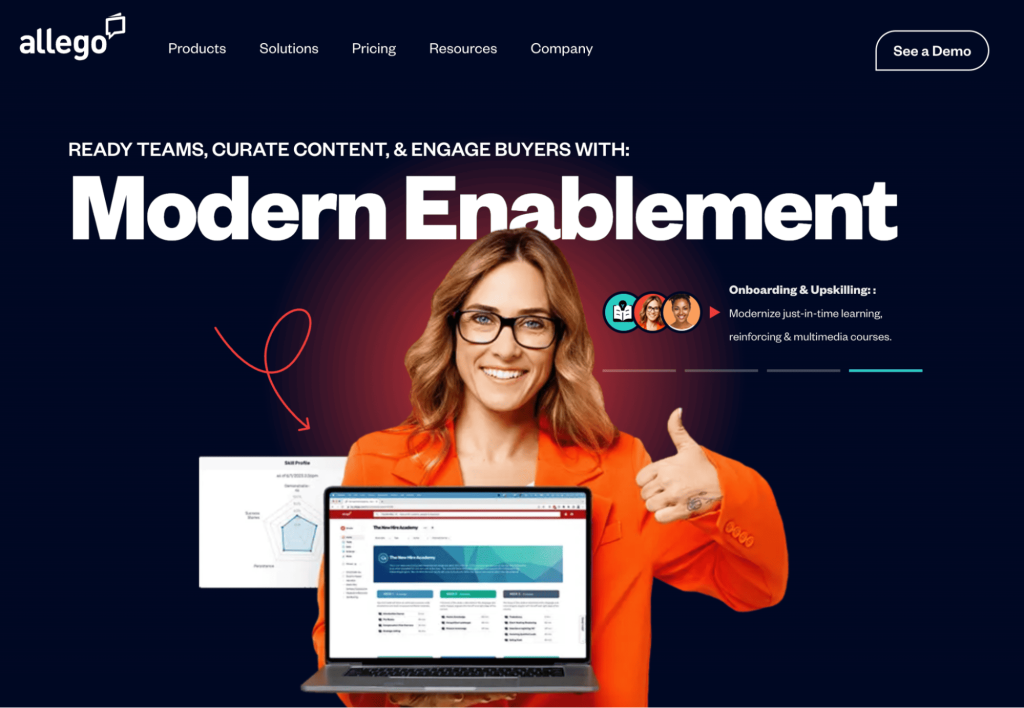
Refract (by Allego) = best for AI feedback for recorded role plays
Refract helps you coach and improve sales conversations by analyzing recorded role plays with real-time AI feedback. You get insights into how reps handle objections, ask questions, and follow best practices, letting you enjoy direct performance gains.
Refract best features:
Refract’s AI scans real business development calls and role plays to point out key moments like objection handling, pricing discussions, or lost deals. You get data-backed insights into what top performers do differently
Use the Live Dialog Simulator to create realistic, video-based role plays tailored to your sales scenarios. Reps can practice critical conversations and get instant feedback on tone, pacing, and delivery
Capture high-impact call clips and turn them into reusable coaching assets. Build a library of real-world examples that help your entire team ramp up faster
Refract pros:
✅Easy to use interface for quick onboarding and training ✅Standardizes sales conversations and empowers sales reps to be more intentional ✅Offers a bird’s eye view of team conversations for managers
Refract cons:
❌Outdated UI might slow down user adoption ❌Call transcriptions aren’t as accurate as you’d expect them to be
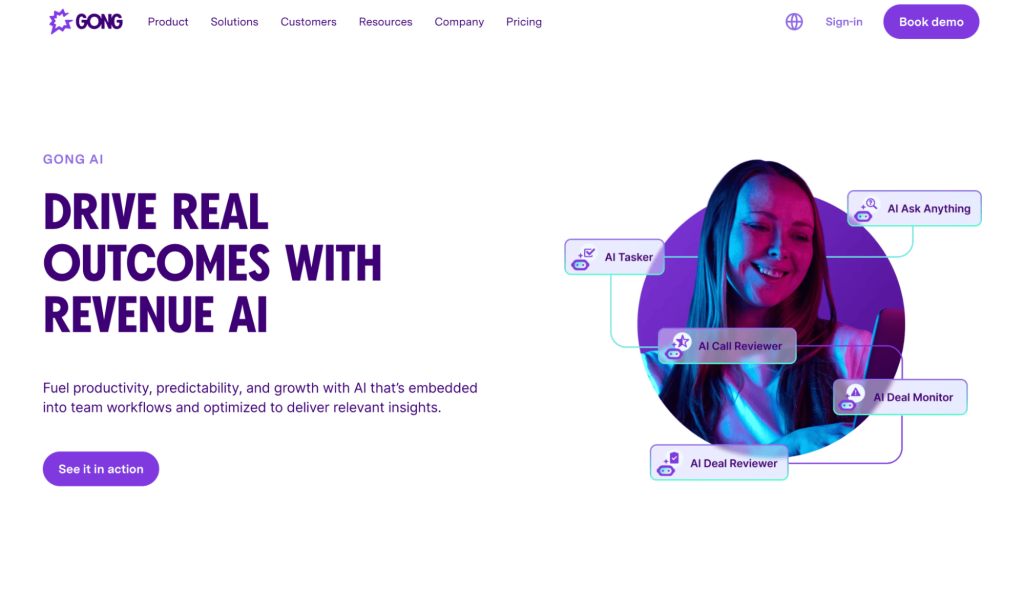
Gong AI = best for real call analysis and scenario simulation
Gong lets you level up sales performance with AI-powered coaching based on real customer conversations. It analyzes live calls, simulates tough scenarios, and gives you deal insights, so you can sell with confidence.
Gong AI best features:
Gong’s AI records, transcribes, and analyzes live calls to detect talk ratios, pacing, sentiment shifts, and buyer engagement signals, letting you know what’s working and what’s not
Tracks deal progress and risks with real-time AI insights, automatically updating CRM fields to reduce manual entry
Turns real calls into role-play scenarios through integrations like FullyRamped
Gong AI pros:
✅Delivers data-backed coaching insights and easy team-wide feedback loops ✅Frees reps from manual note-taking with smart transcripts and call summaries ✅Surfaces account-level signals from calls, emails, and activity for sharper forecasting
Gong AI cons:
❌Expensive for smaller teams ❌Can overwhelm users with too much data and workflow information
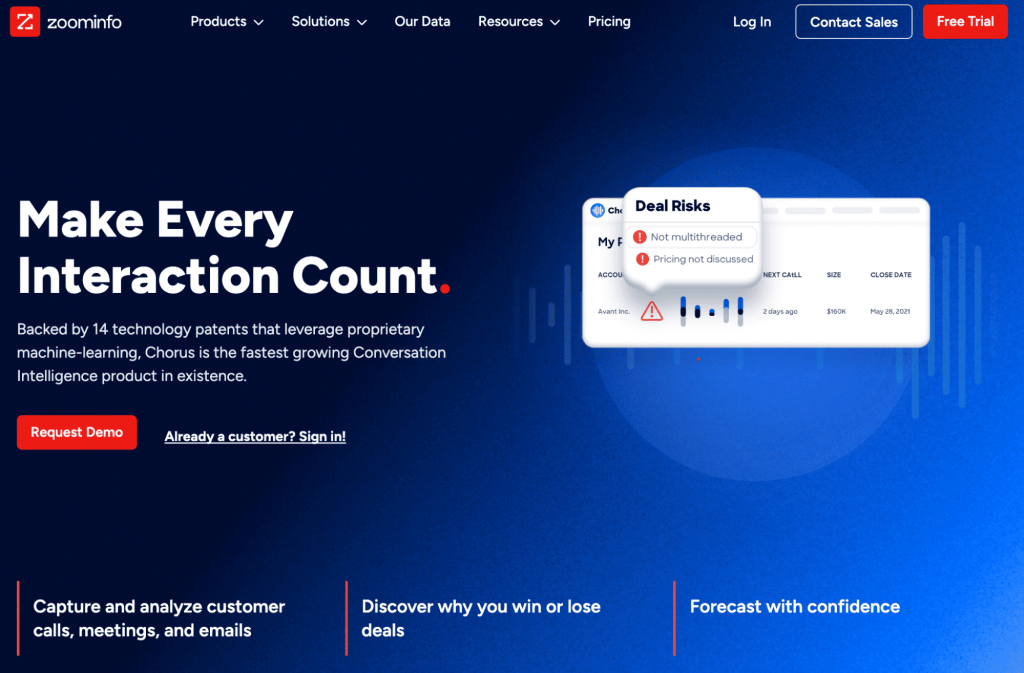
Chorus (by ZoomInfo) = best for AI coaching using past call data
Chorus helps you turn past sales calls into future wins by highlighting key moments, automating follow-ups, and showing deep buyer insights. It’s built for sales teams that want smarter coaching, better prep, and faster follow-through.
Chorus best features:
Identifies coachable call moments like competitor mentions, feature asks, and next steps to deliver actionable insights
Auto-generates post-call summaries and email drafts using AI, so you can skip note-taking and stay present in meetings
Enriches call analysis with ZoomInfo’s B2B contact data, and pulls up deal history and buyer behavior across accounts and personas
Chorus pros:
✅Acts as a “backup memory,” helping reps stay focused and review missed details post-call ✅Seamlessly integrates with Zapier, Slack, HubSpot Dialer and other Zoominfo tools ✅Enables team-wide learning through shared call clips, playlists, and onboarding libraries
Chorus cons:
❌Chrous’ outdated UI and occasional slow performance might make call reviews frustrating ❌Pricing is not always transparent and you might face aggressive post-acquisition sales tactics
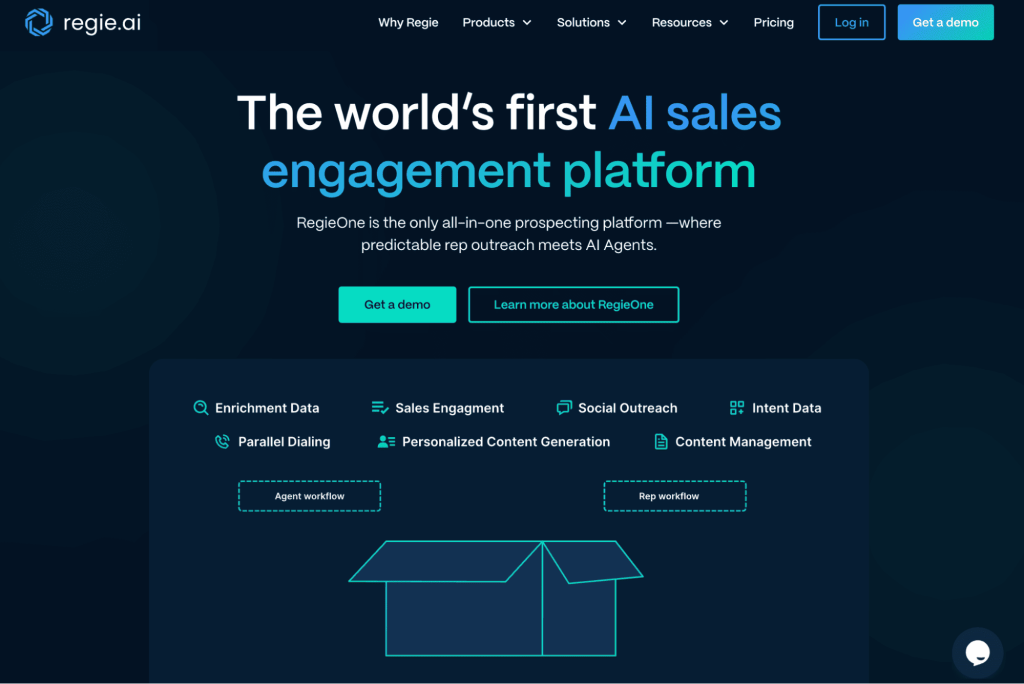
Regie.ai = best for email and call script role playing
Regie.ai focuses on curated content for live call support. It helps you draft, customize, and role play AI-powered sales scripts. From cold calls to emails, it gives reps live talking points, content automation, and a unified space to execute smarter outreach.
Regie.ai best features:
Builds data-driven call scripts with tone control, bias checks, and expert templates, then auto-syncs them to sales workflows
Regie.ai AI Dialer generates real-time, personalized talking points before each call based on prospect behavior, past engagement, and context
Combines AI content creation, a parallel dialer, and multi-channel outreach into one streamlined prospecting platform
Regie.ai pros:
✅Dramatically reduces time spent on creating sequences, and frees up reps’ schedules for strategic selling ✅Pulls real-time data to personalize outreach at scale without manual research ✅Easy to implement and use, thanks to its straightforward interface
Regie.ai cons:
❌Limited flexibility in AI content when multiple triggers or niche personas are involved ❌Integrations with tools like Outreach and HubSpot can feel clunky and require manual fixes
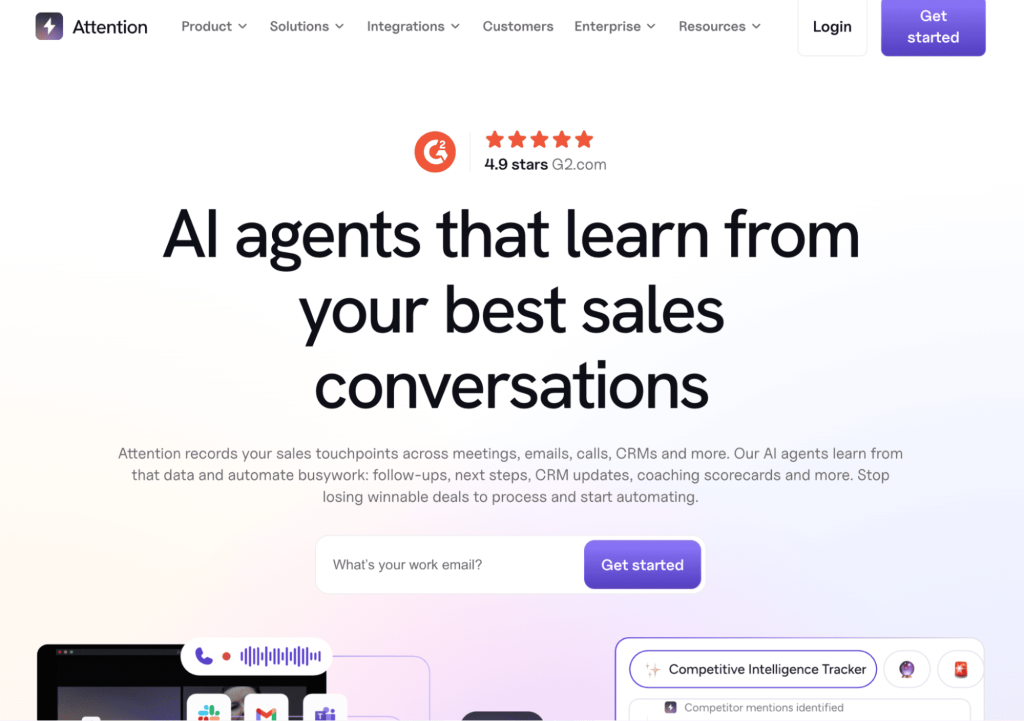
Attention.ai = best as a real-time sales assistant with practice environments
Attention.ai supports reps during and after live calls, using real-time guidance. Similar to Second Nature, you get automated scorecards and AI agents to quickly sharpen your sales performance.
Attention.ai best features:
It offers a real-time voice assistant that provides talk tracks, objection-handling prompts, and battlecards while analyzing sentiment mid-conversation
Attention’s AI automatically scores calls using frameworks like MEDDIC or BANT, offering data-driven coaching insights for reps and managers
Uses AI agents to handle tasks like CRM updates, personalized follow-ups, and email summaries for smooth pre- and post-call workflows
Attention.ai pros:
✅Powerful NLP search lets you find sales data across transcripts, emails, and CRM ✅Offers real-time insights and quote-level detail for smarter and faster follow-ups ✅Encourages peer learning with shared call reviews and coaching tools
Attention.ai cons:
❌ Limited mobile functionality may not be a good fit for on-the-go reps ❌ Better suited for teams rather than solo users
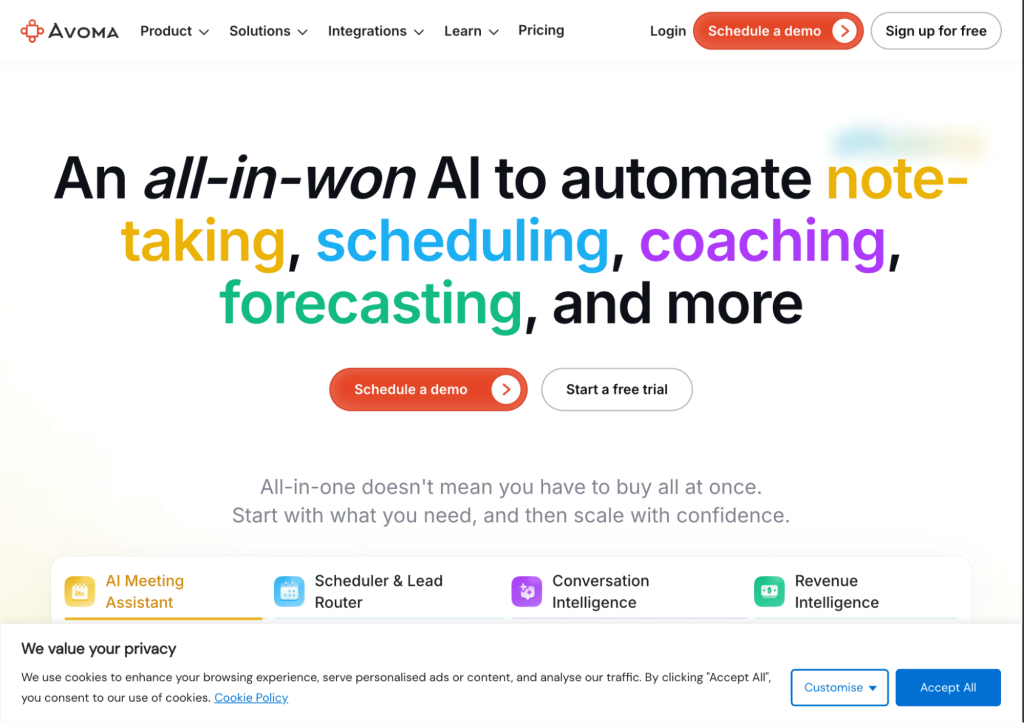
Avoma = best for meeting intelligence and guided practice
Avoma acts as an AI meeting assistant that automatically records, transcribes, and summarizes meetings in real time. It provides actionable insights, live objection-handling guidance, and personalized coaching to help sales reps improve their skills and close deals faster.
Avoma best features:
Offers AI call scoring, tracks objections and competitor mentions, and delivers personalized coaching insights
Automates meeting scheduling with 1:1, group, and round-robin options, along with lead qualification and routing based on custom rule
Measures team engagement, call activity, and coaching impact
Avoma pros:
✅Works well with popular CRMs, dialers, and collaboration tools ✅Improves skill development by identifying gaps and replicating top performers ✅Offers multi-language transcription
Avoma cons:
❌Transcription accuracy and AI insights depend heavily on call audio quality ❌Meeting summaries sometimes miss the context of conversations
ChatGPT (Custom GPTs) = best for customizable role-play simulations
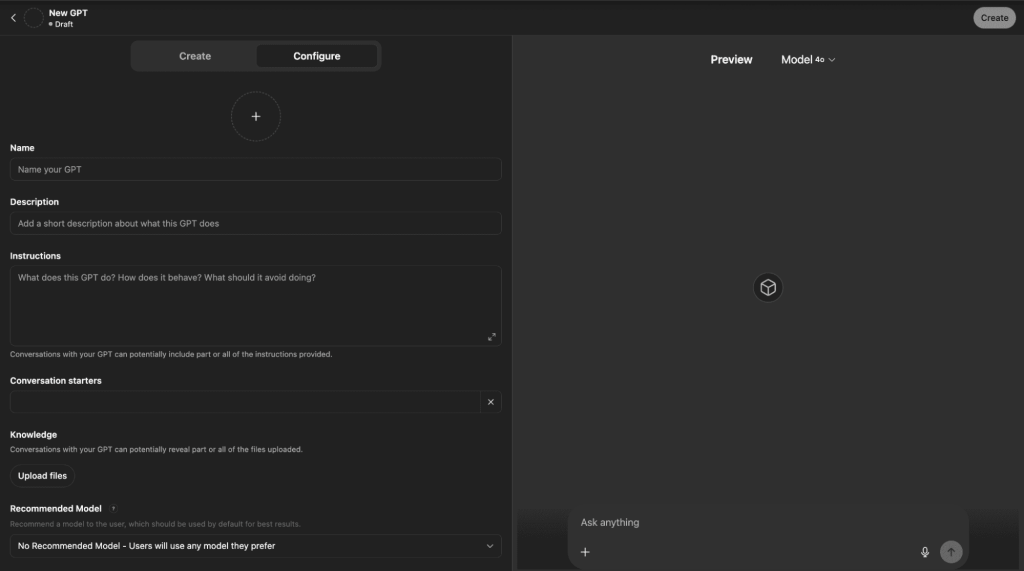
Custom GPTs are tailor-made ChatGPT instances built with no code. You can define their background, goals, objections, and conversation style to create realistic sales role-play scenarios.
ChatGPT best features:
Integrate product manuals, sales collateral, competitor info, and FAQs directly into the GPT for context-specific responses
Share custom GPTs with your team or organization for consistent training and knowledge transfer
Create multiple GPTs for different products, buyer types, or stages of the sales funnel and switch between them as needed
ChatGPT pros:
✅Automates repetitive tasks like answering FAQs, generating proposals, and qualifying leads ✅Reduces need for live trainers and travel ✅New hires can practice and get up to speed faster
ChatGPT cons:
❌You have to be careful about uploading sensitive sales data ❌Simulations are only as good as the materials and instructions provided
SalesKen = best for AI-guided objection handling and live call simulations
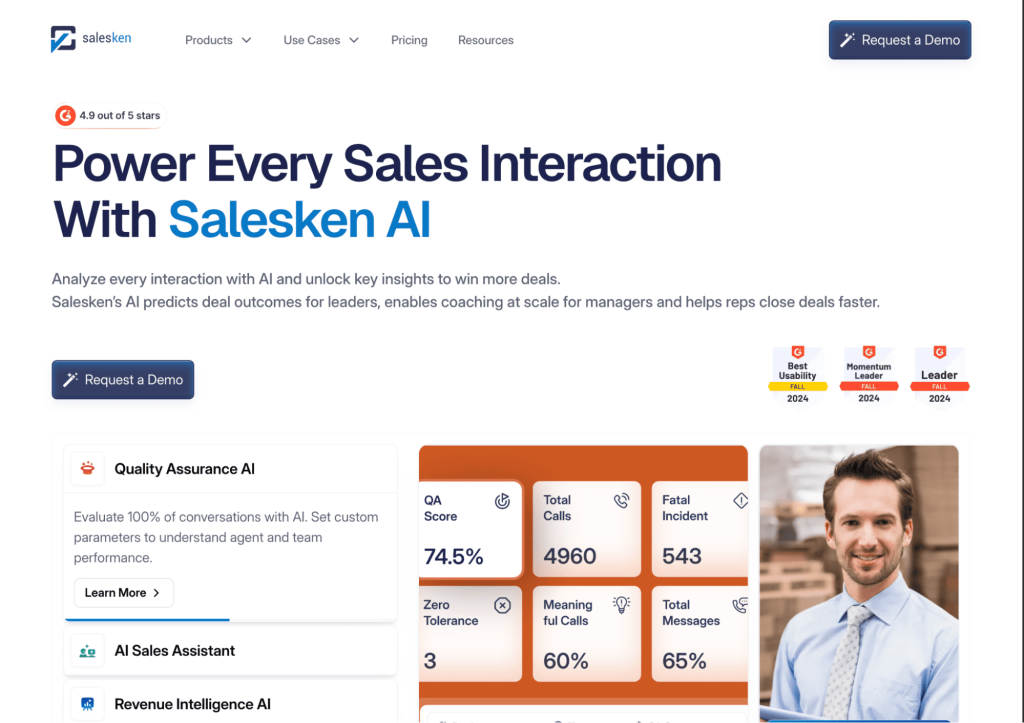
SalesKen uses AI to analyze sales conversations and offers real-time prompts for objection handling and simulating live call scenarios. It benchmarks your team against top performers, recommends actionable improvements, and tracks adoption and outcomes to improve sales effectiveness.
SalesKen best features:
Instantly suggests context-specific rebuttals and talking points during live calls so reps can address objections as they arise
In-app chat allows reps to share insights and learn from top performers within the team
Offers personalized improvement plans based on your company’s data and top performer analysis
SalesKen pros:
✅Delivers detailed analytics on calls, presentations, and webinars to identify strengths and gaps ✅Combines revenue intelligence, coaching, QA, and analytics into one platform ✅Analyzes and coaches across multiple languages
SalesKen cons:
❌Initial setup and onboarding takes a while ❌The platform feels bloated because of the sheer number of features
How do you set up a good AI sales role play session?
AI sales role play works best if the session feels authentic, has clear goals, and pushes reps just enough outside their comfort zone.
You don’t need a PhD to build a solid training session. Here’s a simple framework that helps you go from “random practice” to “rep performance booster” in 15 minutes or less:
Step
What to do
Why it helps
Pick a real scenario
Choose a call moment reps often fumble
Makes practice instantly relevant
Define your buyer
Set up persona with role, goals, and objections
Adds realism and pressure
Set the goal
What’s the win? Booking a meeting?
Gives reps a target to work toward
Start the role play
Let the AI drive the conversation
Trains reaction speed and listening
Review results
Look at scoring + transcript
Finds exactly where the conversation went off
Re-run it
Try again with a better approach
Builds confidence and deeper skill retention
And let’s talk a bit details:
1. Build from real scenarios
Start with the sales moments that matter most—for instance, when reps lose deals or stumble in conversations.
Pull actual phrases and behaviors from call recordings.
The more your scenario reflects what reps really face, the more useful the training becomes.
2. Create buyer personas that challenge your reps
Define characters that reflect your ideal customers: job title, company size, pain points, goals, and common objections.
Add personality traits. Maybe they’re skeptical, distracted, or overly detailed. These nuances create pressure that feels real.
You can also adjust persona difficulty. For example, make things smoother for new reps but tougher for senior AEs.
3. Define a clear goal and what success looks like
Every session should have one clear objective. It could be booking a meeting, qualifying a lead, re-engaging a dormant account, or overcoming a pricing objection.
And you should know what ‘good’ looks like—is it asking the right follow-up questions, earning the next step, or steering the conversation back after an objection?
4. Choose tools that simulate real conversations
Avoid platforms with stiff, scripted flows. Opt for tools that respond naturally, challenge reps mid-call, and adapt to their tone and phrasing.
Look for added features like real-time feedback, conversation analytics, and scoring across key areas like objection handling, clarity, and confidence. Different options exist in the market, including various Jason AI SDR alternatives worth reviewing.
5. Pair AI feedback with human coaching
AI can track metrics and offer objective data such as how long a rep spoke, how quickly they responded, or how well they stayed on message. But the human layer matters just as much.
Sales leaders or enablement coaches should review sessions, spot missed nuances, and help reps connect techniques to results. The best training happens where AI precision meets human insight.
How do you use feedback to actually improve sales skills?
Getting feedback is one thing; using it well is another. Here’s how to turn AI role-play insights into real improvements in your sales game.
Understand what the AI is measuring and why it matters: AI tools often score things like talk-to-listen ratio, objection handling, filler words, or confidence. Don’t treat these as grades—connect them to real sales outcomes. A low “objection handling” score, for example, may indicate you’re losing deals when challenged
Dig into the transcript, not just the summary: Review the full transcript to see where the conversation turned. Find out when you missed a buying signal, overtalked, or fumbled an objection. These turning points are where real learning happens
Isolate one behavior at a time: Focus on one specific area (like controlling filler words, improving tone under pressure, or asking stronger follow-up questions) until you see improvement
Re-run the scenario until it clicks: AI role play lets you repeat the same scenario multiple times. Use this to your advantage by experimenting with different approaches and tracking how your responses affect the flow of the conversation
Can AI replace live role plays with managers or peers?
Not entirely—and that’s a good thing. AI can augment live sales role plays, but it can’t fully replace the human element.
AI role plays are powerful for repetition and skill-building. For managers, a skills gap overview can help show where development is needed across the team before assigning more focused practice. You can practice whenever you want, get instant scoring, and run dozens of scenarios in minutes. It’s especially helpful for early-career reps who need to build confidence in handling objections, asking better questions, or tightening their pitch.
You also get objective feedback on things managers might miss, such as filler words, pacing, talk time, or hesitation.
But AI doesn’t understand context. It won’t catch when your tone felt off for that specific persona or when your answer technically worked but lacked conviction. It won’t say, “That line might work with a startup CTO, but this enterprise buyer will push back harder.”
Let’s go a little deeper into the drawbacks of AI role play.
What are the risks or limitations of AI sales role play?
AI sales role-play tools can be powerful, but they’re not perfect. Here are some common risks and limitations to keep in mind before you dive in.
Lacks real-world unpredictability
Even advanced role-play tools have boundaries. They can’t fully simulate the emotional volatility, curveballs, or layered objections you’ll face in real sales conversations.
Reps might get too comfortable winning in AI simulations and then freeze when something truly unexpected happens.
Misses human nuance and tone judgment
AI can detect filler words or confidence metrics, but it doesn’t feel the emotional weight of your delivery.
Did your answer sound reassuring or rushed?
Was your objection handling logical but dismissive?
AI might not catch that, but a buyer will. Without human feedback, reps might improve performance metrics while unknowingly weakening their presence or tone.
Overfocuses on mechanics
AI tools are great at drilling skills like objection handling or asking open-ended questions.
But they don’t teach judgment—when to challenge a prospect, when to go off-script, or how to handle ethical gray areas in negotiation.
Sales isn’t just what you say, it’s knowing when and why to say it. And that strategic layer is missing in most AI platforms.
Reinforces bad habits if left unchecked
If a rep starts gaming the system by repeating buzzwords, rushing the call to score higher, or mimicking successful AI patterns without real understanding, they can build bad habits fast.
Without periodic review from a manager or coach, AI feedback can become a vanity metric rather than a growth tool.
Generic personas can lead to shallow practice
If the AI personas aren’t carefully customized, they often default to generic buyer types with canned objections.
It results in practice sessions that feel repetitive, unrealistic, and disconnected from the market your team actually sells to.
Doesn’t replace the emotional stakes of real selling
AI can simulate tension but it doesn’t replace the pressure of a real call with a real quota.
Reps may perform well in a role play environment, then struggle in high-stakes situations because they haven’t practiced managing real emotional pressure.
Wrapping up
In sales, it only takes one poorly handled objection to kill momentum. That’s why preparation is a must.
Practicing real scenarios with AI lets your team sharpen the exact skills they’ll need on the next call, without waiting for a live shot to get it right.
Whether you’re building confidence in new reps, coaching AEs through tough objections, or just looking to tighten your pitch under pressure, the right AI tools can turn training into a repeatable and scalable advantage.
And if you’re ready to skip the training wheels entirely? Tools like Jason AI SDR are proving that sometimes, you don’t need more practice—you just need an AI that already knows how to sell.
See Jason in action and let your next SDR be the one that never needs training!
Subscribe to our blog to receive the latest updates
from
the world
of sales and marketing. Stay up to date.
We use cookies to enhance your browsing experience, serve personalised ads or content, and analyse our traffic. By clicking "Accept All", you consent to our use of cookies.