
AI Words in Emails: A Practical Guide to Spotting Them Fast

AI Words in Emails: A Practical Guide to Spotting Them Fast

Emails have a new accent. Overly polished, slightly vague….and it shows up everywhere, from cold outreach to routine follow-ups. 

That’s AI writing. With tools now drafting millions of emails daily, the result is inboxes full of messages that sound fine at first, but start blending together after a few reads.

Knowing how to spot AI words helps protect authenticity. 

You can tell when a message reflects real intent versus no effort, and avoid using language that strips personality from your own emails. 

For marketers and busy professionals, that awareness directly affects trust and response rates.

AI-written emails often leave fingerprints. Certain words, phrases, sentence patterns, and punctuation habits repeat across messages. 

On their own, they mean little. But when they cluster, they usually signal machine-assisted writing with no human oversight.

In this guide, I’ll show you how to spot those signals fast. 

You’ll see where detection tools help, where they fall short, and why advanced platforms like Jason AI SDR can still feel human by grounding emails in real context and personalization. 

Let’s go!

How does AI generate email text?

AI email writing is powered by large language models (LLMs). These models predict the next word based on patterns they’ve learned from massive amounts of text. 

They don’t “understand” emails the way humans do. They calculate what sounds most likely to come next, given the prompt and the context they’re fed.

Tools like ChatGPT, Google Gemini, Meta Llama, and Claude all work on this principle. Each model has its own training data, strengths, and quirks, which is why the same prompt can produce slightly different emails depending on the engine behind it.

Because of how they’re trained, AI-written emails tend to share certain traits:

  • They’re usually fluent and grammatically clean, but sound more formal than necessary
  • Phrases repeat across messages, vocabulary can feel inflated, and sentences sometimes over-explain simple ideas
  • You may also notice confident-sounding lines that don’t quite hold up when you look closely

That happens because AI doesn’t reason or verify facts. It mirrors patterns rather than forming original intent. 

Creativity, nuance, and emotional judgment are limited to what the model has statistically seen before. When context is thin, the writing drifts toward safe, generic language.

Output style also depends heavily on prompting frameworks. 

Instructions like “write a high-converting email” or popular “perfect prompt” formulas push models toward certain structures and tones. 

That’s why many AI emails feel familiar. They’re shaped by the same prompts, reused at scale.

More advanced platforms work around these limits. 

Jason by Reply, for example, uses multiple AI engines, including Claude, Gemini, Mistral, and OpenAI models, and selects between them based on the task. 
Combined with sales-specific context and stronger prompt engineering, Jason tailors emails based on intent, timing, and audience rather than defaulting to one generic voice. 

Also read: 10 AI Mail Drafters: Write Emails 10x Faster 

What common words and phrases reveal AI writing in emails?

AI’s default tendency is to use words that sound neutral and broadly acceptable. Here are the most common categories you should watch out for, if you’re trying to detect AI-written emails:

Inflated or academic vocabulary

AI tends to reach for words that feel heavier than the situation demands. It frequently drops words like “plethora,” “myriad,” “paradigm,” and “leverage”.

In emails, these should sound better as “a lot,” “many,” “approach,” or simply “use.”

Over-signposted transitions

When AI tries to sound logical, it adds connectors humans rarely use in quick messages: “moreover,” “furthermore,” “to put it simply”.

Real emails jump straight to the point without announcing the jump.

Soft qualifiers and hedging

AI avoids firm statements because it can’t truly judge context or intent, so it uses “generally speaking,” “arguably,” “to some extent”. 

Humans are messier. They commit, or they explain why they’re unsure.

Formal explainer phrases

These often signal that the email was generated like a mini article: “it is worth noting,” “that is to say”.

You won’t see these phrases in real emails.

Buzzwords without substance

AI leans on hype when it lacks specifics: “cutting-edge,” “game-changing,” “revolutionize”.

Humans usually describe what changed instead of naming the change.

Template-style endings

These feel borrowed from essays rather than conversations: “in conclusion,” “to sum up”.

Most real emails just stop when the point is made.

None of these words alone prove an email was written by AI. People use them too. The signal appears when several show up together, paired with a smooth but impersonal tone.

That’s also where advanced tools start to diverge. Platforms like Jason AI avoid these clichés by anchoring emails in real prospect data, company context, and intent signals

When the message is built around specifics, the language naturally drops the robotic filler. 

Also read: How to Save Hours with AI-Powered Email Readers in 2026

How to spot AI writing manually?

Keywords help, but they’re only one part of the picture. Most AI-written emails reveal themselves through patterns in tone and repetitive structure than a single suspicious word.

Generic language

One common signal is language that feels overly formal or generic for the situation. The email sounds polite and correct, yet interchangeable. 

Nothing feels tailored to the moment, the relationship, or the person reading it. When every sentence could belong to any recipient, automation is usually involved.

Absence of emotional texture

Human emails include small imperfections, like a quick aside or a personal reference. AI tends to avoid those because it can’t genuinely recall experiences or relationships. 

The result is writing that communicates information but lacks emotion.

Even sentence rhythm

Pay attention to sentence rhythm. AI often produces evenly sized sentences with a steady, predictable flow. Whereas humans naturally vary sentence length, break patterns, and shift tone mid-paragraph. 

So when everything feels uniformly smooth, watch out.

Unusual transitions

AI sometimes jumps between ideas too cleanly or too awkwardly, using filler phrases to glue sections together. 

You’ll notice sentences that technically connect but don’t feel like they belong next to each other.

Lack of context

Context matters as much as language. See whether the email reflects familiarity with the recipient. 

Does it reference a recent action or a real company detail? 

Generic personalization tokens don’t count. The more context-aware an email feels, the less likely it is to be purely automated.

Here’s a simple comparison:

AI-style phrasing:

“I came across your profile and wanted to connect to explore potential opportunities for collaboration.”

Human-style phrasing:

“Read your comment on the RevOps thread about reps spending Fridays updating CRM. That line hurt a little. We lost the same hours until we fixed it recently.”

The good news is, advanced tools are starting to blur this line. Jason AI, for example, researches prospects and personalizes outreach across email, LinkedIn, and calls using real context and intent data. 

By grounding messages in specifics rather than templates, it reduces the usual signs that make AI language obvious to spot. 

Also read: 2026 Guide: Using AI to Write Personalized Sales Emails

What tools help detect and humanize AI-generated emails?

I’ll talk about two types of tools here: AI detection tools and AI humanizing tools. 

AI detection tools  

AI detection tools analyze text to determine the likelihood that it was generated by an artificial intelligence model

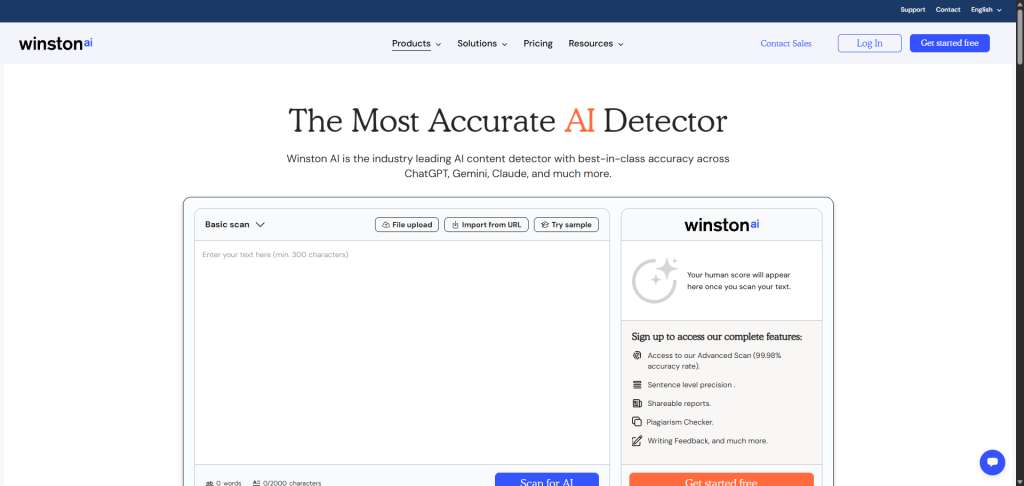
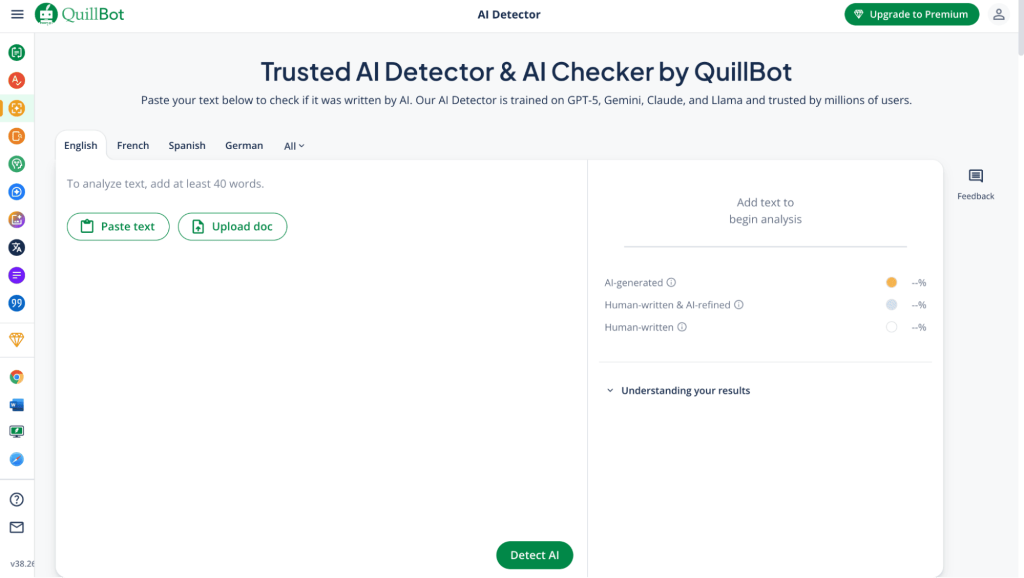
QuillBot AI Detector

QuillBot’s AI Detector evaluates text to identify content produced by AI and provides a report on the probability of its origin. It integrates with QuillBot’s writing suite to help users refine their text for a more human-like quality.​

Key features:

  • Gives a percentage score indicating how likely the text is AI-generated
  • Highlights specific sentences that appear to be machine-written
  • Offers suggestions to improve the text, aligning it more closely with human writing patterns
  • Designed to detect content from models like GPT-5 and ChatGPT

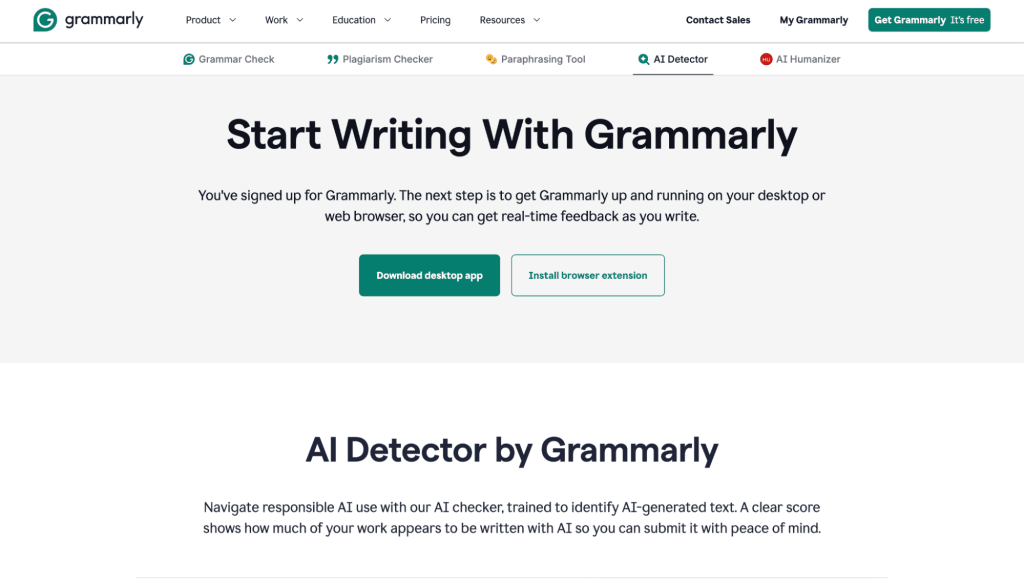
Grammarly’s AI Detector

Grammarly’s AI detector detects AI-generated content and includes an authorship feature that tracks the writing style to differentiate between human and AI contributions. 

Key features:

  • Can identify the use of AI as the user is writing in real time​
  • Analyzes writing patterns to verify consistent human authorship over time
  • Shows what percentage of the text appears to be AI-generated versus human-written
  • Provides suggestions for edits to make the text sound more natural and less like AI.

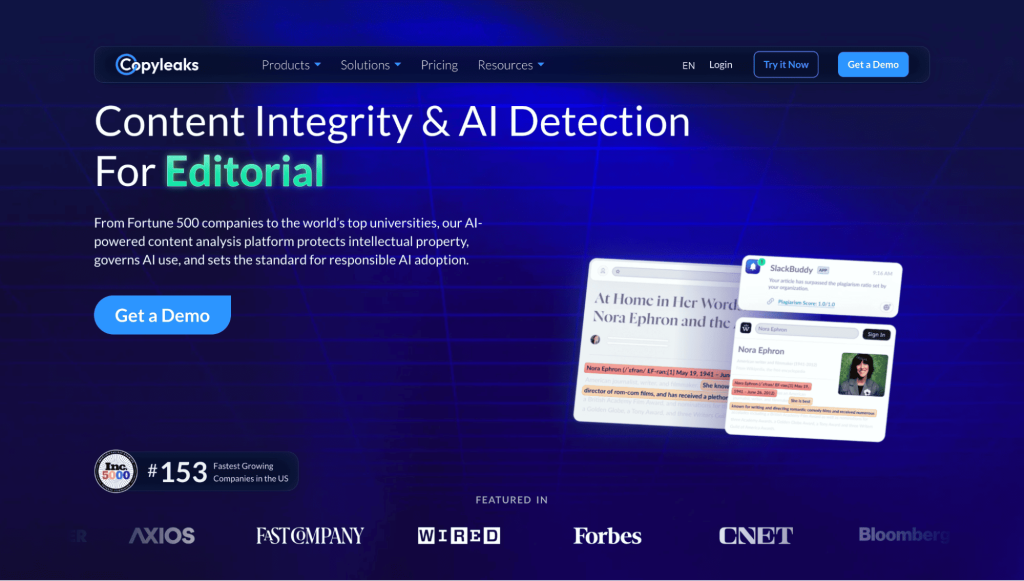
Copyleaks

Copyleaks offers a multi-language AI detection tool that also includes a plagiarism checker.​

Key features:

  • Can detect AI-generated content in multiple languages
  • Scans for both AI content and plagiarism from web and internal sources simultaneously
  • Provides an API that allows for integration with Learning Management Systems (LMS)
  • Helps organizations meet compliance and academic integrity standards

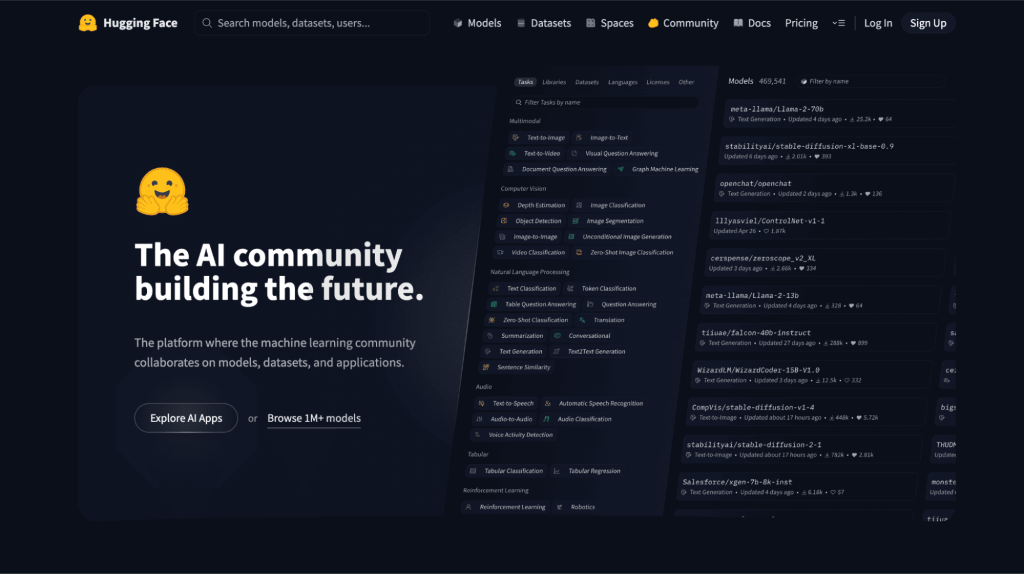
Hugging Face Classifier

Hugging Face provides access to open-source AI content detection models, which are known as classifiers. The platform allows developers to use pre-trained models or customize them for specific needs.​

Key features:

  • Users can access a variety of pre-trained AI detection models from the Hugging Face Hub
  • Developers can fine-tune these models on their own datasets for more specialized detection tasks
  • The models can be integrated into applications using the popular Transformers library
  • As an open-source platform, it benefits from contributions and improvements from the developer community

AI humanizing tools

AI humanizing tools rewrite machine-generated drafts to make them sound more natural by adjusting tone and phrasing.

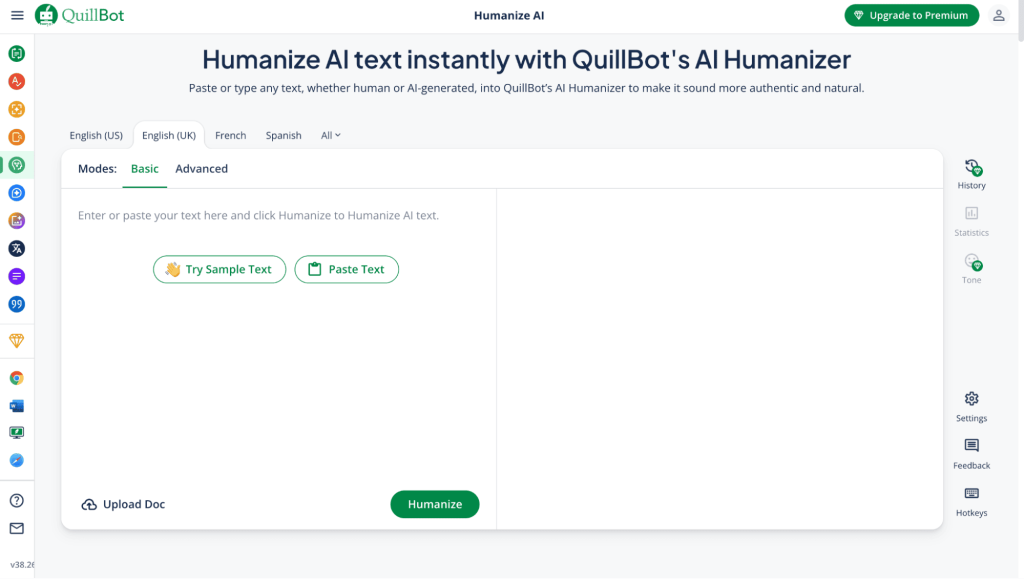
QuillBot AI Humanizer

QuillBot’s AI Humanizer rewrites text that sounds stiff or machine-like. Paste your AI-generated email or paragraph, and the tool refines word choice, sentence flow, and phrasing so the writing reads more like a person wrote it.

Key features:

  • Turns rigid AI output into natural, human-sounding language by smoothing phrasing and flow
  • Works with text from any AI source, including ChatGPT, Gemini, and Claude
  • Offers free basic use and premium modes with deeper humanization and higher word limits 
  • Lets you tweak word choice and see change highlights for clearer editing

Grammarly’s tone adjustment and fluency features

Grammarly goes beyond grammar to help your text feel more natural and appropriate for your audience. Its tone tools analyze how your writing might come across and suggest adjustments. 

Key features:

  • Detects the tone of your writing and offers suggestions to match your intended style (e.g., friendly, confident, casual)
  • Improves fluency, rhythm, and readability so sentences vary naturally
  • Highlights awkward or stiff phrasing common in AI text and suggests alternatives
  • Works across apps and editors (email, docs, browsers) through extensions and integrations

AI + human is the real deal  

Humanizing tools can fix surface-level issues, but authenticity comes from what you add after. 

The strongest emails use AI output as a draft, then layer in real experience, specific context, and natural sentence variation. That final pass is where credibility is won or lost.

This is the idea behind Human-in-the-Loop (HITL) workflows. AI handles speed and structure. Humans make the calls on tone, intent, and relevance. When something feels off, a person intervenes. When it feels right, it gets sent.

Jason AI reflects this approach in practice. It generates hyper-personalized outreach using real prospect signals, but keeps humans in control through review and approval steps. 

Automation does the heavy lifting. People decide what actually represents them. That’s how teams scale email without sacrificing an authentic voice.

Here’s what users are saying about Jason: 

We booked a demo for a prospect worth $15K-$20K in revenue! Jason Al is amazing! I had never run an email campaign before, but with Jason Al, I launched my first campaign-and booked a meeting within the first 40 emails! Blown away by this product!” – Jarod Smith, VP/AI Specialist at RiskX

Jason Al has significantly improved our response rates and made our prospecting more efficient. If you’re looking to scale your outreach without sacrificing quality, Jason Al is an absolute game-changer! Highly recommended.” – Taylor Curry, Senior Director

How to use AI tools effectively in email writing and detection?

Using AI well in email comes down to control. The more direction you give, the less generic the output becomes. The same applies to detection. Tools help, but judgment still sits with the human.

What to focus on How to apply it
Prompt quality Be explicit about the recipient, timing, tone, and desired action. The more specific the prompt, the less generic the draft.
Editing discipline Treat AI output as a rough draft. Cut filler, simplify language, and rewrite anything that sounds vague.
Human context Add details AI cannot invent, such as a real trigger, a company action, or a personal observation.
Detection approach Use AI detectors as a filter, not a verdict. Human review catches tone and relevance issues that tools might miss.
Review thresholds Flag high-risk emails for review instead of rejecting them outright to keep detection practical.
Language tracking Maintain a shared style guide for common AI phrases and update it as patterns evolve.

Building an AI email writing workflow that actually scales

AI can handle first drafts, but you can scale it only when there’s a defined flow behind it. Drafting might happen in ChatGPT or Jason, scanning through a detector like QuillBot, tone adjustments in Grammarly, and final edits by trained editors. 

You need clarity on where AI starts, where humans step in, and who owns the final call. Without that, quality drifts as quickly as output increases.

Training is what keeps the system reliable. Knowing how to prompt with intent, evaluate AI-written language, and set boundaries around trust turns AI into leverage.

Pro tip: Use Jason AI when you want structure, not one-off drafts. Playbooks, approvals, and style controls help you keep messages consistent while staying hands-on. Ground your outreach in real prospect research, and scale without obvious AI signals.

When and how should you ethically use AI in email communication?

Ethical AI use in email starts with a simple question: Would this message still make sense if the recipient knew a tool helped write it? If the answer is yes, you’re probably on safe ground.

Use AI where scale matters more than emotion

AI is well suited for emails that prioritize clarity and consistency over emotional depth. Think bulk marketing campaigns, first-touch cold outreach, follow-ups that share resources, or routine updates. 

The key is relevance. Even automated emails should have a clear reason for existing. 

If the message could be sent to anyone without change, that’s where ethics and effectiveness both start to slip.

Avoid AI where empathy and judgment matter

Some emails shouldn’t be automated, even partially. 

Messages involving personal feedback, sensitive situations, conflict, or crisis responses require human awareness and accountability. 

AI can help you outline thoughts or organize information, but the final wording should come from a real person who understands the stakes.

Keep humans in charge of voice and intent

Treat AI like an assistant. Humans set the strategy, define the tone, and choose what not to say. AI helps with structure, phrasing, and speed. Every email still needs human judgment before it’s sent.

A useful litmus test: if you’d feel uncomfortable sending the email under your name without rereading it, AI has gone too far.

Respect privacy and data boundaries

AI doesn’t change your legal responsibilities. Regulations like GDPR and CCPA still apply to how recipient data is collected, processed, and referenced in emails. That includes what data AI tools can access and how long it’s stored.

Tools that track AI involvement help here. Tools like Grammarly Authorship make it easier to show how content was created, supporting audit trails and internal accountability.

Practical tips and frameworks for spotting AI words fast

Here’s a checklist to help you spot AI writing instantly: 

Quick check What to do in practice
Scan for intent first Ask yourself why this email exists right now. If you can’t point to a specific trigger without rereading, that’s a red flag.
Read it out loud once Notice whether the tone stays flat from start to finish. Human emails usually speed up, hesitate, or soften naturally.
Highlight anything “polite” Phrases that sound courteous but add no information are often AI filler. If removing them changes nothing, they shouldn’t be there.
Look for real specificity Check whether names, actions, or moments could only apply to one recipient. If they work for dozens of people, it’s likely automated.
Count sentence sameness If most sentences feel similar in length and structure, the rhythm is probably machine-generated.
Question the transitions Ask why one sentence follows the next. If the connection feels formal rather than necessary, AI likely stitched it together.
Use tools last Run detectors only after you read through the copy. Use the score to confirm your hunch.
Keep notes on patterns Jot down phrases or structures that keep triggering suspicion. Over time, spotting AI becomes instinctive.

Which AI writing tools can enhance email communication?

AI email tools are most effective when they support drafting but not decision-making. Used well, they save time and reduce repetitive work while leaving context, intent, and final tone to humans.

Helpful AI email assistants

Tools like QuillBot’s AI cold email generator and follow-up email generator help you create quick, usable drafts based on minimal inputs. Their AI email writer works well for general-purpose emails where tone control is essential. 

Sales teams often use similar GPT-based tools built into CRMs like HubSpot, SalesLoft, or Outreach to generate outreach directly inside existing workflows.

Why human editing still matters

AI handles structure and wording, but relevance comes from human review. 

Editing for timing, specificity, and credibility keeps emails authentic and prevents the “polished but empty” problem. The balance improves productivity without increasing burnout.

Workflow and analytics integrations

Zapier workflows and browser extensions embed AI directly into Gmail or Outlook. Some tools also add in analytics to test subject lines, optimize send times, and predict responses, and improve campaign performance beyond copy alone.

For instance, Jason AI operates at the workflow level. It combines lead generation, personalized multichannel outreach, reply handling, and meeting booking in one system. It helps teams scale email campaigns with structure and actual prospect context rather than isolated drafts.

Balancing AI efficiency with human authenticity in emails

AI has earned its place in email workflows, but trust still depends on how messages sound and feel. 

The strongest approach to detect AI words in emails combines detection tools with human judgment. Software can surface patterns at scale. Humans decide what fits the moment, refine the language, and restore intent where needed.

Humanizing AI drafts is a must. Real context and small personal touches turn efficient output into meaningful communication. 

Ethical use completes the picture. Transparency, respect for privacy, and ongoing learning about how AI language evolves help teams stay ahead without losing trust.

Encourage your team to treat AI as a skill, not a shortcut. Tools like Jason AI show how outreach can scale with AI while still allowing human oversight and customization. Book a demo to explore how Jason can fit into your workflow!

Subscribe to our blog to receive the latest updates from the world of sales and marketing.
Stay up to date.

Related Articles

What’s New in Reply: New API, AI Custom Fields, LinkedIn Enrichment, and More

What’s New in Reply: New API, AI Custom Fields, LinkedIn Enrichment, and More

What’s New in Reply: New API, AI Custom Fields, LinkedIn Enrichment, and More
Top 12 Cognism Alternatives for Finding Leads in 2026

Top 12 Cognism Alternatives for Finding Leads in 2026

Top 12 Cognism Alternatives for Finding Leads in 2026
Mailtrap Review 2026: Is This Email API the Right Fit for Your Team?

Mailtrap Review 2026: Is This Email API the Right Fit for Your Team?

Mailtrap Review 2026: Is This Email API the Right Fit for Your Team?