
We’ve all been there, staring at a blank screen, trying to write the perfect cold outreach email or follow-up email that needs to be personal, compelling, and scalable all at once.
AI can help you write these emails faster.
However, what most people overlook is that it’s not just about having AI generate text, because now, more than ever, most decision-makers are avoiding cold emails. In fact, according to Mailshake, 69% of sales professionals say their performance has declined YoY due to spam filtering and AI content fatigue.
That’s why it goes beyond simply prompting ChatGPT with “write me a sales email.” The real usefulness of it comes when AI has access to actual prospect data, that is, their company updates, recent funding rounds, tech stack changes, or leadership transitions. That’s when you can use AI to actually write personalized sales emails.
In this article, we’ll look at how you can use AI to write personalized sales emails and run successful outreach campaigns.
What is AI-powered email writing?
AI-powered email writing means using machine learning to create sales emails that adapt to each prospect’s specific situation. So instead of typing out every word, AI analyzes your prospects’ data and generates relevant, contextual emails based on that data.
Let’s say, for example, you are reaching out to a VP of Sales at a SaaS company that just raised Series B funding, your email should reflect that context. It should acknowledge their growth trajectory and understand their likely challenges with scaling their team. Your outreach tool of choice can also analyze your prospect’s LinkedIn posts and find more information about their challenges, which you can also acknowledge in your email.
That level of personalization used to take hours of research per prospect. In fact, according to Demand Science, sales reps spend an average of 13 hours per week researching prospects. That’s over 30% of a typical 40-hour week.
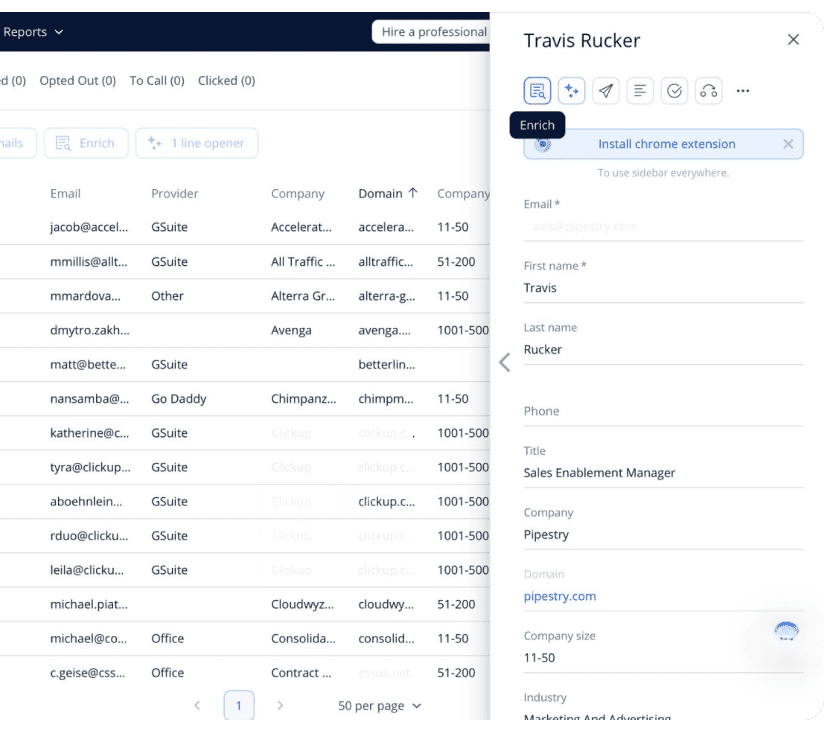
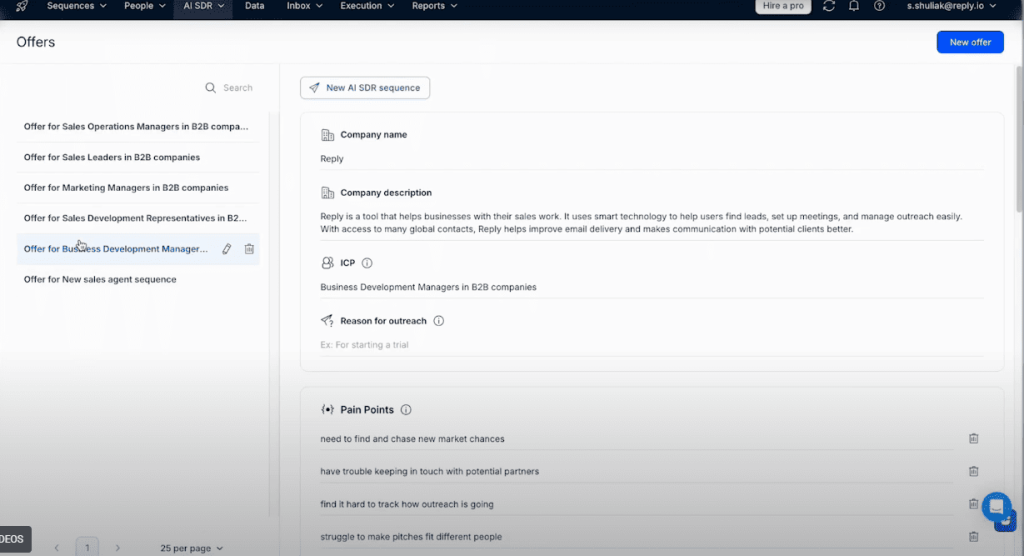
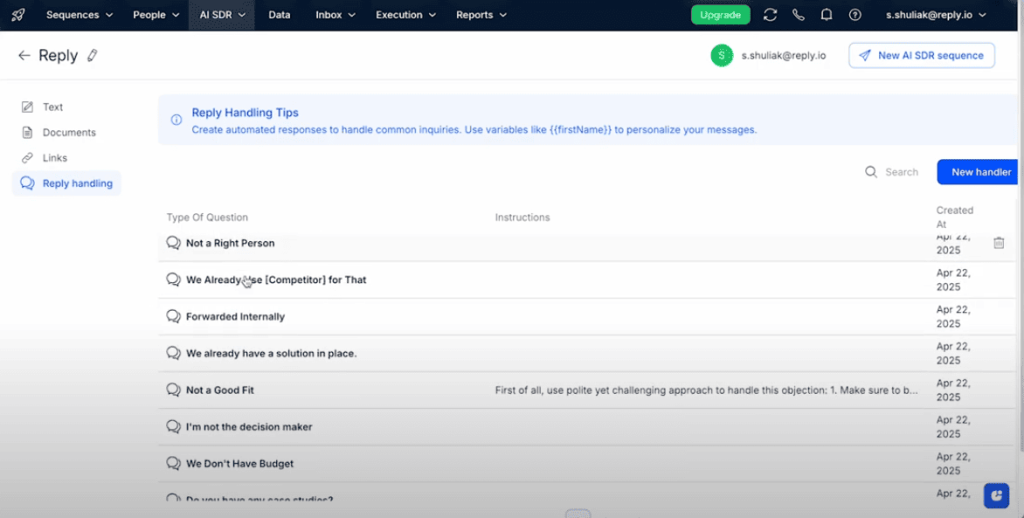
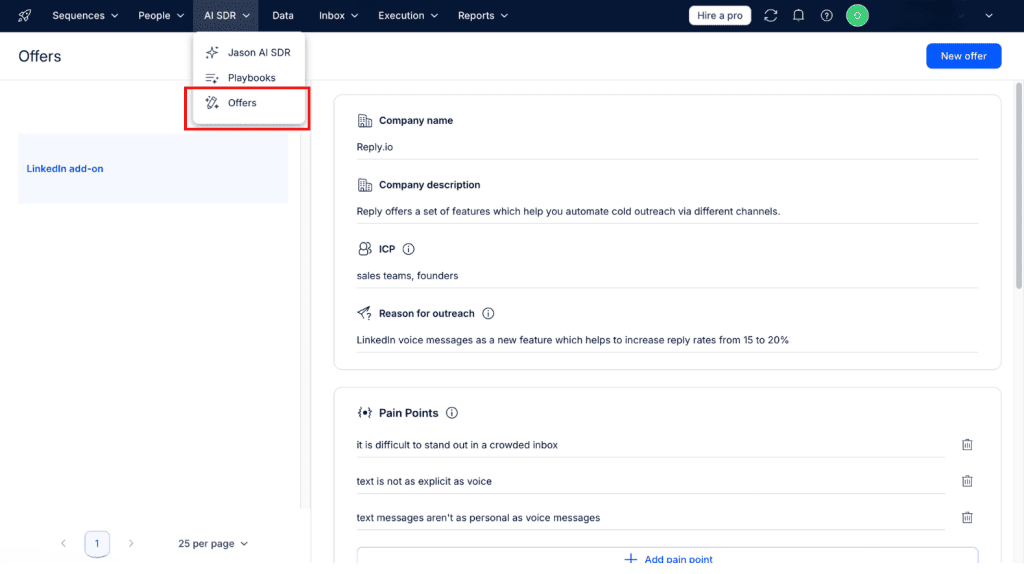
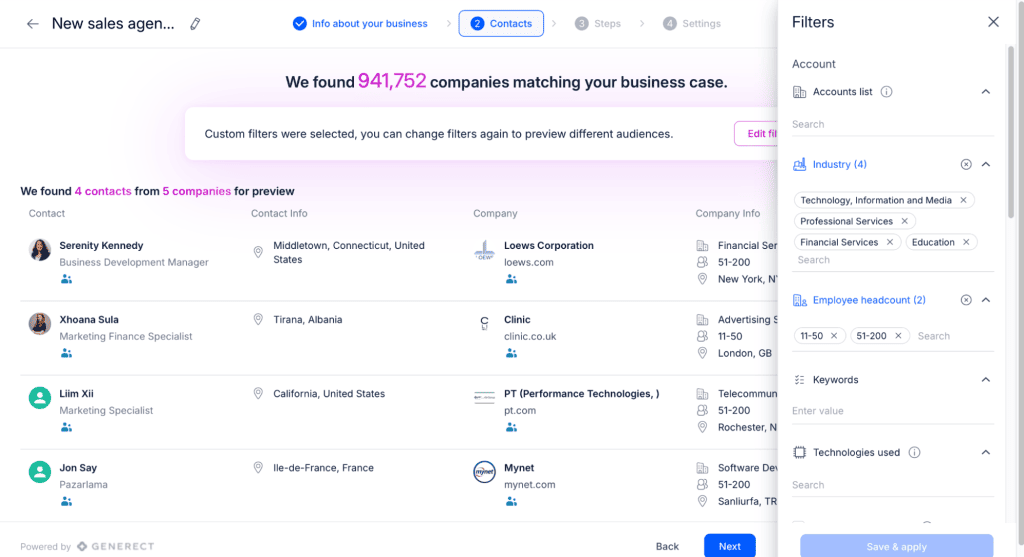
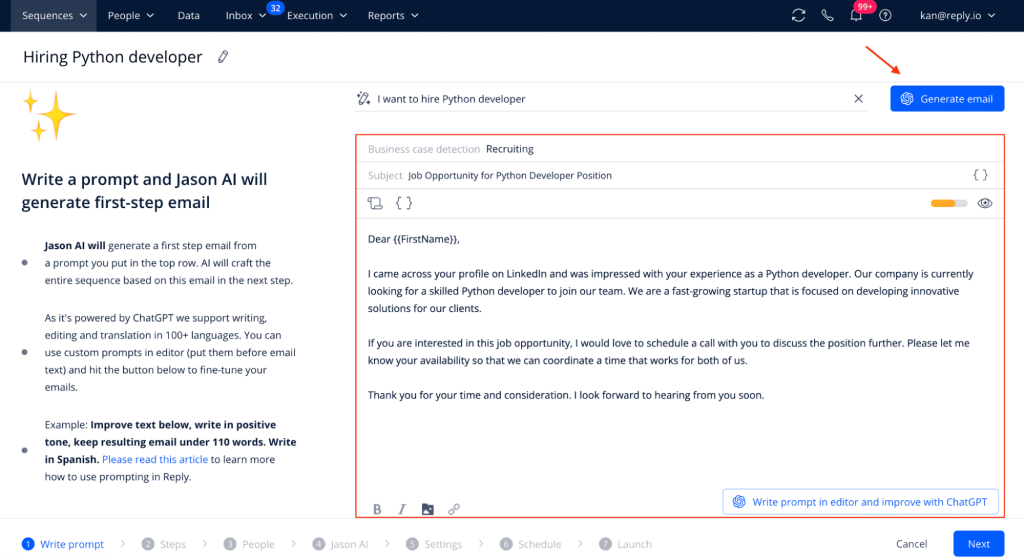
Now, with tools like Reply.io and Jason AI SDR that have built-in AI and automated prospect research, you can create these deeply personalized emails at scale within minutes.
Why use AI to write sales emails in 2026?
The sales landscape is changing now. What worked before might not work as effectively today. So here are a few reasons why you should adopt AI to write your sales emails.
Prospects expect genuine relevance, not mail merge
People have become experts at spotting canned templates. Any email that starts “I noticed you’re in {industry}” when it’s obvious a variable was used will likely be marked as spam or not read at all. Prospects want to see that you understand their company’s situation and not just that you can mail-merge a name.
But the challenge is that researching every prospect well enough to write relevant emails would consume your entire day.
Sales tools that are AI-powered bridge this gap by combining AI writing with prospect research and enrichment. So you can scan news feeds, LinkedIn, and other sources and automatically use this context in your emails, like “Congrats on the recent product release at Acme Corp. That must have been exciting after last quarter’s milestone.” This level of specificity makes prospects feel seen and can improve response rates.
Quality over quantity in the inbox
Sending more cold emails can lead to more leads and an increase in sales. Well, not anymore. Email providers like Google and Microsoft have deployed AI algorithms that detect mass outreach. Google’s spam filters now use machine learning to identify bulk emails even when they’re slightly personalized, and Microsoft’s Focused Inbox pushes low-value emails out of sight.
Prospects have also developed immunity to spray-and-pray tactics. Getting a higher open and reply rate might come down to sending fewer and better emails that actually resonate. The same report by Mailshake reveals that high-volume senders, the ones sending 1,000+ emails/month, were more likely to report deliverability issues and low personalization levels. Also, senders who personalize every email individually outperformed every other group, as it delivers a 2-3 times better reply rate.
But it’s time-consuming to work on each email, and you’d spend much of your time on just writing emails and researching prospects. That’s why with sales tools that are AI-powered, you can now maintain the high personalization standards while still reaching enough prospects to hit your pipeline goals.
Coordinated multichannel outreach is expected
You need a consistent narrative across different channels because decision makers not only check their emails, but they also scroll through LinkedIn, check SMS, and can receive phone calls.
But creating unique messages for each channel will be time-consuming. That’s where AI comes in. With AI, you can use the same cold email and tailor it to the specific platform without creating a new outreach message from scratch for your SMS and LinkedIn outreach.
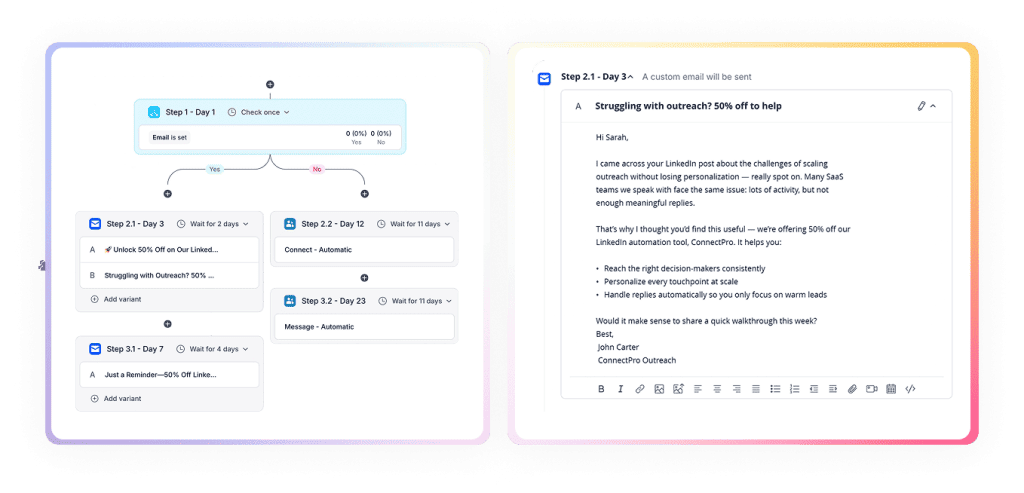
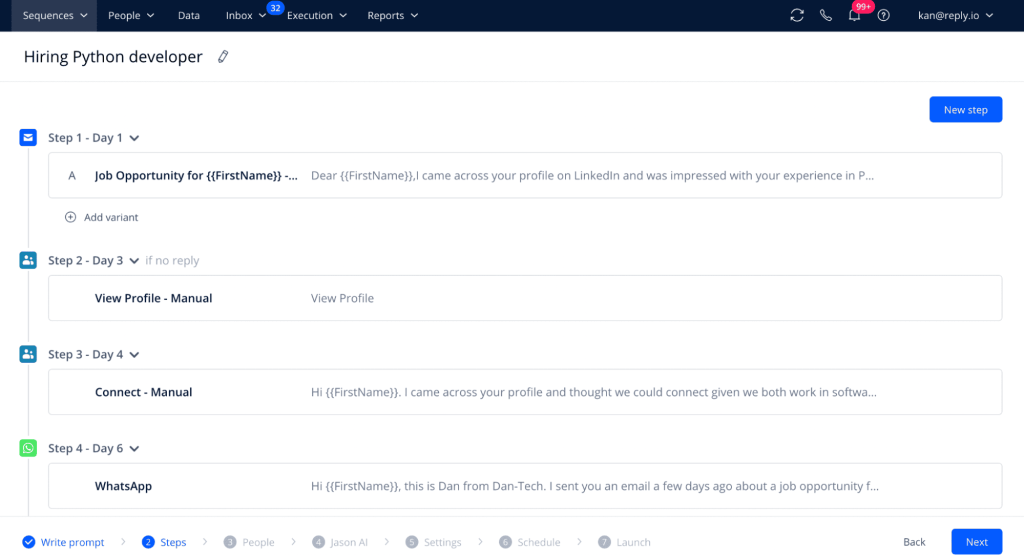
When someone doesn’t respond to your email, for example, a tool like Reply.io can run a sequence where it will automatically send a LinkedIn connection request with a note. If they connect but don’t respond, a follow-up SMS or a call reminder can be queued. This will save you a lot of time without compromising on personalization, and there’s no need to manually switch between platforms.
Speed to lead matters more than ever
The faster you respond to a lead showing interest in your product, the faster you can qualify the lead and turn them into a customer. They can show this interest through different means, like submitting forms or even signing up for a demo.
You can use AI-powered sales tools to automatically respond to leads immediately when they show this interest. This “instant outreach” means you reach prospects when their interest is highest.