
Best CRM APIs in 2026 for Building Integrations

Best CRM APIs in 2026 for Building Integrations

Key takeaways:

  • Check whether API access is included before you compare seat prices. Salesforce charges an extra $25 per user per month for Web Services API access on its lower tiers, which reprices the whole comparison.
  • Attio, Zoho CRM and HubSpot all expose an API on a free plan. Pipedrive, Close and Unified.to require a paid tier or a trial before you can call anything.
  • Unified layers like Merge, Nango and Unified.to sell you one schema across many CRMs. They start around $50 a month and run past $750, so they earn their place only when you are integrating with your customers’ CRMs, not your own.
  • Sales teams do not trust the data already in these systems. Gartner found only 47% of sales leaders and sellers report having high-quality data to work with.

Every CRM has an API. That is not the question. The question is what it costs to reach, how it behaves at volume, and whether you will be rebuilding your integration in eighteen months when the vendor deprecates a version.

This guide compares ten options for the people who actually write the integration. Six are native crm api offerings from the CRMs themselves, three are unified layers that abstract several CRMs behind one schema, and one is a sales-engagement platform that syncs into them rather than replacing them.

Pricing here was read off each vendor’s own page. Where a vendor keeps a number behind a login or a sales call, this guide says so instead of guessing.

What Is a CRM API?

A CRM API is the programmatic interface to the records a CRM stores: contacts, companies, deals, activities, notes and the custom objects layered on top. Nearly all of them are REST over HTTPS, authenticated with either an API key or OAuth, and most now ship webhooks so you can react to changes instead of polling for them.

What separates them is rarely the endpoint list. It is the operational detail: how many calls you get, whether bulk operations exist, how custom fields are exposed, and how the vendor handles versioning when it changes something.

Rate limits are the usual source of unpleasant surprises. Zoho CRM publishes 5,000 API calls a day even on its free tier, which is refreshingly concrete. HubSpot scales limits by subscription tier but keeps the exact per-tier numbers behind an authenticated documentation page, so you cannot model your throughput before signing up.

The reason any of this gets built is that the data is not trusted where it sits. Gartner’s sales operations research found only 47% of sales leaders and sellers say they have high-quality data to work with, and integrations are usually the attempt to fix that.

The Best CRM APIs

The third column is the one worth reading first. A CRM that gates API access behind a paid tier, or behind a paid add-on on top of a paid tier, changes what a prototype costs before you have written anything.

Tool Best for API on free tier Main limitation Pricing (from) Rating
HubSpot Broad ecosystem and free entry Yes, free CRM for 2 users Per-tier rate limits sit behind a login $20 per seat/month ★★★★★
Attio Modern developer experience Yes, on all four plans Smaller ecosystem than incumbents $44 per user/month ★★★★★
Salesforce Depth of object model No API access costs $25 per user/month extra on lower tiers $25 per user/month ★★★★☆
Pipedrive Straightforward sales pipelines No, trial only Fewer developer-facing extras $14 per seat/month ★★★★☆
Close API parity across every plan No, trial only Narrower object model $19 per user/month ★★★★☆
Zoho CRM Published limits at low cost Yes, 5,000 calls/day for 3 users Interface sprawls across the Zoho suite $14 per user/month ★★★★☆
Reply.io Syncing outreach into your CRM No, 14-day trial Not a CRM, it syncs to one $49/month ★★★★☆
Merge Reading your customers’ CRMs Limited, 3 linked accounts Steep jump from free to paid $650/month ★★★★☆
Nango Open-source unified integrations Yes, 10 connections Connection-based pricing adds up $50/month ★★★★☆
Unified.to High-volume unified API calls No, 30-day trial Entry price is the highest here $750/month ★★★★☆

Read that table alongside your actual use case, because the native APIs and the unified layers are not competing for the same job. The section after the entries explains where the line falls.

HubSpot
HubSpot as one of the best crm apis

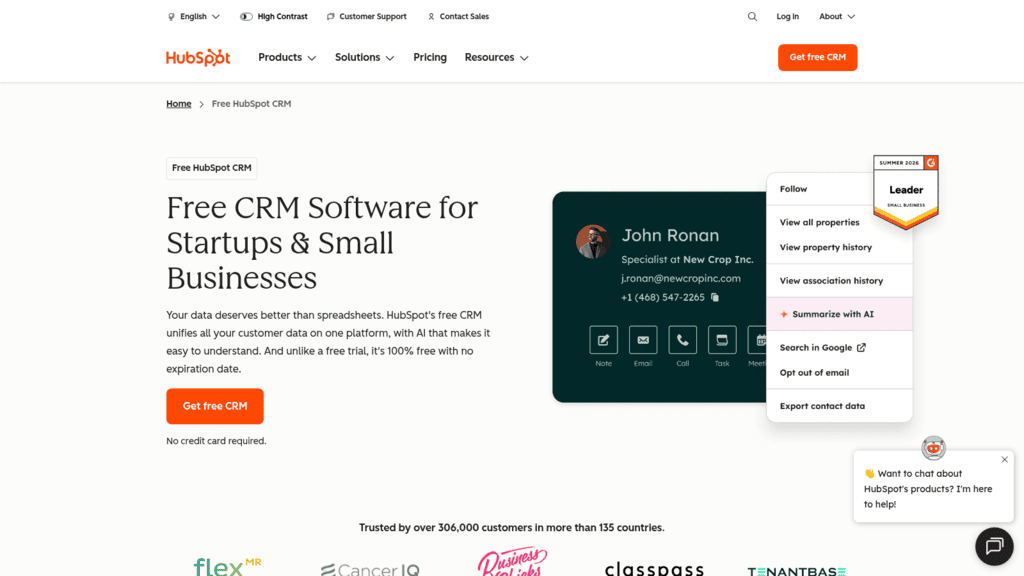
Overview: HubSpot pairs a genuinely usable free CRM with API access on every account, which makes it the lowest-friction place to prototype an integration and the reason so many third-party tools ship a HubSpot connector first.

Key features:

  • API access included with all accounts, including the free CRM
  • Extensive webhook coverage so you can react to record changes rather than polling
  • A large public app marketplace that reduces how much you build yourself

Pricing: The CRM is free for up to two users with no card required. Sales Hub seats start at $20 per seat per month. API access is included rather than sold separately, though rate limits scale with your subscription tier.

Pros: API on the free tier, mature documentation, very large integration ecosystem

Cons: exact per-tier rate limits sit behind an authenticated docs page, costs climb steeply with hubs and seats, some objects are gated to higher tiers

Why it’s a good CRM API: You can build and test a full integration before paying anything, and the ecosystem means most of the adjacent problems are already solved.

Final verdict: The default choice for most teams, and the easiest to justify to whoever approves the spend.

Attio
Attio as one of the best crm apis

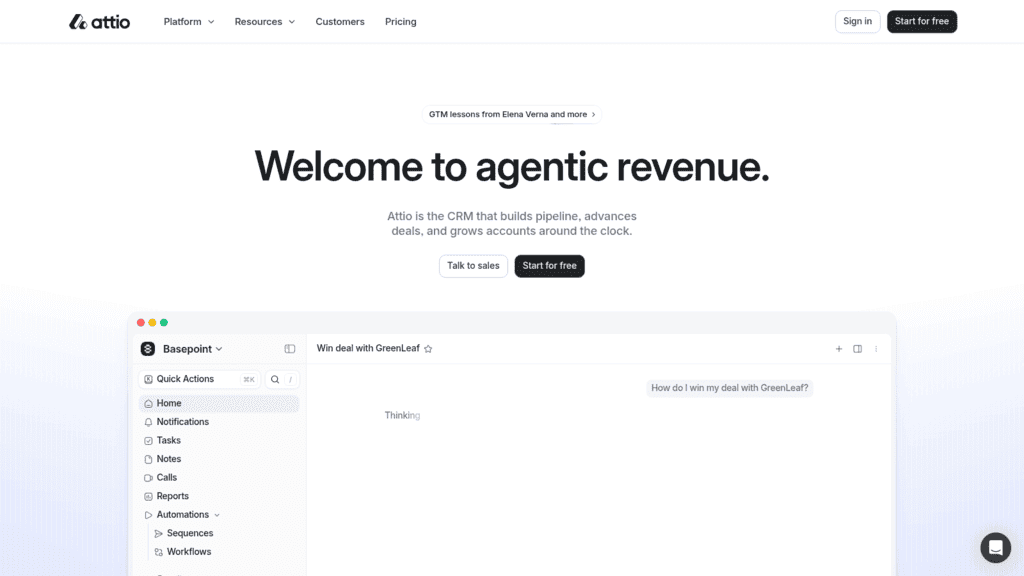
Overview: Attio was built API-first rather than retrofitted, and it shows in the one decision that matters most to developers: full API and webhook access on every plan, including the free one.

Key features:

  • API and webhook access on all four plans, free tier included
  • An official MCP server and SDK, so AI agents can query the CRM directly
  • Flexible data model where custom objects behave like first-class records

Pricing: The free plan costs nothing, Plus is $44 per user per month or $35 billed annually, and Pro is $99 or $79 annually. Enterprise is quoted. Annual billing saves 20%.

Pros: no API paywall at any tier, MCP server ships as standard, modern and well-versioned API

Cons: smaller app ecosystem than the incumbents, fewer third-party consultants, less enterprise tooling

Where it beats the alternatives: It is the only CRM here that treats programmatic access as a baseline feature rather than an upgrade path.

Final verdict: The strongest developer experience in this list, best suited to teams building something custom rather than buying connectors.

Salesforce
Salesforce as one of the best crm apis

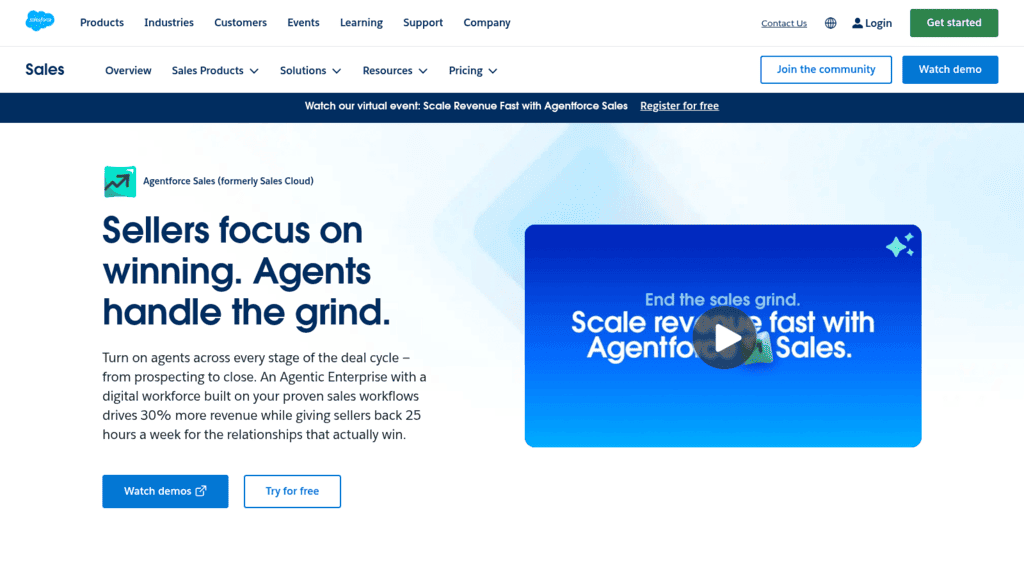
Overview: Salesforce has the deepest object model and the most comprehensive API surface here, spanning REST, SOAP, Bulk and streaming interfaces, with a governance model built for organizations that need it.

Key features:

  • Multiple API flavors including Bulk API for large data operations
  • Highly configurable object model with granular permission controls
  • Streaming and change-data-capture interfaces for event-driven syncs

Pricing: Starter is $25 per user per month, Pro $100, Enterprise $175 and Unlimited $350, with Agentforce 1 Sales at $550. The detail that reprices everything: on the lower tiers, Web Services API access is an additional $25 per user per month, listed on the plan comparison table.

Pros: unmatched depth, Bulk API handles very large jobs, mature governance and audit tooling

Cons: API access is a paid add-on on lower tiers, steep learning curve, total cost escalates quickly

Why buyers still choose it: Nothing else models complex sales organizations as thoroughly, and at enterprise scale that outweighs the cost.

Final verdict: The most capable API here and the most expensive way to reach it. Price the add-on before you commit.
Pipedrive

Pipedrive as one of the best crm apis

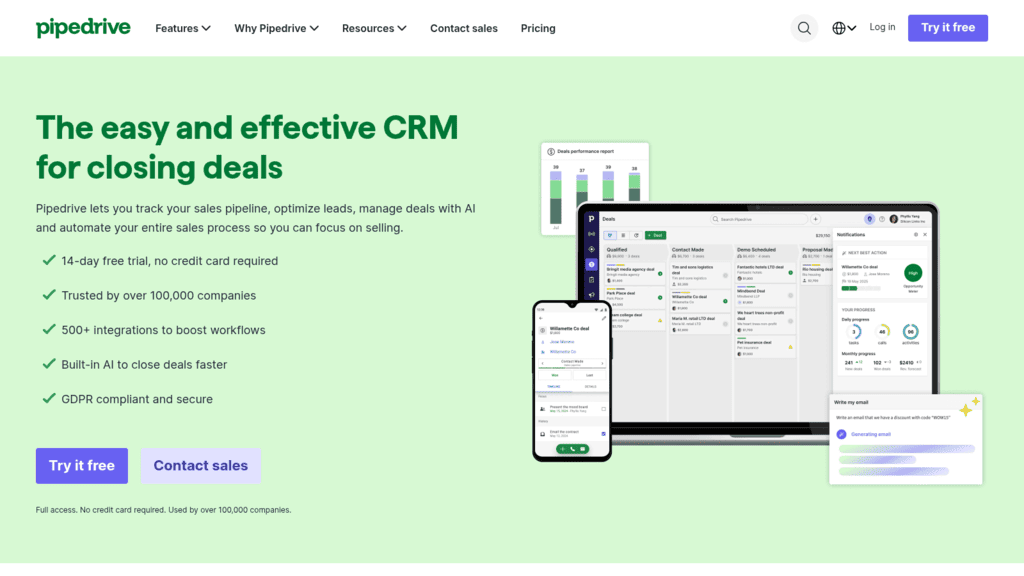
Overview: Pipedrive keeps its object model deliberately simple, organized around deals and pipeline stages, which makes its API quick to learn and quick to integrate against.

Key features:

  • Clean REST API organized around a small, predictable object set
  • Webhook support for deal and activity changes
  • More than 500 prebuilt integrations in its marketplace

Pricing: Seats run $14, $39, $59 and $79 per month billed annually across Lite, Growth, Premium and Ultimate. A 14-day trial requires no card.

Pros: simple object model, low entry price, large prebuilt integration library

Cons: no free tier for API testing, less flexible for complex data models, advanced features gated to upper tiers

Its real strength: A pipeline-shaped CRM with a pipeline-shaped API, which is exactly right when your process actually is that simple.

Final verdict: Good value for straightforward sales motions, limiting if your data model is unusual.

Close

Close as one of the best crm apis

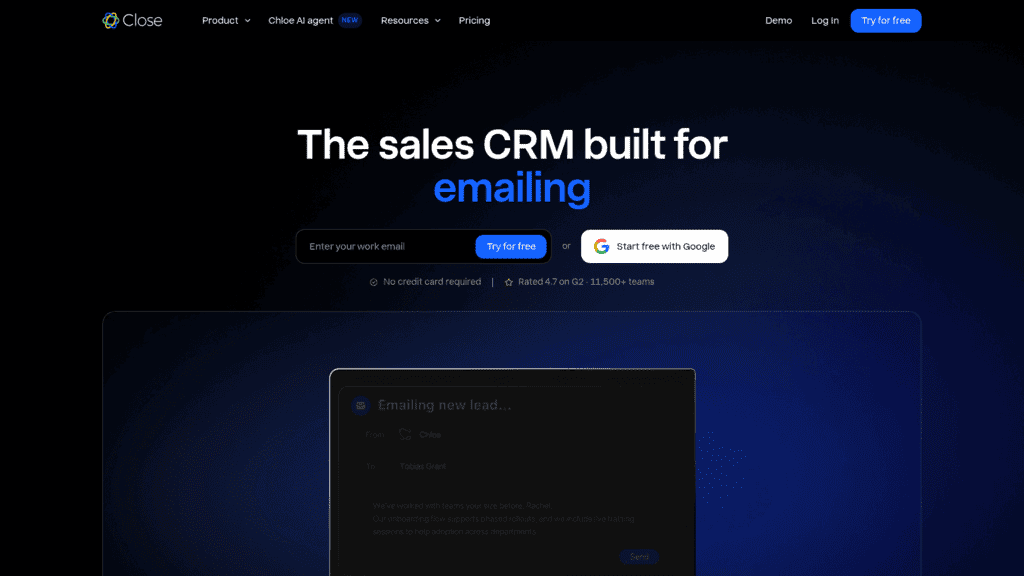
Overview: Close is built for high-activity inside sales teams, and unlike most of its peers it does not treat API access as a differentiator between tiers.

Key features:

  • API access on every plan, authenticated by API key or OAuth
  • Calling and email activity exposed as first-class API objects
  • Bulk endpoints suited to high-volume activity logging

Pricing: Solo is $19 per user per month or $9 annually, Essentials $49 or $35, Growth $109 or $99, and Scale $149 or $139. Annual billing saves meaningfully at the lower tiers.

Pros: API on all plans, communication data is well modeled, generous annual discounts

Cons: no free tier, narrower object model than Salesforce, smaller ecosystem

Why it earns a place here: Activity data that other CRMs bolt on is native here, which matters if you are syncing calls and emails rather than just records.

Final verdict: A strong fit for outbound teams whose integration is mostly about activity, not configuration.

Zoho CRM

Zoho CRM as one of the best crm apis

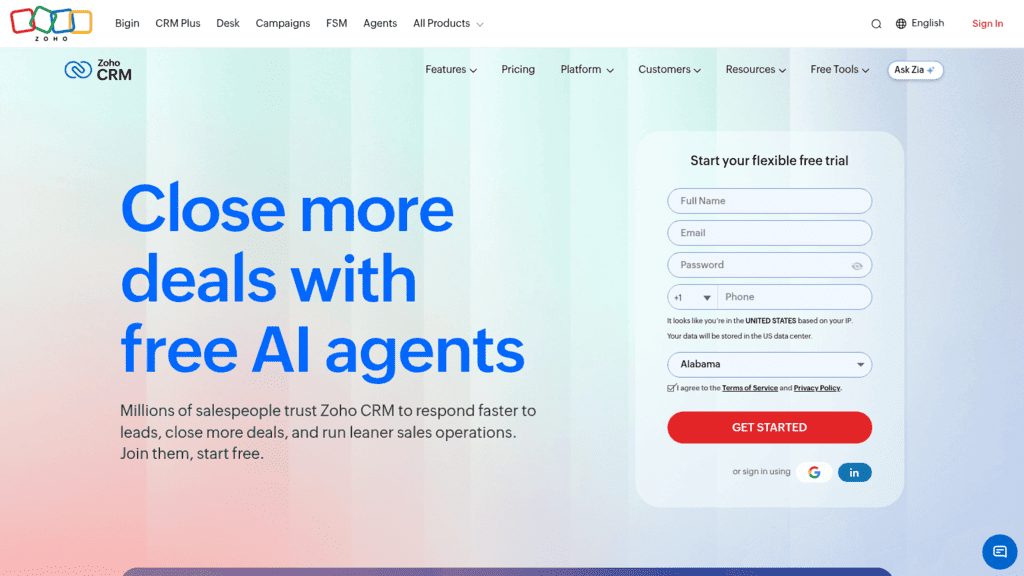
Overview: Zoho CRM is the cheapest credible option here and the most forthcoming about limits, publishing a concrete daily API call allowance rather than making you infer throughput from a support article.

Key features:

  • 5,000 API calls per day on the free plan for up to three users
  • REST API with bulk read and write endpoints
  • Deep integration with the wider Zoho application suite

Pricing: The free plan covers three users. Standard is $14 per user per month, Professional $23, Enterprise $40 and Ultimate $52, which undercuts every other native CRM in this comparison.

Pros: published call limits, very low cost per seat, functional free tier with real API access

Cons: interface sprawls across many Zoho products, documentation quality is uneven, ecosystem is weaker outside Zoho

Why it made this list: A free tier with 5,000 documented daily calls is enough to build and run a small production integration at no cost.

Final verdict: The best value in the group, provided you can live with the wider Zoho experience.

Reply.io

Reply.io as one of the best crm apis

Best for: Syncing outreach activity into your CRM

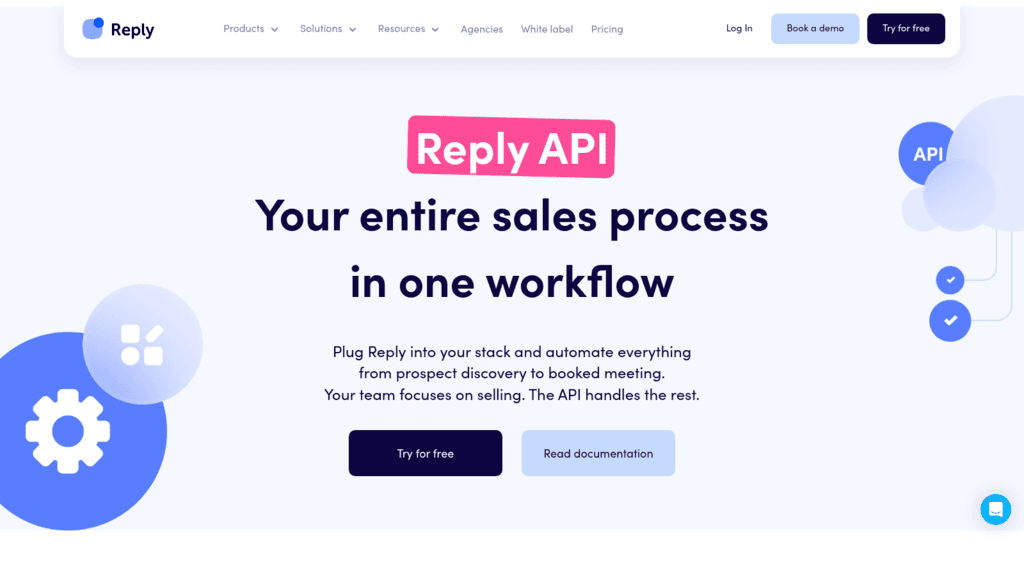
Overview: We are not a CRM, and this entry exists for a specific reason rather than to compete with the six above. Reply.io is a sales engagement platform, and its API is the one you call when outreach activity needs to reach the system of record.

We sync to HubSpot, Salesforce and Pipedrive rather than replacing them. If you are evaluating where your customer records should live, every other native option on this list is the right conversation and we are not in it.

Where our API earns its slot is the layer above the CRM: sequences, contacts, inbox, tasks, reports and webhooks, so that a reply, a booked meeting or a sequence status can land on the CRM record without anyone exporting anything.

The Reply.io API covers 378 documented endpoints across 45 groups on v3, with bearer-token auth and scoped permissions.

Key features:

  • Sequence and contact endpoints that let you enroll or pause outreach programmatically
  • Webhooks for replies, opens, clicks and meeting bookings, so the CRM updates on events
  • Native syncs to HubSpot, Salesforce and Pipedrive that need no code at all
  • Documented ceilings of 100 calls a minute and 3,000 an hour
  • Scoped bearer tokens, so an integration key grants only what it needs
  • An MCP server connecting the platform to Claude, Cursor and other MCP clients

Pricing: We charge against database size rather than headcount, which is unusual on a page full of per-seat CRMs. The entry tier is $49 monthly on annual billing at 1,000 active contacts, so a large team working a small list pays less here than the seat-priced options above. Trial access lasts 14 days, and no tier is permanently free.

Pros: deep endpoint coverage for outreach activity, event webhooks rather than polling, native CRM syncs available without code, published limits, scoped keys

Cons: it is not a CRM and cannot serve as your system of record, and there is no free tier for open-ended API testing

How to start using it:

  1. Open a trial account and issue a v3 token from Settings, under API Key.
  2. Connect your CRM from the integrations area if a native sync covers your case.
  3. For custom work, register a webhook endpoint for the reply and meeting events you care about.
  4. Map Reply.io contact fields to your CRM’s fields, including custom variables.
  5. Test with a small sequence before enrolling a real list, and check the sync both ways.

Why it’s a good CRM API companion: It closes the gap between outreach and the system of record, which is where activity data usually goes missing.

Final verdict: The right addition when outreach activity needs to reach your CRM automatically. It complements everything else on this list rather than substituting for it.

Merge

Merge as one of the best crm apis

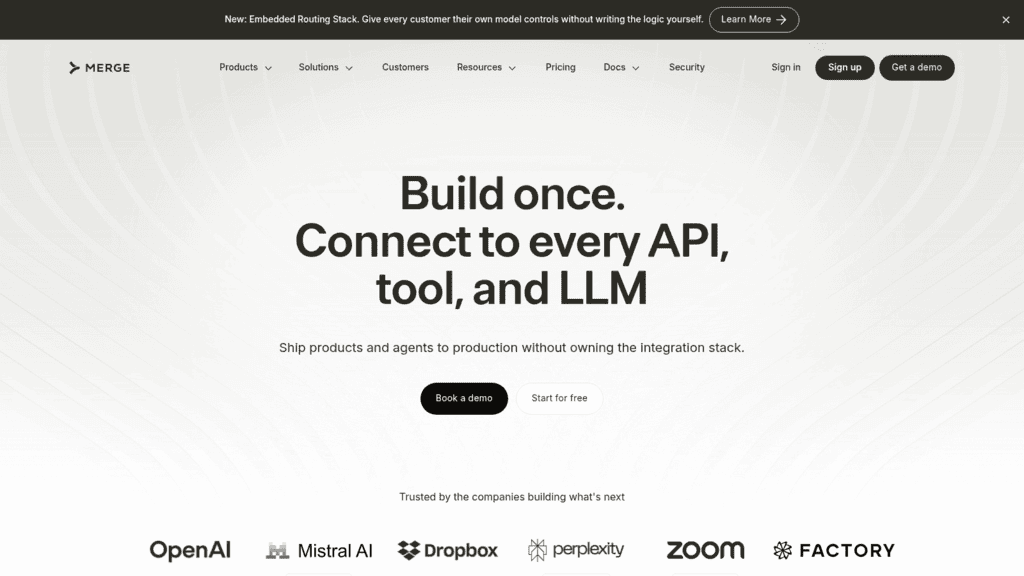
Overview: Merge sells one normalized schema across many CRMs, so a product that needs to read its customers’ Salesforce, HubSpot or Pipedrive data builds once instead of maintaining a connector per vendor.

Key features:

  • One unified schema covering many CRM providers
  • Managed authentication and token refresh for each linked account
  • Sync monitoring and field mapping handled outside your codebase

Pricing: The Launch tier links three production accounts free. Paid plans start at $650 per month for up to ten linked accounts, with $65 per additional account. Professional pricing is contract-based.

Pros: removes per-vendor connector work, managed auth, generous enough free tier to prototype

Cons: steep jump from free to $650, normalized schemas hide vendor-specific fields, cost scales per customer account

Where it fits: Software companies whose customers each bring their own CRM, not teams integrating a single internal system.

Final verdict: Excellent value when you support many customers’ CRMs, hard to justify for one.

Nango

Nango as one of the best crm apis

Overview: Nango covers similar ground to Merge with an open-source core and connection-based pricing, which lowers the entry cost considerably and keeps the option of self-hosting open.

Key features:

  • Open-source core with the option to self-host rather than depend on a vendor
  • More than 900 API integrations, well beyond CRM alone
  • Managed OAuth and token refresh with configurable sync frequency

Pricing: The free tier covers 10 connections and 100,000 proxy requests. Starter begins at $50 per month for 20 connections and 200,000 requests, Growth at $500 for 100 connections and 1 million requests. Overage runs $1 per connection and $0.0001 per request.

Pros: open-source core, far cheaper entry than Merge, breadth well past CRM

Cons: connection-based pricing accumulates, more setup than a fully managed layer, smaller support organization

Why buyers shortlist it: It is the only unified option here you can inspect and self-host, which matters when vendor lock-in is the concern you are trying to avoid.

Final verdict: The pragmatic middle ground between building connectors yourself and paying enterprise rates.

Unified.to

Unified.to as one of the best crm apis

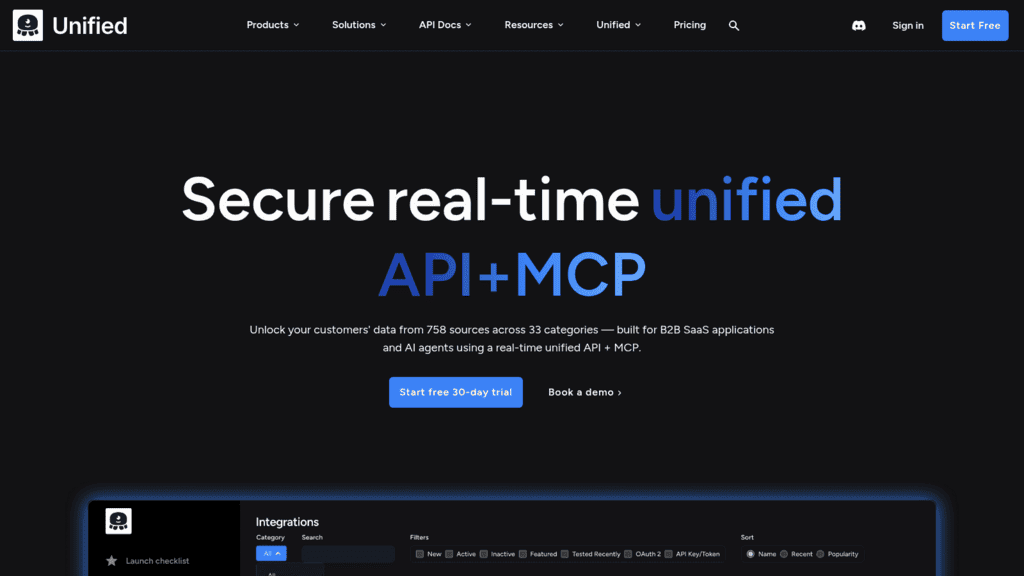
Overview: Unified.to prices on API call volume rather than connected accounts, which inverts the usual model and suits products making many calls across comparatively few customers.

Key features:

  • More than 29 unified APIs spanning CRM and other categories
  • Call-volume pricing rather than per-connection pricing
  • Overage rates that fall as committed volume rises

Pricing: Grow starts at $750 per month for 750,000 API calls with $1.00 per additional thousand, Pro at $1,500 for 2 million with $0.75 per thousand, and Scale at $3,000 for 6 million with $0.50 per thousand. A 30-day free trial is available.

Pros: volume-based pricing rewards heavy use, broad category coverage, falling overage rates

Cons: highest entry price in this comparison, no permanent free tier, overkill for small integrations

What it is genuinely good at: High-throughput products where per-connection pricing would be punitive and call volume is the real cost driver.

Final verdict: The right economics at scale, hard to justify below it.

How We Chose These CRM APIs

Four criteria shaped this list. Each tool needed a documented public API rather than a partner-gated one. It needed published pricing, including the price of API access itself where that is charged separately. It needed to be current rather than in maintenance mode. And its rate limits or call allowances had to be discoverable without a sales conversation.

That last criterion is where the group splits most sharply. Zoho publishes a daily figure, Nango and Unified.to publish request counts, and HubSpot keeps its per-tier limits behind a login. None of that makes HubSpot a bad API, but it does mean you cannot size your integration before committing.

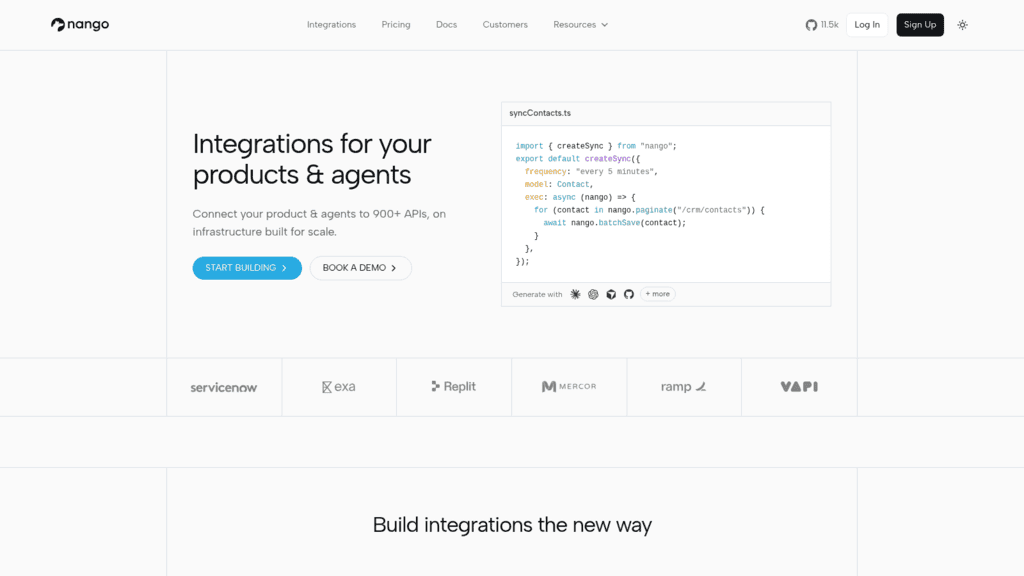
We also captured and reviewed each homepage, which is how Nango’s positioning was confirmed: its own hero leads with integrations for products and agents across 900-plus APIs, with a CRM contact sync as the example in its code sample.

Native CRM API or a Unified Layer?

This is the decision that determines everything downstream, and it turns on one question: whose CRM are you integrating with?

If you are connecting your own company’s CRM to your own systems, use the native API. You get every field, every custom object and every vendor-specific behavior, with no abstraction layer to work around and no per-connection cost. The integration is built once against one vendor you control.

If you are building a product that connects to your customers’ CRMs, the math changes completely. Every customer arrives with a different system, and maintaining separate connectors for Salesforce, HubSpot, Pipedrive and the rest becomes a permanent tax on your engineering team. That is what Merge, Nango and Unified.to are for.

The tradeoff is real. Unified schemas normalize away exactly the vendor-specific fields your customers care about most, and you will usually end up dropping to passthrough requests for the awkward cases. Budget for that rather than assuming the abstraction covers everything.

Cost scales differently too. Merge and Nango charge by linked account, so cost tracks customer count. Unified.to charges by call volume, so cost tracks usage intensity. Model both against your own growth curve, since the cheaper option flips depending on which one you have more of. Teams comparing the CRMs themselves rather than their APIs will find our roundup of CRM tools a better starting point.

What to Look For in a CRM API

Beyond the pricing page, five things determine whether an integration ages well.

Whether API access costs extra. Salesforce’s $25 per user per month for Web Services API access on lower tiers is the clearest example, and it is easy to miss because it appears on the plan comparison table rather than the headline pricing.

Rate limits you can model. You need a number before you build, not after you deploy. Zoho’s 5,000 calls a day is the standard others should meet.

Webhooks versus polling. Polling a CRM every few minutes burns your rate limit for nothing most of the time. Event webhooks are strictly better, and their absence should count against a vendor.

How custom fields are exposed. Every real CRM deployment is mostly custom fields. Some APIs expose them as first-class properties, others bury them in a nested object with internal IDs that change. This is the single most common cause of integration breakage.

Versioning and deprecation policy. Find out how much notice the vendor gives before retiring a version, and whether old versions keep working. This is boring until the morning your sync stops.

There is a cost to getting this wrong that never shows up on an invoice. Harvard Business Review reported research finding workers toggle between applications around 1,200 times a day, costing close to four hours a week in reorientation. A CRM integration that half works pushes people back into exactly that pattern, and if you are weighing whether AI features change the calculation, our look at AI CRM tools covers that ground.

How Much Do CRM APIs Cost?

The honest answer is that the API price and the CRM price are different numbers, and only some vendors let you see both.

Tool Entry price API included? Free tier with API access
Zoho CRM $14 per user/month Yes Yes, 3 users, 5,000 calls/day
Pipedrive $14 per seat/month Yes No, 14-day trial
Close $19 per user/month Yes, all plans No
HubSpot $20 per seat/month Yes Yes, free CRM for 2 users
Salesforce $25 per user/month No, $25/user/month extra on lower tiers No
Attio $44 per user/month Yes, all plans Yes, all four plans
Reply.io $49/month Yes No, 14-day trial
Nango $50/month Unified layer Yes, 10 connections
Merge $650/month Unified layer Limited, 3 linked accounts
Unified.to $750/month Unified layer No, 30-day trial

Seat-priced CRMs and the unified layers are not comparable line items, which is why the table separates them rather than ranking them together. A ten-person team on Zoho pays $140 a month with API access included; the same team paying Merge $650 is buying something different, namely the ability to read other companies’ CRMs.

Our own pricing follows a third model again, billed by active contact count rather than by seat, which suits teams whose database grows faster than their headcount and penalizes those where it does not.

How to Build a CRM Integration That Survives

Most CRM integrations break for the same handful of reasons. These steps address them in the order they usually bite.

Map Custom Fields Before You Write Any Code

Export the field schema from both systems and match them by hand first. Custom fields carry internal IDs that rarely resemble their display names, and discovering that mid-build is how mappings end up hardcoded and undocumented.

Use Webhooks Wherever They Exist

Poll only for what the vendor will not push. Polling consumes your rate limit continuously to detect changes that mostly have not happened, and it delays every sync by whatever your interval is.

Handle 429 Responses From the First Commit

Rate limiting is not an edge case, it is a certainty at some volume. Implement exponential backoff and respect the Retry-After header before you go live, not after the first incident.

Make Every Write Idempotent

Retries happen, webhooks fire twice, and jobs get replayed. Use an external ID on every record you create so a repeated call updates rather than duplicates. Duplicate contacts are the most visible way an integration loses a team’s trust.

Log the Payloads, Not Just the Errors

Store what you sent and what came back, at least for failures. When a sync silently stops mapping one field correctly, the payload log is the only thing that will tell you when it started. Teams routing outreach activity through this layer will find our guide to Zapier and MCP useful for the no-code portions.

Built in that order, an integration survives vendor changes and volume growth without becoming someone’s permanent maintenance job.

Choosing Between a Native API and an Abstraction Layer

Work from the shape of the problem rather than the feature comparison.

Integrating your own CRM into your own stack means a native API, and the choice is then mostly about cost and access. Attio and Zoho give you API access without a paywall, HubSpot gives you the biggest ecosystem, and Salesforce gives you the most depth at the highest price once the API add-on is counted.

Building a product that reads your customers’ CRMs means a unified layer, and the choice is about pricing shape. Nango is cheapest to start and can be self-hosted, Merge is the most managed, and Unified.to prices for call volume rather than connections.

If the actual gap is that outreach activity never makes it into the CRM you already have, that is the narrow problem our own API and native syncs address, and it sits alongside your CRM rather than replacing it. Teams running outbound specifically may find our comparison of CRMs for outbound sales a more direct answer to which system of record to pick.

Whatever you choose, build a small prototype against the real API before committing. Documentation describes the happy path, and rate limits, custom field handling and error behavior are where the real work lives.

Frequently asked questions

Which CRM has the best API?

For most teams, HubSpot and Attio are the strongest starting points, for different reasons. HubSpot combines API access on a free tier with the largest ecosystem, so most adjacent problems already have a solution. Attio offers full API and webhook access on every plan plus an MCP server, which makes it the better developer experience. Salesforce has the deepest API of the group, but access costs an extra $25 per user per month on lower tiers.

Is CRM API access free?

Sometimes, and it depends on the vendor rather than the category. HubSpot, Attio, Zoho CRM and Nango all expose an API on a free plan. Close includes API access on every paid plan but has no free tier. Salesforce charges separately for Web Services API access on its lower tiers. Always confirm on the plan comparison table rather than the headline pricing page, since that is where the add-on usually appears.

What is a unified CRM API?

A unified API puts one normalized schema in front of many CRM providers, so you write a single integration instead of one per vendor. Merge, Nango and Unified.to all work this way. The tradeoff is that normalization hides vendor-specific fields, so most implementations end up using passthrough requests for the awkward cases. They make sense when you integrate with your customers’ CRMs, not your own.

How do I avoid hitting CRM API rate limits?

Use webhooks instead of polling wherever the vendor supports them, batch writes through bulk endpoints where they exist, and cache anything that does not change often. Implement exponential backoff that respects the Retry-After header before launch rather than after your first outage. Check the published limit first: Zoho documents 5,000 calls a day on its free tier, while some vendors keep per-tier limits behind a login.

Can I sync outreach activity into my CRM automatically?

Yes, and there are two routes. Most sales engagement platforms ship native CRM syncs that need no code, which covers standard field mapping between systems. For anything custom, use webhooks so replies, opens and booked meetings push to the CRM as events rather than being polled for. Our own platform does both, syncing natively to HubSpot, Salesforce and Pipedrive, and exposing webhooks for custom work. If you also connect LinkedIn activity, our guide to LinkedIn CRM setups covers that path.

Subscribe to our blog to receive the latest updates from the world of sales and marketing.
Stay up to date.

Related Articles

How to Build and Use an Automated Follow Up System in 2026

How to Build and Use an Automated Follow Up System in 2026

How to Build and Use an Automated Follow Up System in 2026
How to Build a B2B Marketing Automation Strategy for 2026 and Beyond

How to Build a B2B Marketing Automation Strategy for 2026 and Beyond

How to Build a B2B Marketing Automation Strategy for 2026 and Beyond
Best AI GTM Agent Tools for Future-proof B2B Teams in 2026

Best AI GTM Agent Tools for Future-proof B2B Teams in 2026

Best AI GTM Agent Tools for Future-proof B2B Teams in 2026