
Best Email APIs in 2026 for Sending at Scale

Best Email APIs in 2026 for Sending at Scale

Key takeaways:

  • Two different products share this name. Transactional APIs send receipts and password resets one message at a time; outreach platforms send sequences to lists. Buying the wrong one wastes the integration.
  • Per-message economics diverge enormously at volume. Amazon SES charges $0.10 per 1,000 emails, while most managed providers land between $1.20 and $1.80 per 1,000 once you exceed the plan.
  • The cheapest option is rarely the cheapest total. SES gives you the price of postage and none of the deliverability tooling, templates or support that the managed providers bundle.
  • One-click unsubscribe is now a requirement rather than a courtesy. Bulk senders must support the RFC 8058 header, and mailbox providers enforce it.

Every application eventually needs to send mail, and the moment it does you inherit a problem that has nothing to do with your code: whether the message arrives. An email api is the layer that takes responsibility for that, handling authentication, retries, bounce processing and reputation so you do not have to run a mail server.

This guide compares nine of them. Most are transactional providers built for one-to-one system mail. One, ours, sends sequences to lists, which is a genuinely different job and is flagged as such rather than blurred.

Pricing came off each vendor’s own page. Where a provider is mid-migration or quotes rather than publishes, that is stated.

What Is an Email API?

An email API accepts a message over HTTPS and takes responsibility for delivering it. You POST a payload with recipients, subject and body; the provider handles connection management, authentication headers, retries against temporary failures, bounce and complaint processing, and the reputation of the sending infrastructure.

That last item is what you are really buying. Sending mail is trivial. Sending mail that reaches an inbox at volume requires warmed IPs, authentication configured correctly, complaint feedback loops with the mailbox providers, and someone watching when a reputation slips.

The category splits by purpose rather than by feature list. Transactional providers send one message to one person triggered by an event: a receipt, a reset link, a shipping notification. Volume is high, content is templated, and the recipient is expecting it. Outreach platforms send a planned sequence to a list of people who are not expecting it, with reply handling and follow-up logic attached.

Both send email over an API. Almost nothing else about them is the same, including the deliverability problems each one has to solve, and the outbound side of that split is covered in our guide to the outbound API.

Teams weighing the transport layer itself will find our comparison of API versus SMTP sending covers that decision separately.

The Best Email APIs

The second column is the one that matters most, because it determines whether a provider is even solving your problem.

Tool Sending type Best for Main limitation Pricing (from) Rating
Reply.io Outreach sequences Sending planned sequences to lists Not a transactional email API $49/month ★★★★★
Resend Transactional Developer experience and clean docs Younger than the incumbents Free, 3,000/month ★★★★★
Postmark Transactional Speed and deliverability discipline Strict about what it will send $15/month ★★★★★
Amazon SES Transactional Lowest per-message cost at scale You assemble everything around it $0.10 per 1,000 ★★★★☆
Mailgun Transactional Validation and sending together Validation billed separately $15/month ★★★★☆
Brevo Transactional and marketing Small teams wanting both Logo removal costs extra $9/month ★★★★☆
MailerSend Transactional Templates and multichannel Pricing shifts with the volume slider $31.50/month ★★★★☆
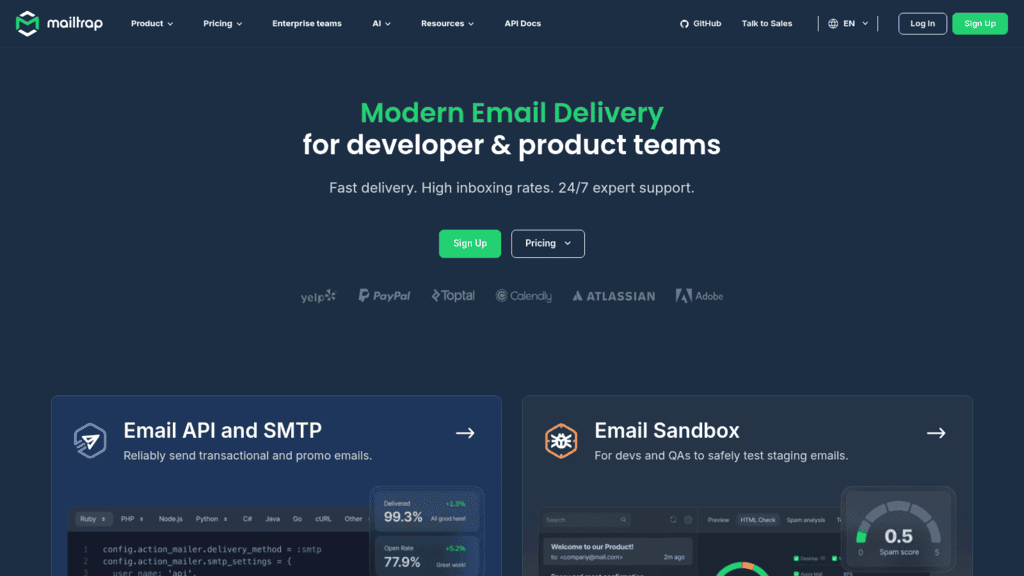
Mailtrap Transactional plus testing Testing before you send for real Smaller than the incumbents $15/month ★★★★☆
SMTP2GO Transactional Simple relay with good reporting Fewer developer-facing features $15/month ★★★☆☆

Read that first row carefully rather than skipping it, because it is the one entry here that is not a transactional provider, and the entry explains exactly where that boundary sits.

Reply.io
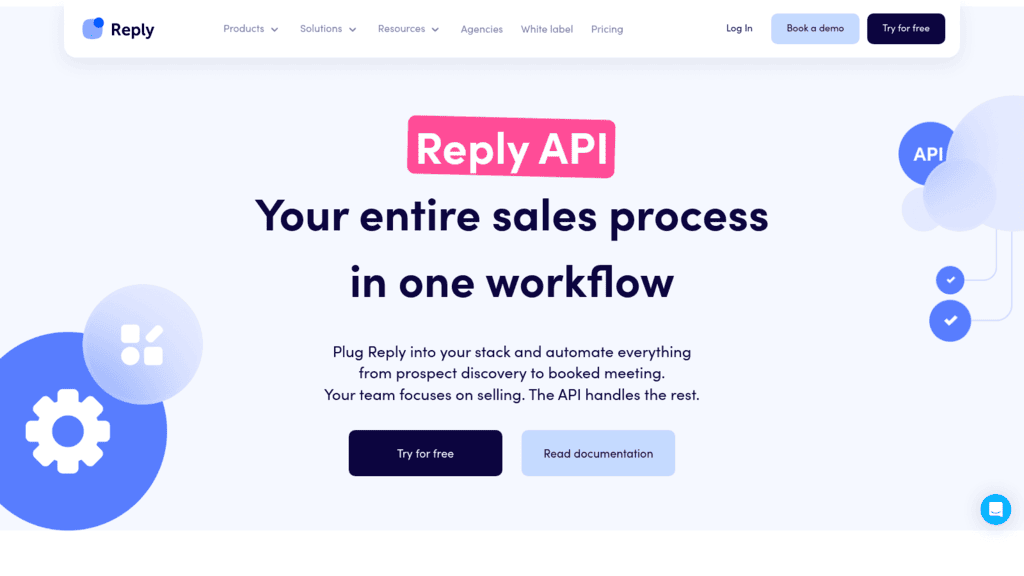
Reply.io as one of the best email apis

Best for: Sending outreach sequences programmatically

Overview: We should draw the line before anything else, because this list contains two different products. Reply.io is not a transactional email API. If you need to send a password reset, a receipt or a system notification, every other provider on this page does that and we do not.

What we do is the other kind of sending: planned multichannel sequences to a list, with follow-up logic, reply detection and stop conditions built in. The API enrolls contacts, starts and pauses sequences, and reports what happened.

That distinction shows up in the deliverability problem too. A transactional provider optimizes for a recipient who is expecting the message. We optimize for a cold recipient who is not, which means warmup, sending limits, inbox rotation and reply-based branching rather than raw throughput.

The sequencing engine handles email alongside LinkedIn, SMS and calls, so an API-triggered sequence is not limited to one channel.

Key features:

  • Sequence endpoints that enroll, pause and resume contacts from your own code
  • Conditional multichannel steps spanning email, LinkedIn, SMS and calls
  • Reply detection that stops follow-ups automatically when someone responds
  • Webhooks on replies, opens, clicks and booked meetings rather than polling
  • Deliverability tooling including warmup and sending limits across mailboxes
  • Two live email validation endpoints so a list is checkable before a send

Pricing: Sending is bundled into the platform fee rather than metered per message, which is the opposite of everything else here: $49 a month billed annually covers 1,000 active contacts, with unlimited emails and unlimited mailboxes under a fair usage policy. There is a 14-day trial and no free plan.

Pros: unlimited sending volume rather than per-message billing, multichannel sequencing, reply handling built in, warmup included, validation endpoints available

Cons: it is not a transactional email API, so receipts, password resets and system notifications belong with the providers below, and pricing scales with contact count rather than message volume

How to start using it:

  1. Open a trial and generate a v3 bearer token from Settings, then API Key.
  2. Connect and warm the sending mailboxes you intend to use.
  3. Build a sequence with the steps and conditions you want, then note its ID.
  4. Call the sequence endpoint to enroll contacts programmatically.
  5. Subscribe to reply and meeting webhooks so your system reacts to outcomes.

Why it’s a good email API for outreach: Unlimited sending on a flat platform fee beats per-message pricing once volume is real, and the sequencing logic is the part you would otherwise build yourself.

Final verdict: The right pick when you are sending planned outreach to a list. For transactional system mail, choose one of the specialists below, because that is not what we do.

Resend

Resend as one of the best email apis

Overview: Resend built its reputation on developer experience, pairing clean documentation with React Email for composing templates in code rather than in a drag-and-drop builder.

Key features:

  • SDKs and documentation aimed squarely at developers
  • React Email for building templates as components
  • Webhooks covering delivery, bounce and complaint events

Pricing: The free tier covers 3,000 emails a month at 100 a day. Pro is $20 a month for 50,000 emails and Scale is $90 for 100,000, with additional messages at $0.90 per 1,000 on both.

Pros: best-in-class developer experience, genuinely usable free tier, overage rate is among the lowest here

Cons: younger than the incumbents, fewer enterprise compliance features, smaller support organization

Why it’s a good email API: It is the fastest provider here to get sending from a standing start, and the overage rate stays reasonable as volume grows.

Final verdict: The default recommendation for a new application, unless enterprise procurement is involved.

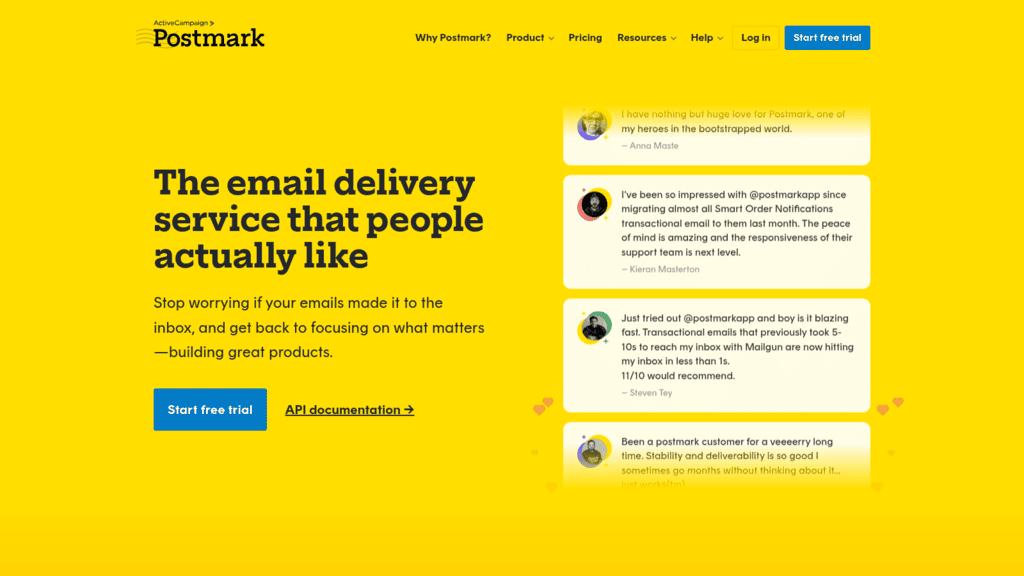
Postmark

Postmark as one of the best email apis

Overview: Postmark takes a deliberately narrow position, focusing on transactional speed and refusing to become a bulk marketing platform, which is exactly why its reputation holds.

Key features:

  • Separate message streams isolating transactional mail from broadcasts
  • Detailed delivery timing data down to individual messages
  • Unlimited daily sending rather than a daily cap

Pricing: A free trial covers 100 emails a month. Basic starts at $15 a month for 10,000 emails, with additional messages at $1.80 per 1,000 and no daily sending limit.

Pros: consistently strong deliverability, excellent per-message visibility, strict stream separation protects transactional reputation

Cons: overage rate is the highest here, deliberately restrictive about bulk content, fewer marketing features

Its real strength: The discipline. Refusing marketing blasts on transactional streams is why its transactional delivery stays fast.

Final verdict: The choice when a receipt arriving in three seconds genuinely matters.

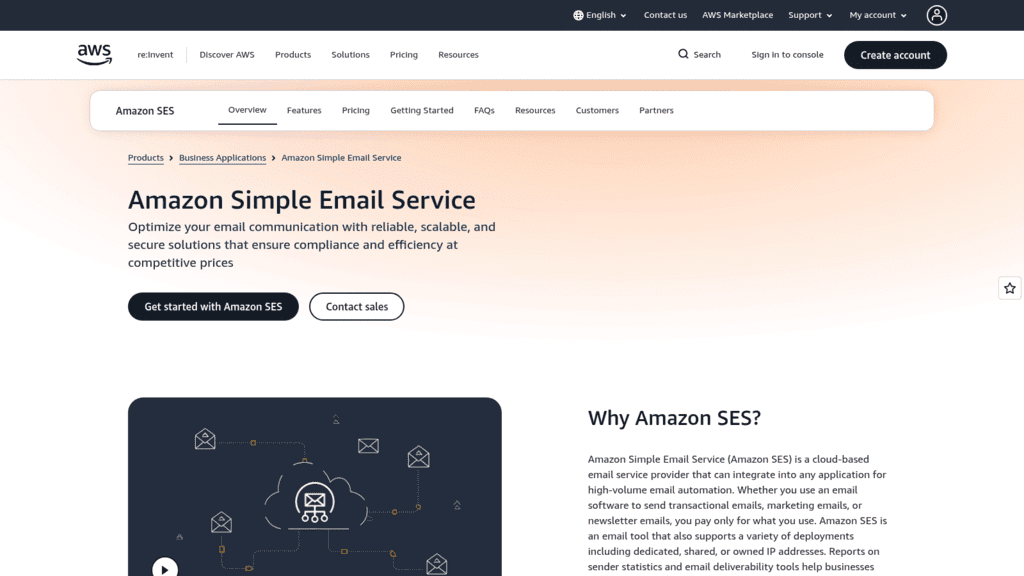
Amazon SES

Amazon SES as one of the best email apis

Overview: SES is raw sending infrastructure at the lowest published price in this comparison, and it assumes you will build or buy everything around it yourself.

Key features:

  • Outbound sending at $0.10 per 1,000 messages
  • Deep integration with the rest of AWS, including SNS and Lambda event handling
  • Dedicated IPs and configuration sets for reputation management

Pricing: Outbound email costs $0.10 per 1,000 messages, with $0.12 per GB of attachment data. Mail Manager email processing is billed separately at $0.15 per 1,000.

Pros: by far the lowest per-message cost, scales without renegotiation, deep AWS integration

Cons: no templates or analytics worth the name, you own reputation management entirely, support is a separate AWS plan

Where it beats the alternatives: Pure economics at high volume, provided you already have the engineering capacity to run around it.

Final verdict: Cheapest per message and most expensive in engineering time. That trade is right above a few million messages a month and wrong below it.

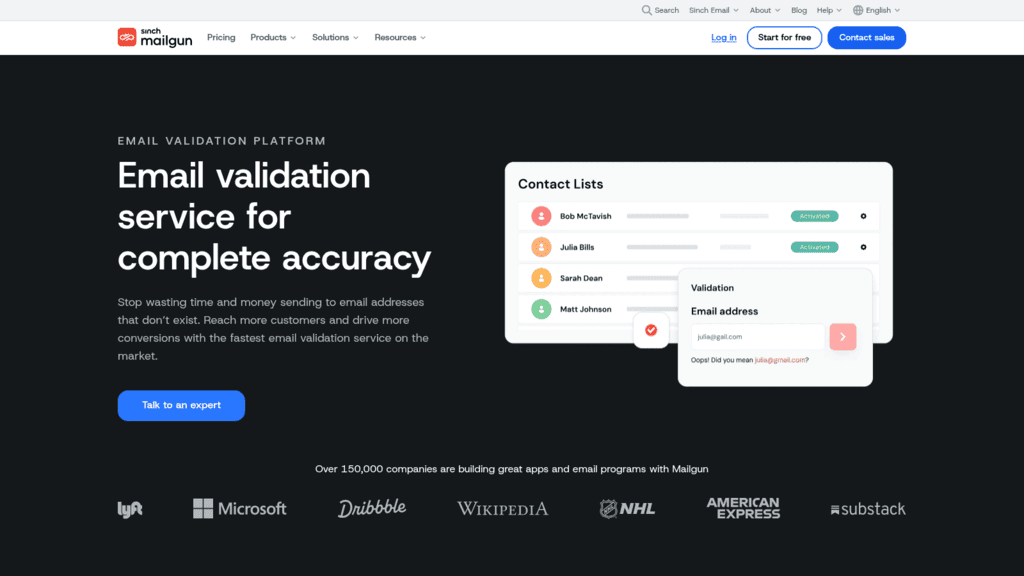
Mailgun

Mailgun as one of the best email apis

Overview: Part of Sinch, Mailgun pairs sending with address validation on one account, which is a genuine convenience if you want both jobs handled by a single vendor.

Key features:

  • Sending and address validation sharing one authentication layer
  • Detailed logs with configurable retention by plan
  • Inbound routing for parsing replies programmatically

Pricing: A free tier allows 100 emails a day. Basic starts at $15 a month for 10,000 emails, Foundation is $35 for 50,000, and Scale is $90 for 100,000 with 5,000 validations included. Validations are otherwise extra, from $1.20 per 100 on the lower plans.

Pros: validation and sending on one contract, mature and well-documented API, inbound parsing included

Cons: validation is a separate line item on most plans, log retention is short on cheaper tiers, support quality varies by plan

Why buyers shortlist it: Consolidation, particularly for teams who already need address validation and would rather not add a second vendor for it.

Final verdict: A solid all-rounder, strongest when you genuinely use the validation side.

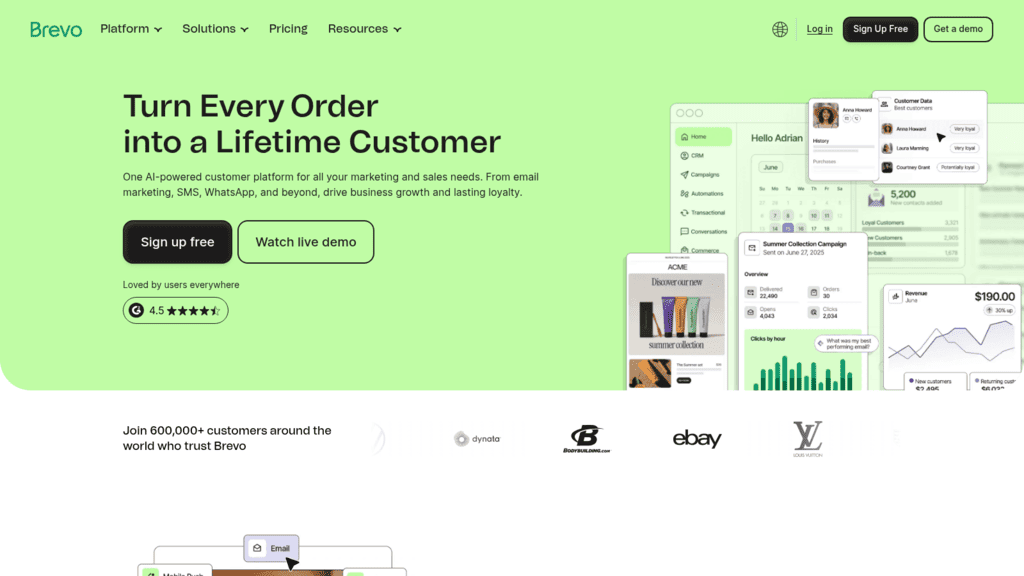
Brevo

Brevo as one of the best email apis

Overview: Brevo spans transactional sending and marketing campaigns in one platform, which suits smaller teams who would otherwise run a sending API and a newsletter tool side by side.

Key features:

  • Transactional API alongside marketing campaign tooling
  • A free tier with no credit card requirement
  • SMS and WhatsApp channels on the same account

Pricing: A free forever tier requires no card. Starter is $9 a month covering from 5,000 emails, with logo removal a $10.80 monthly add-on and Sales Essentials at $27.92.

Pros: lowest paid entry price here, marketing and transactional together, genuine free tier

Cons: branding removal costs extra on the entry plan, developer experience trails the specialists, feature sprawl across products

What it is genuinely good at: Covering two budgets with one tool at a price small teams can absorb.

Final verdict: Good value for small teams, less compelling once transactional volume becomes the main event.

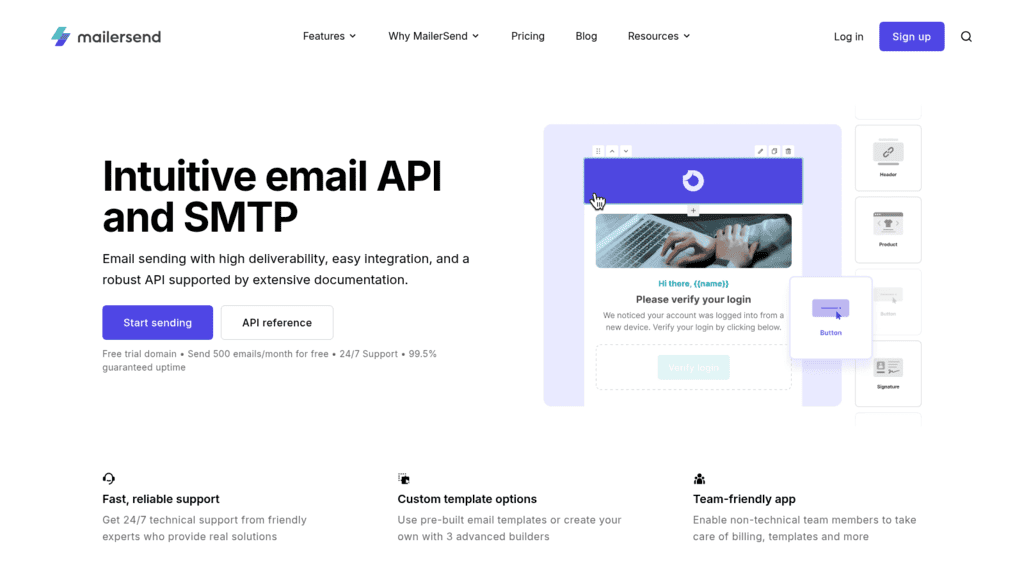
MailerSend

MailerSend as one of the best email apis

Overview: From the MailerLite team, MailerSend focuses on transactional sending with a drag-and-drop template builder, aimed at teams where non-developers own the email content.

Key features:

  • Template builder usable by non-developers with dynamic variables
  • SMS alongside email on the same plans
  • Inbound routing and detailed delivery analytics

Pricing: There is a free tier, and pricing runs through a volume slider. At 50,000 emails a month, Starter is $31.50 monthly or $378 yearly, and Professional is $99 monthly or $1,188 yearly, with extra messages at $1.30 per 1,000.

Pros: genuinely good template editing, SMS included, transparent yearly pricing

Cons: slider pricing makes tier comparison awkward, smaller ecosystem, fewer advanced routing controls

Why it earns a place here: It solves the practical problem of marketing owning the copy while engineering owns the send.

Final verdict: A sensible middle option when template editing matters as much as throughput.

Mailtrap

Mailtrap as one of the best email apis

Overview: Mailtrap started as an email testing sandbox and grew into a sending platform, so it is the only provider here that treats pre-production testing as a first-class feature.

Key features:

  • Email sandbox for testing without sending to real recipients
  • Sending API and SMTP relay on the same account
  • Spam scoring and HTML checks before messages go out

Pricing: Plans run $15 a month for 10,000 emails, $20 for 50,000 and $30 for 100,000, with higher tiers at $85 and $200 a month.

Pros: testing and sending from one vendor, competitive per-message pricing at volume, useful pre-send checks

Cons: smaller than the incumbents, deliverability track record is shorter, fewer integrations

Where it fits: Teams who have shipped a bug that emailed real customers and would rather not repeat it.

Final verdict: The best testing story in this comparison, with sending that is genuinely competitive on price.

SMTP2GO

SMTP2GO as one of the best email apis

Overview: SMTP2GO is a straightforward relay service with solid reporting, aimed at teams who want reliable delivery without adopting a developer platform.

Key features:

  • SMTP relay and API with minimal setup
  • Reporting and bounce management in a simple interface
  • Global sending infrastructure with regional options

Pricing: A free plan covers up to 1,000 emails a month. Paid plans start at $15 a month, rising through tiers including one at $79 monthly or $948 a year.

Pros: very simple to adopt, usable free tier, clear reporting for non-technical users

Cons: fewer developer-facing features, smaller template capability, less depth than the specialists

Why it made this list: Not every team wants a platform. Some want a relay that works and a dashboard that explains bounces.

Final verdict: A pragmatic choice for straightforward sending needs, outclassed on developer experience.

How We Chose These Email APIs

Each provider needed a documented public API, published pricing, current active development, and a clear sending category. That last criterion is why this list separates outreach from transactional rather than ranking them against each other, since comparing a sequencing platform to a receipt sender on cost per message would mislead.

One notable name is discussed rather than ranked. Twilio SendGrid is the most recognized transactional provider in the market, but at the time of writing its pricing page carries a migration notice announcing that its website is merging into Twilio.com, and per-tier pricing was not retrievable at either location. It remains a credible option and a very large sender; we simply could not verify current prices to the standard the rest of this table meets.

We captured and reviewed every homepage as an image rather than trusting a text scrape, which is exactly how the SendGrid migration surfaced, since a text fetch of that page returned no pricing and nothing explaining why.

What to Look For in an Email API

Six things decide whether a provider works out.

Which sending category it serves. Transactional and outreach providers solve different deliverability problems. Sending cold sequences through a transactional provider usually violates its terms and damages a shared reputation pool.

The overage rate, not the plan price. Plans are close together; overages are not. Resend charges $0.90 per 1,000 beyond plan, Postmark $1.80, and SES simply charges $0.10 per 1,000 with no plan at all.

Whether IPs are shared or dedicated. Shared pools mean your delivery depends partly on other senders. Dedicated IPs remove that but require enough consistent volume to stay warm, typically far more than small senders have.

Bounce and complaint handling. The provider should suppress hard bounces automatically and expose complaints through webhooks. Anything requiring you to build suppression yourself is a liability.

Log retention. Cheaper tiers often keep logs for days rather than months, and you notice only when investigating a delivery problem that happened last week.

Compliance features. Unsubscribe handling, suppression lists and consent records are not optional. Bulk senders must support one-click unsubscribe as defined in RFC 8058, which specifies the List-Unsubscribe-Post header that mailbox providers now expect, and US commercial mail additionally falls under the CAN-SPAM Act, which requires a working opt-out honored within ten business days.

Deliverability is not a feature you buy once. It is the ongoing consequence of list quality, authentication and complaint rates, which is why our guide to reducing a bounce rate matters as much as the provider you choose.

How Much Do Email APIs Cost?

Comparing these on plan price alone is misleading, because the plans include different volumes. The table normalizes on entry price and overage.

Tool Free tier Entry price Volume included Overage per 1,000
Amazon SES No Pay as you go None, pure usage $0.10
Brevo Yes, forever $9/month From 5,000 Plan-based
Postmark Trial, 100/month $15/month 10,000 $1.80
Mailgun 100/day $15/month 10,000 Plan-based
Mailtrap Yes $15/month 10,000 Plan-based
SMTP2GO Yes, 1,000/month $15/month Plan-based Plan-based
Resend Yes, 3,000/month $20/month 50,000 $0.90
MailerSend Yes $31.50/month 50,000 at that tier $1.30
Reply.io No, 14-day trial $49/month Unlimited emails Not metered

The spread at the bottom is the interesting part. At a million messages a month, SES costs about $100 in postage while a managed provider costs several times that, and the difference buys templates, analytics, suppression handling and someone to call.

Our own pricing sits outside this comparison by design, since we bill on contacts stored rather than messages sent. That is better value if you send many messages to a modest list and worse if you send few messages to a huge one, which is another way of saying the two products are not substitutes.

How to Set Up an Email API Without Damaging Deliverability

The integration is easy. Not wrecking your domain reputation in the first month takes more care.

Authenticate Before You Send Anything

Publish SPF, DKIM and DMARC records and confirm they pass before the first production message. Mailbox providers now enforce authentication on bulk senders, and retrofitting it after a reputation problem is far harder than doing it first.

Use a Subdomain for Programmatic Mail

Send from a subdomain rather than your root domain. If reputation suffers, the damage is contained and your corporate mail keeps flowing.

Warm Up Gradually, Even on Shared IPs

Ramp volume over weeks rather than launching at full rate. A domain with no sending history that suddenly emits 50,000 messages looks exactly like a compromised account.

Separate Your Streams

Keep transactional and bulk mail on different streams, subdomains or providers. Postmark enforces this; everywhere else it is your discipline. Mixing them means a marketing complaint spike can delay password resets.

Handle Bounces and Complaints on Day One

Wire the bounce and complaint webhooks before launch, not after the first incident, and suppress hard bounces permanently. Continuing to send to addresses that already bounced is the fastest route to a blocklist, and the reason list hygiene sits upstream of everything in our email deliverability coverage.

Done in that order, the provider you chose matters much less than the discipline you applied.

Choosing Between Transactional Sending and Outreach

Answer one question first: is the recipient expecting this message?

If yes, you want a transactional provider, and the choice is about economics and developer experience. Resend is the fastest to adopt and has the friendliest overage rate. Postmark is the most disciplined about transactional deliverability. SES is unbeatable on price if you can build around it. Mailgun makes sense when you also need validation, Brevo when marketing shares the budget, MailerSend when non-developers own templates, Mailtrap when testing matters, and SMTP2GO when you want a relay rather than a platform.

If no, you are sending outreach, and a transactional provider is the wrong tool regardless of price. Sequences to cold lists need warmup, sending limits, reply detection and follow-up logic, and running them through a shared transactional pool tends to violate the terms you agreed to. That is the case our own API is built for, on a flat platform fee rather than per message.

Some teams need both, and that is a perfectly reasonable architecture: a transactional provider for system mail and a sequencing platform for outreach, on separate subdomains. Splitting them protects the reputation of the mail that absolutely has to arrive. Teams running the outreach side will find our roundup of cold email software covers the surrounding stack.

Frequently asked questions

What is the difference between an email API and SMTP?

SMTP is the underlying protocol; an email API is an HTTPS interface on top of it. In practice, an API gives you structured JSON responses, per-message IDs, webhooks for delivery events and better error handling, while SMTP is more portable and works with existing mail libraries. Most providers here offer both, and the API path is generally easier to debug because failures return a status code and a message rather than a deferred connection error.

Which email API has the best deliverability?

No provider can promise this, because deliverability depends mostly on your list quality, authentication and complaint rate rather than the vendor. That said, providers that police what they carry tend to protect shared reputation better, and Postmark’s separation of transactional and broadcast streams is the clearest example. Dedicated IPs help at consistent high volume and hurt at low volume, since an unwarmed dedicated IP performs worse than a healthy shared pool.

How much does an email API cost at scale?

At a million messages a month, Amazon SES costs roughly $100 in outbound charges, while managed providers typically land several times higher depending on overage rates. Resend charges $0.90 per 1,000 beyond plan and Postmark $1.80, so the gap widens as volume grows. The managed premium buys templates, analytics, suppression handling and support, which is usually cheaper than building and staffing those yourself below very large scale.

Can I send cold outreach through a transactional email API?

Generally no, and it is worth checking the terms before you try. Transactional providers run shared reputation pools and most prohibit unsolicited bulk mail, so cold sequences risk account suspension and degrade delivery for other customers. Outreach platforms exist because the problem is different: they provide mailbox warmup, per-mailbox sending limits, inbox rotation and reply-based stop conditions that transactional APIs deliberately do not.

Do I need one-click unsubscribe?

If you send bulk mail, yes. RFC 8058 defines the List-Unsubscribe-Post header that lets a recipient unsubscribe in one action from their mail client, and major mailbox providers now expect bulk senders to support it. It is separate from, and stricter than, the CAN-SPAM requirement for a working opt-out honored within ten business days. Most providers here implement the header for you, but you still have to process the resulting unsubscribe.

Subscribe to our blog to receive the latest updates from the world of sales and marketing.
Stay up to date.

Related Articles

How to Build and Use an Automated Follow Up System in 2026

How to Build and Use an Automated Follow Up System in 2026

How to Build and Use an Automated Follow Up System in 2026
How to Build a B2B Marketing Automation Strategy for 2026 and Beyond

How to Build a B2B Marketing Automation Strategy for 2026 and Beyond

How to Build a B2B Marketing Automation Strategy for 2026 and Beyond
Best AI GTM Agent Tools for Future-proof B2B Teams in 2026

Best AI GTM Agent Tools for Future-proof B2B Teams in 2026

Best AI GTM Agent Tools for Future-proof B2B Teams in 2026