
Key takeaways:
- Bulk verification is a different job from real-time validation. You are cleaning a list you already own, before a send, and the thing that decides your real cost is how each vendor bills catch-all and unknown results.
- Published entry prices cluster between $0.00045 and $0.01 per check, but per-credit rates only tell half the story. Credit expiry, catch-all surcharges and API rate limits move the true number more than the headline does.
- Outlook.com now enforces SPF, DKIM and DMARC on any domain sending over 5,000 messages a day, and junks mail that fails. Hygiene stopped being optional housekeeping.
- Nearly 40% of senders rarely or never clean their lists, which is why a bounce problem usually turns out to be a process problem.
If you send to a list you have been building for months, you already know the pattern. Deliverability drifts, a campaign lands with a bounce rate that makes your sending platform nervous, and someone asks whether the data was ever any good. An email verification API exists to answer that question in bulk, before the send rather than after it.
This guide ranks eleven of them for that specific job: taking a list you already own, running it through an endpoint, and getting back a verdict you can filter on. That is deliberately narrower than the point-of-signup case, where a form needs a yes or no in a few hundred milliseconds. Both matter, and they are not the same purchase.
What follows is verified pricing, the billing mechanics that change your invoice, and where each tool stops being the right pick.
What Is an Email Verification API?
An email verification API takes an address, or a file of them, and returns a deliverability verdict without sending anything. The checks stack up: syntax, domain and MX records, disposable-domain lists, role accounts like info@, and an SMTP conversation with the receiving server to ask whether the mailbox exists.
That last step is where the category earns its money and where it gets probabilistic. Plenty of domains are configured to accept mail for every address, so the server says yes regardless. Those come back as catch-all or accept-all, and what a vendor charges you for them is the single biggest variable in this market.
Bulk verification runs asynchronously for good reason. Checking 100,000 addresses means 100,000 SMTP conversations, and no sane API holds an HTTP connection open for that. The usual shape is a job you submit, a job ID you get back, and a result set you collect when it finishes. If you want the mechanics of how sending itself differs from this, we cover the API and SMTP split separately.
The reason any of this is urgent is that senders are not doing it. Sinch Mailgun’s 2025 deliverability survey of 1,100 senders found that nearly 40% rarely or never conduct list hygiene at all.
The Best Email Verification APIs
Every price below was checked on the vendor’s own pricing page. Where a figure is the vendor’s own claim rather than something independently measured, it says so. Ratings reflect fit for bulk pre-send cleaning specifically, not general brand strength.
| Tool | Best for | Key features | Main limitation | Pricing (from) | Rating |
| Reply.io | Cleaning lists inside your sending stack | Async validation endpoints, credit estimate before you commit, 378-endpoint v3 API | No synchronous call for signup forms | $49/month plus a $20/month validation add-on | ★★★★★ |
| ZeroBounce | Verification plus deliverability tooling | Bundled credit plan, AI scoring, blacklist monitors | Highest entry price in the group | $99/month for 10,000 credits | ★★★★★ |
| Bouncer | Predictable pay-as-you-go bulk runs | Credits never expire, volume tiers to 1M, separate real-time product | Deliverability Kit costs extra | $8 per 1,000 credits | ★★★★★ |
| Emailable | Fast bulk runs with simple billing | One credit per check everywhere, annual discount, client libraries | Fewer deliverability extras | $38/month for 5,000 credits | ★★★★☆ |
| NeverBounce | Testing accuracy before you buy | Free list analysis, free test credits, flat per-credit rate | Credits expire after 12 months | $8 per 1,000 credits | ★★★★☆ |
| MillionVerifier | Budget bulk cleaning with re-verification | EverClean daily re-checks, real-time API, 100 free credits | Per-tier credit counts are vague publicly | $39 | ★★★★☆ |
| Clearout | Verification alongside prospecting data | Auto-replenishing credits, finder API, subscription option | 3 requests per minute on the entry tier | $40 for 5,000 credits | ★★★★☆ |
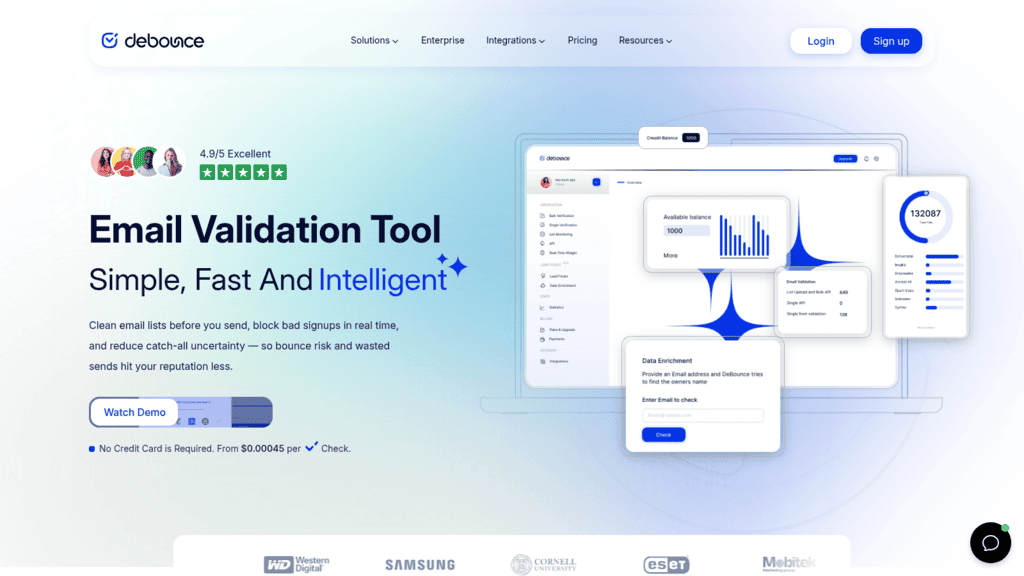
| DeBounce | The lowest per-check rate available | API included at no extra cost, free deduplication, credits never expire | Catch-all checks cost 10 credits each | $0.00045 per check | ★★★★☆ |
| EmailListVerify | High-volume runs on a tight budget | API on every plan, never-expiring PAYG credits, deep volume discounts | 97% accuracy is vendor-published | $5 per 1,000 credits | ★★★★☆ |
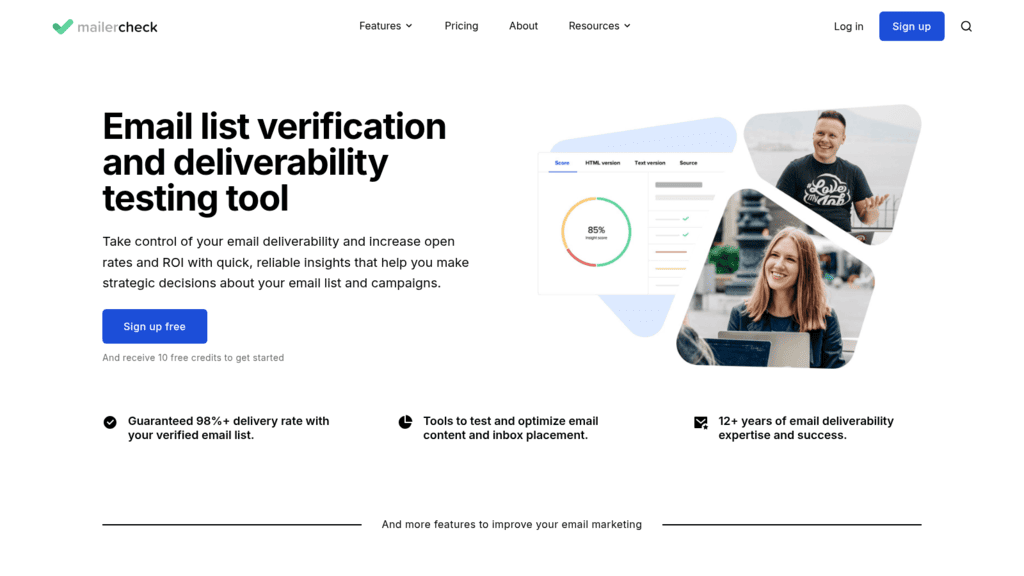
| MailerCheck | Verification with inbox placement testing | Flat per-credit price, inbox insights, credits never expire | No advertised volume discount | $10 per 1,000 credits | ★★★★☆ |
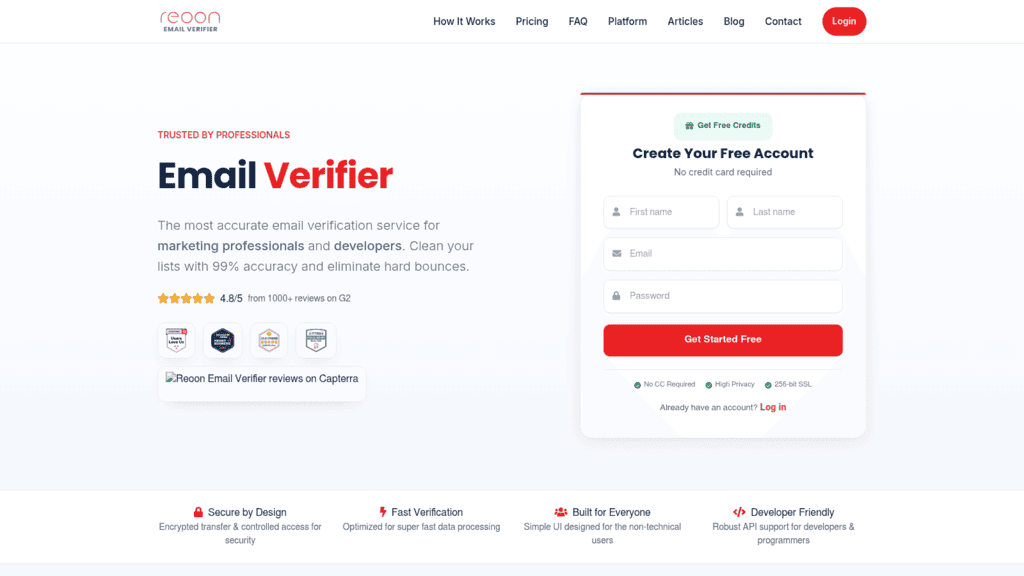
| Reoon | Generous recurring free allowance | Up to 600 free credits monthly, unknowns not charged, credits never expire | Smallest vendor in the group | $0.001 per verification | ★★★★☆ |
Most teams narrow this down on two questions: how ambiguous results are billed, and whether the credits you buy today still exist next year.
Reply.io
Best for: Cleaning lists inside your sending stack
Overview: We built our validation endpoints for teams who are already sending from Reply.io and want the hygiene step to live in the same system as the sequences, rather than in a second vendor with its own billing and its own CSV round trip.
There are two endpoints, and they work the way bulk work should. You call estimate first to see what a job will cost in credits, then schedule to run it. Both are async: you get back a 202 Accepted and a Location header pointing at a background job you poll until it finishes.
That design is honest about what it suits. A 200,000-row list is exactly its shape. A signup form waiting on a synchronous answer is not, and we would point you elsewhere on this list for that.
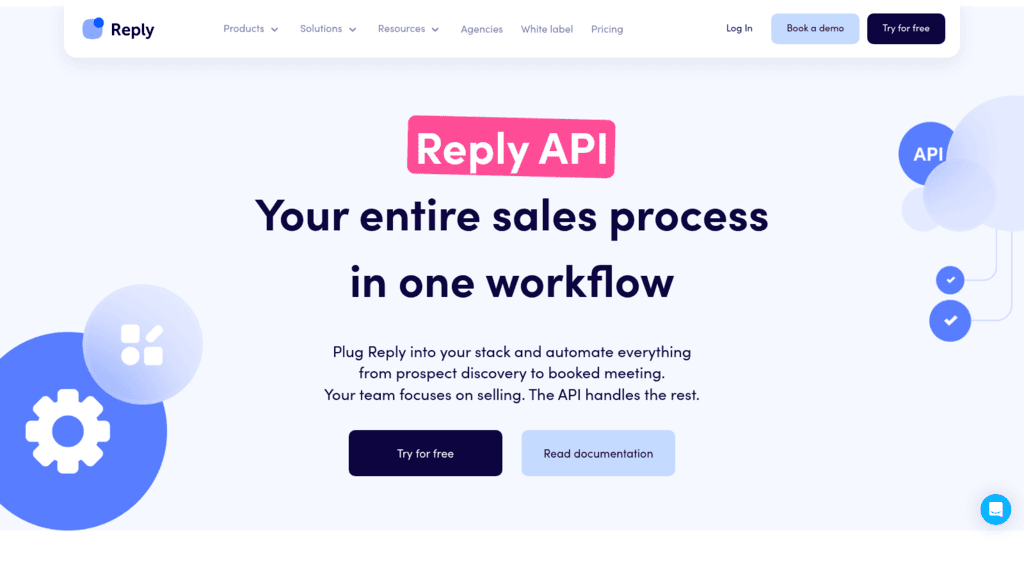
The wider Reply.io API runs to 378 documented endpoints across 45 groups, so validation sits next to sequences, contacts, inbox and reporting rather than standing alone.
Key features:
- Estimate endpoint returns the credit cost of a job before you commit to it, so a large run holds no surprises
- Schedule endpoint accepts the job and hands back a background job ID you can poll
- Async background jobs handle list sizes that would time out a synchronous request
- Bearer-token auth on v3 with scoped permissions, so validation keys need only
contacts:readandcontacts:operate - Rate limits of 100 requests per minute and 3,000 per hour, published rather than discovered in production
- An MCP server that connects the platform to Claude, Cursor and other MCP clients for orchestration
Pricing: Validation is an add-on, not part of the base plan, and we would rather say so plainly than let you find out at checkout. Email Volume starts at $49 per month billed annually for 1,000 active contacts, and the add-on starts at $20 per month across tiers from 5,000 to 300,000 validations. There is a 14-day trial and no free plan.
Pros: validation endpoints are genuinely live rather than roadmap, cost estimation before a run, async design suited to large lists, scoped API keys, hygiene and sending share one system
Cons: no synchronous endpoint for point-of-capture validation, and the add-on price sits on top of a plan that is itself billed by active contact count
How to start using it:
- Start a 14-day trial and open Settings, then API Key, to generate a v3 bearer token.
- Add the Email Validation add-on and pick the monthly volume tier that matches your list size.
- Call the estimate endpoint with your contact set to see the credit cost before committing.
- Call the schedule endpoint, then keep the
Locationheader it returns. - Poll
/v3/background-jobs/{id}until the job reports complete, then pull the verdicts and filter your list.
Why it’s a good email verification API: The endpoints are live today and priced transparently, and the async model matches how bulk cleaning actually works. For teams already sending with us, it removes a vendor rather than adding one.
Final verdict: Strongest when verification is one step in a sending workflow you already run here. If you want a standalone verification service with no platform attached, the specialists below are a better fit.