
11 Best Website Engagement Tools for 2026 You Can Use

11 Best Website Engagement Tools for 2026 You Can Use

Using great website engagement tools is the first step to turning passive visitors into paying customers.

As the backbone to your sales and marketing engine, having robust website engagement software helps you understand visitor behavior, run targeted outreach, and convert more of the traffic you already have.

But with a myriad of options out there, which are the best tools for website engagement?

We scoured the market and handpicked 11 solid tools.

These can fit your business at any stage, whether you’re just launching your first outbound campaign or scaling a full multichannel sales operation. They offer a wide range of features, spanning behavioral analytics, automated outreach, and interactive lead generation.

Our goal is to help you pinpoint the right tools to personalize website engagement, without doing too much work.

How to choose website engagement software?

To choose the best tools for real-time website engagement, start with your goal.

 Are you trying to generate leads? Do you want to improve onboarding? Or re-engage dormant visitors? The answers to these questions will help point you to the right tool category from the get-go.

Consider your audience, too. If you’re targeting B2B buyers, you’ll need a different tool than one built for B2C. Likewise, an e-commerce-focused tool may not be useful for a SaaS sales operation.

You’ll also want to check whether the tool is easy to use. The best practice is to sign up for a free trial to test the functionality firsthand. Prioritize intuitive interfaces, especially if your team has no technical background.

Equally important is integration with your existing stack. Your engagement tool needs to connect with your CRM, analytics platform, and email tools to give you comprehensive access to performance data.

On top of that, consider the pricing model. Some tools charge by seats, others by events or contact volume. You want to make sure you understand any hidden costs, as these can rack up quickly.

Data and privacy compliance is also critical, especially if you operate in markets covered by GDPR or CCPA.

And to top it all off, think about scalability. You want a tool that can grow with your business.

TL;DR – Quick comparison table

To kick things off, below is a comparison table for a quick overview. 

Tool Best for Key features Starting price
Jason AI  Scaling outbound sales Multichannel sequences, AI personalization, ICP scoring, intent signals $500/month
Amplitude Product behavior analytics Event tracking, funnel analysis, retention cohorts, A/B experimentation Free / $49/month
Hotjar Visualizing user behavior Heatmaps, session recordings, on-site surveys, funnel analysis Free / $39/month
Appcues No-code in-app onboarding Flow builder, user segmentation, NPS surveys, A/B testing $249/month
Typeform Surveys users complete Conversational format, conditional logic, 1,500+ templates, CRM integrations Free / $25/month
Intercom Customer messaging and support Live chat, Fin AI bot, help center, unified inbox $39/seat/month
HubSpot CRM and marketing automation CRM, email automation, lead scoring, landing page builder Free / $15/seat/month
Customer.io Behavior-triggered messaging Visual workflow builder, behavior triggers, data pipelines, A/B testing $100/month
OneSignal Push notifications Cross-platform push, user segmentation, journey builder, real-time analytics Free / paid plans
Optimizely A/B testing and experimentation A/B testing, multivariate testing, personalization, stats engine Custom pricing
Outgrow Interactive lead generation Quiz builder, lead capture, conditional logic, CRM integrations $22/month

Best tools for real-time website engagement

In the section below, you’ll see 11 website engagement tools, what each does, who it’s built for, and what it costs.
Jason AI

Putting Jason AI at the top of the best tools for real-time website engagement list feels a little like recommending a private chef when you’ve asked for a good cookbook.

Most tools on this list track clicks, collect feedback, or send push notifications. Jason, however, takes things a notch higher.

Jason learns your product, defines ICP, and pulls matched leads from a database of 1+ billion contacts. From there, it launches personalized multichannel sequences, responds to replies, and books meetings based on your real-time calendar availability. Automatically.

For B2B companies looking to generate a pipeline without hiring multiple SDRs, Jason AI is one of the most cost-efficient options on the market.

Key features

  • Multichannel sequences: Combines email, LinkedIn, and calls into a single coordinated outreach flow.
  • AI personalization: Writes messages tailored to each prospect’s role, company news, and pain points.
  • ICP creation and scoring: Builds and refines your ideal customer profile over time, using live performance data to enhance targeting.
  • Autopilot and copilot modes: Allow you to run outreach fully autonomously or review messages manually before sending.
  • Triple email verification: Every contact email goes through three verification checks before Jason reaches out, protecting your sender reputation.
  • Intent signals: Jason tracks real-time buying signals to prioritize prospects most likely to convert.
  • 50+ language support: Jason writes and communicates in over 50 languages with native-level understanding, opening outreach to international markets.

Pros

  • Runs outreach 24/7
  • Large, verified contact database
  • Multiple AI engine options
  • Automated meeting scheduling

Cons

  • Requires deliverability warmup

Pricing

Jason AI pricing starts at $500 per month for 1,000 active contacts. The Growth plan costs $1,500 monthly for 5,000 active contacts. The Enterprise tier offers custom pricing based on volume and requirements.

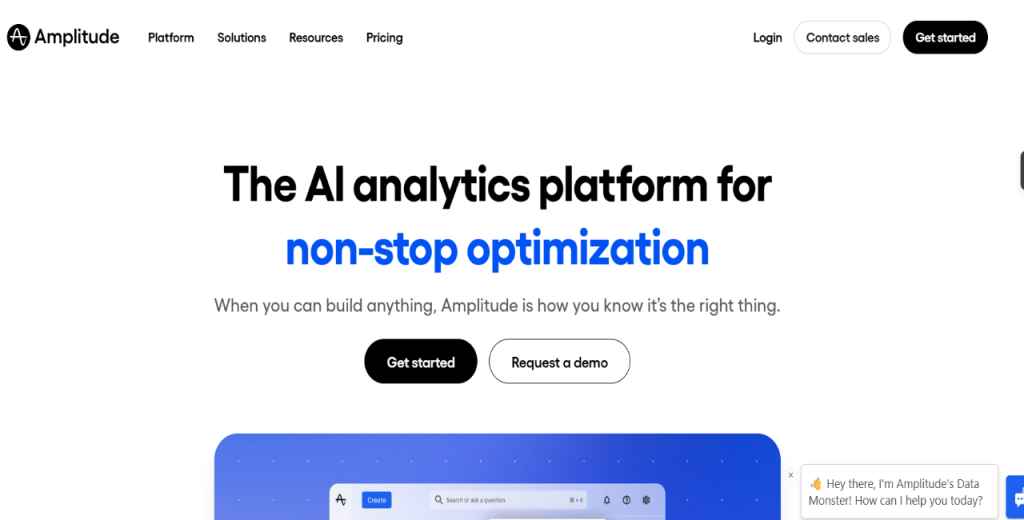
Amplitude 

Most analytics tools show you how many users visited a page.

Amplitude, however, tells you what those users did next and why they stopped. It tracks behavior at the event level. That way, your product and growth teams can build funnels, analyze retention, and map the actual paths users take through a product.

Amplitude is an excellent tool for SaaS companies trying to reduce churn or improve onboarding.

Key features

  • Event-based tracking: Logs every user action and analyzes patterns without writing SQL.
  • Funnel analysis lets you see exactly where users drop off in multi-step flows, such as onboarding or checkout.
  • Retention cohorts: Groups users by signup week or acquisition channel and tracks long-term behavior.
  • User journey mapping: Helps you visualize the paths users take to reach your website.
  • A/B experimentation: Enables you to run tests and measure impact on retention and conversion from one dashboard.

Pros

  • Event-level tracking
  • No SQL needed for most analyses

Cons

  • Steep learning curve

Pricing

Amplitude Plus plan pricing starts at $49 per month. Growth and Enterprise tiers offer custom quotes. In addition, the tool has a free Starter plan for up to 50K monthly tracked users.

Hotjar 

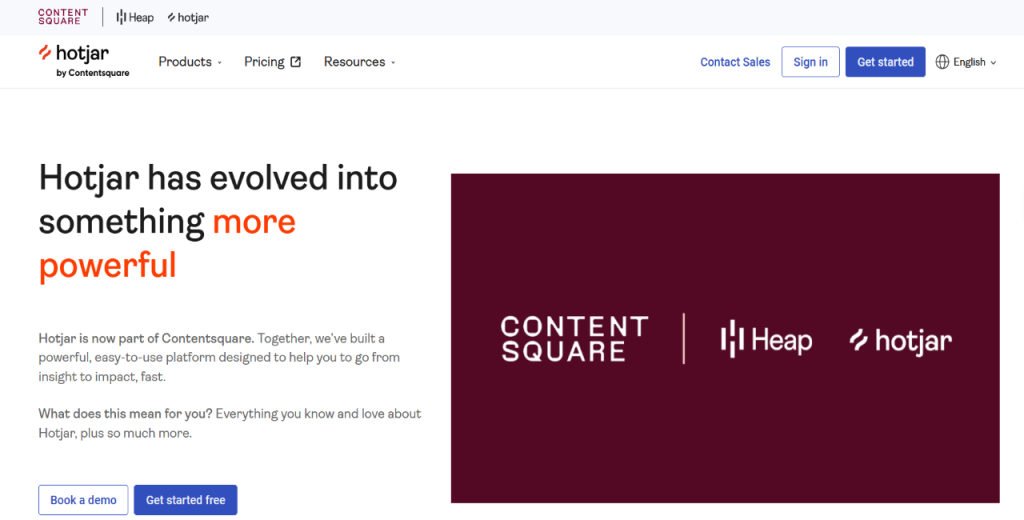
Hotjar shows you what users do on your website through heatmaps, session recordings, and on-site surveys. 

It answers questions like: where do visitors click? How far do they scroll? Where do they leave?

Arguably one of the most popular tools for website visitor engagement, Hotjar is especially useful for UX designers and marketers. It’s also ideal for product managers who need visual evidence before making layout or copy changes.

Key features

  • Heatmaps: See which page areas attract the most attention and which get ignored.
  • Session recordings: Watch real user interactions to spot points of confusion or drop-offs.
  • On-site surveys: Collect feedback directly from visitors as they’re on your page.
  • Funnel analysis: Identify the exact steps where users abandon a conversion flow.
  • Feedback widgets: Let users flag issues or rate their experience without leaving the page.

Pros

  • Easy to set up and use
  • Easy to interpret visual data

Cons

  • Higher tiers can be expensive
  • Not built for deep product analytics

Pricing

Hotjar pricing starts at $39 per month for the Plus plan. The Business plan costs $99 per month, while the Scale tier costs $389 monthly. Hotjar has a free plan.

Appcues 

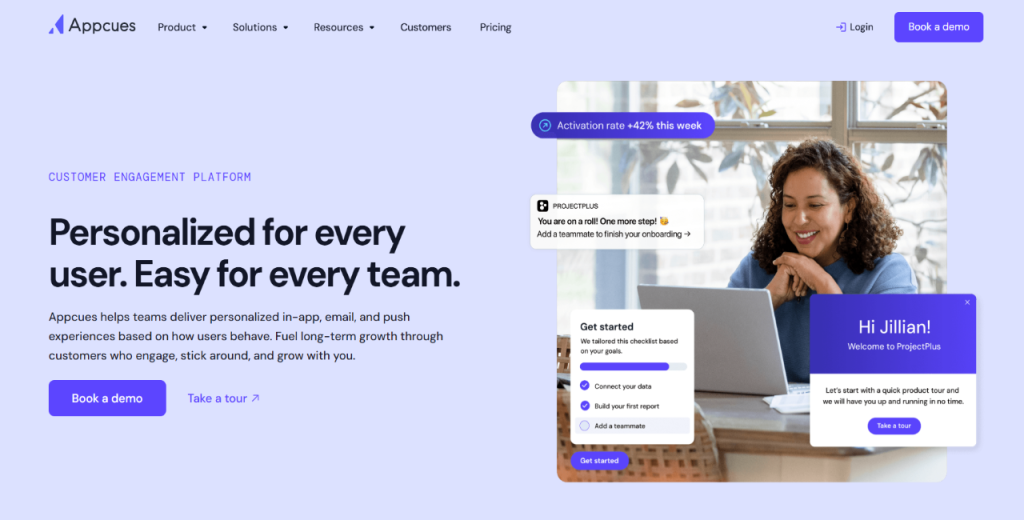
Appcues allows product and marketing teams to build in-app onboarding flows, tooltips, checklists, and NPS surveys without writing a single line of code. 

That way, new users can be guided through a product at their own pace, reducing confusion and improving activation rates. If you’re a SaaS company looking for tools to personalize product-level website engagement, Appcues is worth checking out.

Key features

  • No-code flow builder: Create onboarding tours, modals, and hotspots inside your app using a visual editor.
  • User segmentation: Target flows to specific users based on role, plan, or behavior.
  • NPS surveys: Collect satisfaction scores from users at the right moment in their journey.
  • A/B testing: Test different onboarding flows and measure which one drives more activation.
  • Premium integrations: Connect with Salesforce, HubSpot, Slack, and Marketo on higher plans.

Pros

  • No engineering needed after initial setup

Cons

  • The Essentials plan limits you to 5 user segments
  • Pricing jumps steeply between tiers

Pricing

Appcues Essentials plan starts at $249 per month. Meanwhile, the Growth plan costs $879 per month for 2,500 MAUs. Custom pricing is available with the Enterprise plan.

Typeform 

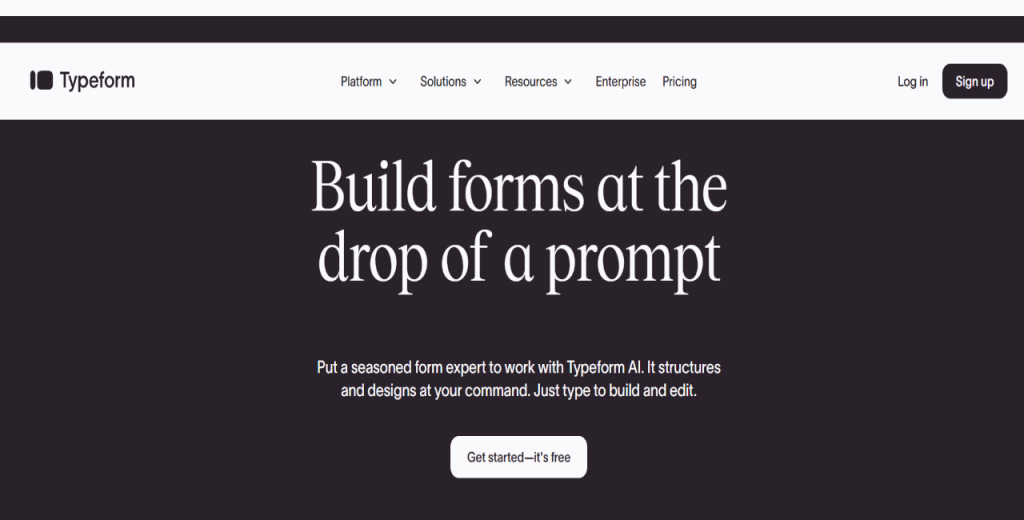
Typeform is all about ensuring your surveys attract attention.

 It does that with a conversational, one-question-at-a-time format that makes responding feel less like a chore. That way, you can experience higher completion rates because filling the form is akin to a dialogue rather than a back-and-forth engagement.

Key features

  • Conversational format: Presents one question at a time to reduce cognitive load and improve completion.
  • Conditional logic: Shows or skips questions based on previous answers, keeping surveys relevant.
  • 1,500+ templates: Allows you to launch surveys, quizzes, and lead forms quickly without building from scratch.
  • CRM integrations: Automatically sends responses to HubSpot, Salesforce, or Mailchimp.
  • Embedded forms: Places surveys directly on your website or inside your product.

Pros

  • High completion rates
  • No coding needed
  • Large template library
  • Clean, branded design

Cons

  • Free plan limited to 10 responses/month
  • Advanced logic requires paid plans
  • Not built for large-scale research

Pricing

Typeform pricing is available in three tiers: Plus at $25 per month, Business at $83 monthly, and a custom Enterprise plan.

Intercom 

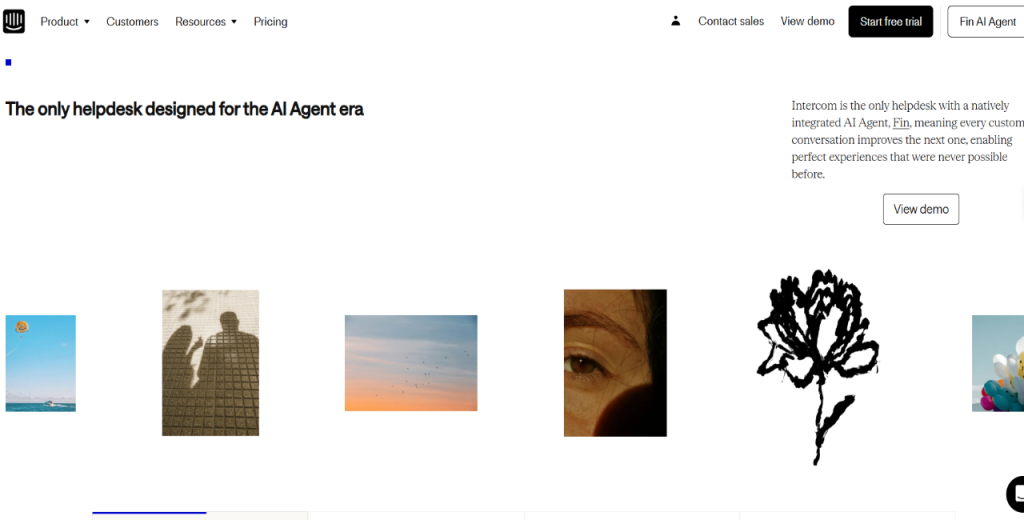
Intercom bundles live chat, automated bots, and a help center into one convenient platform. It’s ideal for sales, support, and product teams keen to manage conversations, answer questions, and onboard new users from a single inbox.

Key features

  • Live chat: Engages visitors and customers in real time on your website or inside your product.
  • Fin AI bot: Handles common support questions automatically, reducing ticket volume.
  • Help center: Builds a self-service knowledge base that users can search before contacting support.
  • Outbound messaging: Sends targeted messages based on user behavior or product usage.
  • Unified inbox: Manages email, chat, and in-app messages from a single workspace.

Pros

  • All-in-one messaging platform
  • Robust AI bot capabilities

Cons

  • Pricing escalates quickly with seats
  • Premium features locked to higher tiers

Pricing

Intercom pricing starts at $39 per month per seat. Advanced and Expert plans require custom quotes based on usage and seat count.

HubSpot 

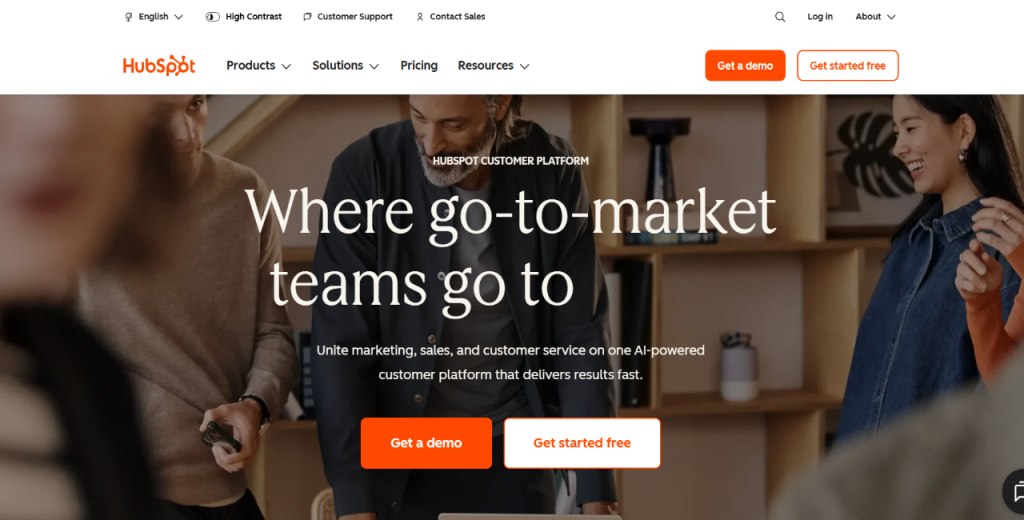
HubSpot packs a CRM, email marketing, landing pages, and automation workflows.

It’s a good fit for sales and marketing teams looking to manage leads, send campaigns, and track interactions from the first touchpoint to a closed deal.

HubSpot ticks all the boxes of the best tools for real-time website engagement and is great for connecting website behavior directly to your sales pipeline.

Key features

  • CRM: Tracks every lead and customer interaction automatically, without manual data entry.
  • Email automation: Sends behavior-triggered campaigns based on website visits, form fills, or deal stage.
  • Landing page builder: Creates and test pages tied directly to your CRM data.
  • Lead scoring: Ranks leads by engagement level so sales reps prioritize the right conversations.
  • Reporting dashboard: Monitors the pipeline, campaign performance, and revenue from a single view.

Pros

  • All-in-one sales and marketing platform
  • 1,000+ native integrations

Cons

  • Paid tiers get expensive quickly
  • Some features require Marketing Hub add-ons

Pricing

HubSpot offers a free CRM. Pricing starts from $15 per month per seat with Starter. The Professional plan costs $800 per month, while the Enterprise tier goes for $3,600 monthly.

Customer.io 

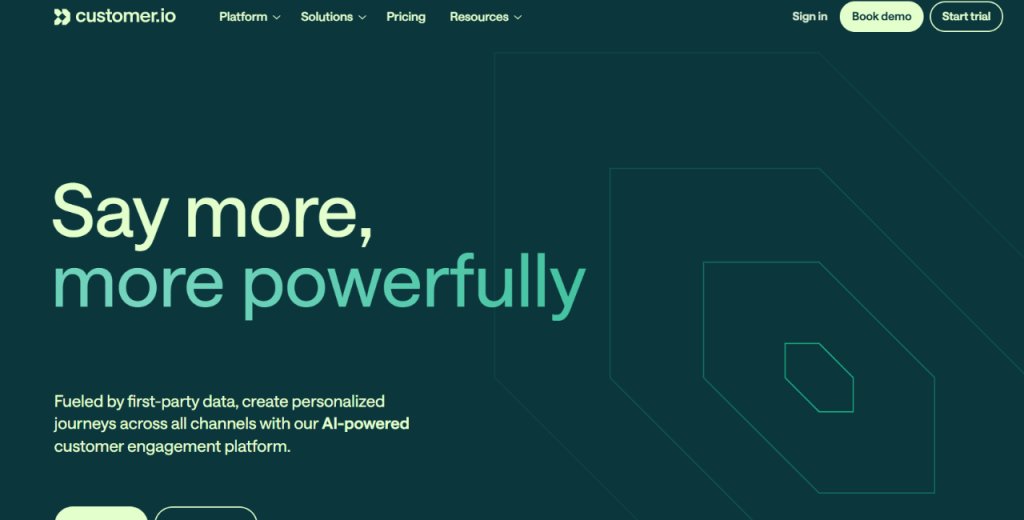
Customer.io promises to send the right message to the right user at the right moment based on what they did with your product.

It targets SaaS, fintech, and e-commerce companies that need precise, automated messaging without hiring a developer for every campaign. 

As your website engagement software, Customer.io allows you to convert user behavior into automated, highly personalized messages optimized for conversion.

Key features

  • Visual workflow builder: Builds complex, multi-step messaging flows using a drag-and-drop interface.
  • Behavior-triggered messages: Sends emails, push notifications, or SMS when a user completes or skips a specific action.
  • Data pipelines: Pulls user data from your product, CRM, or data warehouse to power targeting.
  • A/B testing: Tests message variations and measures the impact on conversion and retention.
  • Multi-channel delivery: Sends via email, SMS, push, and in-app from a single workflow.

Pros

  • Flexible multi-channel messaging
  • Robust developer documentation

Cons

  • Steep learning curve
  • Usage-based pricing can be unpredictable

Pricing

Customer.io pricing starts at $100 per month. The Premium plan offers custom based on message volume and data usage.

OneSignal

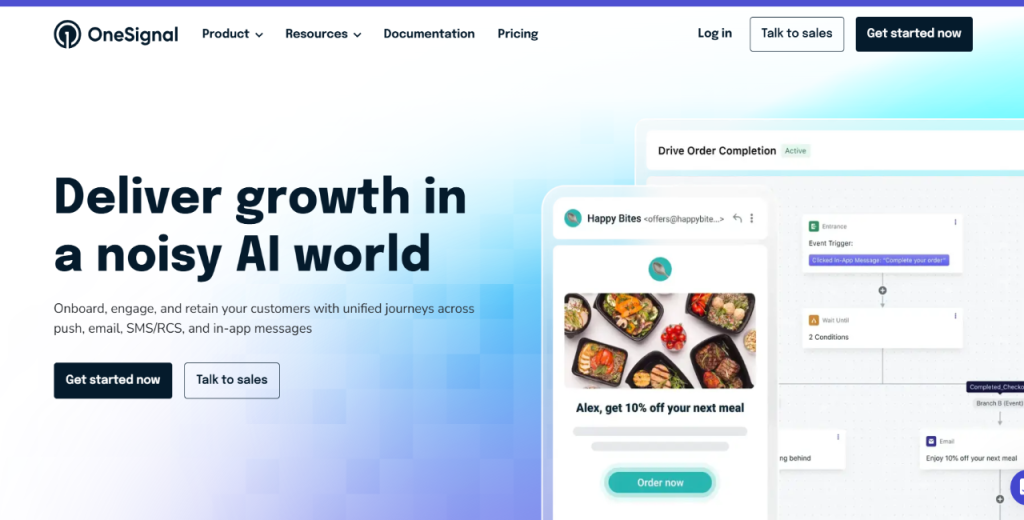
OneSignal allows businesses to send web push, mobile push, email, SMS, and in-app messages from one platform. In addition, it has a generous free tier and a fast setup, making it one of the most widely used push notification tools on this list.

Key features

  • Cross-platform push: Sends notifications to iOS, Android, and web browsers from one dashboard.
  • User segmentation: Groups users by location, behavior, app version, or custom attributes for targeted campaigns.
  • Customer journey builder: Maps out multi-step notification sequences based on user lifecycle stage.
  • A/B testing: Tests message content, timing, and delivery to improve open rates.
  • Real-time analytics: Tracks delivery, open rates, and click-throughs as they happen.

Pros

  • Fast and easy setup
  • Works across web and mobile

Cons

  • Less advanced segmentation tools compared to competitors

Pricing

OneSignal offers a free plan for up to 10,000 push subscribers. Paid plans scale by subscriber count and channel usage. You’ll need to contact sales for volume pricing.

Optimizely 

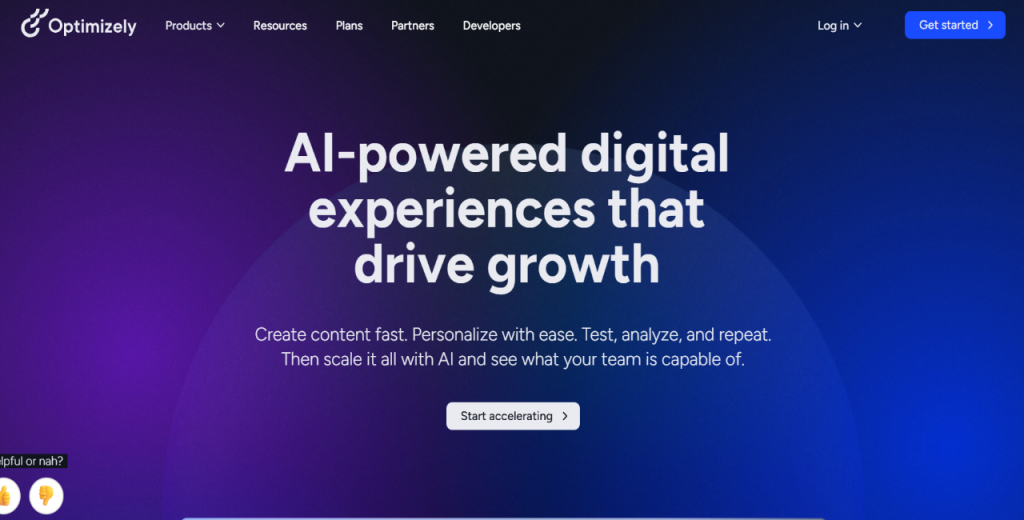
Optimizely enables product and marketing teams to run A/B and multivariate tests across websites, apps, and feature releases. 

That way, you can make data-backed decisions about your design and copy. Optimizely also allows you to roll out new features to a subset of users before releasing them to everyone.

Key features

  • A/B testing: Compares two versions of a page or feature and lets real traffic determine the winner.
  • Multivariate testing: Tests multiple variables simultaneously to find the best-performing combination.
  • Personalization: Serves different experiences to different audience segments based on behavior or attributes.
  • Stats engine: Optimizely’s built-in statistical model to reduce false positives in test results.

Pros

  • Enterprise-grade testing capabilities
  • Reliable statistical engine
  • Integrates with most major analytics platforms

Cons

  • It can be overkill for small teams or low-traffic sites

Pricing

Optimizely pricing isn’t available publicly. It offers custom pricing based on traffic volume and feature requirements.

Outgrow 

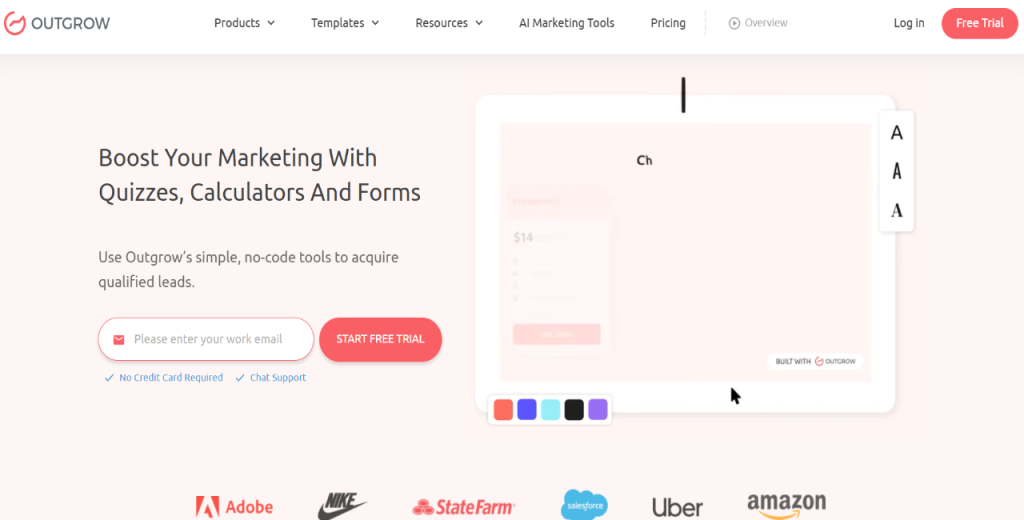
Completing the website engagement software roundup is Outgrow, a tool that lets you build quizzes and calculators.

You can also use it to create assessments and chatbots that generate leads by giving visitors something valuable in return for their contact details. As a result, a visitor who completes a quiz receives a personalized result, while your business gains a qualified lead.

Key features

  • Quiz and calculator builder: Creates interactive tools tailored to your product or service without coding.
  • Lead capture forms: Collects emails and contact details as part of the interactive experience.
  • Conditional logic: Personalizes results based on user responses, making each experience feel relevant.
  • CRM integrations: Sends captured leads to HubSpot, Salesforce, or Mailchimp automatically.
  • Analytics dashboard: Tracks completion rates, lead quality, and conversion performance per piece of content.

Pros

  • No-code builder
  • Higher engagement compared to static forms

Cons

  • Templates can look similar across brands
  • Not built for ongoing user engagement

Pricing

Outgrow’s Freelancer plan starts at $22 per month. The Essentials plan costs $45 per month, while the Business tier costs $115 monthly. Outgrow as a custom Enterprise plan as well.

What engagement metrics should you measure?

Knowing which metrics to track allows you to grow intentionally. It also provides a clear roadmap for what to do next.

So, what counts as engagement?

For starters, engagement is any behavior that signals value. This includes time spent on your website, actions taken, return visits, conversions, and retention.

That said, important metrics to consider are:

Session quality

These tell you whether visitors find your content worth engaging with. Here, you’ll track:

  • Bounce rate: The percentage of visitors who leave after viewing only one page. The higher the bounce rate, the more likely your page isn’t meeting visitors’ expectations.
  • Average session duration: The time visitors spend on your site per visit. Longer sessions usually mean a genuine interest in what you offer.
  • Pages per session: The number of pages a visitor views in a single visit. More pages typically suggest stronger intent.
  • Scroll depth: the distance users scroll before leaving a page. If most users exit at 30%, your most important content is probably sitting too far down the page.

Conversion and click-through

These metrics measure whether visitors take the actions you want them to take. These include:

  • Conversion rate: The percentage of visitors who complete a desired action, such as a signup, a purchase, or a demo request. 

Calculate it as (Conversions ÷ Visitors) × 100. Even a 1% improvement adds up quickly with decent traffic volume.

  • CTA click-through rate: The percentage of people who actually click your call to action. 

Calculate it as (CTA clicks ÷ Impressions) × 100. A low CTR usually means one of two things. Either the message isn’t resonating, or the button is in the wrong place.

Retention and revenue metrics

  • DAU/MAU ratio: The number of daily active users divided by the number of monthly active users. 

Think of it as a “stickiness score.” A ratio above 20% indicates that users are returning regularly.

  • Churn rate: The percentage of users who stop using your product within a given period. 

For SaaS companies, a churn rate above 5% annually warrants investigation.

  • LTV (Lifetime Value): This is how much revenue a customer generates over their entire relationship with your business. 

The higher the LTV, the more you can afford to spend acquiring new customers.

  • CAC (Customer Acquisition Cost): The cost to acquire a new customer. On its own, CAC means very little. You need to compare it to LTV to determine whether your business model makes sense.

Outbound engagement metrics ( for Jason AI)

If you’re running an outbound campaign, tracking the standard on-site metrics above won’t help you capture the full picture. 

You therefore need to track the KPIs below separately to measure outbound impact accurately.

  • Reply rate (target: 8–20%)
  • Meeting booking rate per sequence (target: 0.5–3%)
  • ICP-hit ratio (target: >60%; Simfoni, a Reply.io client, achieved 92%)

Sample Jason ROI calculation

Let’s say Jason books 40 meetings in a month.

Your demo-to-close rate is 15%, and your average contract value is $10,000 annually. That’s 6 closed deals, worth $60,000 in ARR. Subtract your $2,000 monthly Jason AI cost, and your monthly return is $58,000. Not bad.

Next steps

There you have it.

A list of the best tools for real-time website engagement you can get.

These tools cover a lot of ground, from understanding what visitors do on your site to reaching the right buyers before they even find you organically.

So, pick one tool that solves your biggest pain point right now, set it up, and measure the ROI. Then add the next one.

If pipeline generation is the priority, start with Jason AI.

It finds your ideal buyers, reaches out on your behalf, and books meetings so you can focus on closing.

Book a free Jason AI demo to see how it works firsthand.

Website engagement tools (FAQs)

What is the difference between website engagement and website traffic?

Traffic measures the number of visitors landing on your site. Engagement, on the other hand, measures what they do once they get there.
High traffic with low engagement usually points to a mismatch between your ads and your landing page.

Do I need multiple website engagement tools or just one?

Most businesses use two to three tools covering different tasks, including analytics, messaging, and outreach. One tool hardly covers everything comprehensively. Start with your biggest gap and build from there.

How long does it take to see results from website engagement tools?

Behavioral tools like Hotjar show insights within days. Email automation and onboarding tools typically show measurable impact within 30–60 days. An outbound tool like Jason AI can book meetings within the first week.

Are free website engagement tools worth using?

Free plans work well for early-stage testing. That said, some tools offer genuinely useful free tiers. But once you identify what moves the needle, consider upgrading to a paid plan.

Can website engagement tools integrate with my existing CRM?

Most tools on this list integrate with HubSpot, Salesforce, and Pipedrive. Jason AI integrates natively with major CRMs, automatically syncing meeting data and contact activity so nothing falls through the cracks.

What is the biggest mistake businesses make with website engagement tools?

Tracking everything without acting on anything. Collecting data is only useful if it changes a decision. Therefore, pick two or three metrics that align with your revenue goal and optimize those first.

Subscribe to our blog to receive the latest updates from the world of sales and marketing.
Stay up to date.

In this article

Your Superhuman SDR

Jason learns your product, tone, and strategy — then runs outreach with the precision of your best rep.

Your Superhuman SDR
Book a demo

Related Articles

Top 12 GTM Outbound Sales Platforms to Try in 2026

Top 12 GTM Outbound Sales Platforms to Try in 2026

Top 12 GTM Outbound Sales Platforms to Try in 2026
What’s New in Reply: New API, AI Custom Fields, LinkedIn Enrichment, and More

What’s New in Reply: New API, AI Custom Fields, LinkedIn Enrichment, and More

What’s New in Reply: New API, AI Custom Fields, LinkedIn Enrichment, and More
Best 12 CRM for Marketing Agencies in 2026

Best 12 CRM for Marketing Agencies in 2026

Best 12 CRM for Marketing Agencies in 2026