
This Intercom AI review answers the most fundamental questions regarding the service.
In this review, we’ll tell you:
- What Intercom AI is
- What key Intercom AI features are
- Intercom AI pricing
- What users think about the service …and more.
Spoiler alert: Intercom AI is a decent customer communication platform. However, as we’ll see in the user reviews section, it isn’t without limitations and drawbacks.
We’ve, therefore, included Intercom AI alternatives so you’re aware of what else is out there.
We’ll start by answering the most basic of questions.
What is Intercom AI?
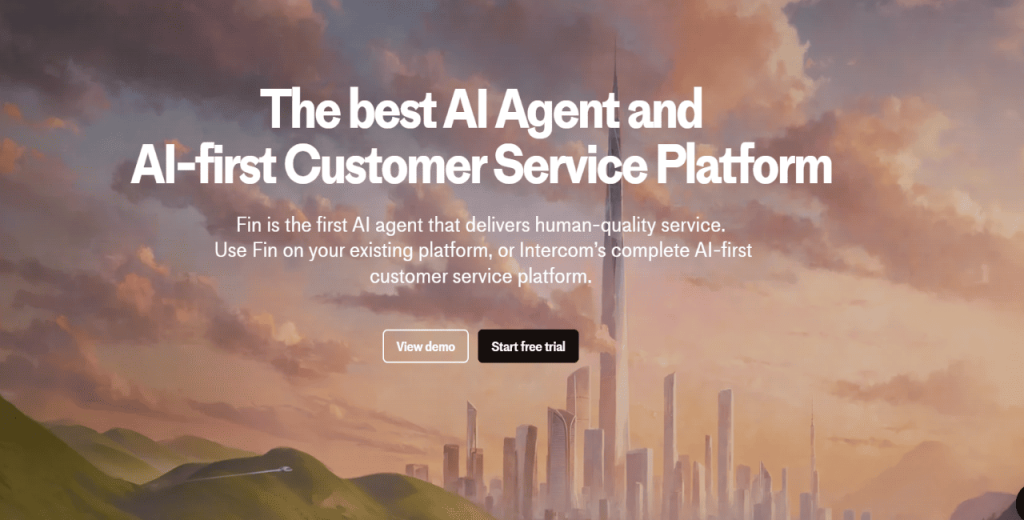
Intercom AI is a customer service platform that uses artificial intelligence to help businesses offer faster, more efficient support through chatbots, automation, and real-time assistance.
It seeks to improve how businesses talk to their customers, whether someone’s asking a simple question or looking for help with a service.
Intercom AI also helps support teams behind the scenes.
It summarizes long conversations, suggests replies, and routes messages to the right person. That way, agents can save time and, more importantly, focus on more complicated questions that need a human touch.
Moreover, the AI learns from past conversations, so it gets better the more you use it. It’s available 24/7, so customers can get help even when your team is offline.
It’s worth noting, though, that Intercom AI works best if you’re already using the Intercom ecosystem for live chat, email, or help desk support.
How to get started with Intercom AI?
You can get started with Intercom AI by signing up for a free trial. Here’s how:
- Visit the Intercom website and click the “Start free trial” button.
- Enter your work email address to begin setup.
- Choose what you’d like to try:
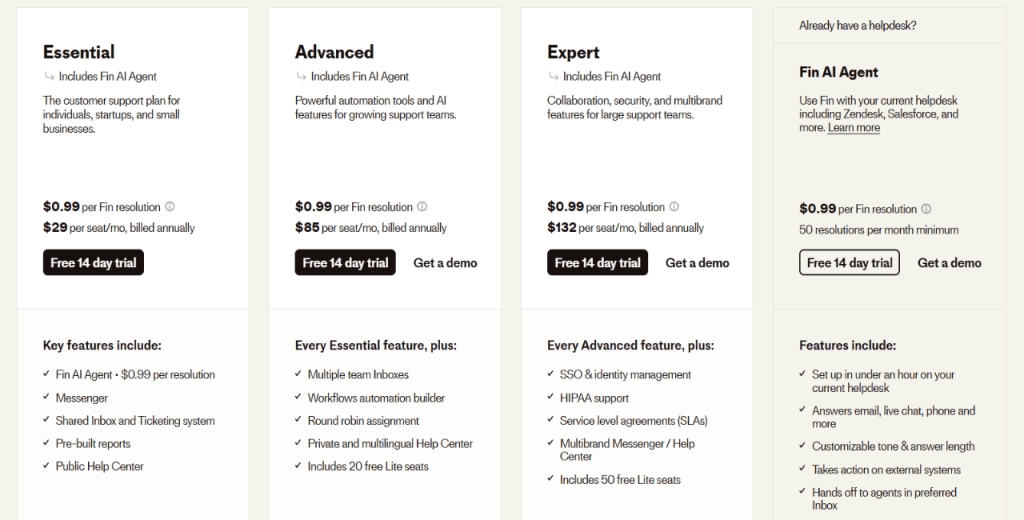
- Fin AI Agent on your existing platform → works with Zendesk, Salesforce, and others.
- The Intercom Suite → includes both the Fin AI Agent and Intercom’s full help desk tools.
- On the next screen, let Intercom know how you plan to use the AI to help tailor your setup.
- Select your current support platform (Zendesk, Salesforce, Intercom, or Other).
- Enter your company details, including your company size (from solo to 1000+ employees).
Once you’ve completed these steps and accessed the Intercom dashboard, you’ll land in a guided setup.
Here, you can connect your support channels, upload help articles, and test Intercom AI in real conversations.
Intercom will walk you through setting up your chatbot, customizing replies, and trying out essential tools. It’s all laid out step by step, so you can start testing how Intercom AI handles customer questions and see how it fits with your existing workflow.
What are the main Intercom AI features?
Intercom AI features range from instant chat support tools like the Fin AI Agent to behind-the-scenes helpers like Copilot and Automated Workflows.
Here’s a detailed breakdown of what Intercom AI offers:
Fin AI Agent
Fin is the Intercom AI chatbot. It pulls information from your help center or FAQ pages, so there’s no need to write custom replies for every question.
The intercom AI agent is trained to understand natural, everyday language. As a result, customers can ask questions in different ways, and the agent will still figure out what they mean.
And because Fin is available around the clock, it can help customers even when your support team is offline.
What happens when Fin doesn’t know the answer to a customer’s question? In such scenarios, it passes the conversation to a human agent, ensuring customers still get help.
In addition, you can track the Intercom AI bot performance through built-in reports. The analytics allow you to see how many questions it solved and where it needed human help. Over time, this helps you fine-tune your support setup.
The Intercom customer service chatbot works with third-party applications such as Zendesk and Salesforce.