AI tools for LinkedIn content creation
We’ve covered outreach, lead generation, and productivity. Now it’s time to take a closer look at some of the top AI tools for LinkedIn content creation, whether it’s compelling text, video, or images. Individual and business profiles all rely on valuable and optimized posts to engage with their audience and increase their online reach, but it can get really time-consuming without the proper tools.
Scripe
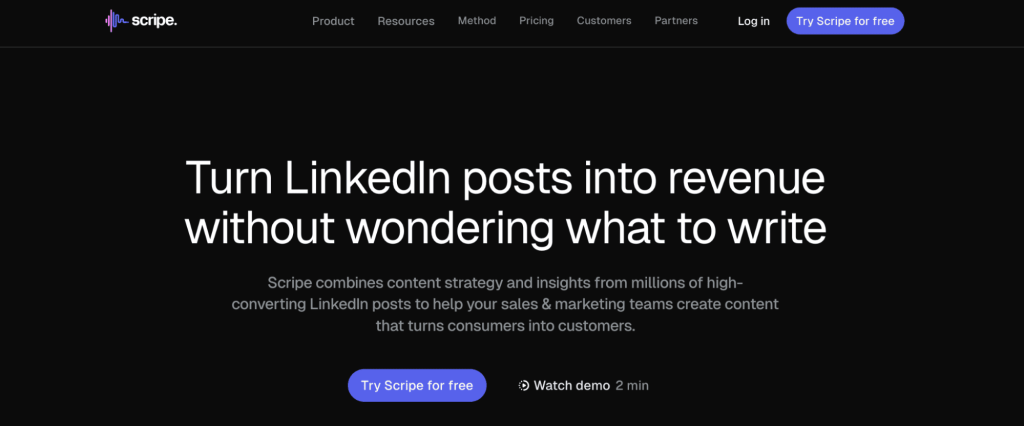
Scripe helps you write LinkedIn posts that are easier to read and more likely to convert, making it one of the best AI tools for LinkedIn posts.
Scripe analyzes patterns from millions of high-performing LinkedIn posts and uses those insights to guide your content. It helps you understand what to write, how to structure it, and why it works.
The tool is built for sales and marketing teams that want to stay active on LinkedIn without spending hours thinking about hooks, formats, or wording.
With Scripe, you can turn rough ideas into publish-ready posts in minutes, making it easier to stay consistent and visible on LinkedIn.
If LinkedIn content is part of your growth strategy but writing feels slow or stressful, Scripe simplifies the entire process.
VEED
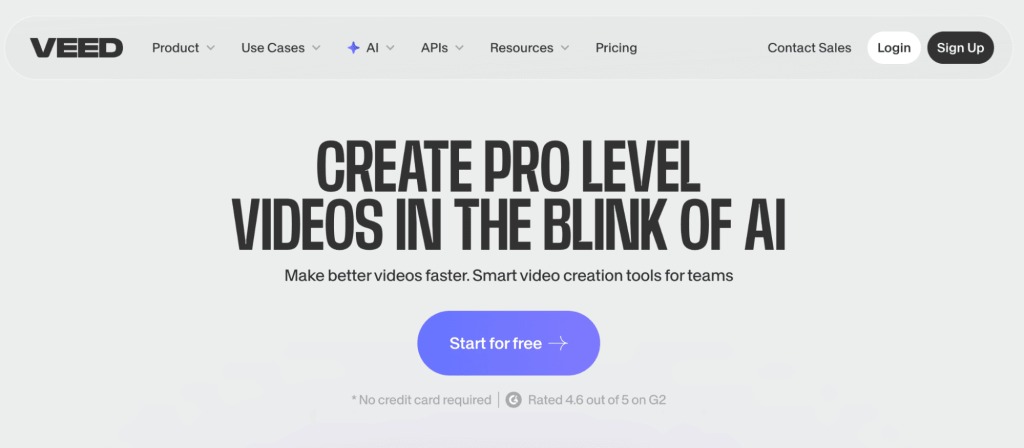
VEED makes it easy to create clean, professional videos for LinkedIn, making it one of the most practical AI tools for LinkedIn in 2026.
VEED allows you to turn simple scripts, ideas, or raw clips into polished videos using AI-powered editing tools. You don’t need prior video editing experience to get started.
The platform is especially useful for teams that want to post more video content but don’t have the time or skills to use complex software.
With VEED, creating short, engaging LinkedIn videos becomes faster and less intimidating, helping teams publish more consistently.
If video is part of your LinkedIn strategy but editing has been a blocker, VEED removes that friction.
Jasper

If you’ve worked in marketing, chances are you’ve heard of Jasper, one of the leading generative writing assistants designed for all kinds of marketing copy, from newsletters and product announcements to, you guessed it, LinkedIn and other social media posts.
Think of it as ChatGPT but with a built-in engine trained on the marketing do’s and don’ts. As a new user, you can define your brand voice and style preferences, after which Jasper will make sure to generate posts that sound exactly like you.
Jasper AI can also suggest creative topics when you’re feeling writer’s block, rephrase or expand your notes, and generally speed up your post-creation time without compromising the quality.
And don’t worry, Jasper knows all the best practices of LinkedIn post formatting, so rest assured that the posts generated will be 100% optimized for engagement, based on tons of historical data.
Descript
With the rapid rise of short-form videos, and video content as a whole, it’s no surprise that this trend has caught up to LinkedIn. But writing a post is one thing, creating a video is a whole different game.
Luckily, AI-powered video and audio editors like Descript have come to light, enabling users to create studio-quality videos and podcasts that can then be posted on LinkedIn.
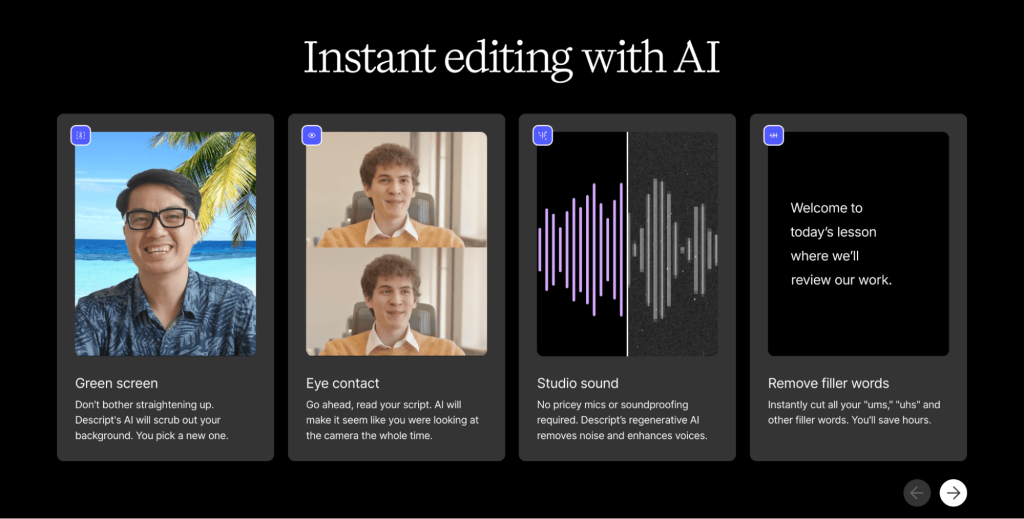
Descript auto-generates captions, offers professional green screens, re-positions eye contact, and removes all kinds of filler words like “um” that we all use in our speeches.
Once created, Descript transcribes your uploaded video or podcast, and then you can edit the media simply by cutting or deleting transcript text.
For the final version, this tool will use AI to polish all the visual and audio elements to ensure your video is ready to be posted, and then depending on your preferences also auto-generate captions and repurpose them into short highlight clips, ideal for social media engagement.
Buffer
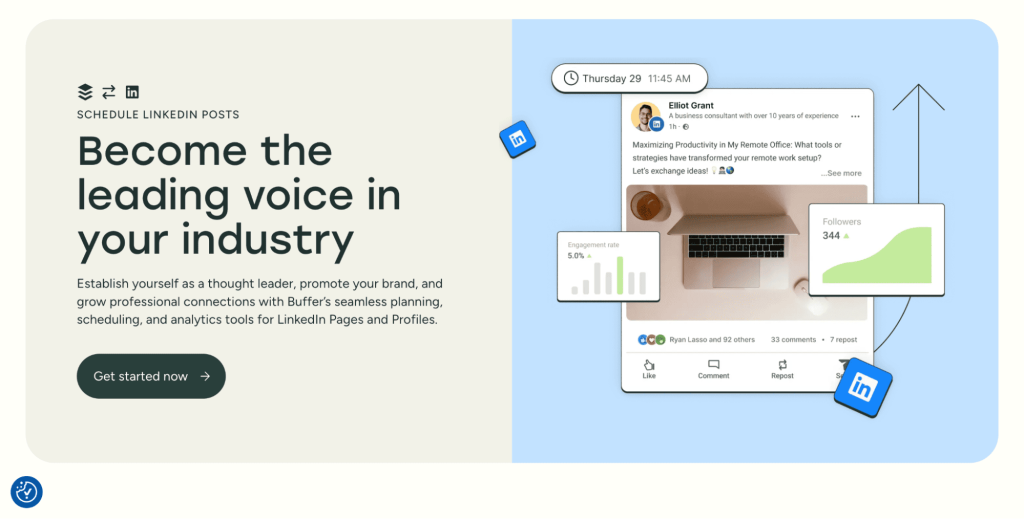
Buffer is your traditional social media scheduler and content creation tool with a special focus on LinkedIn, and it has recently integrated new AI features too.
Besides the classic features like post-scheduling and cross-platform pre-launch previews, this platform also lets you auto-add first comments to stay active where it matters, and most impressively—it has a built-in AI assistant.
Buffer’s AI assistant helps you come up with post ideas, generate optimized texts from simple prompts, and rewrite, expand, or enhance existing texts with a simple click.
All in all, Buffer is your generative AI for social media, but keep in mind that there are many free ChatGPT alternatives out there that, with the right prompt, can get the job done as well.
Fifteen tools across four categories is more choice than most people need, and the categories overlap enough that buying one from each is usually a mistake. Five questions narrow the field quickly.
What is the job, exactly? Writing posts, finding prospects, sending messages and reading analytics are four different products. Tools that claim all four usually do one well.
Does it act on your account, or only help you write? This is the risk line. A tool that drafts a post carries no account risk whatsoever. A tool that sends connection requests carries real risk, and belongs in a different mental category and a different budget.
Does it need your LinkedIn credentials? Content and analytics tools generally do not. If one asks, ask why.
Does it survive a LinkedIn interface change? Anything scraping the page breaks when LinkedIn ships a redesign, which it does regularly. Tools built on official APIs do not.
What happens to your data if you leave? Analytics tools accumulate history that is genuinely valuable, and some of them let you export it while others do not.
| Category |
Account risk |
Sensible spend |
| Content creation and repurposing |
None |
Whatever the output is worth to you |
| Profile and visual assets |
None |
One-off, not a subscription |
| Analytics and listening |
None |
Worth paying for the historical record |
| Prospecting and data |
Low |
Priced per contact, so scale to your list |
| Outreach automation |
Real |
Buy on safety and support, not features |
The pattern that falls out is a portfolio rather than a stack: one content tool, one analytics tool, one outreach tool, and nothing else until something is demonstrably missing. Teams that buy one from every category end up paying four subscriptions to do work that overlaps by half.
We’ve explored various top AI tools for LinkedIn processes, but at the end of the day, none of them will work their magic unless your profile is properly optimized and engaging.
Look, it’s not rocket science and you can definitely get the job done on your own, without the help of any software, but then again why not leverage these 2 free AI tools for LinkedIn profile optimization?
ProfilePicMaker
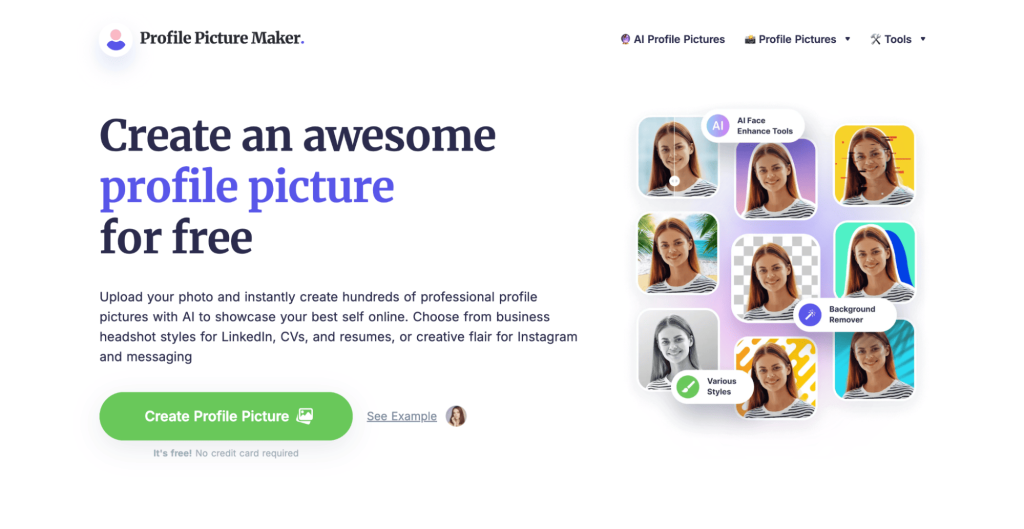
ProfilePicMaker is a free AI headshot tool that makes it easy to get a professional LinkedIn photo in a matter of minutes. You simply upload a selfie, and it uses AI to remove, change, or enhance the background, adjust lighting, and generate dozens of polished headshot images that look like they were taken by professionals.
There’s absolutely no need for any sort of design skills, just a high-quality photo and you’re good to go. Many recruiters and marketers note that a good profile photo significantly boosts first impressions and response rates, and tools like this make it quick to have a professional headshot on LinkedIn.
Canva
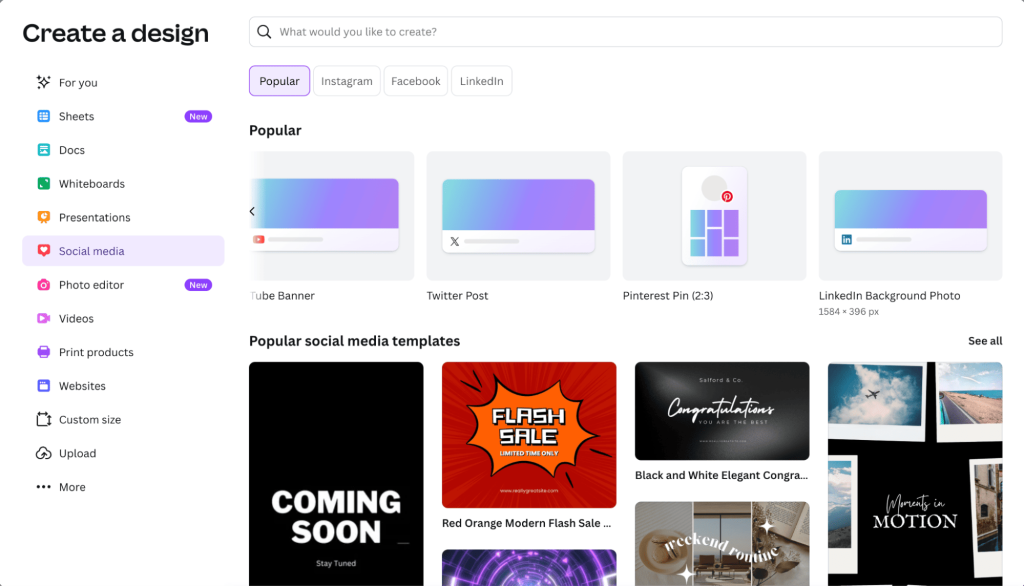
Canva is another one of those tools that needs no introduction—it’s the most popular graphic design platform out there which can be used to create virtually any kind of visual.
Not only can LinkedIn users leverage Canva to generate visuals for their posts, but there is also a dedicated ‘LinkedIn Background Photo’ feature that has a pre-built template and optimized design elements specifically for this.
You can use this feature to create eye-catching cover images that reflect your personal brand, company, or industry, depending on your preferences.
Interestingly enough, Canva now even has a free ‘AI LinkedIn Profile Picture generator’, just like the ProfilePicMaker we discussed above. You can simply upload your photos and it will create a polished LinkedIn-ready headshot in seconds.
Your background image and profile picture are the first things that everyone will notice once they visit your LinkedIn page, so it’s definitely a good idea to spend some time polishing it up!
Where AI helps on LinkedIn, and where it costs you
The tools above are genuinely useful, and the same technology used indiscriminately makes a LinkedIn presence worse. The difference is not the tool, it is which part of the job you hand over.
AI is reliably good at the mechanical work around a post. Turning a long piece into five short ones, cleaning up structure, generating alt text, drafting variants of a hook to test, producing a headshot or a background image, summarizing what your analytics did last month. In every one of those, the substance is yours and the labor is the machine’s.
It is reliably bad at the substance itself. A post generated from a topic rather than an experience reads as generic to exactly the audience you want, because your peers have now seen thousands of them. The tell is never grammar; it is the absence of a specific number, a named client, a date, or an opinion someone could disagree with.
Three places to keep AI out entirely:
- Comments on other people’s posts, where generic praise is obvious and is one of the fastest ways to look automated
- Connection request notes, which are short enough that a template is visible at a glance
- Anything describing a result you did not get, since a fabricated case study is a reputational problem rather than a content problem
The workable division is to write the thinking and automate the production. Draft the argument in your own words, then let a tool cut it into a hook, a body and a close, generate the variants, and schedule it. You keep the part that makes the post worth reading, and lose the part that makes it slow.
One practical test before publishing anything a tool helped produce: could a competitor publish this exact post without changing a word? If yes, it says nothing about you, and it will perform accordingly.