
15 Best Digital Engagement Software in 2026

15 Best Digital Engagement Software in 2026

Key takeaways:

  • Digital engagement software covers two different purchases: outbound sales engagement, where you message buyers who haven’t contacted you, and customer engagement platforms for support and lifecycle marketing. Decide which one you need before comparing vendors.
  • Seat prices hide the real bill on the customer side. Intercom adds $0.99 per resolved Fin outcome, Zendesk charges $1.50 to $2.00 per automated resolution past a small allowance, and Twilio bills $0.0083 per US text segment before carrier fees.
  • Three of the 15 publish no price at all: Braze, MoEngage and Sprinklr, and MoEngage adds a one-year minimum.
  • Reply.io, entry #1, is our own product and an outbound tool rather than a help desk. It runs email, LinkedIn, calls, SMS and WhatsApp steps in one branching sequence from $89 a seat each month on annual billing. You can trial it for 14 days, but there’s no free plan.

Customer experience is slipping. Forrester’s Global CX Index 2025 gathered more than 275,000 customers’ ratings of 469 brands in 13 countries and found that 21% of brands fell back while only 6% improved. In the US, a quarter of brands declined for the second year running.

Digital engagement software is a common response. The trouble is that the phrase covers two products that rarely overlap, and many rankings for it mix help desks, marketing platforms and cold outreach tools on a single scale.

We split this list into those two groups instead, and read every price on the vendor’s own pages on October 10, 2026.

What Is Digital Engagement Software?

Digital engagement software is any system a company uses to reach people, and answer them, across digital channels: email, live chat, messaging apps such as WhatsApp and SMS, in-app messages, social networks and LinkedIn. Salesforce’s own definition calls it “a suite of tools that helps businesses connect with customers through digital channels, such as chat, SMS, WhatsApp, email, and more.”

What that definition leaves out is the direction of the conversation. In inbound engagement, the customer starts it by opening a chat, emailing support or tapping a push notification. Outbound engagement runs the other way: a seller contacts someone who has never heard of the company, by email, LinkedIn message or phone.

Both get sold under the same label. A chat widget, a help center or the website engagement tools that greet visitors belong to the inbound side, while a cold sequence is purely outbound.

Outbound or Customer Engagement? Choose the Group First

Once the split is spelled out, the choice usually comes down to one question: who sends the first message?

Choose Outbound Sales Engagement When You Start the Conversation

Outbound tools suit sales teams that need meetings with people who haven’t raised a hand. You load a list and build a sequence across email, LinkedIn and phone, and the software sends each step on schedule until someone replies.

The metrics are reply rate, positive replies and meetings booked. If those are the numbers you report on, entries #1 to #5 are your shortlist.

Choose a Customer Engagement Platform When the Customer Starts It

Customer engagement platforms serve buyers with a support question, users who need onboarding and shoppers who abandoned a cart. Support desks such as Intercom and Zendesk route conversations to agents and AI, while lifecycle platforms such as Braze and Customer.io send messages triggered by what a user does.

Here the metrics are resolution time, satisfaction scores, activation and retention, which is the job of entries #6 to #15.

Signs You’re Shopping in the Wrong Group

Mapping your customer touchpoints first makes these warning signs easy to spot in a demo, because each touchpoint belongs to one side or the other.

  • You need a ticket queue, SLAs and a help center, and the vendor keeps showing you email sequences.
  • You need cold outreach, and the pricing is per support agent or per resolved conversation.
  • The tool can only message contacts who opted in or who use your app, and your targets have never heard of you.
  • Your legal team asks about consent for marketing texts while you’re evaluating a sales tool, or the reverse.

If two or more of these apply, switch groups before you spend time on a pilot.

How We Chose These Digital Engagement Tools

We started from the pages ranking for “digital engagement software”, then applied three tests.

Each tool had to reach people on at least two digital channels from one product (Instantly, an email specialist, is the one exception), fit cleanly into one group, and have a pricing model we could read, even when the answer was “quote only.”

Braze, MoEngage and Sprinklr made the list without a public price, because leaving the enterprise platforms out would make the customer engagement group look cheaper than it is.

We left out CRMs, standalone chatbots and social schedulers, and kept one entry per company: Zendesk now sells Forethought’s AI agents, so Forethought sits inside Zendesk’s entry.

The 15 Best Digital Engagement Software Compared

The “Built for” column tells you which group a tool belongs to before you read its entry, and like “Best for” and “Main limitation” it’s our own judgment. Each price is the cheapest one the vendor publishes, with the billing basis wherever the vendor states one.

Tool Built for Best for Key channels Main limitation Pricing (from)
Reply.io Outbound sales Multichannel prospecting sequences Email, LinkedIn, calls, SMS, WhatsApp LinkedIn is $69/month per account on Email Volume $49/month annual (1,000 active contacts)
Woodpecker Outbound sales Usage-priced cold email Email, LinkedIn add-on No calls, SMS or WhatsApp $24/month annual (500 prospects)
Instantly Outbound sales High-volume cold email Email Full inbox only from Hypergrowth $37.60/month annual
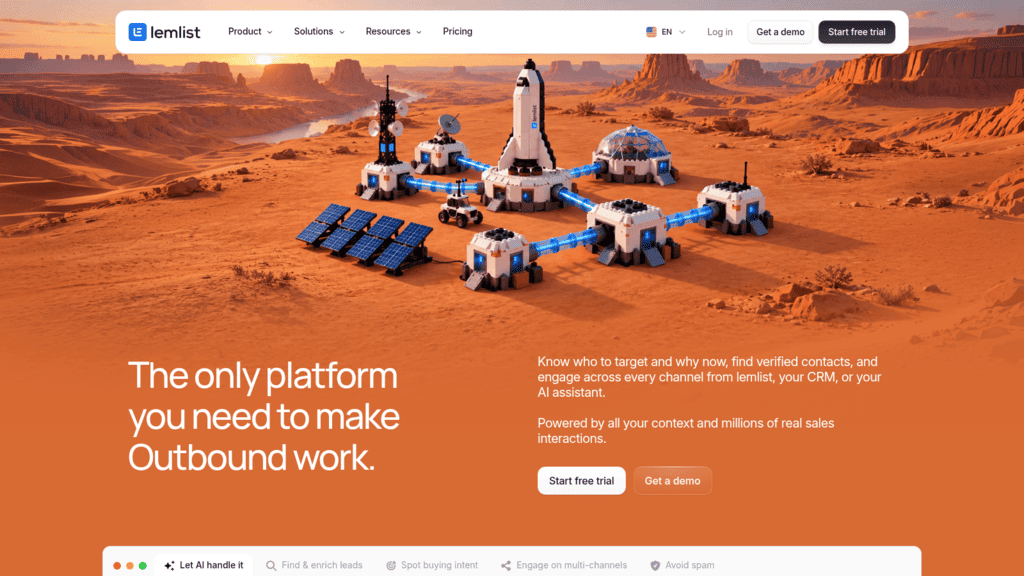
Lemlist Outbound sales Email-first teams adding LinkedIn Email, LinkedIn, SMS, calls LinkedIn and SMS need Multichannel $55/month annual
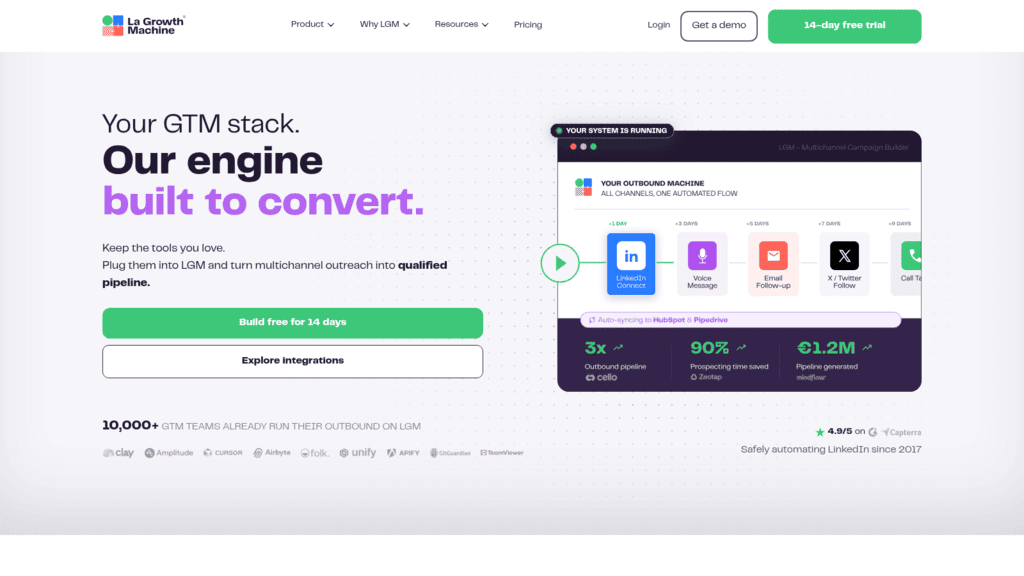
La Growth Machine Outbound sales LinkedIn-led outreach LinkedIn, email, calls, X Calls from Pro, X from Ultimate $60/identity/month annual
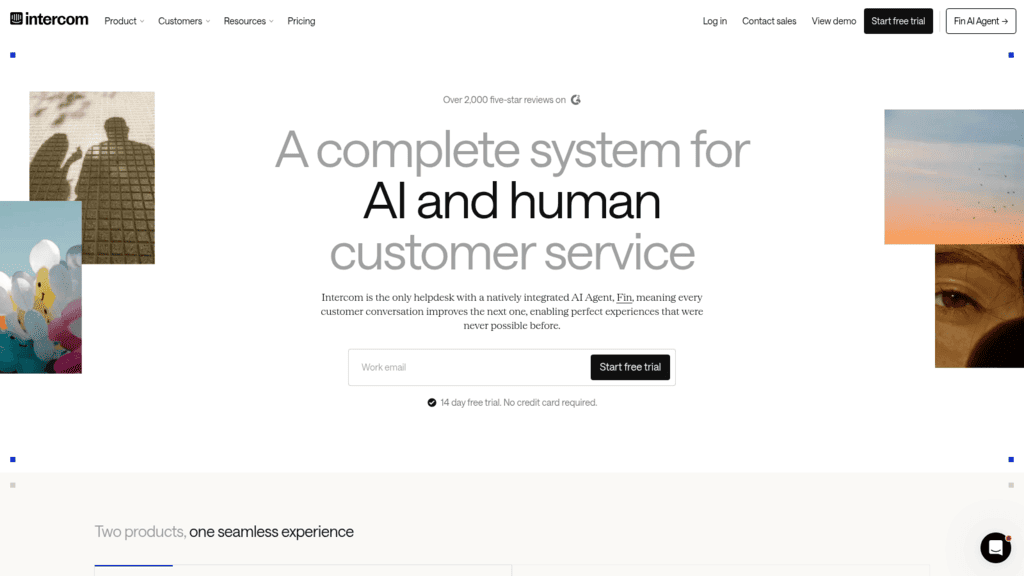
Intercom Support AI-first customer service Chat, email, in-app, phone Two meters: seats plus outcomes $19/seat annual ($29 monthly) + $0.99/outcome
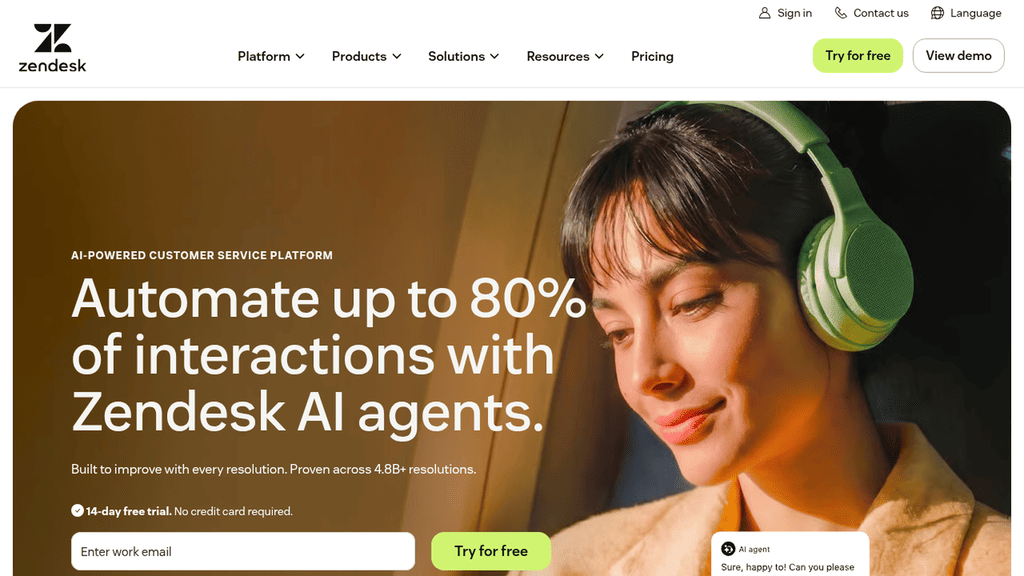
Zendesk Support Omnichannel help desks Email, messaging, chat, voice Entry plan is email only $19/agent annual
Salesforce Service Cloud Support Teams already on Salesforce Chat, messaging, email Messaging channels sold on top $25/user/month (Starter Suite)
Freshdesk Omni Support Budget omnichannel support Chat, messaging, email 500 AI sessions once, then paid $29/agent annual
Sprinklr Support Global service and social care 30+ digital and voice channels No public price or trial Quote only
Brevo Marketing Small-business email and SMS Email, SMS, WhatsApp, push WhatsApp from Professional Free; $8.08/month annual
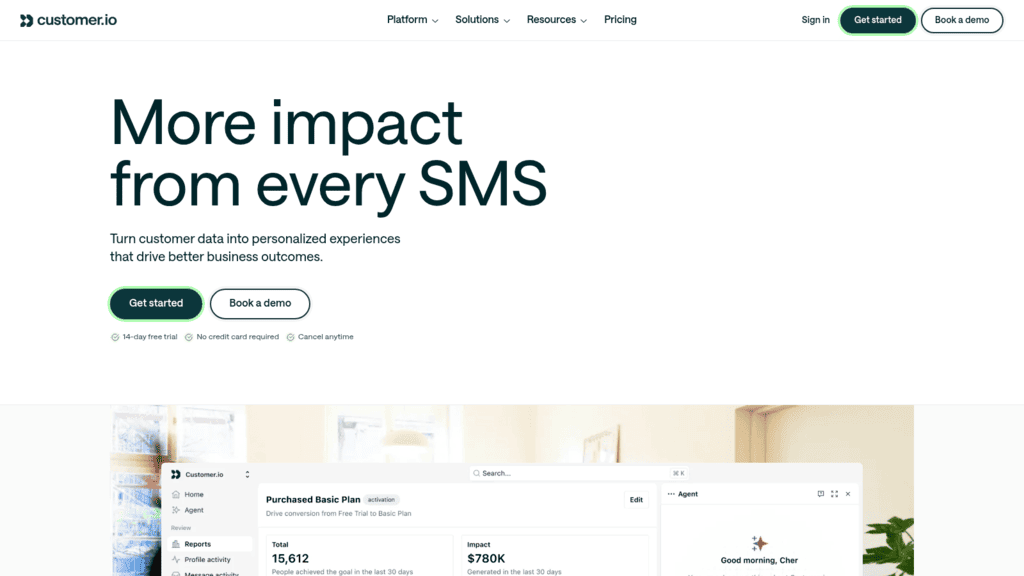
Customer.io Marketing Product-led lifecycle messaging Email, push, in-app, WhatsApp SMS sends priced custom $100/month, monthly billing
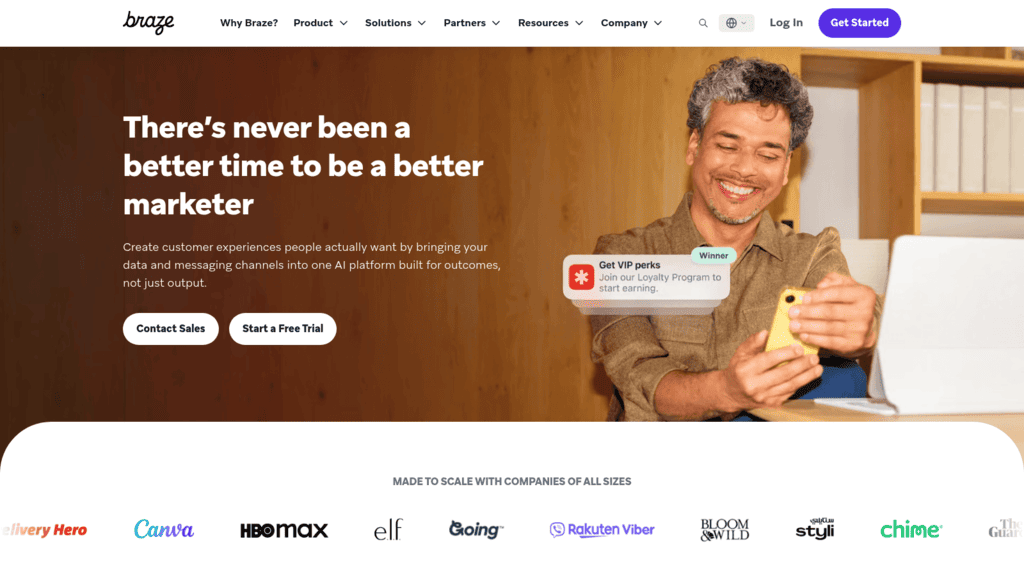
Braze Marketing Consumer apps at scale Push, in-app, email, SMS, WhatsApp No public price Quote only
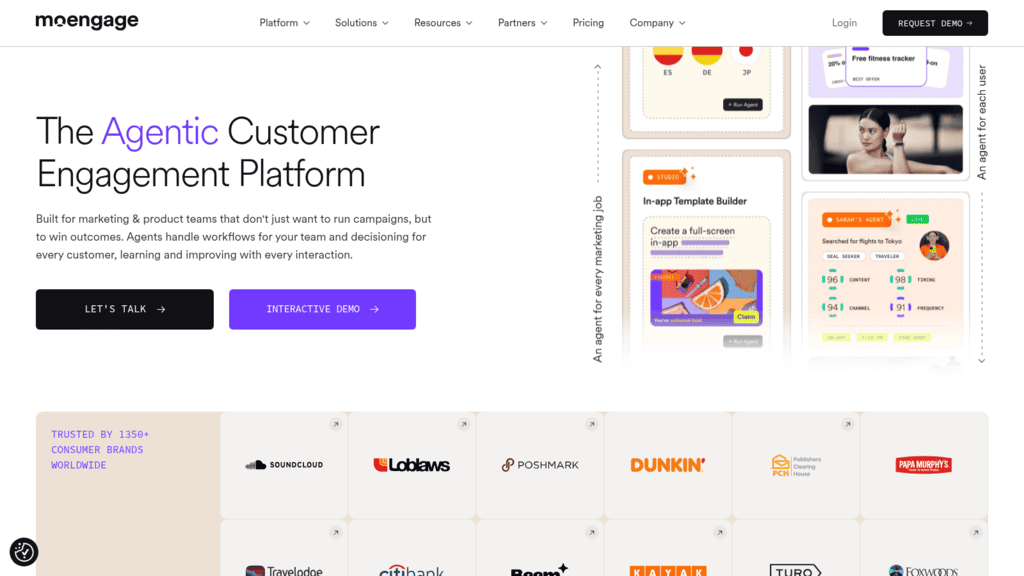
MoEngage Marketing Mobile-first consumer brands Push, email, SMS, WhatsApp, in-app One-year minimum Quote only
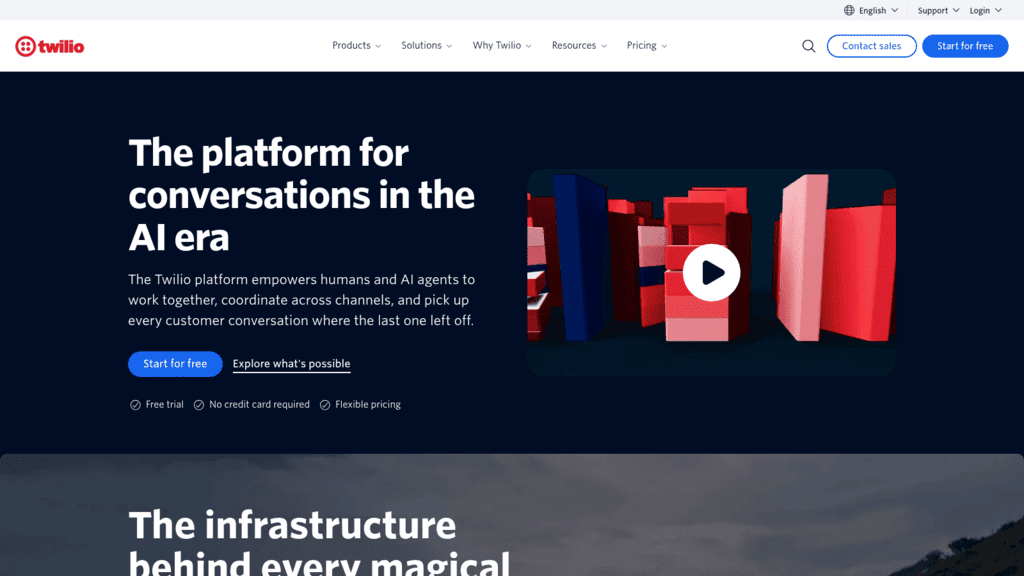
Twilio Developers Building your own messaging SMS, WhatsApp, voice, email You build the interface $0.0083/SMS segment + fees

Reply.io appears in row one because it’s the product we make and sell, which is the only reason it skips the ordering rule below. The outbound tools follow in order of lowest published price on annual billing. The customer engagement group runs by job (support desks, then the enterprise suite, then lifecycle marketing, then developer infrastructure), using the same price rule inside each job with quote-only tools last.

Group 1: Outbound Sales Engagement Software

The five outbound tools here start conversations with prospects who don’t know you yet, and none of them is a support desk.
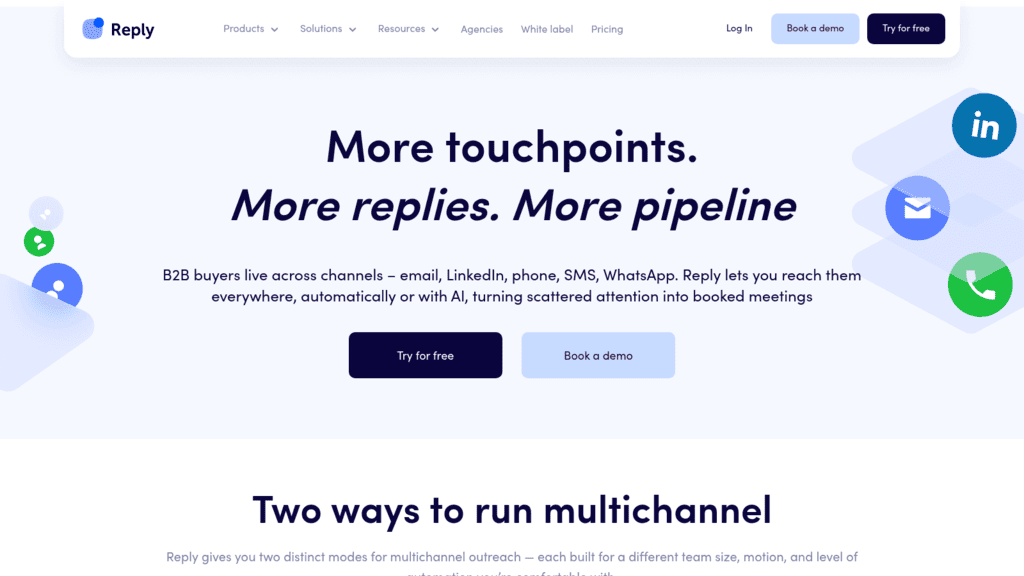
Reply.io as one of the best digital engagement software

1. Reply.io

Best for: Sales teams prospecting across channels

Overview: Reply.io is outbound sales engagement software. It has no help desk, ticketing, knowledge base or website chat widget, so if you’re buying for support or lifecycle marketing, go straight to the customer engagement group at #6.

We built it for the first conversation with a buyer. One sequence can mix email, LinkedIn, calls, SMS and WhatsApp, and Yes/No conditions choose the next channel from what the prospect did. WhatsApp steps run as semi-automated tasks, so a rep sends each one.

LinkedIn steps send connection requests, messages and voice messages through our LinkedIn automation, so a prospect who ignores email still hears from you. Email and LinkedIn replies then arrive in one inbox, sorted by AI into categories such as Interested or Not now, while SMS keeps its own inbox.

Kept, a COBRA and offboarding company, shows why the mix matters. Its cold email drew replies from under 1% of prospects, and email stopped being its main channel, while LinkedIn responses ran at 7-8% and reached roughly 20% at best. With a team of two, Kept went from about 20 customers in total to winning 20 to 40 new ones a month.

Key features:

  • Yes/No branches on opens, replies and other behavior that can route a prospect to any channel
  • A Power Dialer that works a call list from the task and logs outcomes
  • SMS from rented numbers in the same sequence (US texting needs A2P 10DLC registration)
  • WhatsApp and other manual steps queued in Task Flow and worked from our Chrome extension
  • A Zapier step that adds any other channel to a sequence
  • A Channel Efficiency report that counts meetings booked per channel

Pricing: on Email Volume you pay for active contacts: 1,000 of them run $49 a month if you commit for a year, or $59 on monthly terms. LinkedIn sits on top of that plan at $69 monthly for each connected profile, and Calls & SMS is a $29 monthly add-on whose numbers, minutes and texts come out of a prepaid wallet. The seat-based Multichannel plan bundles one LinkedIn profile and Calls & SMS for every user at $89 a seat on yearly billing, or $99 paid month by month. There’s no free plan; new accounts get 14 days to test it, and no card is asked for at signup.

Pros: every outbound channel in one branching sequence, email and LinkedIn replies in one inbox, a dialer inside the sequence, meetings reported by channel, prices published for monthly and annual terms

Cons: LinkedIn costs extra on Email Volume ($69 monthly per profile) and calling runs on prepaid wallet credit, and we’re not a support desk, marketing-automation platform or CRM, so you’ll keep those systems alongside us

How to start using it:

  1. Register through the link below, then connect a sending mailbox and the LinkedIn profile you prospect from.
  2. Build four steps: an email, a LinkedIn connection request, a Yes/No condition on opens, and a call task for openers.
  3. Turn on Cloud Calls, rent a number and fund the wallet before the first call comes due.
  4. Add a WhatsApp task for markets where your buyers use it.
  5. After two weeks, open Channel Efficiency and shift effort toward the channel booking the most meetings.

Why it leads the outbound group: in Reply.io the channel is a decision the sequence makes for each prospect, rather than a separate tool a rep switches to. When one channel stops paying off, as cold email did for Kept, you change the sequence rather than the software.

Final verdict: pick Reply.io if your team creates conversations with buyers across email, LinkedIn and phone and wants one sequence and one inbox for them. If your conversations start with a customer asking for help, you’ll get more from Intercom or Zendesk in the second group.
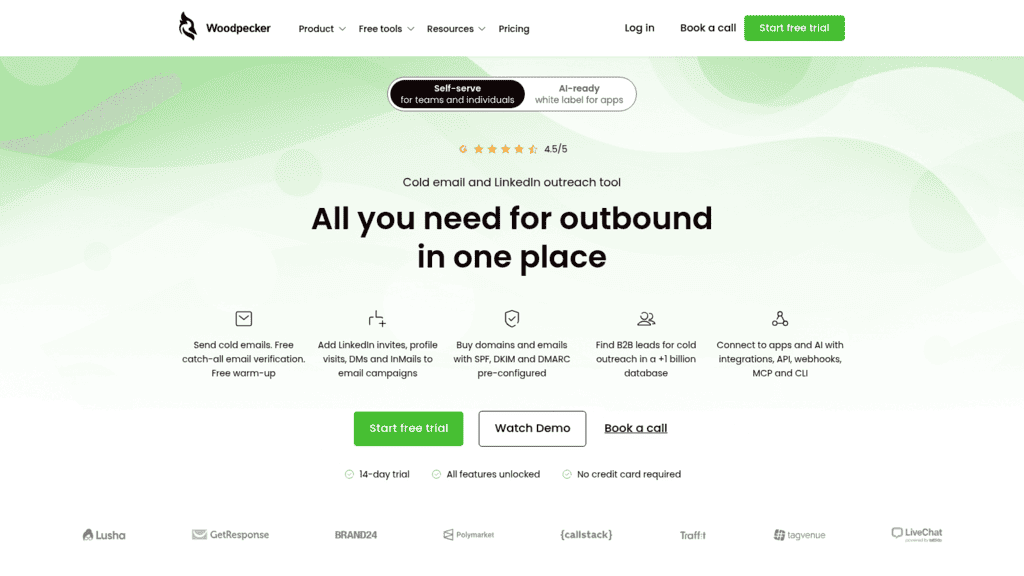
Woodpecker as one of the best digital engagement software

2. Woodpecker

Overview: Woodpecker is a cold email and LinkedIn outreach tool priced by prospects contacted, not by seat, so small teams and agencies can add users and inboxes without raising the bill.

Key features:

  • Inbox rotation and adaptive sending, so volume spreads across all your mailboxes
  • Email verification (catch-all addresses included) and two warm-ups in the base plan
  • Domains bought inside the tool with SPF, DKIM and DMARC already set up

Pricing: 500 contacted prospects cost $24 a month billed annually or $35 monthly, before VAT, with 8,000 emails and 100 Lead Finder credits included. LinkedIn costs $29 a month per connected account, and each extra warm-up is $5 a month per mailbox.

Pros: the lowest entry price in the outbound group, unlimited seats and email accounts, verification included rather than sold per check

Cons: LinkedIn is a paid add-on per account, only two warm-ups at the base tier, no calls, SMS or WhatsApp

Where it fits: email-heavy teams whose headcount grows faster than their prospect lists.

Final verdict: an inexpensive start for email-led outreach, with LinkedIn added when you need it.

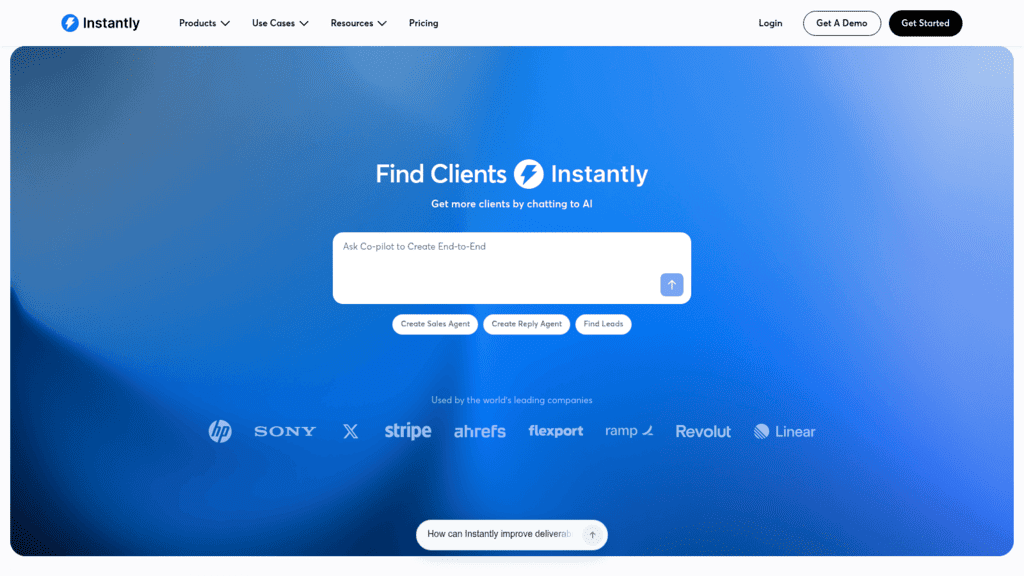
Instantly as one of the best digital engagement software

3. Instantly

Overview: Instantly is a cold email platform for sending at volume across many inboxes, with warm-up built in and a separate lead database. It suits agencies running dozens of mailboxes.

Key features:

  • Unlimited email accounts and warm-up on every plan, so adding inboxes doesn’t add cost
  • Reputation protection and bounce detection to guard sender health
  • AI Reply Agent and AI Sales Agent, billed per action from a credits subscription

Pricing: Growth costs $37.60 a month billed yearly or $47 monthly for 5,000 emails and 1,000 uploaded contacts, and Hypergrowth is $97 a month for 125,000 emails. Lead data is a separate credits subscription from $9 a month, and there’s no overage: you move up a tier.

Pros: no per-mailbox fees, a cardless trial, clear published volume limits

Cons: Unibox is preview only on Growth, webhooks start on Hypergrowth, every plan limit is counted in emails and contacts

Why buyers shortlist it: when volume is the constraint, adding the next 20 inboxes costs nothing extra.

Final verdict: the volume specialist here, for teams whose outreach is mostly email.

Lemlist as one of the best digital engagement software

4. Lemlist

Overview: Lemlist is a multichannel outbound platform with its own lead database, which it sizes at 650M+ contacts, plus AI agents for signals and messaging. It suits small teams and agencies whose outreach starts with email.

Key features:

  • An email and phone finder on the lead database, so prospecting and sending share one tool
  • Lemwarm warm-up and a deliverability hub on every plan
  • LinkedIn automation, SMS automation and a built-in dialer on the Multichannel plan

Pricing: the Email plan is $55 a month billed yearly ($69 monthly) with unlimited users and senders and 50,000 emails a month. Multichannel is $87 per user per month billed yearly ($109 monthly), after a 14-day trial.

Pros: unlimited users on the Email plan, data and sending in one product, calling and SMS available without a third-party tool

Cons: LinkedIn, SMS and calls require Multichannel, WhatsApp is an add-on even there, contact data draws on a credit allowance

Why it’s strong digital engagement software for outbound: it adds LinkedIn, SMS and calling to email inside one product, and the Email plan doesn’t charge per seat.

Final verdict: a capable all-rounder once you’re ready to pay for Multichannel.

La Growth Machine as one of the best digital engagement software

5. La Growth Machine

Overview: La Growth Machine builds outbound around LinkedIn, then adds email, calls, X and voice messages. It bills per “identity” (each sending profile), which suits founders and SDR teams whose best channel is LinkedIn.

Key features:

  • LinkedIn automation, email automation and LinkedIn voice messages on every plan
  • Waterfall email enrichment across nine finders and two verification tools
  • Rotating inboxes on Pro (five sending emails per identity) and Ultimate (ten)

Pricing: Basic is $60 a month per identity billed annually ($70 monthly) and covers LinkedIn and email only, for up to three identities. Pro is $110 ($135) and adds calls, while Ultimate at $165 ($195) adds X and HubSpot or Pipedrive sync.

Pros: LinkedIn sits at the center of every sequence, voice messages on every tier, enrichment included up to a monthly cap

Cons: calls wait for Pro and X for Ultimate, Pro caps you at six active campaigns, enrichment past 250 to 1,000 leads a month by plan costs extra credits

Its real strength: it treats email as the follow-up to LinkedIn rather than the other way around.

Final verdict: the pick for teams whose buyers answer on LinkedIn.

Group 2: Customer Engagement Platforms

The next ten digital engagement tools handle support conversations and lifecycle messages for existing users and customers. None of them is built for cold prospecting, and most price by agent, resolution or active user.

Intercom as one of the best digital engagement software

6. Intercom

Overview: Intercom is an AI-first customer service platform: a help desk, the Messenger chat widget and Fin, an AI agent that tries to resolve each conversation before a person sees it. Its main buyers are SaaS and ecommerce support teams.

Key features:

  • Fin answers over email, live chat and phone, takes actions in other systems and hands off to agents
  • A shared inbox, ticketing and a public help center for self-service
  • Fin can also run on a Salesforce, HubSpot or Freshdesk help desk without Intercom seats

Pricing: prices varied between versions of the pricing page we loaded, but Essential runs from $29 per seat a month billed monthly ($19 on annual billing), plus $0.99 per resolved Fin outcome. Live chat, support email and in-app messages are unlimited on every plan, while SMS, WhatsApp, phone and email campaigns are pay-as-you-go.

Pros: AI resolution with handoff to people, unlimited chat on every plan, two weeks free without a card

Cons: two meters to budget, workflows and multiple inboxes need Advanced, messaging channels beyond chat cost extra

Why it made this list: if most conversations are repeat questions, Fin can absorb them while your team keeps the hard ones.

Final verdict: the AI-first support pick in this group, as long as you model the per-outcome cost at your volume.

Zendesk as one of the best digital engagement software

7. Zendesk

Overview: Zendesk is an omnichannel customer service suite that brings email, messaging, live chat, social and voice into one queue, with AI agents on top, for support teams of any size.

Key features:

  • AI agents for messaging, email and voice in 80+ languages
  • Omnichannel routing that assigns each conversation by skill and capacity
  • Forethought’s self-learning AI agents, now sold on Zendesk’s own pricing page

Pricing: Support Team is $19 per agent a month billed annually ($25 monthly) but covers email and ticketing only; messaging, chat and AI agents start at Suite Team, $55 ($69). Five automated resolutions per agent a month are included there, and more cost $1.50 each committed or $2.00 pay-as-you-go.

Pros: published prices on both billing terms, a 14-day trial with no card, a six-month Suite trial for qualifying startups

Cons: the entry plan has no chat, AI resolutions get expensive past the allowance, Copilot and quality assurance are paid add-ons

Where it beats the alternatives: every major channel and an AI agent in one queue, at prices you can read before a demo.

Final verdict: the safe default for a growing support team, priced from Suite Team rather than the email-only plan.

Salesforce Service Cloud as one of the best digital engagement software

8. Salesforce Service Cloud

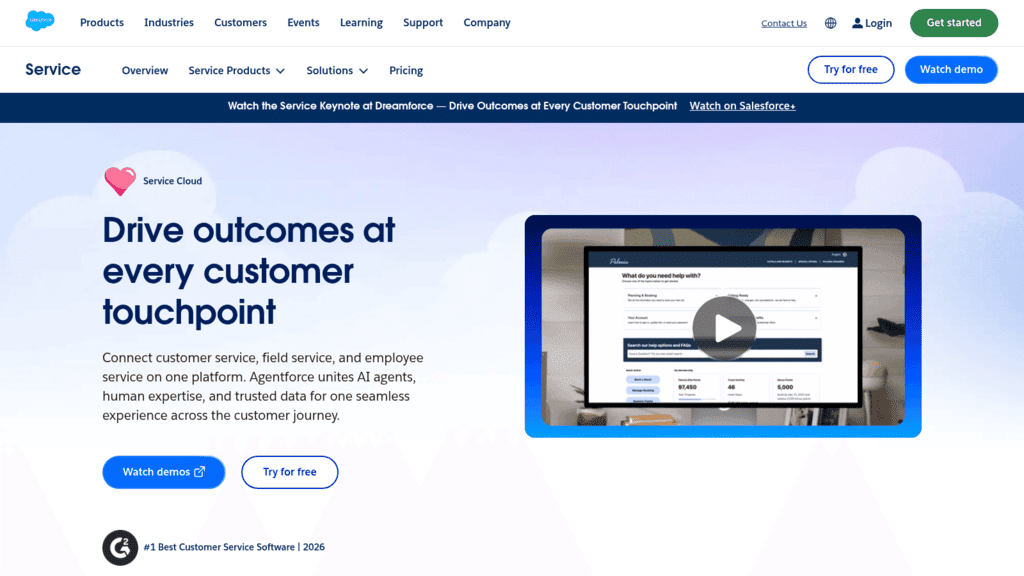
Overview: Service Cloud is Salesforce’s customer service CRM, with case management, a self-service help center and omni-channel routing. Messaging is sold on top of most editions, so it mainly suits companies already on Salesforce.

Key features:

  • Case management tied to the same customer record your sales team uses
  • Web chat in the Advanced edition, with more channels available to buy
  • Agentforce for Service AI agents, purchasable on Core and Advanced and included on Max

Pricing: Starter Suite is $25 per user a month, Core $195, Advanced $395 and Max $550, and most editions need an annual contract. The $25 buys the entry edition only. Web chat comes with Advanced, messaging adds $75 per user a month on Core and Advanced, and the FAQ still uses older edition names, so confirm what a quote covers.

Pros: one record for service and sales, deep workflow automation through Flow Builder, a free trial on most editions

Cons: messaging channels cost extra below Max, annual contracts, total cost depends on edition plus add-ons plus AI usage

The case for it: support conversations land on the same record as every deal, with no sync to manage.

Final verdict: a natural extension for Salesforce customers and a heavy first purchase for anyone else.

Freshdesk as one of the best digital engagement software

9. Freshdesk Omni

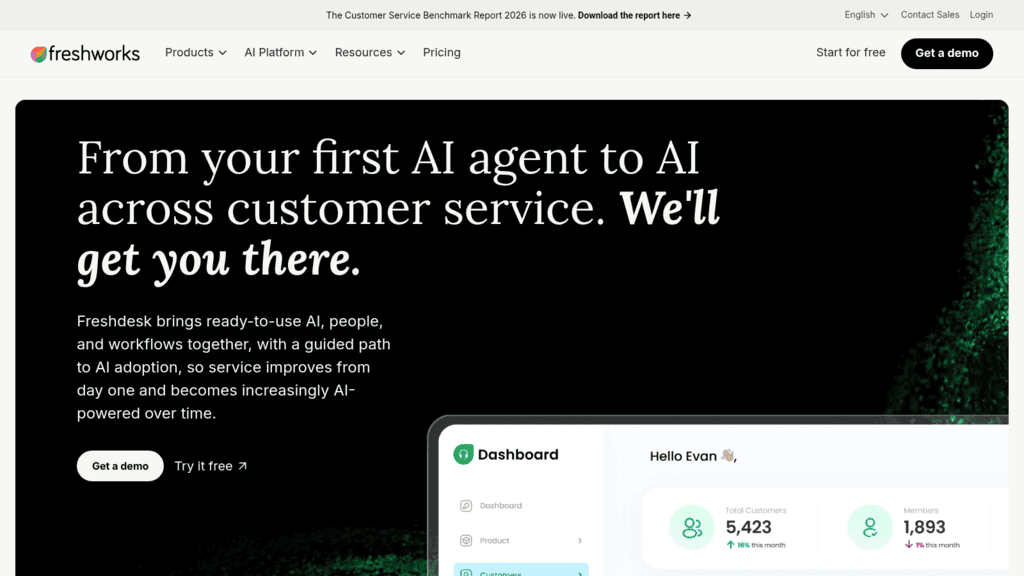
Overview: Freshdesk Omni is the omnichannel edition of Freshworks’ help desk, putting chat, messaging and email in one workspace with the Freddy AI Agent. Plain Freshdesk is email-led, so Omni is the version that fits here.

Key features:

  • A command center that shows channels, conversations and AI activity in one place
  • A customer portal and knowledge base for self-service answers
  • Intelligent routing on Pro and skill-based routing on Enterprise

Pricing: Growth is $29 per agent a month billed annually ($35 monthly), Pro $79 ($95) and Enterprise $119 ($143). The first 500 Freddy AI Agent sessions come once per account, after which sessions cost $49 per 100, and Copilot adds $29 per agent on Pro and Enterprise.

Pros: chat, messaging and email on the entry plan, a 14-day trial, day passes for occasional agents

Cons: the 500 AI sessions don’t renew monthly, no Copilot on Growth, day passes cost $5 to $15 extra

Who should shortlist it: support teams wanting chat and messaging in one queue at a mid-range seat price.

Final verdict: strong value for SMB and mid-market support, once you budget AI sessions.

Sprinklr as one of the best digital engagement software

10. Sprinklr

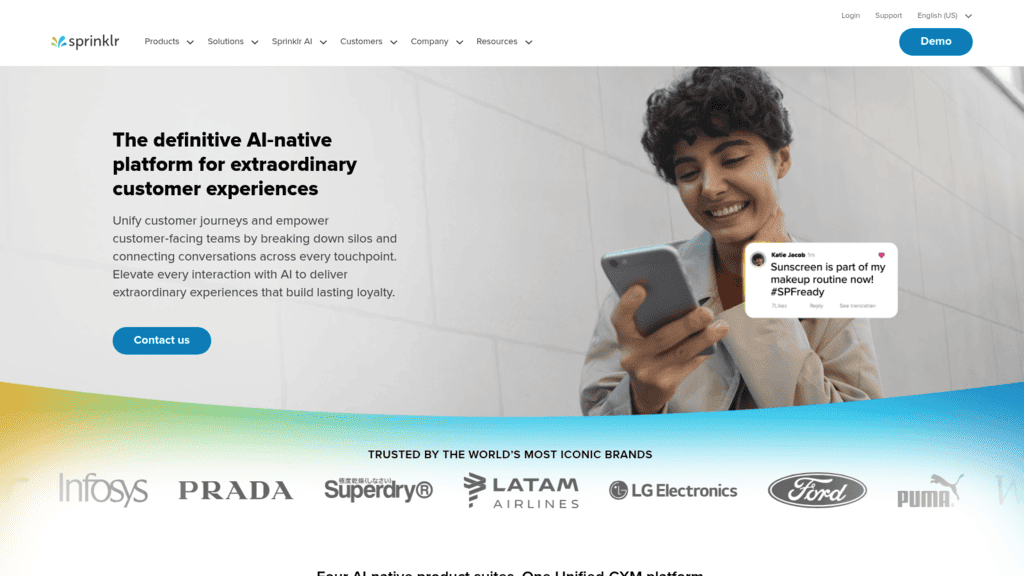
Overview: Sprinklr sells what it calls Unified-CXM: service, social, marketing and insights suites for large brands. Its service product covers contact centers, social care and AI agents across regions.

Key features:

  • Conversations from 30+ digital and voice channels in one agent workspace
  • Social listening through its Insights suite, so care teams see public complaints too
  • AI agents, Copilot and workforce planning for large service teams

Pricing: Sprinklr publishes no price; its pricing URL returns a 404 and every route leads to a demo request. Expect an enterprise contract and implementation project.

Pros: social care and service in one platform, no separate listening tool, built for multi-region operations

Cons: no public price, no published trial, far more than a team needing only a help desk will use

What it is genuinely good at: service and social conversations for a global brand in one console.

Final verdict: worth a demo for large enterprises with heavy social care, and overkill for nearly everyone else.

Brevo as one of the best digital engagement software

11. Brevo

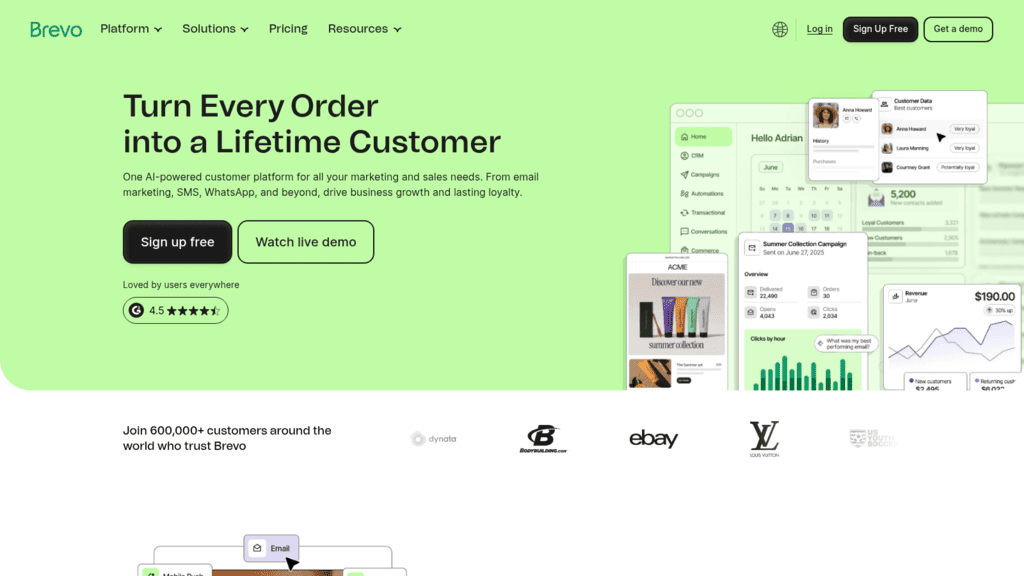
Overview: Brevo is a marketing and CRM platform for small businesses, covering email, SMS, WhatsApp, push, live chat and a chatbot. Ecommerce brands use it to start on a free plan and add channels as they grow.

Key features:

  • Marketing automation from Standard, triggered by web and event tracking
  • AI send-time optimization and A/B testing on email
  • A Sales Essentials add-on at $27.92 a month for a light CRM

Pricing: the free plan allows up to 300 emails a day, Starter costs $9 a month ($8.08 billed yearly) from 5,000 emails, and Standard is $18 ($16.17). Professional, at $499 a month ($449.08 yearly), adds WhatsApp, push and popups with ten seats, and SMS credits are sold separately.

Pros: a real free plan, the cheapest paid plan in this list, email and SMS in one tool

Cons: WhatsApp and push wait for Professional, multi-user access only from Professional, a big price jump between Standard and Professional

Why it earns a spot among digital engagement solutions: a small team can run automated email campaigns for under $20 a month and add channels later.

Final verdict: the low-cost starting point for small-business marketing, with a steep jump once you need WhatsApp.

Customer.io as one of the best digital engagement software

12. Customer.io

Overview: Customer.io is a messaging platform for product-led companies, sending email, push, in-app, SMS and WhatsApp messages triggered by what users do, without an enterprise contract.

Key features:

  • A visual workflow builder that branches on user events and attributes
  • WhatsApp and LINE included, plus unlimited push and in-app messages
  • An AI agent and LLM actions inside workflows

Pricing: Essentials starts at $100 a month on monthly billing, with 5,000 profiles and a million emails a month included. Extra profiles cost $0.009 each and extra emails $0.12 per 1,000, while Premium starts at $1,000 a month billed yearly.

Pros: a public entry price with monthly terms, a cardless 14-day trial, a startup program for companies that raised under $10M

Cons: SMS sends are priced custom on every plan, anonymous messaging isn’t in Essentials, HIPAA starts on Premium

Where it pulls ahead: behavior-triggered messaging at a price a seed-stage SaaS team can see before talking to sales.

Final verdict: the self-serve alternative to Braze and MoEngage for product-led SaaS.

Braze as one of the best digital engagement software

13. Braze

Overview: Braze is a customer engagement platform for consumer apps and brands with large active-user bases, sending push, in-app, email, SMS, WhatsApp and more from one place.

Key features:

  • Canvas journeys that orchestrate messages across channels for each user
  • BrazeAI, including predictive AI and recommendations on the Pro edition
  • Message Prioritization on Pro, so users don’t get three messages at once

Pricing: Braze publishes no price. A contract combines one of four editions (Go, Select, Pro or Enterprise) with monthly active users and profiles plus an allotment of Action Credits that power messaging and AI features.

Pros: deep cross-channel journey design, a 14-day trial, channels from email to KakaoTalk under one contract

Cons: no public pricing, no free plan per its own FAQ, predictive features gated to Pro

Who it’s for: consumer apps coordinating every channel around one user profile at scale.

Final verdict: a strong fit for B2C lifecycle teams, and a poor fit for B2B sales or ticketed support.

MoEngage as one of the best digital engagement software

14. MoEngage

Overview: MoEngage calls itself an agentic customer engagement platform for mobile-heavy consumer brands in fintech, retail, media and travel, pairing cross-channel campaigns with AI decisioning.

Key features:

  • 16+ channels, including push, SMS, WhatsApp, RCS, in-app and on-site messages
  • Merlin AI agents for building and optimizing campaigns
  • MoEngage Inform for transactional alerts, with fallback to another channel if one fails

Pricing: MoEngage publishes no figures and prices on monthly tracked users across its Growth and Enterprise plans. Its FAQ states a minimum commitment of one year for both.

Pros: wide channel coverage for mobile apps, transactional and marketing messages in one vendor, 300+ marketplace integrations

Cons: a one-year minimum, no public price or published trial, catalog sync and journey auto-optimization only on Enterprise

Why teams pick it: push, in-app and transactional alerts under one roof, with channel fallback built in.

Final verdict: a strong option for app-led consumer brands ready to sign for a year.

Twilio as one of the best digital engagement software

15. Twilio

Overview: Twilio supplies the communication APIs (SMS, RCS, WhatsApp, voice, email through SendGrid and customer data through Segment) that engineering teams build their own engagement on.

Key features:

  • Messaging APIs for SMS, RCS and WhatsApp from one account
  • Voice and Voice AI for calling flows
  • Conversation Orchestrator for keeping a conversation connected across channels

Pricing: a US text costs $0.0083 per segment outbound or inbound, plus carrier fees and $1.15 a month per leased phone number. Link shortening and scheduling cost $0.015 per message after the first 1,000 free each month, and US texting also needs A2P 10DLC registration.

Pros: pay only for what you send, SMS, WhatsApp, voice and email from one vendor, a free trial without a card

Cons: no ready-made inbox for marketers or agents, carrier and registration fees make totals hard to predict, engineering time on every change

Its main appeal: full control over every message, for teams with engineers to spare.

Final verdict: the right base layer when off-the-shelf digital engagement platforms don’t fit your product.

What Digital Engagement Software Really Costs

The headline seat price is rarely the bill for digital engagement software. Most tools here add a second meter (contacts, resolutions, sessions, active users or messages), and that meter grows with success.

The table lists each tool’s pricing unit and the extra meter we’d model before signing.

Tool You pay per Extra meter to model
Reply.io Active contacts (Email Volume) or user (Multichannel) LinkedIn $69/month per account on Email Volume; call and SMS wallet
Woodpecker Contacted prospects LinkedIn $29/month per account
Instantly Email and contact volume Lead and AI credits
Lemlist User (Multichannel) Data credits; WhatsApp add-on
La Growth Machine Identity Enrichment credits past the plan cap
Intercom Seat $0.99 per Fin outcome; SMS, WhatsApp, phone
Zendesk Agent $1.50-$2.00 per automated resolution
Salesforce Service Cloud User Messaging add-on $75/user; Agentforce
Freshdesk Omni Agent $49 per 100 AI sessions after 500
Brevo Email volume SMS credits
Customer.io Profiles $0.009 per extra profile; SMS custom
Twilio Message Carrier fees, numbers, 10DLC
Sprinklr, Braze, MoEngage Quote Braze: active users plus Action Credits; MoEngage: tracked users; Sprinklr: not published

Run the meters at next year’s volume, not this month’s. A support desk with ten agents that resolves 3,000 conversations a month with AI pays for 3,000 outcomes on Intercom, which at $0.99 each is $2,970 before seats.

On the outbound side, the extra meter is usually channels. Ten reps on our multichannel outreach plan come to $890 a month on a yearly contract. Each seat carries its own LinkedIn profile and Calls & SMS, while minutes, texts and numbers draw on the wallet.

What to Look for in Digital Engagement Platforms

The two groups of digital engagement software need different checks, because a feature that matters to one is irrelevant to the other.

For Outbound: Branching That Changes the Channel

Ask whether the sequence can switch channels based on behavior, not only send the next email. A prospect who opens three emails without replying is often better served by a LinkedIn message or a call, and the tool should route them there without a rep stepping in.

Check where replies land, too. If email replies arrive in one inbox, LinkedIn messages in another and texts in a third, reps miss conversations, so ask for a trial account and reply from each channel yourself.

For Customer Engagement: AI With a Way to Reach a Person

Every support platform in this list now sells an AI agent, and customers have opinions about them. Gartner’s 2026 survey of 3,566 B2B and B2C customers found that half say GenAI makes their interactions easier, yet 87% say a company using it must offer a way to reach a human agent.

So test the handoff before the bot: ask the AI something it can’t answer, time how long it takes to reach a person, and check that the agent sees the full transcript. Plain live chat software deserves the same test, since a visitor who asks for a person during staffed hours should reach one within a minute or two.

For Both: Channels Gated by Tier

Check which plan each channel actually lives on. In this list, Zendesk’s chat starts at Suite Team, Brevo’s WhatsApp at Professional, Lemlist’s LinkedIn at Multichannel and La Growth Machine’s calls at Pro, and an entry price that excludes the channel you bought the tool for is the wrong number to compare.

When One Company Needs Both Groups

Plenty of B2B companies run one tool from each group, a help desk for customers and an outbound tool for pipeline, and the risk is that the two never share what they know.

A few habits keep them connected:

  • Suppress current customers and open support tickets from outbound lists, so nobody gets a cold pitch mid-complaint.
  • Sync both tools to the same CRM record, so a rep sees recent support history before a call.
  • Route website visitors you can identify to sales only when they match your ideal customer profile.
  • Agree which team owns a reply that arrives on the wrong side, such as a prospect asking a support question.

On the third point, knowing how to track website visitors and which pages they read gives outbound a warmer list than a purchased one. Keep the suppression rules in writing, since they’re the first thing to slip during a rushed launch.

Build Your Shortlist in One Week

A week is enough to narrow 15 tools to one or two if you work through these steps in order.

  1. Write down who sends the first message in the conversations you want to improve, and keep only that group.
  2. Cut every tool whose entry tier excludes a channel you need.
  3. Price the remaining tools at next year’s volume, including the second meter from the cost table.
  4. Run the same scenario in trials of two finalists: a real sequence for outbound, or a support conversation with an AI handoff.
  5. Count replies, resolutions or meetings at the end of the week, and pick the tool your team used without being reminded.

Whichever group you land in, judge your digital engagement solutions by what they change for the buyer or customer on the other end, the idea behind customer-centric sales, rather than by the length of a feature list.

Frequently asked questions

What is digital engagement software?

It’s software for reaching people and answering them across digital channels such as email, chat, messaging apps, SMS, in-app messages and LinkedIn. The term spans outbound sales tools as well as support and marketing platforms.

Is sales engagement software the same as customer engagement software?

No. Sales engagement software contacts prospects who haven’t reached out, through sequences of emails, LinkedIn messages and calls. Customer engagement software serves existing users and customers with help desks and lifecycle messages, priced by agent, resolution or active user.

Which digital engagement apps have a free plan?

Brevo has the clearest one in this list, with up to 300 emails a day. Most of the other digital engagement apps here, including Reply.io, Intercom, Zendesk, Lemlist and Customer.io, offer 14-day trials instead, and Braze states in its own FAQ that it has no free plan.

How much does digital engagement software cost?

Entry prices start with Brevo’s free plan and its $8.08 Starter tier, billed yearly. Support desks begin at $19 to $29 per agent a month on annual billing, outbound tools at $24 to $60 a month, and Braze, MoEngage and Sprinklr quote every deal. Usage meters such as AI resolutions, sessions and per-message fees can cost more than the seats.

Can one tool handle both support and outbound sales?

Rarely. Help desks lack multichannel prospecting sequences, and outbound tools such as Reply.io have no ticketing or help center. A company that needs both usually runs one of each, connected through a shared CRM.

Subscribe to our blog to receive the latest updates from the world of sales and marketing.
Stay up to date.

Related Articles

B2B SaaS Marketing Strategy in 2026 [Step-by-Step Guide]

B2B SaaS Marketing Strategy in 2026 [Step-by-Step Guide]

B2B SaaS Marketing Strategy in 2026 [Step-by-Step Guide]
How an Automated Voice Messaging System Will Improve Outreach in 2026

How an Automated Voice Messaging System Will Improve Outreach in 2026

How an Automated Voice Messaging System Will Improve Outreach in 2026
Outbound Marketing Software in 2026 (Top Picks)

Outbound Marketing Software in 2026 (Top Picks)

Outbound Marketing Software in 2026 (Top Picks)