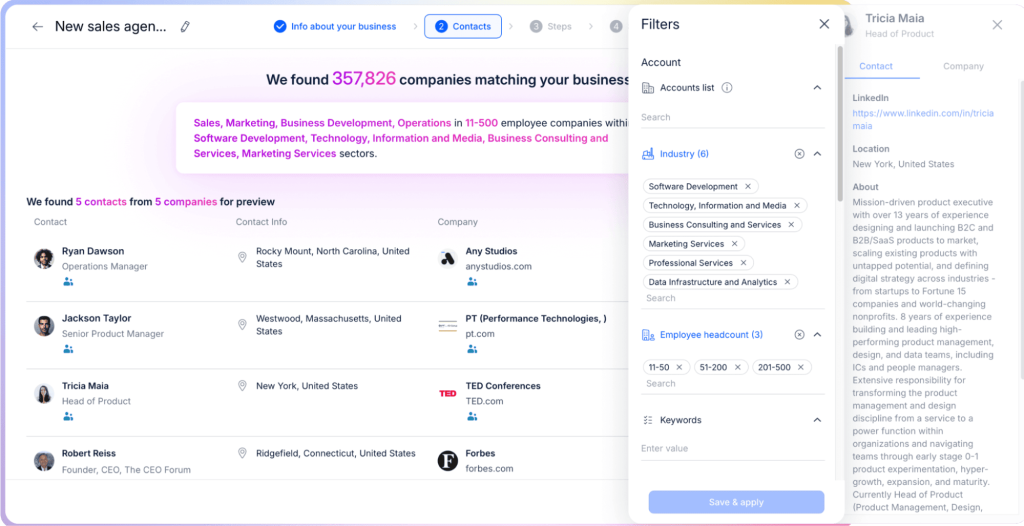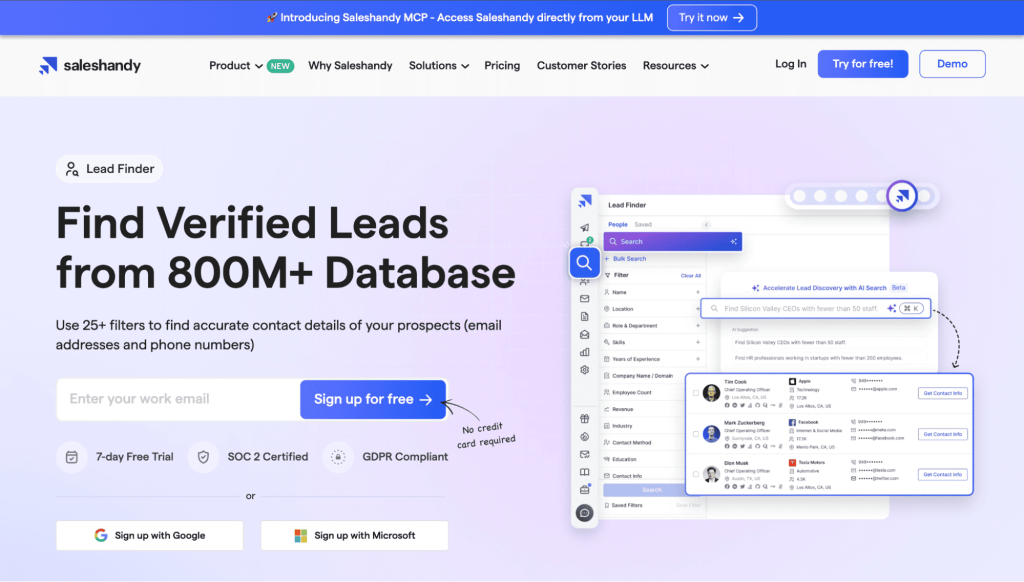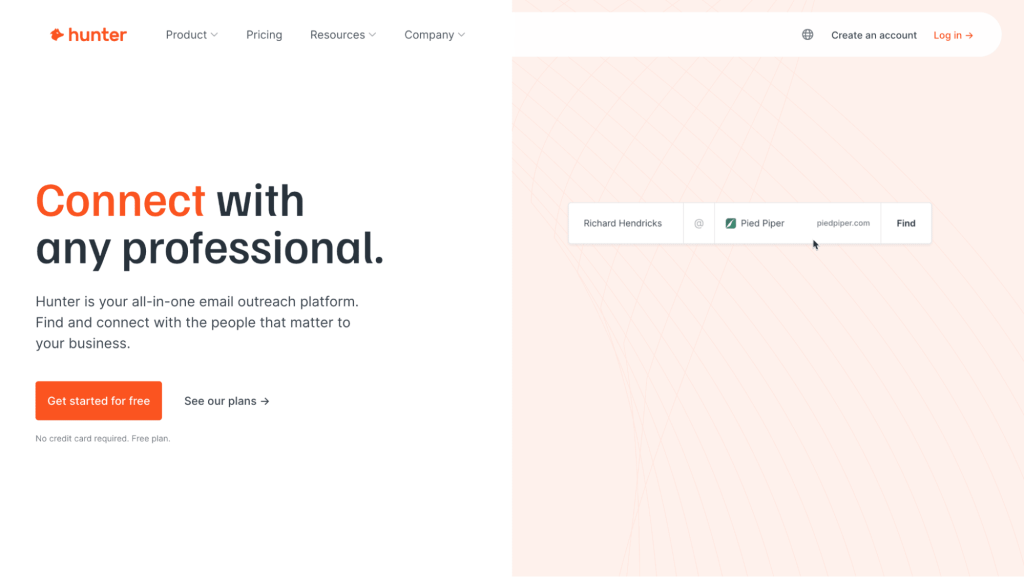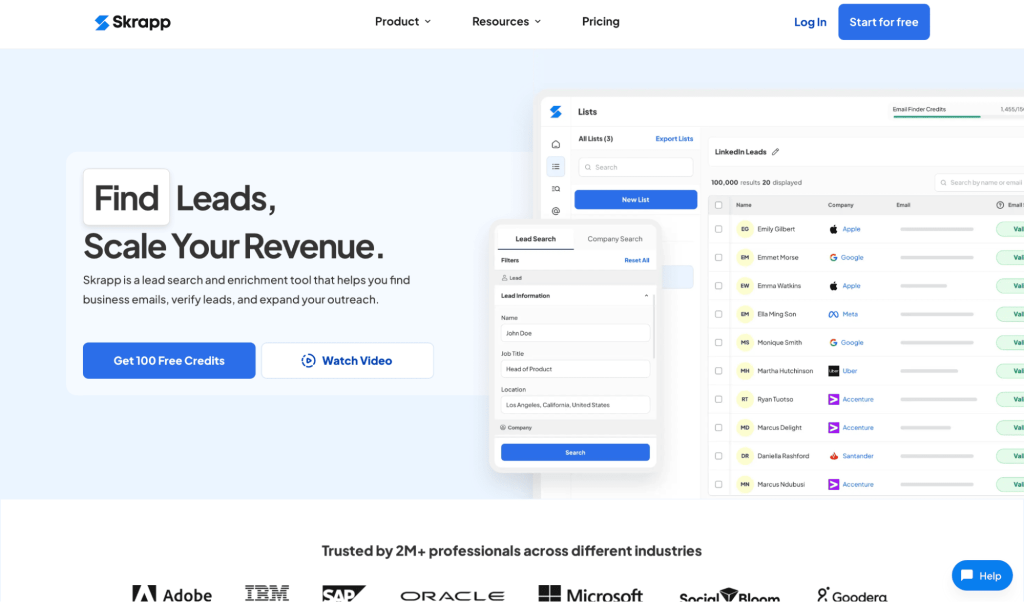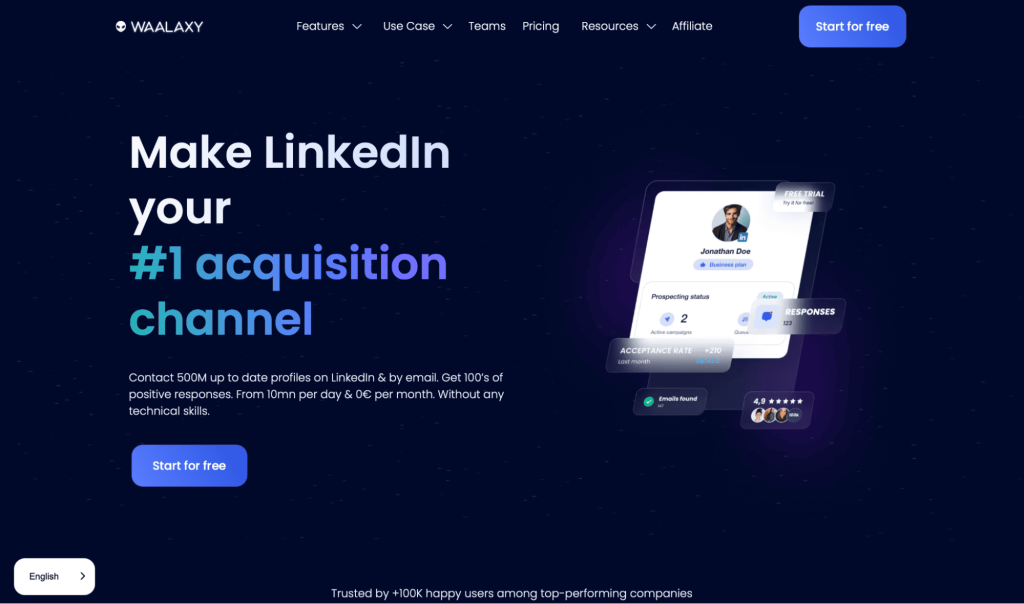

Reliable email data is one of the main bottlenecks in outbound right now. Your deliverability, reply rates, and pipeline all come down to one simple thing: are the contacts in your sequences accurate, current, and actually relevant?
Email extractor tools sit right at the very start of that chain. A good email extractor for B2B lead generation helps you:
- Turn LinkedIn searches and website visits into clean contact lists
- Enrich target accounts with the right buying roles
- Keep email addresses verified before a single campaign goes live
In 2026, the gap between the best email extractor tools and the rest is getting pretty big. Some products are still just an email scraper for lead generation that dumps raw addresses into a CSV. Others combine extraction with enrichment, validation, and full multichannel outreach.
In this guide, we’ll explore in more detail what email extractors are and how they work, and how to choose the right type of tool for your workflow.
What are email extractors, and how do they work?
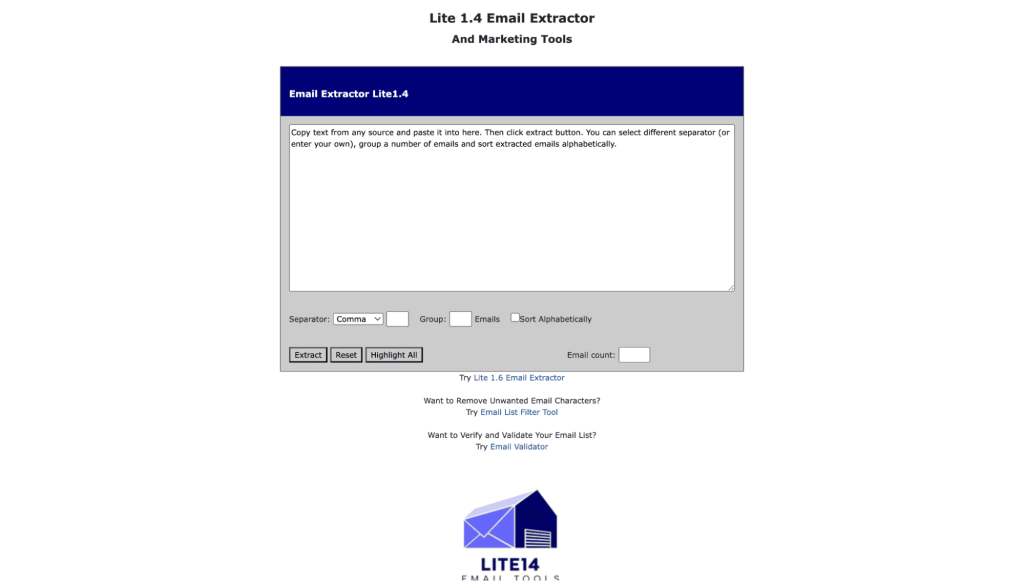
Email extractors (often called email finders) are tools that discover business email addresses from different online sources, then package everything in a format you can actually use in outbound. B2B sales and marketing teams rely on these B2B email finder tools to scale prospecting without doing manual research for every single contact.
Under the hood, most modern email extractors and email finder tools for sales combine several methods:
- Pattern matching – predicting likely formats (for example, [email protected]) and checking which version is valid
- Domain and web crawling – scanning company sites, blogs, press pages, and other public sources for contact details
- B2B contact databases – querying large, constantly updated datasets of professional emails and company profiles
- Social and professional networks – pulling contact data from LinkedIn and Sales Navigator via a LinkedIn email extractor or browser extension
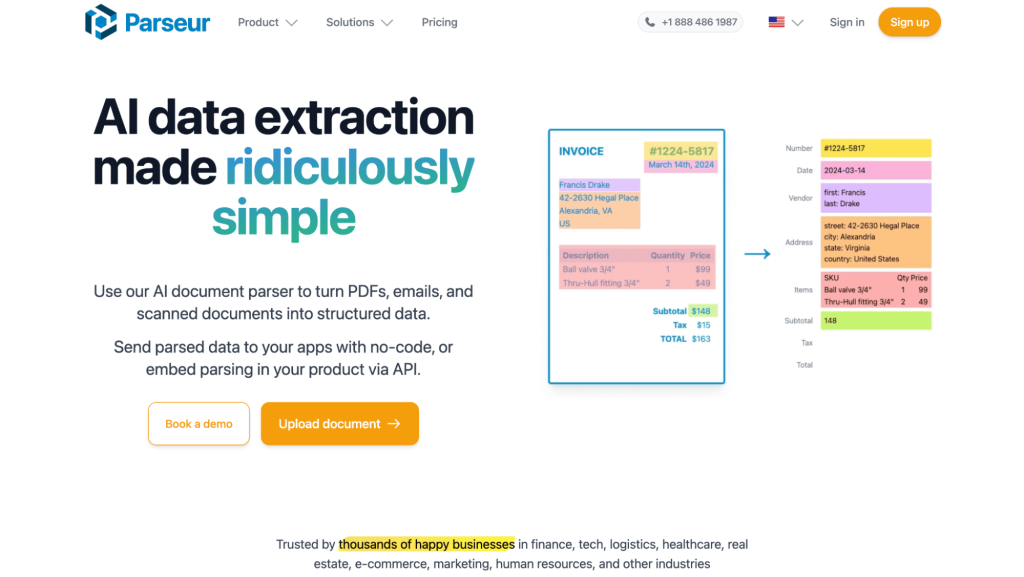
- Document parsing – extracting emails from PDFs, spreadsheets, and other documents your team already has lying around
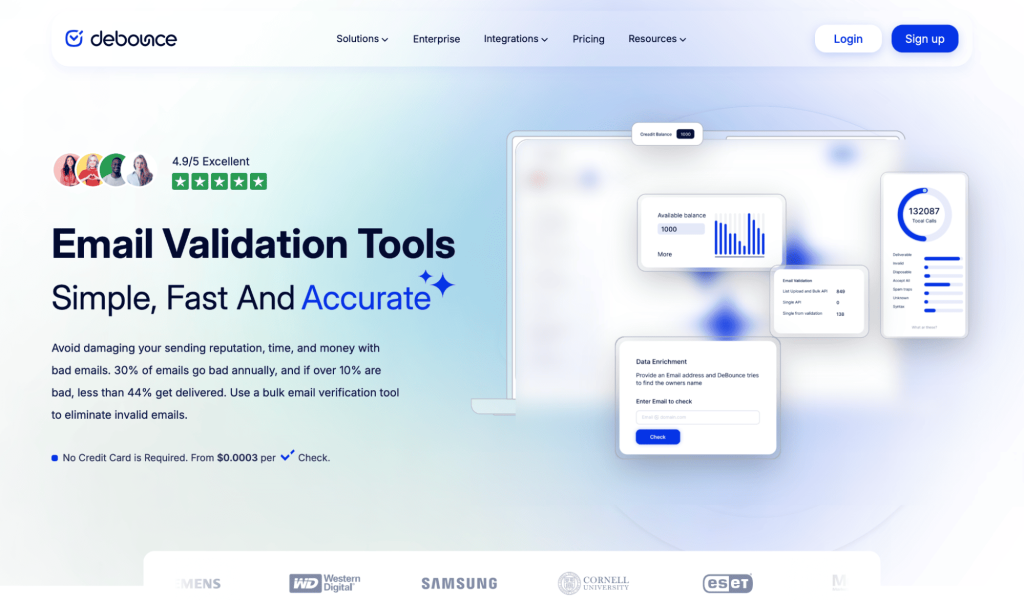
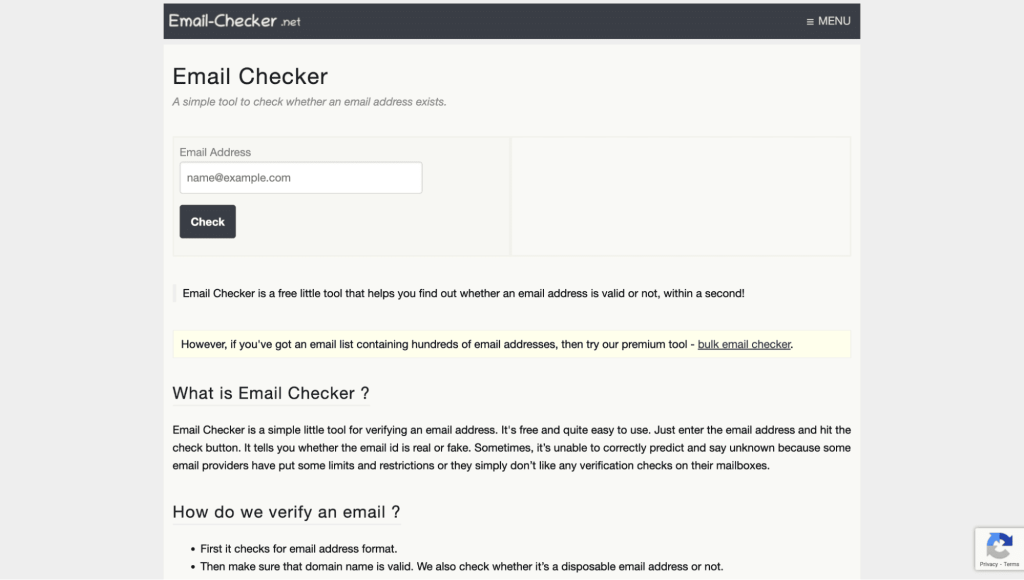
Because raw scraping is risky, verification is now built into almost every serious email extractor, with syntax checks, domain and MX record validation, SMTP / server pinging to confirm the mailbox exists, and so on.
More advanced email extractor tools also tend to learn from historical bounce data to improve scores over time, enrich contacts with firmographics, technographics, and even intent signals.
More importantly, they offer privacy-conscious workflows aligned with GDPR, CCPA, and CAN-SPAM, usually by relying on public or consent-based sources.
So, in short, a solid email extractor doesn’t just find emails. It tells you which ones are safe to use and adds enough context so your outreach can actually be targeted. In fact, there are now also dedicated AI email scrapers for teams working extensively with LinkedIn.
Why use email extractors for B2B lead generation?
Email is still one of the main revenue channels for SaaS and B2B services. In fact, 53% of SMBs across the U.S., U.K., Canada, and Australia say email marketing is the strategy they use most often to find new customers and retain existing ones.
When a channel carries that much weight, the quality of the data feeding it becomes a massive lever. That’s exactly where the best email extractors for B2B leads come in, helping you:
- Cut out manual research → Instead of copying contact details by hand, you automate discovery from domains, LinkedIn searches, and company lists. A couple of clicks with the right B2B email finder tools will get you what used to take hours.
- Scale targeted outreach → You can layer filters like job title, seniority, company size, industry, and location to build focused prospect lists instead, removing friction from prospecting and giving teams cleaner inputs for outbound prospecting.
- Protect deliverability → Built-in verification and real-time checks remove a lot of hard bounces before those contacts ever hit your sequences. That keeps your domains healthy and your cold email engine alive long term.
- Boost sales productivity → Clean, enriched data means less time fixing lists, switching tools, and chasing dead leads. SDRs and AEs can spend more time on conversations and less time wrestling spreadsheets.
- Stay compliant and protect your brand → When you combine a good email extractor with clear business intent, opt-out links, and respectful cadences, you get outbound that’s both compliant and reputation-safe, reducing spam risk and protecting your brand domain in the process.
Used properly, email extractor tools are not about “collecting as many emails as possible.” They’re about building accurate, relevant, and usable lead lists that actually turn into pipeline.