Top 15+ Dripify Alternatives for 2026 (and Beyond!)
George Vitko23 Feb 2026
Key takeaways:
Dripify serves over 50,000 users for LinkedIn outreach automation.
Reply.io saves sales teams about 10 hours weekly with AI-driven outreach.
Waalaxy offers a free plan with 80 LinkedIn invitations per month.
PhantomBuster pricing starts at $59/month with execution time limits.
Expandi’s all-in-one LinkedIn platform costs $99/month per user.
Dripify is a popular sales engagement platform used by over 50,000 professionals, businesses, and marketers to streamline their outreach efforts. This is particularly true for automating LinkedIn outreach processes.
As you know, LinkedIn is a goldmine for connecting with relevant, profitable prospects and offers a ton of lead generation potential.
However, if you feel that Dripify isn’t for you, doesn’t fit your budget, or workflow, or if you’re simply not vibing with its approach—don’t despair.
There are plenty of Dripify alternatives out there that offer similar features and benefits but may be better suited to your workflow.
In this guide, I’m taking you through the top 15+ Dripify alternatives, breaking down what they are, what they offer, and how they may be the Dripify alternative you’ve been looking for.
That’s it. Let’s dive in.
How to find the best alternatives to Dripify?
First things first, how do you know which of these solutions is right for your sales team or efforts? Well, there are a few factors to consider:
Channels: Does the alternative offer the channels you need (e.g., email, LinkedIn, SMS)?
Features: Which features are important to you (e.g., automation, personalization, analytics)?
Pricing: How does the pricing compare to Dripify pricing?
Ease of use: How easy is the alternative to use?
Customer support: What kind of customer support does the alternative offer?
Once you’ve considered these factors, you can narrow your options and choose the best Dripify alternative for your business.
The best Dripify alternatives for your business in 2026
Curious about Dripify alternatives for 2026? Whether you’re after smarter automation or fresh features, here are the top tools to take your outreach up a notch!
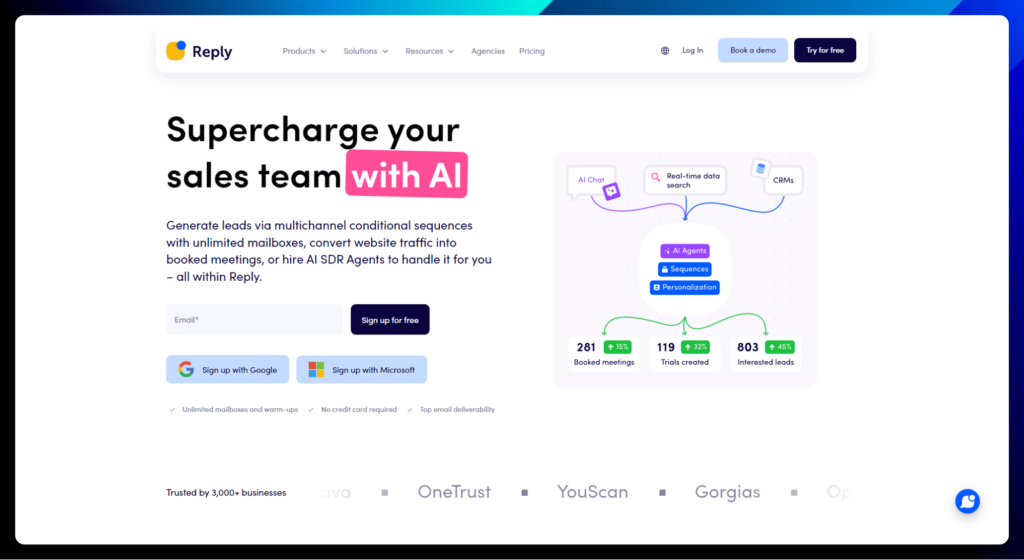
Reply.io
Reply.io is the definition of working smarter, not harder.
It’s an all-in-one prospecting tool designed to automate and scale multichannel outreach, helping you generate higher-quality leads, gain new customers, and grow your revenue.
It does this through the AI SDRs, which are essentially AI-powered, automated sales reps that work for your team around the clock, 24/7, without the need for coffee breaks or office drama. For those weighing options, exploring Reply alternatives can help you find the perfect balance between features, pricing, and ease of use.
This means your team can enjoy those parts of the workday or spend their time on more important sales tasks. Like making phone calls, nurturing relationships, and closing deals. All instead of spending endless hours on the tedious admin parts of the job.
The tool saves agents around ten hours a week, freeing up valuable time across your team.
Reply.io key features:
AI SDR agents: Let AI automate those repetitive tasks like sending sequences, crafting messages, and booking meetings. More time for closing deals, less time for busywork.
Multichannel sequences: Reach your prospects wherever they hang out with personalized campaigns across email, LinkedIn, calls, SMS, and WhatsApp. Talk about being omnipresent!
Email deliverability toolkit: Land in those inboxes, not the spam folder! We’ve got warm-up tools, deliverability monitoring, and expert guidance to keep your emails front and center.
Unified inbox: Manage all your conversations in one central location. No more juggling between platforms!
B2B data: Tap into a massive database of over 140 million verified prospects, with more being added all the time. Your next big deal is surely waiting for this collection.
Integrations: Connect with all your favorite tools – CRMs, marketing automation platforms, and more.
And everything else you need to find leads on LinkedIn and nurture them into paying, loyal customers.
✅ Reply.io pros:
Boost efficiency: Automate the boring stuff and free up your sales team to focus on what they do best: closing deals.
Reach the inbox: Get those emails delivered and noticed with our powerful deliverability tools.
❌ Reply.io cons:
Pricing: Okay, we might not be the cheapest option out there. But with all the value we pack in, it’s a superhero-worthy investment.
Learning curve: Reply.io is super user-friendly, but with all the powerful features, it might take a little time to master everything.
Reply.io is best for:
Sales & marketing teams: Ready to automate outreach, generate more leads, and accelerate your sales pipeline? Reply.io is your go-to.
Businesses of all sizes: From scrappy startups to large enterprises, we’ve got a plan that fits your needs.
Reply.io pricing:
There are plenty of price plans available, so research the one that suits you best. To give you an overview, you’re looking at tiers like:
Reply.io pricing plans
Description
Email Volume
($49/month with 17% off annually)
→ Perfect for scaling email outreach with unlimited mailboxes, contacts, and emails. Includes essential deliverability tools and onboarding support.
Multichannel
($89/user/month)
→ Offers comprehensive multi channel prospecting with email, LinkedIn, calls, and SMS automation. Includes 10 mailboxes per user and advanced data search credits.
Agency
($166/month)
→ Designed for agencies managing outreach for multiple clients. Provides unlimited users, clients, and mailboxes, plus an agency dashboard and dedicated support.
Jason
Jason is an AI sales agent that helps you find the right leads and book meetings automatically. It learns your product, follows your strategy, and creates outreach campaigns with personalized messages so your team can focus on closing deals.
With access to a large real-time data pool, Jason identifies prospects that match your ideal customer profile and reaches out across multiple channels.
Jason key features:
AI sales agent: Understands your product and targets buyers that fit your ICP.
Real-time data: Searches through 1B+ data points to uncover fresh leads.
Multichannel sequences: Builds outreach flows to connect with prospects in different ways.
Personalized messaging: Uses your playbooks to craft messages that feel relevant.
Strategy alignment: Adapts to your sales approach for more consistent outreach.
✅ Jason pros:
Advanced automation: Jason handles prospecting, targeting, and outreach in one flow, which can significantly reduce manual work for sales teams. Many users value tools that remove repetitive tasks and allow reps to focus on conversations instead of list building.
High-quality targeting: By defining your ICP and using large data sources, Jason helps teams prioritize leads that are more likely to convert. This can lead to better meetings and less time wasted on poor-fit prospects.
Personalized outreach at scale: The platform uses your playbooks to generate tailored messages, helping campaigns feel more relevant without requiring extra effort from your team.
❌Jason cons:
Setup takes planning: To get strong results, you need a clear offer, defined ICP, and structured messaging. Teams without an established process may need extra time before seeing value.
Less hands-on control: Because Jason automates much of the workflow, it may not suit teams that prefer reviewing every message or managing outreach manually.
Limited public pricing info: The lack of transparent pricing can make early comparisons harder when evaluating Dripify alternatives.
Jason is best for:
Sales teams: Automate prospecting, book more meetings, and focus on closing deals instead of searching for leads.
Startup founders: Build a predictable pipeline without hiring a large outbound team.
Revenue teams: Target ideal customers with personalized outreach at scale.
Companies adopting AI: Add automation to their sales process without rebuilding workflows.
Jason pricing:
Plan
Starting price
What’s included
Best for
AI SDR Starter
From $500/month (annual)
Up to 1,000 active contacts, AI outreach, core automation
Small teams launching outbound
AI SDR Growth
From $1,500/month (annual)
Around 5,000 contacts, expanded automation
Scaling sales teams
AI SDR Enterprise
Custom
Up to ~25,000 contacts, advanced support
Large organizations
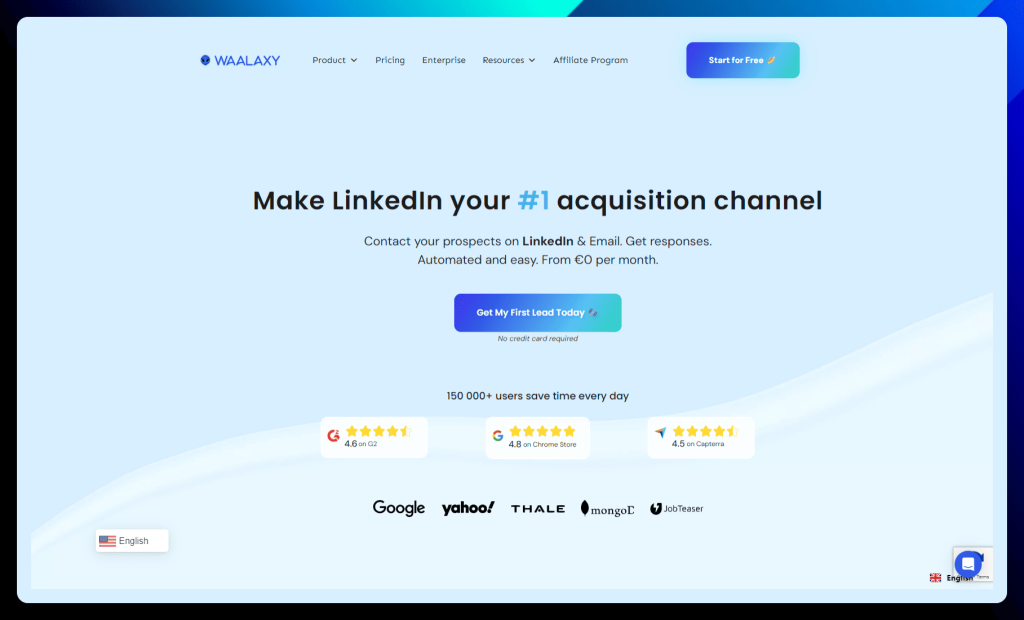
Waalaxy
This dedicated LinkedIn acquisition channel marketing tool (that markets itself as the #1 tool for LinkedIn and email) is a pretty popular tool with some high-flying clients like Google, Yahoo!, and Thale, making it one of the best Dripify alternatives.
The tool is designed to quickly build a database of new opportunities by automatically inviting messages and insights via sequences that save you time and laser-focus your efforts in the right place.
With a free plan to get you started for 80 quotas per month and a database of over 800 million profiles, this is a tool that’ll have you connecting with leads like a pro.
Waalaxy key features:
Automated LinkedIn actions: Say goodbye to manual clicks! Automate connection requests, profile visits, messages, and even skill endorsements. You can even send personalized invites and follow-up messages once they’re accepted. Talk about efficiency!
Multichannel sequences: Combine the power of LinkedIn and email outreach to maximize your engagement and conversions. It’s like having a two-pronged attack for ultimate lead capture.
Email Finder: Go beyond LinkedIn and find those all-important email addresses. Waalaxy uses Dropcontact (GDPR compliant, of course!) to help you expand your reach.
CRM integration: Seamlessly connect with your favorite CRMs like HubSpot, Pipedrive, and Salesforce. Keep your workflow streamlined and your leads organized.
Campaign analytics: Track your campaign performance and gain valuable insights into your outreach efforts. Know what’s working and what’s not to fine-tune your strategy.
✅ Waalaxy pros:
Easy to use: Waalaxy is designed to be user-friendly, even for those who aren’t tech wizards. Anyone can jump in and start prospecting like a pro from the beginning.
Budget-friendly: Waalaxy offers a free plan with basic features, and the paid plans are super affordable. They even have a free plan to get you started that offers all automated features.
❌ Waalaxy cons:
Pricey premium plans: While the free plan is inviting, the premium tier is typically considered quite expensive and is necessary if you need to scale and increase your quota limits.
Missing features: There’s certainly room to improve Wallaxy and nurture the features that some tools offer as standard. This includes features like trying to scrap all post reactors, a more responsive live chat feature, and being able to make your own sequences (even though there are 100+ available, you can’t make your own).
Waalaxy is best for:
Sales professionals: Generate leads, expand your network, and automate your outreach on LinkedIn and email. It’s like having a personal assistant for your prospecting.
Recruiters: Reach a wider pool of candidates, promote job offers, and streamline your recruitment process. Find your next superstar hire!
Founders & Entrepreneurs: Connect with potential investors, build your network, and unlock new business opportunities.
Waalaxy pricing:
Waalaxy pricing plans
Description
Freemium
(£0/month)
→ Basic plan offering 80 invitations/month, LinkedIn and Zapier automation, email enrichment, and basic CRM features.
Pro
(£17/month)
→ Increases invitation limit to 300/month.
→ Includes all Freemium features plus access to targeted message templates and live chat support.
Advanced
(£35/month)
→ Further increases invitations to 800/month.
→ Includes all Pro features plus email automation and 25 free Email Finder credits.
Business
(£52/month)
→ Top-tier plan offering 800 invitations/month plus emails.
→ Includes all Advanced features plus 500 Email Finder credits and full CRM synchronization.
All plans offer a free trial, cloud-based solutions, LinkedIn profile auto-imports, and emailing features.
PhantomBuster
PhantomBuster is your code-free automation army. This cloud-based tool uses 100+ “Phantoms” and “Flows” to generate leads and automate tasks across LinkedIn, Sales Navigator, Instagram, X (formerly Twitter), and Google.
It’s pretty much a tool that focuses on mastering the fundamentals. It doesn’t do anything crazy out of the box. Instead, it gives you a solid, reliable toolkit to extract lead lists, access contact data, generate and automate CRM updates, offer custom workflows, full reporting, and the sorts.
PhantomBuster key features:
Lead extraction: Uncover those hidden gems! PhantomBuster extracts qualified leads from various websites and neatly organizes them into spreadsheets. It’s like having a digital bloodhound sniffing out your ideal customers.
Data & email enrichment: Go beyond the basics and enrich your database with valuable intel like phone numbers and verified email addresses. The more you know about your prospects, the better you can connect.
Outreach campaign automation: Engage with your leads on social media and boost your brand awareness with personalized campaigns. No more manual messages – let the automation do the heavy lifting!
CRM integrations: Connect PhantomBuster with your favorite CRMs like Salesforce, HubSpot, and Pipedrive. Keep your data flowing smoothly and your workflow humming.
✅ PhantomBuster pros:
Full automation: With a vast library of automations, PhantomBuster has the tools to tackle almost any task. It’s like having a Swiss Army knife for your online lead generation.
Save time: PhantomBuster handles the tedious tasks while you focus on growing your business. It’s easy to use, has all the necessary features in once place, and is pretty efficient in everything it offers.
❌ PhantomBuster cons:
Pricing: PhantomBuster is a little pricey compared with other tools, with pricing starting at $59 per month for getting started with quite limited quotas.
Limits: PhantomBuster is still subject to the LinkedIn data processing limits for connections and invites, which means the process of scaling can be relatively slow and feels restrictive. This is backed by platform slot limitations. You can only run a certain number of Phantoms at a time, so you’ll need to wait for certain tasks to finish before running new ones.
PhantomBuster is best for:
Sales & marketing teams: Generate leads, enrich your data, and automate those outreach campaigns. PhantomBuster is your secret weapon for online domination.
Businesses of all sizes: Whether you’re a startup or a large enterprise, PhantomBuster has a solution to fit your needs. It’s time to level up your lead generation game!
PhantomBuster pricing:
PhantomBuster pricing plans
Description
Trial
(free for 14 days)
→ Offers 2 hours of execution time, 1k AI credits, 5 Phantom slots, and limited export capabilities.
→ Perfect for exploring the platform.
Starter
($56/month, billed annually)
→ Provides 20 hours of execution time per month, 10k AI credits, 5 Phantom slots, unlimited export, and community access.
→ Ideal for individuals or small businesses starting with automation.
Pro
($128/month, billed annually)
→ Increases execution time to 80 hours per month, 30k AI credits, and 15 Phantom slots.
→ Includes all Starter features plus priority support. Best for businesses scaling their automation efforts.
Team
($352/month, billed annually)
→ Offers a generous 300 hours of monthly execution time, 90k AI credits, and 50 Phantom slots.
→ Includes all Pro features and is designed for teams needing high-volume automation.
All paid plans include unlimited export, community access, and priority support. Annual billing offers significant cost savings compared to monthly billing.
No cold starts. Just closing conversations.
Competitor followers already know the problem—and some are actively looking for a better solution. Learn the exact steps to find them, speak to their pains, and turn them into customers fast.
Expandi
Expandi could be your secret weapon for turning LinkedIn into a lead-generating powerhouse. This cloud-based platform offers a comprehensive suite of tools to automate your outreach, build relationships, and analyze your performance.
From smart campaign building and multi-channel sequences to hyper-personalization and detailed reporting, Expandi empowers you to maximize your LinkedIn marketing ROI.
Expandi key features:
Smart campaign builder: Create automated sequences with up to 10 actions and 10 conditions, adapting to your prospect’s behavior. It’s like having a choose-your-own-adventure for lead nurturing!
Multi-channel outreach: Don’t just stop at LinkedIn! Combine your efforts with email prospecting to maximize your reach and engagement.
Hyper-personalization: Stand out from the crowd with personalized videos, images, and GIFs. You can even automatically extract prospect data from LinkedIn groups, events, and posts for laser-focused messaging.
Detailed analytics: Track your campaign performance like a hawk and identify areas for improvement. Knowledge is power!
Bypass LinkedIn limits: Safely send up to 300 connection requests per week and prioritize your campaigns to maximize your daily limits. Expandi helps you play by the rules while still getting amazing results.
Team management: Set up custom roles and permissions for your team members and manage all your LinkedIn accounts from a single dashboard.
Campaign variety: Eleven campaign types to choose from, ensuring you have the right tool for every outreach strategy.
✅ Expandi pros:
Powerful automation: Expandi excels at automating complex LinkedIn workflows, saving you time and increasing efficiency. Users highlight its ability to connect email and LinkedIn sequences seamlessly.
Robust feature set: Expandi offers a wide array of features, including campaign building, scraping, personalization, and analytics, making it a comprehensive solution for LinkedIn outreach.
❌Expandi cons:
User interface: Some users find the interface less intuitive, especially on smaller screens, and suggest improvements to the training materials.
Pricing: Expandi’s pricing structure, with some features locked behind higher subscription tiers, can be a drawback, particularly for smaller businesses or individuals.
Expandi is best for:
Sales & marketing teams: Generate leads, build relationships, and boost your brand awareness on LinkedIn.
Recruitment agencies: Find top talent, promote job openings, and streamline your hiring process.
Fundraising teams: Connect with potential investors and secure funding for your ventures.
Marketing agencies: Manage LinkedIn outreach for your clients and increase their ROI.
Expandi pricing:
Expandi offers a single pricing plan packed with all its features for $99/month per seat. You can save 20% by opting for annual billing, which gives you two months free.
For larger teams and agencies, custom plans are available to accommodate more users and provide greater savings. Contact Expandi’s sales team to discuss your needs and get a tailored quote.
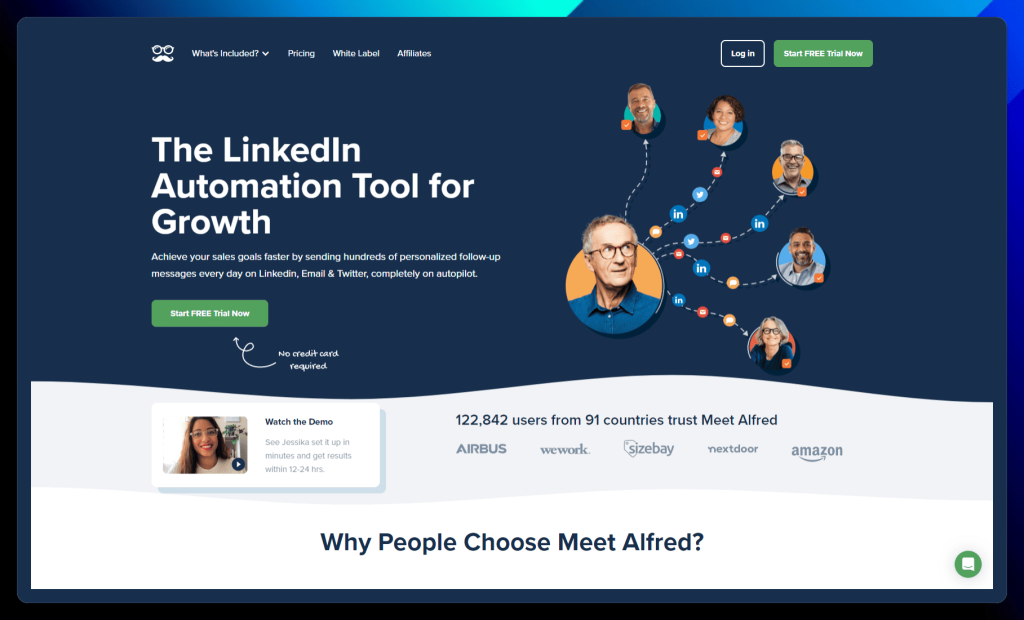
MeetAlfred
MeetAlfred is your automation sidekick for supercharging social selling and turning your LinkedIn efforts into a lead-generating powerhouse, although it’s not the most popular or high-rated, coming in with a 3 out of 5-star average of G2 and 2.8 on Capterra.
Then again, it’s trusted by over 122,000 users in 91 countries, MeetAlfred lets you build multi-channel campaigns, personalize messages at scale, and manage your network with a built-in CRM. It’s like adding another member to your team but without the extra expense.
MeetAlfred key features:
Multi-channel prospecting: Reach out across LinkedIn, email, and Twitter to create a powerful sales pipeline. Connect with leads on their preferred platform and increase your chances of engagement – essential tools when looking for alternatives to Dripify.
Personalization at scale:Tailor your messages based on industry, location, job title, and more. Make every interaction feel personal, even with automation.
Built-in LinkedIn CRM: Manage your contacts like a pro with tags, notes, and filters. Stay organized and keep your relationships warm.
Team management: Bring your whole team on board. Assign roles, track performance, and collaborate seamlessly.
Integrations: Connect MeetAlfred with over 3,000 applications and tools to streamline your workflow.
✅ MeetAlfred pros:
Automation across multiple platforms: MeetAlfred effectively automates outreach across LinkedIn, email, and Twitter, allowing for multi-channel prospecting and increased efficiency.
User-friendly interface: Many users praise the software’s ease of use and quick setup process. The interface is generally considered intuitive and straightforward.
❌ MeetAlfred cons:
Customer support: A recurring concern in the reviews is poor customer support, with reports of slow response times, unhelpful staff, and difficulty obtaining refunds.
Bugs and reliability: Some users experience bugs and inconsistencies with the software, such as issues with LinkedIn synchronization, email bounces, and campaign interruptions.
MeetAlfred is best for:
Sales teams: Generate leads, build relationships, and automate your outreach across multiple platforms. It’s like having a whole team of virtual sales assistants!
Businesses of all sizes: MeetAlfred has solutions for businesses of all shapes and sizes, from solopreneurs to large enterprises.
MeetAlfred pricing:
MeetAlfred offers three different pricing plans to cater to various needs:
MeetAlfred pricing plans
Description
Basic
($39/month, billed annually)
→ Ideal for individuals who want to automate their LinkedIn outreach with a cloud-based solution.
→ This plan includes three active campaigns, basic LinkedIn CRM, and automated greetings.
Pro
($59/month, billed annually)
→ Designed for individuals looking for enhanced performance and advanced features.
→ Includes everything in the Basic plan plus unlimited campaigns, Sales Navigator support, multi-channel automation (LinkedIn, X, email), InMail automation, and more.
Teams
($49/month per user, billed annually, minimum 3 users)
→ The best choice for larger teams who need collaboration features, volume discounts, and advanced team settings. → Includes all the Pro plan features plus team inbox management, white labeling options for 5+ users, and a dedicated account manager for 10+ users.
All plans offer a free trial so you can test out the features before committing. You can also save money by opting for quarterly or annual billing.
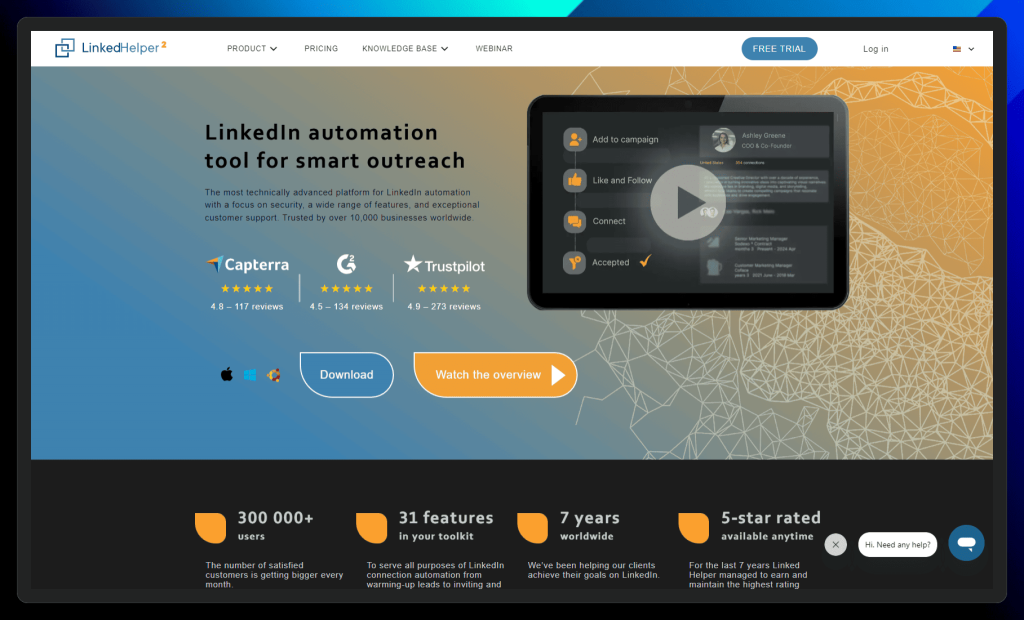
LinkedHelper
As a leading LinkedIn automation tool, LinkedHelper offers a comprehensive suite of features designed to streamline your workflow and maximize your results.
This robust platform boasts a user-friendly interface and advanced automation capabilities, allowing you to effortlessly connect with prospects, nurture relationships, and build a thriving network.
LinkedHelper key features:
Smart automation: Streamline your lead generation and sales outreach with a comprehensive set of automation tools. From connection requests to profile visits and messages, LinkedHelper has you covered.
LinkedIn email finder: Uncover those hidden email addresses and expand your reach beyond LinkedIn. Connect with prospects on their preferred platform.
Scrape & export: Extract valuable data from LinkedIn profiles and export it to a CSV file or your favorite CRM. Build your prospect database with ease.
Funnel building: Create automated message sequences and guide your leads through every stage of your funnel. Nurture relationships and convert leads on autopilot.
Hyper-personalization: Boost your engagement with personalized images, custom variables, and a smart message template editor. Make every interaction count.
✅ LinkedHelper pros:
Robust automation: LinkedHelper excels at automating a wide range of LinkedIn tasks, freeing up your time and increasing efficiency. This includes connection requests, messaging, profile visits, endorsements, and more.
Safety and security: As a standalone application, LinkedHelper prioritizes the safety of your LinkedIn account. Its human-like automation behavior minimizes the risk of getting flagged by LinkedIn.
❌ LinkedHelper cons:
User interface: While functional, some users find the interface to be less modern and intuitive compared to other tools. This could potentially lead to a steeper learning curve for some.
Limited email marketing: LinkedHelper’s email marketing capabilities are limited. You may need to integrate with a third-party tool for full-fledged email campaigns and advanced warm-up features.
LinkedHelper is best for:
Sales professionals: Generate leads, manage your pipeline, and automate your sales outreach on LinkedIn.
Marketers: Build and engage with your target audience, promote your content, and grow your brand presence.
Recruiters: Source and connect with top talent, streamline your hiring process, and manage your candidate pool.
LinkedHelper pricing:
LinkedHelper offers flexible pricing plans to suit various needs and budgets. Here’s a breakdown of their options:
LinkedHelper pricing plans
Description
Free trial
→ All the features you need to get started with LinkedIn automation.
14-day free trial.
Standard
($15/month)
→ A standard suite of the most used features for growing businesses via LinkedIn automation for messages and data scraping.
→ Includes core features like connection requests, message sequences, reply detection, and InMails.
Pro
($45/month)
→ Maximum advanced features for businesses taking advantage of all opportunities for LinkedIn automated lead generation.
→ Offers advanced features and higher usage limits, ideal for power users and larger businesses.
Discounts are available for longer subscriptions (3, 6, and 12 months). You can also compare plans in detail on their website to see the full feature list for each tier.
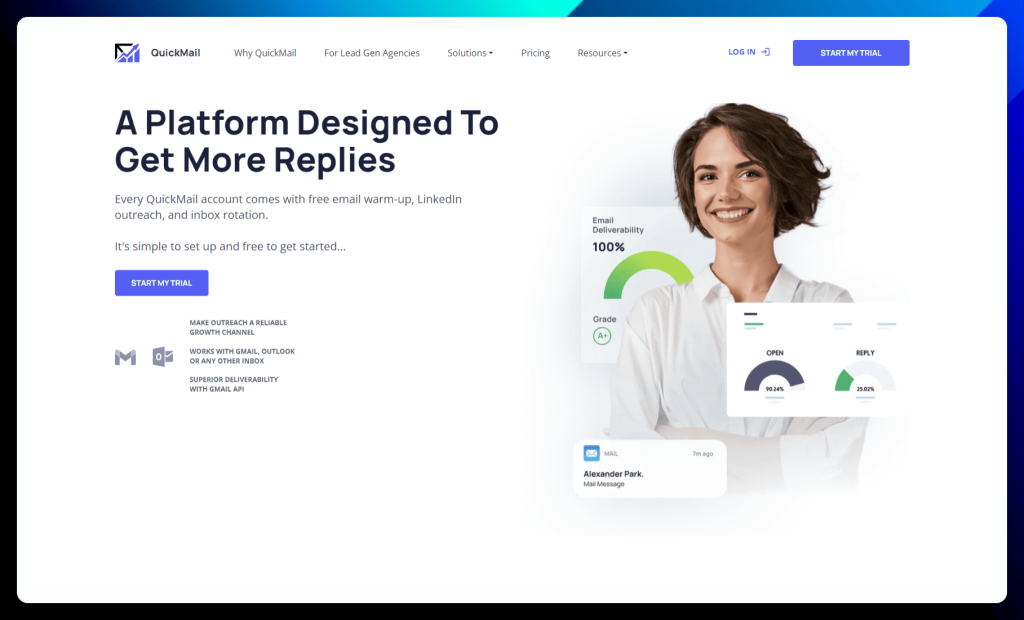
QuickMail is your all-in-one platform for mastering email outreach. Designed with deliverability and efficiency in mind, QuickMail empowers you to connect with your audience on a deeper level and achieve remarkable results.
From automating repetitive tasks to optimizing your campaigns with insightful analytics, QuickMail provides the tools you need to transform your outreach strategy.
Experience the power of personalized messaging, intelligent automation, and seamless integrations, all within a user-friendly interface. With QuickMail, you can nurture leads, build stronger relationships, and unlock new growth opportunities.
QuickMail key features:
Deliverability AI: Our AI-powered system keeps your inboxes healthy and ensures your emails reach their destination. Say goodbye to spam filters!
Inbox rotation: Automatically switch between multiple inboxes to improve deliverability and avoid those pesky spam traps. It’s like having a team of email ninjas working behind the scenes.
Advanced analytics: Track your campaign performance like a pro and see which emails are bringing in the big bucks.
A/B testing: Find the perfect subject line, email copy, and call to action with easy A/B testing. Optimize your outreach for maximum impact.
Automation: Automate tasks like prospect imports, follow-ups, and email verification. Spend less time on manual work and more time closing deals.
✅ QuickMail pros:
Exceptional deliverability: QuickMail excels at getting your emails delivered, bypassing spam filters, and landing in the primary inbox. This is crucial for achieving high open and response rates.
Outstanding customer support: Users consistently praise QuickMail’s responsive and helpful support team, which is readily available to assist with any questions or issues.
❌ QuickMail cons:
User interface: While generally user-friendly, some aspects of the interface can feel unintuitive or require a learning curve, particularly for those new to email automation.
Occasional glitches: Some users have reported occasional glitches or inconsistencies with the platform, such as scheduling errors or integration issues. However, QuickMail’s support team is typically quick to address these problems.
QuickMail is best for:
Lead generation agencies: Manage all your clients under one roof and track your costs in real time.
Demand generation teams: Run A/B tests, automate tasks, and leverage integrations to improve your outreach efficiency and results.
QuickMail pricing:
QuickMail offers three straightforward pricing tiers designed to cater to different needs and budgets:
QuickMail pricing plans
Description
Basic Plan
($49/month)
→ Ideal for individuals and small businesses starting their outreach journey.
→ Includes 30,000 emails/month, 10,000 active prospects, 5 email addresses, and essential features like auto warmer, reply handling, and Zapier integration.
Pro Plan
($89/month)
→ Perfect for growing businesses and teams seeking more advanced capabilities.
→ Offers 100,000 emails/month, 50,000 active prospects, 20 email addresses, 5 LinkedIn accounts, and adds features like HubSpot & Pipedrive integration and deliverability AI.
Expert Plan
($129/month)
→ Designed for power users and large businesses demanding maximum outreach potential.
→ Provides 300,000 emails/month, 100,000 active prospects, 50 email addresses, 15 LinkedIn accounts, and unlocks advanced analytics, AI, and sub-campaigns.
All plans come with unlimited team members and expert support. You can explore the detailed features of each plan on the QuickMail website to find the perfect fit for your outreach goals.
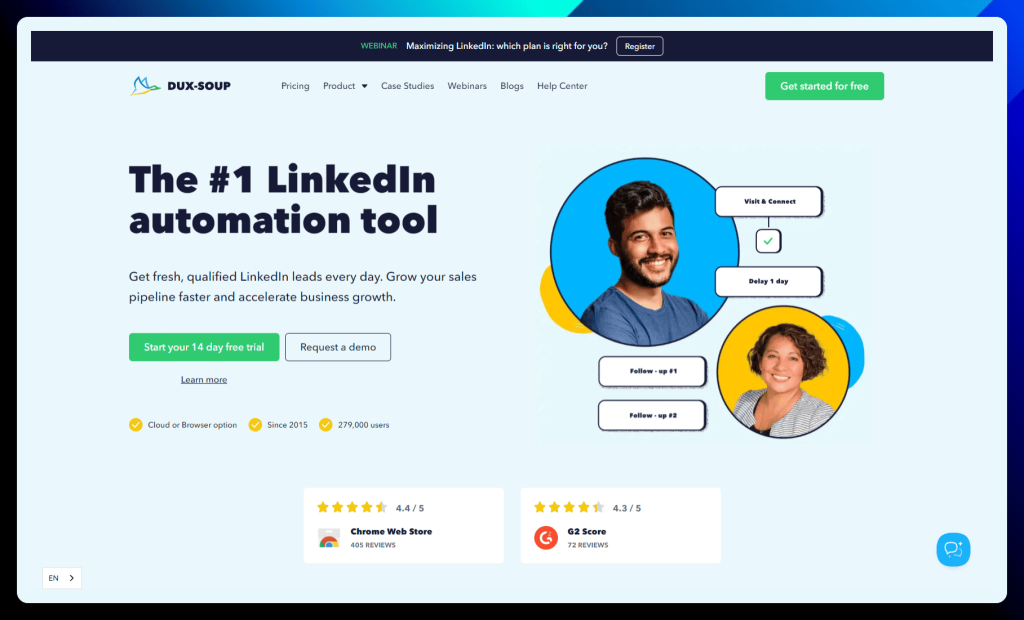
Dux-Soup
Dux-Soup is a powerful LinkedIn automation tool that helps you effortlessly generate leads, nurture relationships, and grow your network, all while saving you valuable time and effort.
With Dux-Soup, you can automate various LinkedIn activities, from profile visits and connection requests to personalized messages and endorsements.
This frees you up to focus on what matters most: building genuine connections and converting leads into customers.
Dux-Soup seamlessly integrates with your existing LinkedIn workflow, whether using a free account, Sales Navigator, or Recruiter.
Dux-Soup key features:
Find your perfect match: Dux-Soup works seamlessly with your LinkedIn, Recruiter, or Sales Navigator account, keeping your activity history within LinkedIn and ensuring your account stays safe.
Connect & engage: Create smart campaigns that automatically send connection requests, view profiles, follow prospects, endorse skills, and send personalized messages. It’s like having your own LinkedIn charm school!
Lead management: Easily follow up on responses within LinkedIn or send new leads to your favorite CRM. Keep your pipeline organized and your leads warm.
Multi-channel strategies: Go beyond LinkedIn and connect with prospects on other platforms. Dux-Soup helps you create a multi-channel outreach strategy for maximum impact.
Team prospecting: Collaborate with your team to generate leads and track performance. Teamwork makes the dream work.
✅ Dux-Soup pros:
Ease of use: Dux-Soup is known for its user-friendly interface and straightforward setup, making it accessible even for those new to LinkedIn automation.
Effective automation: Users appreciate Dux-Soup’s ability to effectively automate various LinkedIn tasks, saving time and increasing outreach efficiency.
❌ Dux-Soup cons:
Occasional over-automation: Some users have reported instances where Dux-Soup automatically adds profiles to campaigns unintentionally, requiring manual intervention.
Resource intensive (browser-based version): The browser-based version of Dux-Soup can consume significant computer resources, potentially leading to performance issues on less powerful machines. However, the Cloud Dux version addresses this concern.
Dux-Soup is best for:
Sales and marketing professionals, growth hackers, agencies, and business owners looking to supercharge their LinkedIn lead generation. If you’re serious about LinkedIn, Dux-Soup is your soup-erstar!
Dux-Soup pricing:
Dux-Soup offers a range of plans designed for individuals, teams, and agencies, with options for monthly or yearly billing (save 20% with yearly billing):
Dux-Soup pricing plans
Description
Pro Dux
($11.25/month billed annually)
→ Ideal for individuals who want to automate their LinkedIn outreach.
→ Send connection requests and messages to grow your network and uncover leads.
Turbo Dux
($41.25/month billed annually)
→ Perfect for teams who want to scale their lead generation with multi-touch drip campaigns.
→ Includes a sales pipeline management dashboard and connects to third-party systems for end-to-end LinkedIn workflow integration.
Cloud Dux
($74.17/month billed annually)
→ The ultimate LinkedIn automation tool for agencies who need always-on lead generation.
→ Fully automated drip campaigns in the cloud, working 24/7 on Dux-Soup’s infrastructure.
All plans come with a free trial, so you can test out Dux-Soup before committing to a paid plan. You can find more details about the features included in each plan on the Dux-Soup website.
Wiza
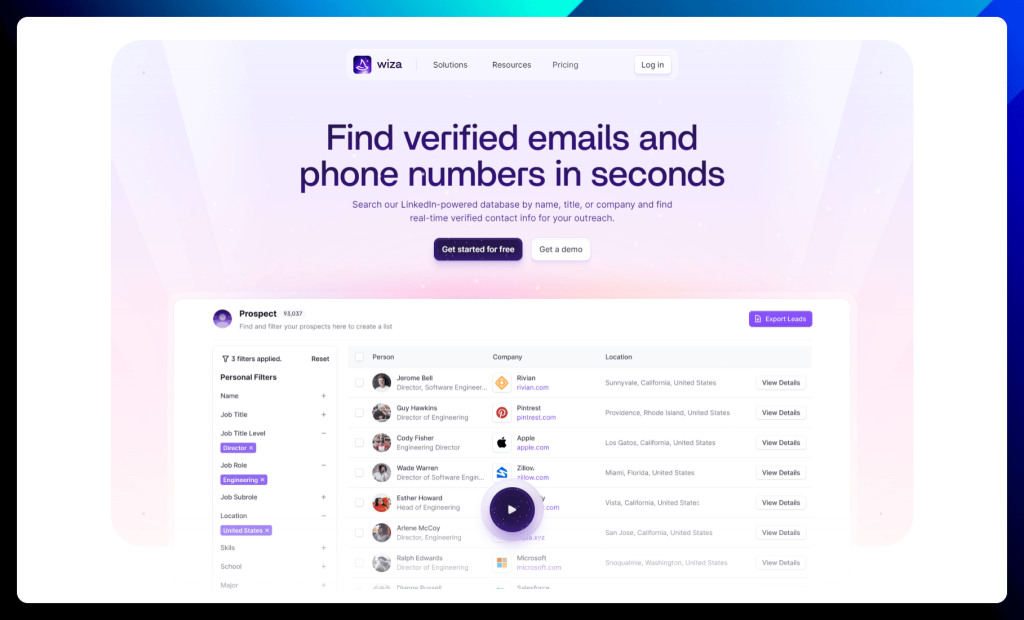
Wiza is designed to eliminate the time you waste searching for accurate contact information. Think of it as a treasure trove of verified emails and phone numbers, empowering you to connect with the right prospects effortlessly.
This powerful platform provides real-time verified contact data for your outreach campaigns, eliminating the need for outdated databases and manual data entry. Enjoy seamless integrations with your existing tools, increased efficiency, and a streamlined workflow.
Everything you need to build a strong pipeline and drive revenue growth.
Wiza key features:
LinkedIn-powered database: Search for contacts by name, title, or company and unlock a treasure trove of information. No more digging through profiles for contact details!
Chrome extension: Export prospects to a CSV file or send them straight to your CRM with a click. Seamless integration for maximum efficiency.
Multiple contact points: Find work emails, personal emails, direct dials, and even cell phone numbers. Wiza leaves no stone unturned in its quest for contact information.
Email verification: Ensure your emails reach the inbox with real-time verification. Say goodbye to bounces and hello to higher deliverability rates.
Data sync: Integrate Wiza with your favorite tools for a smooth and efficient workflow. Keep your data flowing seamlessly between platforms.
✅ Wiza pros:
Time-saving efficiency: Wiza excels at automating the tedious process of finding and verifying contact information, freeing up valuable time for more important tasks.
Accurate and reliable data: Users consistently praise Wiza for its high accuracy rate in providing verified email addresses and phone numbers, leading to improved deliverability and successful outreach.
❌ Wiza cons:
Cost: While Wiza offers a free plan, some users find the paid plans to be relatively expensive compared to competitors, especially for those with limited budgets.
Limited functionality in the free plan: The free plan has restricted features, which may not be sufficient for users with more demanding outreach needs.
Wiza is best for:
Sales teams: Scale your outbound efforts, drive new revenue, and connect with prospects quickly and easily.
Recruiting teams: Source top talent and get their contact information without breaking a sweat.
Marketing teams: Build targeted custom audiences and reach the right people with your message. Wiza helps you refine your marketing efforts.
Wiza pricing:
Wiza offers transparent and flexible individual plans with options for monthly or annual billing. Enjoy unlimited credits when you pay yearly and save on your plan!
Wiza pricing plans
Description
Free
→ Perfect for occasional prospecting.
Includes 20 emails/month and 5 phone numbers/month.
Email
($83/month billed annually)
→ Ideal for those focused on email outreach.
→ Offers unlimited emails and a 10k/month export limit.
Email + Phone
($166/month billed annually)
→ Designed for users who leverage both email and phone outreach.
→ Provides unlimited emails, phone numbers, and a 10k/month export limit.
Wiza’s pricing is designed to scale with your needs, offering cost-effective solutions whether you’re just starting out or looking to maximize your outreach potential.
Skrapp
Frustrated by the lack of publicly available email addresses? Skrapp may be your solution.
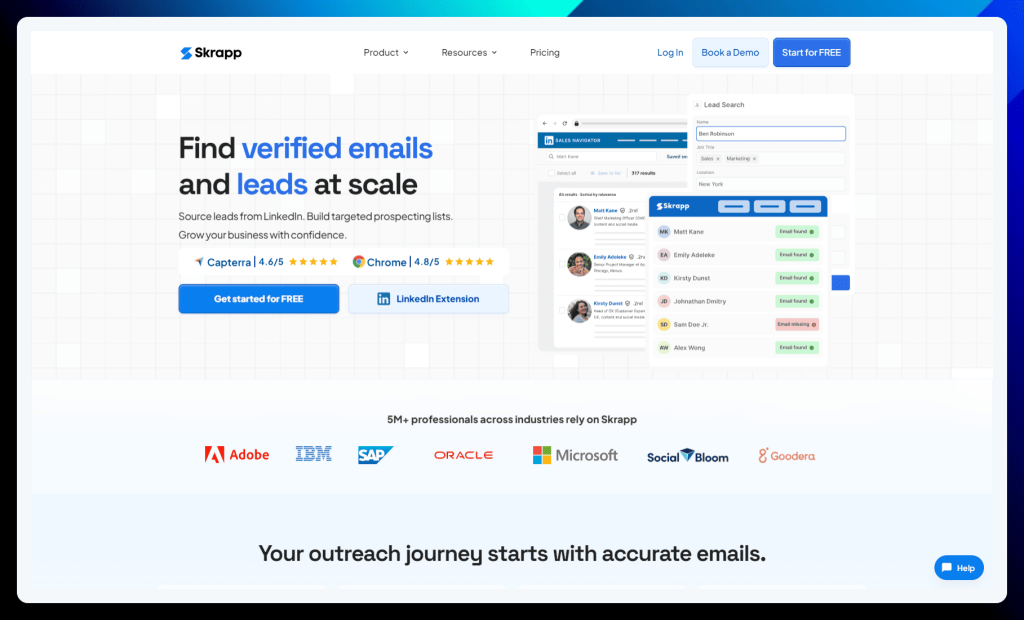
Unlike other tools that rely on guesswork or outdated databases, Skrapp employs a unique algorithm to predict and verify professional email addresses with impressive accuracy.
This means you can confidently build hyper-targeted prospecting lists, knowing your outreach efforts will reach the right inboxes. Skrapp seamlessly integrates with LinkedIn and Sales Navigator, allowing you to effortlessly uncover contact information while browsing profiles.
No more dead-end searches or wasted time – Skrapp puts the power of accurate email data at your fingertips.
Skrapp key features:
LinkedIn Email Finder: Transform LinkedIn into a lead generation engine with the Skrapp Chrome Extension. Effortlessly find and connect with prospects on their preferred platform.
Global database: Tap into Skrapp’s massive database of 150 million business profiles and emails, refreshed daily. Connect with professionals from any company, anywhere in the world.
Email search: Build targeted and validated email lists from LinkedIn, Sales Navigator, and Skrapp’s global database. That means fewer bounces and higher deliverability.
Data enrichment: Go beyond email addresses and enrich your database with valuable company data like revenue and headcount. Target your outreach with precision.
Accuracy at its finest: See the real-time health status of your prospect emails and focus on those most likely to land in the inbox. No more wasted effort on invalid addresses.
✅ Skrapp pros:
Ease of use: Skrapp is praised for its user-friendly interface and intuitive design, making it easy to navigate and find email addresses quickly.
Affordable pricing: The free plan offers a generous amount of credits, making Skrapp accessible to individuals and small businesses with limited budgets.
❌ Skrapp cons:
Accuracy concerns: While Skrapp boasts a high accuracy rate, some users have reported instances of incorrect or outdated email addresses, requiring additional verification.
Limited platform compatibility: Skrapp primarily focuses on LinkedIn and Sales Navigator, which can be a limitation for users who source leads from other platforms.
Skrapp is best for:
Sales professionals who want to find emails, build targeted lists, and manage their outreach like a pro.
Skrapp pricing:
Skrapp offers a simple and straightforward pricing structure with two main options:
Skrapp pricing plans
Description
Free
→ Get started with Skrapp’s core features for free.
→ Includes 100 email finder credits and 200 email verifier credits per month.
→ Access to the LinkedIn Email Finder, Website Email Finder, and basic search and verification tools.
→ Ideal for individuals with limited needs or wanting to try Skrapp before committing to a paid plan.
Starter
(£30/month billed annually)
→ Designed for individuals and small teams who need more credits and advanced features.
→ Includes 1,000 email finder credits and 2,000 email verifier credits per month.
→ Unlocks Sales Navigator Email Finder, LinkedIn automation, bulk search options, and more comprehensive verification tools.
→ Offers access to APIs and CRM integrations for enhanced functionality.
Both plans include access to Skrapp’s Chrome extension, allowing you to find emails directly on LinkedIn and Sales Navigator.
LinkedRadar
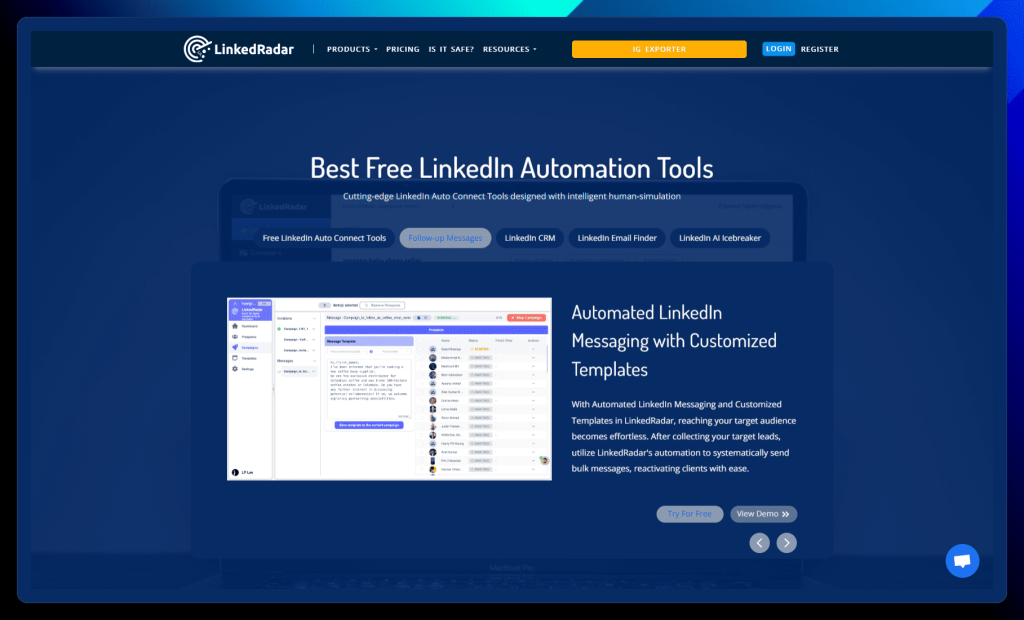
LinkedRadar reimagines LinkedIn automation, combining powerful features with intelligent human simulation to safeguard your account and maximize your outreach potential.
Unlike tools that blast generic messages, LinkedRadar prioritizes personalized engagement, using AI to craft compelling icebreakers that spark genuine connections.
This comprehensive platform goes beyond basic automation, offering a built-in CRM to organize your leads, a multi-channel email finder to broaden your reach, and customizable templates to streamline your messaging.
With LinkedRadar, you can confidently navigate the complexities of LinkedIn outreach, building a thriving network and driving meaningful results.
LinkedRadar key features:
Free automation tools: Connect with prospects automatically using features like randomized delays, gradually increasing daily limits, and high-converting templates. LinkedRadar helps you avoid detection and stay within LinkedIn’s guidelines.
AI-powered icebreakers: Craft personalized invitations with one click using AI-generated icebreakers based on your prospect’s profile. Say goodbye to generic messages and hello to engaging conversations.
Automated messaging: Send bulk messages to your target audience using customized templates. Reach more prospects and nurture relationships with ease.
Cost-effective CRM: Organize your LinkedIn leads and manage your network like a pro. LinkedRadar’s CRM helps you stay on top of your connections and track your progress.
Multi-channel email finder: Uncover up-to-date email addresses by comparing multiple channels. Expand your reach beyond LinkedIn and connect with prospects on their preferred platform.
✅ LinkedRadar pros:
Effective lead generation: LinkedRadar excels at helping users connect with and engage targeted leads on LinkedIn, particularly for recruiters seeking potential candidates.
User-friendly interface: Users appreciate the platform’s intuitive design and ease of use, making it accessible even for those new to LinkedIn automation.
❌ LinkedRadar cons:
Limited follow-up options: The platform currently lacks advanced options for multi-stage follow-up messages, which can hinder long-term client management and nurturing.
Potential speed limitations: Some users have reported that message dispatching can feel slow, potentially due to LinkedIn integration limitations.
LinkedRadar is best for:
Individuals and businesses who want to automate their LinkedIn lead generation and outreach without the cost of a premium tool.
LinkedRadar pricing:
LinkedRadar offers three distinct pricing tiers to accommodate various needs and budgets. You can choose between monthly and yearly billing, with significant discounts (20-30% off) available for annual subscriptions.
LinkedRadar pricing plans
Description
Start Plan
($13.9/month billed annually)
→ Ideal for individuals starting their LinkedIn automation journey.
→ Includes 400 invitations/month, 400 InMails/month, 50 email credits/month, and 500 AI optimizations/month.
→ Offers access to AI message templates and 8 campaigns.
Biz Plan
($23.9/month billed annually)
→ Designed for individuals and small businesses seeking increased automation capacity.
→ Provides 800 invitations/month, 800 InMails/month, 1000 email credits/month, and 2500 AI optimizations/month.
→ Includes AI message templates and allows for 15 campaigns.
Pro Plan
($49.9/month billed annually)
→ Perfect for larger businesses and teams who require maximum automation power.
→ Offers 800 invitations/month, 800 InMails/month, 3500 email credits/month, and 8000 AI optimizations/month.
→ Includes AI message templates and allows for 50 campaigns.
All plans come with live chat support 5 days a week. You can explore the detailed features of each plan on the LinkedRadar website to find the perfect fit for your automation needs.
Surfe
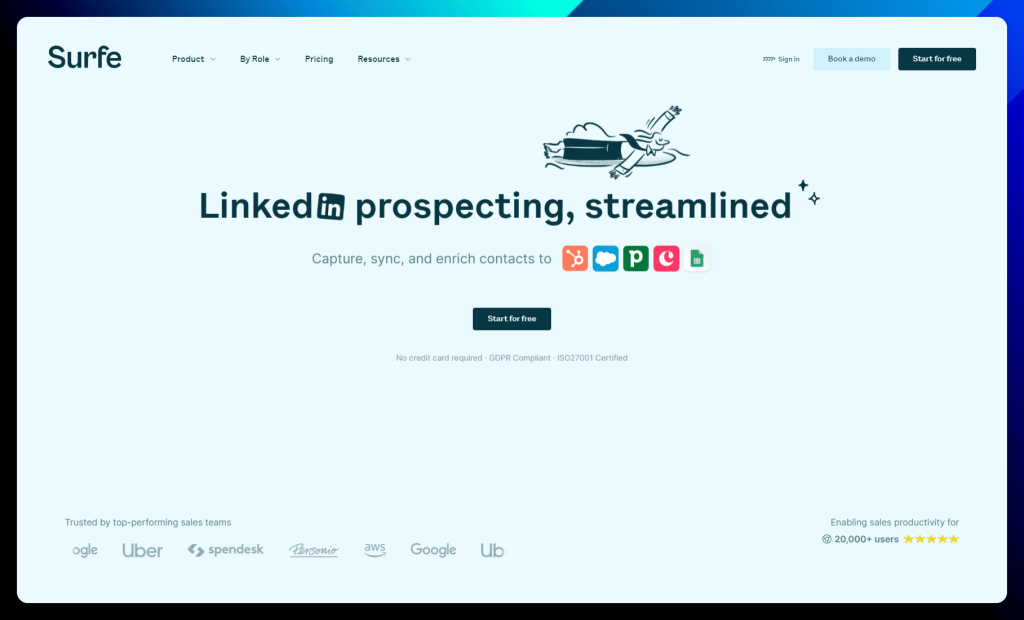
Say goodbye to the tedious back-and-forth between LinkedIn and your CRM. Surfe seamlessly integrates these two essential platforms, allowing you to manage your entire sales workflow directly within LinkedIn.
Imagine accessing contact information, enriching data, and updating your CRM with a single click – that’s the power of Surfe.
This innovative tool acts as an extension of your CRM, providing a streamlined experience that boosts productivity and eliminates manual data entry. With Surfe, you can ride the wave of effortless prospecting, freeing up valuable time to focus on building relationships and closing deals.
Surfe key features:
One-click contacts: Add contacts to your CRM directly from LinkedIn with a single click. No more copy-pasting or switching between tabs!
Automatic enrichment: Surfe automatically enriches contact data with verified email addresses and mobile numbers, keeping your CRM up-to-date and accurate.
Bulk prospecting: Export and enrich entire Sales Navigator lead lists with a single click. Supercharge your prospecting efforts and fill your pipeline with ease.
CRM data updates: Say goodbye to outdated contact information! Surfe keeps your CRM data fresh with automatic updates whenever a contact changes companies or positions.
CRM integration: Bring your CRM data to LinkedIn! View and edit deals on a contact’s profile and track your progress without leaving the platform.
✅ Surfe pros:
Seamless LinkedIn-CRM integration: Surfe excels at bridging the gap between LinkedIn and your CRM, allowing for effortless data enrichment, contact syncing, and activity tracking.
Time-saving efficiency: Users appreciate how Surfe streamlines their workflow and eliminates manual data entry, freeing up time for more strategic tasks.
❌ Surfe cons:
Occasional bugs: While generally stable, some users have reported encountering occasional bugs or glitches within the platform.
Limited pop-up screen customization: The Surfe pop-up screen on LinkedIn can sometimes be intrusive and lacks customization options for optimal positioning.
Surfe is best for:
Sales teams of all sizes who use a CRM and want to boost their LinkedIn prospecting efficiency. Surfe is compatible with a wide range of popular CRMs, including HubSpot, Salesforce, Pipedrive, and more.
If you’re looking to streamline your workflow and maximize your LinkedIn ROI, Surfe is a go-to solution.
Surfe pricing:
Surfe offers a tiered pricing structure with options to suit various needs and budgets. Choose the plan that aligns with your prospecting goals and team size.
Surfe pricing plans
Description
Free
→ Perfect for individuals who want a daily productivity boost.
→ Includes 20 email finder credits and 5 mobile phone finder credits per month.
→ Offers unlimited email validation and basic CRM integration.
→ Access to limited message templates and integrations with Salesloft, Outreach, and Lemlist.
Essential
(€29 per month)
→ The most popular plan, ideal for boosting your team’s efficiency.
→ Includes 150 email finder credits and 50 mobile phone finder credits per month.
→ Offers unlimited email validation, full CRM integration, and access to all message templates.
→ Enables sending emails and making calls directly from LinkedIn.
→ Includes LinkedIn message reply-rate tracking and the ability to sync LinkedIn messages to your CRM.
→ Allows exporting lists of contacts (100/day).
Pro
(€59 per month)
→ Designed for teams who need to prospect at scale.
→ Includes 1,000 email finder credits and 100 mobile phone finder credits per month.
→ Offers all the features of the Essential plan plus increased contact export limits (200/day).
All plans come with a free trial, so you can experience Surfe before committing to a subscription. You can find more details about each plan on the Surfe website.
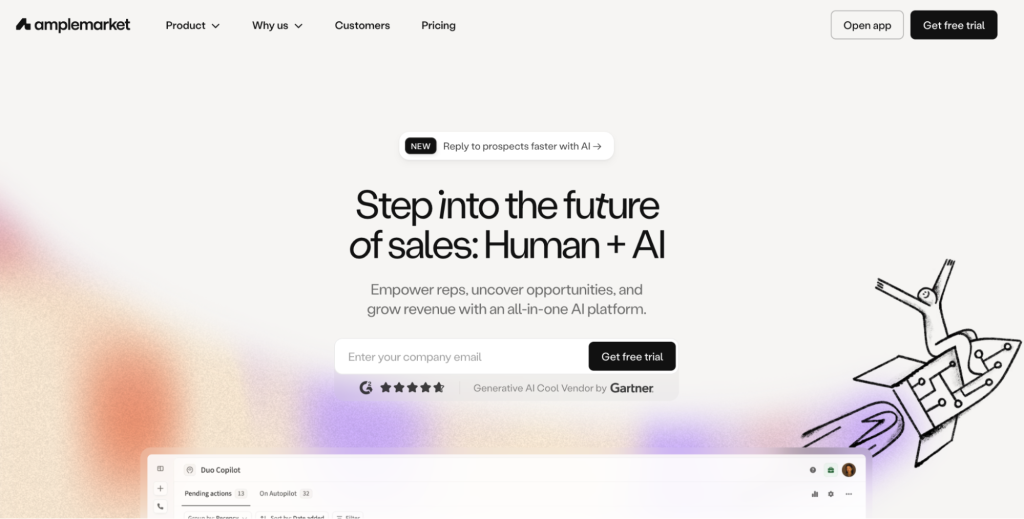
Amplemarket
Amplemarket is an all-in-one AI sales platform designed to help teams find opportunities and grow revenue. It combines automation with human input so reps spend less time on repetitive tasks and more time selling.
From prospecting to outreach, Amplemarket brings key sales activities into one platform to simplify your workflow.
Amplemarket key features:
All-in-one platform: Manage leads, outreach, and pipeline without switching tools.
AI assistance: Helps reps identify opportunities faster.
Task automation: Reduces manual work across the sales process.
Opportunity insights: Highlights accounts worth your attention.
✅ Amplemarket pros:
Unified workspace: Having prospecting, automation, and pipeline tools in one platform reduces tool switching and keeps teams organized. This is especially helpful for growing companies building a repeatable sales process.
Productivity gains: Automation removes many small daily tasks, allowing reps to focus on selling activities that directly impact revenue.
Built for scaling teams: The platform supports structured workflows, making it easier to expand your outbound strategy as your company grows.
❌Amplemarket cons:
Feature-heavy for small teams: The wide range of capabilities can feel overwhelming for startups or teams new to outbound sales tools.
Pricing is not transparent: Without clear pricing, it can be harder to compare Amplemarket with other Dripify competitors during early research.
Learning curve: Teams may need onboarding time to fully understand and use the platform effectively.
Amplemarket is best for:
Growing sales teams: Centralize prospecting and outreach while keeping workflows organized.
B2B companies: Identify new opportunities and build a steady pipeline.
Revenue leaders: Improve rep productivity with automation and insights.
Scaling organizations: Support outbound growth without constantly adding new tools.
Amplemarket pricing:
Plan
Starting price
What’s included
Best for
Startup
From ~$600/month (annual)
2 users, onboarding, multichannel engagement, large contact database
Early-stage teams
Growth
Custom
4 users, AI intent signals, dedicated onboarding
Growing sales orgs
Elite
Custom
Higher limits, advanced personalization, premium support
Enterprise teams
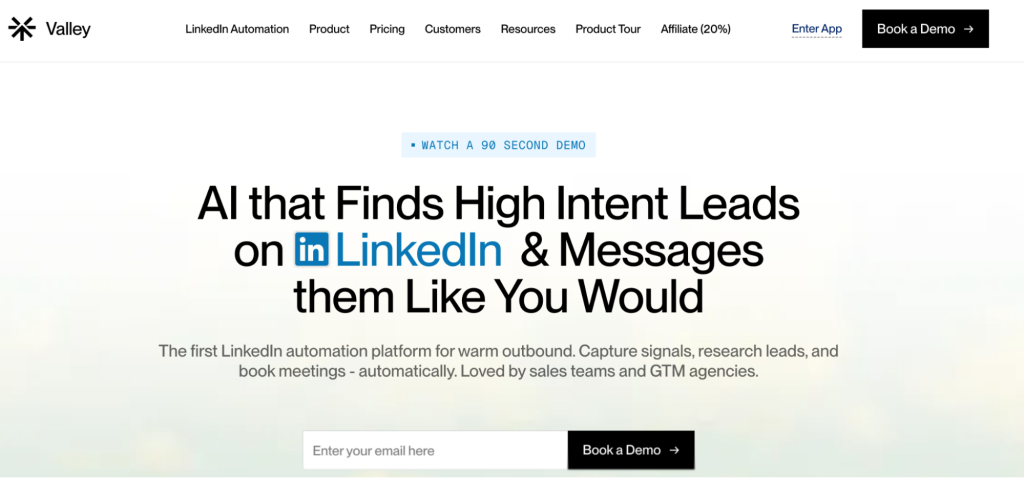
Valley
Valley is a LinkedIn automation platform built for warm outbound. It focuses on finding prospects who already show buying intent, helping you start conversations with people more likely to respond.
The platform captures signals, researches leads, and supports meeting booking so your outreach feels timely instead of random.
Signal-based prospecting: Instead of cold outreach, Valley helps teams prioritize leads that demonstrate interest, which can improve reply rates and overall campaign efficiency.
Strong time savings: Automating research and early outreach steps reduces the workload on reps and allows them to focus on qualified conversations.
Modern outbound approach: The platform aligns with current sales trends that emphasize relevance over volume.
❌Valley cons:
LinkedIn-focused: Teams that rely heavily on email or other channels may need additional tools.
Shorter track record: As a newer option among alternatives Dripify, some companies may prefer platforms with longer market presence.
May require signal strategy: Teams unfamiliar with intent data might need time to adjust their workflow.
Valley is best for:
GTM teams: Prioritize warm prospects and start conversations with buyers already showing intent.
Sales reps: Spend less time researching leads and more time selling.
LinkedIn-focused teams: Turn signals into meetings with less manual effort.
Outbound agencies: Run targeted campaigns for clients using intent data.
Valley pricing:
Plan
Starting price
What’s included
Best for
Valley Base
$395/month
Self-serve setup, automation tools
Founders and solo operators
Valley Growth
$995/month
Sales support, automation, 10 meetings in 90 days guarantee
Small sales teams
Valley Scale
Custom
More seats, expanded support
GTM and lead gen teams
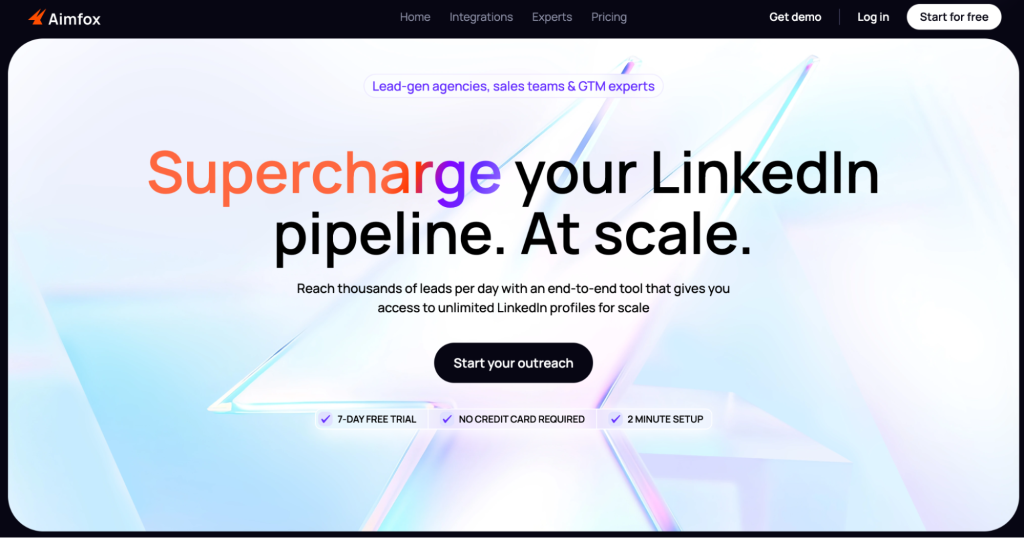
Aimfox
Aimfox is a LinkedIn outreach tool built for scale. It helps you reach thousands of prospects per day while managing your pipeline from one place.
With access to a large pool of LinkedIn profiles, Aimfox supports teams that need consistent lead flow to fuel growth.
Aimfox key features:
High-volume outreach: Connect with large audiences daily.
End-to-end pipeline: Supports prospecting, messaging, and follow-ups.
Expanded profile access: Unlock more profiles to grow your reach.
Built for scale: Designed for teams running frequent campaigns.
✅ Aimfox pros:
Excellent for rapid growth: Aimfox supports large outreach campaigns, making it a strong choice for companies prioritizing pipeline volume.
Automation-friendly workflow: By reducing manual steps, the platform helps teams stay consistent with prospecting.
Good fit for agencies: Agencies managing multiple campaigns can benefit from its scale-oriented design.
❌Aimfox cons:
Quality depends on targeting: High-volume outreach requires careful segmentation to avoid low engagement.
Potentially excessive for small teams: Companies with limited outreach needs may not use the platform to its full capacity.
LinkedIn reliance: Teams wanting broader multichannel strategies might need additional tools.
Aimfox is best for:
High-growth sales teams: Reach large audiences and keep pipeline volume strong.
Lead generation agencies: Manage outreach campaigns at scale for multiple clients.
Outbound-heavy companies: Maintain consistent prospecting without increasing manual work.
Teams focused on LinkedIn: Expand reach and connect with more decision-makers.
Aimfox pricing:
Plan
Starting price
What’s included
Best for
Outreach Seat
$49/month per seat
Campaign launching, unified inbox, integrations
Individuals and small teams
Outreach Avatar
$129/month per profile
Rent and customize profiles to scale outreach
Teams pushing higher volume
Agency Plan
From $499/month (20 seats)
Multi-seat access, scalable campaigns
Agencies
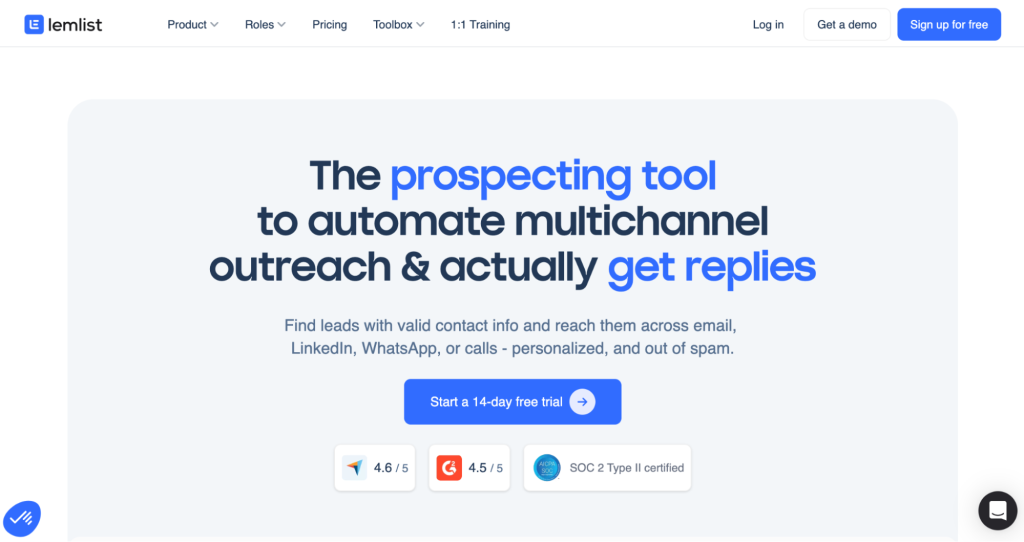
Lemlist
Lemlist is a prospecting tool built to automate multichannel outreach and help you get more replies. It allows you to find leads with verified contact details and reach them through email, LinkedIn, calls, or WhatsApp.
The platform focuses on personalization and deliverability so your messages land in inboxes instead of spam folders, making it a strong choice among Dripify competitors.
Lemlist key features:
Lead database: Discover prospects with valid contact information.
Multichannel outreach: Engage leads across several platforms.
Personalization tools: Customize messages to stand out.
Deliverability support: Designed to improve inbox placement.
✅ Lemlist pros:
Flexible outreach strategy: Supporting multiple channels gives teams more ways to connect with prospects and increases the chances of getting replies.
Strong personalization capabilities: Custom messages help campaigns feel less automated and more relevant to each lead.
Deliverability focus: Built-in tools help protect sender reputation and improve inbox placement.
❌Lemlist cons:
Feature depth can be challenging: New users may need time to learn advanced options and campaign settings.
Costs can scale quickly: Adding features or increasing usage may raise the total price over time.
Requires thoughtful campaigns: Teams need a clear messaging strategy to get the most value.
Lemlist is best for:
Outbound sales teams: Run multichannel campaigns that drive replies.
Agencies: Launch and manage personalized outreach for clients.
SMBs: Build structured prospecting without overly complex tools.
Teams focused on deliverability: Improve inbox placement and protect sender reputation.
Lemlist pricing:
Plan
Starting price
What’s included
Best for
Email Pro
~$55/user/month
Email automation, leads database, AI personalization, CRM integrations
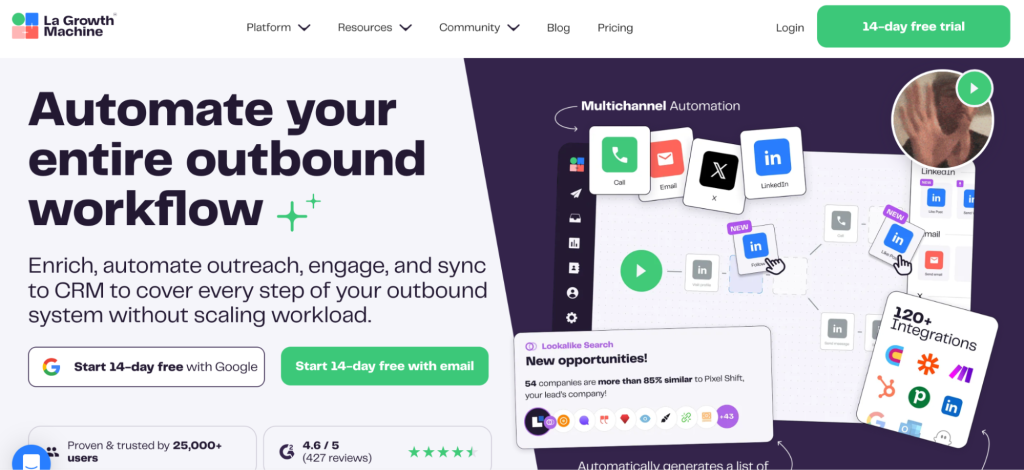
La Growth Machine is designed to automate your entire outbound workflow. It helps you enrich leads, run outreach campaigns, engage prospects, and sync everything to your CRM without increasing your workload.
By covering each step of the process, the platform keeps your pipeline organized as you scale.
La Growth Machine key features:
Full workflow automation: Manages outbound from prospecting to follow-up.
Lead enrichment: Adds useful data to your contacts.
CRM sync: Automatically updates your pipeline.
Engagement tools: Supports consistent communication with prospects.
✅ La Growth Machine pros:
Complete outbound coverage: The platform supports every major stage of the sales process, helping teams avoid gaps in their workflow.
Scalable structure: As outreach grows, automation helps maintain organization without adding operational strain.
Process consistency: Standardized workflows make it easier for teams to repeat what works.
❌La Growth Machine cons:
Initial setup effort: Teams may need time to map their process before launching campaigns.
More features than some teams need: Smaller companies might find the platform overly robust.
Pricing not transparent: Limited public pricing can slow down early comparisons.
La Growth Machine is best for:
Structured sales teams: Automate each step of outbound while keeping processes consistent.
Scaling companies: Handle more outreach without increasing workload while evaluating reliable Dripify alternatives.
Revenue operations teams: Sync prospecting data directly into the CRM.
B2B organizations: Build a repeatable system for lead generation and engagement.
La Growth Machine pricing:
Plan
Starting price
What’s included
Best for
Basic
€50/month per identity
LinkedIn + email outreach, monthly enrichment
Founders and small teams
Pro
€100/month per identity
Multichannel automation, higher lead limits
Scaling teams
Ultimate
€150/month per identity
Unlimited campaigns, more sending accounts
Advanced outbound setups
Custom
Custom
Flexible limits and support
Agencies and fast-growing companies
Gear up with the right outreach tool
Choosing the right outreach tool and the right Dripify alternative for you can make a big difference in your sales success.
If you’re looking for a Dripify alternative that offers a wide range of features, excellent customer support, and a user-friendly interface, then Reply.io is a great, if not the best, option.
More replies, less work – Reply.io’s LinkedIn automation makes it easy to reach out, follow up, and engage across channels. It’s like outreach magic!
So, give it a shot 🚀
FAQs
What should I look for in Dripify competitors?
When searching for Dripify competitors, consider features like automation options, ease of use, supported channels, and how well they fit your budget and team needs. Compatibility with your current software and customer support quality also matter a lot.
How do Dripify alternatives help with lead generation?
Dripify alternatives use tools like LinkedIn automation, email campaigns, and contact enrichment to find and engage with potential customers. These options can save time and improve the quality of your prospect lists.
Are Dripify competitors good for small businesses?
Many Dripify competitors offer flexible plans and useful features suitable for small businesses. They can help startups and small teams automate outreach without needing big budgets or lots of technical knowledge.
Can Dripify alternatives work across multiple communication channels?
Yes, most Dripify alternatives support multichannel outreach, including email, LinkedIn, SMS, and calls. This allows you to reach prospects where they prefer to communicate, increasing chances of a response.
How can I assess pricing among Dripify competitors?
Look at what features are included in each pricing plan and consider how many contacts and messages you need. Some competitors offer free trials or lower entry prices to test their value before committing financially.
Do Dripify alternatives provide analytics to track outreach success?
Most Dripify alternatives include analytics tools that help track email opens, replies, click rates, and sequence effectiveness. This data is vital to continuously improve your outreach strategy.
How important is customer support in choosing Dripify competitors?
Good customer support can help solve technical issues quickly and provide guidance on using features efficiently. When researching Dripify competitors, read reviews to find which companies offer reliable help.
What automation features do Dripify alternatives offer?
Many alternatives provide automated message sending, follow-ups, reply detection, and CRM syncing. These automations reduce manual work and help maintain consistent communication with prospects.
Are the safety and security of LinkedIn accounts considered by Dripify competitors?
Top Dripify competitors use human-like automation patterns and limit daily actions to avoid account restrictions. Ensuring safety is important when automating LinkedIn outreach to prevent penalties.
Can I combine Dripify alternatives with other sales tools?
Yes, most Dripify alternatives offer integrations with CRMs, marketing platforms, and other sales tools. This helps keep your data synchronized and your workflow smooth without constantly switching apps.
Subscribe to our blog to receive the latest updates
from
the world
of sales and marketing. Stay up to date.
We use cookies to enhance your browsing experience, serve personalised ads or content, and analyse our traffic. By clicking "Accept All", you consent to our use of cookies.