Top 15+ PhantomBuster Alternatives for Lead Automation in 2026
Vlad Oleksiienko19 Feb 2026
PhantomBuster is a great tool for automating tasks across the web, but it’s not the only player in the game. Sometimes you need the right PhantomBuster alternatives to better suit your business needs.
If you’re looking for a more specialized solution, enhanced features, or a different approach to automation, there’s a whole universe of alternatives waiting to be explored.
This guide dives deep into the top PhantomBuster alternatives. 15+ of them, to be precise, each with its own unique strengths and capabilities.
Whether you’re focused on lead generation, social media management, or workflow optimization, I’ll help you find the perfect automation superhero to conquer your goals and elevate your business.
Let’s go.
How to find the best alternatives to PhantomBuster for LinkedIn
Selecting the right automation tool can be overwhelming. With so many options available, it’s crucial to find one that aligns with your specific needs and goals.
For those exploring different choices, here is a handy list of Reply.io alternatives to consider.
Think of it as finding the perfect dance partner – you need someone who can keep up with your rhythm and complement your style.
To help you make the right choice, consider these key factors when evaluating PhantomBuster alternatives:
Automation focus: What tasks do you want to automate? Some tools specialize in LinkedIn automation, while others excel at email outreach or web scraping.
Technical expertise: How comfortable are you with technology? Some tools require coding knowledge, while others offer user-friendly, no-code interfaces.
Budget: How much are you willing to invest in automation? Pricing varies significantly across different tools.
Integration needs: Do you need the tool to integrate seamlessly with your CRM or other marketing and sales tools?
Support preferences: How important is reliable customer support? Some providers offer extensive resources and responsive assistance, while others may have limited support options.
By carefully considering these factors, you can narrow down your options and choose the automation tool that best fits your business requirements and empowers you to achieve your goals.
The best PhantomBuster alternatives for your business in 2026
Reply.io
Want to close more deals while working less?
Tired of the manual grind of sales outreach?
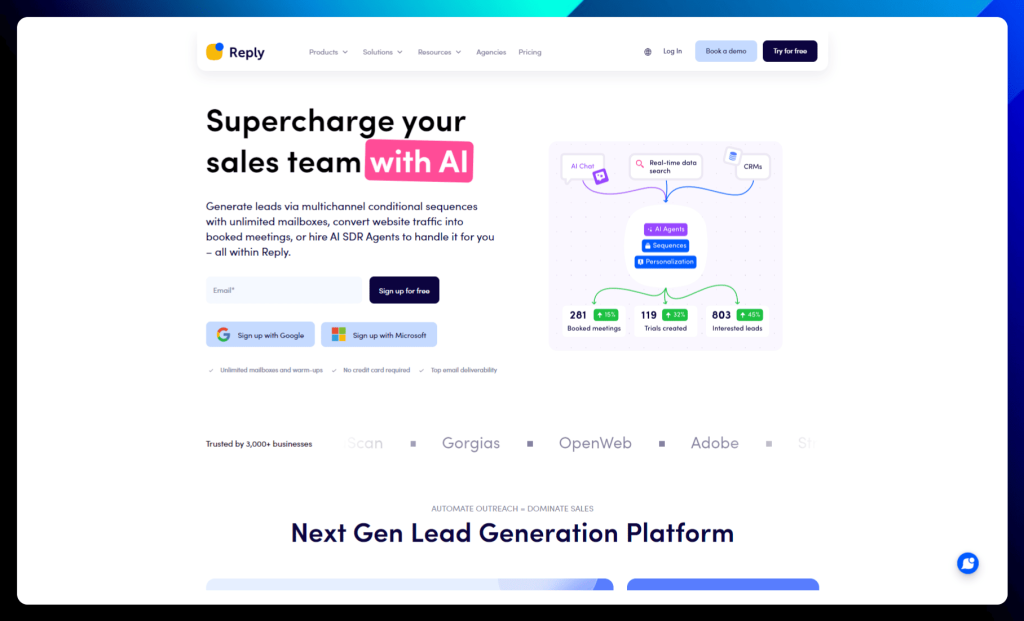
Reply.io harnesses the power of AI to automate your workflow, generate leads across multiple channels, and convert website traffic into booked meetings.
It’s like having a team of tireless AI sales assistants working around the clock to fill your pipeline, bringing your outreach efforts up to standard in today’s hyper-competitive modern landscape.
With Reply.io, you can say goodbye to tedious tasks and hello to intelligent automation that drives results.
From building verified lead lists and crafting personalized messages to scheduling meetings and nurturing relationships, Reply.io empowers you to focus on what matters most: closing deals and growing your business.
Reply.io key features:
AI SDR agent: Delegate the repetitive tasks to Reply.io’s AI SDR agent. It handles email sequences, crafts personalized messages, and even books meetings, freeing you to focus on strategic selling and closing deals.
Multichannel sequences: Connect with prospects on their preferred channels. Reply.io’s multichannel sequences allow you to orchestrate personalized campaigns across email, LinkedIn, calls, SMS, and WhatsApp, ensuring maximum reach and engagement.
Email deliverability toolkit: Escape the spam folder and land in the inbox. Reply.io’s email deliverability toolkit equips you with warm-up tools, deliverability monitoring, and expert guidance to ensure your messages reach their intended recipients.
Meeting scheduler: Eliminate the back-and-forth of scheduling. Reply.io’s automated meeting scheduler seamlessly integrates with your calendars, making it effortless to book meetings with qualified leads and keep your sales pipeline flowing.
✅ Reply.io pros:
Boost efficiency: Automate the boring stuff and free up your sales team to focus on what they do best: closing deals.
Reach the inbox: Get those emails delivered and noticed with our powerful deliverability tools.
AI-powered personalization: Craft compelling messages that resonate with each prospect using Reply.io’s AI-driven personalization features.
Effortless meeting scheduling: Say goodbye to scheduling headaches with Reply.io’s automated meeting booking capabilities.
❌ Reply.io cons:
Learning curve: We’ve made Reply.io super user-friendly, but with all the powerful features, it might take a little time to master everything, especially if you’re new to this kind of tool. But don’t worry; we’ve got a ton of support options available to help.
Reply.io is best for:
Sales teams: Ready to automate outreach, generate more leads, and accelerate your sales pipeline? Reply.io is your go-to.
Business development teams: From qualifying leads to scheduling meetings, Reply.io can help you streamline your entire BD process.
Sales & lead generation agencies: Scale your outreach efforts and manage multiple clients with ease.
Reply.io pricing:
Reply.io offers three flexible pricing plans designed to cater to different needs and team sizes. Whether you’re focused on email volume, multichannel outreach, or agency-level automation, there’s a plan that’s right for you.
Reply.io pricing plans
Description
Email Volume
(Starts from $49/month billed annually)
→ Ideal for scaling your email outreach efforts.
→ Starts with 1,000 active contacts and unlimited emails monthly.
→ Includes unlimited mailboxes with free warm-up for each, ensuring high deliverability.
→ Offers essential features like email automation, centralized inbox, and anti-spam & deliverability suite
Multichannel
(Starts from $89/user/month billed annually)
→ Perfect for all-in-one prospecting across multiple channels.
→ Includes unlimited active contacts and multichannel automation (email, LinkedIn, calls, and SMS).
→ Offers 10 mailboxes per user with unlimited email warm-up.
→ Provides unlimited contact storage and essential features like centralized inbox and anti-spam & deliverability suite.
Agency
(Starts from $166/month billed annually)
→ Designed for agencies managing outreach on behalf of multiple clients.
→ Includes unlimited clients, email automation, and unlimited mailboxes with free warm-up.
→ Offers a centralized inbox for managing all client communications.
→ Provides an agency dashboard for tracking performance and managing roles and permissions.
All plans come with onboarding support from a Customer Success Manager and access to a unified team workspace. You can explore the detailed features of each plan on the Reply.io website.
Jason AI
Jason AI is a digital sales agent that helps teams find leads and book meetings without doing everything manually, making it one of the most advanced alternatives to PhantomBuster for companies that want deeper outbound automation.
The platform pulls data from a large real-time database and creates personalized multichannel messages based on your offer. Instead of switching between tools, you can manage prospecting and outreach in one place.
Jason AI is a strong choice for companies that want more automation while keeping control over messaging quality.
Jason AI key features:
AI SDR agent: Jason works like a digital sales rep that learns your product, messaging, and goals to handle prospecting and outreach with minimal supervision.
ICP builder: Define your ideal customer profile, and the platform will focus on leads that match your targeting criteria to improve reply rates.
Real-time lead database: Access over 1B data points to find fresh prospects without relying on outdated lists.
Personalized multichannel sequences: Automatically create outreach flows with tailored messages across email and other channels to keep communication relevant.
Strategy-driven outreach: Upload your offer and playbooks so Jason can build campaigns aligned with your sales approach.
Meeting-focused automation: The platform prioritizes conversations that lead to booked meetings instead of just sending large volumes of emails.
✅ Jason AI pros:
End-to-end automation: Jason AI manages the full outbound workflow — from defining your ICP to finding leads and sending personalized messages — which significantly reduces manual SDR tasks.
High-quality personalization: Instead of generic templates, the platform builds outreach around your product, value proposition, and strategy, helping messages feel more relevant and improving reply rates.
Multichannel outreach: Jason allows teams to reach prospects across multiple channels, increasing visibility and creating more opportunities for engagement compared to email-only tools.
Scales without hiring: Companies can grow outbound efforts and book more meetings without immediately expanding their sales team, making it attractive for fast-growing businesses.
❌ Jason AI cons:
Expensive starting point: The platform is positioned toward serious outbound teams, so smaller businesses may find the entry price difficult to justify.
Needs strategic clarity: To perform well, Jason requires a clearly defined ICP, messaging, and offer — teams without this foundation may struggle to see strong results.
Less hands-on control: Businesses that prefer fully manual outreach may feel limited by automation-driven workflows.
May be too advanced for beginners: Companies new to outbound sales might face a learning curve during onboarding.
Jason AI is best for:
Sales teams: Automate prospecting and outreach so reps can focus more on closing deals instead of manual research.
B2B companies: Run structured outbound campaigns with personalized messaging that improves reply rates.
Scaling startups: Increase meeting volume without rapidly expanding the SDR team.
Jason AI pricing
Jason AI offers tiered pricing designed for teams that want to automate prospecting and outreach.
Jason AI pricing plans
Description
AI SDR Starter ($800/month)
→ Built for small teams getting started.→ Includes 1,000 active contacts.
AI SDR Growth ($2,500/month)
→ Designed for growing businesses.→ Supports up to 5,000 active contacts.
AI SDR Enterprise (Custom)
→ For large-scale operations.→ Includes 25,000 active contacts and custom setup.
Plans scale based on the number of active contacts and the level of support your team needs.
Clay
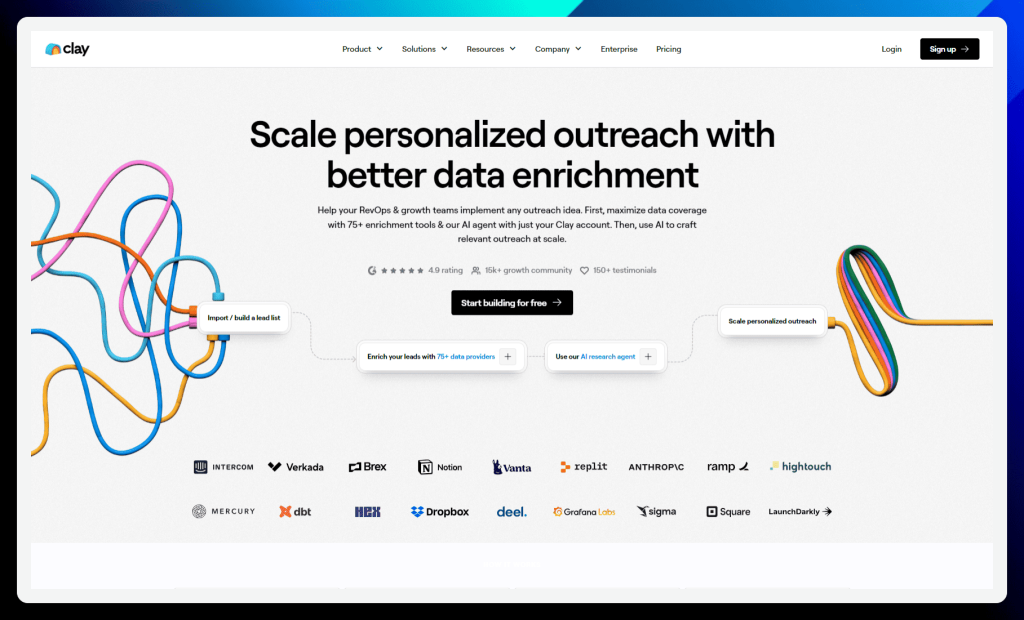
Clay empowers revenue operations and growth teams to sculpt their perfect customer profile through advanced data enrichment and AI-powered automation. Go beyond basic contact information and unlock a wealth of insights with access to over 75 enrichment tools, all within a single platform.
Clay’s unique AI research agent automates manual research workflows, freeing your team to focus on strategic outreach and personalized engagement. Mold your lead generation strategy with Clay and transform data into actionable insights that drive conversions and fuel business growth, making it a great PhantomBuster alternative.
Clay key features:
CRM enrichment & hygiene: Connect Clay to your CRM and watch it automatically update your data, keeping your records squeaky clean and ready for action.
TAM sourcing: Build laser-focused lead lists using 10+ sources and the power of AI. Find your ideal customers and target them with precision.
Automated inbound: Connect Clay to your web forms and watch it automatically enrich and score your inbound leads. Qualify leads faster and prioritize your outreach efforts.
Automated outbound: Build, enrich, score, and even message leads in seconds. Clay streamlines your outbound process so you can focus on building relationships.
Intent data: Stay ahead of the game with real-time intent data. Track job changes, new hires, promotions, and more to identify opportunities and personalize your outreach.
✅ Clay pros:
Ease of use: Clay’s intuitive interface and straightforward workflows make it easy for users to get started with data enrichment and automation, even without extensive technical expertise.
Extensive integrations: With over 80 integration providers, Clay seamlessly connects with your existing tools and workflows, maximizing efficiency and minimizing disruptions.
❌ Clay cons:
Credit system: Clay’s credit-based system can be confusing and challenging to manage, especially for users who are new to this pricing model.
Limited credits: The number of credits provided in some plans may be insufficient for users with high-volume data enrichment needs, potentially limiting their ability to fully leverage the platform’s capabilities.
Clay is best for:
RevOps teams: Automate your prospecting, enriching, and cleaning processes to keep your CRM data in tip-top shape.
SDRs: Grow your pipeline faster by targeting and enriching your prospects with valuable data insights.
Enterprise: Build a solid data foundation for any GTM workflow and scale your outreach efforts with confidence.
Clay pricing:
Clay offers flexible pricing plans to fit the needs of individual users and teams of all sizes. Choose the plan that best suits your data enrichment and automation needs, with the option to pay monthly or annually (enjoy a 10% discount and receive all credits upfront with annual billing).
Clay pricing plans
Description
Free
→ Perfect for individuals who want to explore Clay’s core features.
→ Includes 1,200 credits/year, allowing you to experiment with data enrichment and AI capabilities.
→ Limited to 100 searches per people/company search.
Starter
($134/month billed annually)
→ Ideal for small teams and individuals who need more credits and advanced features.
→ Includes 24,000 credits/year and allows up to 5,000 searches per people/company search.
→ Unlocks access to AI/Claygent, rollover credits, and phone number enrichments.
Explorer
($314/month billed annually)
→ The most popular plan, offering a balance of features and value.
→ Includes 120,000 credits/year and allows up to 10,000 searches per people/company search.
→ Offers all the features of the Starter plan, plus the ability to use your own API keys.
Pro
($720/month billed annually)
→ Designed for teams and businesses with high-volume data enrichment needs.
→ Includes 600,000 credits/year and allows up to 25,000 searches per people/company search.
→ Offers all the features of the Explorer plan, plus the ability to integrate with any HTTP API.
Enterprise
(Custom)
→ Tailored for large organizations with specific requirements.
→ Offers custom credits and features to meet your unique needs.
All plans include unlimited users and access to over 80 integration providers, the Chrome extension, and exporting capabilities.
Captain Data
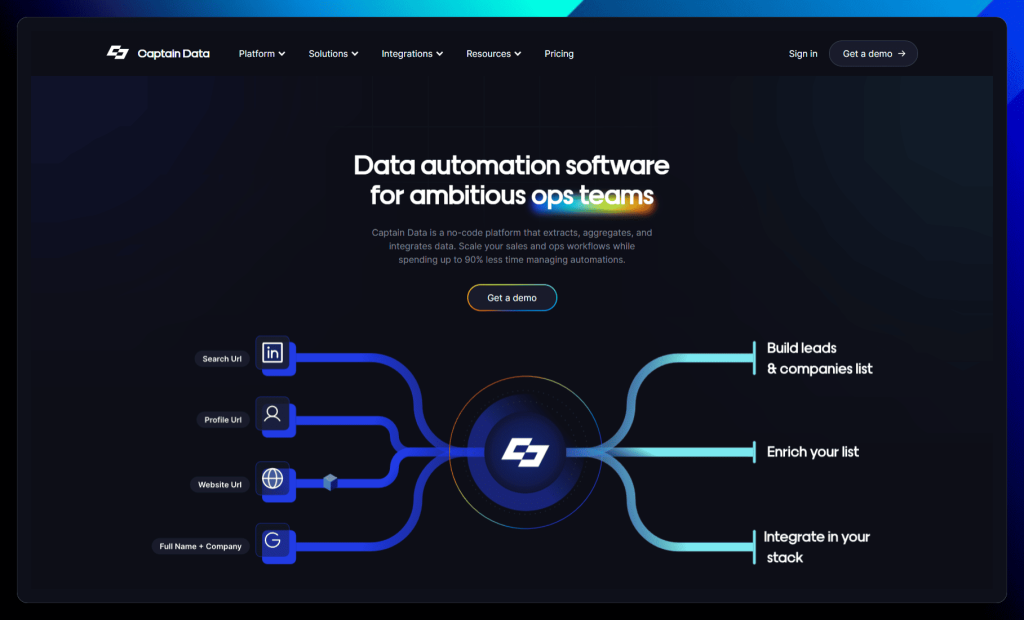
Captain Data is not just another automation tool; it’s your co-pilot for navigating the complex world of data extraction, enrichment, and integration.
This no-code platform empowers operations teams to build and scale automated workflows with ease, freeing them from tedious manual tasks and costly engineering efforts.
Unlike solutions that require extensive coding or technical expertise, Captain Data puts the power of automation in the hands of business users. With a vast library of pre-built automations and seamless integrations with popular tools, Captain Data allows you to streamline your operations, improve data quality, and unlock new levels of efficiency.
Captain Data key features:
Data extraction: Cast your net wide and gather leads and company data from over 30 sources, including LinkedIn, Google, Indeed, and your CRM. Find companies that are hiring, track job changes, and discover valuable prospects with ease.
Data enrichment: Enhance your data with valuable insights from over 200 data points and third-party providers. Enrich company profiles, find email addresses, and gain a deeper understanding of your leads.
Workflow automation: Automate hundreds of tasks with ready-made workflows. Push leads to your CRM, launch marketing campaigns, and update spreadsheets without lifting a finger.
Integrations: Connect Captain Data with your favorite tools, including Google Maps, HubSpot, Indeed, LinkedIn, LinkedIn Sales Navigator, and Salesforce. Keep your data flowing smoothly across your entire tech stack.
✅ Captain Data pros:
Time-saving automation: Captain Data excels at automating tedious data extraction and enrichment tasks, freeing up significant time for teams to focus on more strategic activities.
No-code flexibility: The platform’s no-code approach makes it accessible to users with varying technical expertise, allowing anyone to build and customize automated workflows.
Extensive integrations: Captain Data boasts many integrations with popular tools and data sources, enabling seamless data flow and workflow automation across your entire tech stack.
❌ Captain Data cons:
pricing:: Captain Data’s pricing can be a barrier for smaller businesses or individuals with limited budgets, especially for the Scale and Enterprise plans.
Occasional bugs and confusing interface: Some users have reported encountering minor bugs or finding certain interface aspects unclear, potentially requiring additional support or documentation.
Limited data collection in multi-step workflows: When using workflows with multiple steps, it can be challenging to collect and combine data from all steps, potentially hindering comprehensive analysis.
Captain Data is best for:
Growth teams: Turn your growth experiments into a lead generation machine with automated data extraction and enrichment.
Sales operations teams: Empower your sales team with valuable web data to help them close more deals.
Revenue operations teams: Scale your revenue operations with smart automations and streamline your workflows.
Captain Data pricing:
Captain Data offers three pricing plans designed for teams with varying automation needs and budgets.
Captain Data pricing plans
Description
Trial
($0 for 7 days)
→ A free trial to explore Captain Data’s core features and capabilities.
→ Includes 1,000 credits to experiment with data extraction, enrichment, and automation.
→ Access to over 100 automated actions and templates, 30+ data source integrations, and essential features like Email Waterfall.
Scale
($999/month billed annually)
→ Ideal for growing sales teams who want to leverage data within their CRM.
→ Includes 50,000 credits/month, 5 user accounts, and bundled credits with third-party data providers.
→ Tailored for larger revenue teams seeking to automate their entire sales funnel.
→ Starts at $30,000/year and includes 250,000 credits/month.
→ Offers everything in the Scale plan plus intent data (e.g., job boards), premium integrations (e.g., ZoomInfo), custom builds, and SLAs.
Captain Data’s pricing structure caters to various needs, from initial exploration to full-scale automation. You can learn more about the features and benefits of each plan on their website or by contacting their sales team.
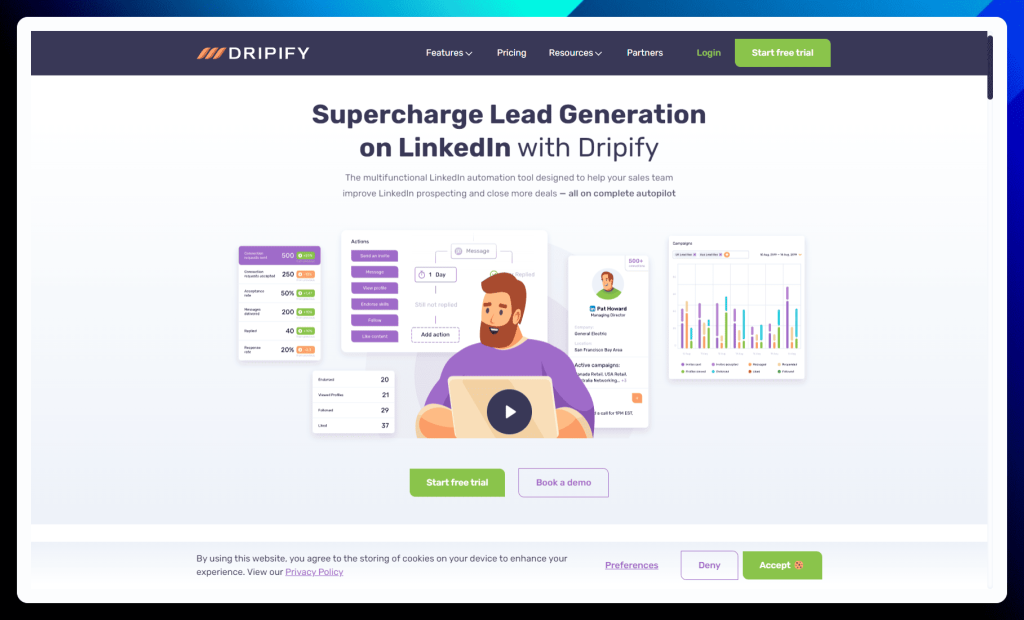
Dripify may be your key to unlocking effortless lead generation on LinkedIn. This multifunctional automation tool empowers sales teams to escape the manual grind and nurture prospects with personalized drip campaigns, all while operating seamlessly in the cloud.
Unlike tools that tether you to your desktop, Dripify works tirelessly even when your computer is off, ensuring continuous outreach and engagement. With advanced features like AI-powered personalization, team management capabilities, and robust analytics, Dripify transforms LinkedIn into a lead generation machine that works while you sleep.
Dripify key features:
Drip campaigns: Create targeted campaigns, upload leads from LinkedIn or a CSV file, and build a multi-stage sales funnel with automated actions, delays, and conditions. Dripify even lets you bypass LinkedIn’s weekly invitation limit (safely, of course!) so you can connect with more prospects.
Team management: Onboard your team, assign roles, and track everyone’s performance from a central dashboard. Dripify makes it easy to manage your LinkedIn outreach efforts as a team.
Analytics dashboards: Monitor your campaign performance like a hawk with detailed analytics on your LinkedIn activity, campaign metrics, and team member progress. Identify what’s working and what’s not to optimize your outreach strategy.
Lead response management: Manage your conversations in a smart inbox, respond to messages promptly, and keep track of important interactions with notes and tags. Never miss a beat in your LinkedIn conversations.
Safety algorithm: Dripify prioritizes your account safety with a unique IP address, human behavior simulation, cloud-based performance, and activity control features. Automate your outreach without worrying about getting flagged by LinkedIn.
✅ Dripify pros:
Effortless LinkedIn automation: Dripify simplifies LinkedIn lead generation with automated campaigns and personalized messaging, allowing you to connect with prospects effortlessly.
Cloud-based convenience: Dripify’s cloud-based platform operates seamlessly even when your computer is off, ensuring continuous outreach and maximizing efficiency.
❌ Dripify cons:
Daily Limits: While Dripify allows you to bypass the weekly invitation limit, it still has daily limits for connection requests and messages. But hey, sometimes a little restraint is a good thing, right?
Potential LinkedIn Restrictions: Even with Dripify’s safety features, there’s always a slight risk of account restrictions when using automation tools on LinkedIn. It’s important to use automation responsibly and follow LinkedIn’s guidelines.
Dripify is best for:
Cost: Dripify’s pricing can be a barrier for some users, particularly smaller businesses or individuals with limited budgets.
Limited campaign customization: While Dripify offers customization options, some users may find them restrictive, particularly when it comes to editing pre-built templates or adjusting actions within active sequences.
Dripify pricing:
Dripify offers three straightforward pricing plans designed to cater to businesses of all sizes, whether you’re a solo entrepreneur or a Fortune 500 company.
Choose the plan that best aligns with your needs and budget, with the option for monthly or annual billing (save 35% with annual billing).
Dripify pricing plans
Description
Basic
($39/user/month)
→ Perfect for individuals and small teams getting started with LinkedIn automation.
→ Includes 1 drip campaign and limited daily quotas for actions.
→ Offers access to the essential features, including campaign creation, activity control, and performance automation.
Pro
($59/user/month)
→ The most popular plan is ideal for growing teams needing more automation power.
→ Includes unlimited drip campaigns and full daily quotas.
→ Offers all the features in the Basic plan, plus advanced dashboards and reports, A/B testing, a personal inbox, and webhook & Zapier integration.
Advanced
($79/user/month)
→ Designed for larger teams and businesses with advanced automation needs.
→ Includes unlimited drip campaigns, full daily quotas, and all the features in the Pro plan.
→ Adds team management capabilities for enhanced collaboration and control.
All plans come with a free trial, so you can experience Dripify’s power before committing to a subscription. You can find more details about each plan on the Dripify website.
Kaspr
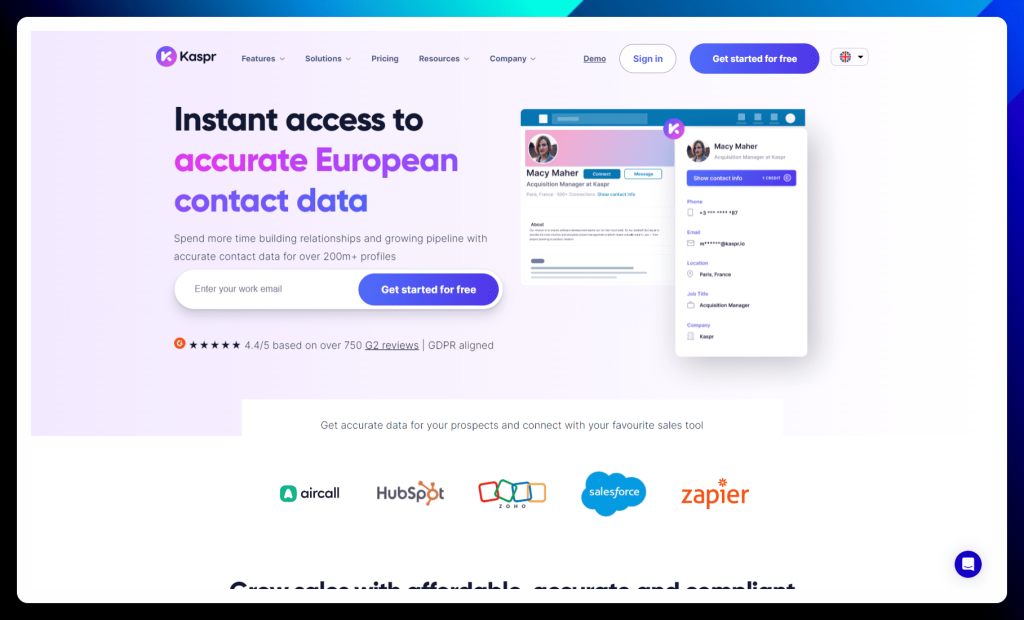
Kaspr isn’t just another data provider; it’s your gateway to accurate and compliant contact information for over 200 million European professionals. Unlike global databases that often lack regional specificity, Kaspr focuses on delivering reliable European data, ensuring your outreach efforts are targeted and effective.
This GDPR-aligned platform combines a user-friendly Chrome extension with a powerful dashboard, enabling you to seamlessly find, enrich, and manage your leads. With Kaspr, you can confidently connect with key decision-makers, build stronger relationships, and unlock new opportunities for growth in the European market.
Kaspr key features:
Accurate contact data: Kaspr boasts a database of over 500 million verified email addresses and phone numbers, all sourced from over 150 reliable sources. Say goodbye to outdated information and hello to accurate data you can trust.
LinkedIn Chrome extension: Find contact information with a single click right from a prospect’s LinkedIn profile. No more switching between tabs or wasting time on manual searches.
All-in-one prospecting: Manage your leads, set up automations, and stay organized with Kaspr’s intuitive dashboard. It’s your central hub for all your prospecting needs.
✅ Kaspr pros:
Extensive contact information: Kaspr provides access to a vast database of contact information, including phone numbers and email addresses, allowing for comprehensive outreach and lead-generation efforts.
User-friendly interface: The platform’s intuitive design and easy-to-use Chrome extension make it simple for users to find and utilize contact data, even without extensive technical expertise.
❌ Kaspr cons:
Cost: Kaspr’s pricing can be a significant factor for some users, particularly those with limited budgets or smaller teams. It’s deemed expensive by many, with limited credit options.
Outdated contacts: While Kaspr strives for accuracy, some users have reported encountering outdated or incorrect contact information, potentially hindering outreach effectiveness.
Kaspr is best for:
Sales teams: Hit your quotas, book more meetings, and close deals faster with access to accurate contact data. Kaspr helps you connect with decision-makers and build stronger relationships.
Recruitment teams: Find top talent and hiring managers with ease. Kaspr integrates seamlessly with your existing tech stack to streamline your recruitment process.
Founders: Win new business and manage your leads effectively, all in one place. Kaspr gives you the tools you need to grow your business and connect with potential clients.
Kaspr pricing:
Kaspr offers flexible pricing plans to suit the needs of individuals, growing businesses, and large organizations. All plans include unlimited B2B email credits, so you can focus on connecting with prospects without worrying about usage limits.
Kaspr pricing plans
Description
Free Plan
(€0 per month)
→ Perfect for individuals who want to try Kaspr and explore its core features.
→ Includes unlimited B2B email credits, 5 phone credits, 5 direct email credits, and 10 monthly export credits.
→ Offers access to the Chrome extension for LinkedIn, a dashboard for managing leads, and enrichment automation.
Starter
(€45 per license, per month)
→ Ideal for small teams and businesses who need more credits and advanced features.
→ Includes unlimited B2B email credits, 1,200 phone credits, 60 direct email credits, and 3,000 export credits per year.
→ Offers everything in the Free plan, plus access to the Chrome extension for LinkedIn Navigator, basic API access, and more advanced dashboard features.
→ Requires a minimum of 5 licenses.
Business
(€79 per license, per month)
→ Designed for growing businesses seeking a balance of features and value.
→ Includes unlimited B2B email credits, 2,400 phone credits, 2,400 direct email credits, and 12,000 export credits per year.
→ Offers everything in the Starter plan, plus access to the Chrome extension for Recruiter Lite and advanced API access.
Organization
(€99 per license per month)
→ Tailored for large organizations with high-volume data needs and advanced automation requirements.
→ Includes unlimited B2B email credits, 24,000 phone credits, 24,000 direct email credits, and 120,000 export credits per year.
→ Offers everything in the Business plan, plus premium API access and advanced enrichment automation features.
→ The Organization plan can only be billed annually.
All paid plans offer a range of integrations with popular CRMs and dialers, allowing you to seamlessly connect Kaspr with your existing workflows.
TexAu
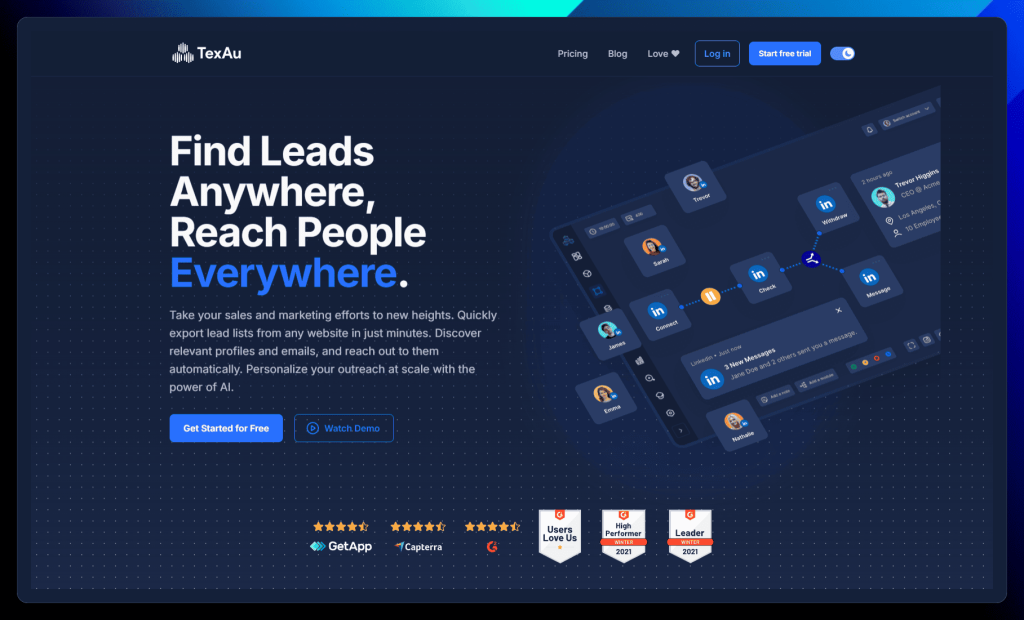
TexAu is more than just a data extraction tool; it’s your comprehensive solution for automating your entire sales and marketing funnel.
This powerful platform allows you to find leads from virtually any website, enrich your data with verified emails, and personalize your outreach at scale with the help of AI.
TexAu stands out with its unique “spice” system, offering over 180 no-code automation actions and 50 pre-built workflows to tackle various growth strategies. Whether you’re looking to generate leads, nurture relationships, or close deals, TexAu provides the tools and flexibility to automate your processes and achieve exponential growth.
TexAu key features:
Lead generation: TexAu can extract lead lists from various sources, including social media, business listings, and websites. Export your leads to a CSV file or Google Sheet and enrich your CRM data in a flash.
AI-powered outreach: Personalize your connections, comments, messages, and replies with the power of AI. TexAu can even schedule your social selling routines and send instant alerts for hot opportunities.
Email verification: Ensure your emails land in the inbox, not the spam folder, with TexAu’s built-in email verification system. Plus, connect with prospects on multiple channels with integrations for Reply, Lemlist, Dropcontact, Hunter, and more.
Automation store: Choose from over 180 automations and 50 ready-made workflows to tackle a variety of growth strategies. TexAu’s automation store has everything you need to streamline your sales process.
Workflow builder: Create your own automated sales machine by chaining together actions and building custom workflows. TexAu offers pre-built templates, multi-step workflows, and powerful scheduling features to make automation a breeze.
✅ TexAu pros:
Social media automation: TexAu excels at automating tasks across various social media platforms, saving time and increasing reach for social selling and marketing efforts.
Workflow versatility: The platform’s “spice” system and pre-built workflows enable users to create and customize automated sequences for various tasks and growth strategies.
❌ TexAu cons:
Customer support and proxy setup: Some users have reported difficulties with customer support responsiveness and found the proxy setup process confusing and prone to issues.
Time-based pricing: TexAu’s pricing model, based on automation time rather than processing power, can be a drawback for users who require faster processing or have limited budgets.
TexAu is best for:
Sales teams: Automate your sales process, generate leads, and improve your outreach efficiency with TexAu’s powerful features.
Marketing teams: Find and reach out to new prospects, scale your marketing efforts, and align your activities with your sales team.
Businesses of all sizes: TexAu’s scalability and comprehensive feature set make it a suitable solution for businesses of all shapes and sizes.
TexAu pricing:
TexAu offers flexible pricing plans designed for individuals, growing teams, and agencies. Choose the plan that best suits your automation needs and budget, with options for monthly or yearly billing.
TexAu pricing plans
Description
Starter
($79/month billed monthly)
→ Ideal for virtual assistants and freelancers.
→ Includes 30 hours of automation per month, 1 workspace, and 500 email credits.
Teams
($199/month billed monthly)
→ Perfect for small teams and agencies managing 2-3 clients.
→ Includes 100 hours of automation per month, 3 workspaces, and 2,500 email credits.
Agency
($459/month billed monthly)
→ Designed for agencies managing multiple clients.
→ Includes 250 hours of automation per month, 10 workspaces, and 6,000 email credits.
All plans include an inbuilt proxy for secure automation and allow you to connect up to 5 platform accounts per workspace. You can explore the detailed features of each plan on the TexAu website.
MeetAlfred
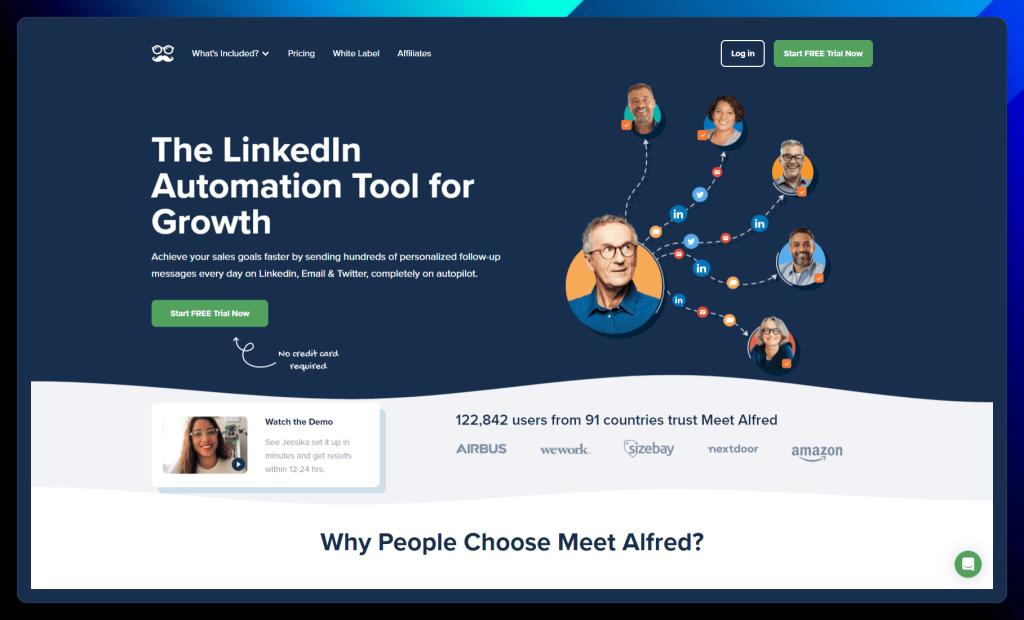
MeetAlfred is not just a LinkedIn automation tool or a PhantomBuster alternative; it’s your AI-powered sales assistant designed to streamline your outreach efforts across LinkedIn, email, and Twitter.
This multi-channel approach allows you to connect with prospects wherever they are most active, increasing your chances of engagement and conversion.
What sets MeetAlfred apart is its focus on personalized communication and efficient workflow management. With features like AI-driven personalization, a built-in CRM, and team management capabilities, MeetAlfred empowers you to build stronger relationships, nurture leads, and achieve your sales goals faster, all while saving valuable time.
MeetAlfred key features:
Multi-channel prospecting: Reach out across LinkedIn, email, and Twitter to create a powerful sales pipeline. Connect with leads on their preferred platform and increase your chances of engagement.
Personalization at scale: Tailor your messages based on industry, location, job title, and more. Make every interaction feel personal, even with automation.
Built-in LinkedIn CRM: Manage your contacts like a pro with tags, notes, and filters. Stay organized and keep your relationships warm.
Team management: Bring your whole team on board! Assign roles, track performance, and collaborate seamlessly.
Time savings: Reclaim valuable time by automating those tedious outreach tasks. Spend less time on manual work and more time closing deals.
✅ MeetAlfred pros:
Multi-channel automation: MeetAlfred enables users to automate outreach across LinkedIn, email, and Twitter, maximizing reach and engagement with prospects.
Enhanced productivity: The platform’s automation features, including personalized messaging and a built-in CRM, help users save time and streamline their workflow.
❌ MeetAlfred cons:
Customer support concerns: Some users have reported negative experiences with MeetAlfred’s customer support, citing slow response times and unhelpful or unresolved issues.
Potential for bugs: While generally well-regarded, some users have encountered bugs or technical issues within the platform, potentially requiring troubleshooting or support intervention.
MeetAlfred is best for:
Sales teams: Generate leads, build relationships, and automate your outreach across multiple platforms. It’s like having a whole team of virtual sales assistants.
Marketing teams: Expand your reach, personalize your messaging, and track your campaign performance across multiple channels.
Growth-focused businesses: Leverage automation to increase sales, improve productivity, and achieve your growth goals.
MeetAlfred pricing:
MeetAlfred offers flexible pricing plans to suit individuals, professionals, and teams. Choose the plan that best aligns with your needs and budget, with options for monthly, quarterly (save 20%), and annual billing (save 40%).
MeetAlfred pricing plans
Description
Basic
($39/month billed annually)
→ Ideal for individuals starting with automated outreach on LinkedIn.
→ Includes 3 active campaigns, basic LinkedIn CRM, a smart inbox for managing messages, and essential automation features.
Pro
($59/month billed annually)
→ Perfect for individuals seeking enhanced performance and advanced features.
→ Includes all Basic plan features plus unlimited campaigns, Sales Navigator support, multi-channel automation (LinkedIn, X, Email), and an advanced LinkedIn CRM.
Teams
($49/month billed annually)
→ The best choice for larger teams needing exclusive features and dedicated support.
→ Minimum of 3 users required.
→ Includes all Pro plan features plus volume discounts, advanced team settings, and team inbox management.
→ Offers white label options for 5+ users and a dedicated account manager for 10+ users.
All plans come with a free trial, so you can experience MeetAlfred’s automation power before committing to a subscription. You can find more details about each plan on the MeetAlfred website.
Wiza
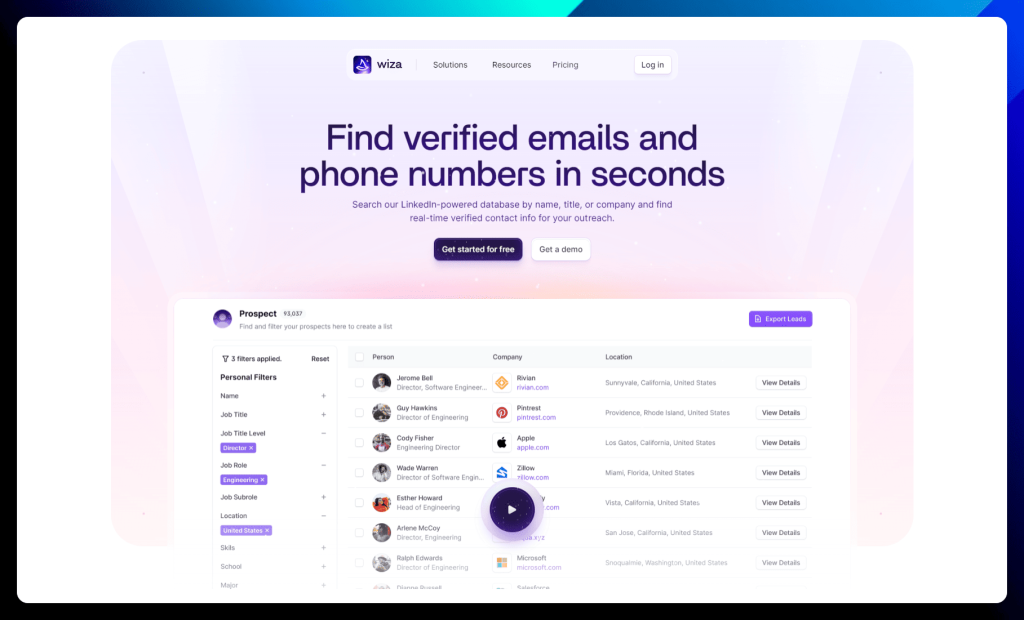
Wiza takes the guesswork out of prospecting by providing instant access to verified email addresses and phone numbers, all powered by LinkedIn. Instead of relying on outdated databases or spending hours on manual research, Wiza’s Chrome extension allows you to effortlessly reveal contact information while browsing LinkedIn profiles.
With Wiza, you can transform your lead generation efforts by exporting enriched prospect lists with a single click, ensuring your outreach campaigns are targeted and effective. Stop chasing dead-end leads and start connecting with the right people using Wiza’s real-time verified data.
Wiza key features:
Real-time verified data: Wiza offers a database of over 830 million prospects with contact information that’s verified in real time. Say goodbye to bounces and hello to accurate data you can trust!
LinkedIn integration: Wiza’s Chrome extension lets you export entire LinkedIn searches and lists with a single click. Simplify your lead generation and say goodbye to tedious manual extraction.
Built-in email verification: Wiza guarantees a deliverability rate of over 99% with its built-in email verification system. You only pay for valid emails, so you can maximize your budget and your impact.
Multi-point contact discovery: Uncover multiple contact points for your prospects, including work emails, personal emails, direct dials, and cell phone numbers. Wiza gives you more ways to connect and build relationships.
CRM integration: Seamlessly integrate Wiza with your favorite CRM systems to sync your data and automate your workflows. Keep your data flowing smoothly and your processes efficient.
✅ Wiza pros:
Ease of use: Wiza is consistently praised for its user-friendly interface and intuitive design, making it easy to find and export contact information from LinkedIn.
Accurate data: Users highlight the accuracy of Wiza’s data, particularly for email addresses, which is crucial for successful outreach and high deliverability rates.
❌ Wiza cons:
Limited pricing options: Some users desire more pricing options or flexibility, particularly for those with specific usage needs or smaller budgets.
Regional data variations: While generally accurate, the quality of data may vary across different regions, with some users reporting lower accuracy in certain areas like Latin America.
Wiza is best for:
Sales teams: Streamline your lead generation, find accurate contact information, and connect with prospects efficiently. Wiza helps you fill your pipeline and close more deals.
Recruiters: Source and reach out to top talent with verified contact details. Wiza makes it easier to find and connect with your next superstar hire.
Marketing teams: Build targeted lists for your campaigns and ensure your message reaches the right audience. Wiza helps you maximize your marketing ROI.
Wiza pricing:
Wiza offers transparent and flexible individual plans with options for monthly or annual billing. Enjoy unlimited credits when you pay yearly and save on your plan!
Wiza pricing plans
Description
Free
→ Perfect for occasional prospecting.
→ Includes 20 emails/month and 5 phone numbers/month.
Email
($83/month billed annually)
→ Ideal for those focused on email outreach.
→ Offers unlimited emails and a 10k/month export limit.
Email + Phone
($166/month billed annually)
→ Designed for users who leverage both email and phone outreach.
→ Provides unlimited emails and phone numbers, along with a 10k/month export limit.
Wiza’s pricing is designed to scale with your needs, offering cost-effective solutions whether you’re just starting out or looking to maximize your outreach potential.
Evaboot
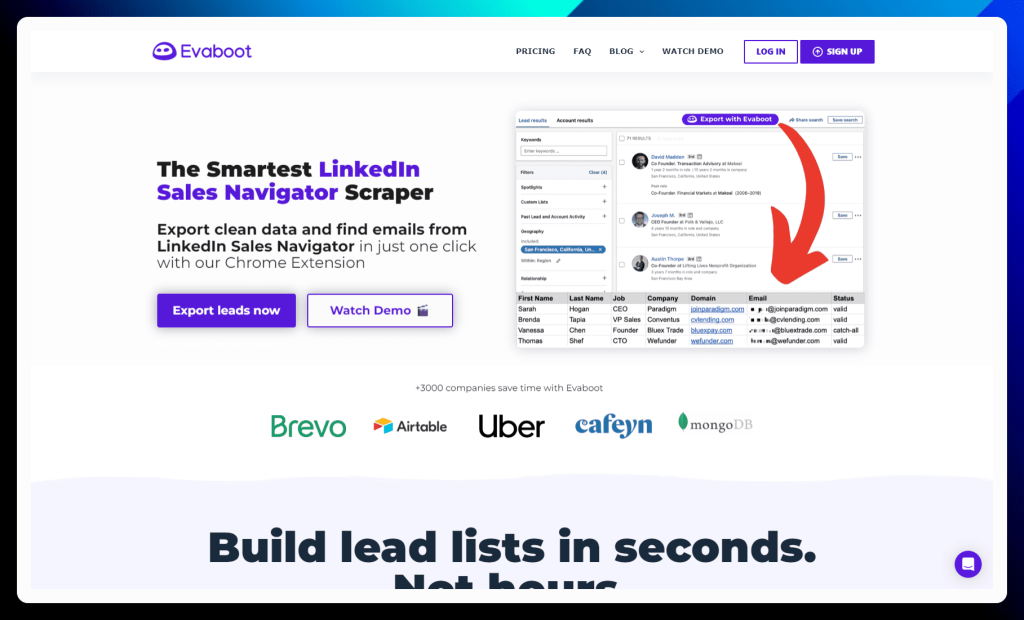
Evaboot transforms LinkedIn Sales Navigator into a lead generation powerhouse. This smart scraper eliminates manual data entry and tedious exports, allowing you to build clean, targeted lead lists with a single click.
Unlike generic scraping tools, Evaboot is specifically designed for Sales Navigator, offering unique features like data cleaning, lead filtering, and email verification. This ensures your outreach campaigns are fueled by accurate, high-quality data, maximizing your chances of success. Stop wasting time on manual processes and start extracting valuable leads effortlessly with Evaboot.
Evaboot key features:
Lead export: Evaboot’s specialty is exporting leads from LinkedIn Sales Navigator with a single click. Build your prospect lists quickly and efficiently without breaking a sweat.
Data cleaning: Evaboot automatically cleans up your exported data, ensuring consistency and accuracy. No more messy spreadsheets or manual formatting!
Lead filtering: Evaboot verifies that your exported leads match your initial Sales Navigator search filters, guaranteeing the accuracy of your lists and preventing unwanted contacts from sneaking in.
Email finding: Uncover those hidden email addresses with Evaboot’s scraping and email finder algorithms. Expand your reach beyond LinkedIn and connect with prospects on their preferred platform.
Email verification: Ensure your emails reach the inbox with Evaboot’s email verification feature. Reduce bounce rates and improve your deliverability for maximum impact.
✅ Evaboot pros:
Ease of use and effectiveness: Evaboot is praised for its user-friendly interface and efficient extraction capabilities, making it simple to gather leads from LinkedIn Sales Navigator.
Time-saving automation: The tool automates the process of exporting and cleaning data, saving users significant time and effort compared to manual methods.
❌ Evaboot cons:
Chrome dependency: Evaboot is a Chrome extension, so you’ll need to be a Chrome user to take advantage of its features. If you prefer other browsers, you might need to explore alternative solutions.
LinkedIn only: Evaboot is designed explicitly for LinkedIn Sales Navigator. If you need to generate leads from other platforms, you’ll need to add other tools to your arsenal.
Evaboot is best for:
Sales teams: If you rely heavily on LinkedIn Sales Navigator for lead generation and need a tool to efficiently export and manage your leads, Evaboot is your perfect match.
Niche businesses: Evaboot’s precision in filtering leads according to Sales Navigator criteria makes it ideal for companies targeting a specific industry, location, or job function.
Data-driven teams: Evaboot’s data cleaning and email verification features are a must-have for teams prioritizing accurate and reliable lead data for their outreach efforts.
Evaboot pricing:
Evaboot keeps pricing simple with a single, credit-based plan. You can choose between monthly or yearly billing, with a 17% discount for annual subscriptions.
Evaboot pricing plans
Description
Monthly Plan
($9/month)
→ Includes 100 credits per month.
→ 1 credit is used for each lead or account exported.
→ 1 credit is used for each email found.
This means you can find and export roughly 50 leads with emails per month.
Yearly Plan
($7.47/month billed annually)
→ Offers the same features as the monthly plan with a 17% discount.
Both plans include essential features like lead and account export, email finding and verification, data cleaning, lead filtering, and unlimited Sales Navigator accounts. Unused credits roll over to the following month, so you don’t lose any value. VAT may apply if you are based in Europe.
Findymail
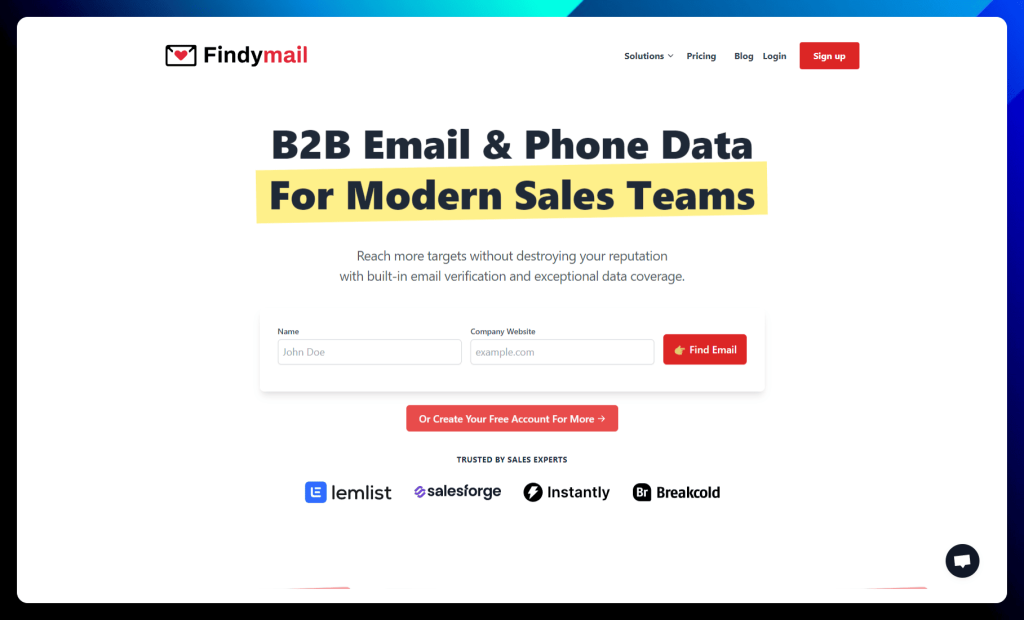
Findymail isn’t just another email finder (despite how the name may sound); it’s the one that dares to guarantee results. Tired of high bounce rates and wasted outreach efforts? Findymail boasts industry-leading accuracy and exceptional data coverage, ensuring your emails reach the inbox, not the spam folder.
With Findymail, you can confidently enrich your lists with verified B2B emails and phone numbers, knowing your contact data is reliable and up-to-date. Their unique algorithms and advanced verification technology go above and beyond standard email finders, giving you the edge in your outreach campaigns.
Findymail key features:
Email finding expertise: Findymail’s proprietary algorithms and verified data sources ensure you get the most accurate email addresses possible. Say goodbye to bounces and hello to higher open rates!
Email verification: Findymail goes beyond basic email verification to identify risky, unknown, and catch-all addresses that other verifiers might miss. Protect your sender reputation and keep your email list squeaky clean.
Automated LinkedIn exports: Build targeted lead lists in a flash with one-click exports from LinkedIn Sales Navigator and Apollo. Findymail automatically cleans and formats your data, so you can spend less time on data entry and more time on building relationships.
CRM enrichment: Keep your CRM data fresh and accurate with Findymail’s CRM enrichment product. Say goodbye to manual updates and hello to a healthy, high-performing CRM.
Integrations: Connect Findymail with your favorite sales and marketing tools, including email sequencers, CRMs, and more. Streamline your workflow and maximize your outreach efforts.
✅ Findymail pros:
High Accuracy and Deliverability: Findymail is praised for its accurate email finding and verification capabilities, resulting in low bounce rates and improved deliverability for outreach campaigns.
Versatile Functionality: Users appreciate the platform’s versatility, including features like Sales Navigator and Apollo export, API access, and native integrations with popular tools.
❌ Findymail cons:
Limited Integrations (for some users): While Findymail offers several native integrations, some users desire a wider range of integrations with other platforms and tools.
Occasional Data Scraping Inconsistency: Some users have reported occasional inconsistencies in data scraping, where the tool may not capture all the desired information from a list of leads.
Findymail is best for:
B2B sales teams: Findymail’s focus on accurate B2B email data makes it a perfect fit for sales teams who rely heavily on email outreach and want to improve their deliverability and sender reputation.
LinkedIn lead generators: If you use LinkedIn Sales Navigator for prospecting, Findymail’s automated export feature is a must-have for quickly and efficiently extracting contact data.
Data quality champions: Findymail’s advanced email verification and accuracy guarantees make it an excellent choice for businesses prioritizing high-quality contact data.
Findymail pricing:
Findymail offers a variety of pricing plans to suit different needs, from individuals and small businesses to larger teams and agencies.
Findymail pricing plans
Description
Trial
($0)
→ A free trial to explore Findymail’s core features.
→ Includes 10 finder credits and 10 email verifications.
→ Allows for Sales Navigator & Apollo export and API access.
Basic
($49/month)
→ A good starting point for individuals and small teams.
→ Includes 1,000 finder credits and 1,000 email verifications per month.
→ Offers the same features as the Trial, plus 10+ native integrations.
Starter
($99/month)
→ The most popular plan, ideal for growing teams.
→ Includes 5,000 finder credits and 5,000 email verifications per month.
→ Offers the same features as the Basic plan.
Business
($249/month)
→ Designed for larger teams and businesses with higher volume needs.
→ Includes 15,000 finder credits and 15,000 email verifications per month.
→ Offers the same features as the Starter plan.
All plans include access to Sales Navigator & Apollo export, API access, 10+ native integrations, and having up to 10 team members. Findymail also offers volume discounts for higher credit needs. You can find more details about each plan on their website.
GetProspect
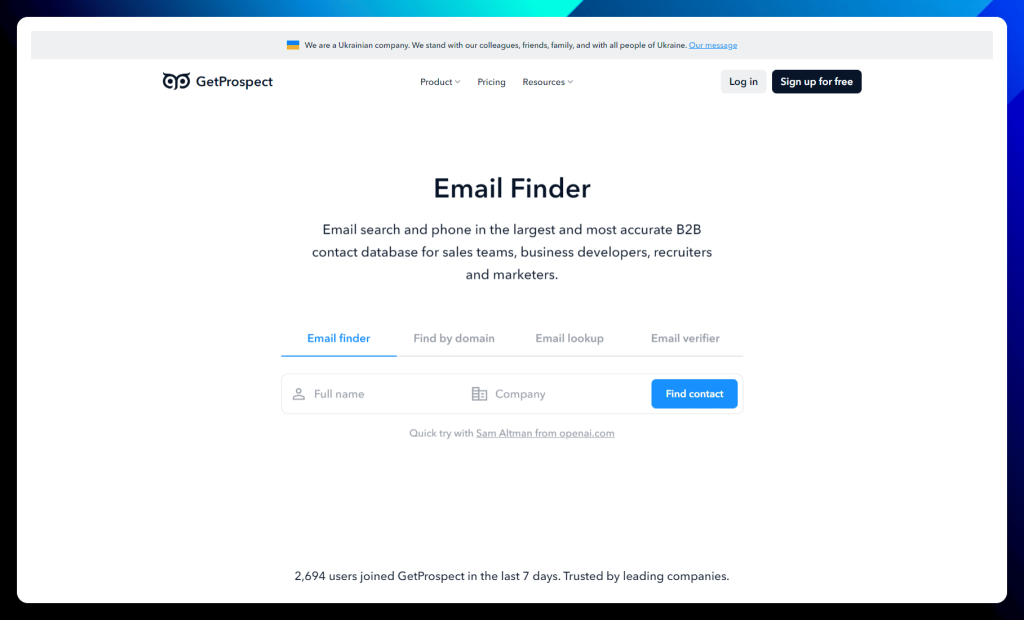
GetProspect puts the power of accurate B2B contact data at your fingertips. With a massive database of over 200 million professionals, this email finder and enrichment tool empowers sales teams, marketers, and recruiters to connect with the right prospects and drive conversions.
What sets GetProspect apart is its commitment to data accuracy and deliverability. Their sophisticated algorithms and real-time verification ensure that you’re reaching out to valid contacts, minimizing bounce rates, and maximizing the impact of your outreach campaigns.
Combined with a user-friendly Chrome extension and seamless integrations, GetProspect streamlines your lead generation efforts and fuels your sales pipeline with high-quality leads.
GetProspect key features:
Email finder: Uncover those hidden email addresses with GetProspect’s powerful email finder. Search by name, company, domain, or LinkedIn profile and get accurate results in seconds. Plus, with the handy Chrome extension, you can find emails on the fly wherever you browse.
B2B database search: Dive into GetProspect’s extensive B2B database and filter by name, job title, industry, location, and more. Build laser-focused lead lists and organize them into folders for easy management. With regularly verified data, you can trust that you connect with the right people.
Contact enrichment: Go beyond basic contact information and enrich your leads with over 40 data attributes, including location, industry, technologies used, and more. Get a complete picture of your prospects and personalize your outreach for maximum impact.
Cold email software: Launch personalized cold email campaigns with GetProspect’s built-in email software. Integrate with your existing email provider, leverage AI-powered personalization, and track your results with detailed analytics.
LinkedIn Chrome extension: Supercharge your LinkedIn lead generation with GetProspect’s Chrome extension. Export searches and lead lists with a single click, enrich your data with email addresses and phone numbers and clean up your data automatically.
✅ GetProspect pros:
Ease of Use and Integration: GetProspect is praised for its user-friendly interface and seamless integration with LinkedIn, making it simple to find and extract contact information.
Effective Lead Generation: Many users highlight GetProspect’s effectiveness in helping them generate leads and grow their business, particularly through its accurate email-finding capabilities.
❌ GetProspect cons:
Occasional Data Inaccuracy: While generally accurate, some users have reported instances of outdated or incorrect contact information, highlighting the need for occasional verification.
Limited Phone Number Credits: The limited number of phone number credits in some plans can be a constraint for users who rely heavily on phone outreach.
GetProspect is best for:
Sales teams: If you’re looking for a comprehensive solution for lead generation, email finding, data enrichment, and cold email outreach, GetProspect has everything you need to succeed.
Marketers: Build targeted lead lists, enrich your data, and launch personalized campaigns with GetProspect’s powerful features.
Recruiters: Find and connect with top talent using verified email addresses and phone numbers. GetProspect helps you streamline your recruitment process and find your next superstar hire.
GetProspect pricing:
GetProspect offers a range of flexible plans designed to fit the needs of individuals, growing businesses, and large teams. You can save 30% by choosing an annual subscription.
GetProspect pricing plans
Description
Free
→ Perfect for individuals who want to test the waters.
→ Includes 50 valid emails monthly and 100 verification credits.
Starter
($29/month)
→ A great starting point for individuals and small teams.
→ Includes 1,000 valid emails monthly, 2,000 verification credits, and 5 phone number credits.
Growth 5k
($49/month)
→ The most popular plan, ideal for growing businesses.
→ Includes 5,000 valid emails monthly, 10,000 verification credits, and 5 phone number credits.
→ Offers advanced features like unlimited email accounts, attachments in emails, and native integrations.
All plans include core features like automated follow-ups, email reply tracking, a LinkedIn extension, and API access. You can also purchase additional phone number credits as needed.
Prospeo
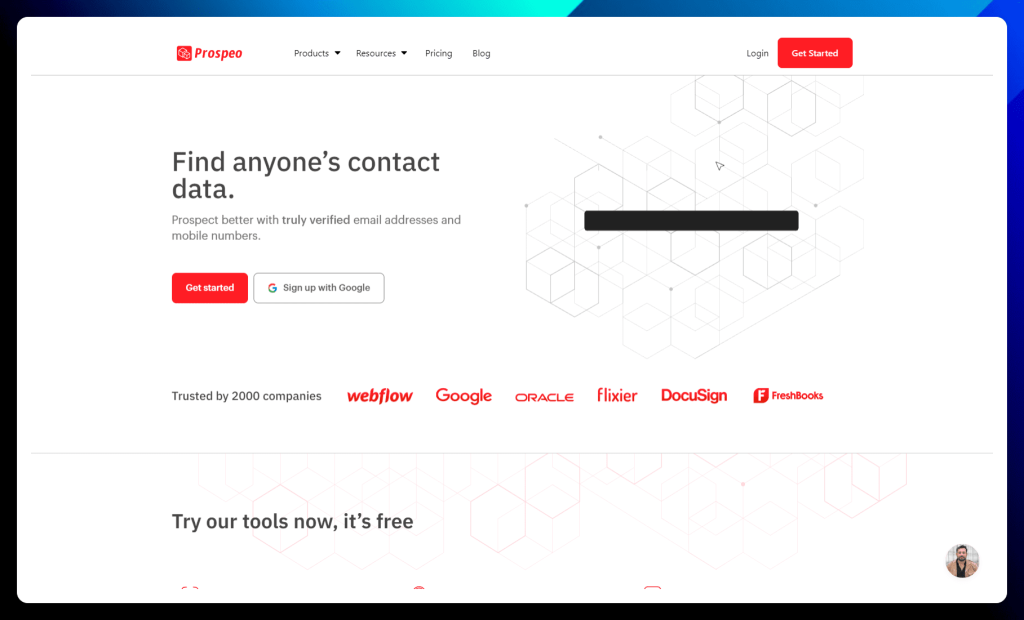
Prospeo goes beyond basic email finding to provide truly verified contact data, ensuring your outreach efforts are targeted and effective. With an impressive 98% deliverability guarantee, Prospeo empowers sales teams to connect with confidence, knowing their messages will reach the right inboxes.
This platform stands out with its unique combination of accuracy, user-friendly tools, and comprehensive data points. From a powerful Chrome extension that uncovers emails and mobile numbers on LinkedIn to bulk processing capabilities and a robust API, Prospeo streamlines your lead generation workflow and fuels your sales pipeline with high-quality data.
Prospeo key features:
Email finding options: Prospeo offers a variety of ways to find email addresses, including an email finder, domain search, and even a unique Sales Navigator export feature. No matter how you prefer to prospect, Prospeo has you covered.
Mobile phone number finder: Go beyond email and connect with prospects on their mobile phones. Prospeo’s Mobile Finder helps you retrieve phone numbers directly from LinkedIn profile URLs.
Email verification: Ensure your emails reach the inbox with Prospeo’s built-in email verifier. Maintain a stellar sender reputation and avoid bounces that can harm your email campaigns.
Chrome extension: Find verified email addresses and mobile numbers from anywhere on the web with Prospeo’s handy Chrome extension. Extract contact information from LinkedIn profiles, company pages, and even Google Search results.
Sales Navigator export: Export Sales Navigator lists with up to 45 data points, including verified emails and mobile numbers, directly to Excel. This powerful feature streamlines your lead generation and gives you valuable insights into your prospects.
✅ Prospeo pros:
Ease of use and time-saving: Prospeo is widely praised for its user-friendly interface and efficient tools, making it easy to find contact information and saving users significant time compared to manual methods.
High accuracy and deliverability: Users consistently highlight the accuracy of Prospeo’s data, particularly for email addresses, leading to improved deliverability and successful outreach campaigns.
❌ Prospeo cons:
Occasional bugs and performance issues: Some users have reported encountering occasional bugs or experiencing slow performance within the platform, particularly when dealing with large datasets or complex customizations.
Limited customization options: While Prospeo offers customization features, some users desire more flexibility and control, particularly regarding template design and layout options.
Prospeo is best for:
Sales teams: Find verified contact information, including email addresses and mobile numbers, with Prospeo’s reliable and efficient platform. The high deliverability rate and Sales Navigator integration make it a valuable asset for any sales team.
Recruiters: Discover contact details for potential candidates and streamline your recruitment process. Prospeo helps you connect with top talent and build your dream team.
Sales Navigator users: If LinkedIn Sales Navigator is your go-to prospecting tool, Prospeo’s unique Sales Navigator export feature is a game-changer. Unlock valuable data and enrich your lead lists with ease.
Prospeo pricing:
Prospeo offers flexible pricing plans to suit various needs and budgets, from individuals and startups to growing businesses and established companies. You can choose between monthly and yearly billing, with a 30% discount for annual subscriptions.
Prospeo pricing plans
Descriptions
Free
→ A free plan to explore Prospeo and see if it’s the right fit for you.
→ Includes 75 credits per month for using any of their tools.
Starter
($39/month)
→ Ideal for individuals and small businesses starting with Prospeo.
→ Includes 1,000 credits per month.
Growth
($99/month)
→ Designed for growing your sales and expanding your outreach efforts.
→ Includes 5,000 credits per month.
Pro
($199/month)
→ Perfect for generating serious returns and scaling your lead generation.
→ Includes 20,000 credits per month.
Business
($369/month)
→ Tailored for established companies with high-volume data needs.
→ Includes 50,000 credits per month.
All plans include access to all of Prospeo’s tools, including the Email Finder, Mobile Finder, Sales Navigator Export, Domain Search, Email Verifier, Chrome extension, API access, bulk processing, and team features. You can find more details about each plan on the Prospeo website.
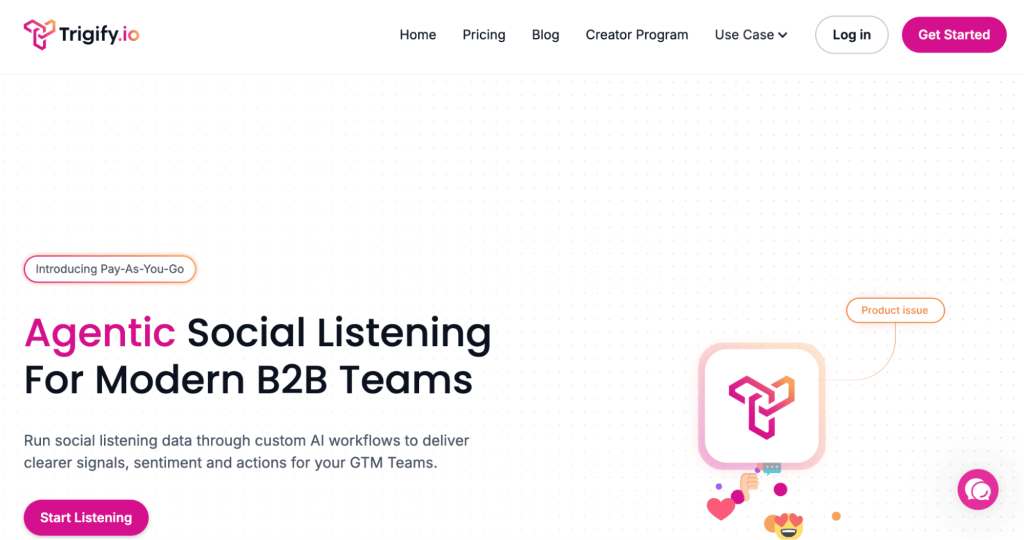
Trigify
Trigify helps B2B teams track what people say online and turn those signals into sales opportunities, standing out among PhantomBuster alternatives focused on intent-based prospecting rather than raw automation.
It uses AI workflows to analyze conversations, sentiment, and engagement so your team knows who to contact and when. This makes outreach more relevant and less spammy.
Trigify is especially useful for teams that rely on social data to guide their go-to-market strategy.
Trigify key features:
Social intent tracking: Monitor online conversations to identify people actively discussing problems your product can solve.
AI-powered signal detection: Automatically analyze engagement, sentiment, and trends to highlight prospects more likely to convert.
Workflow automation: Turn buying signals into ready-to-use actions so your team knows exactly when and how to reach out.
Real-time alerts: Get notified when relevant topics or keywords spike, helping you contact prospects at the right moment.
Team collaboration tools: Share insights across sales and marketing so everyone works from the same data.
Custom targeting: Adjust filters to focus on specific industries, topics, or behaviors that match your go-to-market strategy.
✅ Trigify pros:
Intent-driven prospecting: Trigify helps teams identify buyers based on real behavior and conversations, allowing for smarter outreach instead of relying on cold lists.
Transforms data into action: Rather than overwhelming users with raw signals, the platform highlights opportunities your team can act on immediately.
Improves outreach timing: Contacting prospects when they show interest often leads to higher engagement and better conversion rates.
Supports team collaboration: Shared insights help marketing and sales stay aligned on targeting and messaging.
❌ Trigify cons:
Not a complete outbound solution: You’ll still need a separate platform to execute email or LinkedIn campaigns.
Initial setup required: Teams must configure workflows and define what signals matter most before seeing full value.
Dependent on available signals: If your audience isn’t very active online, the number of actionable insights may be limited.
Can add another tool to your stack: Businesses trying to simplify their tech stack may hesitate to adopt another platform.
Trigify is best for:
GTM teams: Use real buyer signals to guide outreach and focus on prospects who are more likely to convert.
Marketing teams: Monitor online conversations and identify trends that can shape smarter campaigns.
Sales teams: Prioritize warmer leads and reach out at the right moment to boost engagement.
Trigify pricing
Trigify provides flexible pricing based on usage, so you can start small and scale as your data and workflow needs grow.
Trigify pricing plans
Description
Pay As You Go ($0.012 per credit)
→ Flexible option for low usage.→ Billed monthly.
Essential ($149/month)
→ Includes unlimited listening and workflows.→ Comes with 15k credits.
Growth ($270/month)
→ Adds 40k credits for higher usage.
Scale ($549/month)
→ Includes 100k credits for large teams.
Choose between pay-as-you-go or monthly plans depending on how often you track buying signals.
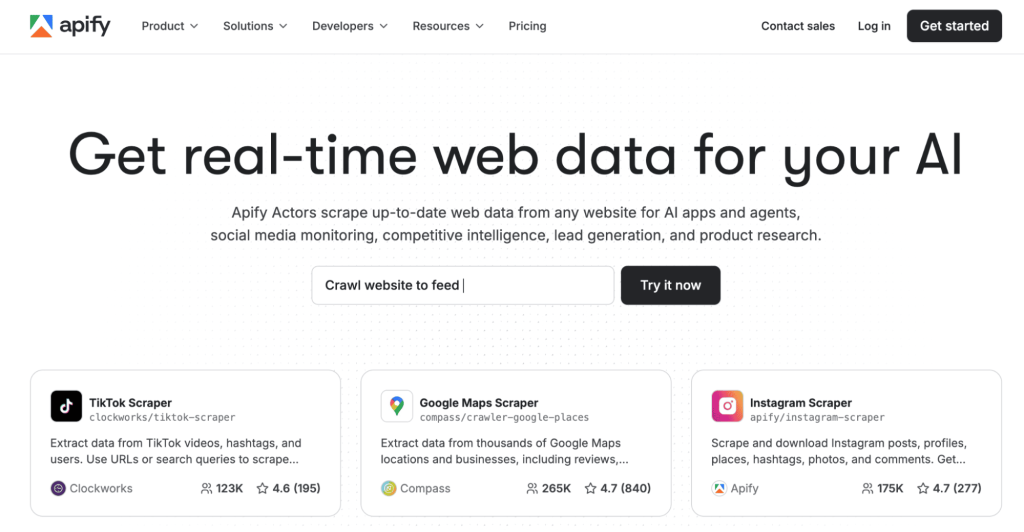
Apify
Apify is a web scraping platform that collects real-time data from almost any website and is often considered one of the more flexible free alternatives to PhantomBuster for teams focused on large-scale data extraction.
It runs small programs called Actors that automate data extraction, so you don’t need to scrape sites manually. The platform is flexible enough for both simple and advanced use cases.
Apify stands out among tools that focus heavily on data collection rather than outreach.
Apify key features:
Universal web scraping: Extract data from almost any public website, including directories, ecommerce stores, and social platforms.
Actors marketplace: Choose from ready-made scraping tools or build custom ones to match your exact data needs.
Automation-ready workflows: Schedule scraping tasks to run automatically so your datasets stay updated without manual work.
API integrations: Send collected data directly into CRMs, spreadsheets, or internal tools for faster decision-making.
Scalable infrastructure: Handle anything from small research tasks to large data projects without worrying about performance.
Proxy and anti-blocking support: Improve success rates when collecting data from sites that try to limit automated access.
✅ Apify pros:
Extremely versatile: Apify can collect data from nearly any public website, supporting use cases from lead generation to market intelligence.
Built for scale: The platform handles both small scraping jobs and enterprise-level data extraction without major infrastructure changes.
Automation-ready: Strong API support makes it easy to plug collected data into CRMs, analytics tools, or AI workflows.
Active marketplace: Ready-made scraping tools help teams launch faster without building everything from scratch.
❌ Apify cons:
Technical barrier for advanced tasks: While basic scrapers are accessible, more complex projects often require developer support.
Usage-based pricing: Costs can rise quickly for teams running large or frequent scraping jobs.
No built-in outreach: Apify focuses strictly on data collection, so you’ll need another tool to contact prospects.
Website restrictions: Some platforms actively block scraping, which may require extra configuration.
Apify is best for:
Developers: Build reliable data pipelines and automate web data collection for internal tools or workflows.
Growth teams: Gather large datasets for lead generation, competitor tracking, and
AI-focused companies: Feed models and automation systems with fresh, structured data from across the web.
Apify pricing
Apify uses a credit-based pricing model that works for both small projects and large-scale data extraction.
Apify pricing plans
Description
Free ($0/month)
→ Includes $5 usage credit.→ Community support.
Starter ($29/month + usage)
→ $29 platform credit.→ Chat support and store discounts.
Scale ($199/month + usage)
→ $199 credit.→ Priority chat support.
Business ($999/month + usage)
→ $999 credit.→ Built for heavy workloads.
You can begin with a free plan and upgrade as your scraping and automation needs increase.
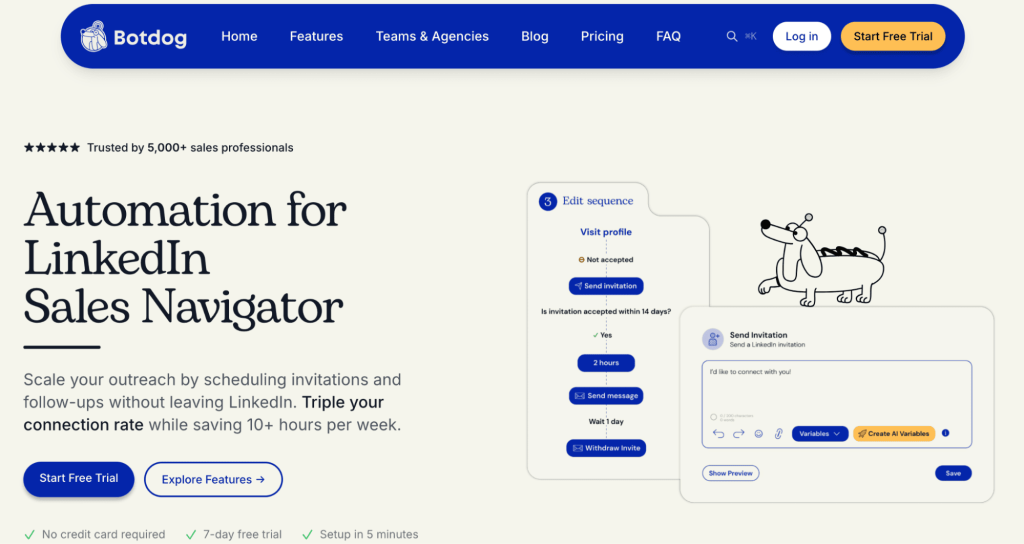
Botdog
Botdog automates LinkedIn outreach so you can grow your network faster without spending hours sending invites, positioning it as a lightweight option among PhantomBuster alternatives for LinkedIn.
The tool focuses on improving acceptance rates while reducing manual work. For teams that rely heavily on LinkedIn, Botdog can simplify daily outreach tasks.
Botdog key features:
LinkedIn invite automation: Send connection requests automatically while controlling daily activity to keep accounts safer.
Smart follow-ups: Create message sequences that trigger after a prospect accepts your request, helping maintain momentum.
Campaign scheduling: Plan outreach in advance and let Botdog handle execution while you focus on conversations.
Sales Navigator compatibility: Use advanced LinkedIn search filters and launch campaigns directly from your prospect lists.
Reply tracking: Monitor responses in one place so you can quickly jump into active conversations.
Performance insights: Review campaign metrics to understand what messaging drives the best acceptance and reply rates.
✅ BotDog pros:
Major time saver: Automates repetitive LinkedIn actions like connection requests and follow-ups, freeing up time for higher-value sales work.
Simple onboarding: Most users can launch campaigns quickly without heavy training or technical expertise.
Consistent outreach: Keeps networking activity steady, which is critical for building pipeline over time.
Designed for LinkedIn: Its focused approach means features are tailored specifically to how teams prospect on the platform.
❌ BotDog cons:
Limited to one channel: Teams looking for email or multichannel outreach will need additional tools.
Costs scale with team size: Since pricing is per account, larger organizations may see expenses grow quickly.
Requires responsible usage: Over-automation can create risk if LinkedIn limits are ignored.
Lacks deeper sales features: It’s better for connection-building than managing full outbound strategies.
BotDog is best for:
Recruiters: Expand candidate pipelines by automating connection requests and follow-ups on LinkedIn.
Sales reps: Consistently grow their network and create new opportunities without daily manual outreach.
Founders: Stay active on LinkedIn and generate conversations while focusing on running the business.
Botdog pricing
Botdog keeps pricing simple with per-account plans built for individuals and teams using LinkedIn automation.
Botdog pricing plans
Description
Starter ($69/month per account)
→ Includes basic LinkedIn automation.→ Free trial available.
Professional ($79/month per account)
→ Adds advanced sequences and integrations.
Professional + AI ($99/month per account)
→ Includes AI personalization and optimization.
Pick the plan that matches the level of automation and AI support you want.
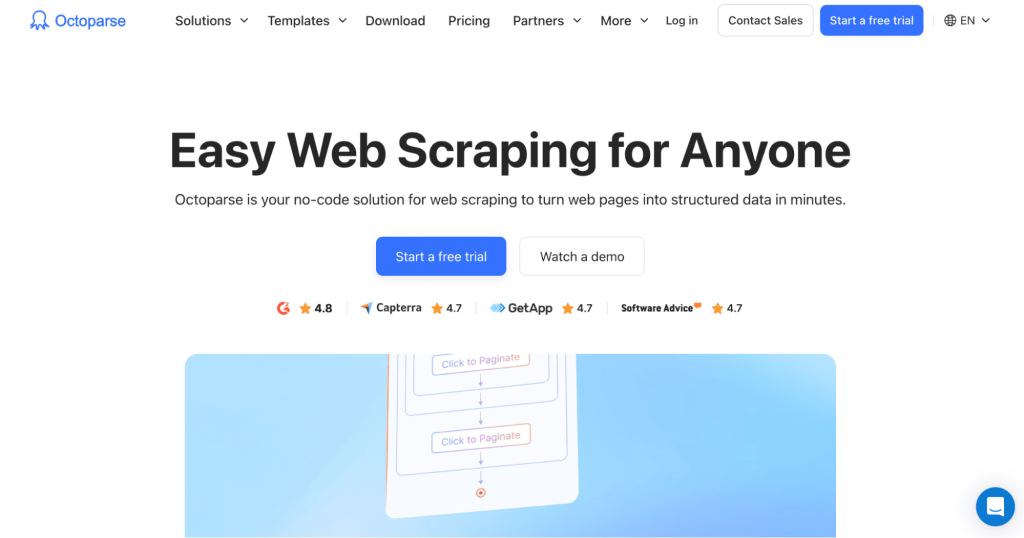
Octoparse
Octoparse is a no-code web scraping tool that turns websites into structured data in minutes and fits well among PhantomBuster alternatives LinkedIn automation tools when lead data collection is the priority. You don’t need programming skills to collect leads, product data, or market insights.
The platform uses templates and visual workflows, making it accessible for beginners while still powerful enough for larger projects.
Octoparse key features:
No-code data extraction: Collect structured data using a visual interface instead of writing scripts.
Template library: Start faster with prebuilt scrapers designed for common websites like ecommerce stores and directories.
Cloud-based scraping: Run tasks on Octoparse servers so your computer doesn’t need to stay online.
Scheduled extraction: Automate recurring jobs to gather fresh data daily, weekly, or whenever you choose.
Data export flexibility: Send results to Excel, CSV, databases, or external tools for easy analysis.
Advanced site handling: Manage pagination, login-protected pages, and dynamic content with guided setup options.
✅ Octoparse pros:
No-code accessibility: Non-technical users can extract data through a visual interface instead of writing scripts.
Template library: Prebuilt workflows reduce setup time and help teams start collecting data faster.
Cloud-based scraping: Tasks can run in the background without relying on your local machine.
Flexible export options: Easily move data into spreadsheets, CRMs, or analytics platforms.
❌ Octoparse cons:
Higher-tier pricing: Advanced capabilities are locked behind more expensive plans.
Learning curve for complex sites: Dynamic pages sometimes require experimentation to scrape correctly.
Potential blocking issues: Some websites restrict automated extraction.
Primarily a data tool: Users seeking outreach automation will need a separate platform.
Octoparse is best for:
Sales teams: Build targeted prospect lists by extracting data from directories and websites.
Researchers: Quickly collect structured information for analysis without technical complexity.
Ecommerce businesses: Track competitor pricing, product listings, and market changes more efficiently.
Octoparse pricing
Octoparse offers multiple pricing tiers suitable for beginners and advanced users alike.
Octoparse pricing plans
Description
Free
→ For small projects.→ Includes limited tasks.
Standard (from $83/month)
→ Adds cloud scraping and more tasks.
Professional ($299/month)
→ Higher limits and advanced API access.
Enterprise (Custom)
→ Built for large data operations.
Start with the free version to test the platform, then upgrade for higher limits, cloud extraction, and advanced features.
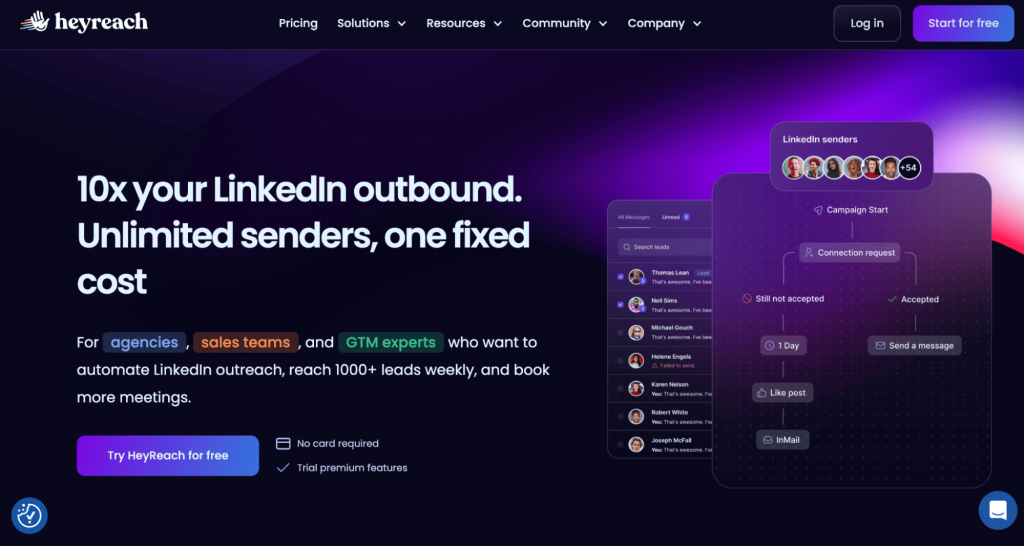
HeyReach
HeyReach is built for teams that want to scale LinkedIn outreach safely and is frequently compared to PhantomBuster alternatives for LinkedIn when managing multiple senders at scale.
You can reach thousands of prospects weekly, manage campaigns from one inbox, and automate actions without juggling several tools.
HeyReach key features:
Multi-account outreach: Connect several LinkedIn senders and manage them from one dashboard to scale prospecting safely.
Unified inbox: Read and reply to messages from all accounts in one place, reducing the chance of missed opportunities.
Unlimited campaign creation: Launch as many outreach campaigns as needed without strict platform limits.
Built-in safety controls: Spread activity across accounts and timing to support more sustainable automation.
Native integrations: Sync HeyReach with your existing sales tools to keep data organized.
Agency-friendly management: Control multiple clients or teams from a single workspace with clear visibility into performance.
✅ HeyReach pros:
Built for scale: Supports multiple LinkedIn senders, making it ideal for teams running high-volume outbound campaigns.
Centralized inbox: Managing replies from several accounts in one place improves organization and response speed.
Predictable pricing model: Fixed plans help businesses forecast costs as they grow outreach efforts.
Agency-friendly design: Features support managing campaigns across multiple clients efficiently.
❌ HeyReach cons:
Channel limitation: The platform focuses heavily on LinkedIn, which may not suit teams wanting a multichannel approach.
Better suited for teams than individuals: Smaller users may not fully benefit from its scaling features.
Strategy-dependent: Success still relies on strong targeting and messaging.
Advanced features come at a premium: Higher tiers may feel expensive for early-stage companies.
HeyReach is best for:
Agencies: Manage large-scale LinkedIn outreach for multiple clients from one centralized platform.
Outbound teams: Scale prospecting across many accounts while keeping messaging organized.
GTM teams: Increase meeting volume with consistent, automated LinkedIn campaigns.
HeyReach pricing
HeyReach focuses on predictable pricing with plans built for scaling LinkedIn outreach.
HeyReach pricing plans
Description
Growth ($79/month)
→ Includes 1 sender.→ Unlimited campaigns and LinkedIn actions.
Agency ($999/month)
→ Supports 50 senders.→ Includes whitelabel and onboarding help.
Unlimited ($1,999/month)
→ Unlimited senders.→ Priority support and migration help.
Whether you’re a small team or a large agency, you can choose a tier based on the number of senders and support required.
Gear up with the right outreach tool
Finding the perfect automation tool can feel like searching for a needle in a haystack… of robots and PhantomBuster alternatives.
But don’t worry; whether you’re looking for advanced features, budget-friendly options, or just a tool that vibes with your style, there’s an automation solution and plenty of PhantomBuster alternatives out there waiting to be discovered.
Remember, the best tool for you depends on your specific needs and goals. Consider factors like the platforms you use, the level of automation you need, your budget, and the importance of features like data enrichment and CRM integration.
We offer a powerful suite of features, including AI-powered automation, multi-channel outreach, and a robust email deliverability toolkit. Plus, our user-friendly interface and exceptional customer support make it easy to get started and achieve your automation goals.
We’re confident that you’ll love how Reply.io can help you streamline your workflows, generate more leads, and boost your sales. Happy automating!
Subscribe to our blog to receive the latest updates
from
the world
of sales and marketing. Stay up to date.
We use cookies to enhance your browsing experience, serve personalised ads or content, and analyse our traffic. By clicking "Accept All", you consent to our use of cookies.