7 Best Unlimited Email Sending Software for B2B Teams
Olivia Milton03 Mar 2026
Outbound email is changing fast. AI spam filters are stricter, buyers are less patient, and one sloppy campaign can tank a domain.
But the core goal hasn’t changed: if you have the right setup, you can scale outreach without lighting your deliverability on fire.
This guide covers the best unlimited email sending tools for B2B teams in 2026, explains what “unlimited” really means, why sending limits exist, and how to pick a platform that can scale volume while still landing in the inbox.
What is unlimited email sending software, and why does it matter?
Unlimited email sending software lets you run outbound across multiple sending inboxes inside one platform, so you can scale volume without being blocked by a tool-level cap.
The key detail: “unlimited” doesn’t mean sending 5,000 emails from one Gmail. Google and Microsoft enforce per-mailbox thresholds for a reason — push too hard and you’ll hurt reputation, placement, or get suspended.
In practice, unlimited sending means:
you can connect as many mailboxes as you need
you spread volume across warmed-up inboxes
you avoid platform caps on total sends
you scale by adding inboxes/domains (instead of overloading one)
When done properly, this unlocks higher inbox placement, a steadier sender reputation, and predictable outbound capacity — without playing whack-a-mole with daily limits.
Why do email sending limits exist, and what impact do they have?
Email providers impose sending limits to reduce spam, abuse, and compromised-account behavior. Sudden volume spikes, high bounce rates, and complaint-heavy sending patterns are exactly what filters are trained to catch.
Limits exist to:
protect users from spam and phishing
preserve sender reputation across shared infrastructure
prevent server overload and abuse
reduce account takeovers and malicious activity
Yes, distributing volume across multiple inboxes lowers risk — but the real win is keeping placement stable over time. If your emails don’t hit the inbox, the “unlimited” part is meaningless.
And from a business angle, deliverability is the multiplier. Strong placement is what turns outbound volume into replies, meetings, and pipeline.
Cold Email Deliverability Playbook: Your Ultimate Guide
To build this e-book, we’ve analyzed over 50,000,000 emails over the past 2 years to uncover what really works—and now, we’re sharing all that insight with you, absolutely free!
Get step-by-step guides on setting up domains, choosing providers, warming up accounts, creating effective content, improving list quality, and using top deliverability tools. The list goes on.
Grab your copy now and turn emails into opportunities!
How does unlimited sending enable scalable B2B outreach?
Scaling outbound usually breaks for one reason: volume outgrows a single mailbox, and pushing harder creates deliverability problems.
Unlimited sending tools solve this by letting you scale horizontally:
add mailboxes as volume increases
run multiple campaigns at once (without crowding one inbox)
segment by industry/role/intent while keeping sends controlled
maintain structured follow-ups without manual babysitting
This is also where personalization becomes non-negotiable. Once you’re running hundreds of touches a day, generic copy stops working — and manual personalization doesn’t scale. The right setup uses data-driven personalization so messages stay relevant while volume grows.
A tasteful example: Jason can help on the execution side by generating tailored messaging from your inputs, routing volume safely across inboxes, and coordinating outreach beyond email when it makes sense — without turning the whole motion into “spray and pray.”
Which platforms offer unlimited email sending, and what makes them stand out?
Many platforms promise unlimited email sending.
However, only a select few deliver it in a way that protects email deliverability and supports serious B2B growth.
Below, we’ll explore our top 7 picks, how they compare, and what makes each unlimited email sending software worth considering.
1. Reply.io
Reply.io is an AI-powered outreach platform that offers much more than sending unlimited emails. It combines a native lead database with over 1 billion business contacts, enriches customer profiles with additional data from LinkedIn.
Its AI engine then leverages that data to hyper-personalize every email, follow-up, and LinkedIn message, at scale.
With Reply, you can connect multiple mailboxes and distribute volume safely, while its built-in deliverability toolkit protects your domain reputation, monitors spam rates in real time, and maintains your entire email infrastructure.
To top it off, Reply offers a native AI sales agent, Jason AI, that autonomously handles the entire prospecting and outreach process, and even handles replies and books meetings on your behalf.
Key features:
Unlimited mailbox connections: Allows you to distribute volume intelligently and send unlimited emails per day across accounts.
AI-powered personalization: Generates personalized messages based on ICP data and intent signals.
Native database with 1B+ contacts: Makes it easy to source verified B2B leads at scale.
Multichannel sequences (email, LinkedIn, calls): Builds tailored outreach campaigns for each lead, using conditional logic to adjust strategy in real time.
AI reply classification and drafting: Routes positive, neutral, and negative responses automatically.
Compliance controls (GDPR, CAN-SPAM): Manages opt-outs and audit logs responsibly.
Advanced analytics and attribution: Allows you to measure ROI tied to campaigns and sequences.
Verdict
Reply.io is the best unlimited email sending software for B2B companies that want unlimited scale plus an AI engine that finds targeted leads, personalizes messages, and launches campaigns on autopilot.
2. Instantly
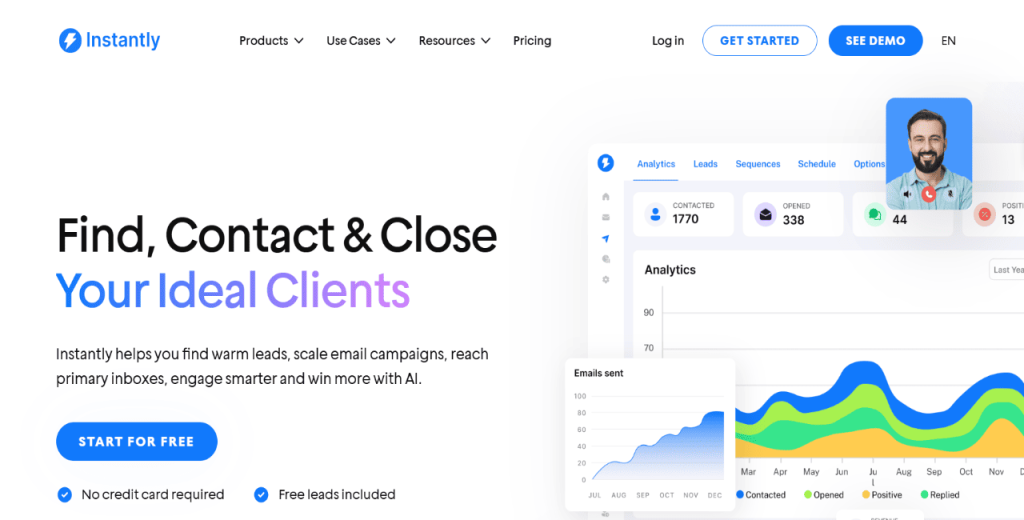
Instantly is built for teams that need to run high-volume cold email without turning one mailbox into a deliverability liability. The core idea is simple: connect multiple inboxes and distribute volume across them, while the platform handles warm-up and other deliverability guardrails.
It’s popular with agencies and outbound-heavy teams because it’s designed around scaling fast, keeping inbox placement stable, and managing lots of sending accounts from one place.
Key features:
Multiple inboxes under one roof, so you scale horizontally
Built-in warm-up to avoid wrecking a fresh domain
Deliverability visibility (placement, bounces, general inbox health)
Sequencing and follow-ups, plus basic reply handling
CRM/workflow integrations so the data doesn’t die in a CSV
Verdict
If you’re doing high-volume outbound and you want a simple way to add inboxes and keep things stable, Instantly is a solid pick.
3. Smartlead
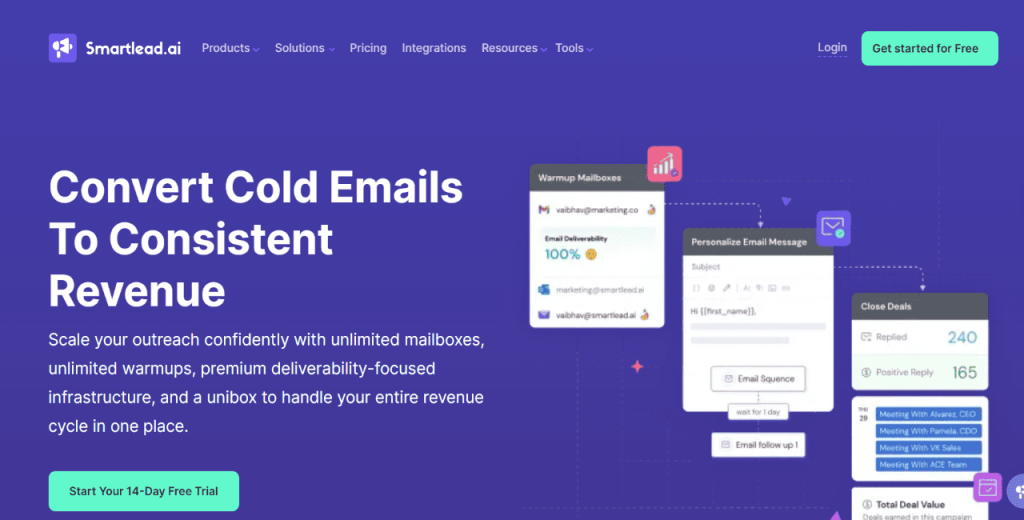
Smartlead is built for the execution side of cold email, which means connecting a bunch of inboxes, warming them up, spreading volume safely across domains, and managing everything from one place. It’s the infrastructure layer you use once you already know who you want to reach.
It’s a good fit when the main constraint is deliverability and operational control, not lead sourcing. Smartlead also leans into inbox health and centralized reply management, which helps when multiple reps run campaigns at the same time and you need visibility across domains.
Key features:
Unlimited mailbox connections for volume distribution
Warm-up automation to protect reputation
Central inbox / reply management view
Deliverability and domain/inbox health monitoring
Sequencing with follow-ups and basic performance analytics
Verdict
Smartlead is best for B2B outbound teams that want scalable cold email infrastructure with strong monitoring and clean day-to-day execution.
4. Apollo.io
Apollo is more than an email sending tool. It’s a combined prospecting and outreach platform, which means list building and sequencing happen in the same workflow. You can search a large B2B database, enrich records, and launch outbound sequences without exporting everything into separate systems first.
That makes Apollo practical for teams that want one place to source contacts, build targeted lists, test messaging, and track engagement.
The nuance is that Apollo isn’t positioned around mailbox-based unlimited scaling the way more dedicated outreach platforms like Reply.io are.
Key features:
Built-in B2B contact and company database
Lead enrichment and list building inside the platform
Sequencing with testing and performance tracking
CRM integrations (including Salesforce/HubSpot)
AI assistance for drafting and iterating outreach copy
Verdict
Apollo is best for teams that want prospecting plus sequencing in one system, and prefer a unified workflow over a pure inbox-scaling tool.
5. Amazon SES (with Sendy or MailWizz)
Amazon SES is email infrastructure, not an outreach platform. It’s what you use when you want to run sending on your own terms, with your own tooling layered on top. In practice, teams pair SES with a self-hosted tool like Sendy or MailWizz to manage lists, templates, and campaigns, while SES handles delivery.
This setup can scale well and keep costs low per email, but it comes with operational overhead: DNS configuration, manual authentication (SPF/DKIM/DMARC), monitoring, bounce/complaint handling, and reputation management. If you have technical resources, SES can be a powerful foundation. But if you don’t, it’s easy to misconfigure and end up fighting deliverability.
Key features:
Scalable email sending infrastructure
Quotas/rate controls tied to reputation and account state
Full control over domain authentication and sending setup
Works well with self-hosted campaign tools (Sendy/MailWizz)
Flexible integration paths via APIs
Verdict
Amazon SES is best for technical teams that want maximum control over email delivery and are comfortable owning the full infrastructure and deliverability workflow.
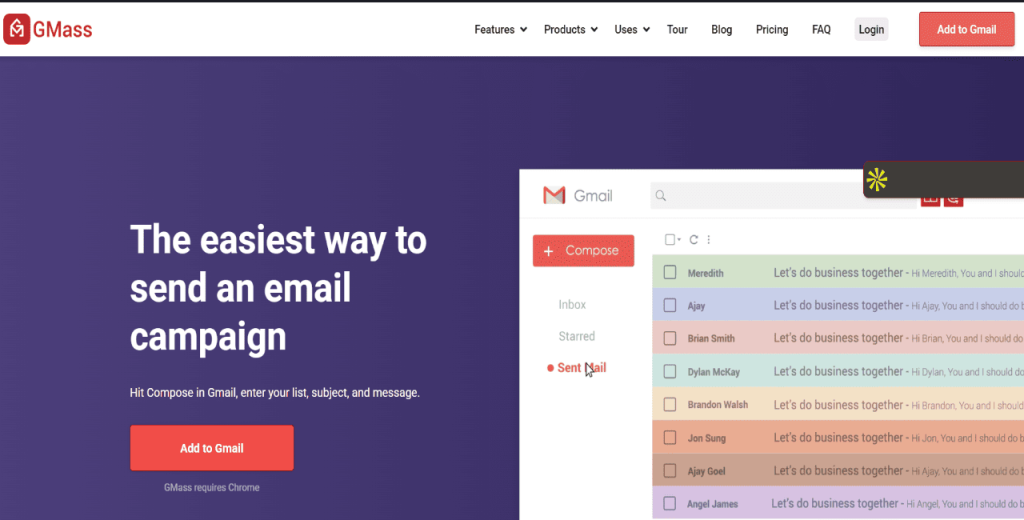
6. GMass (via Gmail SMTP)
GMass lets you run cold email campaigns directly from Gmail. You run campaigns straight from your inbox, use a spreadsheet-style mail merge to personalize at scale, and set follow-ups that stop when someone replies.
It’s lightweight, quick to set up, and a solid way to test outbound before you build a bigger sending setup. You’ll still be operating within Gmail/Google Workspace daily limits, so it’s not an enterprise-scale volume play.
Key features:
Runs directly through Gmail, so you’re not switching platforms to send campaigns
Mail merge from Google Sheets / spreadsheets for quick personalization
Follow-ups that stop when someone replies
Basic tracking to see opens and clicks
Simple setup that works well for small teams testing outbound
Verdict
GMass is a good fit when you want to run outbound from Gmail with light automation and mail merge, and you’re fine staying within Google’s normal daily sending limits.
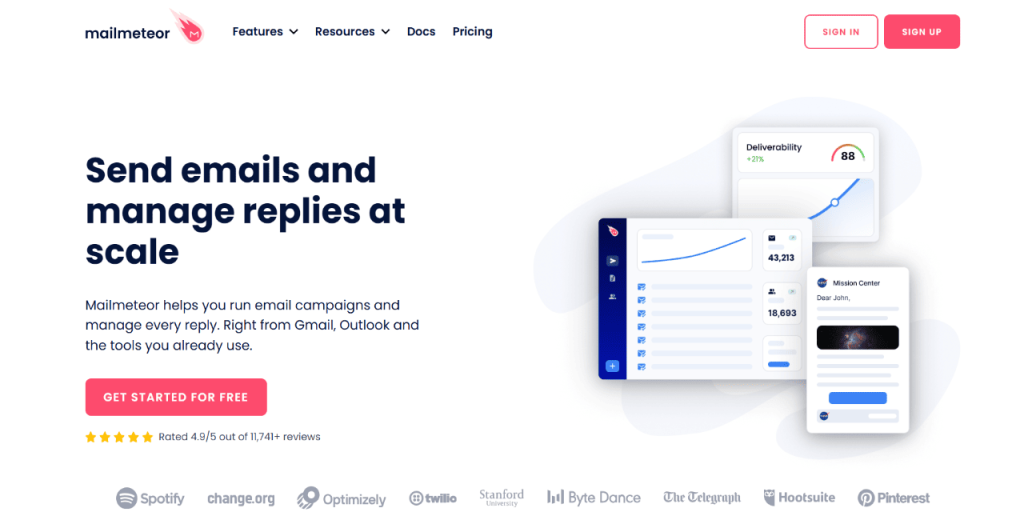
7. Mailmeteor
Mailmeteor is another Gmail-first tool focused on mail merge, personalization, and simple campaign sending. It’s designed to be easy: connect your Google account, upload or sync a list (often from Sheets), and launch outreach with basic tracking and follow-ups.
Like GMass, it doesn’t remove Gmail’s per-account sending thresholds, so it works best for low-to-moderate volume rather than large-scale outbound infrastructure. It fits early-stage teams that want a lightweight way to run personalized campaigns without building a full outbound stack, while keeping everything inside Google Workspace.
Key features:
Gmail + Google Sheets mail merge workflow
Personalization via spreadsheet fields
Scheduling and follow-up support
Basic performance tracking
Fast setup with minimal ops overhead
Verdict
Mailmeteor is best for small teams running personalized outreach from Gmail, when you want a simple setup and don’t need multi-inbox scale.
How to choose the right unlimited email sending software for your B2B team?
When choosing a tool to send unlimited emails per day, you want to ensure it’s worth your time and money.
After all, the platform you pick ultimately determines whether you can easily scale your outbound without issues.
To choose a good platform, evaluate it against the checklist below.
Deliverability features: Look for automated warm-up, inbox placement testing, blacklist and domain health monitoring, plus SPF, DKIM, and DMARC verification with real-time alerts.
Predictable, scalable pricing: Choose a platform with flat-fee unlimited mailbox plans to prevent expensive cost increases as your email volume grows.
Analytics and reply-level attribution: You want a tool that provides detailed reporting that connects your campaigns to replies, meetings, and revenue outcomes.
AI capabilities with oversight: Pick a solution that generates AI-personalized messages and classifies replies, ideally with multichannel outreach sequences.
CRM and operations integration: Choose a tool with two-way CRM sync, shared inbox visibility, and admin controls to prevent data silos and sending errors.
Security and compliance: Look for DPA compliance, opt-out management, audit trails, and GDPR/CAN-SPAM adherence to reduce legal risk.
Platform scalability and roadmap: Check the tool’s ability to let you add inboxes, users, and features as your outreach expands.
Pro tip: After narrowing your shortlist, pilot at least two platforms to send unlimited emails per day. Free trials allow you to compare usability, support responsiveness, deliverability results, and total cost of ownership before committing financially.
How do pricing models compare, and what fits your budget?
Unlimited sending only works if pricing stays predictable as you scale inboxes and volume. Most tools fall into three buckets:
Flat-fee “unlimited accounts” → you pay a platform subscription and can add inboxes freely, with volume governed by plan limits. Good when you want to scale by adding mailboxes without paying per seat.
Credit-based → costs grow with data usage (exports, enrichment, phone numbers), while sending is usually governed by fair-use rules. Better for teams that care more about data than raw send volume.
Per-seat / mailbox caps →pricing increases with users and sometimes inbox limits, which can get expensive once multiple reps and domains are involved.
The table below breaks down how the tools compare across tiers, restrictions, and overage behavior.
Tool
Plan tiers
Feature restrictions
Overage / cost escalators
Reply.io
Email Volume ($49/mo) Multichannel ($89/mo) Jason AI ($500/mo)
None. You get unlimited mailboxes and warmups in all tiers. Multichannel automation AI personalization, B2B contact access also included.
Higher tiers scale by contact volume and service level. Enterprise offers custom pricing
Instantly
Growth (~$47/mo) Hypergrowth (~$97/mo)
Light Speed (~$358/mo)
Monthly sending caps per tier. Contact upload limits
Upgrade required to increase monthly cap.
Apollo.io
Basic (~$49/user/mo) Professional (~$79/user/mo) Organization (~$119/user/mo)
Extra credits purchased separately; cost rises per added user
Smartlead
Tiered plans (~$33+/mo)
Feature access gated by tier (sequencing depth, analytics, etc.)
Higher tiers required for higher email volumes and features
Amazon SES
Usage-based (~$0.10 per 1,000 emails)
Infrastructure only; no sequencing or CRM
Pay-per-email; additional infra costs
GMass
$25–$55+/mo
Gmail sending caps apply
Gmail daily limits restrict scale
Mailmeteor
Free + paid (~$4+/mo)
Gmail account limits; feature caps per plan
Upgrade required for higher sending volume
Note: In most cases, you’ll need to budget for some add-ons.
Therefore, budget for AI credits, list verification, extra users, domains, inboxes, and deliverability tooling. A tool can look cheap on paper, but become expensive once you add enrichment, exports, and add-ons.
“Free unlimited email sending” and “send unlimited emails per day totally free” claims usually break once you need real scale, stable deliverability, and reporting.
The best unlimited email sending software, therefore, is one whose pricing aligns with your workflow, not just your email volume.
For context, hiring a single SDR can cost $6,000–$8,000 per month once you factor in onboarding salary, benefits, and tools.
However, many teams instead choose Jason AI, an AI sales agent, to join the team. It starts at $500 per month, but once it learns about your business and strategy, it autonomously finds targeted leads, launches multichannel outreach, personalizes every email and LinkedIn message, and even handles replies and books meetings on your behalf.
What are the best practices and expert tips for safe and effective sending?
Unlimited sending only works if you protect deliverability. More volume doesn’t help if you’re landing in spam or burning domains.
Make sure to take care of the basics:
Warm up new inboxes and ramp slowly over a few weeks. Avoid sudden jumps.
Keep daily sends per inbox conservative, then scale by adding more warmed mailboxes instead of forcing one account to carry the load.
Treat list hygiene as non-negotiable: verify before you launch, keep bounces low, and drop invalid addresses instead of retrying them.
Track inbox placement closely. If placement slips, pause the campaign, fix what’s causing it (data quality, sending patterns, authentication), then restart.
Lock in authentication: SPF, DKIM, and DMARC should be set up properly before you scale.
Segment your list and personalize based on real context. Plain emails usually win here (few links, no heavy formatting, no salesy language).
Send when recipients are actually active. Schedule by timezone, and avoid weekends and local holidays unless you know your audience works then.
Treat reply handling like part of deliverability. Route responses correctly, stop sequences the moment someone replies, and aim to respond within 24 hours.
Keep compliance tight. Make opt-out obvious, honor it immediately, and maintain suppression lists so people don’t get re-added later (GDPR/CAN-SPAM).
Wrapping up
Sending unlimited emails isn’t simply cranking volume from one inbox and hoping for the best. The real game is infrastructure: multiple warmed mailboxes, controlled ramp-up, clean data, and deliverability guardrails that keep inbox placement stable as you scale.
The tools in this list take different approaches, but the takeaway is consistent: unlimited sending only matters when it’s paired with a setup that protects reputation and keeps follow-up disciplined.
If you want a platform built for scaling outbound across multiple mailboxes while keeping execution organized, Reply.io is worth a look — you can start a free trial right away and test unlimited mailbox scaling in a real, AI-powered campaign.
Subscribe to our blog to receive the latest updates
from
the world
of sales and marketing. Stay up to date.
We use cookies to enhance your browsing experience, serve personalised ads or content, and analyse our traffic. By clicking "Accept All", you consent to our use of cookies.