
Best 12 CRM for Marketing Agencies in 2026

Best 12 CRM for Marketing Agencies in 2026

Hopefully, your agency has the leads. They’re coming from referrals, ads, LinkedIn, website forms, and cold outreach. 

Your sales notes, however, are scattered across different tools, and as a result, you’re unsure which accounts to prioritize right now, which may need more nurturing, and so on. 

The good news is that, with a good CRM tool in your agency’s stack, you can organize prospects, assign follow-ups, track deal stages, automate outreach, and see which opportunities need attention first.

And in this guide, we’ve handpicked the best CRMs for marketing agencies, so you can spend your money on a solution that aligns with how your agency discovers, nurtures, and converts leads into clients.

Quick overview: Best CRMs for marketing agencies

To kick things off, here’s a quick comparison table:

Tool Best for Who it suits Core offer  Starting price
Reply.io Prospecting CRM Outbound agencies Finds prospects and books meetings $49/user/mo
HubSpot Inbound CRM Content-led agencies Connects marketing and sales $20/seat/mo
GoHighLevel White-label CRM Ad agencies Client portals and funnels $97/mo
Pipedrive Pipeline CRM Web design agencies Tracks deal stages $14/seat/mo
ActiveCampaign Email automation Nurture agencies Automates journeys $15/mo
Zoho CRM Budget suite Lean agencies Broad CRM tools $14/user/mo
Salesforce Enterprise CRM Large agencies Custom sales control $25/user/mo
monday CRM Visual CRM Creative agencies Visual sales boards $12/seat/mo
Keap Small agency CRM Consultants CRM plus payments $299/mo
Close Calling CRM Phone sales agencies Calls and SMS $9/seat/mo
Copper Google CRM Gmail users Inbox-based CRM $23/seat/mo
Nimble Relationship CRM Referral-led agencies Contact context $24.90/seat/mo


How did we pick the best CRMs for agencies?

We looked at how each CRM supports the full agency sales cycle, from first touch to booked call, proposal, close, and client handoff. Popularity mattered less than whether the tool can actually help agencies manage leads, conversations, pipeline, and reporting without adding more admin work.

Here’s what we evaluated:

  • Lead and pipeline management → a strong agency CRM should organize leads from referrals, ads, forms, LinkedIn, cold outreach, and email campaigns, then track every deal stage from discovery to proposal, follow-up, negotiation, and close.

  • Communication and outreach workflows → we looked at how well each CRM supports email, calls, SMS, calendar bookings, reminders, reply tracking, and, where relevant, LinkedIn or outbound sequences.

  • Marketing automation → agencies often need more than contact storage. We prioritized CRMs that support segmentation, lead scoring, forms, landing pages, nurture campaigns, and behavior-based automation.

  • Reporting and client acquisition visibility → the right CRM should make it easy to track sales activity, booked calls, deal value, close rates, source performance, and campaign impact.

  • Agency fit, integrations, and scalability → we considered how well each tool fits real agency workflows, connects with the rest of the stack, supports AI-assisted work, and scales as the team, client base, and sales process grow.
Building Outbound from Scratch

Building Outbound from Scratch: 2026 Playbook

We broke down what actually works in outbound. No fluff. No theory. Just real steps you can use right away.

Inside this playbook, you’ll learn how to find the right companies, reach out with messages that get replies, and build a simple outbound system from zero.

If you’re starting outbound or trying to fix what’s not working, this will save you a lot of time.

Grab your copy and start booking more meetings.

Best CRM for agency workflows: Our top picks

Below are the CRM tools that stood out for different agency needs, from lead generation and outbound sales to inbound marketing, client management, and project-based workflows.

Use this list to compare where each platform fits best, what it does well, and whether it matches the way your agency sells and manages new business.

Reply.io: best for lead generation and outreach

Reply.io is not a traditional agency CRM in the same sense as HubSpot, Pipedrive, or GoHighLevel. It’s an AI lead generation and sales engagement platform that also comes with a dedicated agency plan, and features designed to help agencies find potential clients, engage them through AI-powered outreach, and book more meetings. 

The platform combines a native lead database with over 1 billion contacts and accounts, built-in email validation and enrichment, and intent signals to help pinpoint leads showing interest. 

Reply can then launch multichannel campaigns via email, LinkedIn, SMS, calls, and WhatsApp, all while its AI engine personalizes every message with the available and uncovered data.

For agencies, that means fewer disconnected tools for prospecting, sequencing, inbox warm-up, and performance tracking. Reply’s agency setup also supports multi-workspace account structure, unlimited clients and users, unlimited mailboxes, unlimited email warm-up, role-based access control, an agency dashboard, and white-label as an option.

Reply’s white-label is especially relevant for agencies that want to productize outbound services. You can rebrand the platform with your own domain, logo, and colors, then give clients a branded experience while Reply powers the outreach infrastructure in the background.

Key features:

  • Multichannel outreach across email, LinkedIn, calls, SMS, and WhatsApp
  • B2B database with 1B+ contacts and companies
  • Agency workspaces and dashboards for separating client campaigns
  • Unlimited users, clients, mailboxes, and email warm-up on agency plans
  • AI personalization and Jason AI SDR
  • Deliverability tools and sender reputation support
  • White-label platform option

Pricing

Reply offers a 14-day free trial, with Email Volume plans starting at $49/month, and Multichannel plans starting at $89/month. Jason AI starts at $500/month, but keep in mind that he joins your team as a full-time sales rep!

HubSpot CRM — Best for inbound marketing CRM

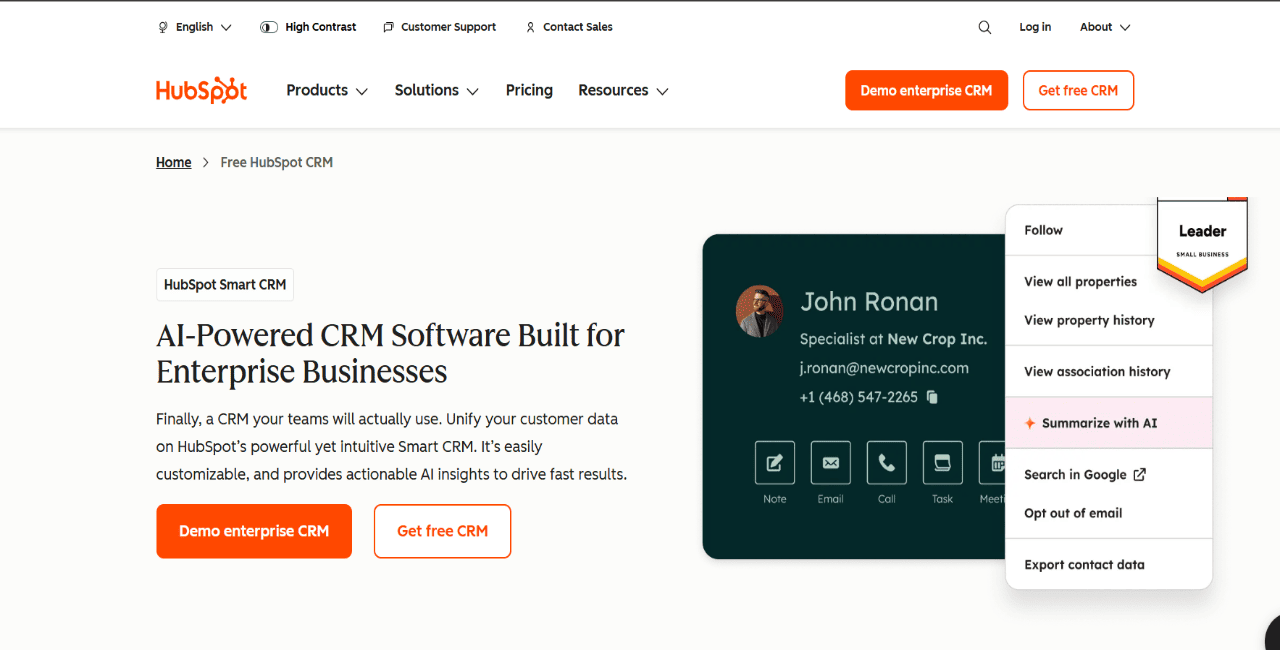
HubSpot CRM is a strong pick for agencies bringing in leads through content, paid campaigns, forms, newsletters, webinars, and referrals. The big upside is that marketing, sales, and customer data all live in the same ecosystem, so teams can track source, engagement history, lifecycle stage, deal activity, and reporting without dumping everything into spreadsheets.

For agencies running inbound or broader full-funnel programs, that matters a lot. HubSpot is especially useful when the CRM needs to stay close to landing pages, email campaigns, workflows, and reporting. It is less built for outbound-first work like cold prospect discovery, inbox warm-up, and high-volume multichannel sequencing.

Key features:

  • Contact records with activity and lifecycle history
  • Forms for website lead capture
  • Email marketing with segmentation and tracking
  • Deal pipelines for sales-stage visibility
  • Dashboards for campaign and revenue reporting

Pricing: 

HubSpot offers several free lightweight CRM tools, while Sales Hub Starter starts at $20/seat/month, and Marketing Hub Starter also starts at $20/seat/month.

GoHighLevel — Best for white-label agency CRM

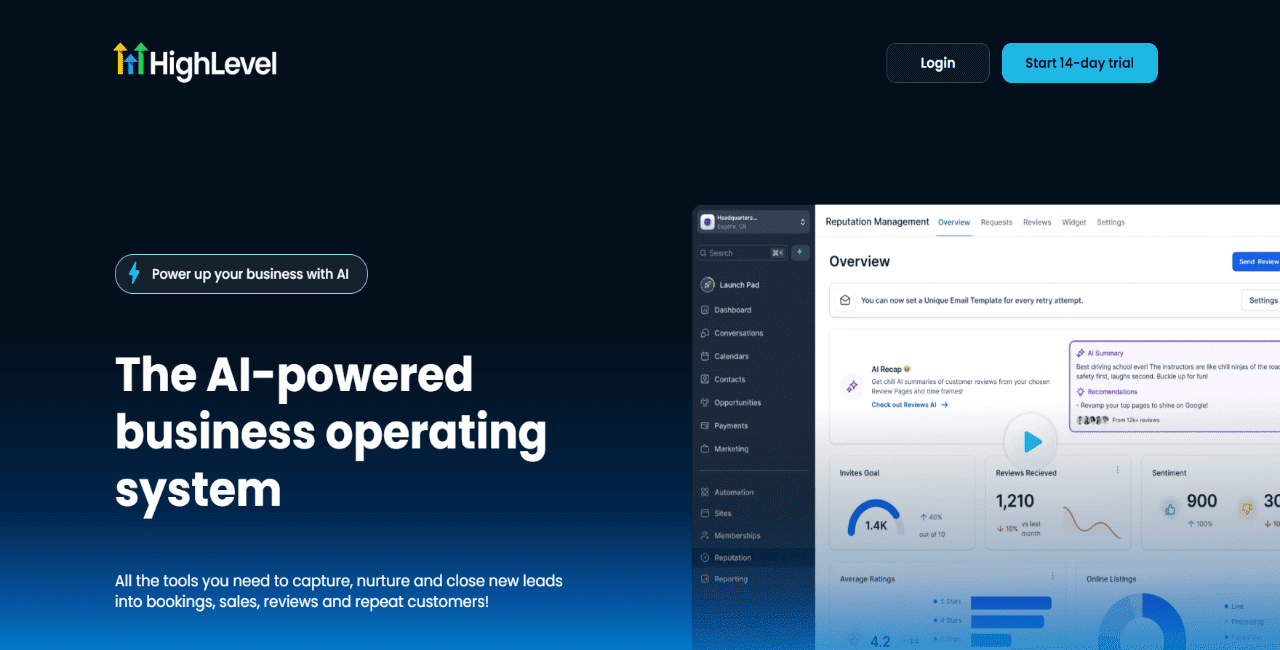
GoHighLevel is built for agencies that want one place to manage client CRM, lead capture, follow-up, appointment booking, and campaign workflows. It makes the most sense for local marketing, advertising, and SMB-focused agencies that want to package CRM access as part of the service.

The biggest advantage is the agency setup itself. Teams can create separate client sub-accounts, use white labeling, build funnels, automate SMS and email follow-ups, and give clients access to a branded portal. That makes it useful when paid campaigns bring in leads that need fast follow-up and clear pipeline visibility. It is less focused on B2B prospect discovery and outbound sequencing, so agencies doing cold outreach may still need another platform for that part.

Key features:

  • Client sub-accounts for separate workspaces
  • White labeling for branded client portals
  • Funnels for lead capture pages
  • SMS/email automation for follow-up
  • Appointment booking tied to pipelines

Pricing: 

Agency Starter is $97/month, Agency Unlimited is $297/month, and SaaS Pro is $497/month.

Pipedrive — Best for simple sales pipeline CRM

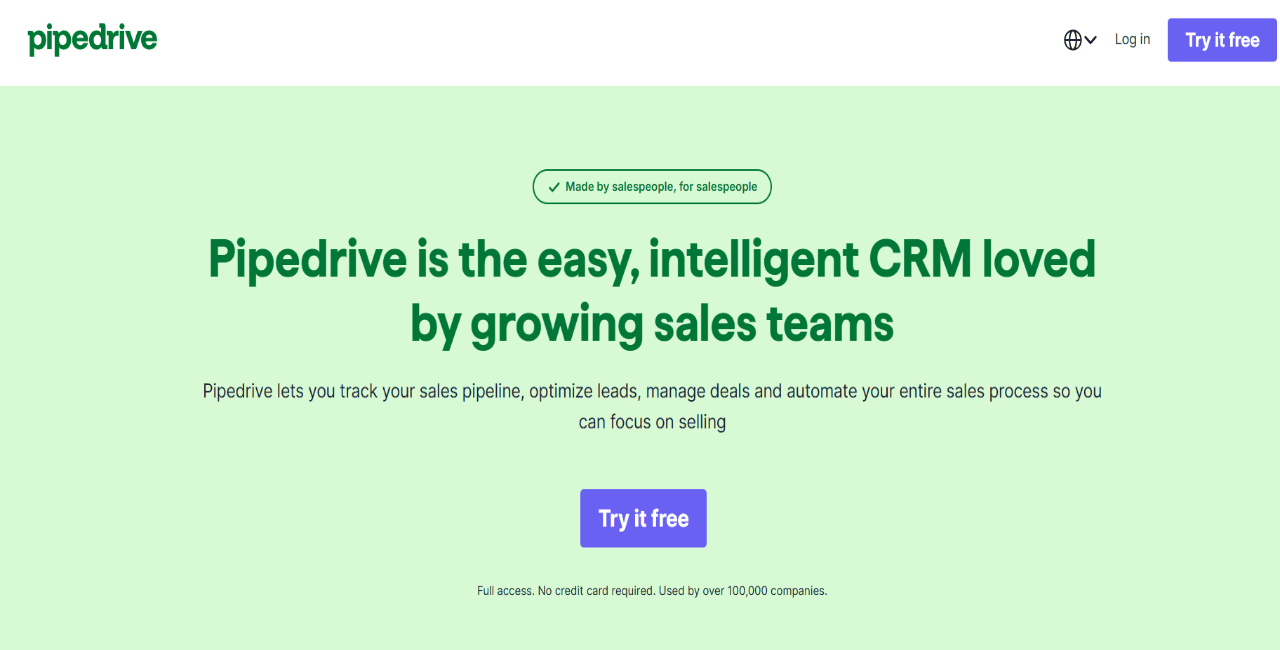
Pipedrive works well for small agencies that just need a clean way to track opportunities from first inquiry to signed contract. Its visual pipeline makes it easy to manage stages like discovery, proposal, negotiation, deposit, and project handoff without turning the CRM into some bloated system.

That makes it a practical option for web design, creative, consulting, and service agencies where the founder or account manager usually owns the sales process. Teams can assign deal owners, set reminders, sync email, schedule meetings, and keep follow-ups visible. The limitation is pretty simple: Pipedrive is still mainly a pipeline CRM. If an agency needs prospect data, outbound sequencing, email warm-up, or AI-led meeting generation, it will need extra tools.

Key features:

  • Visual pipelines for deal-stage tracking
  • Email sync for sales conversations
  • Activity reminders for follow-ups
  • Meeting scheduler for booked calls
  • Sales reporting for pipeline progress

Pricing: 

Pipedrive’s newer plans start with Lite at £14/seat/month when billed annually. Growth starts at £39/seat/month, and Premium starts at £59/seat/month.

ActiveCampaign — Best for email automation CRM

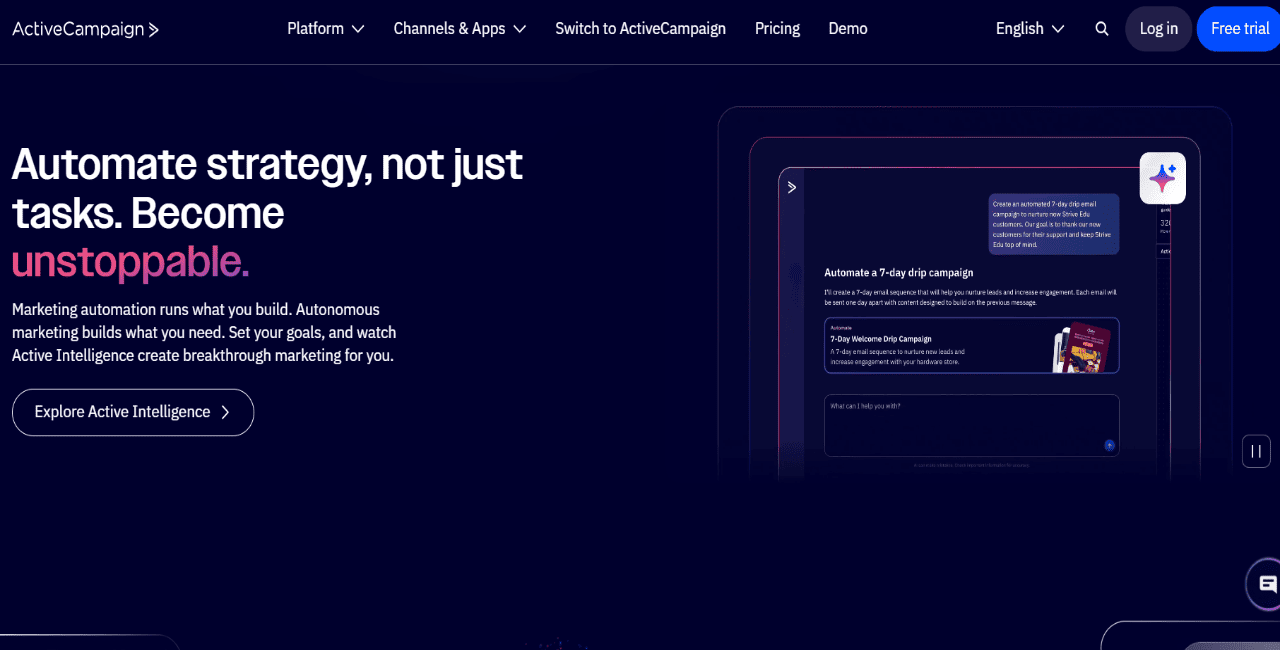
ActiveCampaign is a strong option for agencies selling email marketing, e-commerce retention, newsletters, lifecycle campaigns, and lead nurturing. Its real strength is automation depth: teams can build customer journeys around tags, form fills, page visits, email engagement, purchases, and other behavioral signals.

For agencies, that becomes useful when the goal is to turn fresh leads into better-segmented audiences and trigger more timely nurture or sales follow-up. ActiveCampaign also supports CRM-related workflows, lead scoring, integrations, landing pages, and AI features, though CRM and sales features can depend on the plan or add-ons. It is not the best standalone choice for agencies that need cold prospecting, multichannel outbound, and inbox warm-up.

Key features:

  • Automation builder for customer journeys
  • Email campaigns for nurture and newsletters
  • Lead scoring for prioritizing contacts
  • Segmentation based on tags and behavior
  • CRM add-ons for pipelines and deals

Pricing: 

Starter starts at $15/month billed annually for 1,000 contacts. Plus starts at $49/month, Pro at $79/month, and Enterprise at $145/month, with pricing varying by contact count.

Zoho CRM — Best budget CRM suite

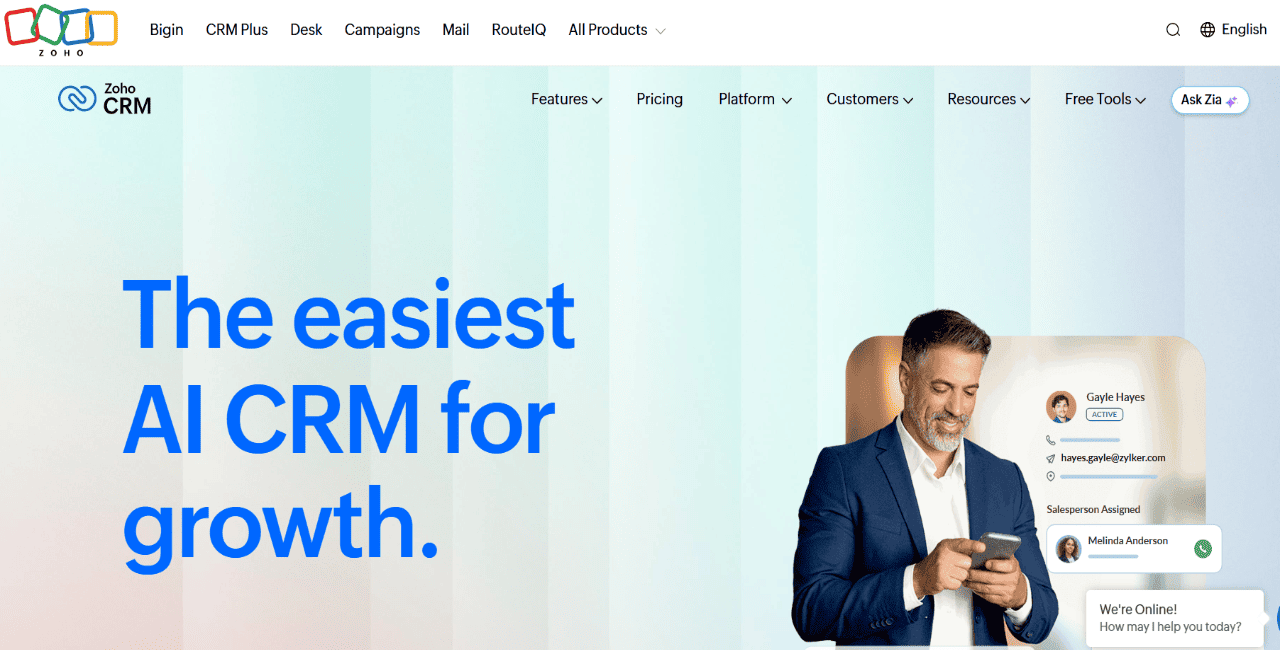
Zoho CRM is a cost-effective option for agencies that want lead management, pipeline tracking, workflow automation, reporting, and AI features without paying enterprise-level prices. It is especially relevant for teams already using other Zoho tools like Campaigns, Books, Desk, or Projects, since the CRM can sit inside a broader operating system.

Agencies can customize modules, fields, layouts, scoring rules, dashboards, and automation flows, which gives Zoho a lot of flexibility across different sales processes. The catch? Setup. Teams that want a highly tailored CRM may need some time to configure it properly, especially when multiple Zoho apps or more complex workflows are involved.

Key features:

  • Lead and deal management for sales tracking
  • Workflow rules for follow-up automation
  • Zia AI for scoring and recommendations
  • Custom dashboards for sales visibility
  • Zoho app connections across the suite

Pricing: 

Zoho CRM has a free edition for up to 3 users. Paid plans start at $14/user/month billed annually, with Professional at $23, Enterprise at $40, and Ultimate at $52.

Salesforce Marketing — Best for enterprise CRM

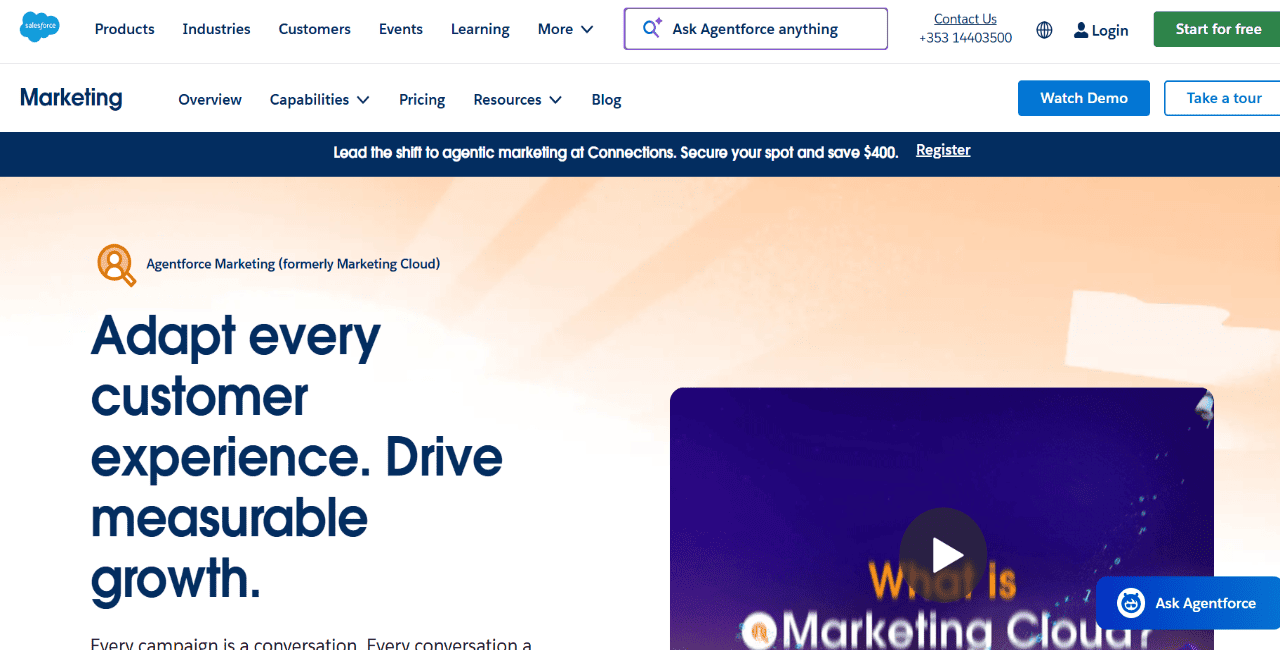
Salesforce Marketing Cloud as a lead verification software

Salesforce is best suited for larger agencies with more complex sales operations, stricter permissions, multiple teams, and heavier reporting needs. It gives teams a highly customizable system for managing accounts, contacts, opportunities, forecasts, approvals, sales tasks, and revenue data at scale.

For enterprise agencies, the main value is control. Admins can build custom objects, dashboards, automations, user roles, and approval flows around the agency’s exact sales process. That makes Salesforce a good fit for longer sales cycles, enterprise clients, and teams with dedicated RevOps or CRM admins. It is not the easiest CRM for small teams, and outbound prospecting usually still needs separate sales engagement or data tools.

Key features:

  • Account management for complex client records
  • Opportunity tracking across deal stages
  • Forecasting for revenue projections
  • Custom dashboards for pipeline health
  • Permissions for role-based access control

Pricing: Salesforce Sales Cloud starts at $25/user/month for Starter Suite. Pro Suite starts at $100/user/month, Enterprise at $175/user/month, and Unlimited at $350/user/month, billed annually.

monday CRM — Best for visual, user-friendly CRM 

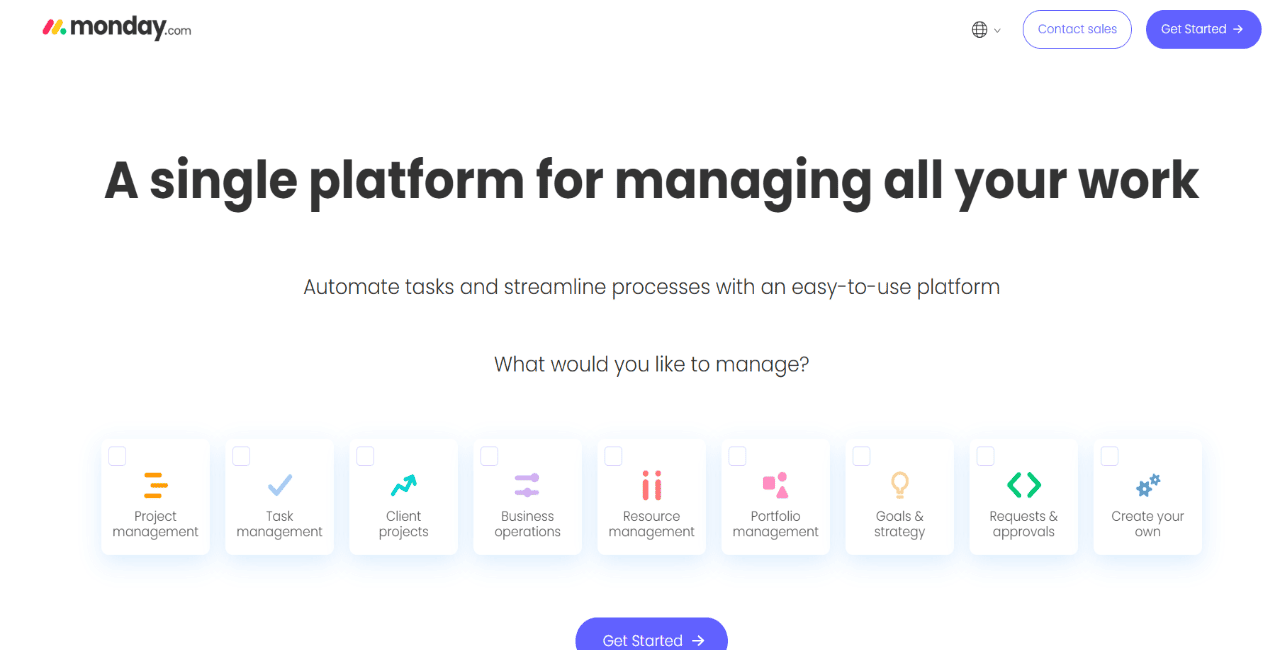
monday CRM is a good fit for creative, production-heavy, or project-based agencies that want a more visual sales process. It uses boards, columns, automations, dashboards, and customizable pipelines to track leads, deals, follow-ups, client communication, and post-sale handoffs.

The biggest upside is usability. Agency owners, sales reps, account managers, and delivery teams can quickly see what stage each opportunity is in and what needs action next. Teams can also shape pipelines around service lines like SEO, branding, web design, paid ads, or content. monday CRM is less specialized for outbound prospecting or cold outreach, so it works best once leads are already entering the pipeline.

Key features:

  • Visual pipeline boards for deal tracking
  • Automations for reminders and updates
  • Email sync for sales communication
  • Dashboards for revenue and activity
  • Integrations with delivery tools

Pricing: 

monday CRM starts at $12/seat/month for Basic, billed annually. Standard is $17/seat/month, Pro is $28/seat/month, and Enterprise is custom-priced.

Keap — Best for small business automation CRM

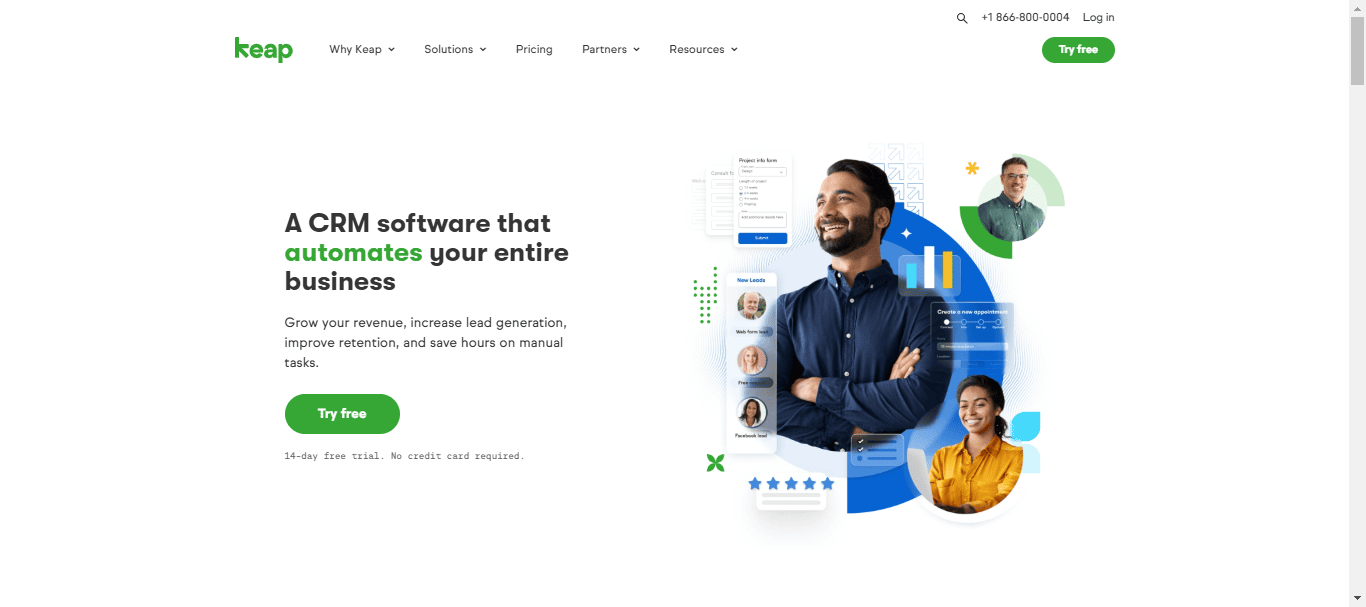
Keap outbound CRM

Keap is built for small businesses and service providers that want CRM, automation, email marketing, text follow-ups, appointments, invoices, payments, and lead capture in one place. For boutique agencies and consultants, it can replace a few lightweight tools usually used for follow-up and client intake.

A small agency can use Keap to capture a lead through a form, apply tags, send a nurture sequence, schedule a consultation, issue an invoice, and trigger post-sale follow-up. That makes it useful for agencies with simpler sales cycles and a real need for operational automation. The main thing to watch is price, since Keap’s starting cost is a lot higher than many entry-level CRMs.

Key features:

  • Lead capture with forms and landing pages
  • Automation builder for follow-up flows
  • Appointments connected to contact records
  • Payments and invoices from the CRM
  • Email and text marketing workflows

Pricing: Keap starts at $299/month, billed at $2,988/year, with its main platform features included.

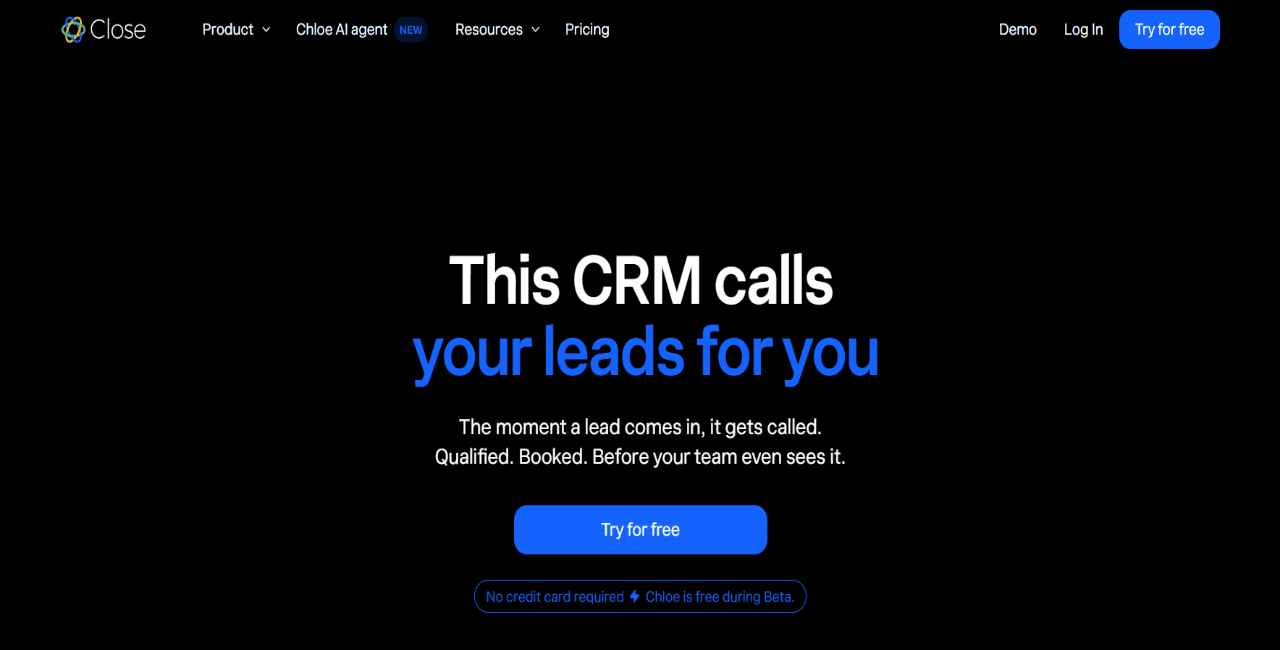
Close — Best for calling-heavy CRM

Close is a sales-focused CRM for teams that rely on fast follow-up, calling, SMS, and email from one workspace. It’s a good fit for agencies that sell through discovery calls, inbound inquiries, outbound lists, or phone-based qualification.

Its biggest advantage is built-in communication. Reps can call, text, email, manage tasks, and move deals through pipelines without constantly switching tabs. Higher plans add automation, Power Dialer, AI assistance, and more advanced sales workflows. Close is less useful as a marketing CRM because it does not focus much on landing pages, campaign automation, client portals, or prospect data. Agencies that need outbound list building and multichannel prospecting will probably pair it with something else.

Key features:

  • Built-in calling from CRM records
  • SMS for direct prospect follow-up
  • Email sync and centralized inbox
  • Power Dialer for faster call blocks
  • Call reporting for rep activity

Pricing: 

Close Essentials starts at $35/seat/month billed annually. Growth starts at $99/seat/month, and Scale starts at $139/seat/month.

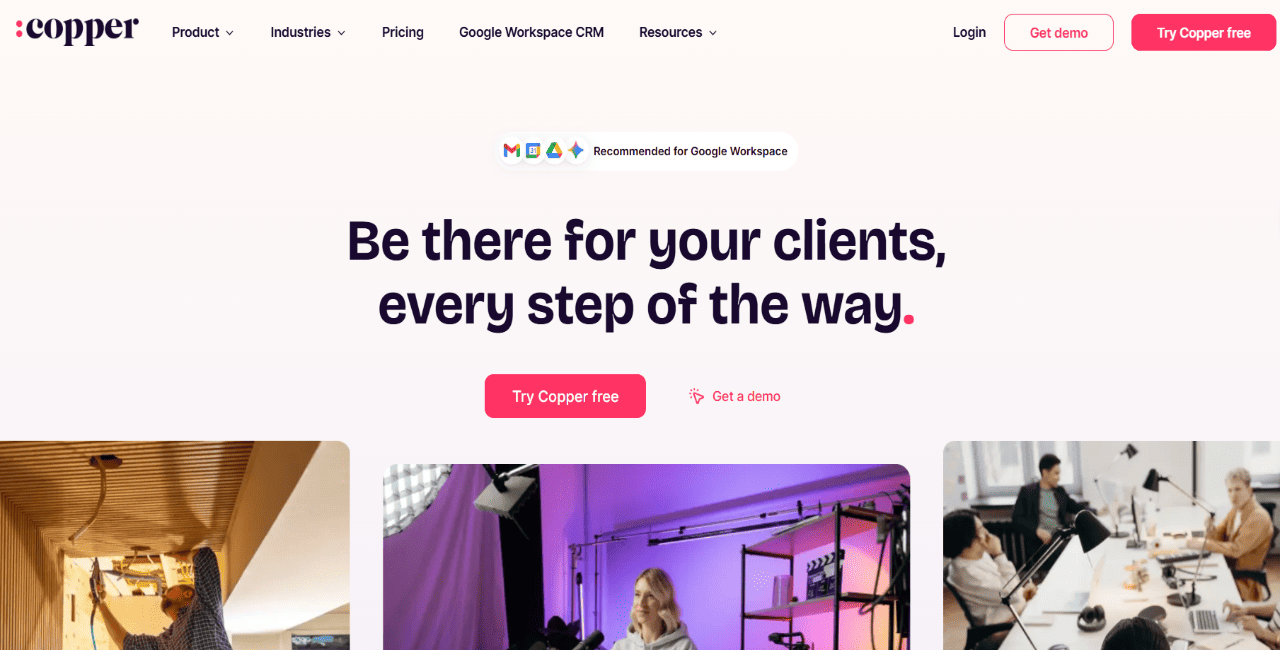
Copper — Best for Google Workspace CRM

Copper is a good CRM for agencies already running most of their sales work inside Gmail, Google Calendar, Google Drive, and Google Meet. It keeps CRM data close to the tools reps already use every day, which cuts down on manual updates and makes follow-up easier for small, relationship-led teams.

That’s especially useful for agencies selling through referrals, repeat clients, partnerships, and warm intros. Copper supports pipeline management, contact enrichment, task automation, project management, reporting, and workflow automation on higher plans. The tradeoff is that it is tightly tied to Google Workspace and less suited for agencies that need built-in outbound data, advanced sequencing, or email warm-up.

Key features:

  • Gmail integration for connected communication
  • Contact enrichment for added context
  • Pipelines for deal-stage tracking
  • Task automation for follow-up reminders
  • Reporting for pipeline performance

Pricing: 

Copper Basic starts at $23/seat/month billed annually. Professional starts at $59/seat/month, and Business starts at $99/seat/month.

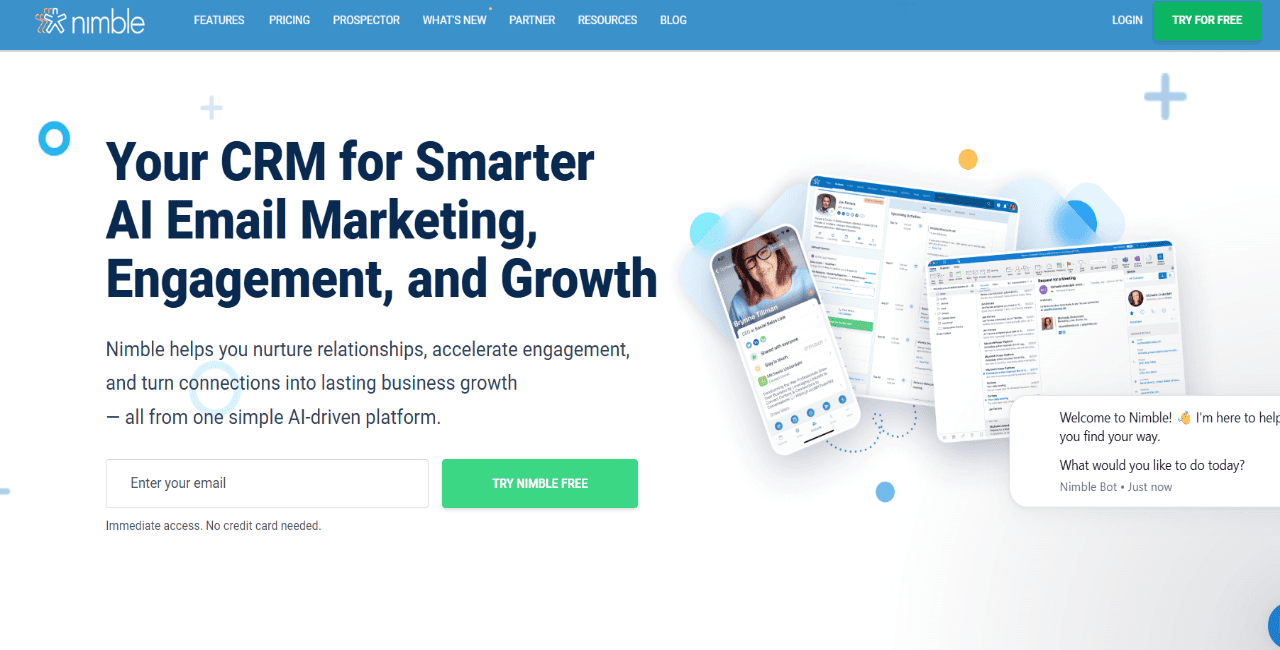
Nimble — Best for lightweight email nurturing

Nimble is a relationship-focused CRM for agencies generating opportunities through referrals, partners, former clients, LinkedIn contacts, and warm introductions. It brings together contact records, communication history, enrichment, pipelines, tasks, and email tracking in a lightweight CRM that works with Google Workspace and Microsoft 365.

The main value is context. Nimble helps teams understand who they know, how they’re connected, what conversations already happened, and when it makes sense to follow up. Its Prospector extension can also pull contact details from websites and social profiles. That makes it useful for partnership-led agencies, but less useful for agencies that need heavy outbound automation, native B2B data, or advanced campaign sequencing.

Key features:

  • Contact enrichment for relationship context
  • Relationship history across emails and notes
  • Prospector extension for contact capture
  • Pipeline management for open deals
  • Email tracking for outreach visibility

Pricing: 

Nimble has one main plan at $24.90/seat/month billed annually, or $29.90/seat/month billed monthly. A 14-day free trial is available.

Choose the right CRM for your agency workflow

The best CRM comes down to how your agency already manages and closes new business deals.

If you mostly run inbound, you’ll probably want strong forms, email automation, and lifecycle reporting. Creative and project-led agencies usually care more about visual pipelines and clean handoff workflows. And if your agency is focused on lead gen or outbound, Reply.io brings prospecting, multichannel outreach, AI, deliverability, and booked meetings into one workflow.

The main thing is simple: pick a tool that fits the way your team already sells, instead of adding more admin for no good reason.

FAQ: CRM for marketing agencies

What is the best CRM for marketing agencies?

That depends on how the agency actually brings in work. If it’s mostly inbound, HubSpot is a strong pick. If the main need is simple pipeline tracking, Pipedrive does that well. GoHighLevel makes more sense for agencies that want white-label portals and client accounts. And for outbound-heavy agencies, Reply.io is the best fit.

How do you choose the best CRM for an agency?

Start with the sales process, not the tool list. Look at where leads come from, how deals move, who handles follow-ups, what needs to be reported, and which tools the CRM has to connect with. That usually tells you a lot, fast. The right CRM should take work off the team’s plate, not quietly add more admin in the background.

What should agencies look for in a CRM?

At the very least: lead management, pipeline tracking, communication history, task reminders, reporting, integrations, and a clean handoff from sales to delivery. If the agency runs outbound too, then prospecting, outreach campaigns, and deliverability start to matter as well.

What is the best CRM for a digital agency?

For inbound or broader full-service digital agencies, HubSpot is usually a strong option because it ties together CRM, forms, campaigns, automation, and reporting. For outbound-led digital agencies, Reply.io is one of the top picks. It’s built more around finding targeted leads, engaging them across channels, and turning that into booked meetings.

What is a good CRM for an advertising agency?

GoHighLevel is a good fit for advertising agencies that need funnels, appointment booking, SMS and email follow-up, sub-accounts, and white-label client access. If the bigger priority is finding new accounts and running outbound campaigns, Reply.io is the stronger option.

Subscribe to our blog to receive the latest updates from the world of sales and marketing.
Stay up to date.

In this article

Your Superhuman SDR

Jason learns your product, tone, and strategy — then runs outreach with the precision of your best rep.

Your Superhuman SDR
Book a demo

Related Articles

Top 12 GTM Outbound Sales Platforms to Try in 2026

Top 12 GTM Outbound Sales Platforms to Try in 2026

Top 12 GTM Outbound Sales Platforms to Try in 2026
What’s New in Reply: New API, AI Custom Fields, LinkedIn Enrichment, and More

What’s New in Reply: New API, AI Custom Fields, LinkedIn Enrichment, and More

What’s New in Reply: New API, AI Custom Fields, LinkedIn Enrichment, and More
How to Start Sales Funnel Development in 2026 and Get Results from Day 1

How to Start Sales Funnel Development in 2026 and Get Results from Day 1

How to Start Sales Funnel Development in 2026 and Get Results from Day 1