
11 Best Sales Workflow Tools to Automate Outreach in 2026

11 Best Sales Workflow Tools to Automate Outreach in 2026

Key takeaways:

  • The pricing unit decides your bill more than the headline price. A five-action workflow costs 5 tasks per run on Zapier, about 5 or 6 credits on Make and 1 execution on n8n.
  • Three of the ten tools after ours (Workato, Tray.ai and Relevance AI) publish no price, so their cost only surfaces in a sales conversation.
  • CRM-native automation stays inside the CRM: Pipedrive caps Growth at 50 active automations, and Salesforce Pro Suite allows 5 flows per org.
  • We list Reply.io first because we build it. It turns replies, bounces and finished sequences into triggers for the rest of your stack, with plans from $49 a month (annual billing, 1,000 active contacts).

Sales workflow tools take one job off your reps: carrying an event from one app to the next. Picture a rep who sees a reply marked Interested, then spends five minutes copying it into the CRM, pinging the account executive in Slack and pulling the contact out of a sequence.

Each handoff costs more than its minutes suggest. In a CHI 2005 study, Gloria Mark and colleagues at UC Irvine observed 24 information workers for more than 700 hours. They spent 11 minutes and 4 seconds on average in one working sphere, the paper’s term for a project or unit of work, before switching or being interrupted, and 57% of those working spheres were interrupted.

This list ranks the sales workflow tools that remove those handoffs. We took every price from the vendor’s own pricing page on October 10, 2026, and the table names the unit each one bills by, because that unit decides what a busy month costs.

What Are Sales Workflow Tools?

Sales workflow tools listen for an event, such as a form fill, a reply or a deal changing stage, and run a defined chain of actions across your apps. They create the deal, alert the owner, move the contact and log the outcome, with nobody copying anything by hand.

The ones in this list fall into four groups. Connectors (Zapier, Make, n8n) and enterprise integration platforms (Workato, Tray.ai) move data on rules you define. AI-agent builders (Gumloop, Relevance AI, Lindy) let a model decide part of the next step, and CRM-native automation (Pipedrive, Salesforce Flow) acts on records inside the CRM.

That makes them a different purchase from the tool your reps work in all day. Sequencers and other sales execution software run the sequence, the dialer and the daily task queue. Sales workflow tools sit around that queue and connect it to everything else, so we left sequencers out here, except ours, which appears as a source of events.

The connecting layer is also where AI’s potential reach grows most. In a paper in Science published in June 2024, Tyna Eloundou and three co-authors estimated that with access to a large language model alone, about 15% of all US worker tasks could be completed significantly faster at the same quality.

Counting software and tooling built on top of the models, that share rises to between 47% and 56% of all tasks. The paper measured exposure, meaning which tasks could be sped up, rather than productivity gains anyone observed. Vendors have taken the hint anyway: nearly every tool here now ships agents or an MCP server.

How We Chose These Sales Workflow Platforms

Every tool had to start a multistep workflow from an event and act on sales records, in its own app or another, without custom code. We read each vendor’s pricing page with both billing toggles, and where a page rendered its prices late, we took them from the plan cards a browser shows rather than the page source.

For AI steps we applied one test: does a person approve before the model sends something or changes a record outside the tool? That gate matters more in sales than in most uses of AI workflow builders, because the actions land in a prospect’s inbox.

We also checked that each vendor still exists in the form older lists describe. Relay.app is missing because its own pricing page says it shut down in September 2026 and deleted all accounts and workflows, which is worth knowing before you trust an older roundup of sales workflow platforms.

The 11 Best Sales Workflow Tools Compared

The last column shows what each vendor counts when it bills you. Each price is the cheapest one the vendor shows, labeled annual or monthly where the vendor says which.

Tool Best for Key features Main limitation Pricing (from) Pricing unit
Reply.io Outreach events that start workflows 17 native triggers, Zapier app, n8n node, MCP server Not a CRM, so it feeds one $49/month annual (1,000 active contacts) Active contacts, or seats on Multichannel
Zapier Small teams gluing many apps Multi-step Zaps, Lead Router, Zapier MCP Every action step uses a task Free (100 tasks); $19.99/month annual Tasks
Make Visual branching on a budget Routers, filters, AI Agents (beta) Long scenarios cost more credits per run Free (1,000 credits); $12/month annual Credits
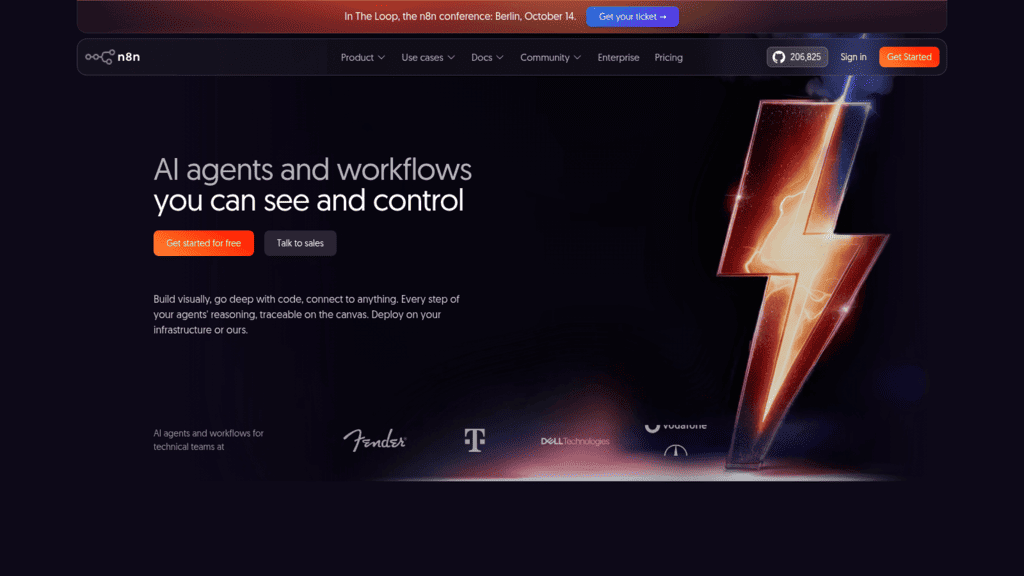
n8n Technical RevOps teams Self-hosting, AI Agent node, MCP Server Trigger Starter allows 5 concurrent executions Free self-hosted; $20/month annual Executions
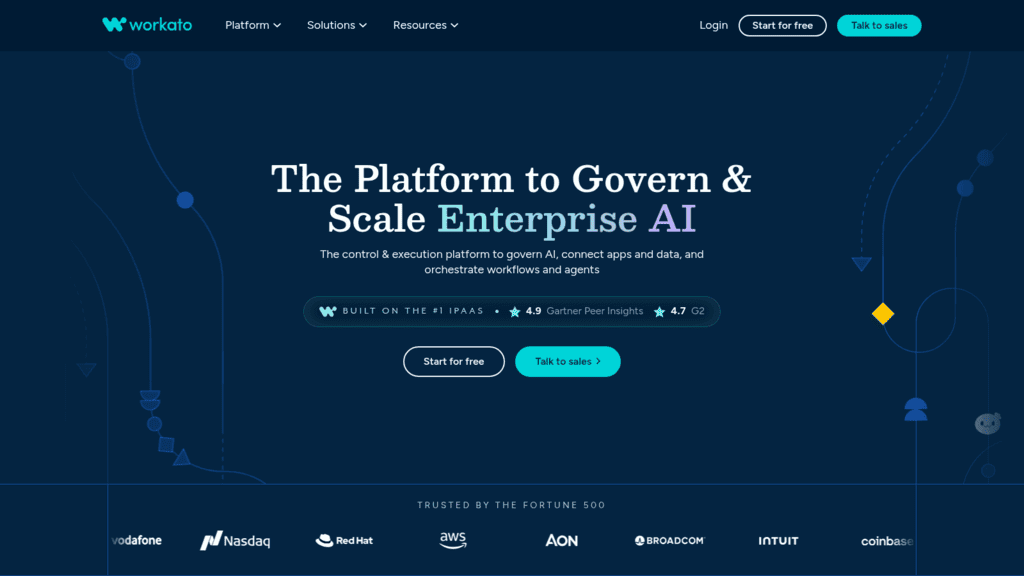
Workato Cross-department enterprise processes 1,200+ connectors, MCP editions Concurrency of 1 on lower editions Quote only Edition plus task consumption
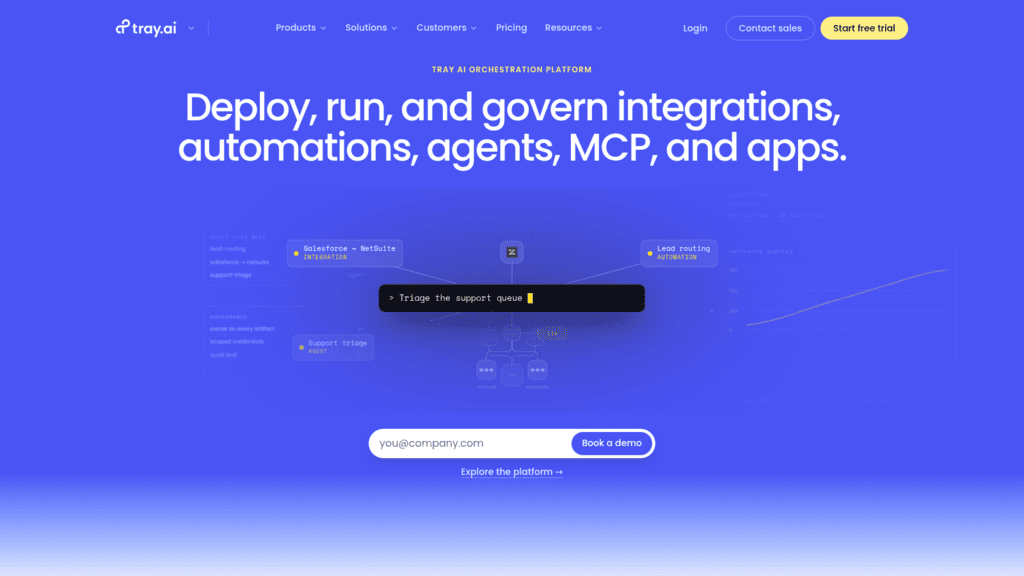
Tray.ai Enterprise lead routing and RevOps 700+ connectors, Merlin Agent Builder Agent tooling is an add-on Quote only Plan plus tasks
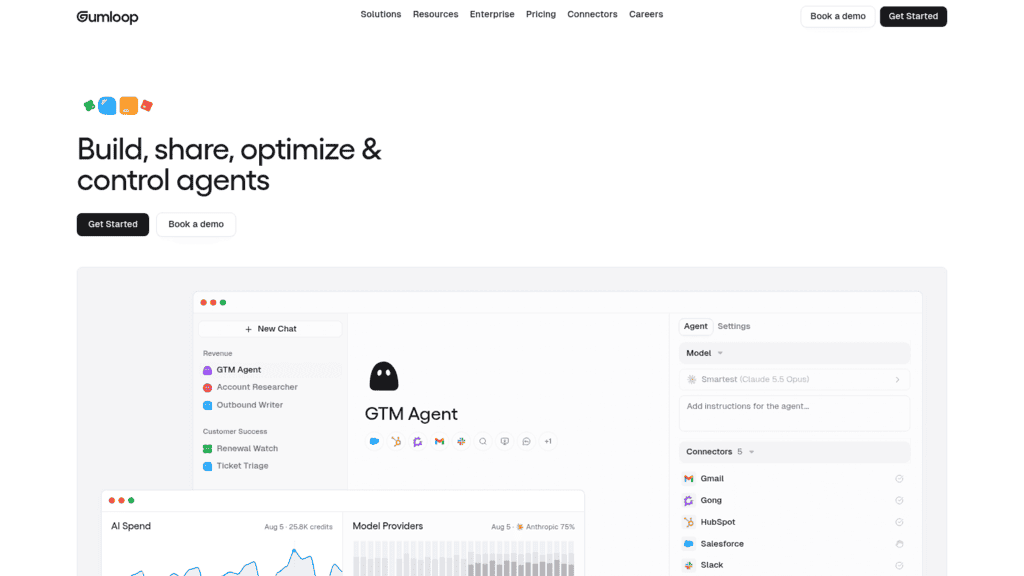
Gumloop Sales agents reps call from Slack Custom skills, 35+ models, MCP connectors Cost per run varies $37/month (basis not stated) Credits at list cost plus 8%
Relevance AI Enterprise AI BDR programs BDR agent, inbound qualification agent No self-serve plan Quote only Actions and vendor credits
Lindy Rep-side admin in Slack Meeting follow-up, routines, approvals General assistant, not a pipeline builder $49.99/user/month Seats plus pooled credits
Pipedrive Automation inside a small-team CRM Event and date triggers, sequences Acts only inside Pipedrive $39/seat/month annual (Growth) Seats
Salesforce Flow Record-triggered automation at scale Flow Builder, Flow Orchestration Pro Suite allows 5 flows per org $25/user/month (Starter Suite) Seats by edition

Reply.io leads the table because it’s ours, so read its entry knowing that. The other ten sales workflow tools follow the four groups above, and both the order of the groups and the order inside each one are our editorial call: connectors come first because a sales team has most likely used one already.
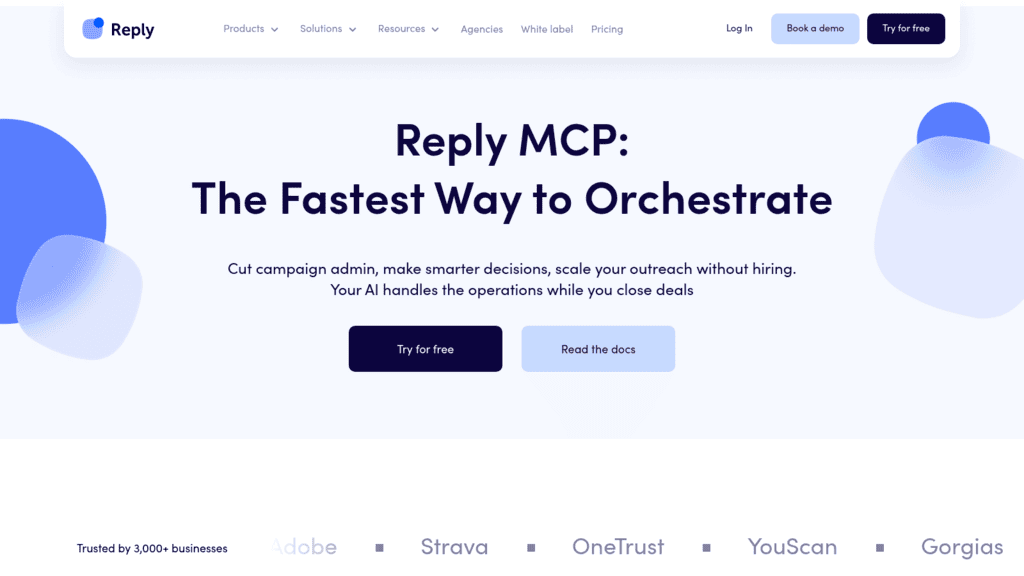
Reply.io as one of the best sales workflow tools

1. Reply.io

Best for: Outreach events that trigger workflows

Overview: Most sales workflow tools here move data between apps, and each needs a reliable event to start from. In a sales stack, the most useful events happen in outreach: a prospect replies, an email bounces, someone opts out, a sequence finishes. We built Reply.io so each of those can start a workflow, inside our product or in the automation tool you already use.

Inside Reply.io, Triggers follow a When, If, Then pattern. You pick one of 17 events (contact replied, link clicked, email bounced, inbox category set, LinkedIn connection accepted, call logged and more), add optional conditions such as sequence step or inbox category, then choose actions like Move to Sequence, Set Contact Stage or Pause Contact.

Outside it, the same events reach your stack through our Zapier app, our n8n node, Make modules, webhooks and the public API v3.

Our MCP server gives an AI agent 70 tools: in Claude Desktop, an agent can list sequences, add a contact to one, pause or start a sequence, work inbox conversations and tasks, and run Jason AI, our AI SDR. The server acts on contacts already in your workspace rather than searching for new ones.

Agentic Chat brings that control to plain English. Our July 2026 release notes describe it as available on all plans and able to run more than 30 actions in the web app and Slack, and it asks for confirmation before bulk or destructive changes.

Automation still needs someone watching it, and one customer says so directly. Synergy Effect, which has used Jason since May 2026, describes the AI SDR as “not yet a ‘set it and forget it’ system. It still requires human supervision.”

Key features:

  • Native triggers on 17 outreach events, with conditions on sequence step, contact field, click count, inbox category and call resolution
  • A Zapier app with 10 triggers and 6 actions, including Zapier Step Launched, which fires when a contact reaches a Zapier step mid-sequence
  • An n8n node whose triggers cover email, LinkedIn, sequence and account health events
  • Webhooks for email, LinkedIn, call and sequence events, with test deliveries and logs showing the status code your endpoint returned
  • Public API v3 at 100 requests a minute and 3,000 an hour per user, for bulk jobs an agent shouldn’t run call by call
  • Two-way CRM sync with Salesforce, HubSpot, Pipedrive and Copper, with Pipedrive triggers firing in real time

Pricing: We charge Email Volume by the number of active contacts you reach each month, from $49 for 1,000 on yearly billing ($59 if you pay monthly), plus $69 a month for each LinkedIn account you automate.

Multichannel is a per-seat plan at $89 a user each month on a yearly contract or $99 paid monthly, and it lets a sequence include a Zapier step. Jason, our AI SDR, is priced separately from $500 a month billed annually. There’s no free plan, so you test it on a 14-day trial, and Zapier, Make or n8n still bill their own units on top.

Pros: outreach events become triggers for other tools, native triggers need no connector, an MCP server and Agentic Chat for agent-driven work, delivery logs on every webhook, 4.6/5 on G2

Cons: we’re not a CRM, so a system of record such as Salesforce or HubSpot stays in your stack, and our triggers fire only on the 17 catalog events while the endpoint that consumes a webhook is yours to build

How to start using it:

  1. On the first day of your trial, create a personal API key, which the n8n node, the MCP server and the API all accept.
  2. Build one native trigger: When an inbox category is set, If it’s Interested, Then set the contact stage and move them to a follow-up sequence.
  3. Send the same event outward with the Zapier trigger Inbox Category Set, creating the CRM deal and posting to Slack in two action steps.
  4. Add a webhook for sequence events and confirm its log shows your endpoint returning a 200.
  5. Connect the MCP server to Claude Desktop, ask the agent to pause a test sequence, and check the change in Reply.io.

Why it’s a good sales workflow tool: the events that matter most in outbound happen in the outreach tool, and we publish them through native triggers, connectors, webhooks and MCP so the rest of your stack reacts to what prospects actually do.

Final verdict: pick Reply.io if outreach is where your pipeline starts and you want replies, bounces and finished sequences to update your CRM and Slack without a rep in the middle.
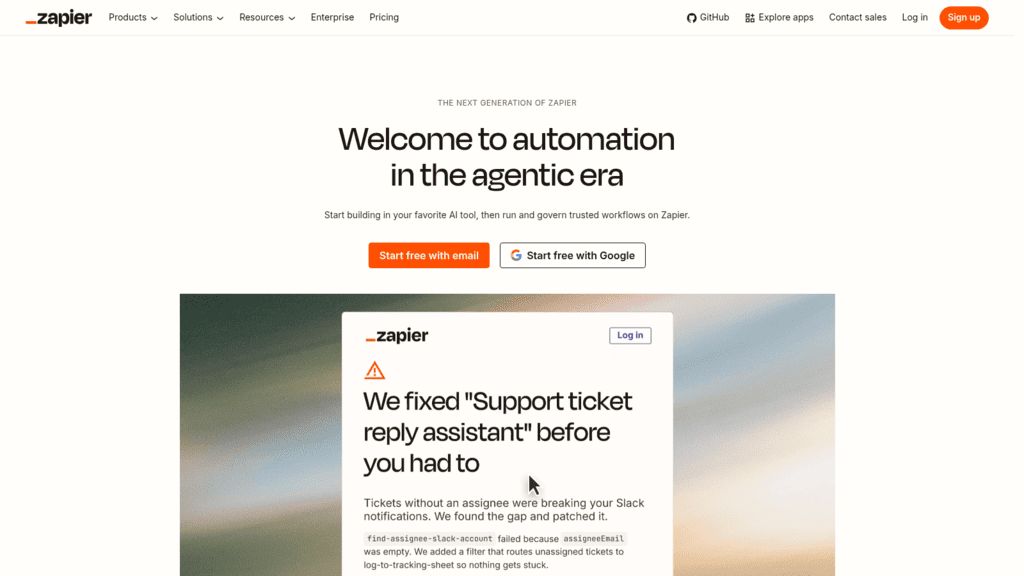
Zapier as one of the best sales workflow tools

2. Zapier

Overview: Zapier connects thousands of apps through Zaps, a trigger followed by one or more actions, and now markets itself as AI orchestration. For most small sales teams it’s the first glue between a form, the CRM, Slack and the outreach tool.

Key features:

  • Multi-step Zaps with Paths and Filters, so one trigger branches by deal size or region without spending tasks on the logic
  • Lead Router assigns inbound leads to reps, at 5 tasks per lead routed
  • Zapier MCP lets an AI client run Zap actions, at 2 tasks per tool call

Pricing: The Free plan includes 100 tasks a month on two-step Zaps. Professional starts at $19.99 a month billed yearly ($29.99 monthly) for 750 tasks, and Team starts at $69 a month billed yearly.

Pros: triggers, filters and paths use no tasks, a free tier for testing simple Zaps, routing built in

Cons: every successful action is a task, multi-step Zaps and webhooks start on Professional, Zapier Agents run on a separate activity quota

Why it earns a place here: almost every sales app already has a Zapier integration, which makes it the shortest path from an event to an action.

Final verdict: the default starting point for a small team, as long as you price it by tasks per run.

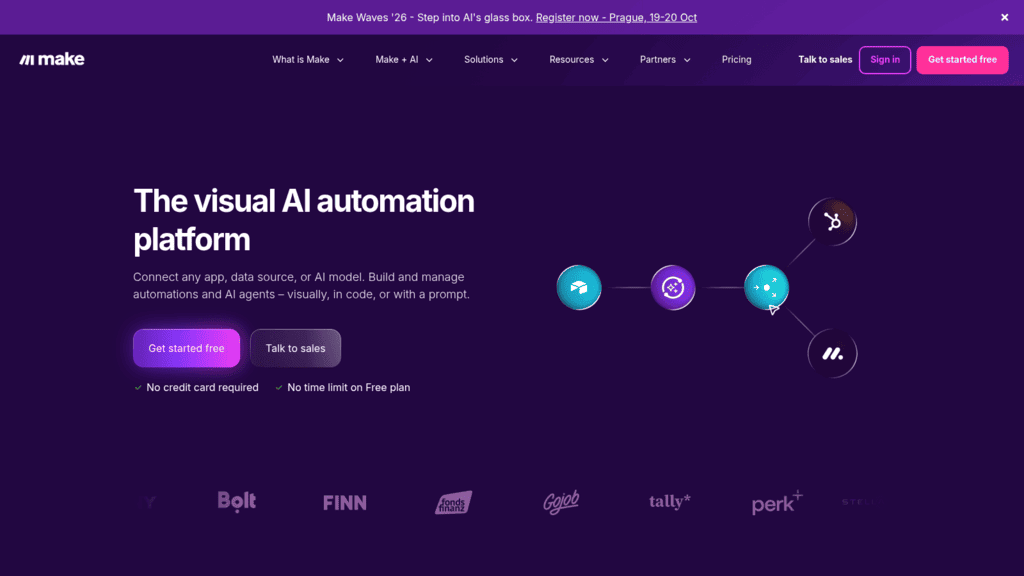
Make as one of the best sales workflow tools

3. Make

Overview: Make, owned by Celonis, builds automations as visual scenarios: modules on a canvas joined by routers and filters. It suits sales ops people who want to see branching logic rather than read it as a list.

Key features:

  • Routers and filters on every plan, including Free, so one lead can follow different paths by source or score
  • Unlimited active scenarios and minute-level scheduling from Core
  • Make AI Agents (in beta) and a Make MCP server

Pricing: The Free plan includes 1,000 credits a month, with runs at most every 15 minutes. Core costs $12 a month billed annually or $16 monthly for 10,000 credits, and Pro costs $21 annually or $28 monthly.

Pros: the lowest paid entry price of the three connectors here, a free plan with no time limit, branching you can see

Cons: each module action uses a credit, AI-provider modules can use more than one, scenarios stop when credits run out

Where it fits: teams that outgrow Zapier’s task math and don’t want to host anything.

Final verdict: strong value for visual thinkers who keep scenarios short.

n8n as one of the best sales workflow tools

4. n8n

Overview: n8n is a visual workflow builder that lets you drop into code, on n8n’s cloud or your own servers. It counts a whole workflow run as one execution, however many steps it has.

Key features:

  • A free self-hosted Community Edition, for teams that want data on their own infrastructure
  • An AI Agent node with human approval on tool calls, so an agent can’t act on a prospect unchecked
  • An MCP Server Trigger that exposes a workflow to AI clients as a tool

Pricing: Starter costs $20 a month billed annually ($24 monthly) for 2,500 executions, and Pro costs $50 a month billed annually for 10,000. Business runs $800 a month billed annually and is self-hosted only for now.

Pros: long workflows cost the same as short ones, unlimited users and workflows on every plan, a free self-hosted option

Cons: Starter allows 5 concurrent executions and one shared project, SSO and Git version control sit on Business, self-hosting means maintaining servers

Why RevOps teams shortlist it: per-execution billing rewards the long, branching workflows sales ops tends to build.

Final verdict: strong value for long workflows, if someone on the team is comfortable reading JSON.

Workato as one of the best sales workflow tools

5. Workato

Overview: Workato is an enterprise integration platform that orchestrates workflows and agents across departments. In sales, that means processes like deal desk approvals or security reviews that pass between sales, legal and finance systems.

Key features:

  • 1,200+ pre-built connectors, with unlimited workspaces and users
  • A Business MCP edition with pre-built MCP servers and an AI and MCP gateway
  • Agent Studio for building agents, in the top Workato ONE edition

Pricing: Workato publishes no prices. You buy an edition (Standard, Business MCP, Enterprise MCP or Workato ONE) and pay for task consumption tracked in a usage dashboard, with a free trial of unstated length.

Pros: processes that cross departments, governance for large teams, a wide connector library

Cons: quote-only pricing, a concurrency of 1 on Standard and Business MCP, agent tooling locked to the top edition

What it’s genuinely good at: routing one deal through systems owned by different teams, with logs an auditor can follow.

Final verdict: right when a sales workflow has to clear finance and legal, overkill for a sales-only stack.

Tray.ai as one of the best sales workflow tools

6. Tray.ai

Overview: Tray.ai sells an orchestration platform for integrations, automations, agents and MCP. It lists lead routing and revenue operations among its solutions, so sales is a stated use case rather than an afterthought.

Key features:

  • 700+ connectors, with workspaces to keep each team’s automations separate
  • Merlin Agent Builder, which deploys agents to Slack and Microsoft Teams
  • An Agent Gateway that exposes those connectors to AI clients as MCP tools

Pricing: Tray.ai publishes no prices for its Pro, Team or Enterprise plans, all sold through a demo. Usage scales on tasks, and agent development is a separate add-on.

Pros: lead routing as a ready solution, SSO and HIPAA support on Enterprise, regional hosting

Cons: every plan goes through sales, agent tools cost extra, fewer connectors than Workato

Why buyers shortlist it: RevOps teams get routing and integrations from one vendor.

Final verdict: a solid enterprise pick when lead routing is the main job.

Gumloop as one of the best sales workflow tools

7. Gumloop

Overview: Gumloop has moved from classic workflows, now labeled Workflows (Legacy), to AI agents. Its sales page pitches agents for outbound, call follow-ups, lead enrichment and pipeline review that reps call from Slack, Teams or Gmail.

Key features:

  • Agents you tag in Slack, so a rep asks for a call summary without leaving the channel
  • Custom skills, such as scoring a deal against MEDDIC from call notes and writing it to Salesforce
  • 100+ MCP servers as connectors, including Salesforce, HubSpot, Gong and Gmail

Pricing: Pro starts at $37 a month for 20,000 credits, with a 14-day free trial, and the page doesn’t state the billing basis. Credits bill at the list cost of model tokens, compute and API calls plus an 8% fee, or 16% if you bring your own model key.

Pros: unlimited agents and seats on Pro, 35+ models to choose from, works where reps already chat

Cons: the cost of a run varies by design, agents stop at 20,000 credits unless pay-as-you-go is on, enterprise pricing is custom

Its real strength: it gives reps an agent to ask rather than a workflow to maintain.

Final verdict: worth a trial if your team would rather talk to an agent than build a flow.

Relevance AI as one of the best sales workflow tools

8. Relevance AI

Overview: Relevance AI builds what it calls an AI Workforce for enterprise teams, deployed with help from the vendor’s own team. Its sales agents include an AI BDR named Bosh and an inbound qualification agent that books meetings.

Key features:

  • Pre-built BDR and inbound qualification agents, so you start from a working sales agent
  • 2,000+ integrations, plus calling and meeting agents
  • Agent evaluations and A/B testing to compare agent versions

Pricing: The pricing page shows one Enterprise plan through sales. The contract covers custom actions and vendor credits, with no self-serve tier.

Pros: sales agents ready to adapt, SSO, role-based access and audit logs, hands-on deployment help

Cons: no public price, no self-serve way in, the BDR agent still needs a data source and a sending tool

Why it made this list: its agents are built around sales roles from the start, for teams moving SDR tasks to agents at scale.

Final verdict: an enterprise project, not something you test on a Friday afternoon.

Lindy as one of the best sales workflow tools

9. Lindy

Overview: Lindy used to sell an agent and workflow builder, and its site now presents a general AI teammate that lives in Slack. For sales, it handles rep-side admin: meeting prep and follow-up, inbox drafts in your voice and routines like a Monday pipeline report.

Key features:

  • Scheduled routines, so a daily brief or weekly report arrives without a prompt
  • 1,500+ integrations, including Gmail, Slack, Notion and HubSpot
  • Approvals on anything with outside impact, such as sending an email or updating a ticket

Pricing: Every active user is billed from $49.99 a month with 5,000 credits each, pooled across the team, and top-ups cost $10 per 1,000 credits. New accounts get $50 in free credits that last 7 days, with no card required.

Pros: approvals built in, lives in Slack, good at meeting follow-up

Cons: anyone who uses it is billed a seat, it pauses when the credit pool runs low, it isn’t built for pipeline-wide workflows

Where it helps most: individual reps who lose hours to meeting notes and follow-up emails.

Final verdict: a personal admin assistant for reps rather than a system for running the pipeline.

Pipedrive as one of the best sales workflow tools

10. Pipedrive Automations

Overview: Pipedrive is a sales CRM with automations built in. Event triggers fire when a deal, person, activity, lead, organization or project is added, updated or deleted, and date triggers handle renewals and reminders.

Key features:

  • Up to 10 actions per automation, with if/else, delay and wait-for-condition steps
  • Nurturing sequences on Growth, so follow-up emails run from the CRM itself
  • A sandbox on Ultimate for testing automations before they touch live deals

Pricing: Growth is the first plan with automations, at $39 per seat a month billed annually or $49 monthly, while Lite ($14 annually) has none. Every plan comes with a 14-day free trial and no card.

Pros: no per-run meter, limits published in the help center, automations act directly on CRM records

Cons: Growth caps you at 50 active automations, imports don’t fire event triggers, it acts only inside Pipedrive

Why Pipedrive users start here: for a small team already living in Pipedrive, the automation comes with seats it already pays for.

Final verdict: automation at no extra cost for Pipedrive users, paired with a connector once workflows leave the CRM.

Salesforce as one of the best sales workflow tools

11. Salesforce Flow (Sales Cloud)

Overview: Flow Builder is Salesforce’s declarative automation, sold inside Sales Cloud editions rather than as a separate product. Flow’s old standalone product page now ends in a 404, so we priced it from the Sales Cloud pricing page. A record-triggered flow can create a task and notify a manager the moment an opportunity changes stage.

Key features:

  • Flow Builder for record-triggered and scheduled automation on your system of record
  • Built-in Sales Flows and lead routing on Starter Suite
  • Flow Orchestration, available to buy on Pro and above, for processes that pass between several people

Pricing: Starter Suite costs $25 per user a month, billed monthly or annually, and Pro Suite costs $100 per user a month billed annually but allows only 5 flows per org. Core costs $195 and Advanced $395 per user a month billed annually.

Pros: runs on the CRM record itself, admins already know it, Agentforce sales agents available to buy on Core and Advanced

Cons: the 5-flow cap on Pro Suite, API access costs $25 per user a month extra on Pro, Flow Orchestration and most Agentforce agents cost extra

Its edge for large teams: the automation runs where the data already lives, so there’s no extra vendor to clear in a security review.

Final verdict: the natural choice on Salesforce, priced properly only from Core upward.

What One Lead Costs in Sales Workflow Tools

Headline prices hide the part that grows. Take one workflow: an interested reply arrives, and five actions follow (create the CRM deal, post to Slack, add the contact to a list, update a field, create a task). We divided each entry plan’s published allowance by what one run consumes, so the last two columns are our arithmetic.

Tool One five-action run uses (our estimate) Entry paid plan Runs the plan covers (our math)
Zapier 5 tasks (trigger free) Professional, 750 tasks, $19.99/month annual About 150
Make About 5 to 6 credits Core, 10,000 credits, $12/month annual About 1,666 to 2,000
n8n 1 execution Starter, 2,500 executions, $20/month annual 2,500
Gumloop Varies with models and tools Pro, 20,000 credits, $37/month Depends on the agent
Pipedrive No per-run meter Growth, $39/seat/month annual No run cap; 50 active automations
Reply.io (native triggers) No published per-run charge Email Volume, $49/month annual No published run limit

Make’s range depends on whether the trigger module itself runs as a billed action (10,000 divided by 6 or by 5). A team handling 1,000 interested replies a month would need 5,000 Zapier tasks, well past the entry tier, while the same volume fits inside n8n Starter.

AI steps change the math again. Zapier’s MCP integration bills 2 tasks per tool call, so an agent that writes five rows to a spreadsheet spends 10 tasks. Estimate agent usage before you assume the cheap tier of any of these sales workflow tools covers it.

Let Outreach Events Start the Workflow

Most roundups treat the outreach tool as the last stop, the place a workflow drops a contact. The more useful direction runs the other way, because outreach is where prospects reveal intent. A reply, a click or a bounce is a behavioral trigger that should move the rest of the stack.

The event-to-action pairs worth wiring first look like this:

  • An Interested reply creates a deal in the CRM and alerts the owner in Slack.
  • A reply that mentions a competitor sends the rep the matching battlecard.
  • A bounce pauses the contact and flags the record for a data refresh.
  • An opt-out adds the address to your blocklist in every tool.
  • A finished sequence with no reply moves the contact into a slower nurture.
  • A disconnected mailbox pauses its sequences and alerts whoever owns it.

Every one of those starts in the outreach tool, so before you buy one of the sales workflow apps on this list, check that your sequencer publishes its events as Zapier or n8n triggers and webhooks with delivery logs. Otherwise you’ll poll it on a schedule and react late.

What to Look for in Sales Workflow Software

Feature lists in this category look alike, so judge sales workflow software on the four things that break first.

A Pricing Unit You Can Forecast

Estimate monthly runs, multiply by steps per run, and compare tasks, credits and executions on the same workflow. A tool that looks cheap per month can cost more per lead.

Events Out of Your Outreach Tool, Not Just In

A connector can only react to events an app publishes. Confirm that replies, bounces, opt-outs and finished sequences are available as triggers, and check whether a click trigger fires on every click when you only want the first.

Approval Before Anything Reaches a Prospect

Agent builders now send email and update records on their own. Look for a gate that holds outbound actions for review, the way n8n approves tool calls and Lindy waits on anything with outside impact.

Logs You Can Read When Something Fails

Workflows fail quietly, and in sales a silent failure means a lead nobody followed up. In an automated follow-up system, a missed step looks exactly like a prospect who went cold, so insist on run history and per-step error logs.

How to Choose Sales Workflow Solutions for Your Team

Match these sales workflow solutions to the person who’ll maintain the workflows.

A Founder or Small Team Without an Engineer

Start with Zapier or Make plus your outreach tool’s native triggers. Keep workflows under five actions until you know your monthly run count.

A RevOps Team With Technical Skills

Choose n8n, which bills per execution and lets you self-host. Teams already running an n8n AI agent for prospect research get long workflows at a flat cost per run.

An Enterprise With Several Departments

Pick Workato or Tray.ai when a workflow crosses finance, legal or IT, and Salesforce Flow when most of the logic lives on Salesforce records.

A Team That Wants Agents, Not Flows

Trial Gumloop for sales agents or Lindy for rep-side admin, the two sales workflow apps here built around chat, and keep approvals on until you trust the output.

Build One Outreach Workflow This Week

You’ll learn more from one live workflow than from a month of comparing sales workflow tools. Set it up in five steps:

  1. Pick the event with the most manual follow-up, usually an Interested reply.
  2. Write down every action a rep takes after it, in order, with the app each happens in.
  3. Count the actions and estimate monthly volume, then price it in each tool’s unit.
  4. Build it in one tool with an approval or test step before anything reaches a prospect.
  5. After two weeks, compare response time to interested leads against the two weeks before.

If the numbers improve, add the next event.

Frequently asked questions

What are sales workflow tools?

They watch for an event, like a reply, a form fill or a deal stage change, and run a chain of actions across your apps. That covers connectors such as Zapier and n8n, enterprise platforms such as Workato, AI-agent builders and the automation inside CRMs like Pipedrive.

How are sales workflow tools different from sales engagement platforms?

Engagement platforms run the sequence and the rep’s daily tasks. Sales workflow tools connect that platform to the CRM, Slack and everything else, so events in one app trigger actions in the others.

Which sales workflow tool is cheapest to run?

It depends on steps per run. For a five-action workflow, n8n Starter covers 2,500 runs for $20 a month billed annually, Make Core about 1,666 to 2,000 for $12, and Zapier Professional about 150 for $19.99, by our arithmetic from each plan’s allowance.

Can I connect Reply.io to n8n, Zapier or Make?

Yes, through our n8n node, our Zapier app, Make modules and webhooks. For anything those don’t cover, our public API allows 100 requests a minute per user.

Do AI agents replace workflow automation?

Not yet. Agents handle steps that need judgment, like reading a reply or summarizing a call, while fixed workflows still handle routing and logging. Most teams run both, with a person approving anything that reaches a prospect.

Subscribe to our blog to receive the latest updates from the world of sales and marketing.
Stay up to date.

Related Articles

B2B SaaS Marketing Strategy in 2026 [Step-by-Step Guide]

B2B SaaS Marketing Strategy in 2026 [Step-by-Step Guide]

B2B SaaS Marketing Strategy in 2026 [Step-by-Step Guide]
How an Automated Voice Messaging System Will Improve Outreach in 2026

How an Automated Voice Messaging System Will Improve Outreach in 2026

How an Automated Voice Messaging System Will Improve Outreach in 2026
Outbound Marketing Software in 2026 (Top Picks)

Outbound Marketing Software in 2026 (Top Picks)

Outbound Marketing Software in 2026 (Top Picks)