
10 Best Personal CRM Tools for Sales in 2026

10 Best Personal CRM Tools for Sales in 2026

A personal CRM helps you stay on top of all your business communication and relationships without the overhead or complexity of a full enterprise CRM.

It’s for teams that don’t need something heavyweight, but do need a clean way to track contacts, log touchpoints, and follow up on time (without living in spreadsheets or digging through old threads).

In this guide, we’ll break down 10 strong personal CRM options, from lightweight contact managers and sales automation platforms to more flexible setups that work like DIY CRMs, so you can pick one that best fits your workflows. 

How to choose the best personal CRM software?

A personal CRM only works if it matches how you already sell. Here’s what to check before you commit:

  • Your starting point → are you tracking contacts in a spreadsheet, inbox threads, notes, or nowhere at all? Pick a tool you’ll actually adopt, not one that forces a full rebuild from day one.
  • Primary channel fit → some tools are built around email, others around LinkedIn, and some support multiple channels. Choose what aligns with where your conversations happen.
  • Automation level → do you just need reminders and follow-up nudges, or do you want sequences and workflow automation?
  • Contact enrichmentautomatic job title/company updates, social profiles, and activity history can save a lot of manual work and drive better personalization.
  • Privacy and data control → if you handle sensitive relationships, look for clear data ownership, security features, and strong export options.
  • Integrations → calendar, email, LinkedIn, notes, Slack, task tools, and so on. If it doesn’t connect to your daily stack, it won’t stick.
  • Pricing + portability → free plans usually cap features or contacts, so make sure you can export your data cleanly before you invest time.

TL; DR – comparison table

Below is a quick comparison table of our top picks for a quick overview: 

Tool Best for Key features Starting price
Reply.io Multichannel outbound and automated prospecting Multichannel sequences, Jason AI SDR, contact enrichment, deliverability toolkit $49/month
Monday CRM Visual pipeline management Visual boards, no-code automation, email sync, AI Notetaker $12/user/month
Dex LinkedIn relationship tracking LinkedIn auto-sync, AI meeting briefs, keep-in-touch reminders $12/month (free plan available)
Monica Privacy-first contact journaling Self-hosting, contact journaling, reminders, privacy vault $9/month (free plan available)
Clay AI contact enrichment on Mac Auto-enrichment, network alerts, iMessage logging, CardDAV sync $10/month (free plan available)
Covve Mobile-first contact management Auto-enrichment, smart reminders, business card scanning, E2EE $9.99/month (free plan available)
Streak Gmail-native pipeline tracking Gmail pipelines, mail merge, email tracking, auto-enrichment $15/month (free plan available)
Folk AI-assisted outreach and contact capture One-click import, AI email campaigns, pipeline management $20/user/month
Airtable DIY CRM with full customization Custom fields, linked records, automation, API access $20/user/month (free plan available)
Contacts+ Contact syncing and cleaning Cross-platform sync, deduplication, enrichment scans, AI scanner $9.99/month (free plan available)

Best personal CRM tools

Now it’s time to explore more detailed overviews of each platform, their pros, cons, and pricing, so you can shortlist and test the ones that fit your needs, preferences, and budget.
Reply.io

Reply.io is an AI-powered sales automation platform that offers everything you need to manage customer relationships, find potential buyers, and run multichannel outreach.

If you’re tracking touchpoints in a spreadsheet or jumping between tools to send a LinkedIn message, an email, and a follow-up call, you’ll love what Reply.io can do.

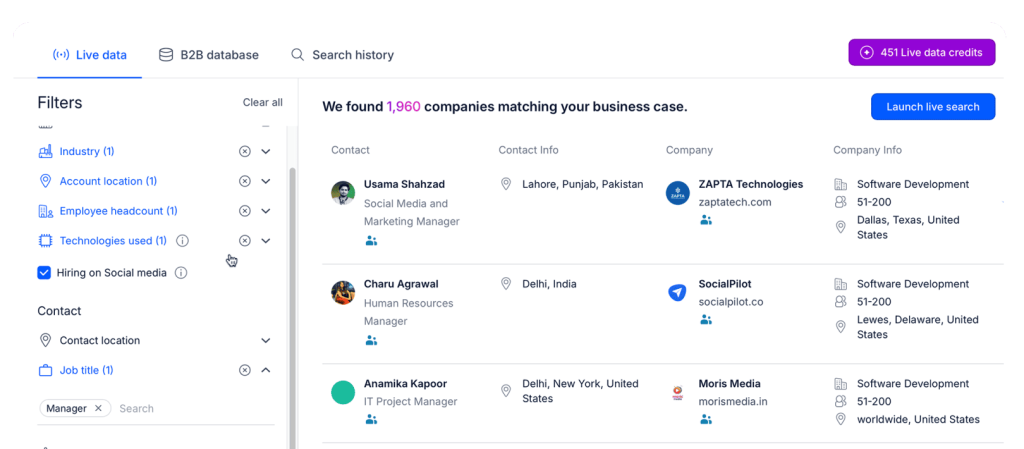
First, Reply offers a native lead database with over 1 billion live contacts, along with built-in email validation and lead enrichment, allowing teams to build targeted contact lists directly from the platform. And if you’re also uploading your existing contacts to Reply, it will still validate the contact data and conduct research to find additional prospect and company information. 

data in Reply.io as an extra to your personal CRM

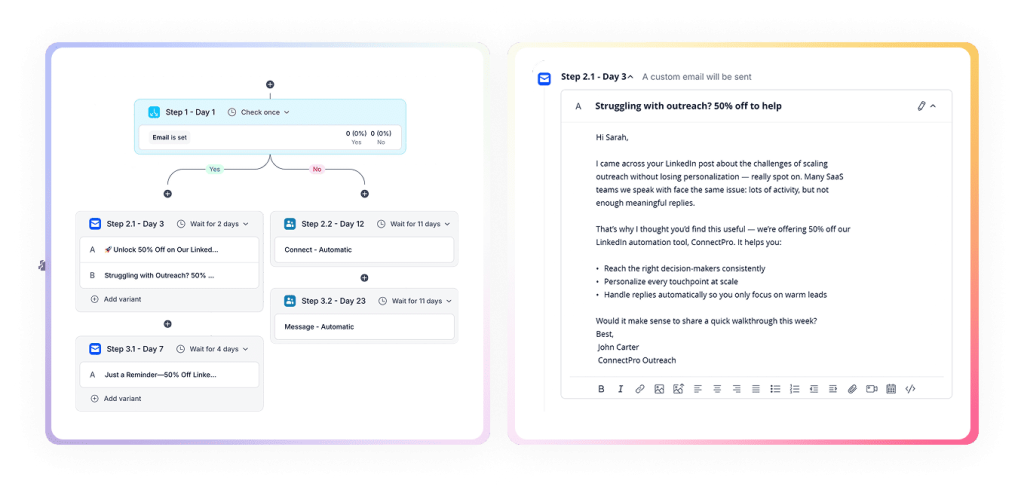
Reply then runs conditional multichannel sequences across email, LinkedIn, SMS, and calls, adjusting the messaging, channel mix, and timing in real-time based on each contact’s behavior. 

This way, each prospect moves through a coordinated outreach flow where each email, follow-up, and LinkedIn message is personalized with AI, without you having to manage each step.

multichannel in Reply.io as an extra to your personal CRM

Reply is a solid personal CRM tool for consultants running outreach campaigns and agencies managing multiple clients. It’s also ideal for founders doing investor and partner outreach at scale.

Key features

  • Multichannel conditional sequences: Runs coordinated outreach across email, LinkedIn, SMS, calls, and WhatsApp.
  • AI personalization: Generates tailored messages using AI Variables, so each message feels individual.
  • Contact enrichment: Pulls live B2B data from a database of 1+ billion contacts, LinkedIn, and more. 
  • Deliverability toolkit: Inbox warm-up, Gmail API integration, and health monitoring to protect sender reputation.
  • Unified inbox and meeting scheduler: Manages all replies and meeting bookings from a single dashboard.
  • Findy Chrome extension: Finds verified email addresses from LinkedIn profiles in real time. 

Pros

  • Powerful multichannel automation
  • Large B2B contact database
  • Robust deliverability tooling

Cons

  • Some learning curve for new users. However, Reply’s support is always available to help.

Pricing

Reply.io pricing starts at $49 per month for the Email Volume plan and $89 per month for the Multichannel all-inclusive plan. Reply also offers a free 14-day trial to get a feel for the product before committing to a purchase.

Monday CRM 

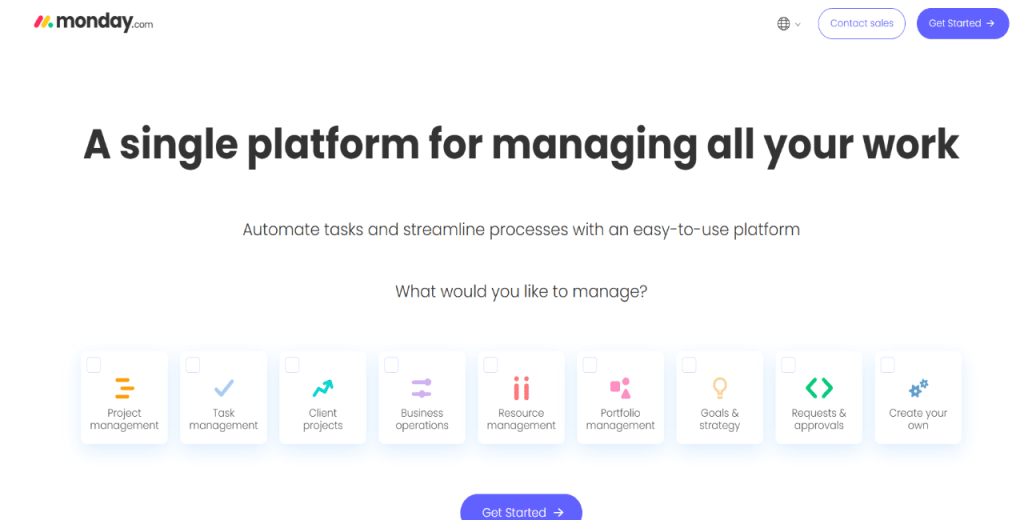
Monday CRM as a personal CRM

Monday CRM is mostly known for its ability to turn your sales pipeline into a visual board you can understand quickly.

It organizes deals, contacts, and conversations in a color-coded board. Thus, you can know where deals stand without digging through your inbox.

Meanwhile, the platform’s automation engine handles the repetitive work, including assigning leads, sending reminders, and logging emails. And then there’s the AI Notetaker to summarize calls and suggest next steps. 

Key features

  • Visual pipeline boards: Color-coded, drag-and-drop boards give you a real-time picture of every deal.
  • Automation engine: Sets up no-code workflows to assign leads, trigger follow-ups, and log activity automatically.
  • Email sync and sequences: Connects with Gmail and Outlook, and lets you send personalized email sequences with open and reply tracking.
  • Customizable dashboards: Pulls live pipeline data, revenue forecasts, and activity metrics into one reporting view.

Pros

  • Intuitive visual interface
  • No-code automation

Cons

  • Minimum 3-seat purchase
  • Advanced features require higher tiers

Pricing

Monday CRM pricing starts at $12 per user and scales to $28 for the Pro plan.

Dex 

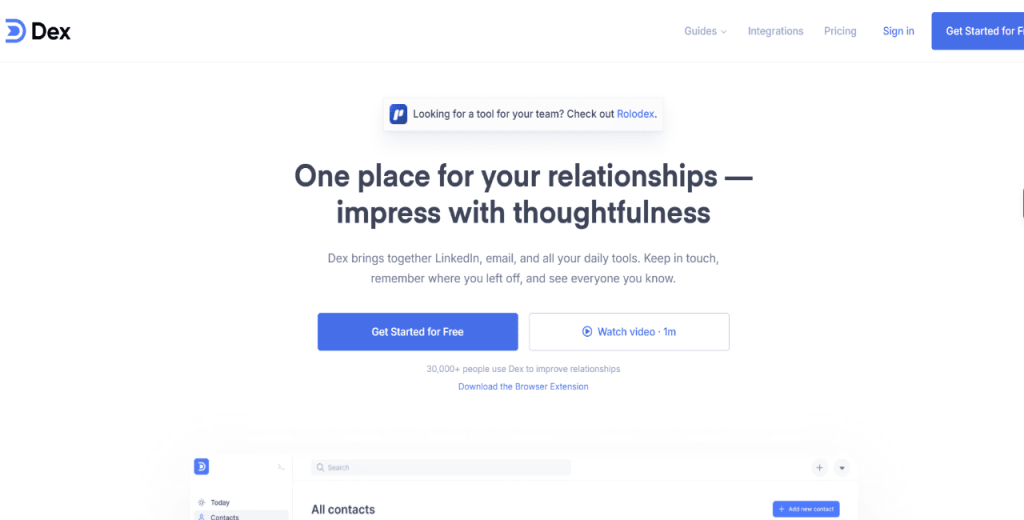
Dex as a personal CRM

Dex is worth checking out if your network lives mostly on LinkedIn. It automatically pulls in your LinkedIn connections and updates job titles and company information whenever a connection changes careers.

Dex also generates AI-powered pre-meeting briefs, mining everything it knows about a contact before you jump on a call.

And to top it all off, the tool logs every interaction against the right contact, so you’ll always jump into a conversation in context.  

Key features

  • LinkedIn auto-sync: Pulls in connections and updates job titles and company info automatically when contacts change roles.
  • Keep-in-touch reminders: Sends personalized prompts when you haven’t reached out to a contact in a set period.
  • AI pre-meeting briefs: Summarizes everything you know about a contact before a scheduled meeting.
  • Multi-platform contact import: Pulls contacts from Gmail, Outlook, Facebook, Instagram, and iCloud into a centralized view.

Pros

  • Clean, intuitive interface
  • Automatic LinkedIn sync

Cons

  • You need to sign up for the Professional plan for bulk email

Pricing

Dex pricing starts at $12 per month for the Premium plan. The Professional plan costs $20 per month and includes LinkedIn sync for up to 9,000 connections.

Monica 

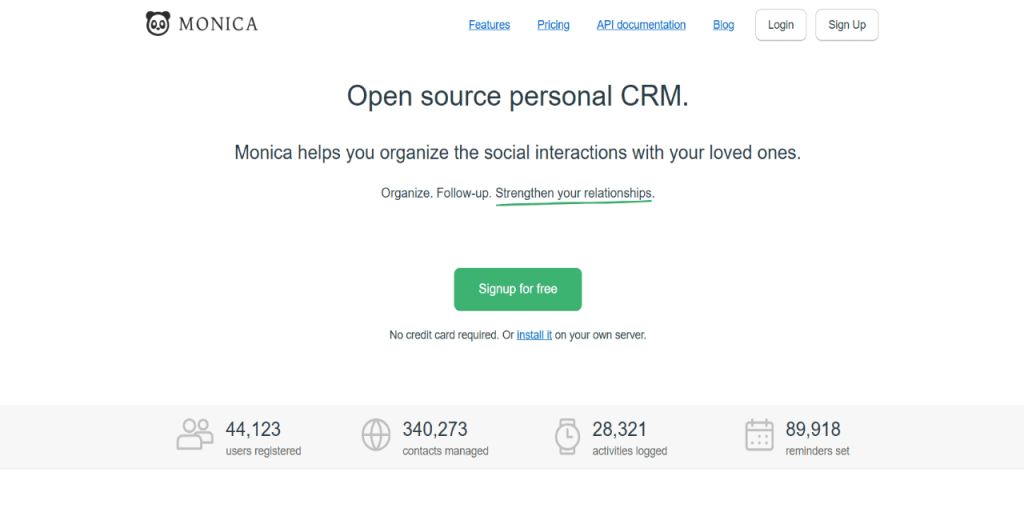
Monica as a personal CRM

Monica is a good CRM tool if you’re keen on data ownership. It’s an open-source CRM you can self-host on your own server.

Beyond privacy, Monica is built around key details of business relationships. It’ll remind you about your contacts’ birthdays, life events, and notes from conversations. 

So, if you’re a privacy-conscious user or developer, Monica will help you manage professional relationships without the overhead of a sales tool.

Key features

  • Self-hosting option: Deploys Monica on your own server with the same codebase as the hosted version, giving you full data ownership.
  • Contact journaling: Logs life events, personal notes, and conversation history for each contact to enable meaningful follow-ups.
  • Integrated reminders: Sets personalized reminders for birthdays, anniversaries, and follow-up dates.
  • Vault-based structure: keeps contacts/notes organized and private, plus you can share access via multi-user features if needed.

Pros

  • Full data ownership via self-hosting
  • Free for self-hosted users

Cons

  • No LinkedIn or Gmail sync
  • Manual contact entry required

Pricing

Monica is free CRM software for personal use for self-hosted users. Meanwhile, the cloud-hosted plan costs $9 per month.

Clay 

Clay as a personal CRM

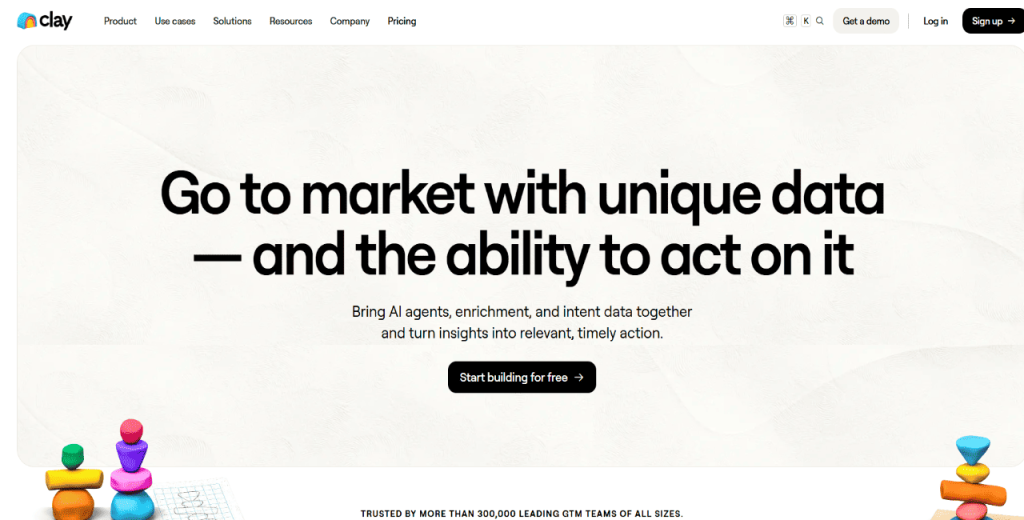
Clay works like an intelligent address book that quietly fills in the blanks for you. It pulls contacts from LinkedIn, Gmail, Twitter/X, Facebook, Instagram, iMessage, and WhatsApp. 

Then, it uses AI to enrich each profile with job details, social updates, and life changes. As a result, you can keep your contact records up to date without lifting a finger.

Key features

  • Automatic contact enrichment: Pulls job titles, company info, and social updates from multiple platforms and keeps records current.
  • Network alerts: Notifies you when contacts change jobs, locations, or post relevant updates — giving you natural reasons to reach out.
  • CardDAV sync: Integrates with your device’s native address book, making Clay contacts available in phone apps and Siri.
  • Multi-platform import: Pulls contacts from LinkedIn, Gmail, Instagram, Facebook, WhatsApp, iCloud, and more.

Pros

  • Automatic enrichment
  • Robust Mac integration
  • Free tier available

Cons

  • No dedicated Android app
  • Free tier has contact limits

Pricing

Clay offers a free plan with a limit of 1,000 contacts. The Pro plan costs $10 per month, while the Team plan costs $40 monthly.

Covve 

Covve as a personal CRM

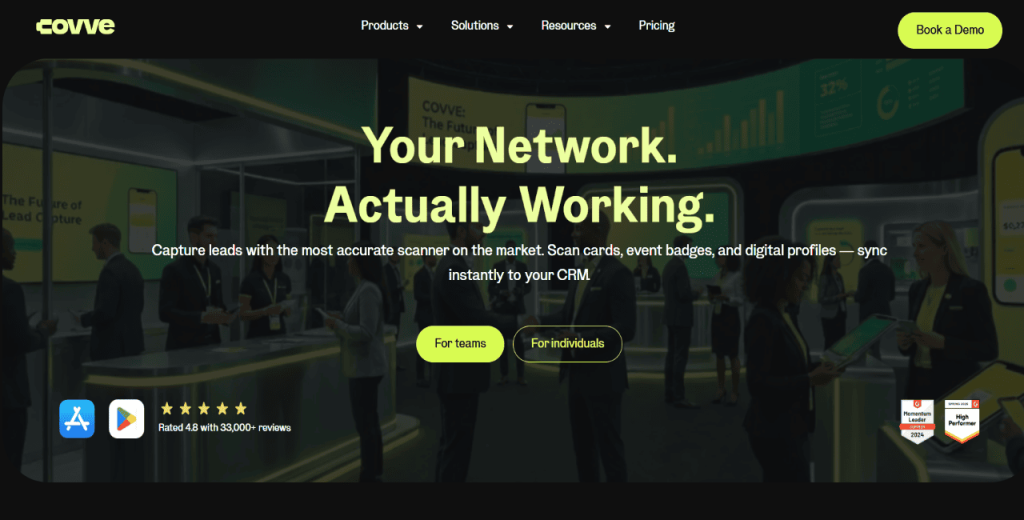
Covve targets professionals who manage relationships primarily on their phones. It automatically enriches your existing phone contacts, pulling in updated job titles, company names, and locations. 

It also comes with a built-in news engine to track mentions of your contacts’ companies and surfaces relevant stories. In addition, Covve scans and saves business cards in under two seconds, supporting over 30 languages.

Key features

  • Automatic contact enrichment: Updates job titles, company names, and locations for existing phone contacts without manual effort.
  • Smart reminders: Sends keep-in-touch prompts based on how long it’s been since your last interaction.
  • Business card scanning: Scans and saves cards in under 2 seconds with support for 30+ languages.
  • End-to-end encryption: Protects all notes, interactions, and relationship data at rest and in transit.

Pros

  • Mobile-first design
  • Strong privacy with E2EE

Cons

  • No desktop app
  • Limited social media integrations

Pricing

Covve offers a free trial, with paid plans starting at $12 per user per month (pricing varies by billing cycle and plan).

Streak 

Streak as a personal CRM

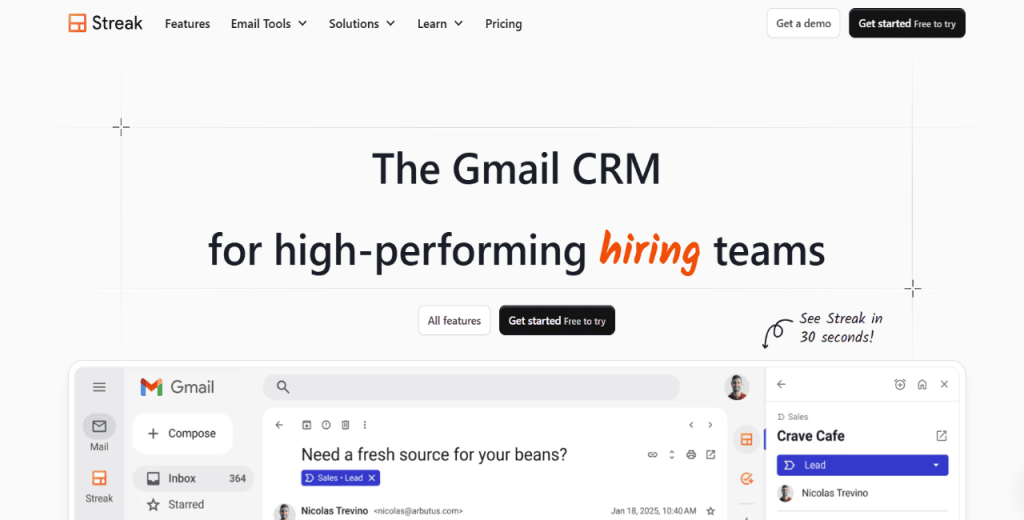
With Streak as your personal CRM software, email threads become part of a contact timeline, making it easy to build customizable pipelines without leaving your inbox.

It layers a full CRM inside Gmail to ensure your pipelines, contact records, and follow-up reminders align with your workflow. With countless individual users and teams, it’s one of the most widely adopted Gmail-native personal CRM tools available.

Key features

  • Gmail-native pipelines: Builds customizable relationship and deal pipelines that live directly inside your Gmail interface.
  • Contact auto-enrichment: Automatically adds photos, job roles, social links, and interaction timelines to contact records.
  • Mail merge with follow-ups: Sends personalized email sequences from your Gmail address with automatic engagement tracking.
  • Follow-up reminders: Schedules reminders from within an email thread, so you never lose track of a pending response.
  • Email tracking: Shows open rates, click data, and reply timestamps for every email you send.

Pros

  • Mail merge from Gmail
  • Generous free plan

Cons

  • Gmail-only
  • Advanced features require the Pro tier

Pricing

Streak pricing offers a free plan for email tracking and basic mail merge. The Solo plan costs $15 per month. You will pay $49 monthly for the Pro plan.

Folk 

Folk as a personal CRM

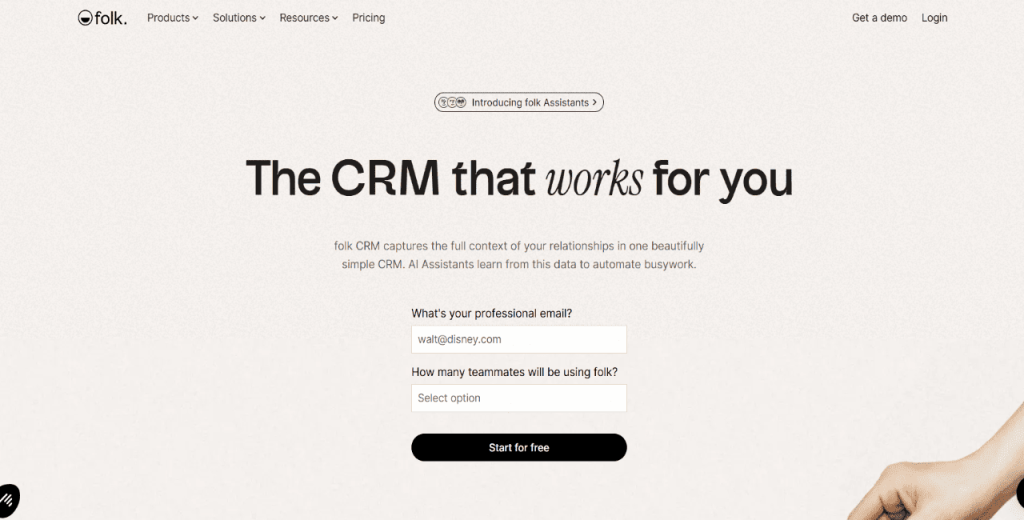
Folk focus on relationship-driven selling. The kind where warm intros, LinkedIn conversations, and founder-led outreach are more important than cold volume.

Its Chrome extension, folkX, lets you import contacts from LinkedIn, Gmail, or any website in one click and instantly enrich their profiles. 

On top of that, Folk allows you to run targeted email campaigns with AI-generated personalization. It’s one of the few lightweight CRMs that scales easily from a solo founder to a small team.

Key features

  • AI-personalized email campaigns: Generates tailored messages at scale and tracks opens, clicks, and replies from within the platform.
  • Pipeline management: Visual deal boards let you track relationships and opportunities through customizable stages.
  • 5,000+ integrations: Connects with tools like WhatsApp, Gmail, Outlook, Zapier, and thousands of other apps.

Pros

  • Fast, one-click contact import
  • Robust AI personalization

Cons

  • Capped enrichment credits per plan
  • It can be expensive for larger teams

Pricing

Folk pricing starts at $30 per user per month on monthly billing (or $24 per user per month billed yearly). Higher tiers scale up from there.

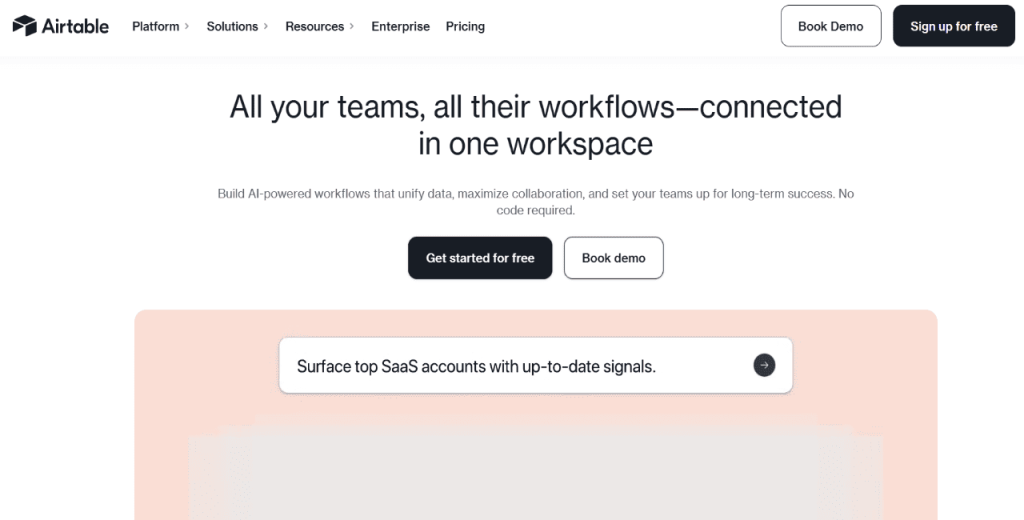
Airtable 

Airtable as a personal CRM

Airtable sits somewhere between a spreadsheet and a database. And that’s exactly what makes it one of the best personal CRM tools.

You need to build the CRM yourself using templates, custom fields, and views. While that sounds like extra work, it also means your contact database looks precisely the way your workflow demands.

So if you find dedicated CRMs too rigid, Airtable allows you to build your own from scratch.

Key features

  • Custom fields and views: Lets you build contact records with any field type, view data as a grid, calendar, Kanban, or gallery.
  • Linked records: Connects contacts to companies, deals, or projects within the same database, preserving full relationship context.
  • Automation: Triggers actions like sending emails or updating records based on field changes, without writing code.
  • API access: Connects with thousands of tools via Zapier, Make, or native API for advanced workflows.

Pros

  • Fully customizable structure
  • Free tier available

Cons

  • No built-in CRM features out of the box
  • Requires manual setup and maintenance

Pricing

Airtable offers a free plan with a limit of 1,000 records per base. The Team plan costs $20 per user per month. You’ll pay $45 per user per month for the Business plan.

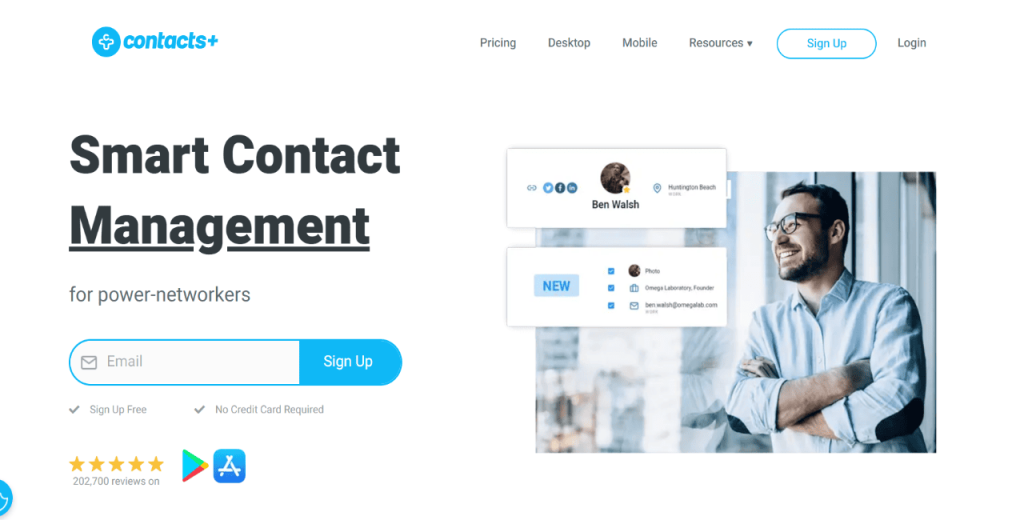
Contacts+ 

Contacts+ as a personal CRM

Contacts+ solves a specific but common problem: contacts scattered across Gmail, Outlook, your iPhone, etc., that don’t match.

The tool organizes your contacts into a unified address book and automatically deduplicates records. It also updates information current with automated enrichment scans. 

Meanwhile, its built-in AI Composer helps you draft outreach messages from within the app. Contacts+ works on web, iOS, Android, Chrome, and Mac.

Key features

  • Cross-platform contact sync: Merges contacts from Gmail, Outlook, Apple Contacts, and your phone into one unified address book.
  • Automated enrichment scans: Continuously updates contact records with the latest job titles, phone numbers, and email addresses.
  • AI business card scanner: Scans and accurately saves business cards to your address book in seconds.
  • AI Composer: Drafts outreach messages from within the app so you can reach out without switching to another tool.

Pros

  • Works on all major platforms
  • Automatic deduplication

Cons

  • Limited CRM depth beyond contact management

Pricing

Contacts+ offers a free plan with premium pricing starting at $9.99 per month, billed annually.

How to set up and use personal CRM tools?

Once you’ve chosen a personal CRM, it’s now time to set it up. Here’s how to go about it to make it swift and painless: 

Consolidate your contacts

Start by exporting CSVs from Gmail, Outlook, iCloud, and LinkedIn. Then, import the data into your CRM and run a cleaning pass before continuing — removing duplicates, ensuring full profiles, and so on. While at it, map your fields for better organization: name, email, phone, last contact date, tags, notes, source, etc. 

Tag your contacts from day one

Implement a quick tag taxonomy as it’ll save you hours later.  You can start with fields like client, prospect, investor, lead, lost buyer, and so on. You can always add more as your workflows grow.

Build your follow-up cadences

Keep it simple. Two or three cadences cover 90% of what you’ll do. 

For networking, send a quick thank-you within 24 hours, a value-add about a week later, then a light check-in a few weeks after that.

For sales intros, follow a similar rhythm, but make every touch outcome-driven. Each follow-up should add something new (context, proof, or a clearer ask), not just “checking in.”

Use a consistent note-taking template

After every interaction, log the same five things: context, last touch, what the contact cares about, your next action, and the follow-up date. When you do this consistently, you’ll always jump into a conversation prepared. 

Automate the repetitive parts

Don’t over-engineer it — you just need integrations that remove admin work.

Connect your CRM to your calendar, inbox, and lead sources so contacts and follow-ups update automatically. If you’re more advanced, MCP-style AI workflows can pull context, summarize interactions, and draft the next touch.

Tools like Reply.io handle most of these automations for you, and Zapier can integrate your personal CRM of choice with any other tools in your stack. 

Run a weekly and monthly maintenance routine

Set aside 30 to 60 minutes every week to triage relationship tasks. Every month, pull a list of inactive contacts who have been inactive for 3/4 months and run an email reactivation sequence to try to revive those conversations.

Track a few simple metrics

Keep it practical — your personal CRM is working if it helps you follow up consistently and keeps relationships from slipping.

So track the basics: how many follow-ups you actually completed, how many meaningful conversations you started or moved forward, and how often you had to “dig” for context before replying.

If those improve over a few weeks, you’re using the tool the right way. If they don’t, simplify your setup before you blame the CRM.

Next steps

Personal CRMs are only worth it if they help you do two things consistently: keep context in one place and follow up on time. The best tool is the one that fits how you already work (email-first, LinkedIn-heavy, etc.) and doesn’t add any friction.

Pick one option, import your existing contacts, set a basic tagging system, and build a repeatable follow-up habit. If that sticks, you’ll feel the difference pretty fast.

And if you want a workflow that goes beyond contact management into actual outreach (including email and LinkedIn follow-ups), Reply.io is worth testing. It’s built for generating leads, managing relationships, and running coordinated multichannel outreach with AI personalization.

Subscribe to our blog to receive the latest updates from the world of sales and marketing.
Stay up to date.

In this article

Your Superhuman SDR

Jason learns your product, tone, and strategy — then runs outreach with the precision of your best rep.

Your Superhuman SDR
Book a demo

Related Articles

What’s New in Reply: Pre-Warmed Domains, Agentic Chat, LinkedIn Enrichment, and More

What’s New in Reply: Pre-Warmed Domains, Agentic Chat, LinkedIn Enrichment, and More

What’s New in Reply: Pre-Warmed Domains, Agentic Chat, LinkedIn Enrichment, and More
AI for Improving Your GTM Operations in 2026: No BS Guide

AI for Improving Your GTM Operations in 2026: No BS Guide

AI for Improving Your GTM Operations in 2026: No BS Guide
Lead Generation for Startups in 2026: How to Get Leads Fast

Lead Generation for Startups in 2026: How to Get Leads Fast

Lead Generation for Startups in 2026: How to Get Leads Fast