Top 12 Salesloft Alternatives in 2026 You Can Try Now

Top 12 Salesloft Alternatives in 2026 You Can Try Now

A sales engagement platform is supposed to make outbound easier to run, easier to scale, and a lot less messy. But when reps keep running into rigid workflows, disconnected data, or expensive add-ons, the platform stops helping and in fact starts slowing everything down.

That’s exactly why a lot of teams end up comparing Salesloft with alternatives that fit their sales motion better, whether that means stronger AI automation, built-in prospecting, simpler multichannel sequences, or just a setup that makes more sense financially.

Below, we’ll break down our top 12 Salesloft alternatives for 2026 and where each one fits best.

How did we choose the Salesloft alternatives?

We qualified each Salesloft alternative on this list based on how well it supports real outbound work, looking beyond simply how many features show up on the pricing page.

Here’s what we focused on:

  • Multichannel engagement: whether the platform supports outreach across email, calls, LinkedIn, as well as other channels, and whether those sequences are fully automated.
  • AI and workflow automation: how each tool uses AI to cut down on manual work, whether that’s personalization, sequence building, lead research, or deal prioritization.
  • Prospecting and data access: tools with built-in contact databases and intent signals got more weight, as they let teams go from targeting to outreach under one roof.
  • Email deliverability and infrastructure: features that help protect sender reputation, like email validation, inbox rotation, domain health monitoring, and warm-up.
  • CRM fit and reporting: how well each platform connects with common CRMs, how clean the data sync is, and how much visibility managers actually get into workflows.
  • Pricing, setup, and scalability: how fast a team can get the platform and automation up and running, whether pricing is clear, and if the platform can handle increased scale.

Building Outbound from Scratch [2026 Playbook]

This playbook shows you how to build outbound from zero, step by step.

No theory. No BS. Just clear guidance you can use right away.

What’s inside:

→ How to define your ICP and micro-segments
→ Proven outbound message frameworks
→ Copy-paste cold email templates
→ A practical outbound tool stack
→ 30 quick outbound shortcuts used by top sellers

If outbound feels confusing or isn’t working for you, this playbook will help you fix it fast.

Get the playbook free and start sending better outbound.

12 Best alternatives to Salesloft in 2026

The Salesloft alternatives below cover a range of use cases, from AI-powered multichannel outreach to lightweight email tools and CRM-native options.

There are multiple reasons users look for Salesloft alternatives, so the best-fit tool from the list below will mostly depend on what kind of automation you’re really looking for.

Reply.io: best for lead generation and multi-channel outbound

Reply.io is an AI-powered sales engagement platform that helps teams find targeted leads, launch multichannel outreach, and personalizes messages at scale. It’s one of the best Salesloft alternatives for high-volume lead generation and outreach, especially teams also working with LinkedIn. 

According to many reviews online, a significant number of Salesloft users who switch to alternatives cite one recurring frustration — the lack of a built-in B2B database.

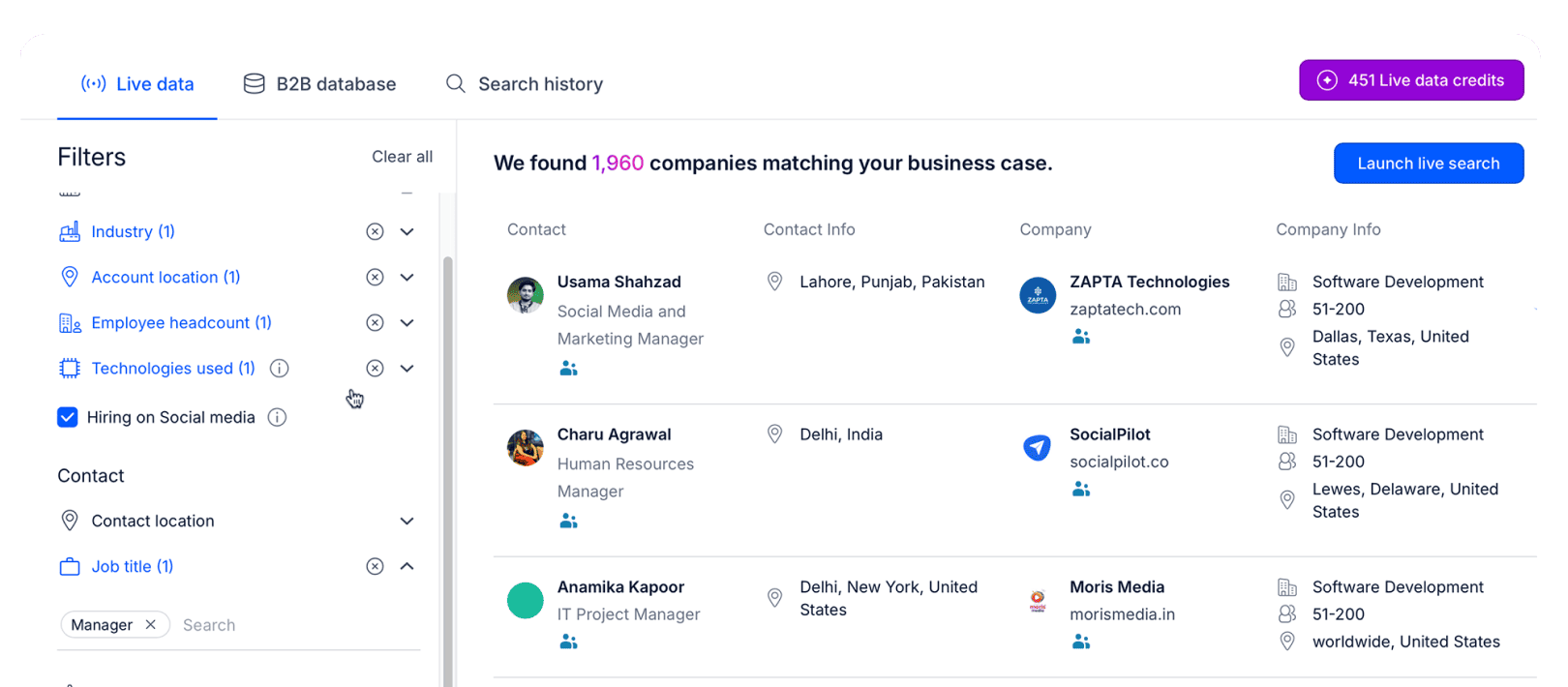
Reply’s native database offers over 1 billion live contacts with advanced search filters, enabling teams to build precisely targeted prospect lists. It can then enrich all your found prospects with additional data to ensure enough context for meaningful personalization. Last but not least, Reply also offers intent signals that show when a specific account is showing signs of interest.

data in Reply.io as an extra to your personal CRM

Once you’ve found your leads, Reply then launches tailored multi-channel sequences across email, LinkedIn, SMS, WhatsApp, and calls. And the best part is that the messaging, channel choice, and timing adapts in real time, based on prospect behavior.

So, when a lead opens your email but doesn’t reply, the platform automatically redirects them to a LinkedIn touchpoint. If they visit your pricing page, sequence shifts to a shorter, high-intent cadence, and so on.

how to send a second follow up email after no response with conditional sequences

And that’s not all.

Teams that want to automate even more of their sales process can also get Jason AI — a fully autonomous AI sales agent. After learning about your business, Jason finds leads, writes personalized emails and LinkedIn messages, handles replies, and even books meetings, 24/7.

Key features

  • Multichannel sequences: Runs email, LinkedIn, calls, SMS, and WhatsApp steps within a single conditional sequence that adapts to prospect behavior.
  • Reply Data: Live database of 1+ billion contacts, filtering by role, industry, tech stack, and many more filters.
  • AI variables: Generates personalized opening lines, value propositions, and CTAs for each prospect automatically.
  • Jason AI: An autonomous AI agent that sources leads, launches multichannel campaigns, and books meetings 24/7.
  • Email deliverability suite: Monitors sender reputation, warms up mailboxes, and verifies contacts before they enter any sequence.
  • Website visitor tracking: Identifies companies visiting your site and automatically routes them into targeted inbound sequences.
  • Contact enrichment: Fills in missing prospect details, including role, company size, LinkedIn URL, and more. That way, every lead entering a sequence has enough context for meaningful personalization.
  • A/B testing: Tests subject lines, messaging hooks, and CTAs across email and LinkedIn steps, then surfaces what moves prospects to reply.

Pros:

  • Built-in lead database and enrichment 
  • AI-powered outreach 
  • True multi-channel sequences with powerful LinkedIn automations 
  • Premium email deliverability for safe outreach at scale 

Cons:

  • Takes time to onboard. On the flip side, Reply’s customer service team is always available to get you up and running fast.

Pricing:

Reply.io pricing ranges from $49 to $89 per user per month, while Jason AI starts at $500 per month as a standalone AI plan. With Jason AI, however, you’re not just paying for a “tool”, you’re basically hiring an AI sales rep who works around the clock. 

Reply.io also has a 14-day free trial to get a feel for the product and test out a small campaign before committing to a purchase.

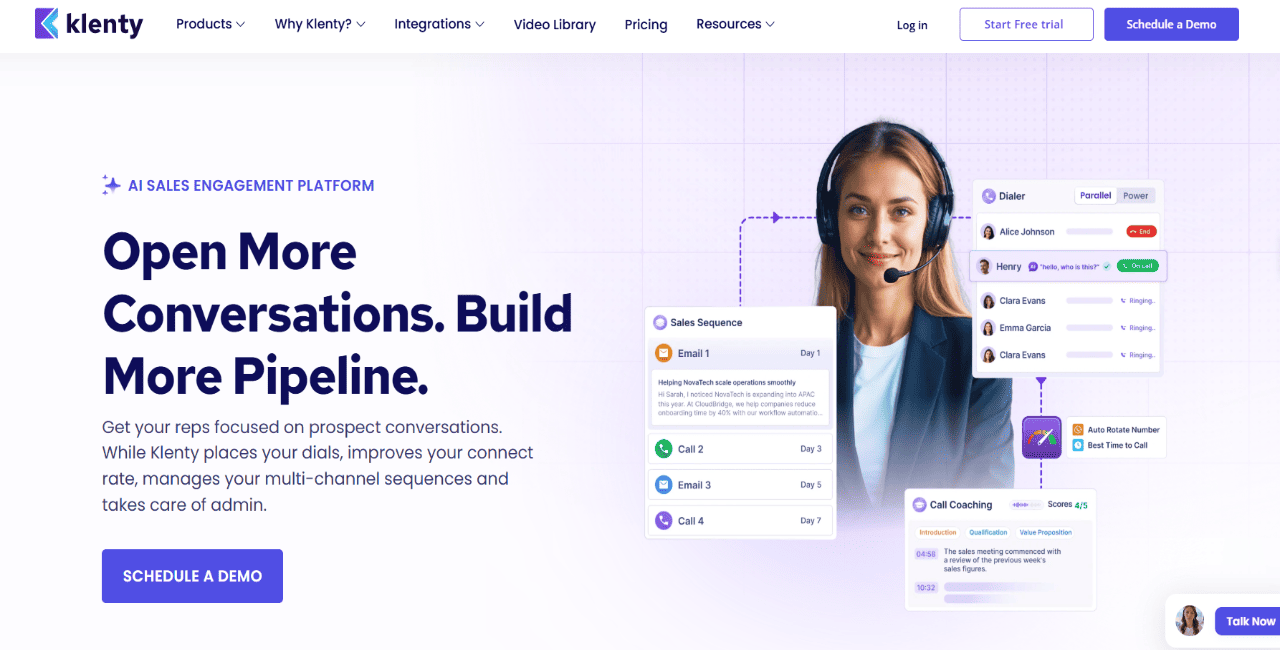
Klenty: best for simple cadence management for small teams

Klenty is a sales engagement platform made for small and mid-sized B2B sales teams that want straightforward cadence management without all the extra enterprise weight.

It supports outreach across email, calls, LinkedIn, SMS, and WhatsApp, and it integrates with Salesforce, HubSpot, Pipedrive, Zoho, and other CRMs. Setup is fairly simple, which makes it a practical Salesloft alternative for teams that want to get outbound sequences live with ease.

The main gap with this tool is data. Klenty doesn’t come with a built-in B2B database, so teams still need a separate prospecting or enrichment tool before they can actually start outreach.

Key features

  • Multichannel cadences: Builds sequences across email, calls, LinkedIn, SMS, and WhatsApp.
  • CRM sync: Connects with Salesforce, HubSpot, Pipedrive, Zoho, and other CRMs.
  • A/B testing: Tests email copy and subject lines to improve performance.
  • Prospect scoring: Helps reps prioritize leads based on engagement.

Pros

  • More affordable than many enterprise tools
  • Easy to set up sequences
  • Strong CRM coverage
  • Clean interface

Cons

  • No built-in B2B database
  • AI capabilities are still fairly limited
  • Reporting is lighter than what enterprise platforms offer

Pricing:

Klenty pricing starts at $50 per user per month. It also offers a 14-day free trial.

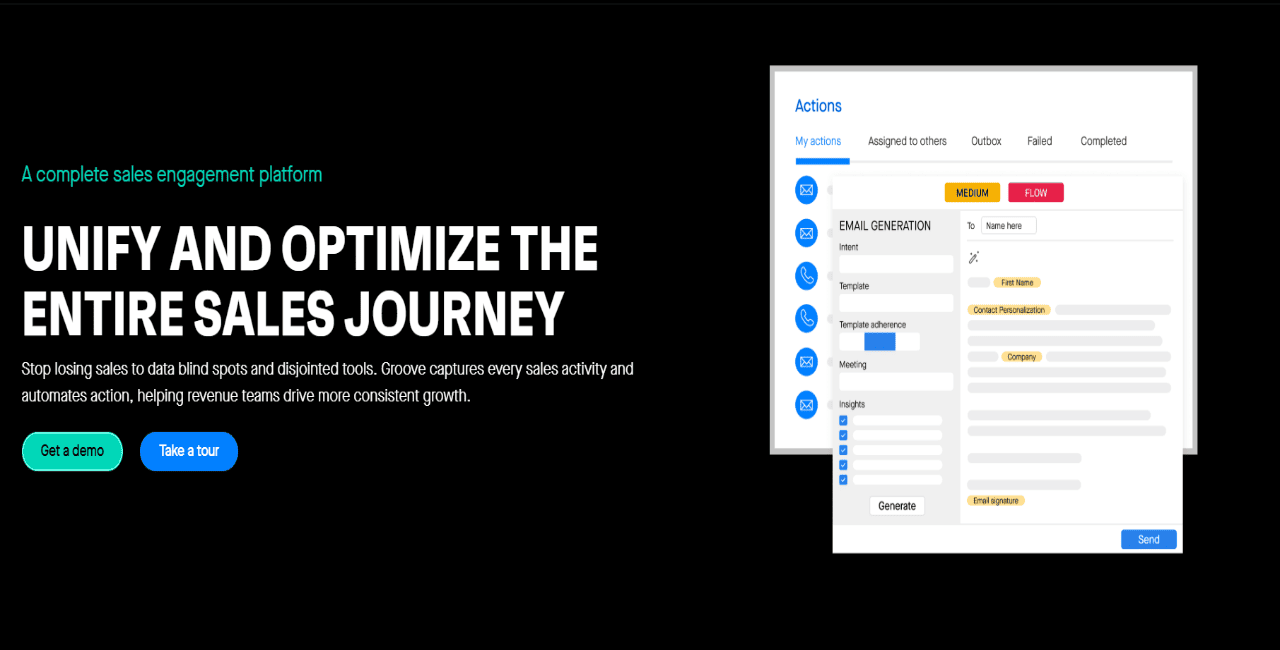
Groove: best for Salesforce-first sales teams

Groove is a strong Salesloft alternative for teams that already run most of their sales process inside Salesforce.

The platform is built around Salesforce-native workflows, so reps can handle emails, calls, activities, and engagement data without constantly bouncing between systems. One of its biggest strengths is automatic activity capture, especially for teams that are tired of relying on reps to update the CRM manually.

Groove makes the most sense when Salesforce sits at the center of the sales stack. For teams using a different CRM, or teams that want built-in prospecting and contact data, the value is more limited compared with platforms that combine engagement and data in one place.

Key features

  • Salesforce-native workflows: Runs sales engagement activity closely within Salesforce.
  • Auto-activity capture: Logs calls, emails, meetings, and activity data automatically.
  • Multichannel outreach: Supports email, call, and task-based engagement workflows.
  • Pipeline visibility: Gives managers better insight into rep activity and deal progress.

Pros

  • Strong fit for Salesforce teams
  • Easy for reps to adopt in Salesforce-heavy environments
  • Cuts down manual CRM work

Cons

  • Best for Salesforce users
  • No built-in prospecting database
  • Less flexible outside the Salesforce ecosystem
  • Can get expensive for smaller teams

Pricing:

Groove pricing is custom-quoted. Salesforce AppExchange lists a starting price of $50 per user per month, with a $10,000 company minimum.

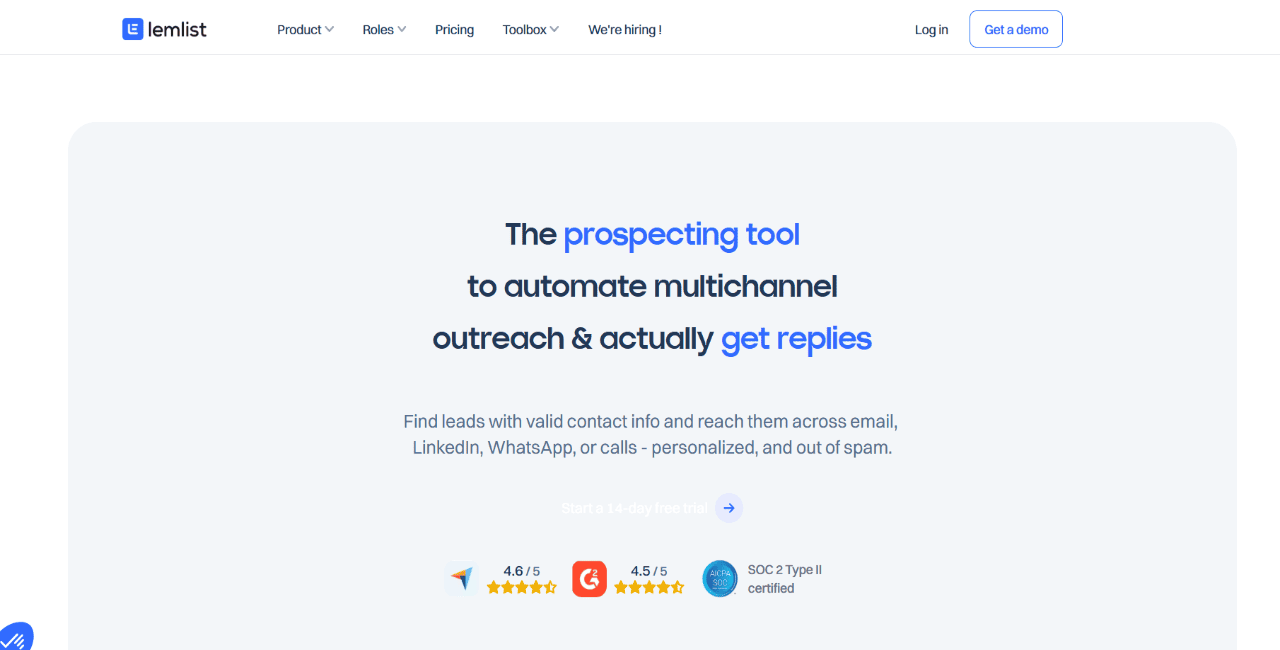
Lemlist: best for personalized cold email campaigns

Lemlist is a good fit for outbound teams that lean heavily on personalized cold email.

The platform supports email personalization, deliverability tools, warm-up, lead finding, and multichannel touches on higher-tier plans. Its strongest use case is still personalized email campaigns, especially ones that use custom text, images, and other dynamic elements to make messages feel less templated.

Lemlist has definitely moved beyond email-only outreach, with LinkedIn automation, WhatsApp, SMS, and calling available on the Multichannel Expert plan or through add-ons. Still, teams that want deeper multichannel execution, stronger AI SDR workflows, and a broader outbound system may want something more complete.

Key features

  • Email personalization: Creates tailored cold emails with dynamic variables and visual elements.
  • Deliverability tools: Includes deliverability setup, warm-up, monitoring, and alerts.
  • Lead database: Includes access to a 600M+ lead database.
  • Multichannel outreach: Supports LinkedIn, WhatsApp, SMS, and calling on higher plans or add-ons.

Pros

  • Strong cold email personalization
  • Built-in lead database
  • Useful deliverability features
  • 14-day free trial

Cons

  • Multichannel features sit behind higher-tier plans
  • Add-ons can push the total cost up
  • Less ideal for more complex enterprise sales workflows

Pricing:

Lemlist pricing starts at $63 per user per month when billed annually. The Multichannel Expert plan starts at $87 per user per month.

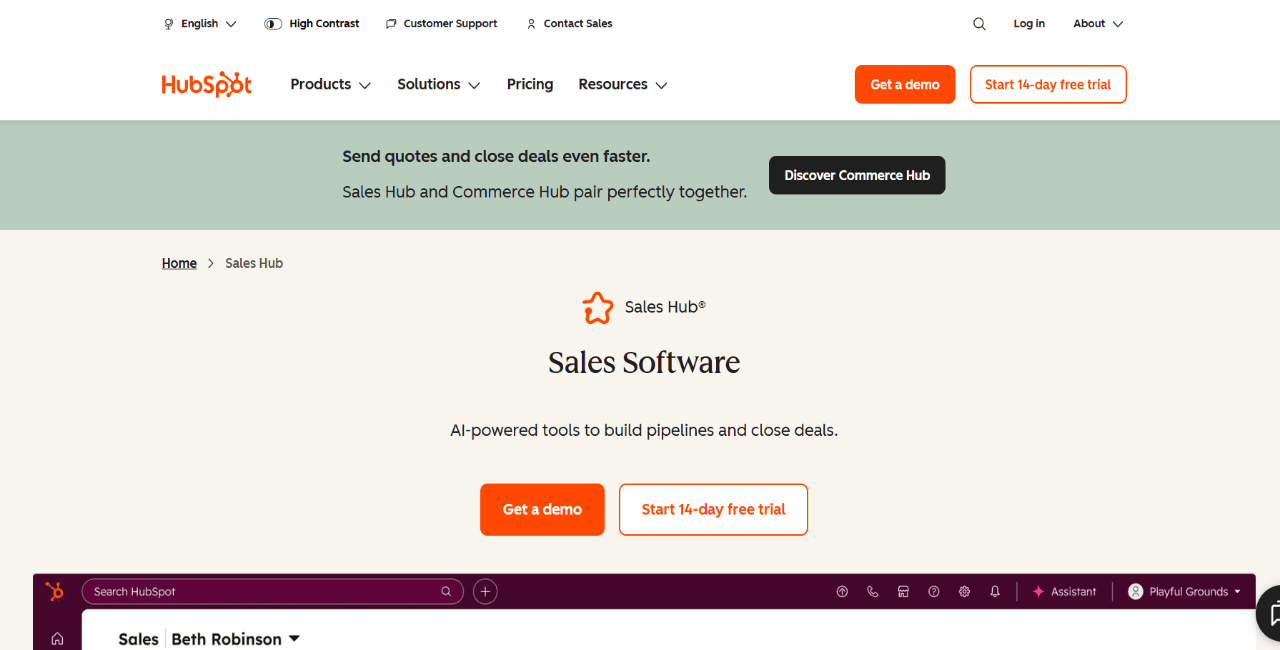
HubSpot Sales Hub: best for teams that want CRM + outreach in one system

HubSpot Sales Hub is a strong option for teams that want CRM, pipeline management, email tracking, meetings, quotes, and basic outreach automation all in one system.

HubSpot Sales Hub as one of the salesloft alternatives

Its biggest advantage is simplicity. Contact records, deal stages, activity history, and rep tasks all live in one place, which makes HubSpot easier to roll out than a lot of enterprise sales tools. For teams already using HubSpot CRM, Sales Hub is usually a pretty natural next step.

The trade-off is depth on the outreach side. HubSpot sequences are solid for basic email follow-up, but the platform is not as flexible as a dedicated sales engagement tool when it comes to more advanced multichannel outbound. And once you start needing stronger automation, reporting, or scale, you usually end up looking at higher-tier plans.

Key features

  • Built-in CRM: Manages contacts, companies, deals, and activity history.
  • Email sequences: Automates follow-up emails and rep tasks.
  • Meeting scheduler: Lets prospects book meetings from outreach emails.
  • Deal tracking: Monitors pipeline progress and sales activity.

Pros

  • Strong CRM foundation
  • Easy to adopt
  • Good email tracking and meeting tools
  • Free CRM available

Cons

  • Less sequence depth than dedicated tools
  • Advanced features get expensive fast
  • Not ideal for more sophisticated multichannel outbound

Pricing:

HubSpot Sales Hub has a free tier. Paid Sales Hub seats start at $20 per month, with Professional and Enterprise plans costing more.

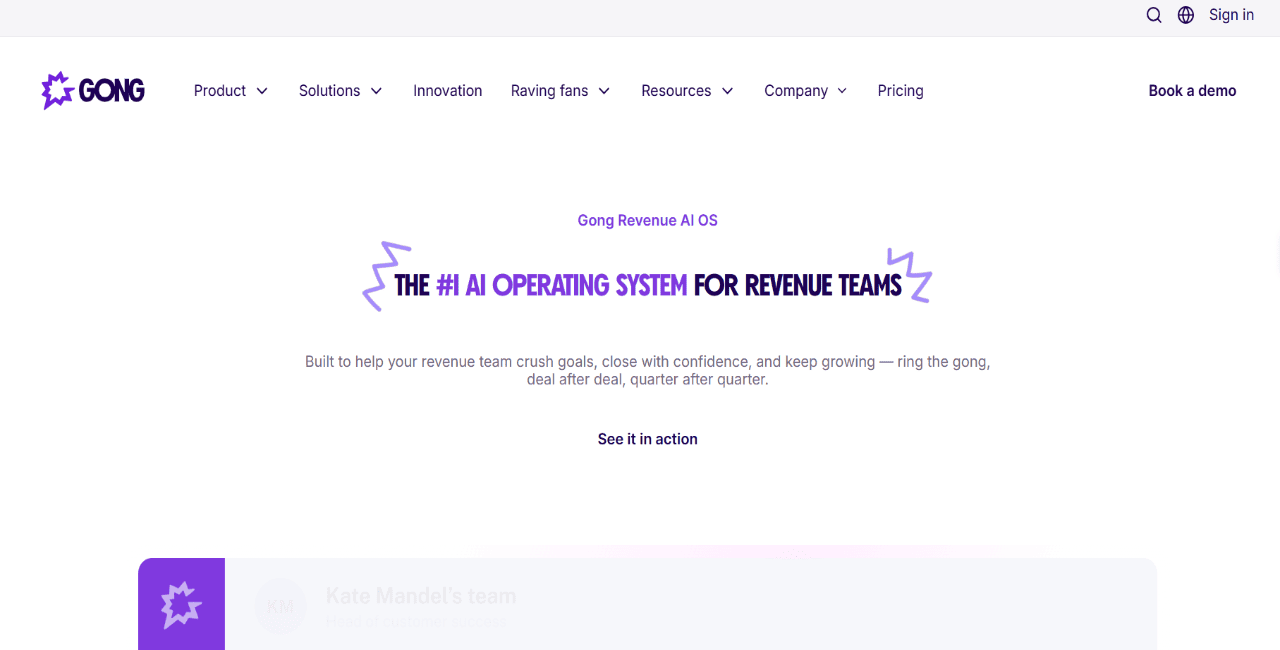
Gong: best for conversation intelligence and sales coaching

Gong is best known for conversation intelligence, call analysis, and sales coaching.

It records, transcribes, and analyzes customer conversations so managers can understand what is actually happening on calls without sitting in on every meeting. Teams use it to review objection handling, talk ratios, competitor mentions, deal risk, and coaching opportunities.

Gong as one of the salesloft alternatives

Gong also offers Gong Engage for outreach workflows, including flows with manual emails, automated emails, calls, LinkedIn steps, and tasks. Even with that, Gong’s main strength is still revenue intelligence and coaching. Teams that need built-in prospecting, large-scale outbound execution, and deliverability support will usually want a more outbound-first platform.

Key features

  • Call recording and transcription: Captures sales conversations automatically.
  • Conversation intelligence: Analyzes objections, talk patterns, and engagement.
  • Deal intelligence: Highlights deal risks and next steps.
  • Gong Engage: Supports outreach flows with email, calls, LinkedIn steps, and tasks.

Pros

  • Strong call analytics
  • Useful coaching workflows
  • Good deal visibility
  • Helps managers spot risk earlier

Cons

  • Pricing is custom
  • Not built around prospecting data
  • Can feel too heavy if all you need is outbound sequencing

Pricing:

Gong pricing is custom-quoted and typically includes per-user licenses plus a platform fee.

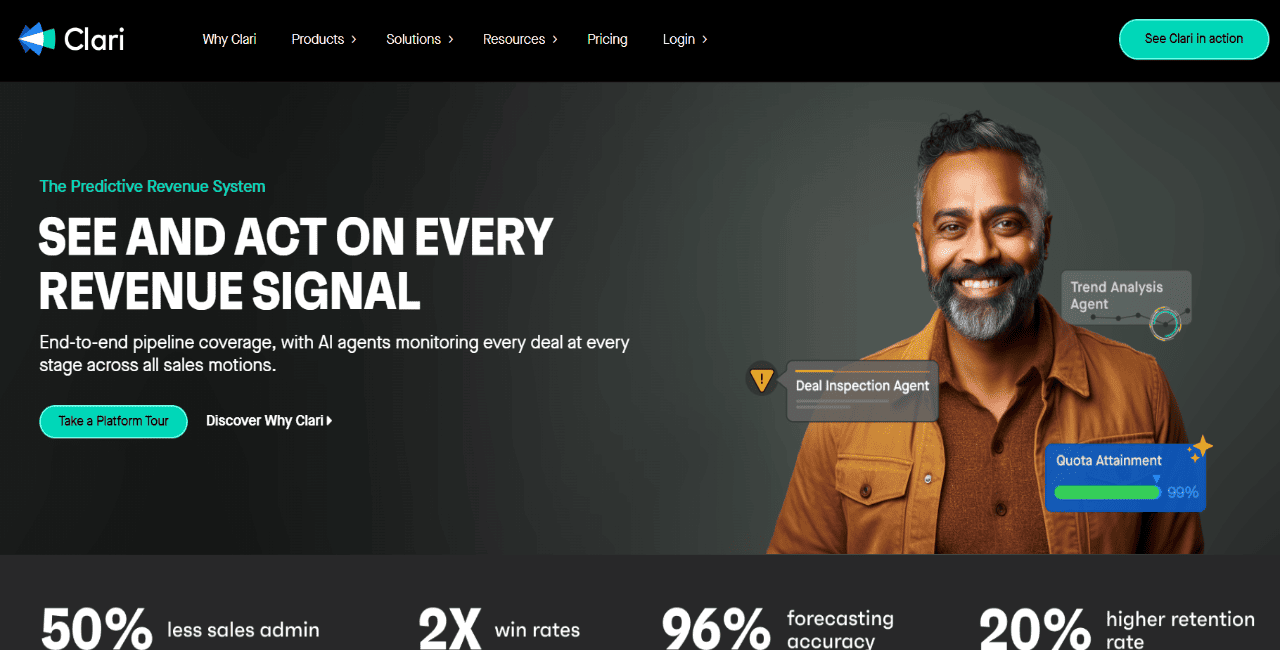
Clari: best for forecasting and revenue visibility

Clari is a revenue orchestration platform built for forecasting, pipeline inspection, and revenue visibility.

It pulls in data from CRM activity, email, calendar interactions, and sales workflows to help leaders understand where deals really stand and how reliable the forecast actually is. For revenue teams that spend too much time chasing updates ahead of forecast calls, Clari can bring a lot more structure to the process.

That said, Clari is not really a Salesloft replacement for outbound execution. It is not a day-to-day prospecting and sequencing tool for SDRs. It is a much better fit for sales leadership and RevOps teams that care most about forecast accuracy, deal inspection, and tighter pipeline discipline.

Key features

  • Revenue forecasting: Builds forecasts from pipeline and activity data.
  • Deal inspection: Surfaces deal health signals and at-risk opportunities.
  • CRM data capture: Helps reduce manual CRM updates.
  • Pipeline analytics: Tracks pipeline movement, coverage, and rep activity.

Pros

  • Strong forecasting capabilities
  • Useful deal visibility
  • Good fit for RevOps and leadership teams

Cons

  • Not a sales engagement platform
  • No built-in prospecting database
  • Custom enterprise pricing

Pricing:

Clari pricing is custom-quoted.

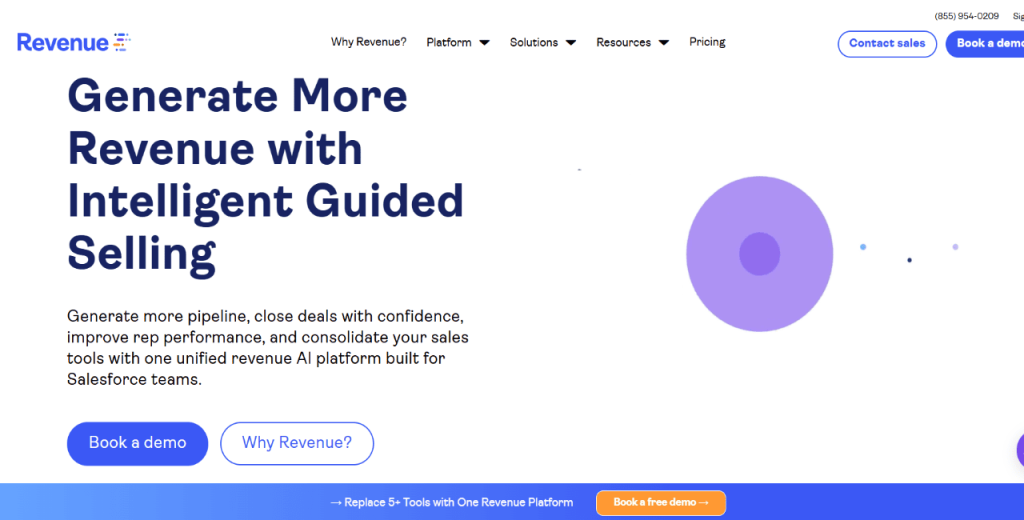
Revenue.io: best for Salesforce-native calling and guided selling

Revenue.io is a Salesforce-native revenue execution platform with a strong focus on calling, guided selling, conversation intelligence, and real-time coaching.

It is a good Salesloft alternative for teams that rely heavily on phone-based outbound and want reps working directly inside Salesforce. The platform includes dialing, call recording, conversation insights, AI guidance, and workflows that help reps take the right next step after each interaction.

Revenue.io also supports sales engagement, but its best use case is still Salesforce-centric teams that want to improve call execution and rep productivity. Teams outside Salesforce — or teams that want built-in prospecting data and broader multichannel outbound from one platform — may find it less flexible.

Key features

  • Native dialer: Supports calling, routing, recording, and Salesforce activity logging.
  • Real-time coaching: Gives reps prompts and guidance during calls.
  • Guided selling: Recommends next actions based on lead and account activity.
  • Salesforce-native workflows: Keeps activity and engagement data inside Salesforce.

Pros

  • Strong calling experience
  • Real-time coaching
  • Deep Salesforce fit
  • Useful for call-heavy sales teams

Cons

  • Best suited for Salesforce users
  • No built-in B2B database
  • Less flexible for non-Salesforce teams

Pricing:

Revenue.io pricing is custom-quoted.

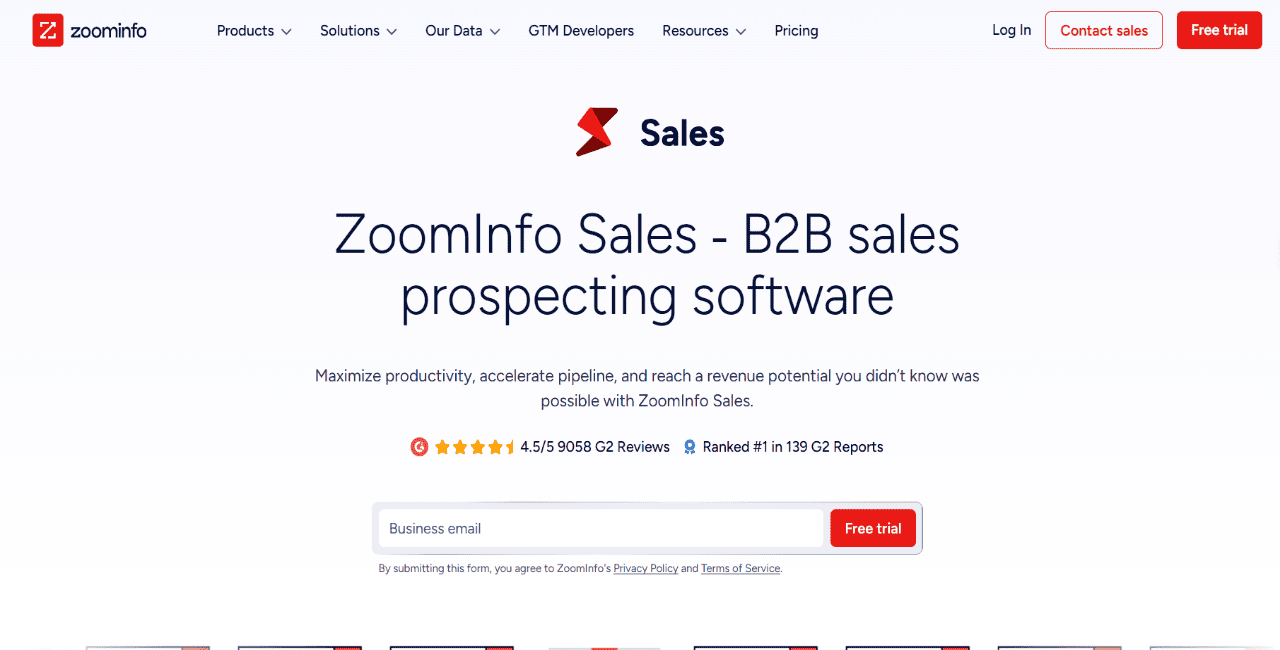
ZoomInfo Sales: best for data-driven prospecting at scale

ZoomInfo Sales is one of the stronger Salesloft alternatives for teams that care most about B2B data depth.

SalesOS gives reps access to company data, contact data, intent signals, org charts, enrichment, website visitor tracking, and sales engagement features. It is especially useful for teams building large, targeted prospect lists based on firmographics, technographics, buying signals, and account fit.

The trade-off is pretty obvious: cost and complexity. ZoomInfo is powerful, but for smaller teams it can easily be more than they need. And while its engagement features are useful, teams that want advanced AI personalization, deliverability, and deeper multichannel sequencing may still lean toward a dedicated sales engagement platform.

Key features

  • B2B database: Searches large contact and company datasets with advanced filters.
  • Intent data: Identifies accounts showing active buying signals.
  • Contact enrichment: Updates CRM records with missing or outdated data.
  • Sales engagement: Supports scalable outreach through ZoomInfo Engage.

Pros

  • Extensive B2B database
  • Strong intent and enrichment capabilities
  • Useful for larger outbound teams

Cons

  • Expensive for smaller teams
  • Pricing is not public
  • Outreach execution may still not replace a dedicated engagement platform

Pricing:

ZoomInfo pricing isn’t publicly advertised. Third-party pricing research commonly reports entry-level annual contracts starting around $14,995.

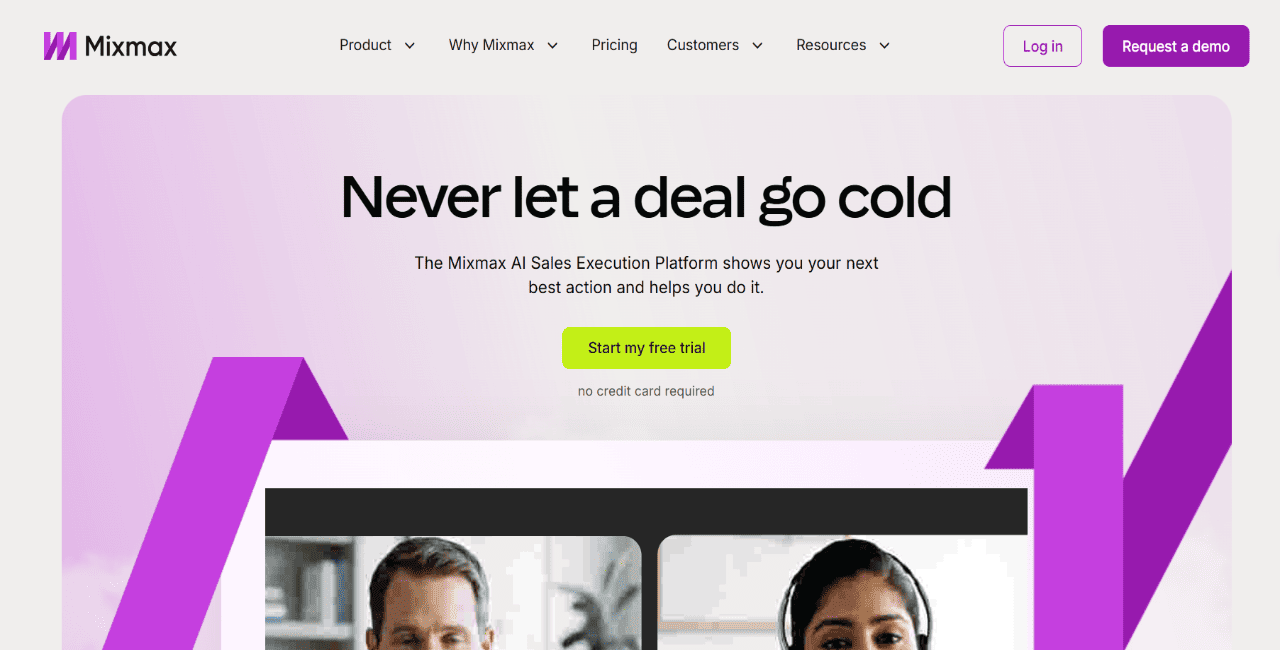
Mixmax: best for Gmail-based outreach

Mixmax is a practical Salesloft alternative for reps who do most of their outreach from Gmail.

It adds email tracking, sequences, meeting scheduling, reminders, templates, and workflow automation directly inside the inbox. Setup is fast, and because the whole experience is Gmail-native, it is easy for individual reps and smaller teams to start using without a heavy implementation process.

Mixmax now includes broader sales execution features too, including multichannel sequences, AI sequence building, Salesforce sync, and add-ons for dialer and SMS. Still, it makes the most sense for Gmail-based teams. If you need a standalone outbound platform with built-in prospecting and deeper campaign infrastructure, you will probably want something more robust.

Key features

  • Gmail-native workflow: Runs tracking, scheduling, and sequences from Gmail.
  • Email tracking: Monitors opens, clicks, and replies.
  • Meeting scheduler: Adds booking links directly into emails.
  • Sequences: Supports email and multichannel sequences on the Engagement Copilot plan.

Pros

  • Quick setup
  • Strong Gmail experience
  • Useful scheduling and tracking
  • Free plan available

Cons

  • Best suited for Gmail users
  • Full sequencing requires a higher-tier plan
  • Dialer and SMS are add-ons
  • Less scalable than enterprise sales engagement platforms

Pricing:

Mixmax has a free plan. Paid plans start at $29 per user per month, while the Engagement Copilot plan with sequences starts at $49 per user per month when billed annually.

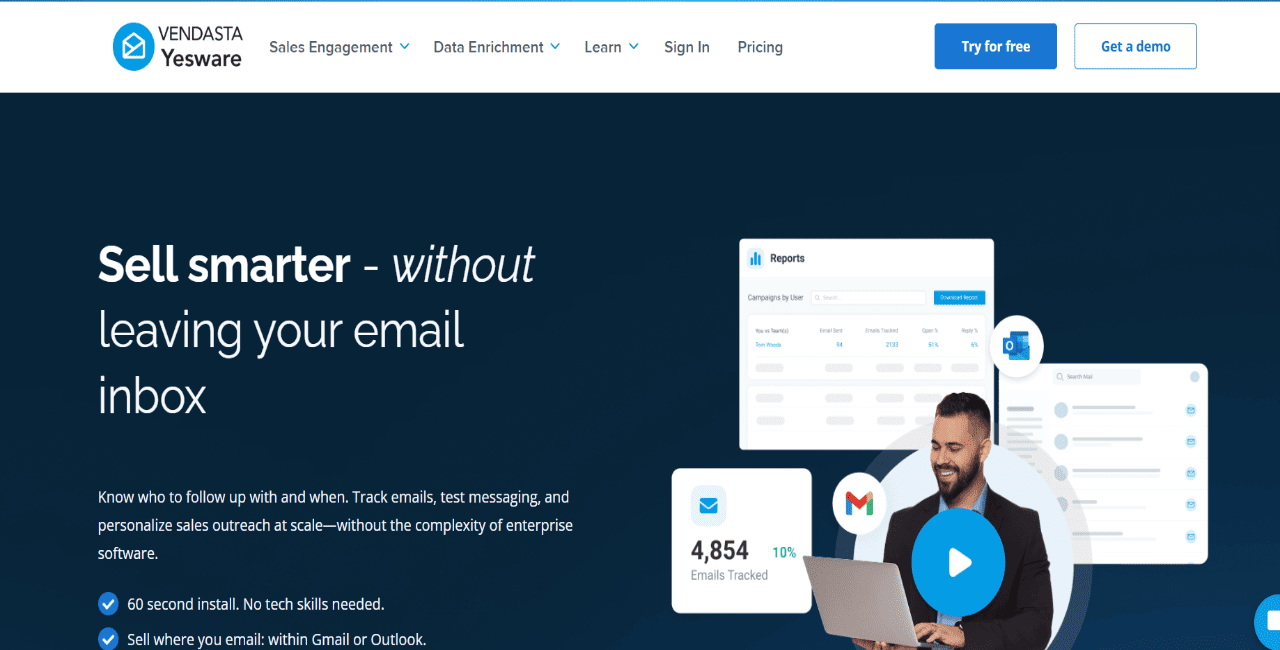
Yesware: best for email tracking and lightweight sales workflows

Yesware is a lightweight sales engagement tool for reps who want email tracking, templates, campaigns, and CRM sync inside Gmail or Outlook.

It is a good fit for individual sellers and smaller teams that want visibility into prospect engagement without rolling out a full enterprise platform. Reps can track opens, clicks, attachment views, and replies, then use that data to time follow-ups better.

The limitation is depth. Yesware works well for email-led workflows, but it does not offer the same level of multichannel sequencing, prospecting data, AI automation, or deliverability infrastructure as a more complete outbound platform.

Key features

  • Email tracking: Tracks opens, clicks, replies, and attachment engagement.
  • Template library: Saves and shares reusable email templates.
  • Campaigns: Supports lightweight email campaign workflows.
  • CRM sync: Syncs activity with Salesforce on supported plans.

Pros

  • Easy to set up
  • Works in Gmail and Outlook
  • Good fit for individual reps
  • Free plan available

Cons

  • Limited multichannel outreach
  • No built-in B2B database
  • Basic automation compared with larger platforms

Pricing:

Yesware has a free plan. Paid plans start at $19 per seat per month on monthly billing, with Premium starting at $45 per seat per month.

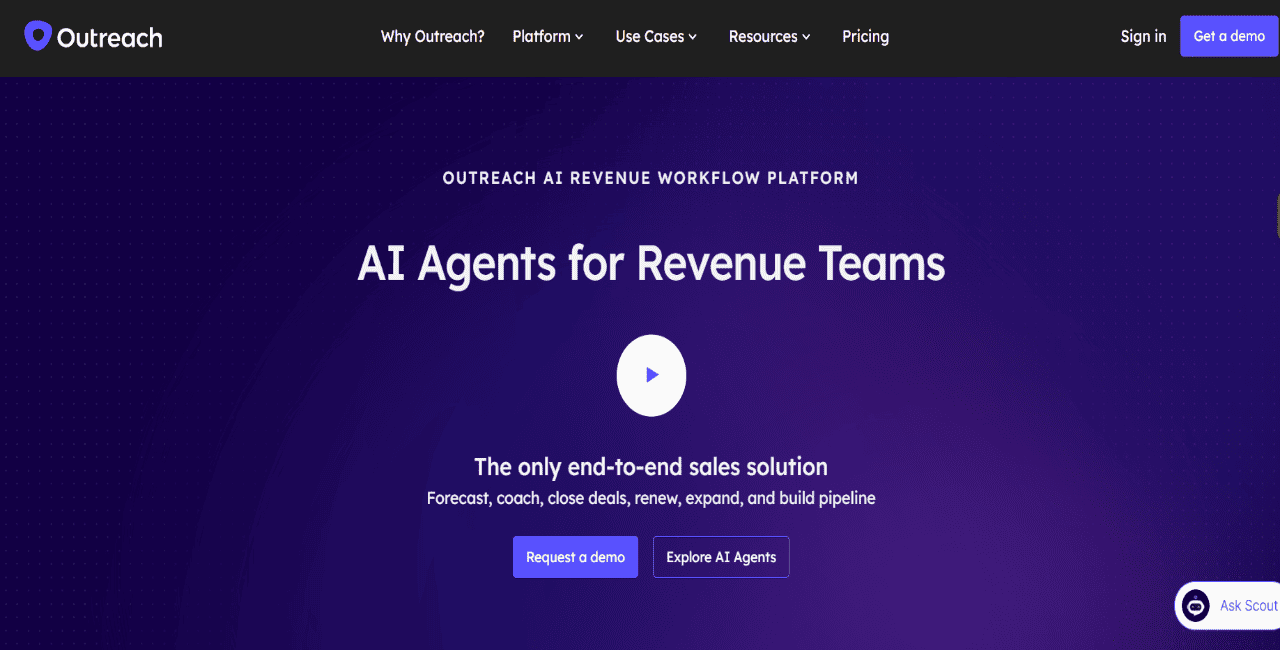
Outreach: best for enterprise sales teams that need deep sequence control

Outreach is one of the closest Salesloft alternatives for enterprise sales engagement.

It supports complex sequences, AI-powered workflows, calls, emails, task management, deal workflows, forecasting, coaching, and sales execution across large teams. For mature sales orgs with RevOps support, Outreach gives you the control and reporting needed to standardize outbound across a lot of reps and territories.

The downside is complexity. Outreach is built for bigger, process-heavy sales teams, so smaller companies may have a harder time justifying the implementation effort, admin load, and pricing. It is a powerful platform, no question, but the team and operating model need to match it.

Key features

  • Advanced sequences: Builds multi-step outreach workflows with automation and personalization.
  • AI sales engagement: Helps reps prioritize and personalize outreach.
  • Pipeline and deal workflows: Supports sales execution beyond top-of-funnel prospecting.
  • CRM integration: Syncs activity and data with core sales systems.

Pros

  • Powerful sequence builder
  • Strong enterprise workflow depth
  • Good analytics and rep visibility
  • Useful for large sales organizations

Cons

  • Custom pricing
  • Steep learning curve
  • Requires admin and RevOps support
  • Can be too complex for smaller teams

Pricing:

Outreach pricing is custom-quoted. Capterra lists separate pricing packages for Engage, Call, Meet, Deal, Forecast, and Amplify, all available by custom quote.

Build a sales engagement stack that removes friction

The right Salesloft alternative depends on where your current workflow needs improvement and/or automation, be it prospecting, outreach, LinkedIn, personalization, or CRM execution.

Before picking a platform, take a hard look at how much of your sales process still runs on manual work or disconnected tools. In most cases, the better setup is the one that pulls more of those moving parts into one place without turning the system into a stitched-together stack.

If your team wants built-in lead generation, AI-powered outreach, and multichannel sequences all in one workflow, Reply.io is definitely one to look at. You can start with the free 14-day trial and see how it fits your sales motion.

FAQ: Salesloft alternatives

Is there a free version of Salesloft?

No. Salesloft does not have a free plan, and it does not publicly offer a free trial either. If you want pricing or a demo, you have to go through their sales team.

How much does Salesloft cost?

Salesloft does not list pricing on its site. Most third-party estimates put it somewhere around $75+ per user per month, but the actual number depends on seat count, package, contract terms, and whatever add-ons are included.

What is the best Salesloft alternative?

That really depends on how your team sells. Reply.io is a strong option for teams that want prospecting, multichannel outreach, AI automation, deliverability, and meeting booking all in one place.

What should you look for in a Salesloft alternative?

Look for strong sequencing, solid CRM integration, deliverability support, reporting, AI automation, and built-in data access. The less your reps have to jump between tools, the easier outbound becomes to run and scale.

Is Salesloft better than Outreach?

They’re both enterprise sales engagement platforms, but they are not identical. Salesloft is often picked for cadence management and ease of use, while Outreach tends to be the better fit for more complex enterprise workflows and tighter sequence control.

Subscribe to our blog to receive the latest updates from the world of sales and marketing.
Stay up to date.

In this article

Your Superhuman SDR

Jason learns your product, tone, and strategy — then runs outreach with the precision of your best rep.

Your Superhuman SDR
Book a demo

Related Articles

What’s New in Reply: New API, AI Custom Fields, LinkedIn Enrichment, and More

What’s New in Reply: New API, AI Custom Fields, LinkedIn Enrichment, and More

What’s New in Reply: New API, AI Custom Fields, LinkedIn Enrichment, and More
Top 12 Cognism Alternatives for Finding Leads in 2026

Top 12 Cognism Alternatives for Finding Leads in 2026

Top 12 Cognism Alternatives for Finding Leads in 2026
Mailtrap Review 2026: Is This Email API the Right Fit for Your Team?

Mailtrap Review 2026: Is This Email API the Right Fit for Your Team?

Mailtrap Review 2026: Is This Email API the Right Fit for Your Team?