
LinkedIn has long established itself as the main arena for prospecting, partnerships, and hiring. As a result, more and more individuals and businesses began ramping up their volume of outreach, and at the same time, new LinkedIn software and features started coming to life.
LinkedIn didn’t just stand aside, however, and has actually become stricter with its policies when it comes to mass messaging and automations. And to make things even more challenging, nowadays, users are much quicker to ignore (or report) anything that feels like a mass blast.
So mass outreach can’t just be a volume game anymore. Pushing out large batches of generic messages is inefficient, risky for your account, and, let’s be honest, not exactly a great look for your brand.
This guide walks through how to send mass messages on LinkedIn in 2026 in a way that’s scalable, compliant with platform limits, and actually effective.
We’ll look at manual and automated approaches, how to build a sleek AI-powered workflow, and the best practices and limits you should stick to so LinkedIn outreach becomes a repeatable system — not a series of one-off campaigns you have to constantly build and monitor.
What is LinkedIn mass outreach?
Just to avoid any confusion, LinkedIn mass outreach is the process of sending a similar, campaign-specific message to a larger group of prospects in a structured way. The aim is to cover enough of your market to reliably generate pipeline, while still making each individual message feel relevant and one-to-one.
In practice, mass outreach on LinkedIn typically runs through a few main approaches:
- Direct messages to 1st-degree connections
- Connection requests with short personalized notes
- InMails to people outside your network (available to paid users only)
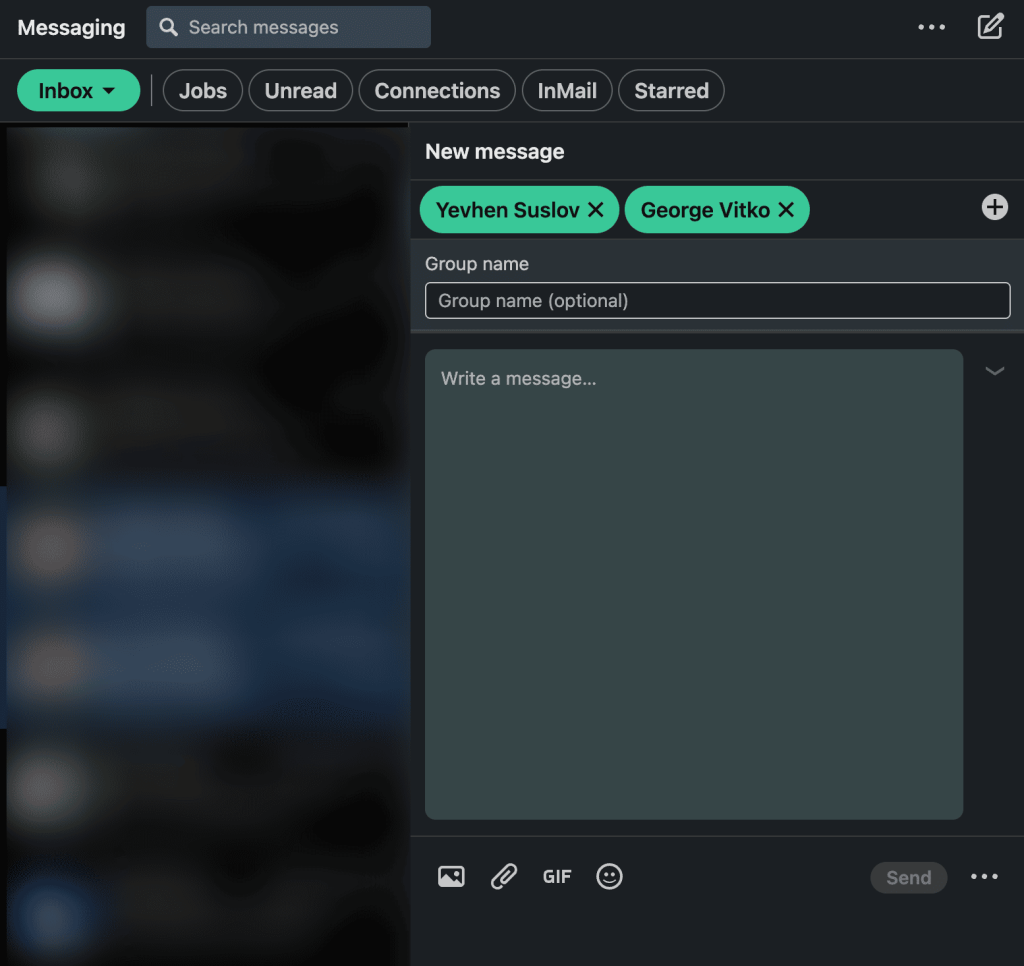
- Group conversations with multiple 1st-degree connections
- Outreach coordinated around LinkedIn groups and events
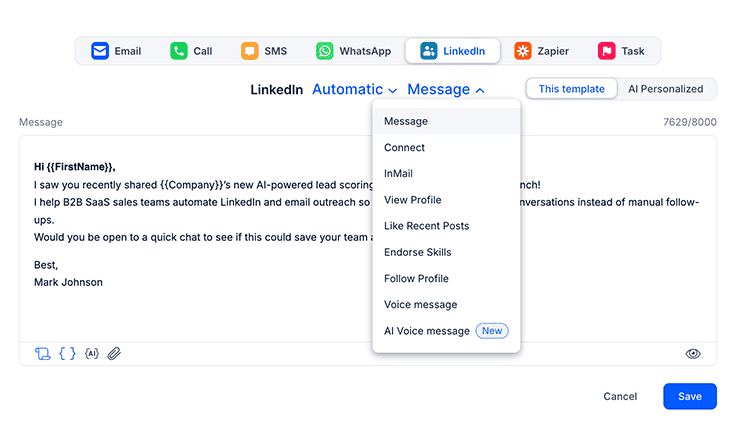
- LinkedIn messages as part of a broader multichannel campaign
When it comes to LinkedIn outreach, “mass” definitely does not mean hammering thousands of messages a day from a single profile. LinkedIn’s protections are tighter, so most teams operate within relatively modest ranges for invitations and messages to avoid warnings, limits, and temporary bans.
That’s why the difference between “mass” and “spam” matters. Effective mass outreach is segment-based and relevance-first.
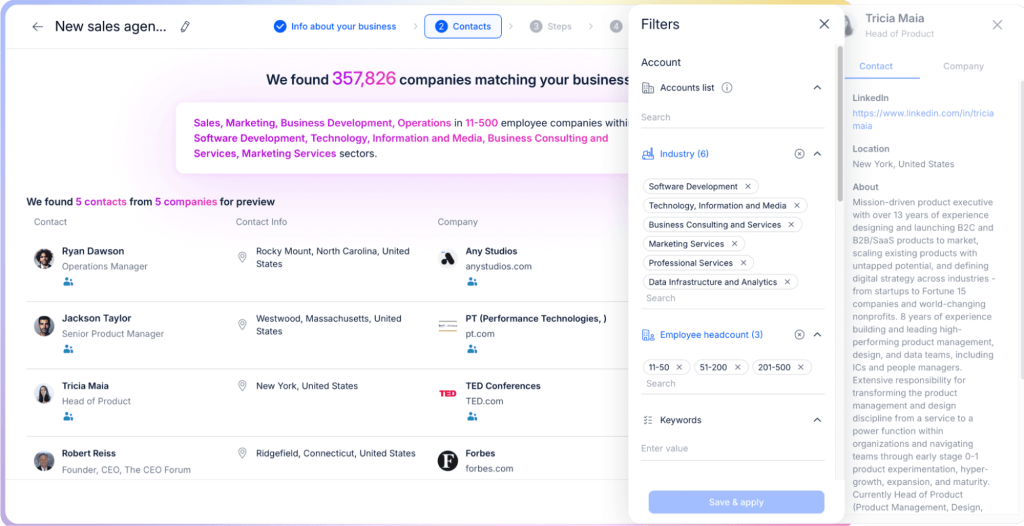
It leans on clear ICPs (ideal customer profiles), segmented lists, and messages anchored in real and relevant context, with smart pacing and limits that keep accounts healthy in the long run.
Once all those pieces are in place, and your LinkedIn profile is optimized for social selling, mass outreach becomes a disciplined, repeatable way to start conversations.