
You’ve probably sent hundreds of cold emails this year. Some were opened, a few got replies, but most just disappeared into the crowded inboxes. The problem might not even be your copy or your subject lines. You might have followed all the best practices and copywriting formulas, but getting replies is just difficult.
That’s where trigger-based marketing comes in. The problem might be your timing. Traditional marketing approaches have conditioned us to play a numbers game. Send 1,000 emails, get 20 replies, book 3 meetings, rinse and repeat. It’s exhausting and inefficient.
Don’t get me wrong, it’s still a numbers game, but trigger-based marketing shortens sales cycles and boosts conversions by helping you reach out to people when they’re already thinking about solutions like yours. So you can still send as many emails as possible, but you’ll be doing so to the right prospects at the right time.
This guide will walk you through exactly how to build trigger-based marketing campaigns that actually work. You’ll learn which triggers to track, how to automate your workflows, and how to write emails that feel personal rather than pushy.
What is trigger-based marketing?
This is a marketing tactic that automatically starts when a prospect shows a specific behavior or triggers a particular event. This could be them downloading your white paper, their company announcing a funding round, or visiting your competitors’ websites.
These events automatically trigger a predetermined sequence of actions, whether that’s an email, a LinkedIn message, or a call.
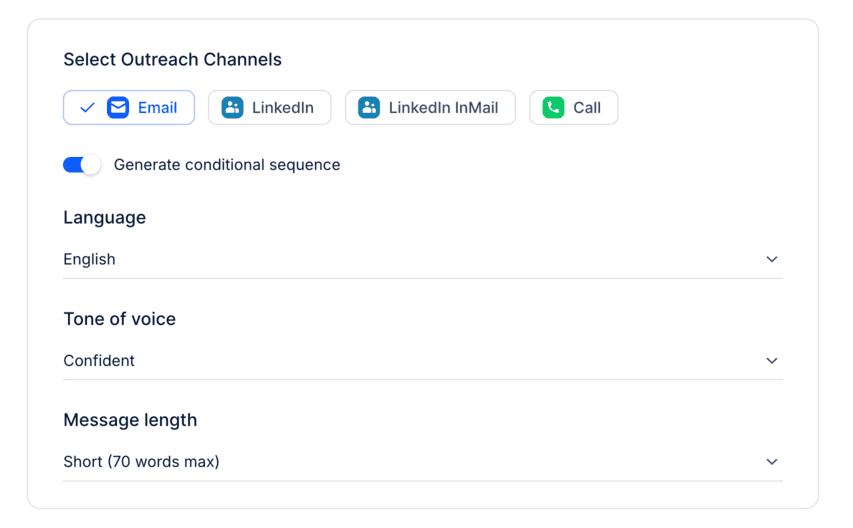
This happens through sales engagement platforms like Reply.io that constantly monitor data sources for your triggers. For example, let’s say you are selling a project management software, and one of your prospects viewed your pricing page three times and attended your webinar.
Behavioral triggers show they are interested in your product. Trigger-based strategies, such as an aftermarket auto parts PPC advertising campaign, can serve as a practical example of re-engaging customers to boost repeat sales. Your automation tool will automatically enroll them in a targeted email sequence that addresses common pricing questions, share case studies from similar companies, and offer a personalized demo, all without your sales team lifting a finger until the prospect replies.
Why does trigger-based marketing work?
The reason trigger marketing works so well comes down to basic psychology. We pay attention to things that feel relevant to our current situation, and we ignore everything else. That’s selective attention. When someone emails you about solving a problem you’re actively dealing with, it feels like they are coming to you with a solution to a problem and not just another cold email.
Traditional outbound relies on volume and persistence to eventually catch people at the right time. Trigger-based approaches flip this entire model. When a VP at your target account gets promoted, you don’t wait until next Tuesday’s sending window, you reach out within hours with congratulations and a relevant value proposition.
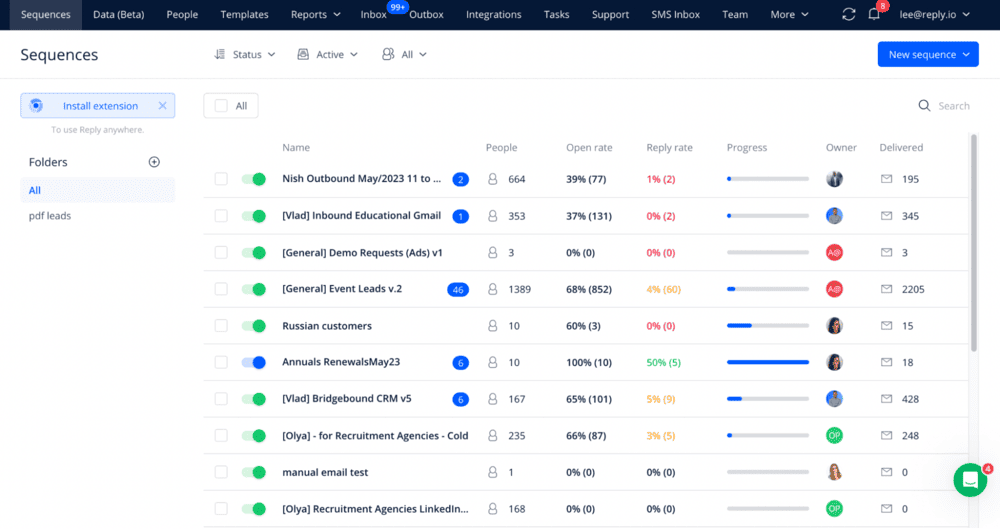
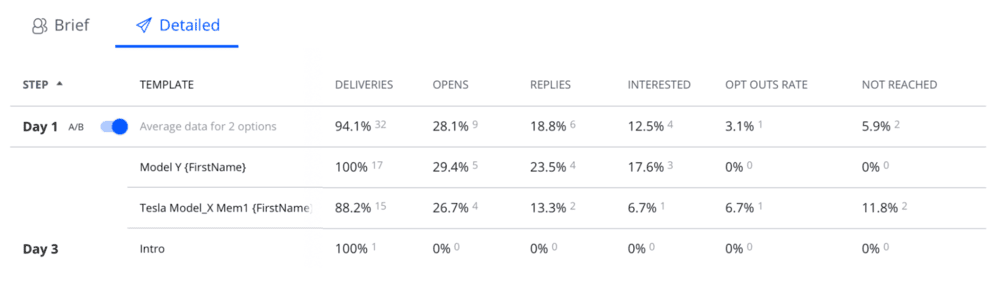
The performance numbers back this up across real companies. When The Next Web implemented personalized, trigger-based sequences using Reply.io, they saw an average open rate of 74% and a 34% CTR. They also personalized subject lines with recipient names and company details based on how they interacted with their website.
One question to sum this up: If someone just downloaded your case study, visited your pricing page, and returned to your website twice in one week, wouldn’t you rather talk to them first than someone who’s never heard of you?