
Top 11 Marketing Tools for Agencies in 2026 to Find and Reach Prospects

Top 11 Marketing Tools for Agencies in 2026 to Find and Reach Prospects

If you’re running an agency, you’re probably managing outreach for multiple clients and juggling different ICPs, all while trying to hit pipeline targets at the same time. 

The marketing tools you choose determine how much of that you can do efficiently, and how much ends up falling through the cracks.

Of course, the market is chock-full of options, but not all of them can handle agency work. Some are great for solo operators and small marketing teams, but crumble under the weight of multiple client accounts. 

This article will walk you through 12 top marketing automation tools for agencies that can get the job done in 2026. 

Quick overview: Top marketing automation tools for agencies

Here’s a comparison table giving you a quick overview before we get into the features, pricing plans, pros and cons, and so on: 

Tool Best for Suited for Key feature Starting price
Reply.io Lead generation & multichannel outbound  Outbound and B2B growth agencies Lead database, multichannel sequences, AI personalization $49/user/mo
HubSpot Inbound lead generation and client lifecycle management Full-service and inbound marketing agencies Behavioral triggers + attribution reporting $15/seat/mo
Clay AI-powered lead enrichment and prospect research Outbound prospecting agencies Waterfall enrichment + Claygent AI research $149/mo
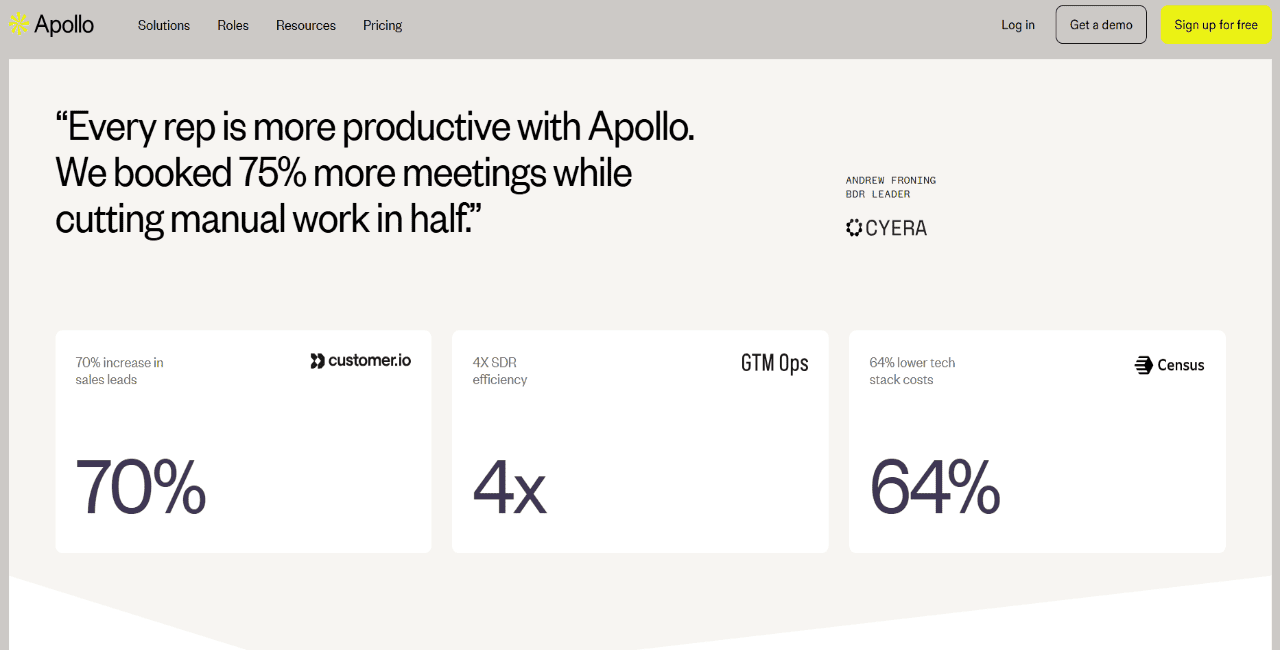
Apollo.io Prospect database + outbound sequencing Lean outbound agencies 275M+ contact database + intent signals $49/user/mo
LinkedIn Sales Navigator LinkedIn-based account targeting ABM and LinkedIn outreach agencies Native LinkedIn data + buying signal tracking $99/user/mo
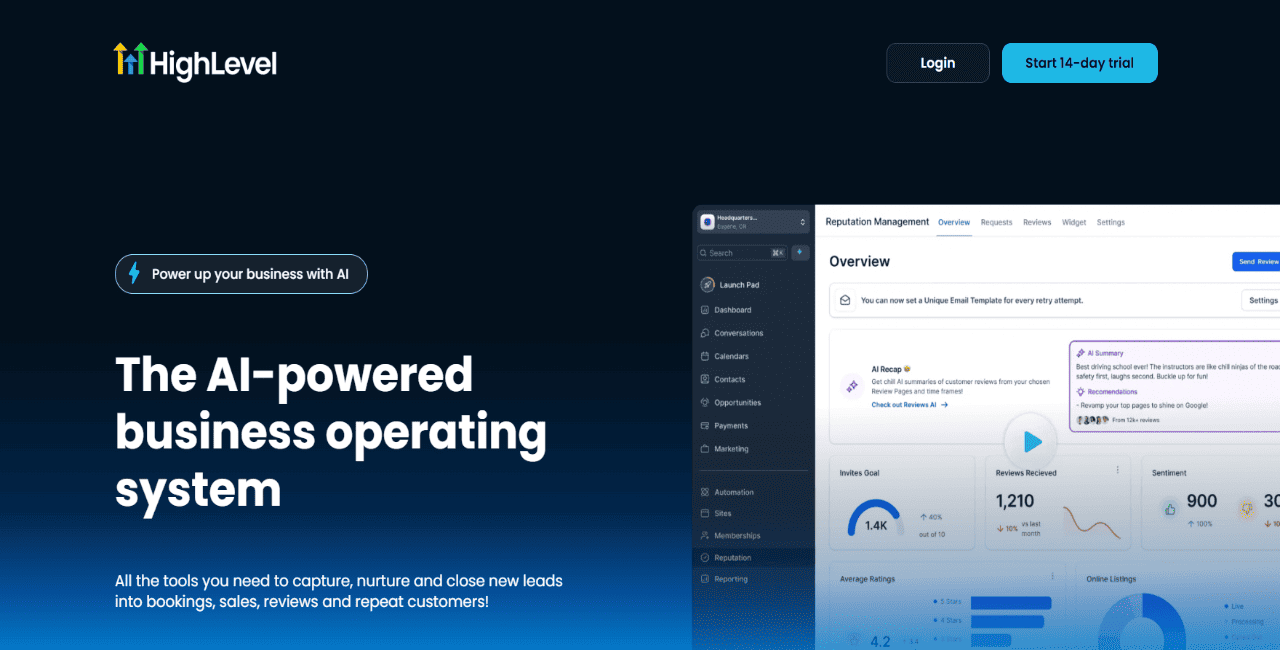
GoHighLevel White-label agency CRM and automation Agencies managing SMB clients White-label portals + funnel builder $97/mo
ActiveCampaign Email nurture automation Email marketing agencies Conditional workflows + behavioral triggers $19/mo
Unbounce Conversion-focused landing pages Performance marketing agencies Smart Traffic + AI landing page builder $99/mo
Zapier Marketing workflow automation Agencies with large SaaS stacks 6,000+ app integrations + multi-step workflows $19.99/mo
Make Visual automation Technical and RevOps agencies Visual workflow builder + complex logic $9/mo
LeadIQ LinkedIn prospect capture Outbound sales agencies One-click LinkedIn capture + job change alerts $45/user/mo

How did we choose the marketing tools for agencies?

To build this list, we focused on what modern agencies actually care about: can the tool handle multiple clients, help campaigns run better, and scale without making operations harder than they need to be.

More specifically, here are the main factors we evaluated:

  • Multi-client workflows → we gave preference to tools that make multi-client management smooth, with proper separation between client accounts, campaigns, data, permissions, and reporting.

  • Channel coverage and automation depth → we looked for tools that can run campaigns across the main channels like email, LinkedIn, ads, etc., while also triggering actions based on replies, behavior, and engagement.

  • Data quality and prospecting value → bad data wastes spend, hurts deliverability, and weakens results, so we looked at how each platform handles sourcing, verification, and data enrichment.

  • Integrations with the agency tech stack → most agencies already rely on CRMs, reporting dashboards, enrichment tools, ad platforms, and client communication systems, so we leaned toward tools that fit neatly into existing workflows.

  • Reporting, analytics, and client visibility → we looked at whether each tool offers clear performance data, campaign-level insights, and reporting that works for both internal optimization and client-facing updates.

  • Pricing, scalability, and support → a tool that works fine for five clients can become too expensive or too messy at fifty, so we considered pricing structure, scalability, security, compliance features, and the quality of customer support.
Building Outbound from Scratch

Building Outbound from Scratch: 2026 Playbook

We broke down what actually works in outbound. No fluff. No theory. Just real steps you can use right away.

Inside this playbook, you’ll learn how to find the right companies, reach out with messages that get replies, and build a simple outbound system from zero.

If you’re starting outbound or trying to fix what’s not working, this will save you a lot of time.

Grab your copy and start booking more meetings.

Best marketing tools for agencies

With capabilities such as multichannel sequencing, AI-powered prospecting, PPC intelligence, lead enrichment, and workflow automation, the tools below cover the key stages of how agencies find and reach prospects.

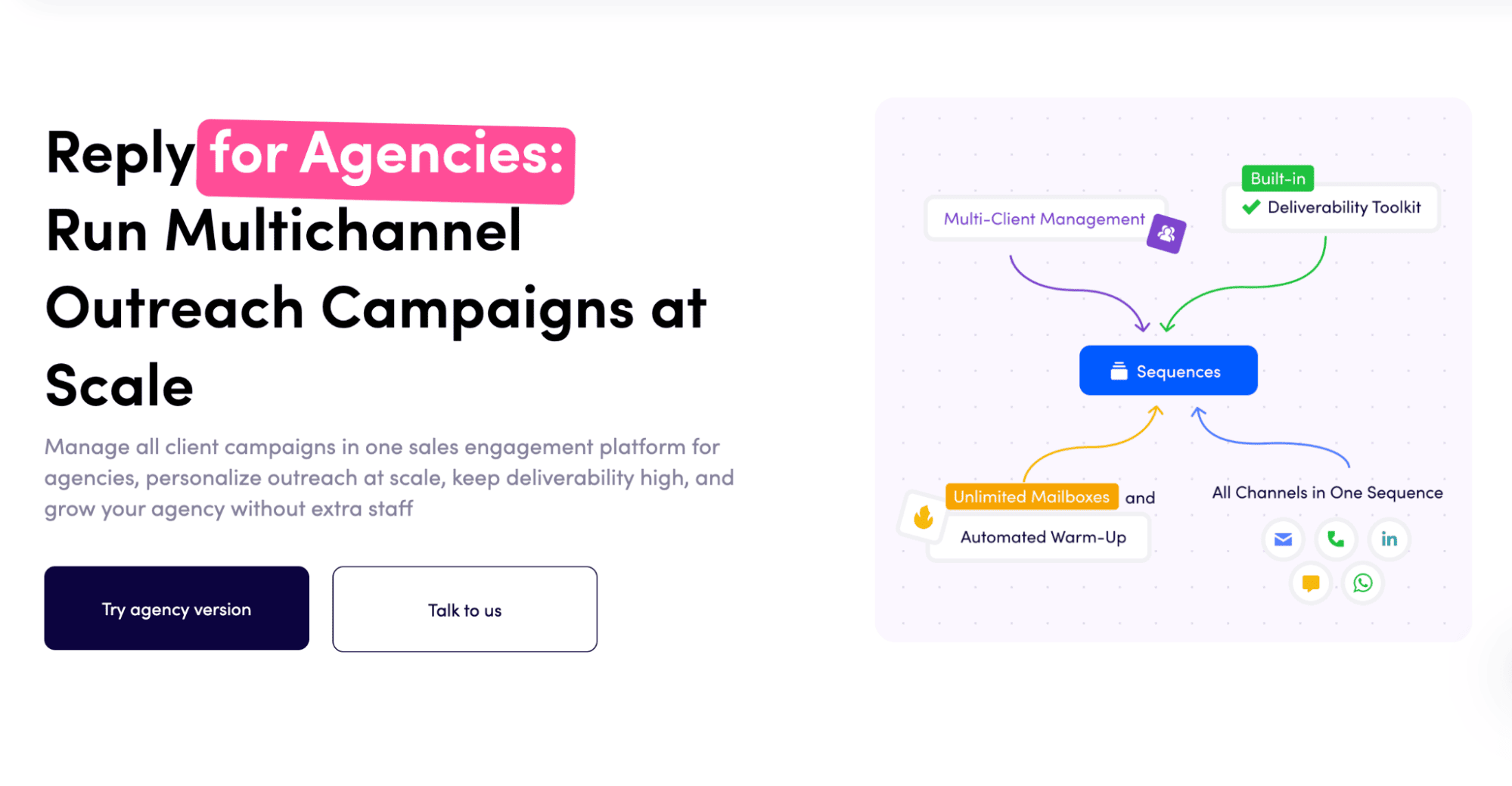
Reply.io — Best for lead gen and multichannel outbound

Reply.io is one of the strongest marketing tools for agencies that run outbound, lead generation, or demand generation campaigns for multiple clients. Instead of using separate tools for prospecting, enrichment, email outreach, LinkedIn automation, deliverability, and reporting, agencies can manage the full workflow in one platform.

For client work, the biggest advantage is structure. Reply’s agency plan is built for teams running outreach on behalf of customers, with siloed client workspaces, role-based permissions, unlimited clients and users, unlimited mailboxes, unlimited email warm-up, an agency dashboard, and support for managing campaigns without mixing data between accounts. Agencies pay based on usage rather than the number of clients or mailboxes they add, which makes the setup easier to scale as the client base grows.

Reply also gives agencies a native B2B database with 1B+ contacts, multichannel sequences across email, LinkedIn, WhatsApp, SMS, and calls, AI personalization, deliverability tools, and analytics. For agencies that need to launch campaigns quickly without building a large team, that unified workflow is the real differentiator.

Another major advantage is Reply’s white-label option. Agencies can rebrand the platform with their own logo, colors, custom domain, and client-facing experience, then offer AI-powered sales automation under their own brand instead of sending clients into a third-party tool. It’s especially useful for agencies that want to productize outbound services, resell outreach infrastructure, or give clients a branded portal without developing the technology in-house.

Key features:

  • Multichannel outreach sequences
  • B2B database with email validation and enrichment
  • Agency workspaces with role-based permissions
  • Agency dashboard and reporting
  • White-label platform option
  • Unlimited clients, users, mailboxes, and email warm-up on agency plans
  • AI personalization at scale + Jason AI (AI sales agent) 
  • Email deliverability tools

Pricing: 

Reply.io offers a 14-day free trial. Email plans start at $49/month, while the dedicated agency plan starts at $210/month.

HubSpot — Best for inbound lead generation and client lifecycle management

HubSpot makes sense for agencies running inbound campaigns, lead capture, nurture flows, and client reporting inside one connected system. You get CRM, forms, landing pages, email marketing, automation, ad tools, attribution reporting, and pipeline visibility in the same place, which is useful when the agency owns more than just top-of-funnel work.

For agencies, the biggest upside is lifecycle management. You can capture leads through forms and landing pages, segment them inside the CRM, trigger nurture workflows based on behavior, and show how marketing activity is influencing pipeline. That makes HubSpot a strong fit for inbound, content, demand gen, and broader full-service agency work.

It’s not really built around outbound prospecting. Yes, HubSpot can handle sequences and sales workflows, but it’s not the platform most teams choose for high-volume multichannel outreach or native B2B data sourcing.

Key features: CRM, marketing automation, landing pages, forms, attribution reporting, pipeline management, integrations.

Pricing: Marketing Hub starts with lower-cost Starter plans, while Professional usually starts around $800–$890/month, depending on packaging, billing, and contact volume.

Clay — Best for AI-powered lead enrichment and prospect research

Clay is a great fit for agencies that need to build very specific lead lists, enrich prospect data, and automate account research before campaigns go out. It connects with a huge range of data providers, supports waterfall enrichment, and lets teams pull together company data, contact data, intent signals, and custom research inside flexible workflows.

For outbound agencies, the main advantage is precision. Clay helps you find prospects that match detailed ICP criteria, fill in missing data, find emails and phone numbers, and use Claygent to surface signals like hiring activity, funding, tech stack, or company priorities. That matters when generic lead lists just are not good enough.

Clay is not a campaign execution platform, though. It handles the prep work and the data layer, but most agencies will still plug it into a CRM, sequencer, or sales engagement platform to actually run outreach.

Key features: multi-provider enrichment, Claygent, waterfall enrichment, AI list building, CRM sync, web research workflows.

Pricing: Clay’s paid plans currently start with Launch at $185/month, while Growth starts at $495/month.

LinkedIn Sales Navigator — Best for LinkedIn-based account targeting

LinkedIn Sales Navigator as one of the Cognism alternatives

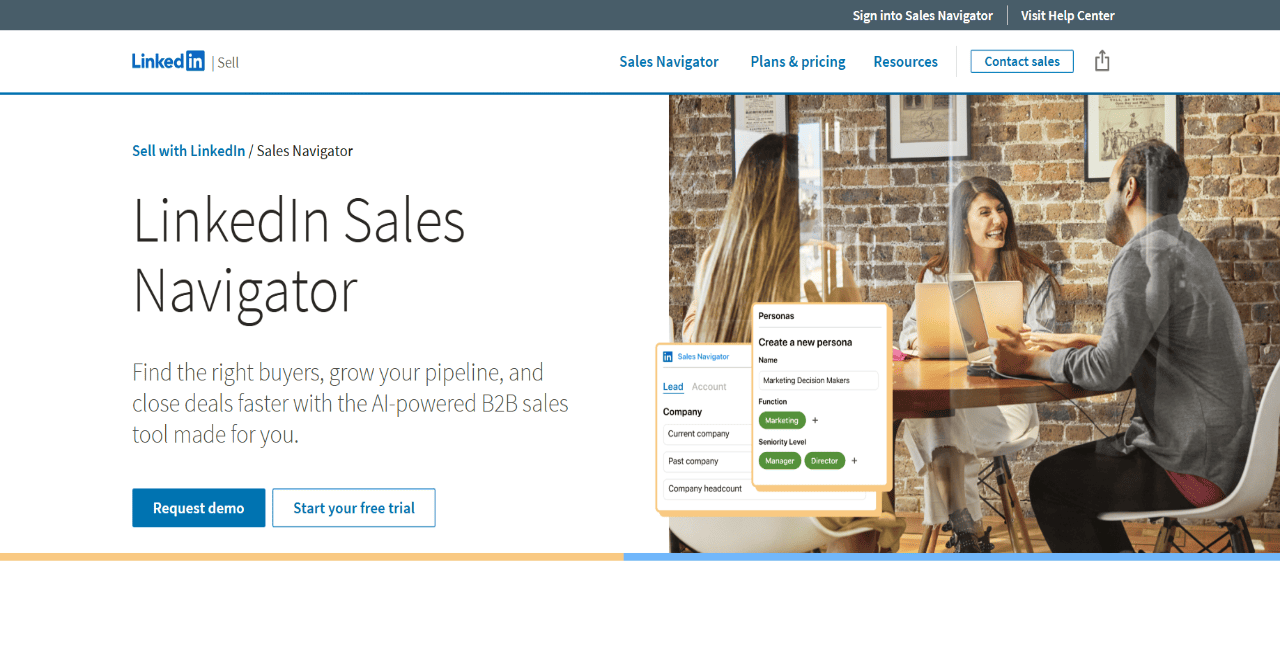
LinkedIn Sales Navigator is a strong research and account targeting tool for agencies that lean heavily on LinkedIn data. It gives teams advanced lead and account search, saved lists, buyer alerts, relationship insights, InMail, and CRM-connected workflows for tracking priority accounts.

Its biggest strength is simple: access to LinkedIn’s native professional graph. Agencies can use it to find decision-makers, track job changes, follow company updates, and build account lists for ABM, social selling, or executive outreach. If your sales motion depends on mapped accounts and buying committees, this becomes a very useful research layer.

Sales Navigator is not an outreach automation platform. It helps teams find and monitor the right people, but it does not run multichannel sequences, automate follow-ups at scale, or manage full outbound campaigns by itself.

Key features: advanced lead and account search, saved lists, buyer alerts, InMail, CRM integrations, relationship mapping.

Pricing: Sales Navigator Core starts at $119.99/month per license, with annual pricing available.

GoHighLevel — Best for white-label agency CRM and automation

GoHighLevel is built for agencies managing marketing, communication, and client operations for local businesses and SMBs. It brings together CRM, funnels, websites, email, SMS, calendars, forms, pipelines, automation workflows, reputation management, and client sub-accounts in one system.

For agencies, the real value is the operating model. GoHighLevel lets teams manage multiple client accounts, give clients access, and even package the software under their own brand. That makes it especially useful for agencies that want to offer a branded CRM or marketing portal alongside services like lead capture, appointment booking, follow-up automation, and local business marketing.

It is not really a B2B prospecting platform. Agencies focused on outbound will still need to think through how they source data, enrich leads, and manage sales engagement beyond regular CRM-style follow-up.

Key features: CRM, client sub-accounts, white-label app, funnels, calendars, SMS/email automation, pipeline management.

Pricing: Agency Starter costs $97/month and includes 3 sub-accounts. Agency Unlimited costs $297/month and includes unlimited sub-accounts.

Apollo.io — Best for prospect database plus outbound sequencing

Apollo.io as one of the Cognism alternatives

Apollo.io is a solid option for agencies that want B2B contact data and basic outbound execution under one roof. It combines a large prospect database, enrichment, intent data, email sequencing, dialer features, and engagement tracking, so teams can go from list building to outreach without stacking too many extra tools.

For agencies, Apollo works best when the workflow is pretty direct: find contacts, filter by title, industry, company size, or tech stack, push them into sequences, and track opens, clicks, replies, and meetings. It can work well for smaller outbound motions or teams that want broad data coverage with built-in engagement features.

Where agencies should look a bit closer is multi-client management. Compared to Reply, Apollo isn’t really positioned as an agency-first or white-label workspace platform, so if you’re juggling a lot of client accounts, you’ll probably need tighter internal processes around separation and reporting.

Key features: B2B database, sequencing, enrichment, intent signals, engagement tracking, CRM integrations.

Pricing: Apollo’s Basic plan starts at $49/user/month, and Professional starts at $79/user/month, billed annually.

ActiveCampaign — Best for email nurture automation

ActiveCampaign is a good fit for agencies that need deeper email marketing and customer journey automation. It combines email campaigns, marketing automation, segmentation, landing pages, CRM and ecommerce integrations, behavioral tracking, lead scoring, and AI-assisted workflow features.

For agencies, the strongest use case is nurture. Teams can build automations that react to opens, clicks, form submissions, site visits, tags, and lifecycle changes, then move contacts into more relevant campaigns based on engagement. That makes it a strong option for email marketing agencies, ecommerce agencies, and teams managing longer nurture cycles for clients.

ActiveCampaign has grown into broader cross-channel orchestration, including WhatsApp-related plans, but it still works best as an email and lifecycle automation platform. It is not the best standalone option for agencies that need native LinkedIn outreach, B2B prospect sourcing, or high-volume outbound sequencing.

Key features: email automation, behavioral triggers, segmentation, tagging, lead scoring, landing pages, CRM integrations.

Pricing: ActiveCampaign pricing depends on plan type and contact volume, with Starter and Plus plans available; public pricing can vary based on the package you choose.

Unbounce — Best for conversion-focused landing pages

Unbounce is a strong option for agencies building and optimizing landing pages for paid media, lead gen, and performance marketing campaigns. It gives teams a no-code landing page builder, templates, lead capture forms, popups, sticky bars, A/B testing, AI copywriting, and conversion reporting.

The main use case here is speed. Instead of waiting on developers every time a new campaign page is needed, teams can launch landing pages, test variants, connect forms to CRMs or marketing tools, and optimize based on conversion data. The Experiment plan and above make the most sense for agencies running structured testing across multiple campaigns.

Unbounce is built for conversion, not prospecting or outreach. It helps turn traffic into leads, but agencies will still need separate tools for sourcing prospects, running outbound sequences, or managing follow-up on the sales side.

Key features: landing page builder, A/B testing, popups, sticky bars, AI copywriting, lead forms, integrations.

Pricing: Unbounce starts at $22/month billed annually for Starter. Build starts at $74/month, and Experiment starts at $112/month when billed annually.

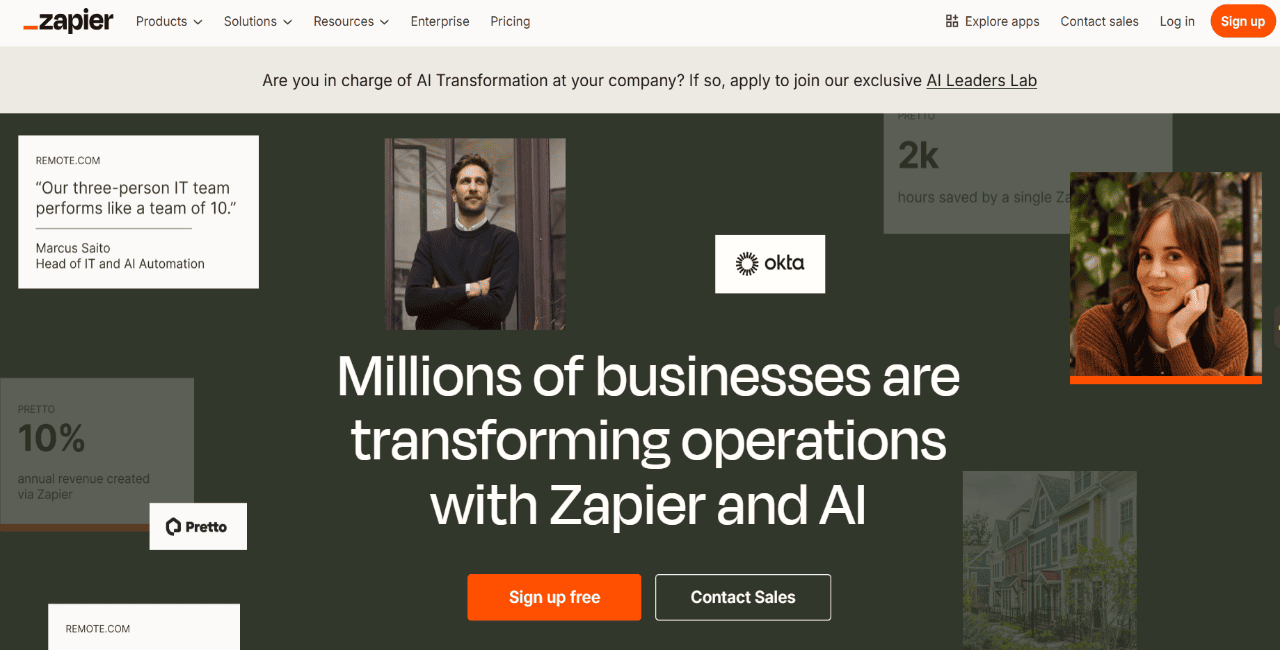
Zapier — Best for marketing workflow automation

Zapier is useful for agencies that need to connect client tools and automate repetitive work across a broader marketing stack. It supports 9,000+ apps and lets teams build Zaps that move data between CRMs, forms, spreadsheets, ad platforms, email tools, Slack, project management systems, and more.

For agencies, Zapier is usually the glue between systems. You can send new form leads into a CRM, notify the right account manager, update a reporting sheet, trigger a nurture workflow, or pass data between tools that do not natively talk to each other. That is especially handy when every client has a slightly different setup.

The tradeoff is pretty straightforward: Zapier does not run campaigns on its own. It automates actions between tools, but it does not give you native prospecting, sequencing, deliverability, or campaign strategy features.

Key features: Zaps, multi-step workflows, filters, paths, webhooks, app integrations, task-based automation.

Pricing: Zapier’s Professional plan starts at $19.99/month when billed annually.

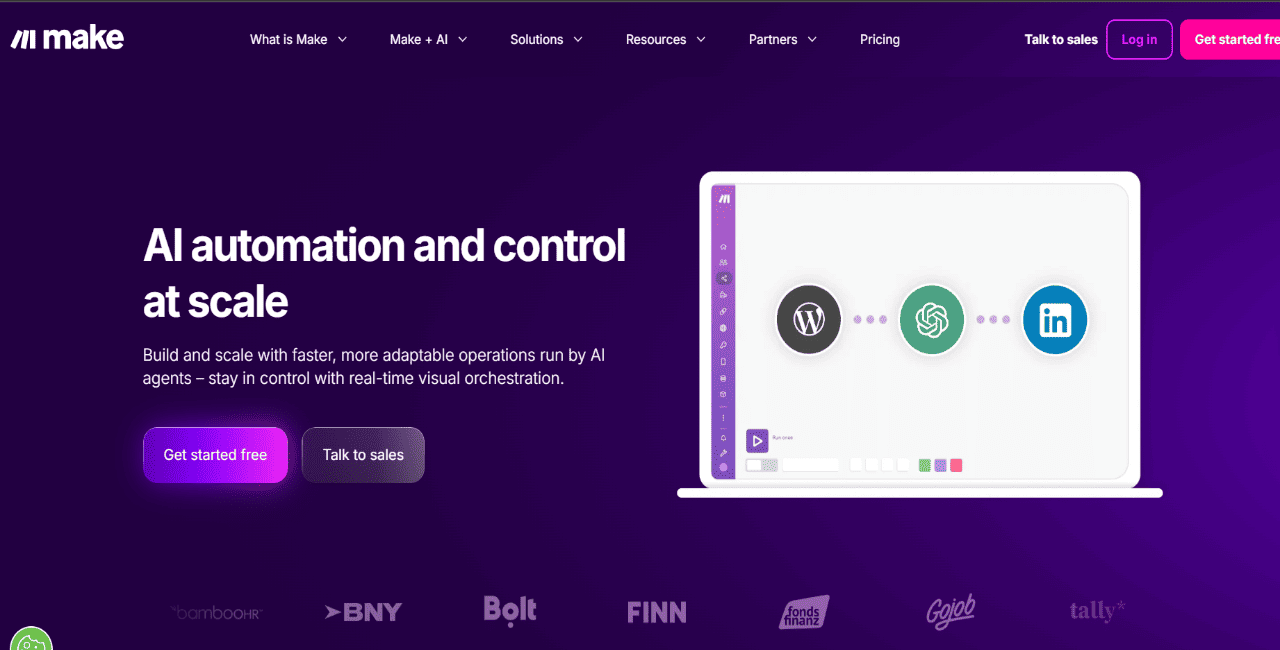
Make — Best for visual automation

Make is a strong pick for agencies that want more visual and flexible automation across client systems. Its scenario builder lets teams map workflows on a canvas, connect apps, transform data, add filters and routers, and troubleshoot more complex processes more easily than in a simple linear setup.

For technical agencies, RevOps teams, and marketing ops consultants, Make works well for lead routing, enrichment workflows, campaign handoffs, reporting automation, and multi-step data movement across CRMs, spreadsheets, forms, ad platforms, and internal systems. It also supports 3,000+ apps and includes AI-related automation features.

Make is still an automation layer, not a campaign platform. It can connect and orchestrate tools, but it does not replace a prospect database, outbound sequencer, or client campaign management system.

Key features: visual workflow builder, routers, filters, data transformation, error handling, API access, app integrations.

Pricing: Make has a free plan. Core starts at $9/month and Pro starts at $16/month for 10,000 credits/month when billed annually.

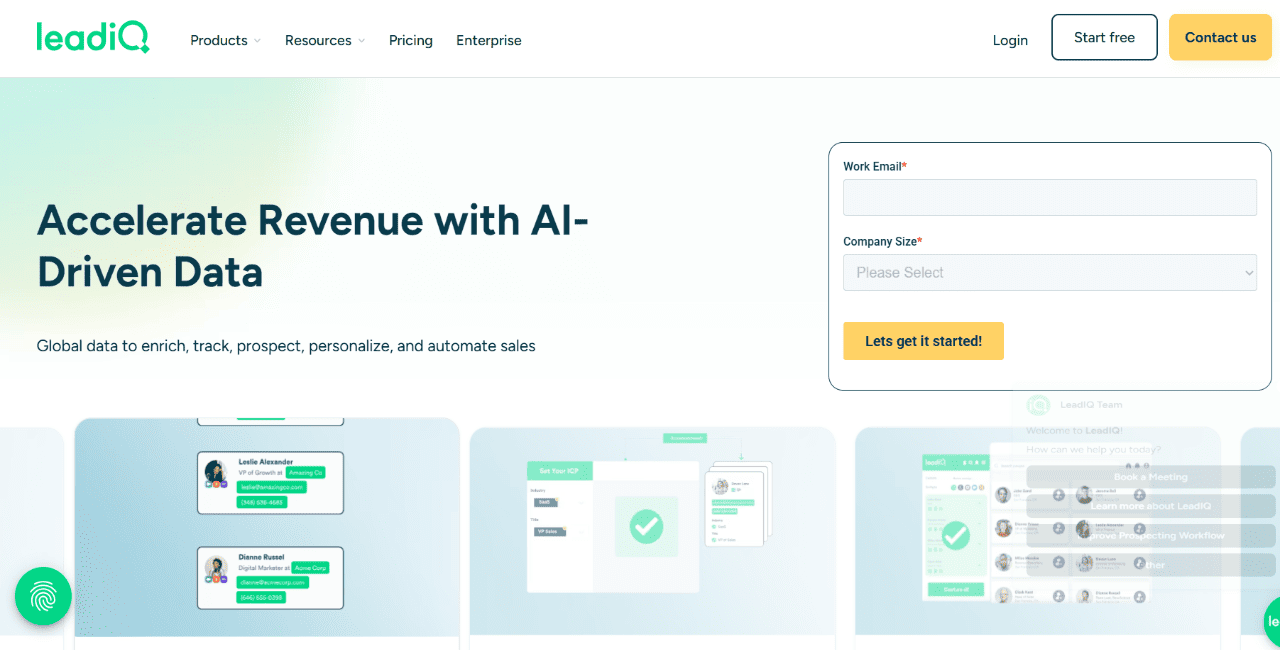
LeadIQ — Best for LinkedIn prospect capture

LeadIQ as one of the Cognism alternatives

LeadIQ is a prospecting and data capture tool for teams that source contacts through LinkedIn and want to move verified data into their CRM or sales stack fast. It helps users capture leads, verify contact details, enrich records, track job changes, and use prospect data in outbound workflows.

For agencies, LeadIQ is useful when LinkedIn is the main research channel. Teams can capture prospects while reviewing profiles, sync data into connected systems, and monitor job changes or promotions that might open up timely outreach opportunities. Its champion tracking feature is especially useful for agencies running relationship-led outbound, since it can flag when contacts move into new roles and update the related info.

LeadIQ is not built to be a full campaign platform. It supports the data capture and enrichment layer, but agencies will still need separate tools for multichannel sequencing, deliverability, and campaign execution.

Key features: LinkedIn capture, verified contact data, CRM sync, enrichment, job change alerts, champion tracking, AI email assistance.

Pricing: LeadIQ offers a free plan, and its Pro plan starts at $15/user/month when billed annually.

Grab a marketing tool for agencies designed for scale

The best tool really depends on the kind of work your agency does most.

Inbound agencies usually need CRM, nurture, and reporting tools. Performance agencies tend to care more about landing pages and conversion testing. But if your agency is focused on outbound or lead gen, then the priority shifts fast — you want tools that bring together prospect data, multichannel outreach, personalization, deliverability, and client-level reporting.

Reply.io pulls that whole workflow into one place, so agencies can find leads, launch campaigns, and manage outreach across clients without duct-taping a bunch of different tools together.

Start your 14-day free trial and see how Reply.io fits into your agency workflow.

FAQ: Marketing tools for agencies

What are marketing tools for agencies?

They’re the tools agencies use to handle the actual work across multiple clients — finding prospects, running outreach, automating campaigns, and showing results without everything turning into a mess.

What is the best marketing tool for agencies?

If you’re running outbound, Reply.io is probably the strongest option, with a dedicated agency plan and white-label option to build your own branded product. You also get B2B data, multichannel outreach, AI personalization, and an AI agent in one place, which makes the whole thing much easier to manage.

How do I choose the right marketing automation tool for my agency?

Start with the main use case first. Then look at the practical stuff: can it handle multiple clients, how good the automation is, which channels it covers, how accurate the data is, what it costs, and whether it fits into the tools you already use.

Do agencies need separate tools for prospecting and outreach?

Not always. Tools like Reply.io cover prospecting, outreach, and automation in one workflow. Once you split that across multiple tools, costs go up, complexity goes up, and data starts slipping between systems.

Are there marketing tools for agencies that use AI?

Yes. Reply.io has Jason AI, an AI agent that finds prospects, personalizes outreach, replies to messages, and even books meetings on your behalf. Clay’s Claygent is an AI agent that researches and enriches your contacts, ideal for account-based marketing.

Subscribe to our blog to receive the latest updates from the world of sales and marketing.
Stay up to date.

In this article

Your Superhuman SDR

Jason learns your product, tone, and strategy — then runs outreach with the precision of your best rep.

Your Superhuman SDR
Book a demo

Related Articles

Top 12 GTM Outbound Sales Platforms to Try in 2026

Top 12 GTM Outbound Sales Platforms to Try in 2026

Top 12 GTM Outbound Sales Platforms to Try in 2026
What’s New in Reply: New API, AI Custom Fields, LinkedIn Enrichment, and More

What’s New in Reply: New API, AI Custom Fields, LinkedIn Enrichment, and More

What’s New in Reply: New API, AI Custom Fields, LinkedIn Enrichment, and More
Best 12 CRM for Marketing Agencies in 2026

Best 12 CRM for Marketing Agencies in 2026

Best 12 CRM for Marketing Agencies in 2026